

UniTech Official
4.0
ratings9 MB
SizeVerified
SCREENSHOTS (5)
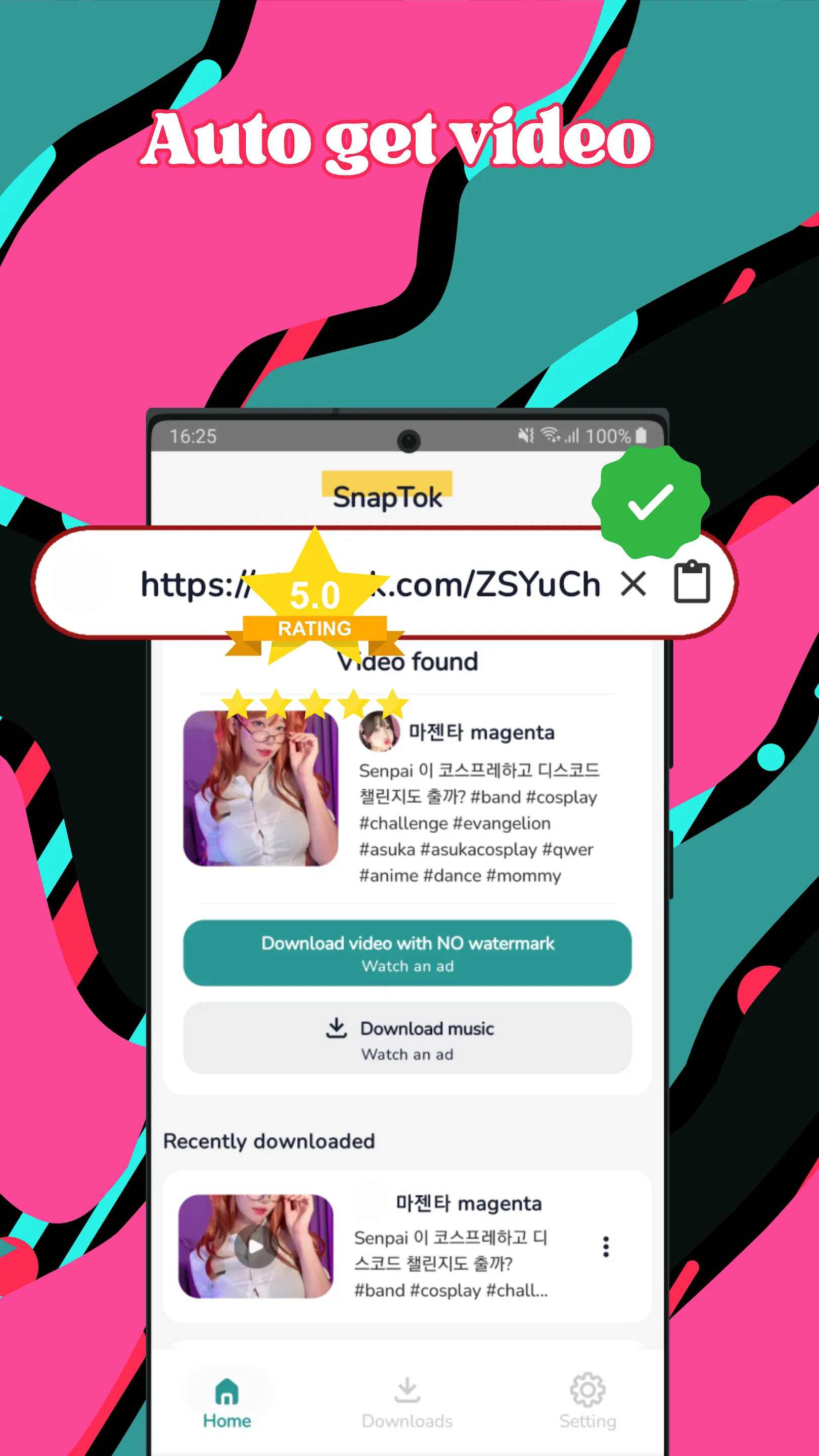
About the app
SnapTok - Easy Video Saver for Personal Use
🔍 Want a simple way to keep videos for offline viewing?
📲 Looking for a hassle-free tool to save your favorite online content?
SnapTok is your perfect companion! A straightforward app designed to help you save videos, audio, and images for personal enjoyment—anytime, anywhere.
Key Features of SnapTok
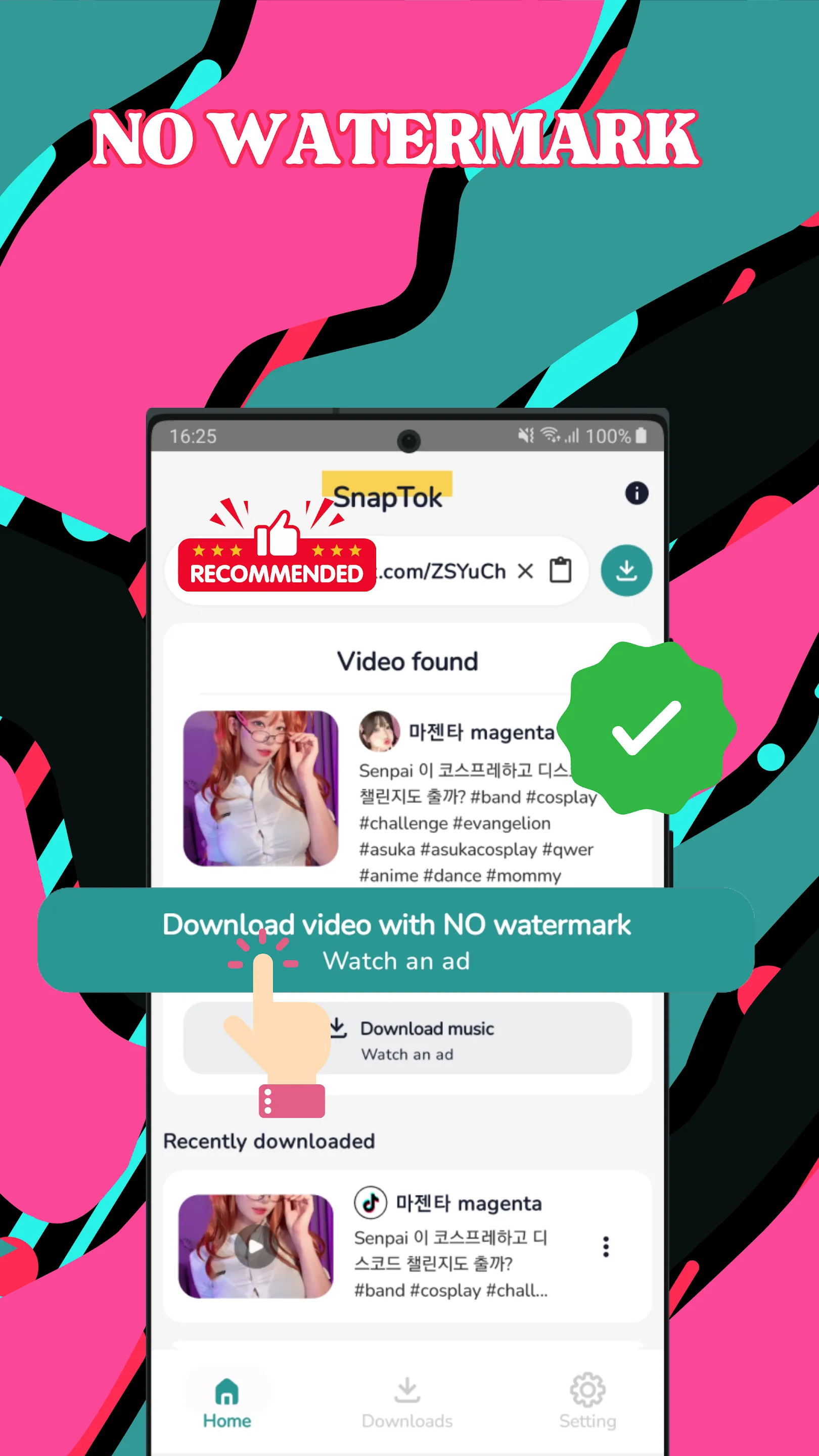
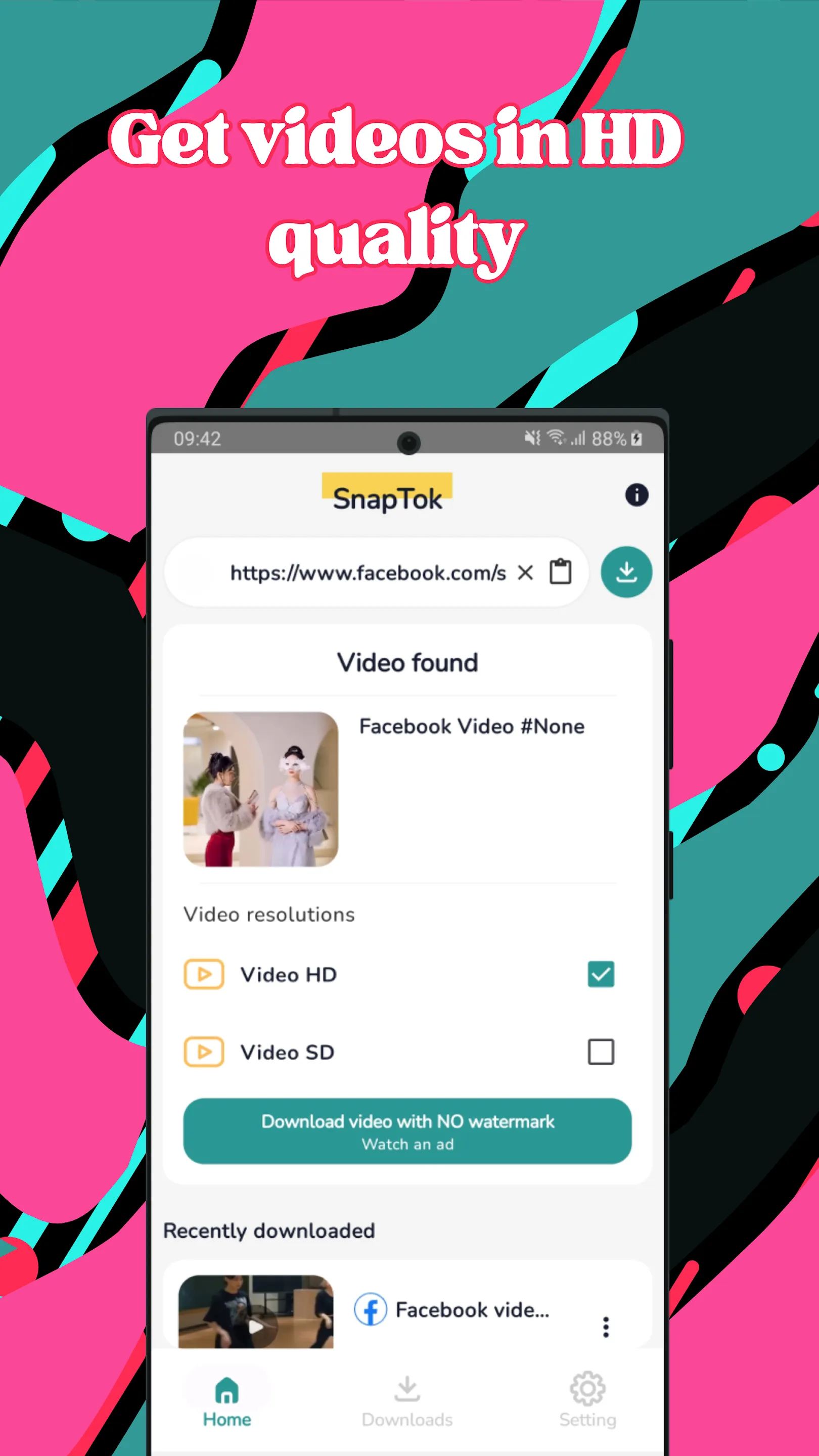
🎥 Video Saver: Quickly save videos without needing to log in.
🎶 Audio Saving: Extract and save audio tracks for your personal collection.
🔒 Privacy-Friendly: No account required to use the app.
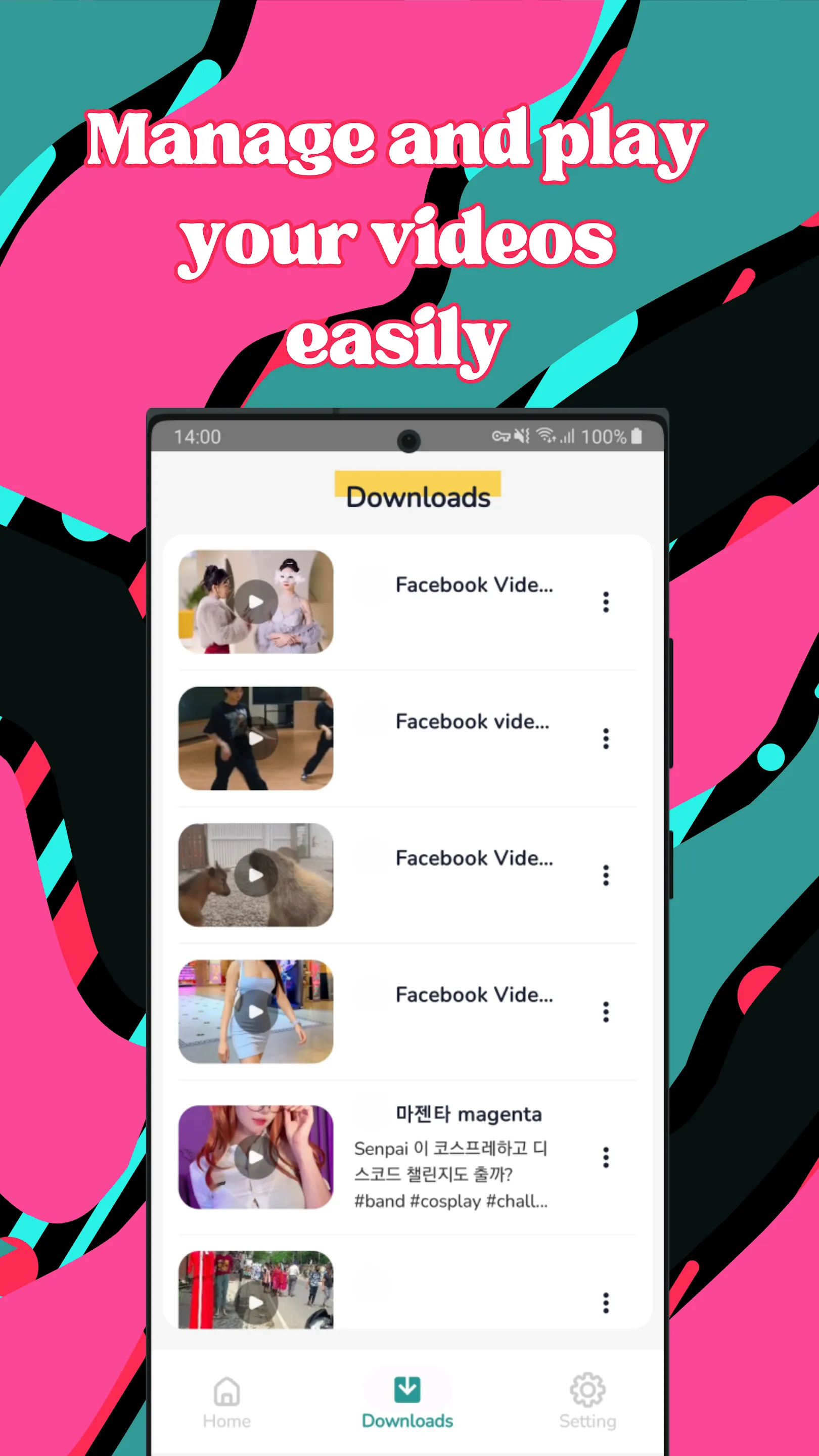
📁 Offline Access: Enjoy your saved content offline whenever you want.
How to Use SnapTok
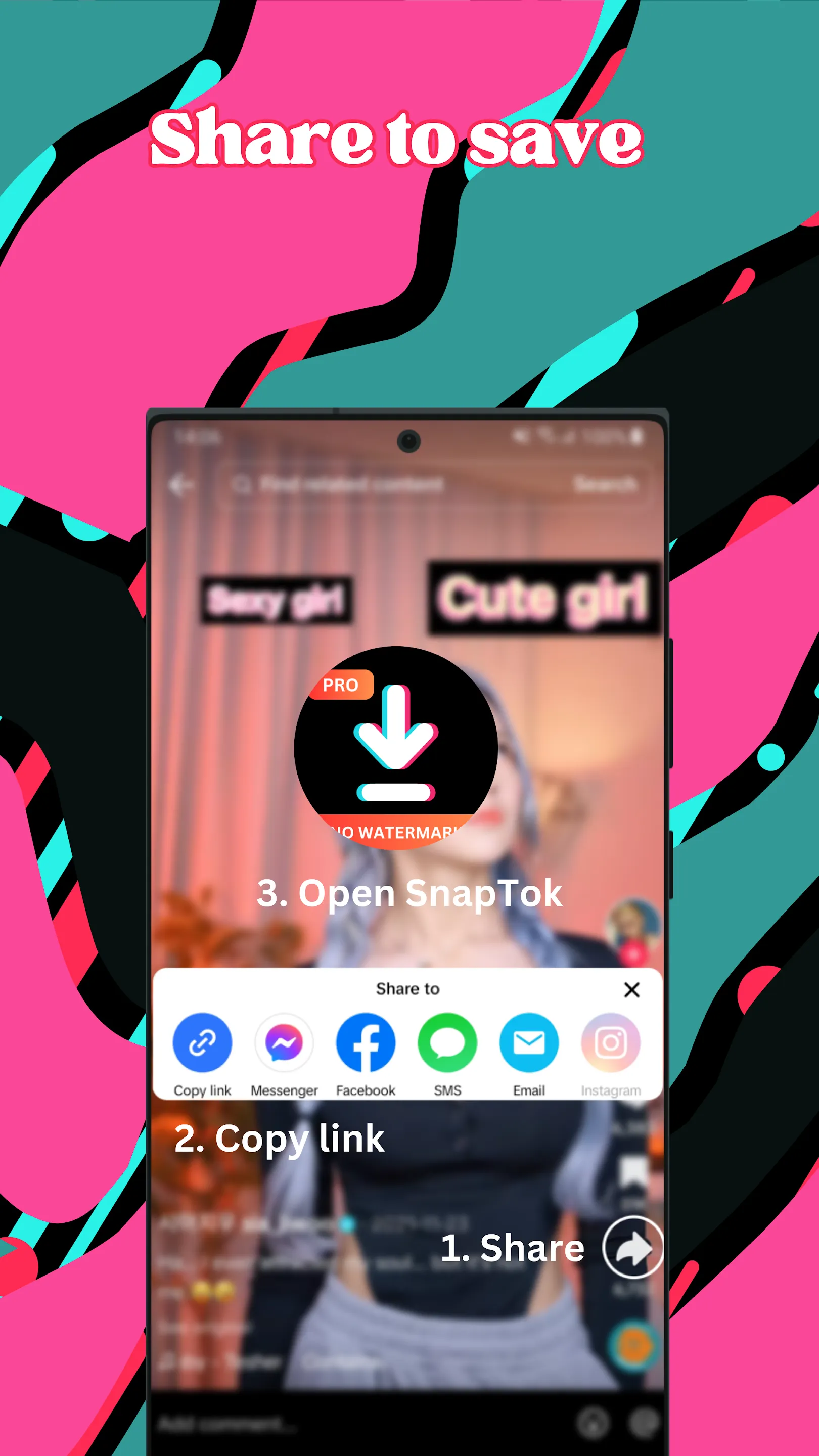
1️⃣ Open the SnapTok app.
2️⃣ Copy a video link from a supported online platform.
3️⃣ Paste the link into SnapTok and tap "Save."
✔️ That’s it! Your video is now saved for personal offline use.
Important Disclaimer
SnapTok is an independent tool created to assist users in saving online content for personal, non-commercial purposes. We are not affiliated with any specific social media or video-sharing platforms.
⚠️ User Responsibility:
Please ensure you have permission from the content owner before saving or sharing videos.
Respect the intellectual property rights and terms of service of the platforms you use.
Any misuse of saved content is solely the responsibility of the user.
SnapTok promotes ethical usage and compliance with all applicable laws and policies.
Why Choose SnapTok?
🚀 Fast, simple, and efficient.
✂️ No complicated steps—just copy, paste, and save!
✅ Ideal for keeping online content legally and responsibly.
📲 Get SnapTok now on the Play Store and enjoy the best video-saving experience!
Video Players & Editors
Ratings
0
0 total ratings
5
73%
4
10%
3
4%
2
3%
1
10%
REVIEWS
No reviews yet. Be the first one to review this app
'%20fill-rule='evenodd'%20clip-rule='evenodd'%20d='M8.04878%200.118571C9.10796%20-0.198465%2010.2321%200.132893%2010.9526%200.961509L18.7058%209.9036H22.0709C23.0433%209.90386%2023.8429%2010.7032%2023.843%2011.6757V13.1309H23.8497C23.8497%2013.4983%2023.5476%2013.8014%2023.1803%2013.8015H19.9372V33.9548C19.9372%2034.423%2019.5703%2034.7975%2019.1021%2034.7977H17.142C15.91%2034.7977%2014.9156%2033.8036%2014.9154%2032.5644V28.0251C13.5538%2028.5582%2012.3722%2028.7169%2010.9963%2028.7169C6.45689%2028.7169%203.74677%2025.6897%203.74677%2020.6099V13.8015H1.77319C0.800641%2013.8015%200.000280942%2013.0091%200%2012.0294V10.573C0.000219737%2010.2057%200.303205%209.9036%200.670545%209.9036H13.5676L5.13039%201.85482C4.82078%201.55938%204.94365%201.04032%205.35428%200.917851L8.04878%200.118571ZM8.78425%2013.8082V20.611C8.78438%2023.1974%209.8151%2024.35%2012.1135%2024.35C12.9637%2024.3499%2014.1167%2024.1489%2014.902%2023.7959V13.8082H8.78425Z'%20fill='white'/%3e%3c/svg%3e)
Permissions
Storage: access photos, media, and files on your device
Internet: use your internet connection
Phone: make and manage phone calls
Camera: take pictures and record video
Curated for YouSee all






Scan to download on PhonePe Appstore

