

NKD Devloper
4.0
ratings15 MB
SizeVerified
SCREENSHOTS (6)
About the app
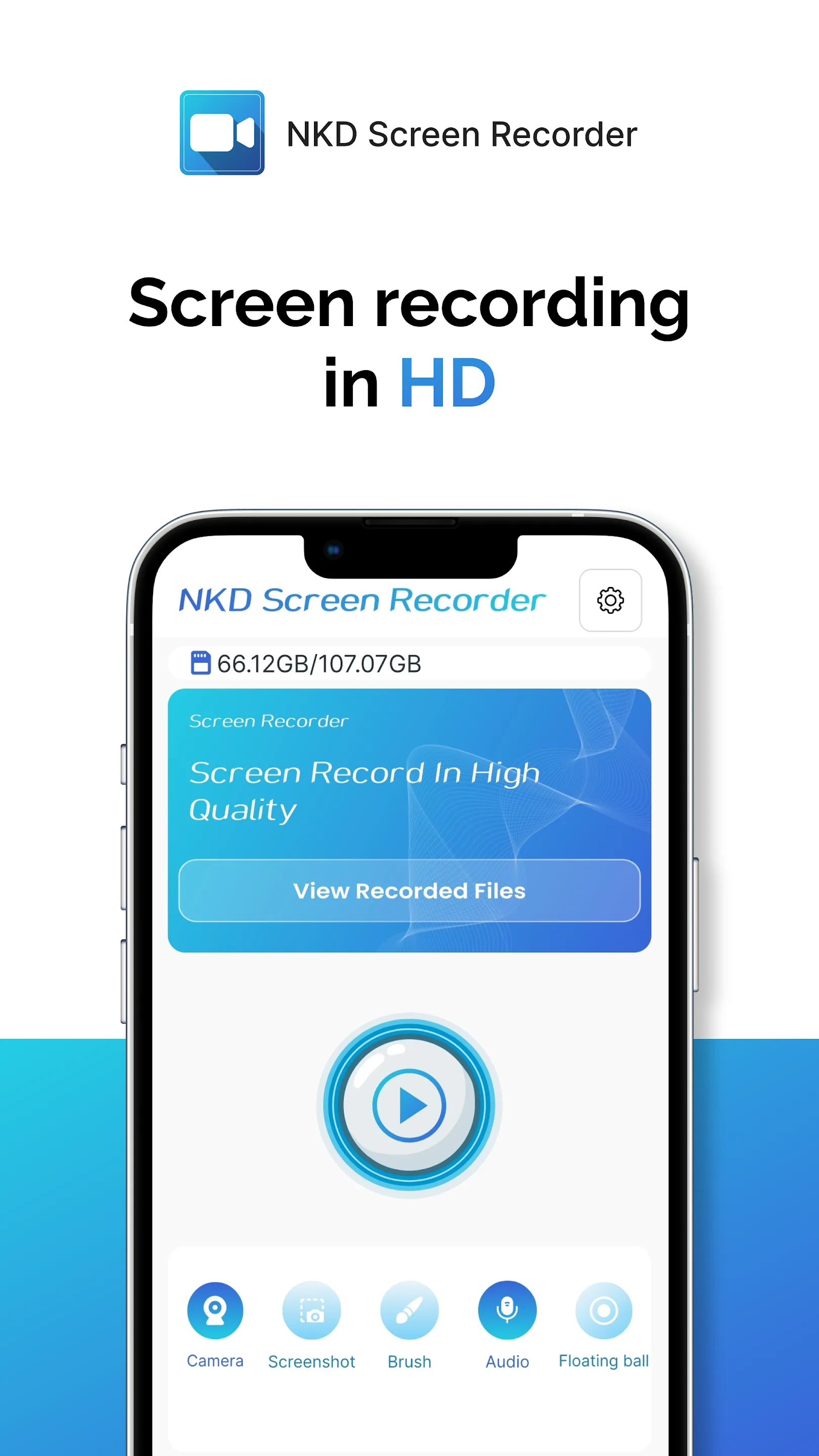
Looking for a smooth, high-quality screen recorder with no watermark and no time limits? This Screen Recorder Video Recorder mobile app will help you capture screen videos, gameplay, tutorials, online classes, and video calls in Full HD. Record audio and even use the face camera to show reactions. All without root, free forever.
Whether you're a gamer, student, content creator, or professional, this easy-to-use Android screen recording app ensures you never miss an important moment. Create tutorial videos, record games, or save online meetings with crystal-clear quality.
Download Video Recorder published by NKD developers to capture anything you like with just one tap!
Why Choose Screen Recorder Video Recorder?
● Record mobile games, record screen video, walkthroughs, and gameplay tips.
● Capture tutorials, capture screenshots, lectures, online classes, and demo videos.
● Record YouTube videos, live streams, and TikTok content.
● No watermark. No time limits. Free screen recorder forever.
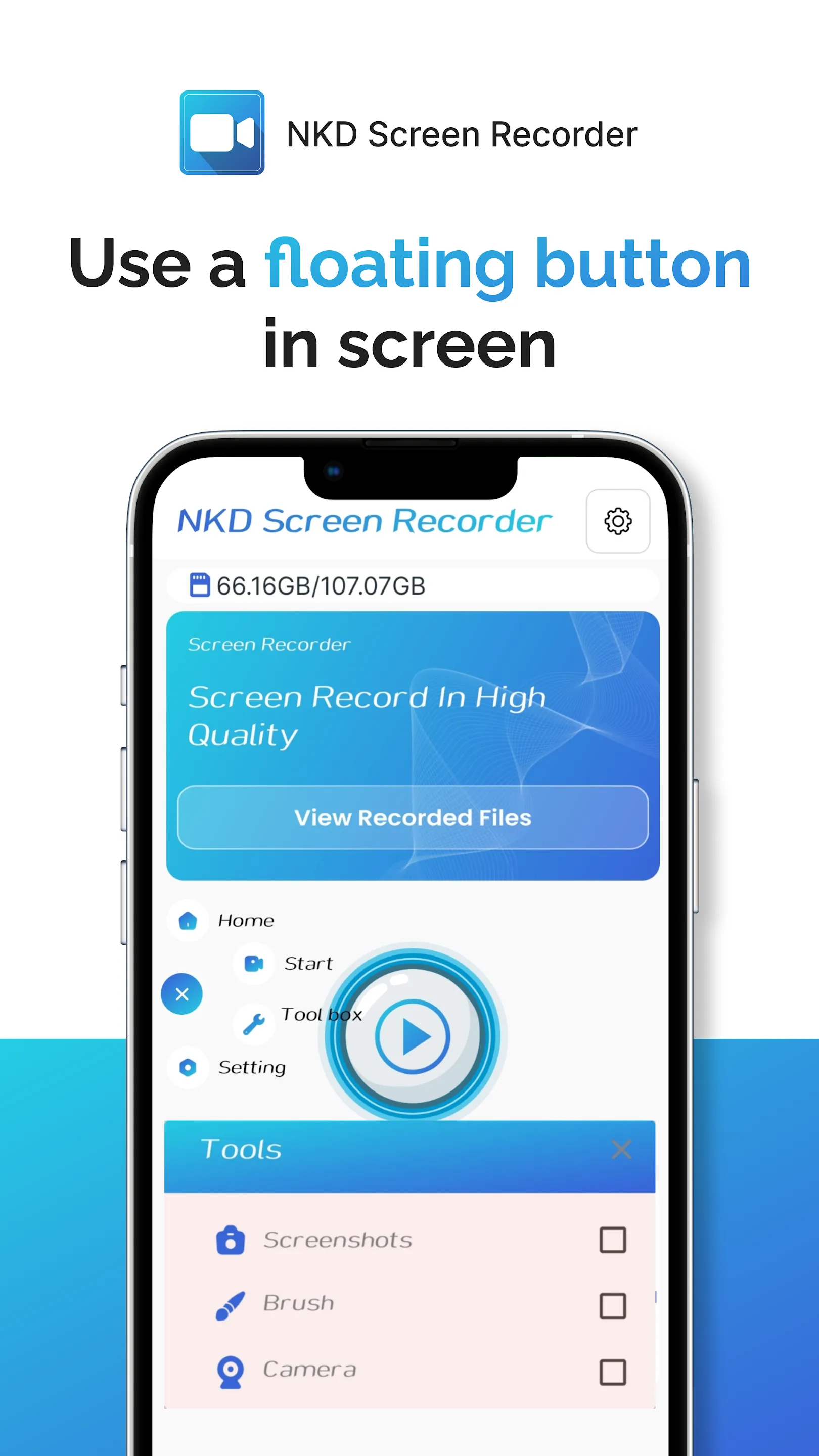
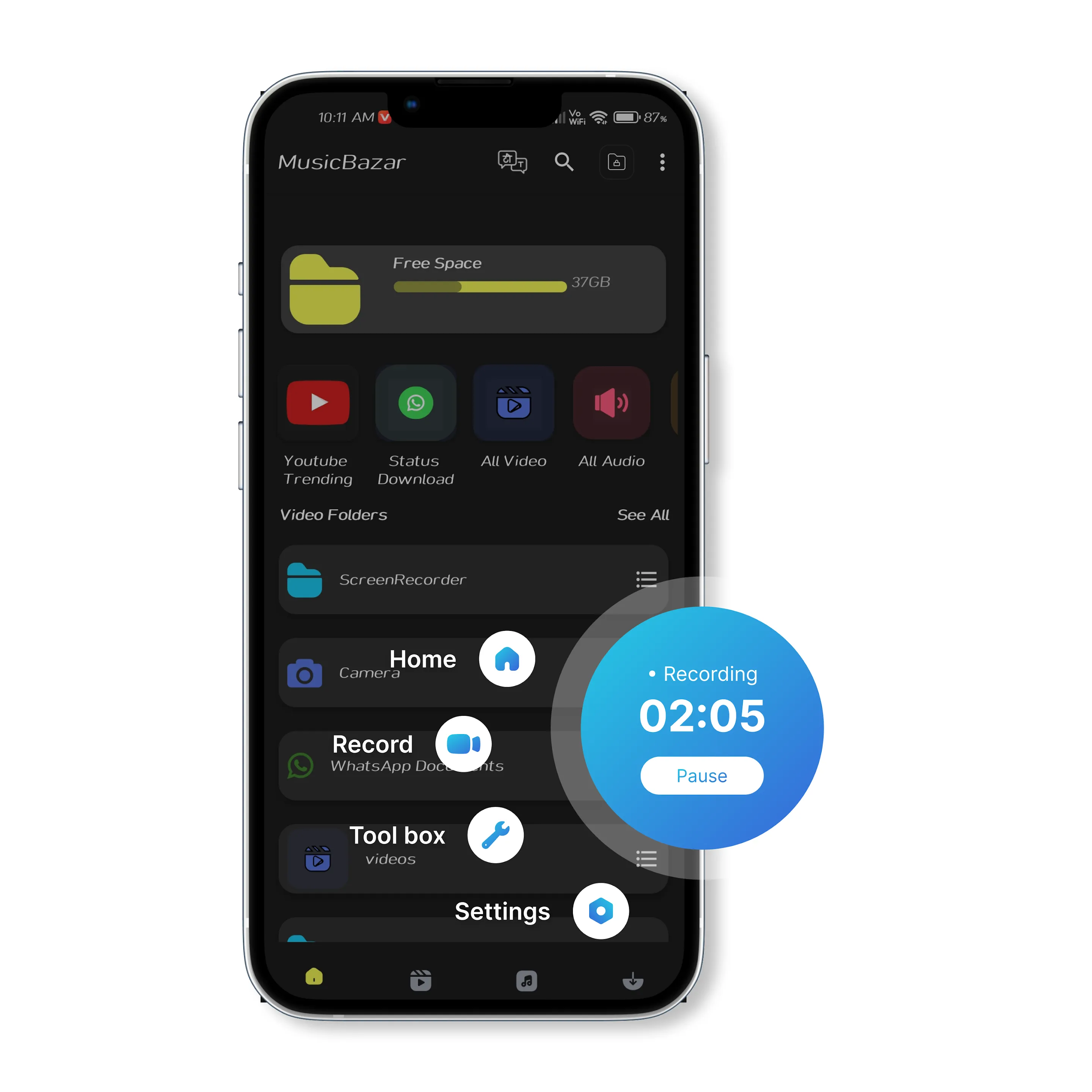
● The floating button and notification controls make recording effortless.
● Just tap once to start capturing your screen activities in high-quality Full HD videos.
Use Cases of Screen Recording App:
Record gameplay like PUBG Mobile, Free Fire, Mobile Legends, etc.
Record game live streams with unlimited recording time
Capture tutorials: online courses, classroom lectures, or app operation demos.
Record meetings, training, chats, and video calls with clear audio
Create YouTube videos, screen recorder for youtube, TikTok clips, video guides, screen recorder for TikTok or Instagram Reels.
Core Features of Screen Video Recorder:
● Capture screen and take screenshots anytime
● Record gameplay in HD screen recorder mode
● Screen recorder with facecam to capture reactions
● Live stream directly to YouTube & RTMP platforms
● Brush tools: Draw on screen for better explanations with screen capture app
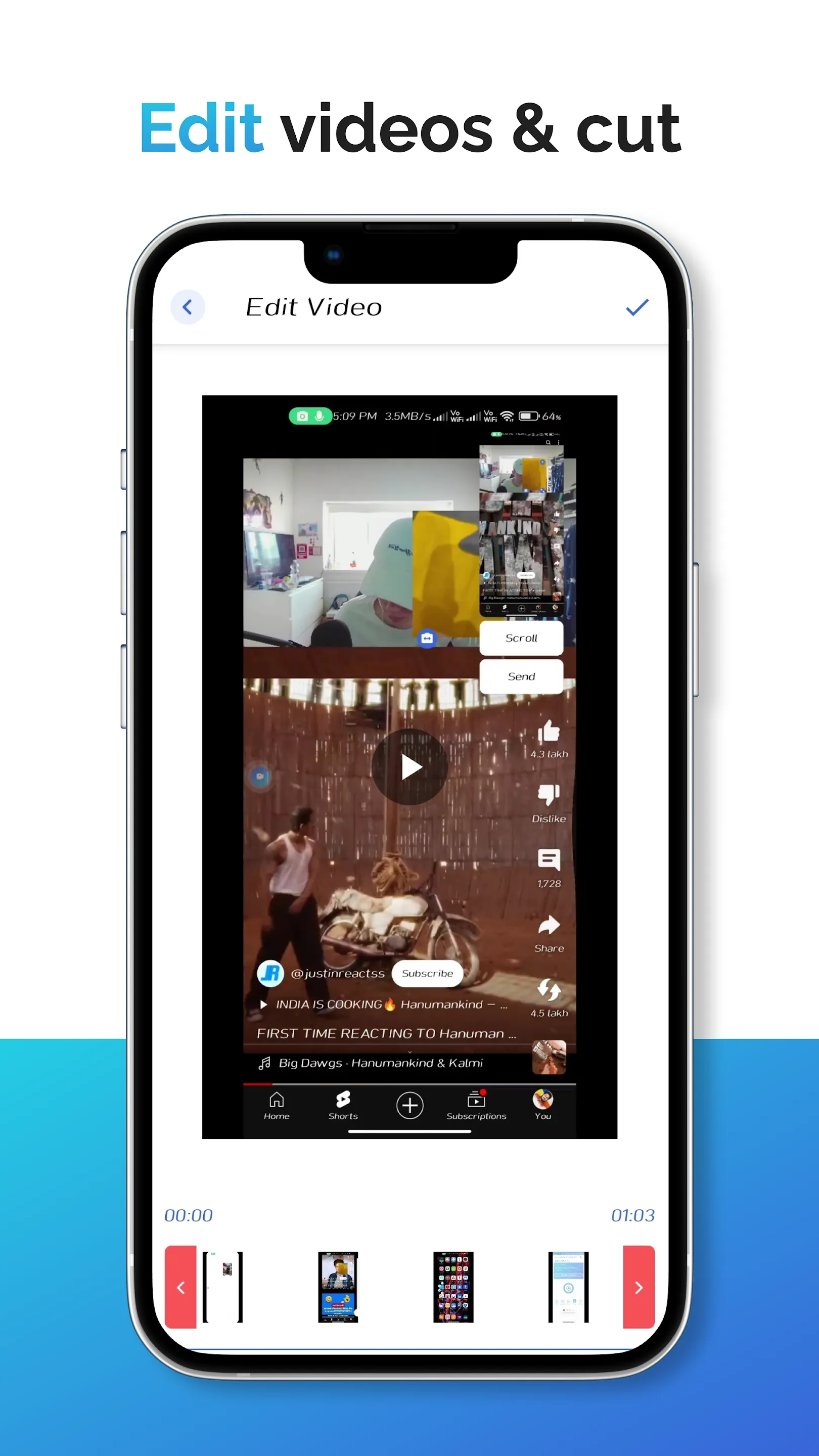
● All-in-one video editor & movie maker: Trim, cut, split, add music, change speed
● Record up to 120 FPS for smoother gameplay videos with Gameplay Recorder app
● Export Full HD videos: 240p – 1080p
● Floating window: Customize style, opacity, and position
● No watermark screen recorder for clean, professional videos
Screen Recorder with Editing Tools:
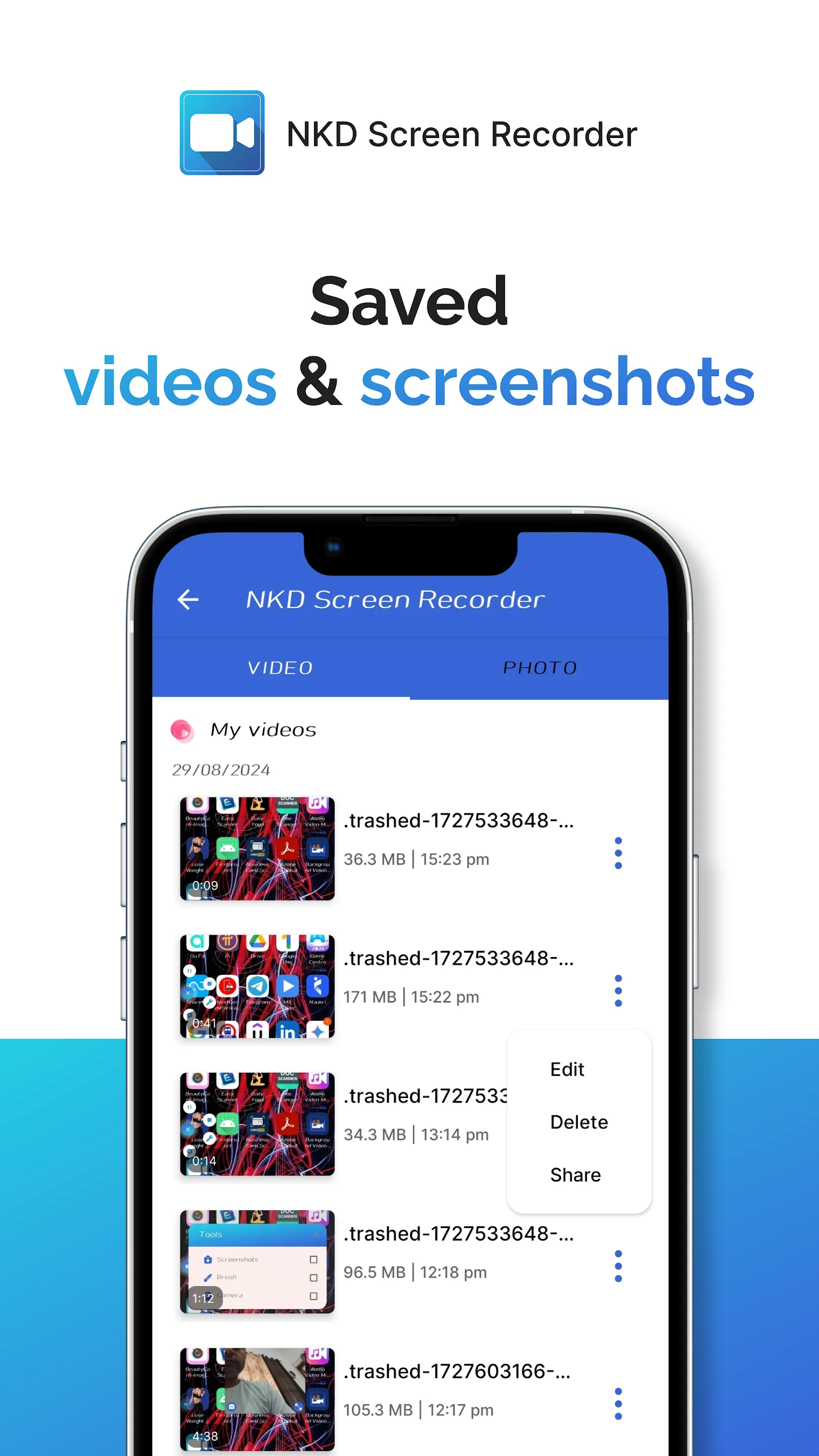
The built-in video editor lets you trim, cut, split, and add background music. Adjust aspect ratios for YouTube, TikTok, Instagram, or any platform.
Screen Recorder in FULL HD:
Capture your screen in stunning Full HD resolution. This HD screen recorder supports adjustable quality settings so you can balance storage and performance.
Screen Recorder with Facecam:
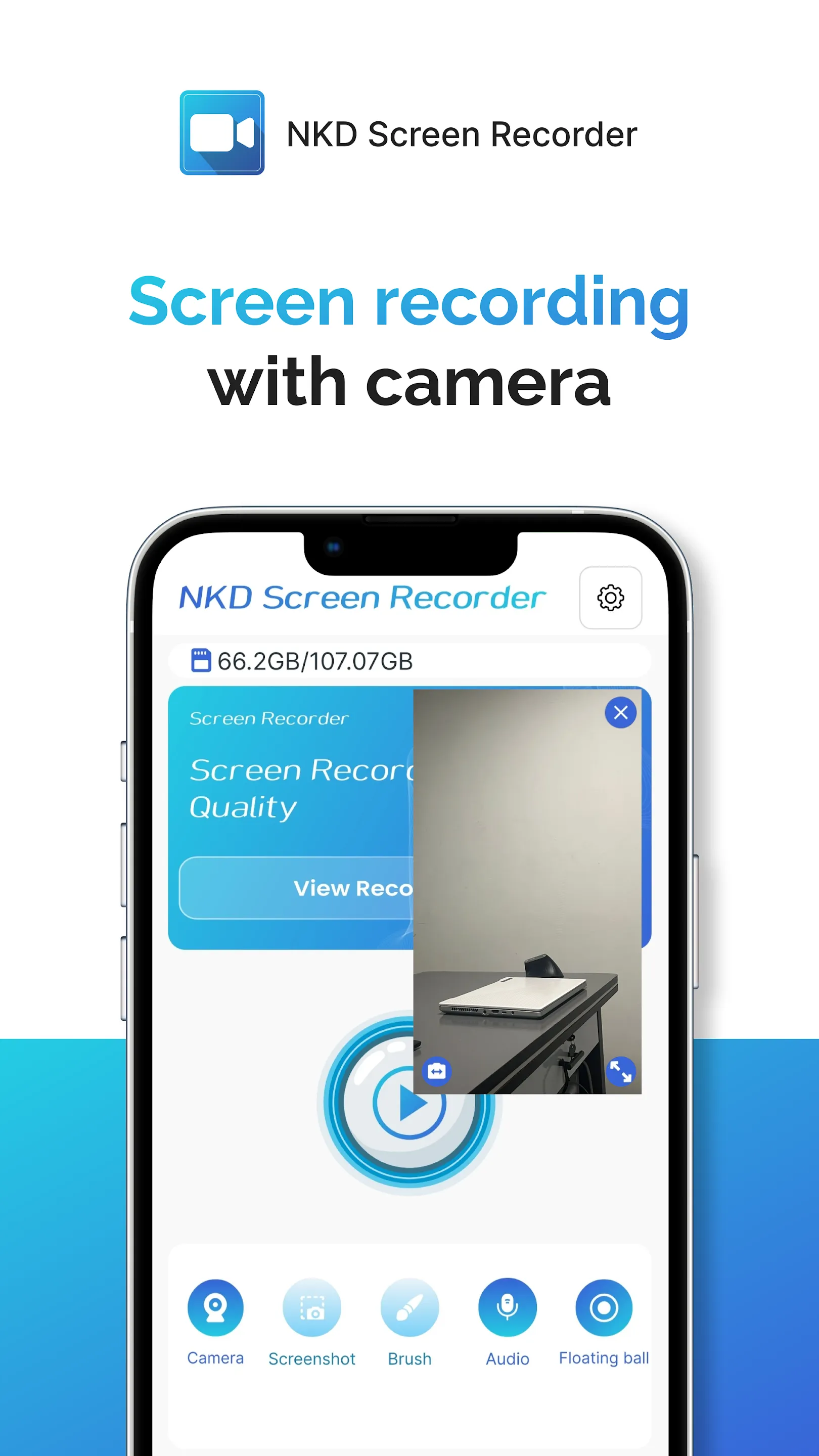
Add your face and reaction while recording. Ideal for gaming videos, online classes, or tutorial explanations.
Game Screen Recorder with Unlimited Time:
Record gameplay for hours without interruptions. This stable android screen recorder app makes sure your video never stops in the middle of an important match.
Screen Recorder with Audio:
Record videos with internal audio, microphone audio, or both. Capture game sounds, music, or live commentary with ease.
No Watermark Screen Recorder:
Enjoy a free, clean screen recording experience with no logos or marks on your video.
Perfect For Everyone:
Gamers: Record gameplay, livestreams, and tutorials with gameplay screen recorder tools
Students: Save online classes, record presentations, and take screenshot notes
Teachers: Create professional tutorials with draw on screen brush tools
Content Creators: Record and edit videos for YouTube, TikTok, and social media
Professionals: Save video meetings, conferences, and online interviews
With NKD Screen Recorder, you get a powerful screen recording app that combines HD recording, editing tools, facecam, audio recording, and unlimited screen capturing.
If you need a free screen recorder for Android, phone screen recorder, video recorder, or game recorder, this all-in-one solution has you covered.
Video Players & Editors
Ratings
0
0 total ratings
5
73%
4
10%
3
4%
2
3%
1
10%
REVIEWS
No reviews yet. Be the first one to review this app
'%20fill-rule='evenodd'%20clip-rule='evenodd'%20d='M8.04878%200.118571C9.10796%20-0.198465%2010.2321%200.132893%2010.9526%200.961509L18.7058%209.9036H22.0709C23.0433%209.90386%2023.8429%2010.7032%2023.843%2011.6757V13.1309H23.8497C23.8497%2013.4983%2023.5476%2013.8014%2023.1803%2013.8015H19.9372V33.9548C19.9372%2034.423%2019.5703%2034.7975%2019.1021%2034.7977H17.142C15.91%2034.7977%2014.9156%2033.8036%2014.9154%2032.5644V28.0251C13.5538%2028.5582%2012.3722%2028.7169%2010.9963%2028.7169C6.45689%2028.7169%203.74677%2025.6897%203.74677%2020.6099V13.8015H1.77319C0.800641%2013.8015%200.000280942%2013.0091%200%2012.0294V10.573C0.000219737%2010.2057%200.303205%209.9036%200.670545%209.9036H13.5676L5.13039%201.85482C4.82078%201.55938%204.94365%201.04032%205.35428%200.917851L8.04878%200.118571ZM8.78425%2013.8082V20.611C8.78438%2023.1974%209.8151%2024.35%2012.1135%2024.35C12.9637%2024.3499%2014.1167%2024.1489%2014.902%2023.7959V13.8082H8.78425Z'%20fill='white'/%3e%3c/svg%3e)
Permissions
Storage: access photos, media, and files on your device
Internet: use your internet connection
Phone: make and manage phone calls
Camera: take pictures and record video
Curated for YouSee all






Scan to download on PhonePe Appstore

