

Farluner Apps & Games
4.0
ratings64 MB
SizeVerified
SCREENSHOTS (8)
About the app
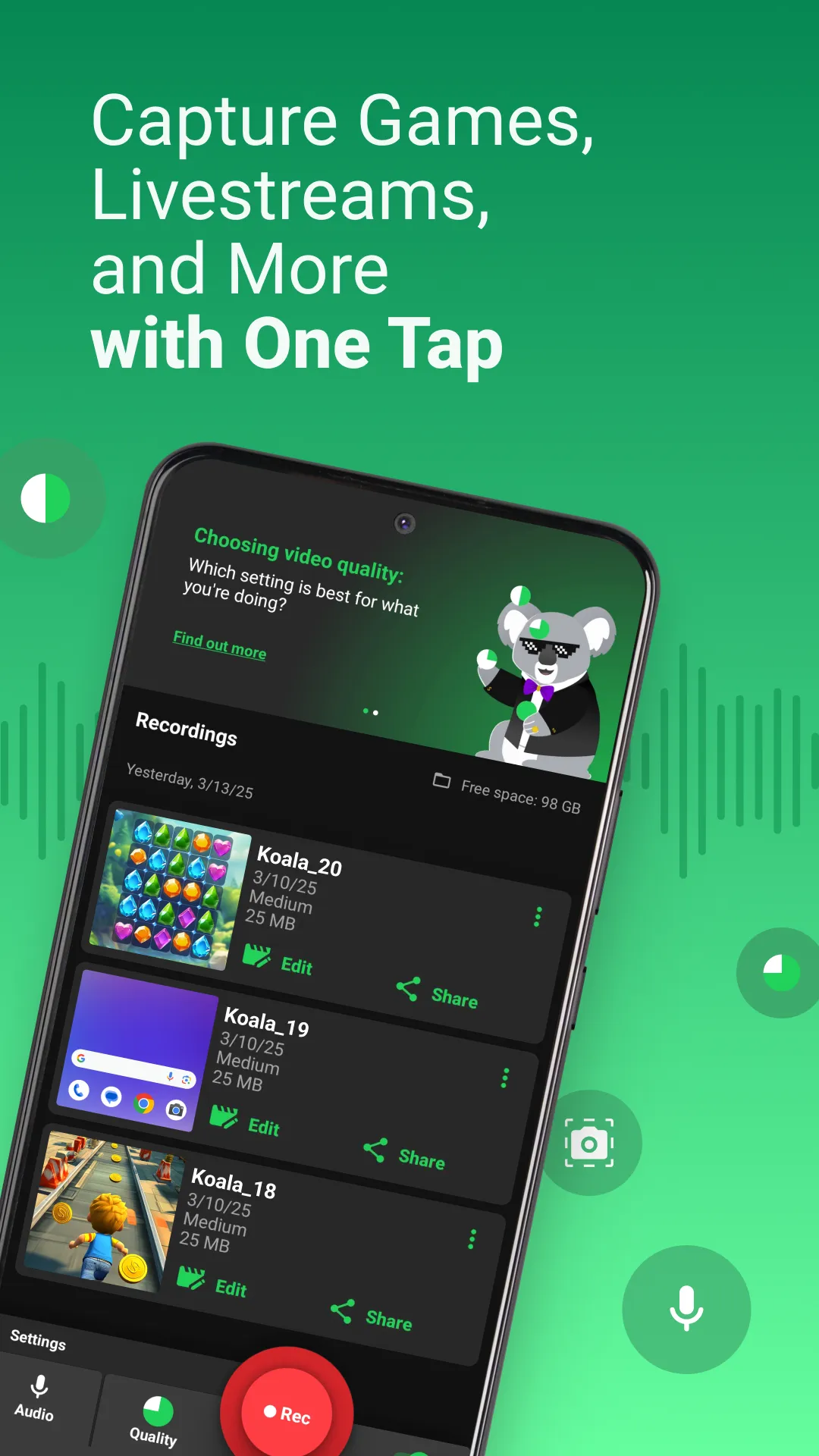
🎥 Record your screen with Koala! 🐨 The simple yet powerful screen recorder with audio and no watermark!
Koala is a video recorder for your screen that records with internal audio, music and microphone. Capture every last detail or go for a super small file size to share & send via email.
🎮 Record game action
🖥️ Record online meetings
📊 Record webinars, lectures
🗣️ Create video explainers
▶️ Save youtube videos
💾 Save videos that would be unsaveable!
👪 Capture important moments to send and share with your friends and family
🎥 RECORD IN HD
Capture video in high quality: FULL HD (240p, 480p, 1080p), and 15 FPS, 30 FPS, 60 FPS and up to 30 Mbps bitrate.
🌱 EASY FOR BEGINNERS
New to all this? Our screen recorder has a simple interface that anyone can understand and presets to make life easy. And Koala 🐨 Recording App is there to guide you every step of the way.
💪 POWERFUL FOR PROS
Know what you’re doing? Record your screen with a custom resolution, frame-rate, bitrate, screen orientation and even countdown time.
⏱ UNLIMITED RECORDING TIME
Record videos from a few seconds long to hours. Perfect to record webinars, lectures or meetings. The only limit is your own phone.
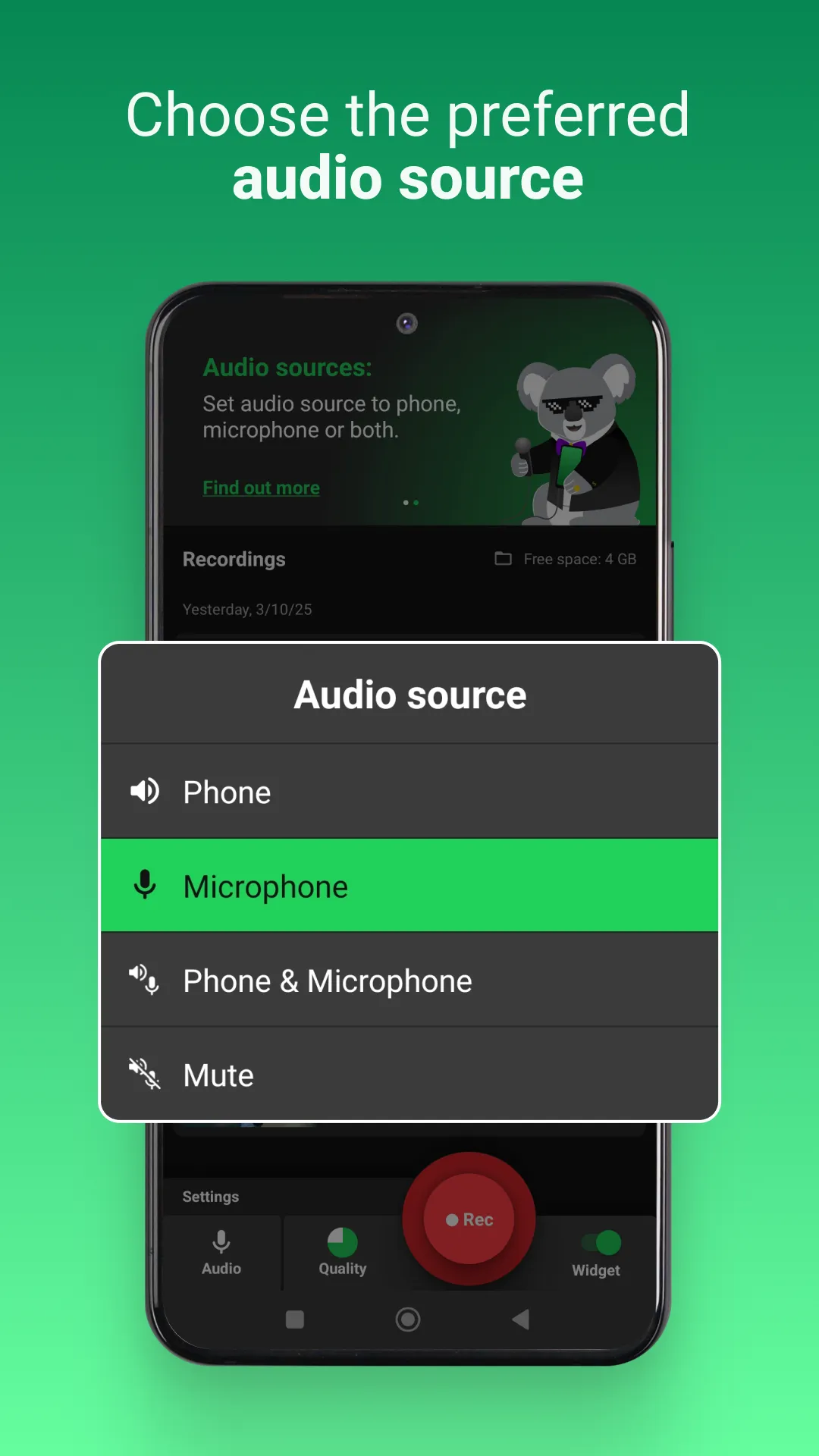
🎙 INTERNAL AUDIO & MICROPHONE RECORDING
Koala is a screen recorder with audio. Capture music, game sounds or other phone sounds as you record your screen. Record microphone commentary over the top. Or both, or neither.
📼 PRESETS MAKE CHOOSING VIDEO QUALITY EASY
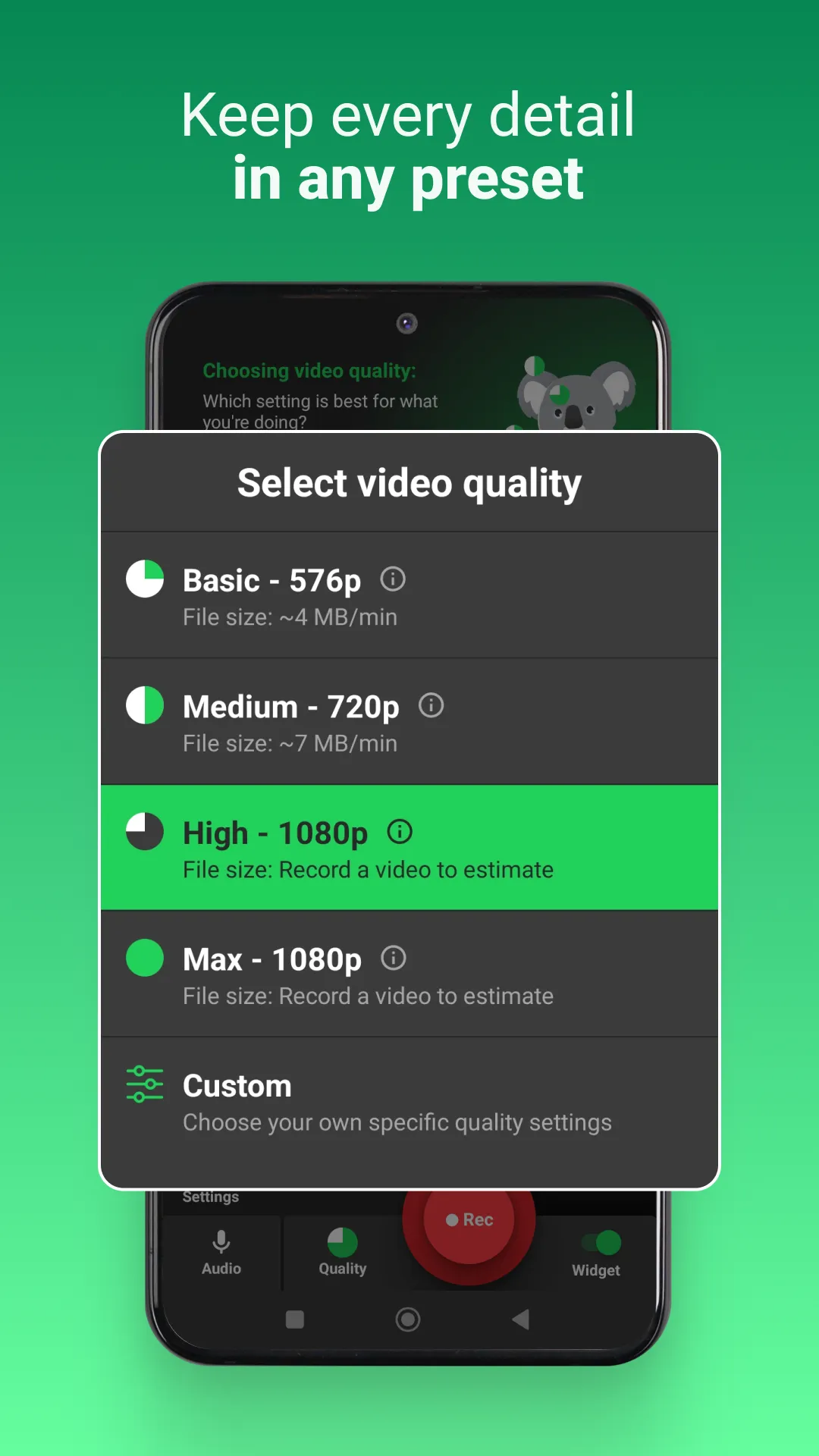
Just want to start video recording? Built-in presets let you choose your recording quality in one click. From small and shareable to epicly detailed. Or define your own custom recording parameters.
🎉 SMALL FILES, GREAT QUALITY
Our videos can be less than half the size of one recorded with native screen recording – so you save memory on your phone.
🗜️ COMPRESS YOUR SCREEN RECORDING TO SAVE
No problem! Koala integrates with our free sister app to compress your video capture. In some cases, you can squash it right down into a text (MMS).
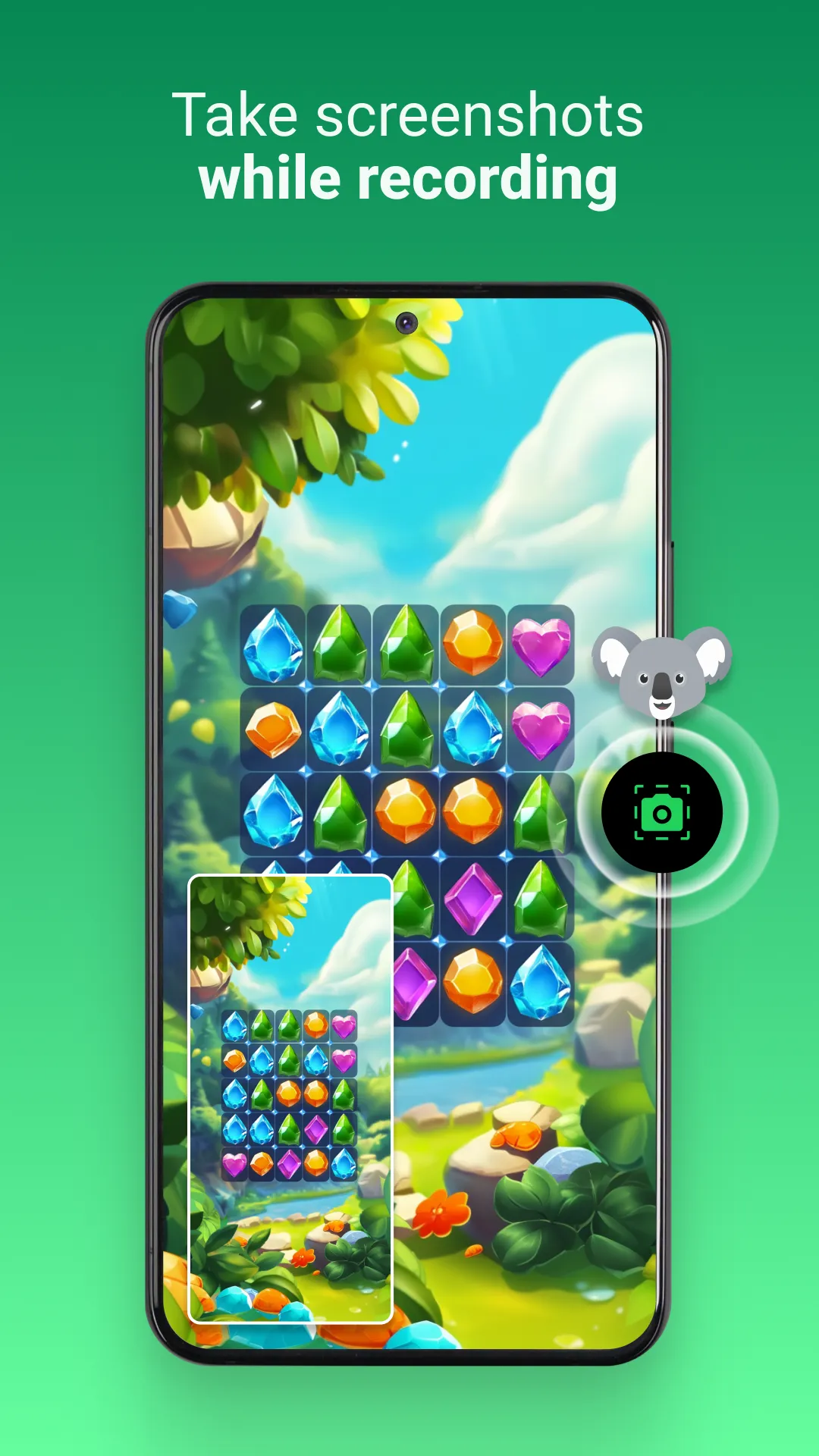
📸 SCREENSHOT THE MOST IMPORTANT MOMENTS
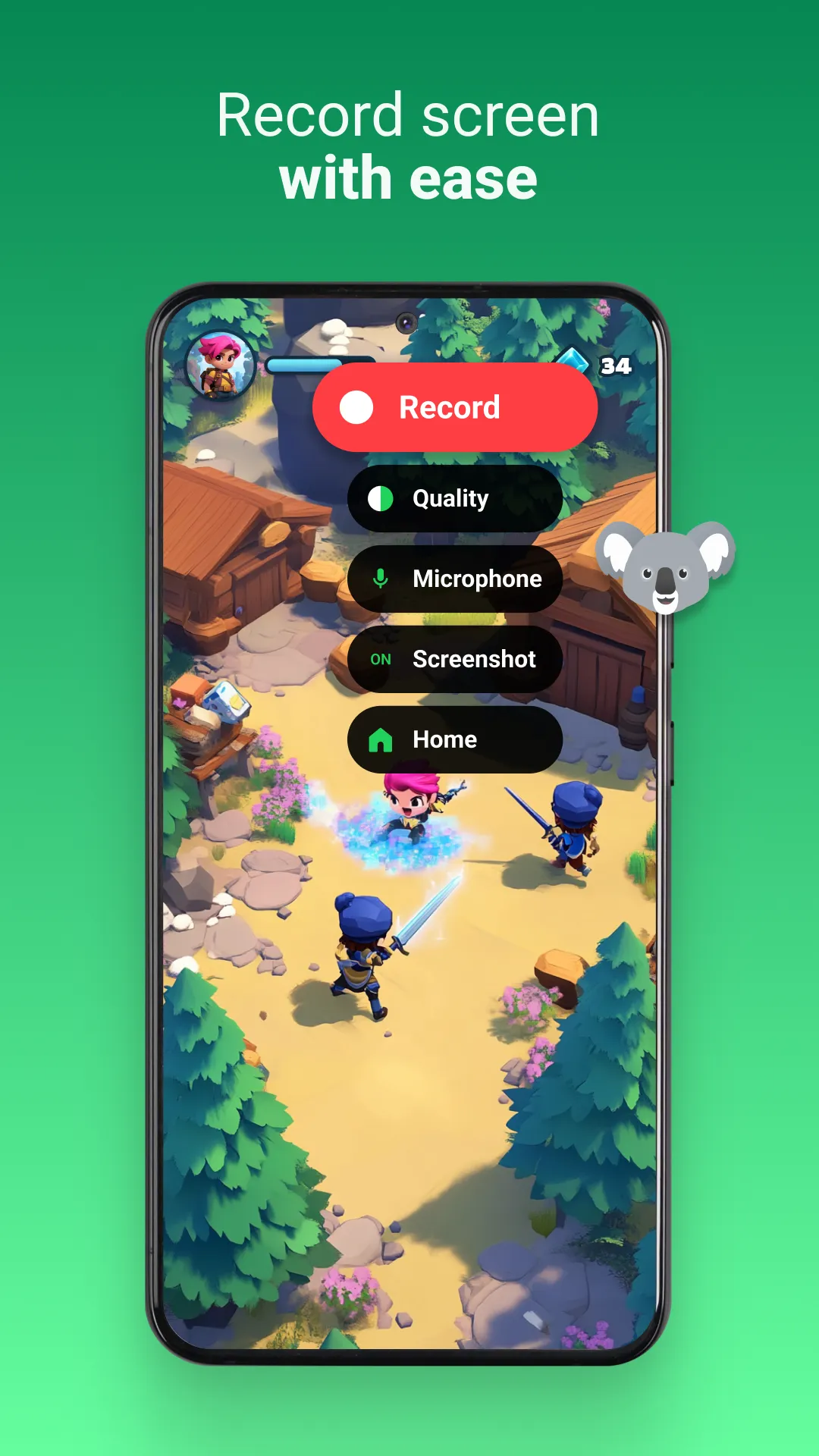
Hit the button on the widget to screen grab those crucial images – and record your screen at the same time.
✂️ VIDEO EDITOR BUILT-IN
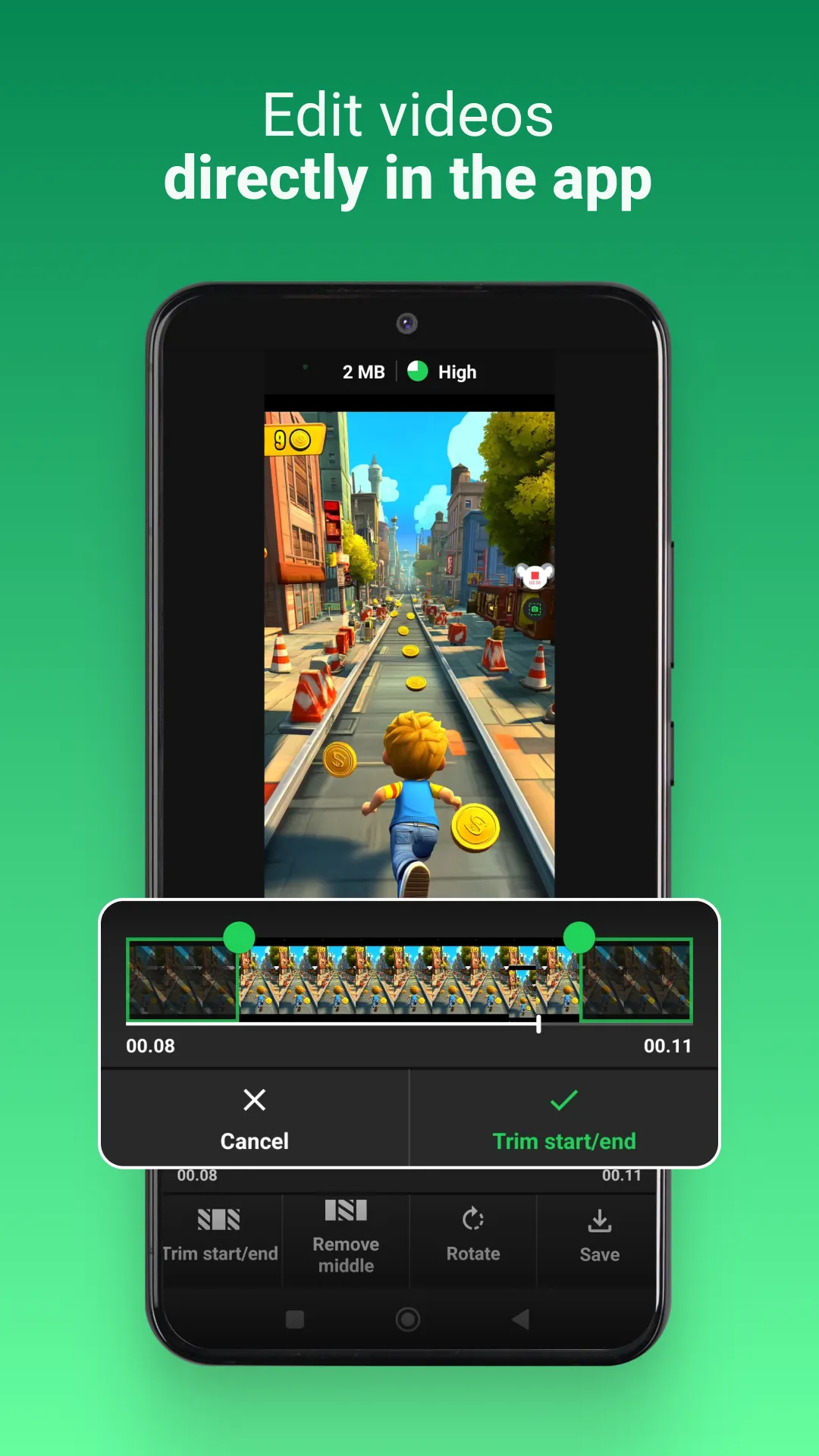
Too much footage? Easily edit your screen recording with our built-in video editor. Trim the start and end, and cut parts out the middle, easy peasy.
⏯ NOTIFICATION BAR CONTROL FOR EASY ACCESS
Quickly start and stop recordings directly from the notifications bar.
🔧 ALWAYS-ON-TOP WIDGET FOR TOTAL CONTROL
Switch on the floating widget to have controls always in sight (but not in your video capture).
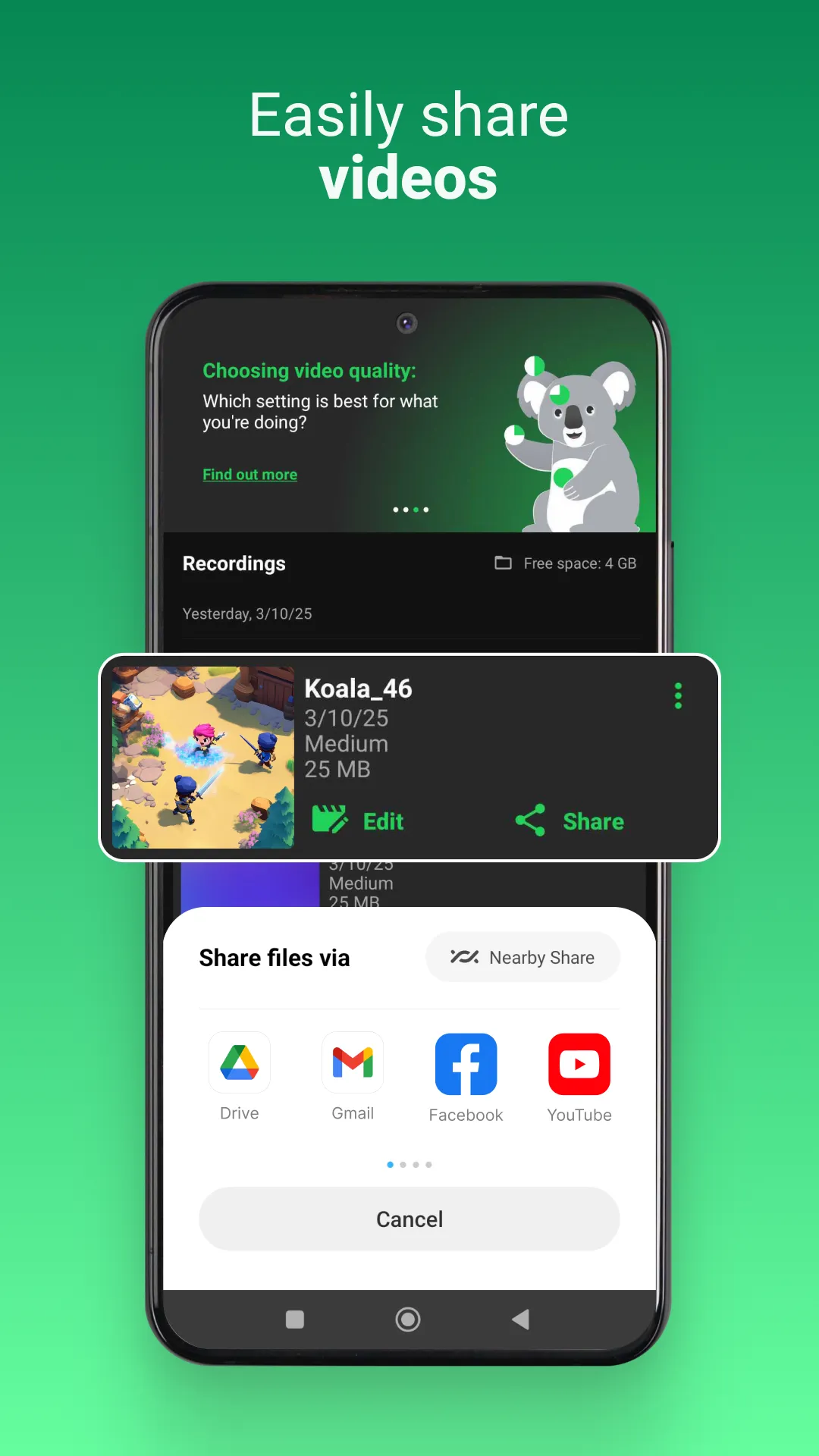
📩 SOCIAL MEDIA & EMAIL SHARING GALORE
Share your live gaming victories, how-tos and video explainers with your friends, family and others. Koala’s small file sizes and sharing function let you share your screen recording to Email, Instagram, Messenger, Whatsapp, Discord, TikTok and more.
🔒 SAFETY AND PRIVACY AS STANDARD
Koala 🐨 Recording App keeps your files where they belong – on your device. All recording, processing and editing happens there. Files are never uploaded to the cloud. The safety of your recordings is high, meaning you can record sensitive meetings. For full details see below.
FEATURE SUMMARY
✅ High quality recording
✅ Internal audio / music recording
✅ Microphone recording
✅ Efficient screen recording with no time limits
✅ Small output file size
✅ Screen recording orientation
✅ Preset selection
✅ Custom video recording parameters
✅ Trimming and video editing
✅ Notification bar control
✅ Always-on-top widget
🚫 No watermark
🚫 No lag
🚫 No recording time limit
☎️ CONTACT
Questions, issues or requests regarding Koala Screen Recorder? Write to us at: [email protected]
Video Players & Editors
Ratings
0
0 total ratings
5
73%
4
10%
3
4%
2
3%
1
10%
REVIEWS
No reviews yet. Be the first one to review this app
'%20fill-rule='evenodd'%20clip-rule='evenodd'%20d='M8.04878%200.118571C9.10796%20-0.198465%2010.2321%200.132893%2010.9526%200.961509L18.7058%209.9036H22.0709C23.0433%209.90386%2023.8429%2010.7032%2023.843%2011.6757V13.1309H23.8497C23.8497%2013.4983%2023.5476%2013.8014%2023.1803%2013.8015H19.9372V33.9548C19.9372%2034.423%2019.5703%2034.7975%2019.1021%2034.7977H17.142C15.91%2034.7977%2014.9156%2033.8036%2014.9154%2032.5644V28.0251C13.5538%2028.5582%2012.3722%2028.7169%2010.9963%2028.7169C6.45689%2028.7169%203.74677%2025.6897%203.74677%2020.6099V13.8015H1.77319C0.800641%2013.8015%200.000280942%2013.0091%200%2012.0294V10.573C0.000219737%2010.2057%200.303205%209.9036%200.670545%209.9036H13.5676L5.13039%201.85482C4.82078%201.55938%204.94365%201.04032%205.35428%200.917851L8.04878%200.118571ZM8.78425%2013.8082V20.611C8.78438%2023.1974%209.8151%2024.35%2012.1135%2024.35C12.9637%2024.3499%2014.1167%2024.1489%2014.902%2023.7959V13.8082H8.78425Z'%20fill='white'/%3e%3c/svg%3e)
Permissions
Storage: access photos, media, and files on your device
Internet: use your internet connection
Phone: make and manage phone calls
Camera: take pictures and record video
Curated for YouSee all






Scan to download on PhonePe Appstore

