
Telecom Regulatory Authority of India (TRAI)
4.7
63 ratings68 MB
SizeVerified
SCREENSHOTS (8)
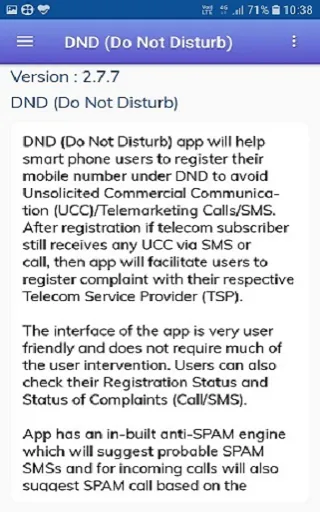
About the app
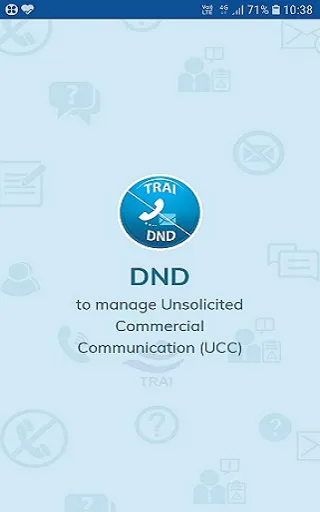
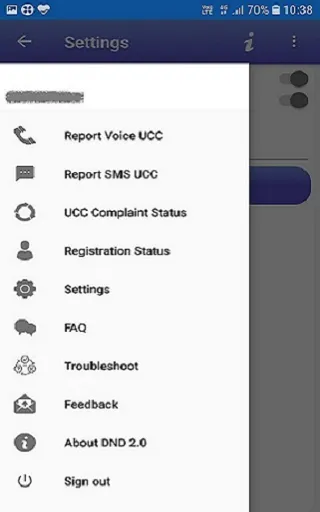
Do Not Disturb (DND 3.0) App enables smart phone users to register their mobile number under DND to avoid Unsolicited Commercial Communication (UCC)/ Telemarketing Calls / SMS. This is based on TRAI, “Telecom Commercial Communication Customer Preference Regulations, 2018”.
TRAI’s UCC Regulations, Amendments can be seen at: http://www.trai.gov.in/telecom/consumer-initiatives/unsolicited-commercial-communication.
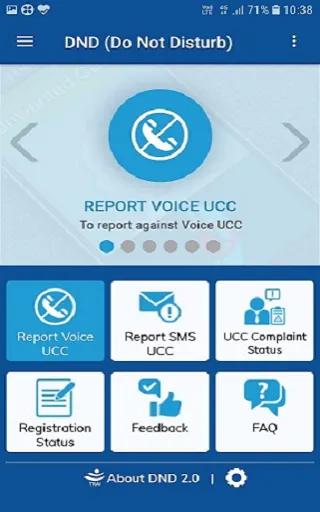
The App helps you:
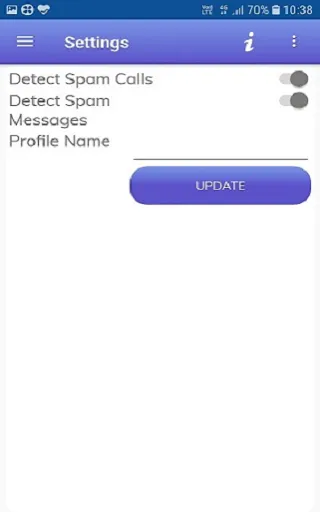
1. Set your DND preferences.
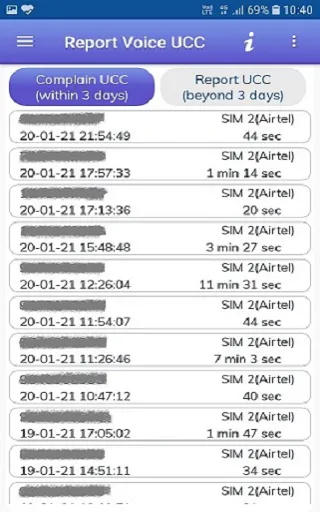
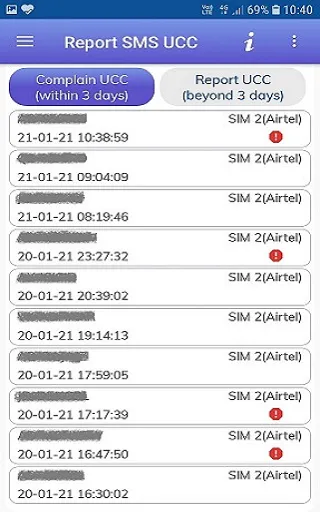
2. Lodge a UCC complaint with your service provider.
3. Check the status of complaints filed with your service provider.
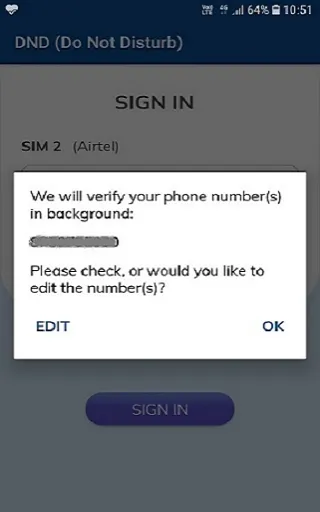
The App requires permission to access your address book to distinguish between calls/messages from your saved contacts and those from unknown telemarketers. You contact list is neither uploaded to the backend, nor shared in any manner.
The new release has the following additional features:
· An intelligent spam detection engine (for SMS only) to assist the subscriber in reporting
· Crowdsourcing of data about offending messages and calls to speed up detection of unregistered telemarketers
· Updates about action taken on complaints within the App
· Easier interface and set up
Note: In MIUI Phones, permission has to be added manually for getting list of messages from header like XY-AAAAAA. For this, Please go to app permissions and click on other permissions. Select DND app and you will find Service SMS field which is disabled. Please enable this field to view header sms in DND App.
Privacy Policy: https://trai.gov.in/portals-apps/privacy-policy
Tools
Ratings
4.7
63 total ratings
5
86%
4
10%
3
0%
2
0%
1
5%


'%20fill-rule='evenodd'%20clip-rule='evenodd'%20d='M8.04878%200.118571C9.10796%20-0.198465%2010.2321%200.132893%2010.9526%200.961509L18.7058%209.9036H22.0709C23.0433%209.90386%2023.8429%2010.7032%2023.843%2011.6757V13.1309H23.8497C23.8497%2013.4983%2023.5476%2013.8014%2023.1803%2013.8015H19.9372V33.9548C19.9372%2034.423%2019.5703%2034.7975%2019.1021%2034.7977H17.142C15.91%2034.7977%2014.9156%2033.8036%2014.9154%2032.5644V28.0251C13.5538%2028.5582%2012.3722%2028.7169%2010.9963%2028.7169C6.45689%2028.7169%203.74677%2025.6897%203.74677%2020.6099V13.8015H1.77319C0.800641%2013.8015%200.000280942%2013.0091%200%2012.0294V10.573C0.000219737%2010.2057%200.303205%209.9036%200.670545%209.9036H13.5676L5.13039%201.85482C4.82078%201.55938%204.94365%201.04032%205.35428%200.917851L8.04878%200.118571ZM8.78425%2013.8082V20.611C8.78438%2023.1974%209.8151%2024.35%2012.1135%2024.35C12.9637%2024.3499%2014.1167%2024.1489%2014.902%2023.7959V13.8082H8.78425Z'%20fill='white'/%3e%3c/svg%3e)
Permissions
Contacts: access your contacts
Storage: access photos, media, and files on your device
Biometric Information: access biometric data like fingerprint to unlock the app
Internet: use your internet connection
Developer Info
Curated for YouSee all






Scan to download on PhonePe Appstore

