

National Informatics Centre.
5.0
2 ratings15 MB
SizeVerified
SCREENSHOTS (8)
About the app
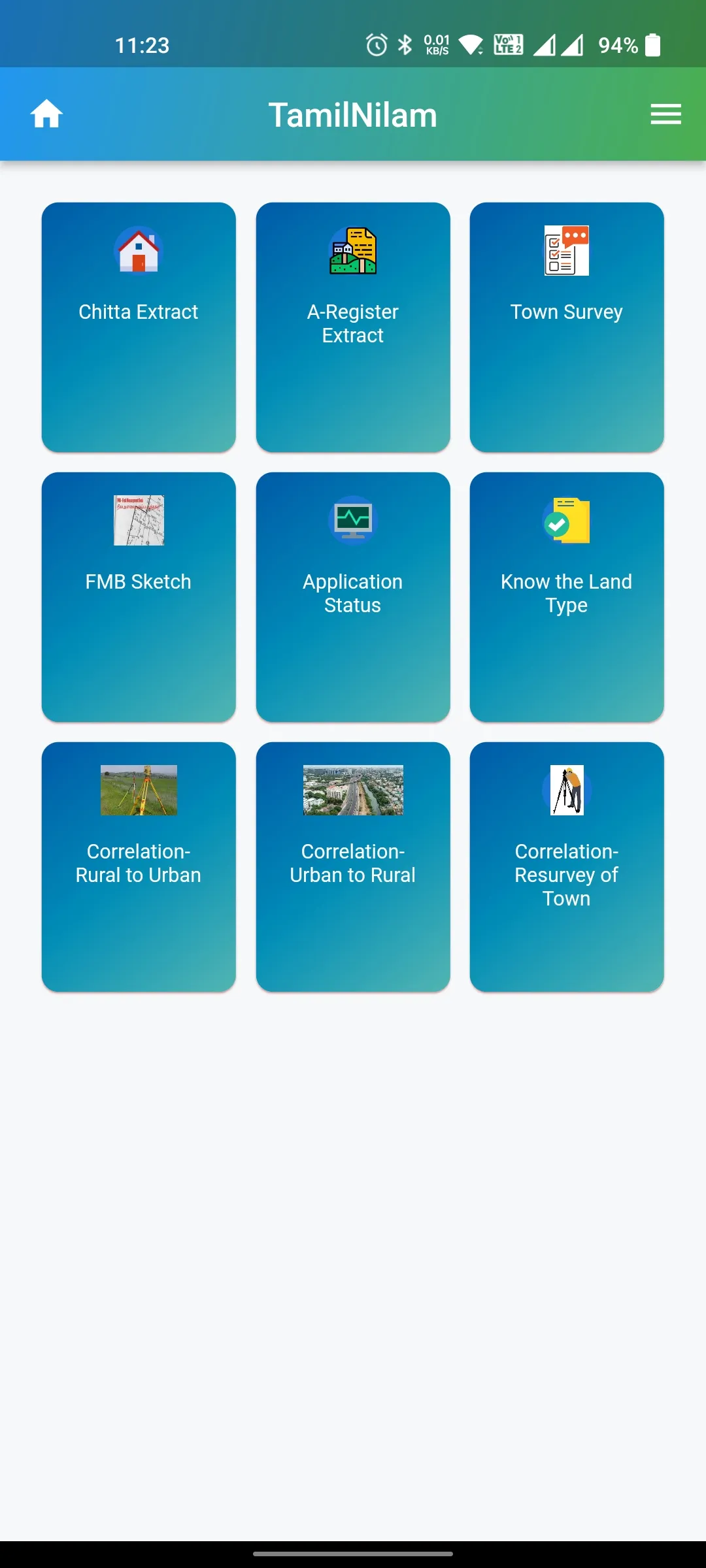
Citizens can view the following e-services of Land Records in this Android based Mobile Application.
Rural Land Details
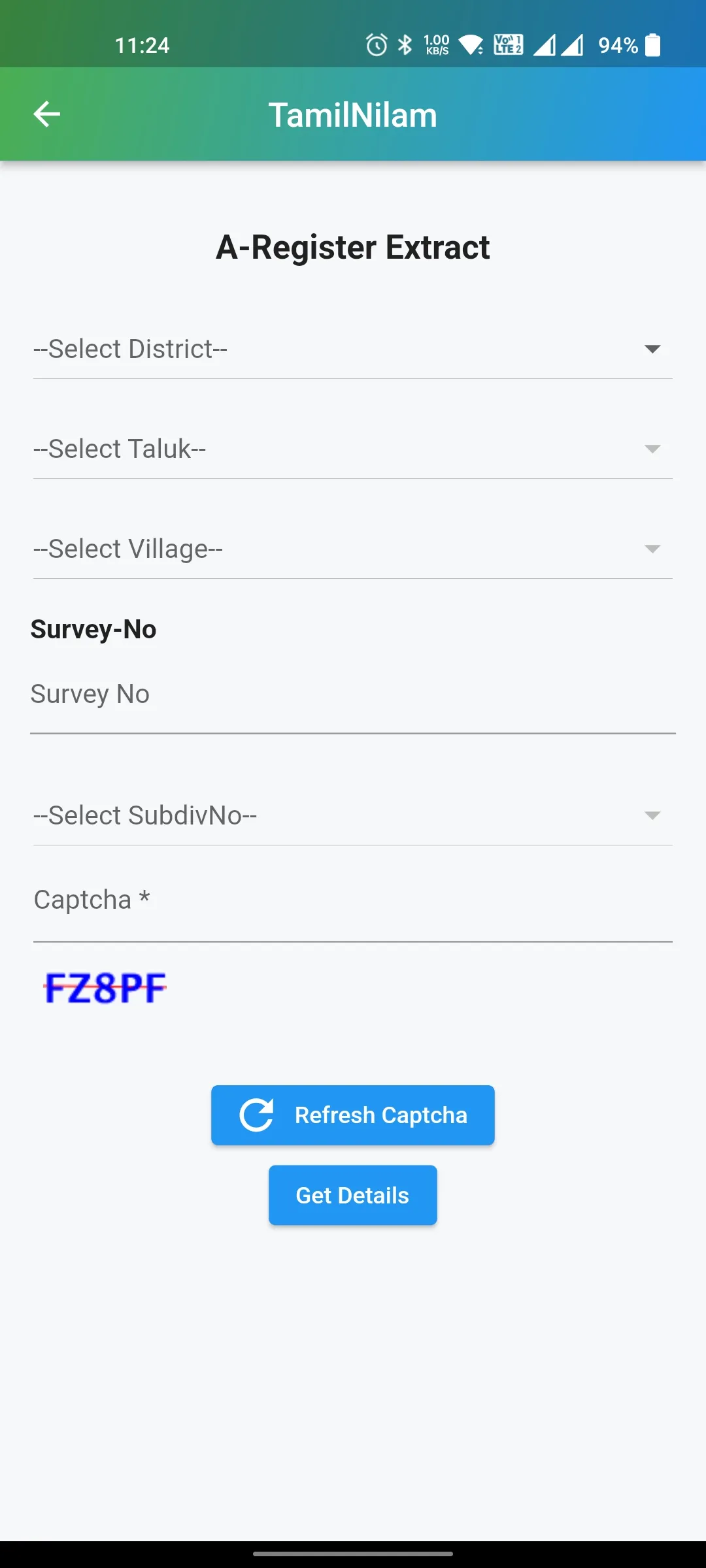
1. A-Register
The citizens by entering the name of District, Taluk, Village, Survey No. and Sub-division No. details can view the entire 12 columns available in the ‘A’ Register viz., Survey No., Land type, Soil, Sort, Rate per hectare, irrigation source extent of the Sub-division, assessment and Patta No. and name of the pattadhar and remarks. Citizens can instantly view and verify all the above fields.
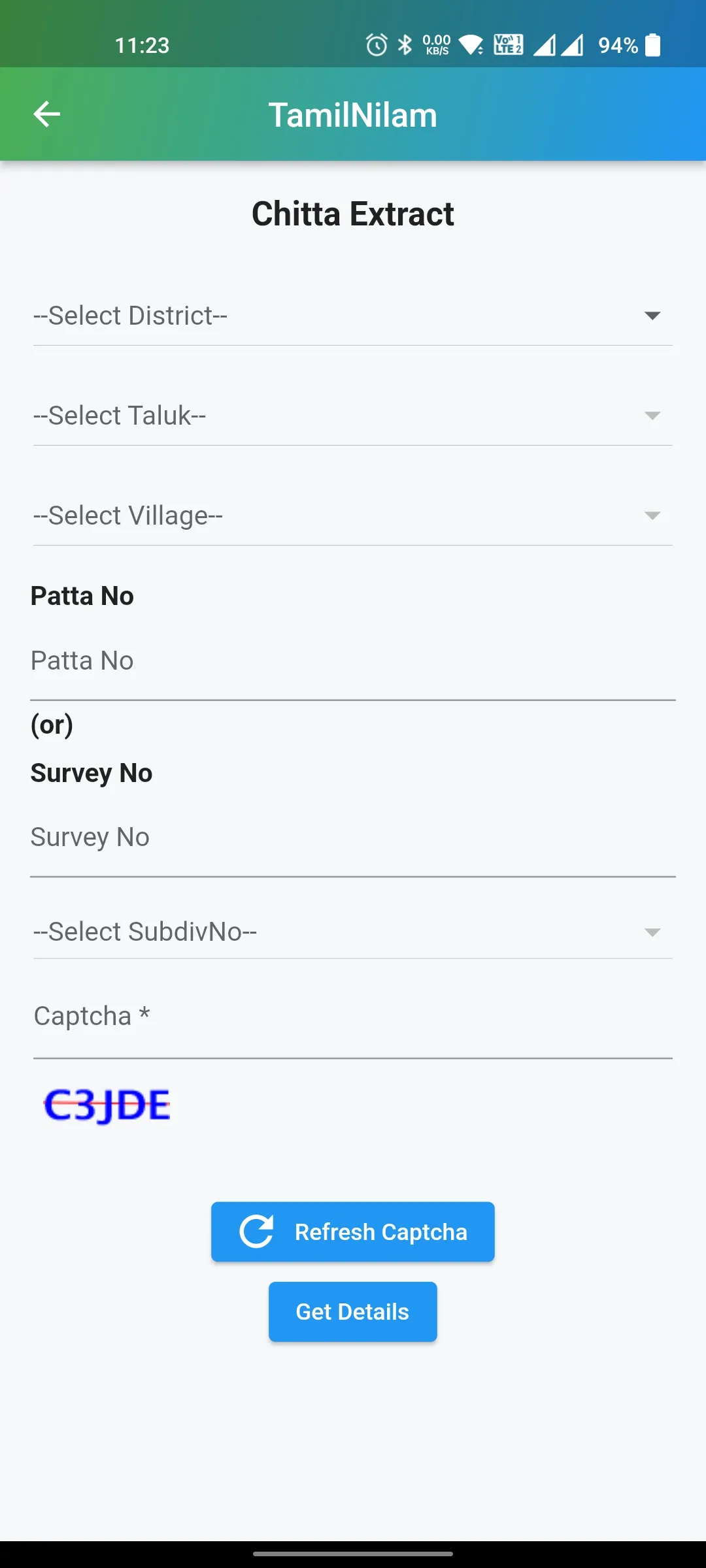
2. Chitta
The citizens can view the name of the pattadhar(s) by entering Patta no. (or) its Survey No. and Sub-division No., at the end of the Pattadhar’s name, a link “Touch here for pdf” is given, upon clicking it the individual can view the pdf format of the Chitta.
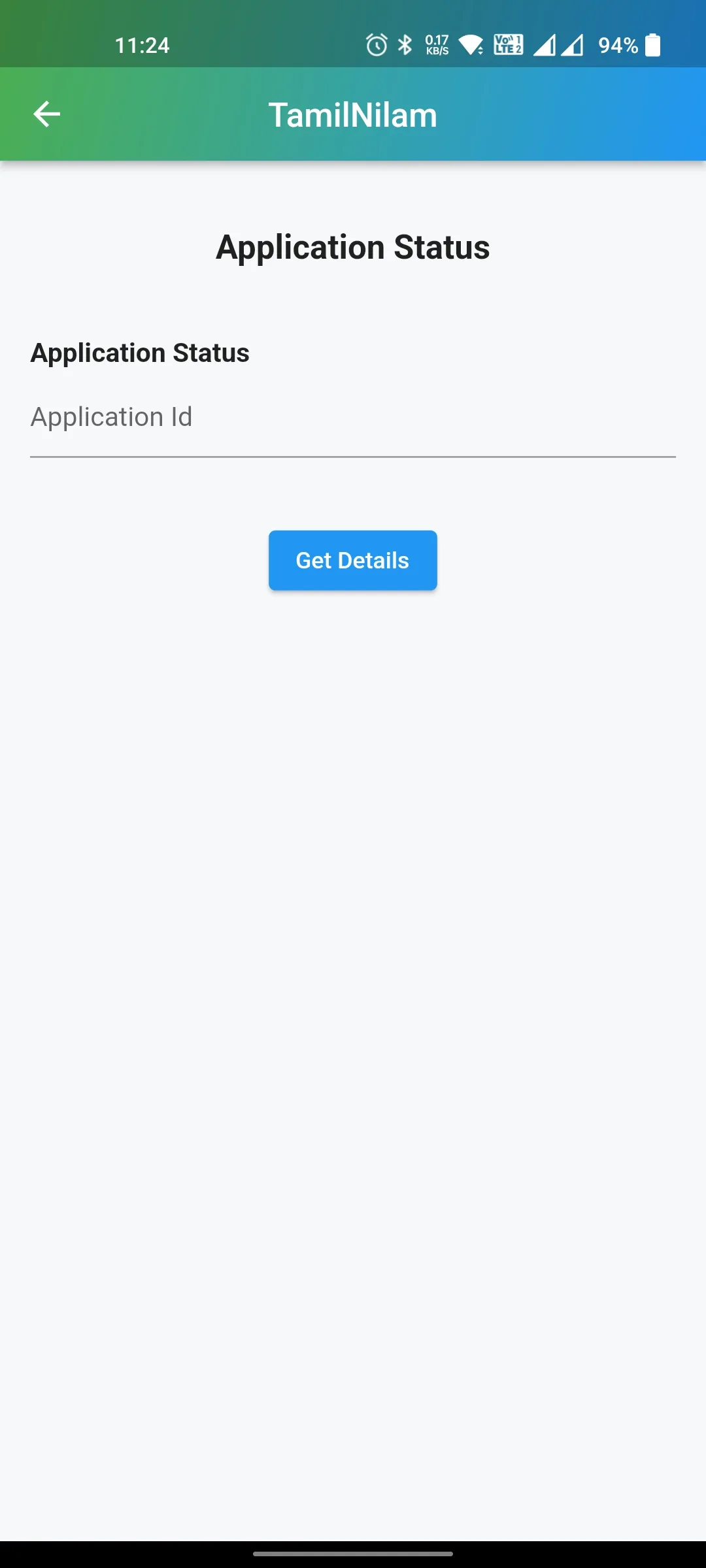
3. Application Status (Both Rural and Urban)
This facility is given as a third tab in the mobile application, here the citizens can view the current status of Patta Transfer application status by entering the application number. The citizens can view the designation of the official with whom and from when the application is pending.
4. Type of Land
The citizens by entering the name of District, Taluk, Village, Survey No. and Sub-division No. details, can view the type of the land, whether it is ‘Private’ or Poramboke’ land. By using this tab, the individual can know the ‘type of land’, which is just a click away, unlike previously where the individuals have to walk to either Taluk office or to the Village Administrative officer.
New Features
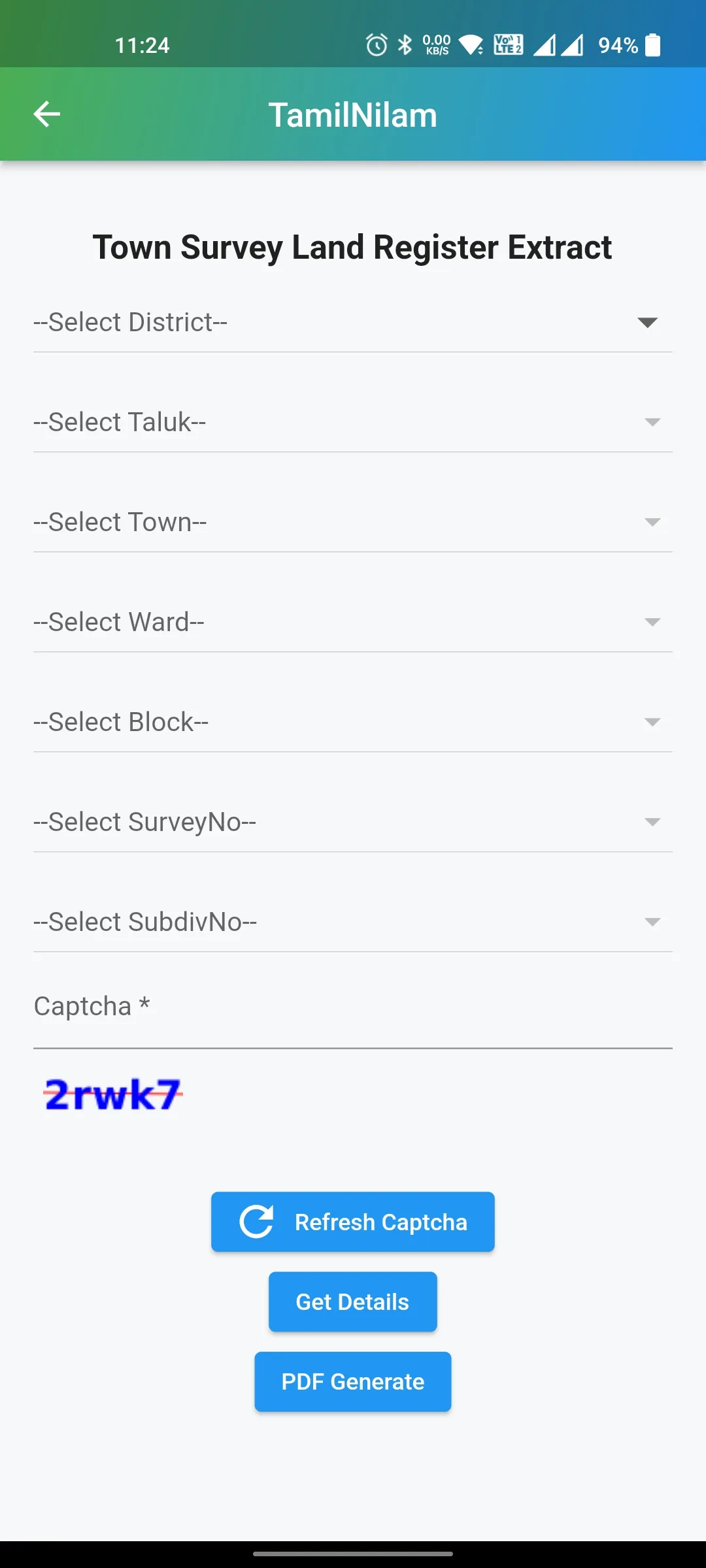
• Town Survey Land Register Extract (Urban Land details)
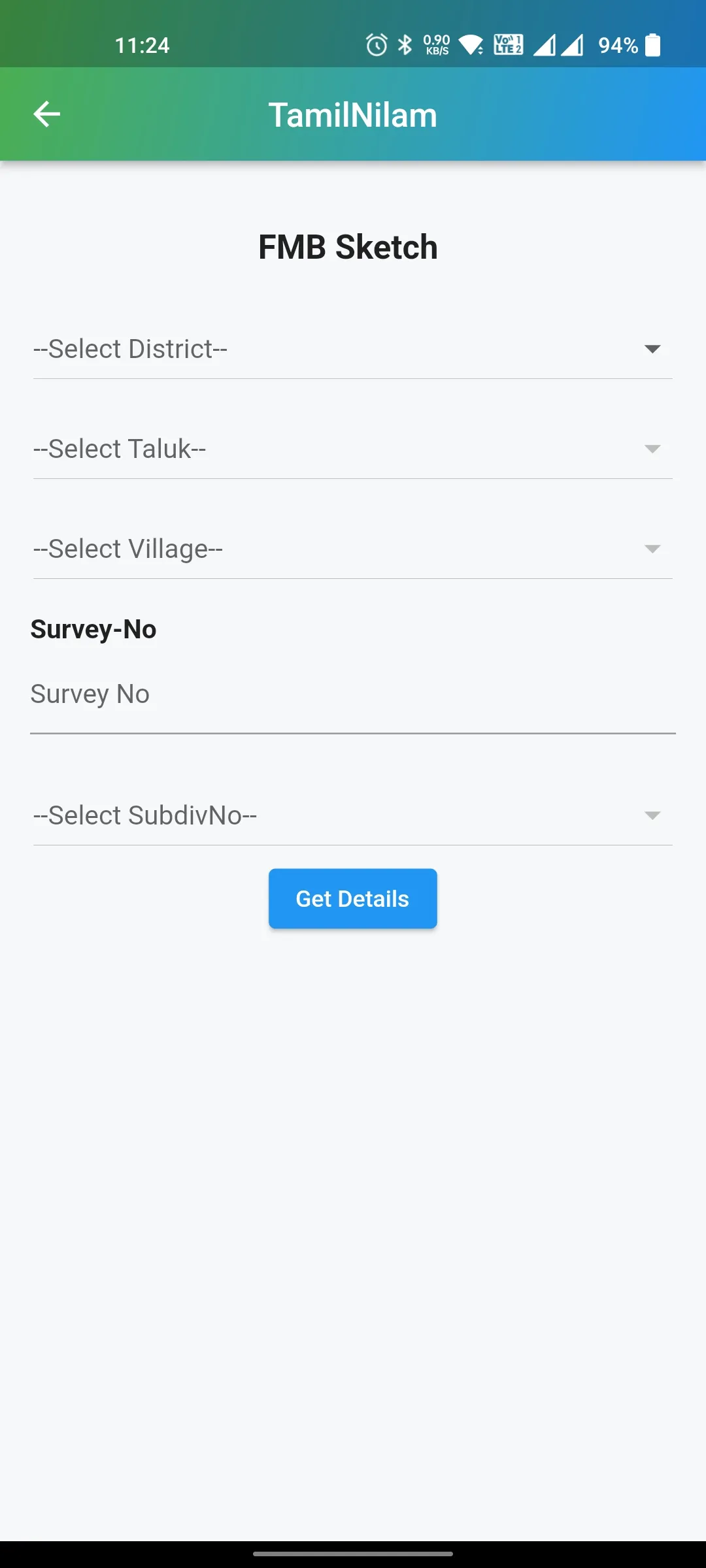
• FMB Sketch details
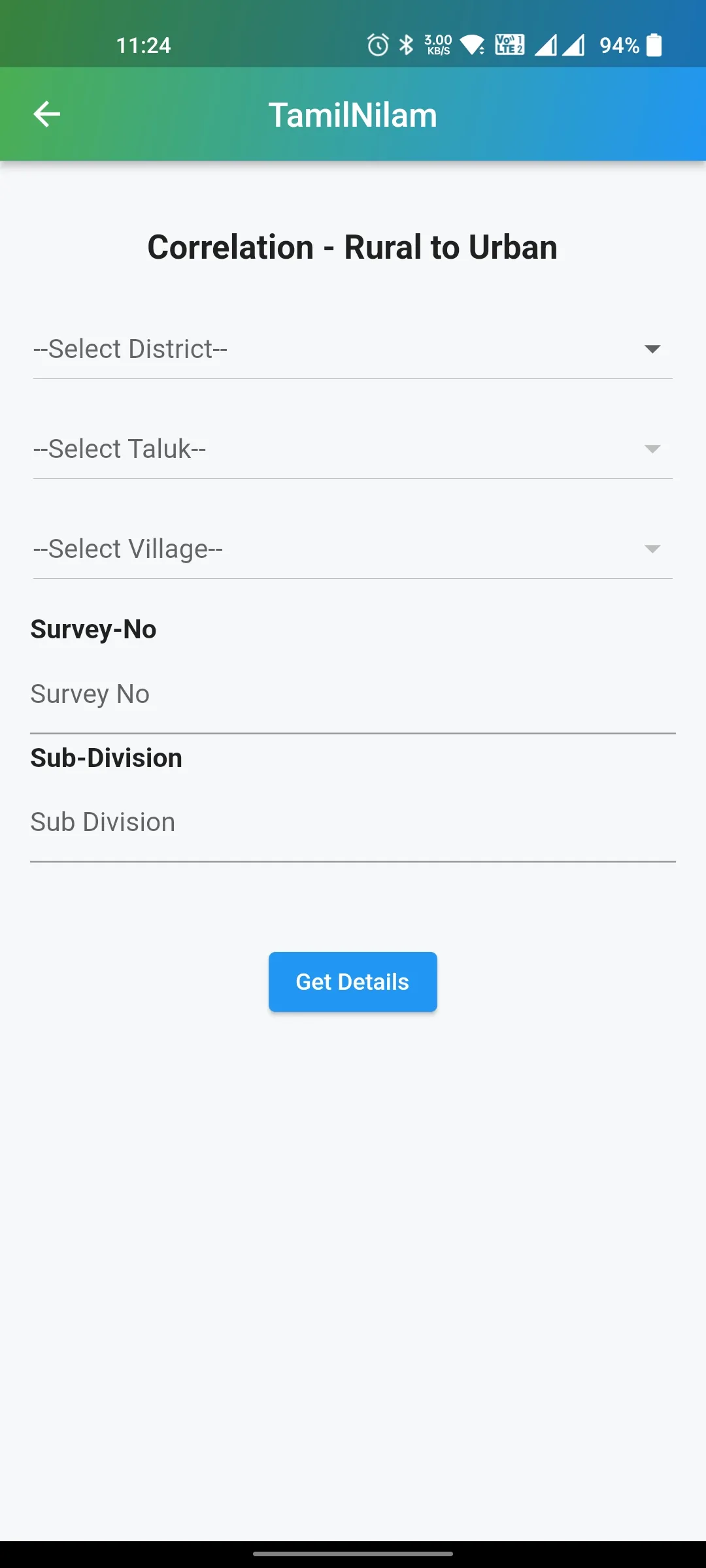
• Correlation Statement details
Tools
Ratings
5
2 total ratings
5
100%
4
0%
3
0%
2
0%
1
0%
REVIEWS
No reviews yet. Be the first one to review this app
'%20fill-rule='evenodd'%20clip-rule='evenodd'%20d='M8.04878%200.118571C9.10796%20-0.198465%2010.2321%200.132893%2010.9526%200.961509L18.7058%209.9036H22.0709C23.0433%209.90386%2023.8429%2010.7032%2023.843%2011.6757V13.1309H23.8497C23.8497%2013.4983%2023.5476%2013.8014%2023.1803%2013.8015H19.9372V33.9548C19.9372%2034.423%2019.5703%2034.7975%2019.1021%2034.7977H17.142C15.91%2034.7977%2014.9156%2033.8036%2014.9154%2032.5644V28.0251C13.5538%2028.5582%2012.3722%2028.7169%2010.9963%2028.7169C6.45689%2028.7169%203.74677%2025.6897%203.74677%2020.6099V13.8015H1.77319C0.800641%2013.8015%200.000280942%2013.0091%200%2012.0294V10.573C0.000219737%2010.2057%200.303205%209.9036%200.670545%209.9036H13.5676L5.13039%201.85482C4.82078%201.55938%204.94365%201.04032%205.35428%200.917851L8.04878%200.118571ZM8.78425%2013.8082V20.611C8.78438%2023.1974%209.8151%2024.35%2012.1135%2024.35C12.9637%2024.3499%2014.1167%2024.1489%2014.902%2023.7959V13.8082H8.78425Z'%20fill='white'/%3e%3c/svg%3e)
Permissions
Storage: access photos, media, and files on your device
Biometric Information: access biometric data like fingerprint to unlock the app
Internet: use your internet connection
Phone: make and manage phone calls
Curated for YouSee all






Scan to download on PhonePe Appstore

