
Vishnu Narravula
5.0
1 ratings2 MB
SizeVerified
SCREENSHOTS (7)
About the app
Full Features of the TADOW App
Basic Features:
Task Management:
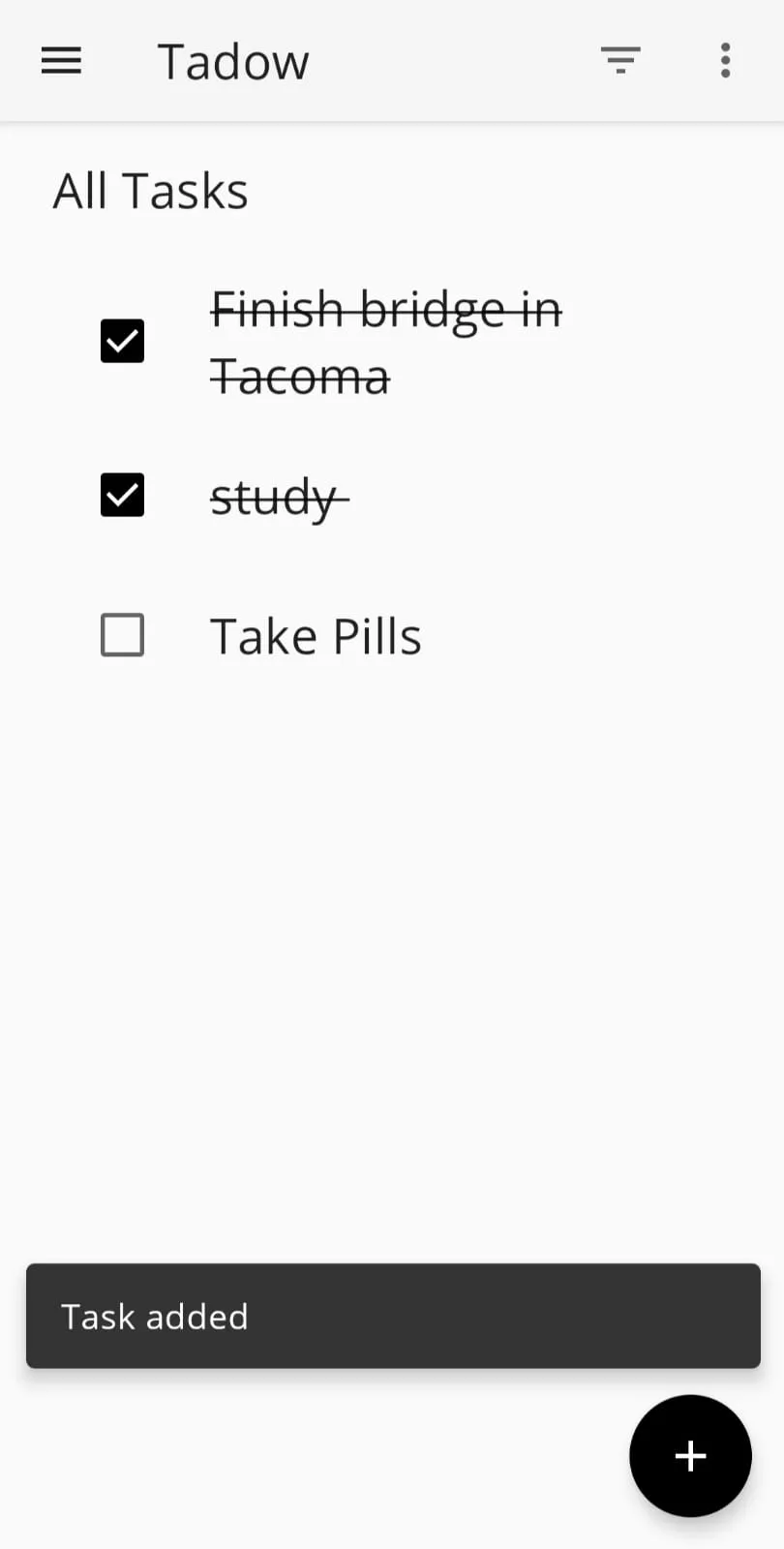
Create new tasks with title and description.
Mark tasks as completed or active.
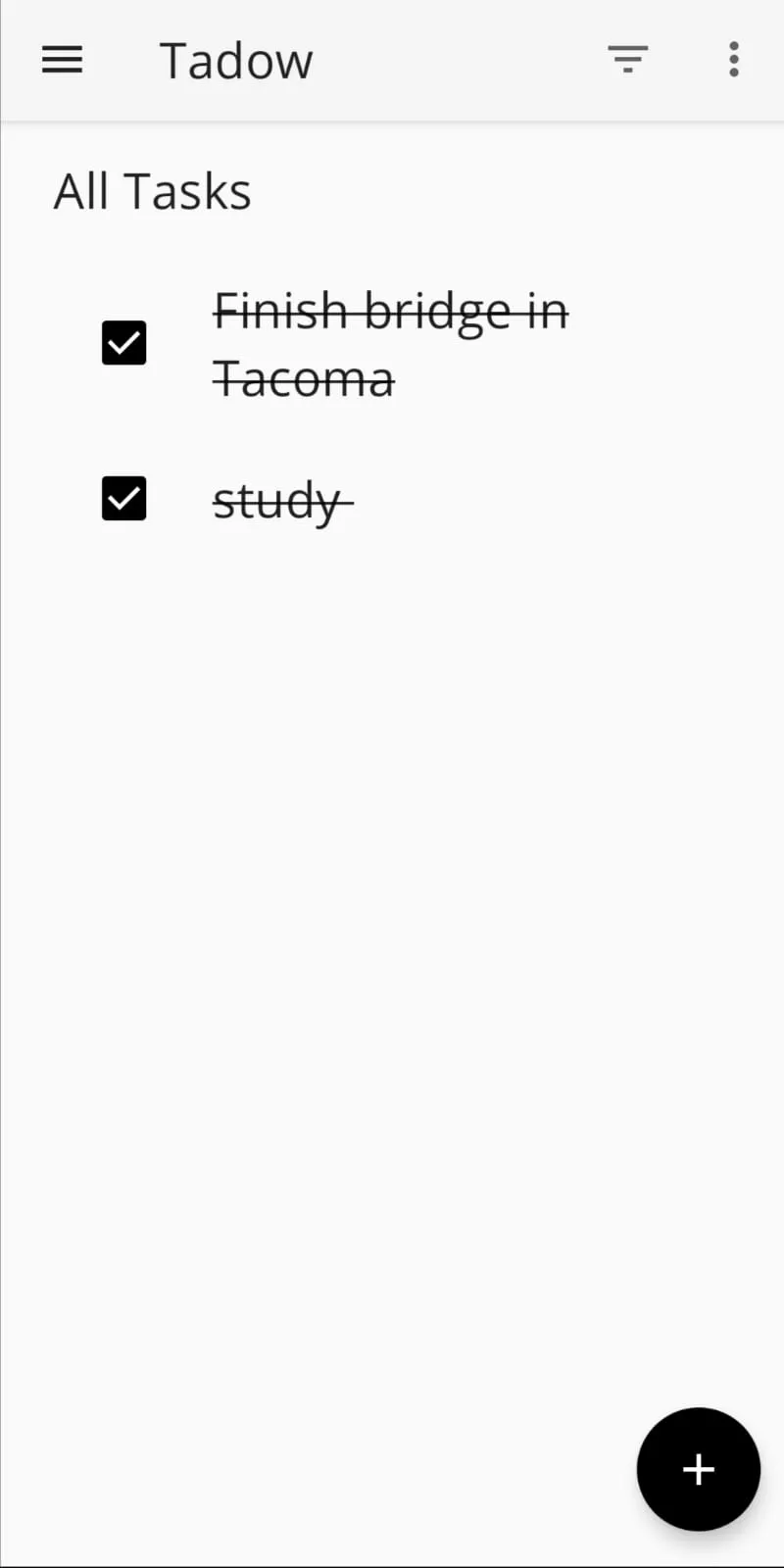
View a list of all tasks.
Edit existing tasks (title and description).
Delete individual tasks (from Detail Screen).
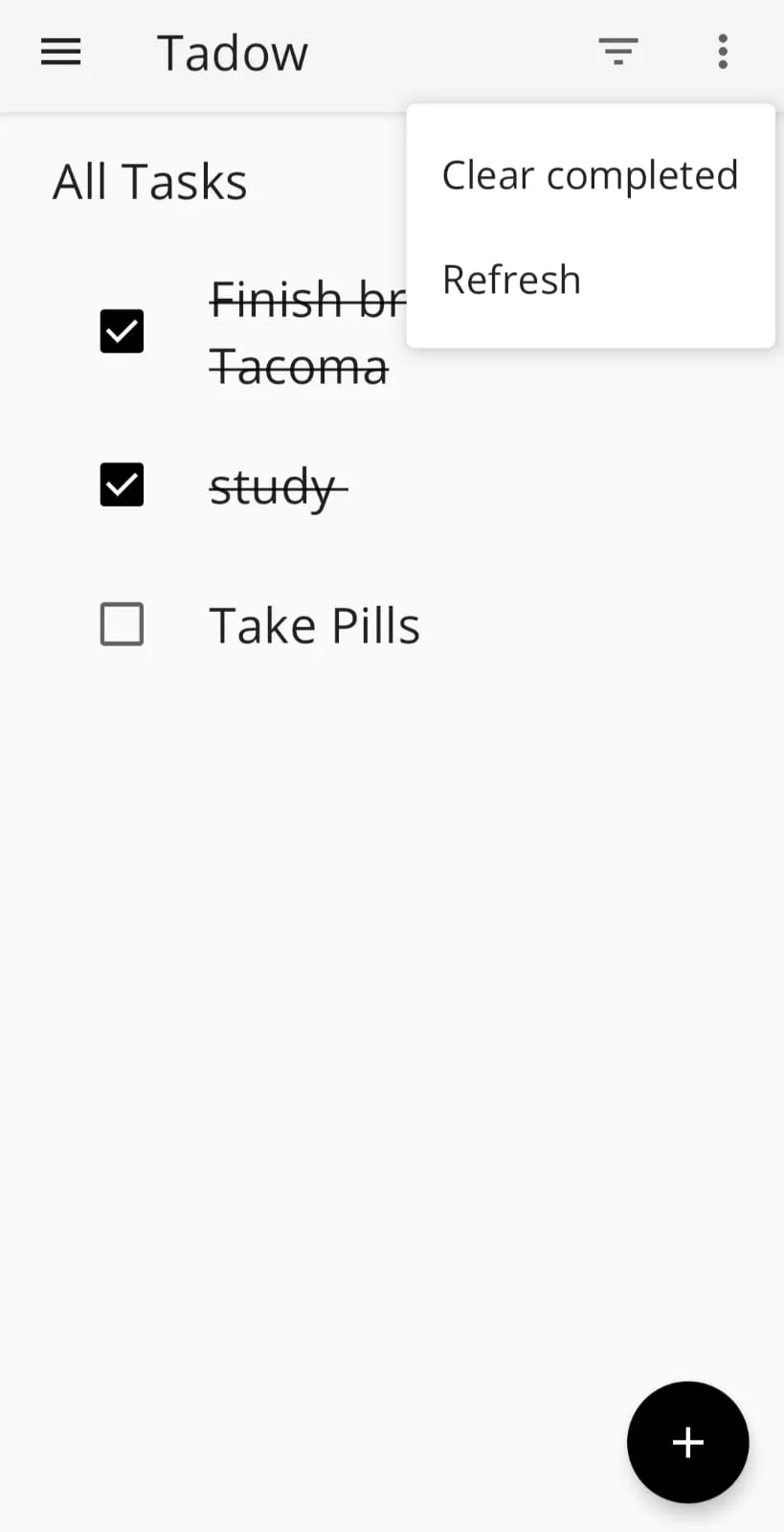
Delete all completed tasks at once (from Tasks Screen menu).
User Interface:
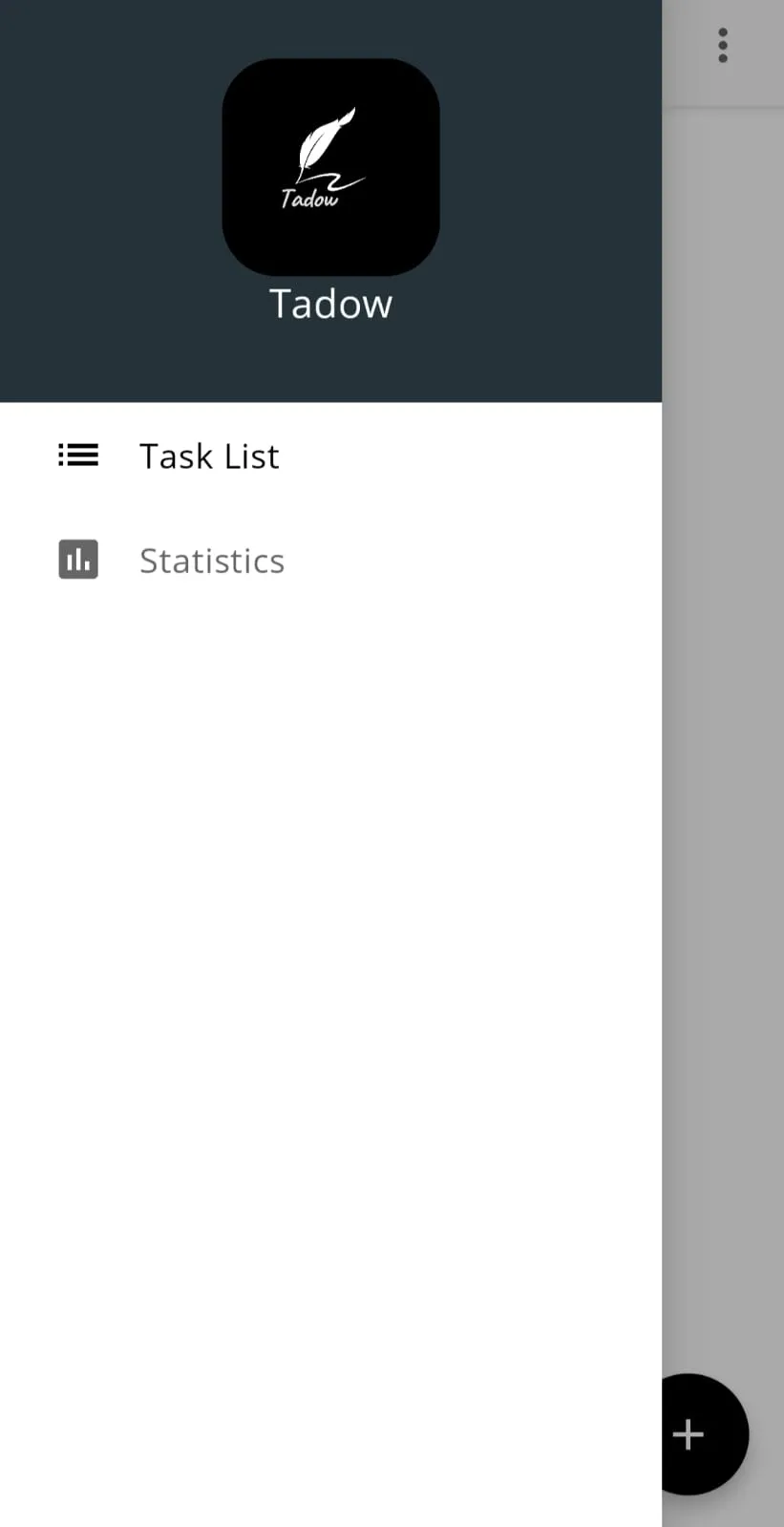
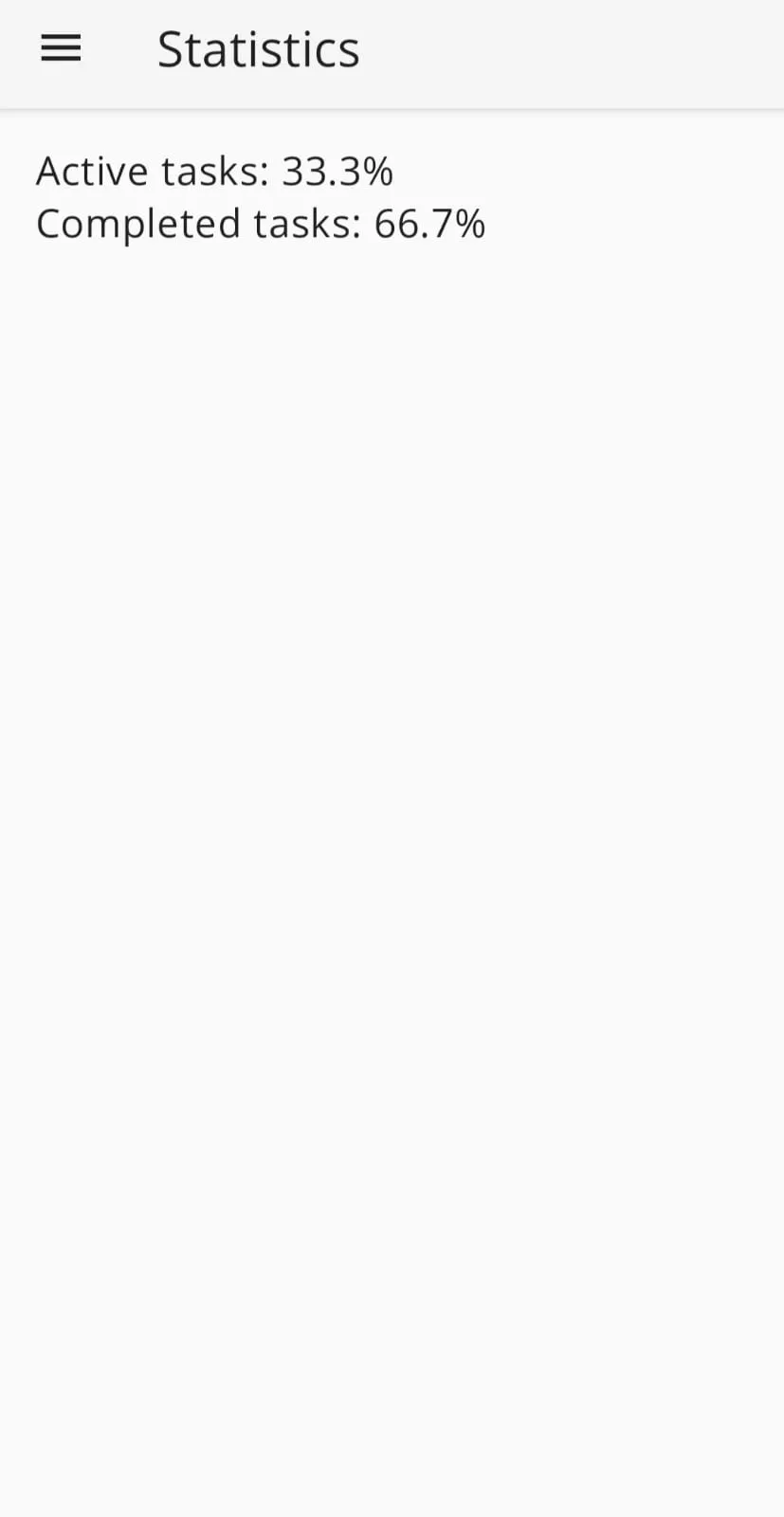
Consistent drawer for navigation between "Tasks" and "Statistics" screens.
Toolbar present on all screens.
Tasks Screen:
List view showing task titles.
Option to mark tasks completed/active within the list.
Menu with options to refresh the list and delete completed tasks.
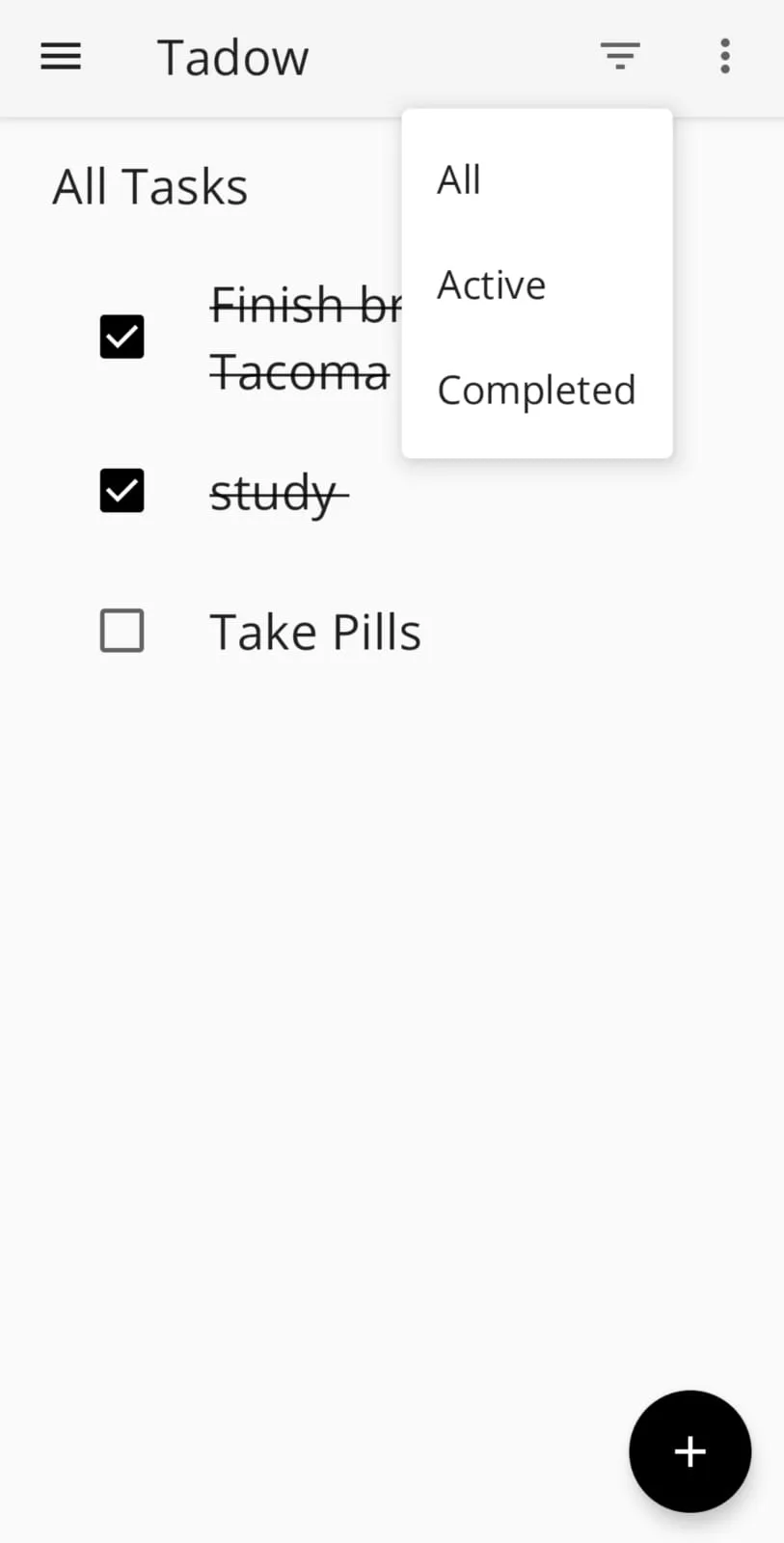
Toolbar with a filter menu to show all, active, or completed tasks.
Detail Screen:
Displays task title and description.
Option to mark task completed/active.
Menu with an option to delete the task.
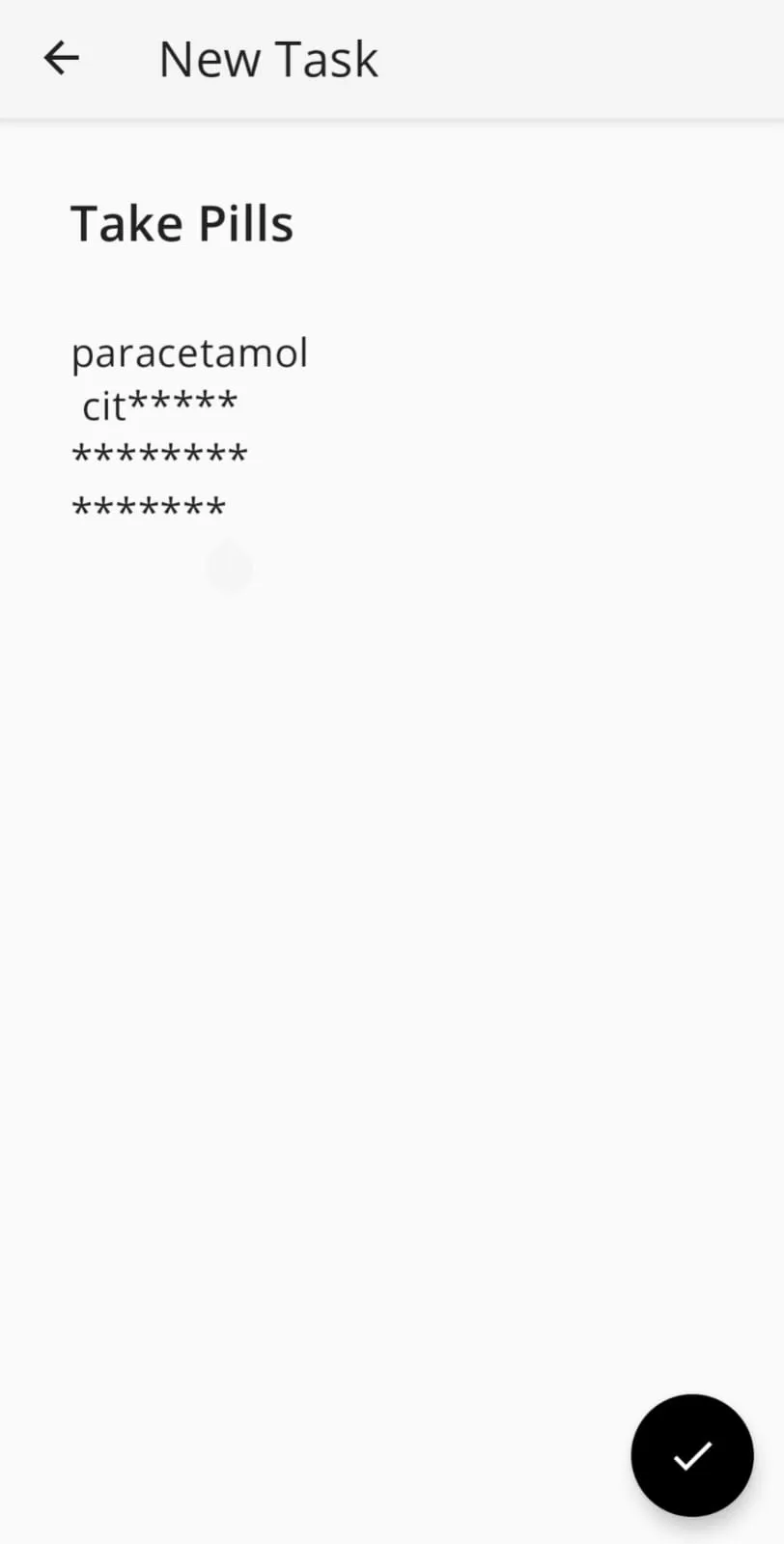
Add/Edit Screen:
Input fields for editing title and description.
Functionality to create a new task or save changes to an existing one.
Statistics Screen:
Shows the percentage of active tasks and completed tasks.
Additional Features (for consideration):
Due Dates and Reminders:
Set due dates for tasks.
Receive reminders for upcoming tasks (push notifications or in-app alerts).
Priorities:
Assign priority levels to tasks (e.g., high, medium, low).
Filter and sort tasks based on priority.
Categories and Tags:
Organize tasks into categories (e.g., work, personal).
Add tags to tasks for further classification.
Recurring Tasks:
Create tasks that repeat on a daily, weekly, monthly, or yearly basis.
Search Functionality:
Search for tasks by title, description, or other criteria.
Subtasks:
Break down large tasks into smaller, manageable subtasks.
Notes and Attachments:
Add notes and attachments (e.g., images, documents) to tasks for additional information.
Collaboration:
Share tasks and collaborate with others on projects (requires additional security considerations).
Sync Across Devices:
Keep tasks synchronized across multiple devices (phones, tablets, computers).
Customization:
Personalize the app's appearance with themes or color options.
Tools
Ratings
5
1 total ratings
5
100%
4
0%
3
0%
2
0%
1
0%
REVIEWS
No reviews yet. Be the first one to review this app
'%20fill-rule='evenodd'%20clip-rule='evenodd'%20d='M8.04878%200.118571C9.10796%20-0.198465%2010.2321%200.132893%2010.9526%200.961509L18.7058%209.9036H22.0709C23.0433%209.90386%2023.8429%2010.7032%2023.843%2011.6757V13.1309H23.8497C23.8497%2013.4983%2023.5476%2013.8014%2023.1803%2013.8015H19.9372V33.9548C19.9372%2034.423%2019.5703%2034.7975%2019.1021%2034.7977H17.142C15.91%2034.7977%2014.9156%2033.8036%2014.9154%2032.5644V28.0251C13.5538%2028.5582%2012.3722%2028.7169%2010.9963%2028.7169C6.45689%2028.7169%203.74677%2025.6897%203.74677%2020.6099V13.8015H1.77319C0.800641%2013.8015%200.000280942%2013.0091%200%2012.0294V10.573C0.000219737%2010.2057%200.303205%209.9036%200.670545%209.9036H13.5676L5.13039%201.85482C4.82078%201.55938%204.94365%201.04032%205.35428%200.917851L8.04878%200.118571ZM8.78425%2013.8082V20.611C8.78438%2023.1974%209.8151%2024.35%2012.1135%2024.35C12.9637%2024.3499%2014.1167%2024.1489%2014.902%2023.7959V13.8082H8.78425Z'%20fill='white'/%3e%3c/svg%3e)
Developer Info
Curated for YouSee all






Scan to download on PhonePe Appstore

