

Solax
5.0
3 ratings243 MB
SizeVerified
SCREENSHOTS (8)
About the app
Important: The SolaXCloud app has been developed by SolaX Power for use only with devices running on the SOLAX CLOUD platform. If you currently own a device operating on the SOLAX PORTAL platform, please visit www.solaxpower.com to download the relevant app directly to your Android device.
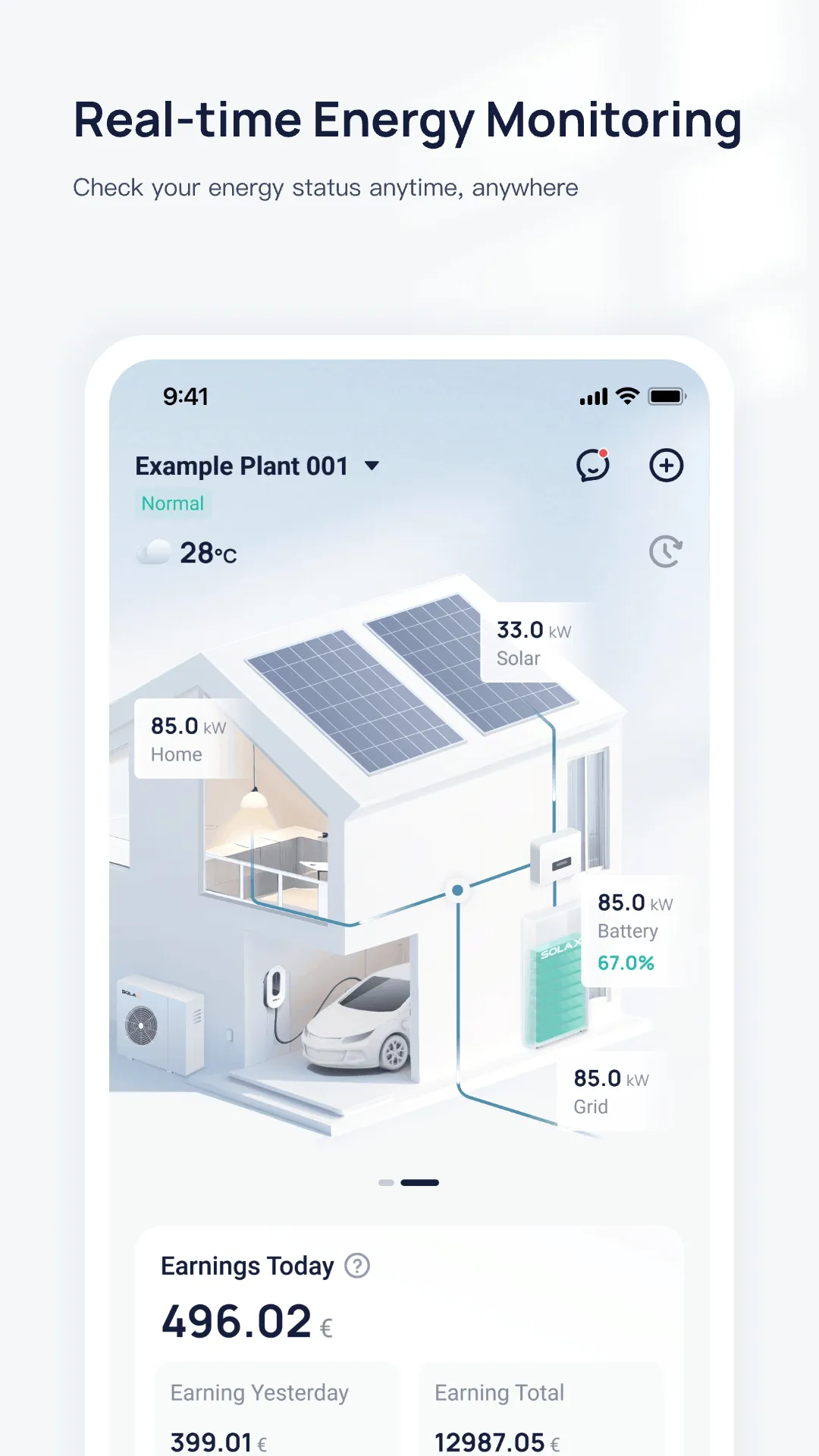
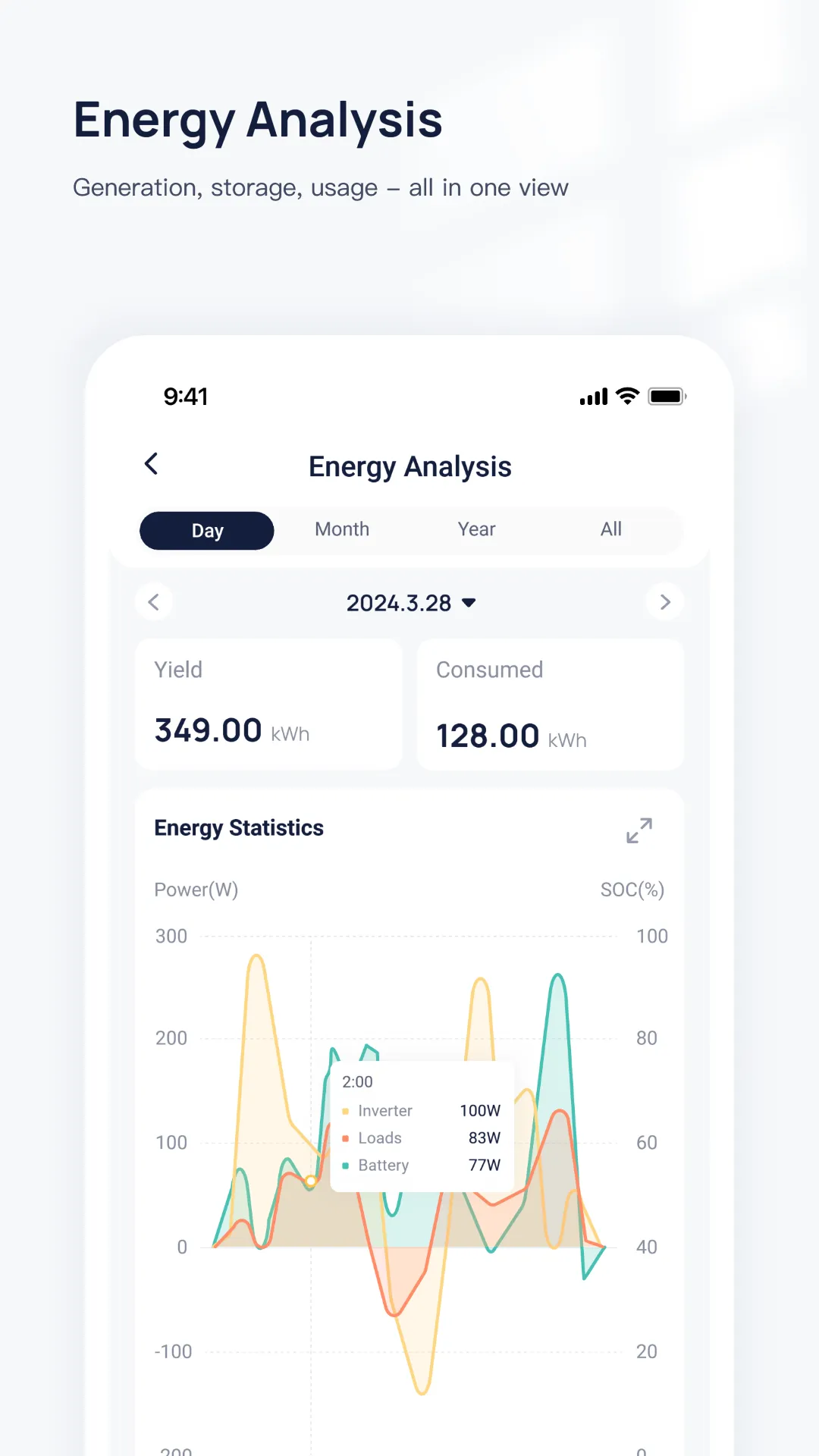
SolaXCloud is a monitoring App enabling the end-user and the agent to check the inverter status, yield, load consumption and exported energy anytime with the help of cloud data analysis.
End-users can use either remote or local login to view the real-time data and change settings of the inverter, but agent can only use the remote login to view the site information and inverter data due to user privacy protection reason.
Description of End-user Login:
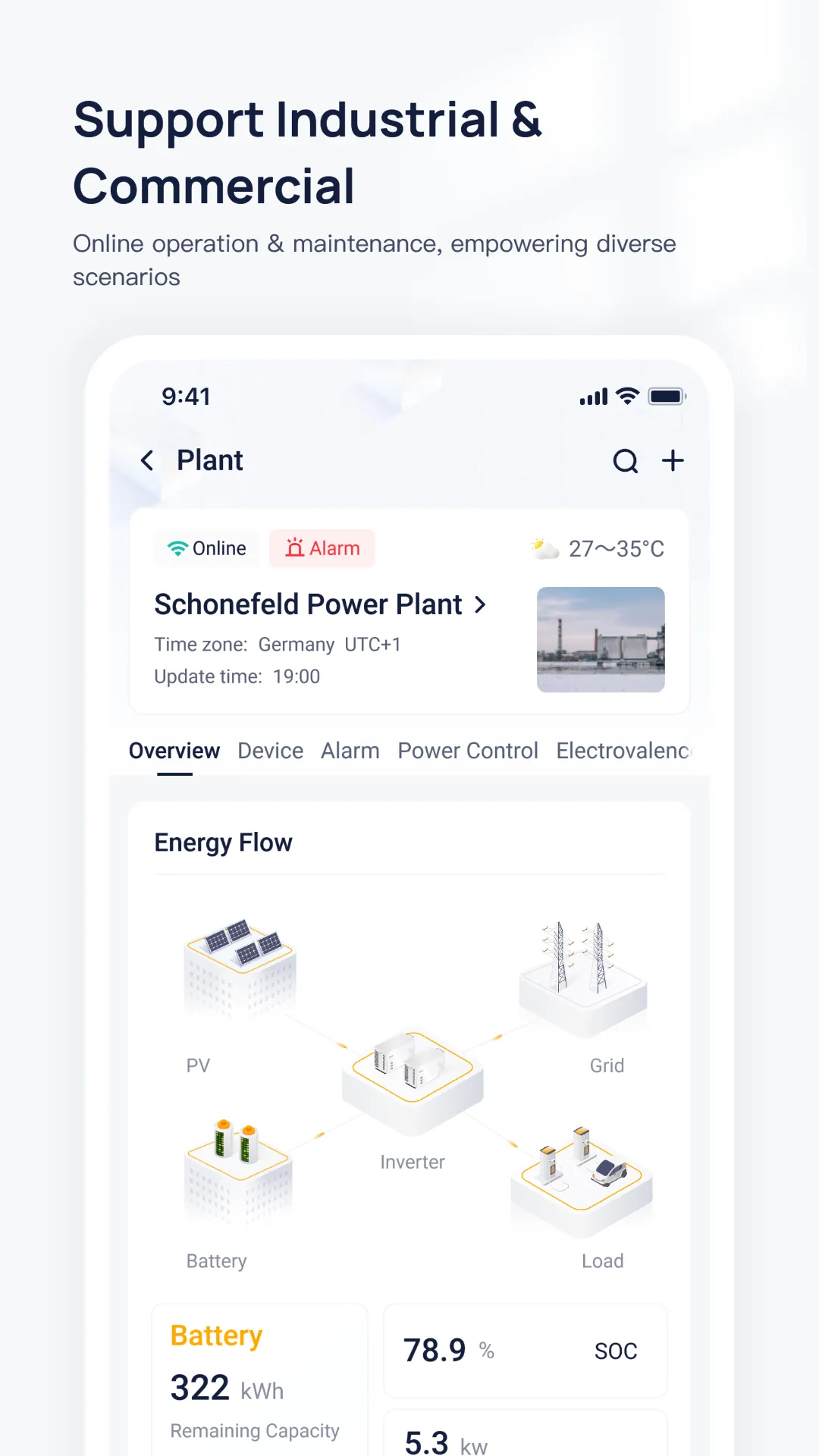
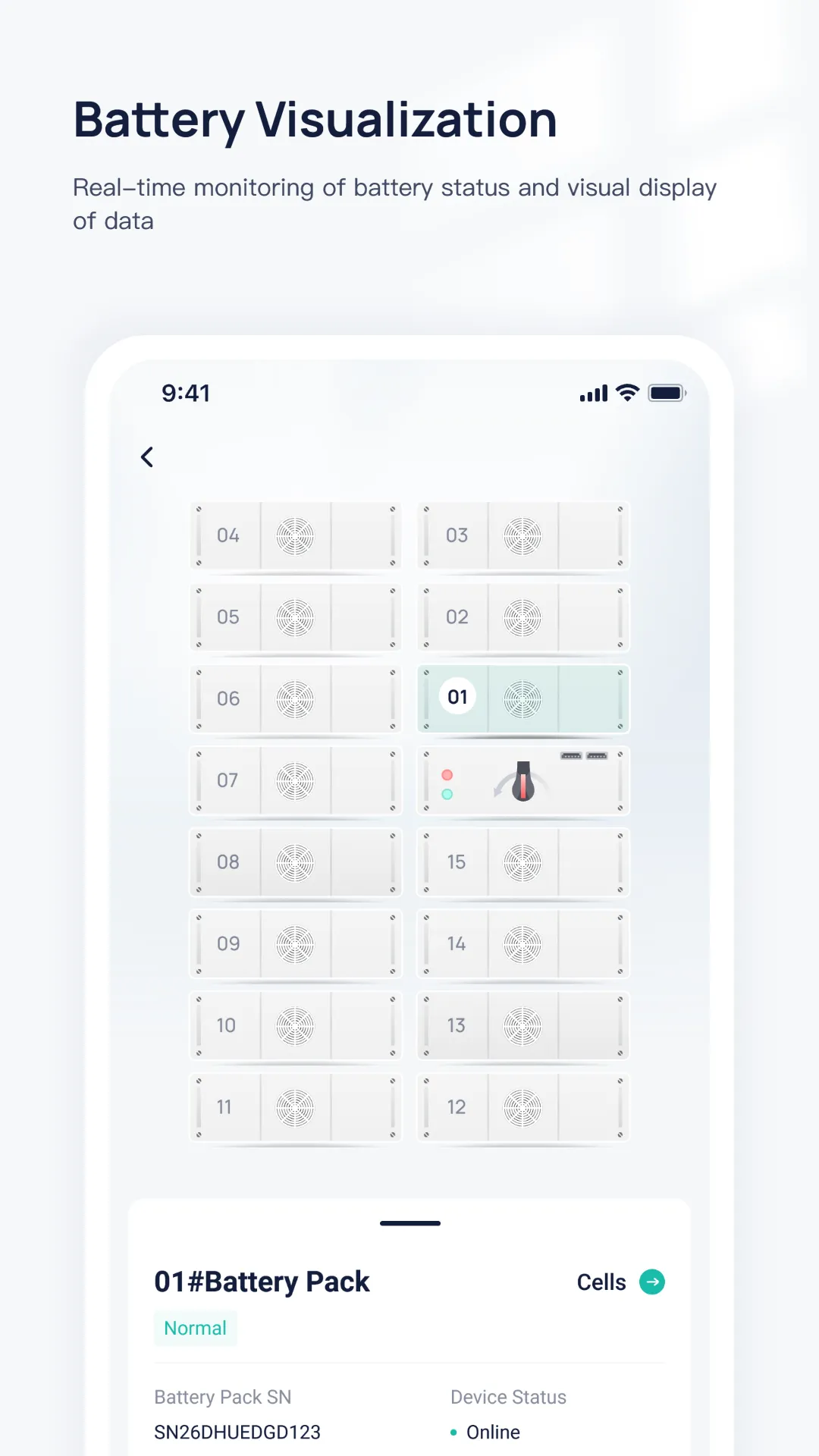
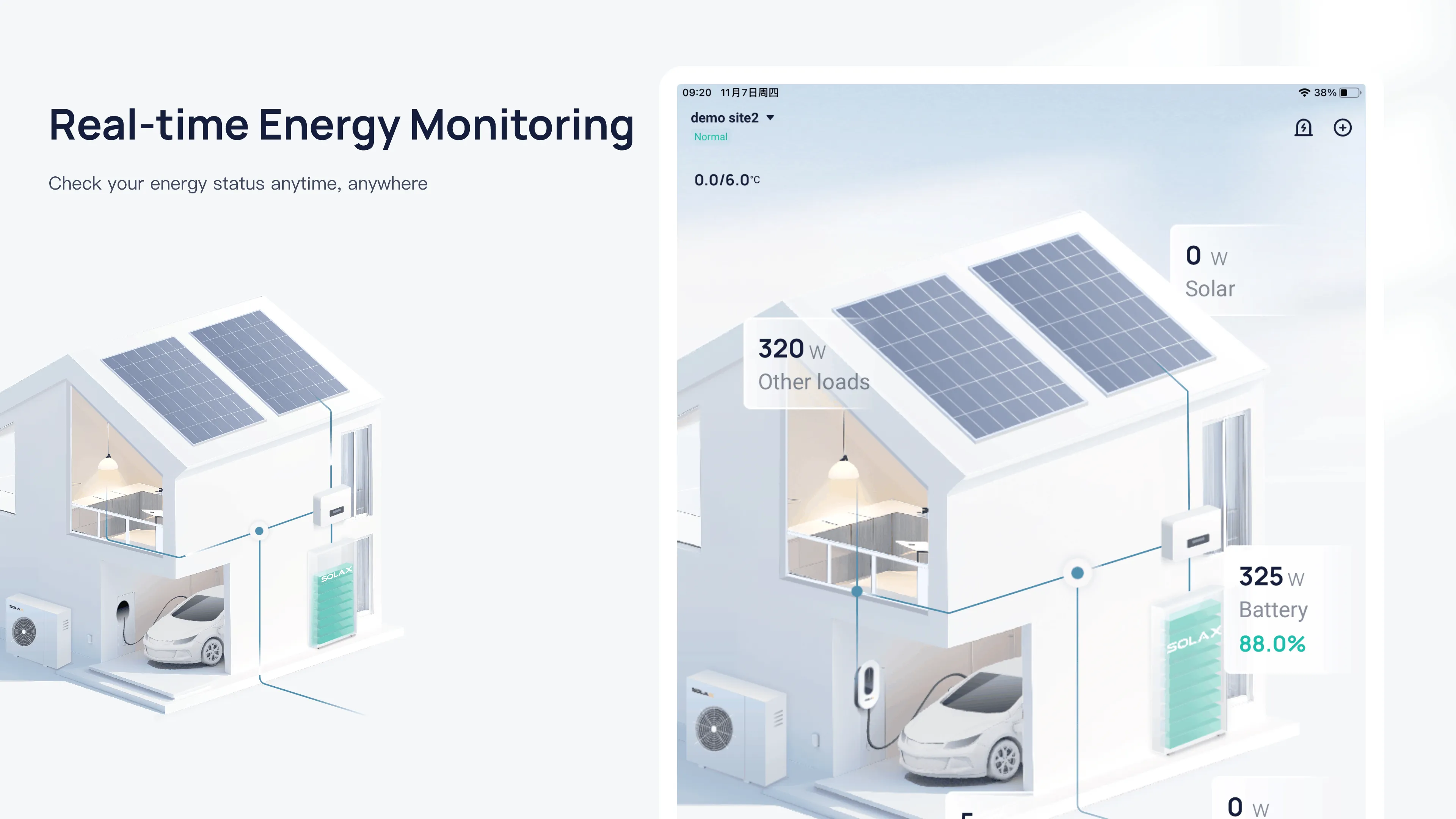
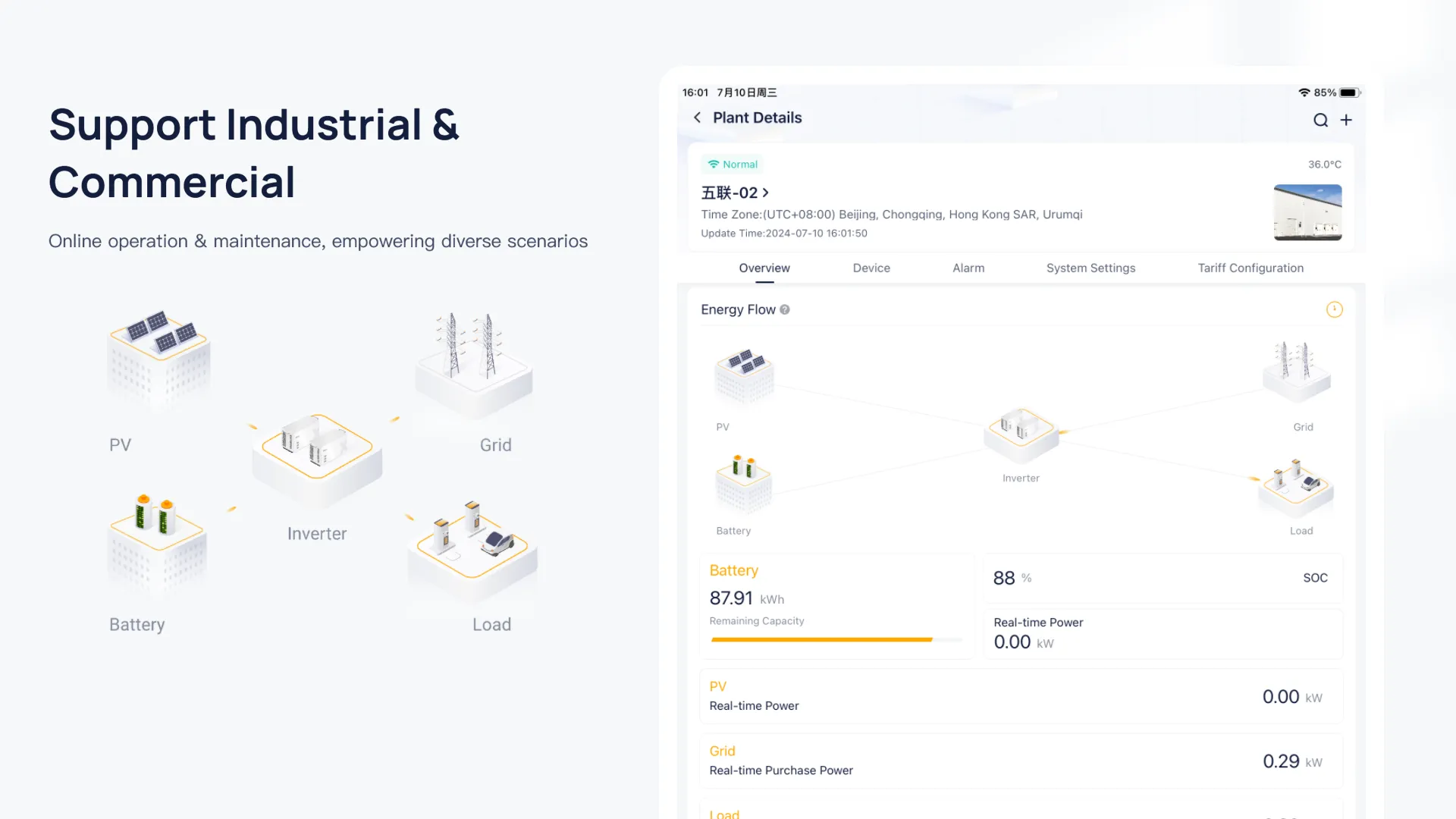
After successful user login, end-users can check various data including site name, panel size, inverter No., battery status, alarm information, inverter yield, load consumption, exported energy and etc. SolaXCloud collects and processes data every 5 mins, users can depend on the dynamic flow chart to monitor the power among panels, inverter, battery, grid and load.
At the same time, if inverter data is online, users can change the settings including Date & time, safety, power factor, work mode, charger and etc. Please kindly note that the password will be required to enter Advance and Super parameters setting.
Description of Agent Login:
After successful agent login, agent can not only check the user, site, inverter list and authorization status, but also the account details including contact person, address, system commission date, rated power, user name, yield today and yield total.
Tools
Ratings
5
3 total ratings
5
100%
4
0%
3
0%
2
0%
1
0%
REVIEWS

g.a.vivek
04/04/2026
very nice
'%20fill-rule='evenodd'%20clip-rule='evenodd'%20d='M8.04878%200.118571C9.10796%20-0.198465%2010.2321%200.132893%2010.9526%200.961509L18.7058%209.9036H22.0709C23.0433%209.90386%2023.8429%2010.7032%2023.843%2011.6757V13.1309H23.8497C23.8497%2013.4983%2023.5476%2013.8014%2023.1803%2013.8015H19.9372V33.9548C19.9372%2034.423%2019.5703%2034.7975%2019.1021%2034.7977H17.142C15.91%2034.7977%2014.9156%2033.8036%2014.9154%2032.5644V28.0251C13.5538%2028.5582%2012.3722%2028.7169%2010.9963%2028.7169C6.45689%2028.7169%203.74677%2025.6897%203.74677%2020.6099V13.8015H1.77319C0.800641%2013.8015%200.000280942%2013.0091%200%2012.0294V10.573C0.000219737%2010.2057%200.303205%209.9036%200.670545%209.9036H13.5676L5.13039%201.85482C4.82078%201.55938%204.94365%201.04032%205.35428%200.917851L8.04878%200.118571ZM8.78425%2013.8082V20.611C8.78438%2023.1974%209.8151%2024.35%2012.1135%2024.35C12.9637%2024.3499%2014.1167%2024.1489%2014.902%2023.7959V13.8082H8.78425Z'%20fill='white'/%3e%3c/svg%3e)
Permissions
Location: access this device"s location
Storage: access photos, media, and files on your device
Internet: use your internet connection
Phone: make and manage phone calls
Developer Info
Curated for YouSee all






Scan to download on PhonePe Appstore

