

veysel
4.0
ratings28 MB
SizeVerified
SCREENSHOTS (21)



About the app
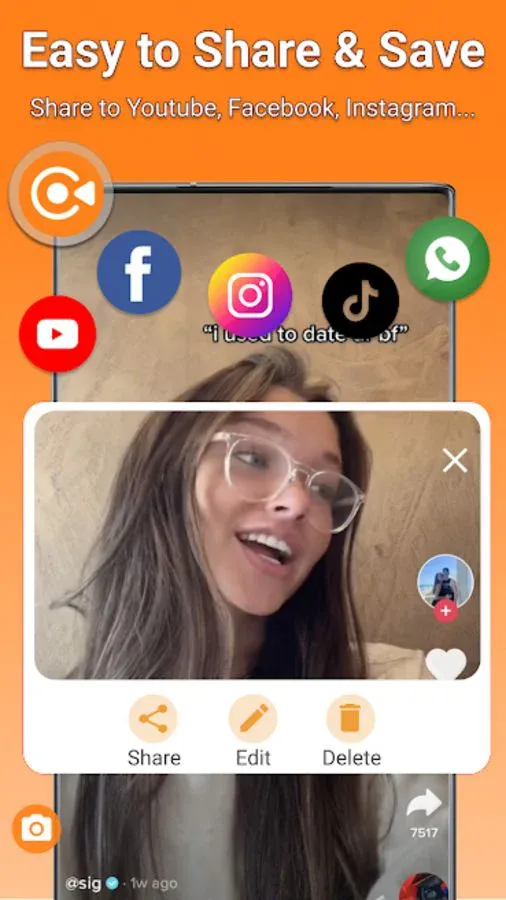
Screen Recorder - Screen Recorder helps you capture smooth & clear screen videos, screenshots in the easiest way. And you will never miss live game shows, and important moments anymore.
Download the best screen recorder - Screen Recorder to capture anything as you like!
✔️ Free Screen Recorder in FULL HD
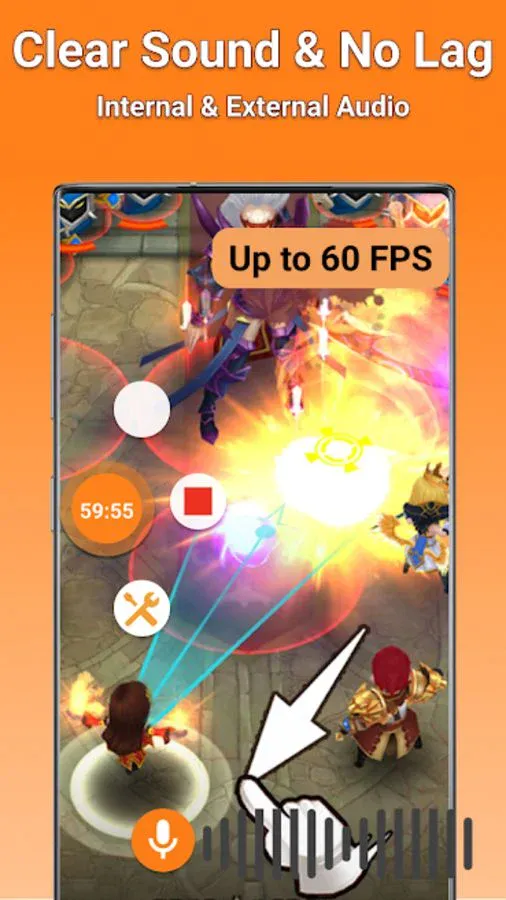
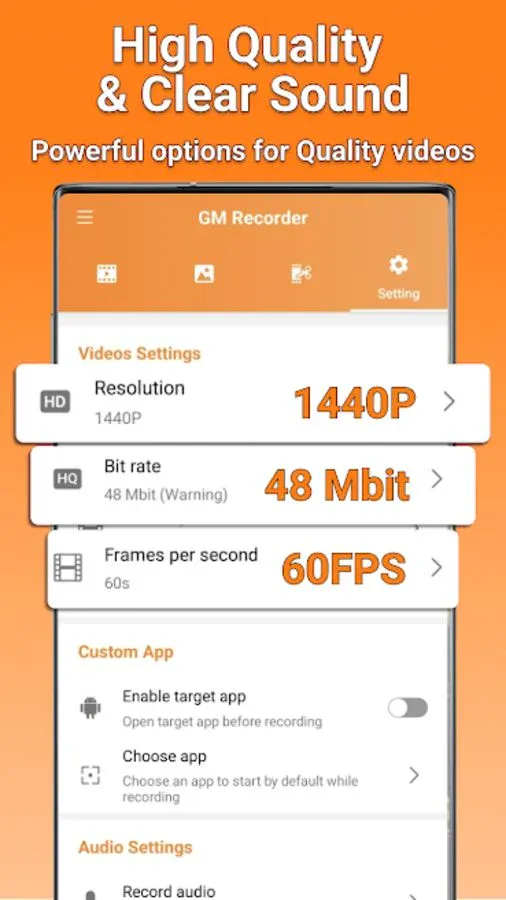
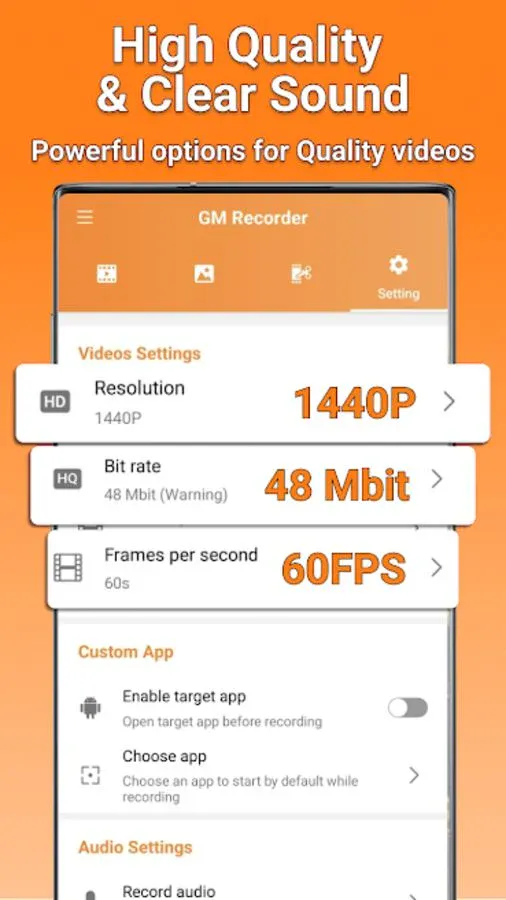
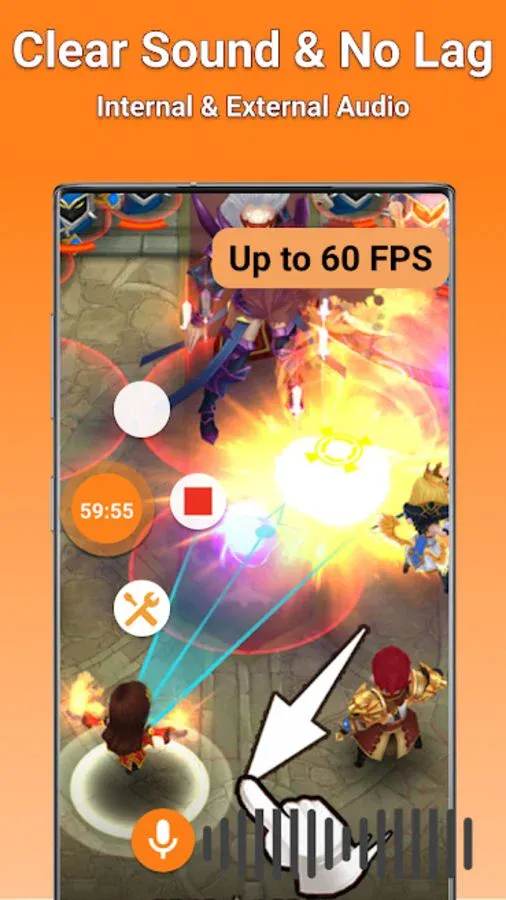
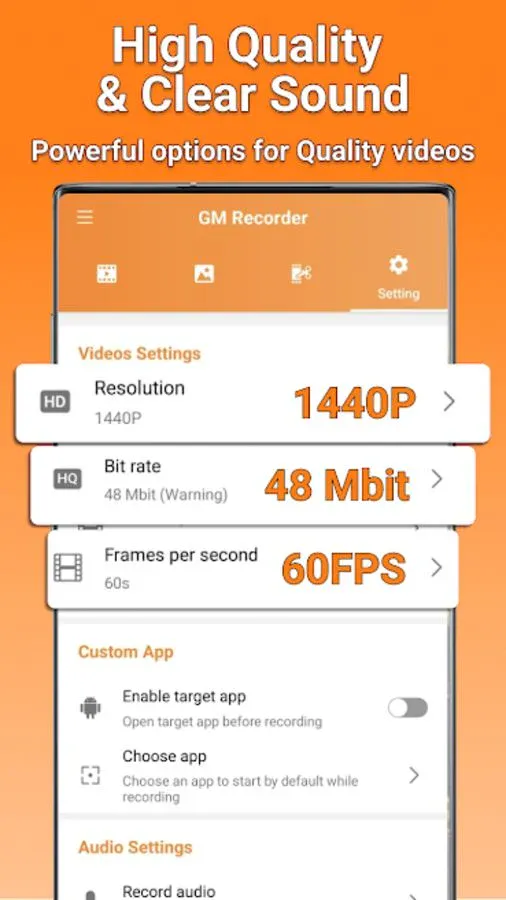
Screen Video Recorder - TG Recorder supports recording game screen in the highest quality, 1440p, 48Mbps, 60FPS. Of course, you can record screen with adjustable resolution(360p to 1440p), quality, and FPS(25FPS to 60FPS).
✔️ Game Recorder with no Time Limit
This screen recorder - Screen Recorder is also a convenient game recorder and screen capture tool. It helps you capture screen, record screen and record gameplay video without recording time limit.
✔️ Screen Video Recorder with no Watermark
Still find a screen capture tool without watermark? Download this video recorder to capture screen in a cleaner way. If you want to capture screen, record screen or take a screenshot efficiently, it is a must-have screen recorder.
✔️ Screen Recorder with Sound
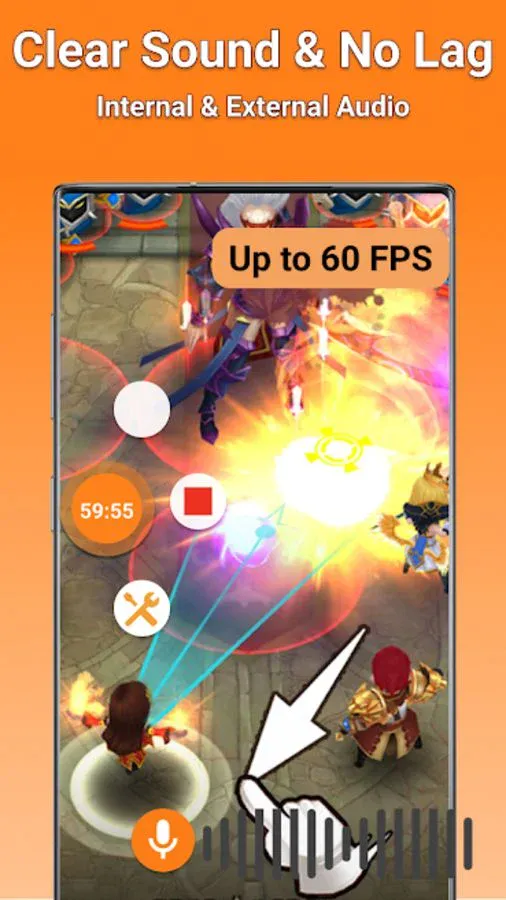
Want to record gameplay, video tutorial with sound? This powerful screen recorder with sound is your best choice. It will record your voice fluidly and clearly.
✔️ Screen Recorder with Facecam
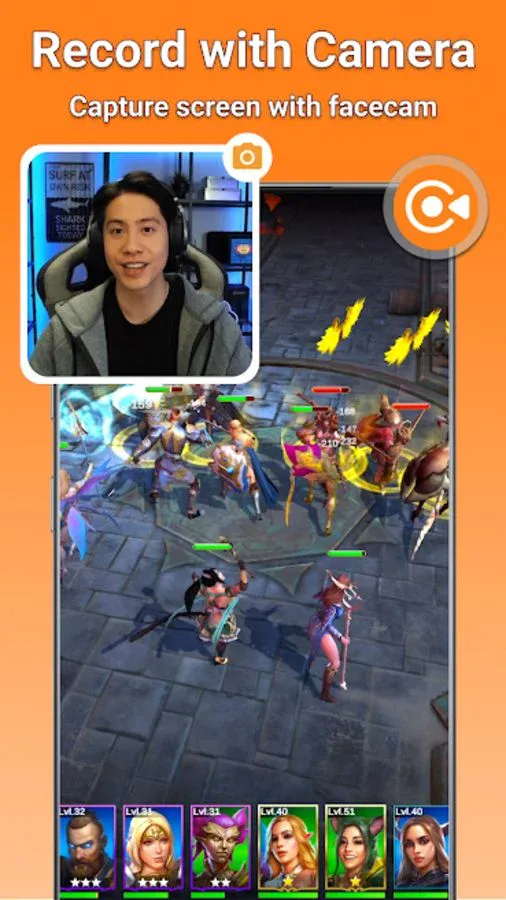
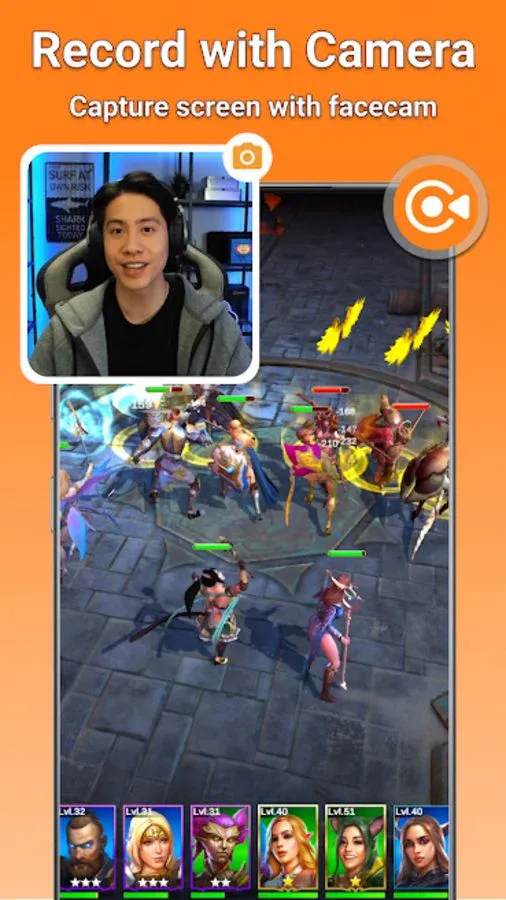
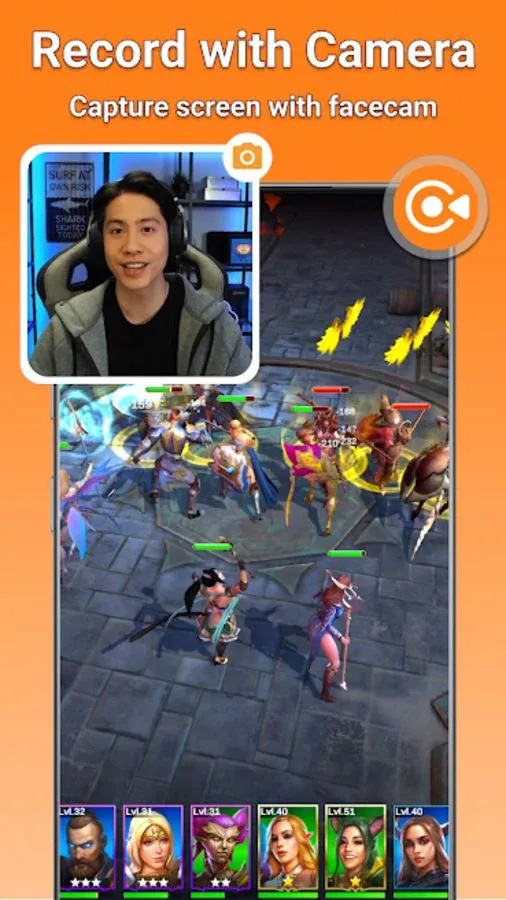
Screen Recorder with Facecam helps you record your face and reaction in a small overlay window. It can be dragged freely to any position on the screen and customized to any size.
✔️ Screen Recorder with Audio
It is also a well functional screen recorder with audio, screen recorder with sound. Download this fantastic screen recorder with audio to record your own video now.
TOP FEATURES:
✅ Record Gameplay on your phone
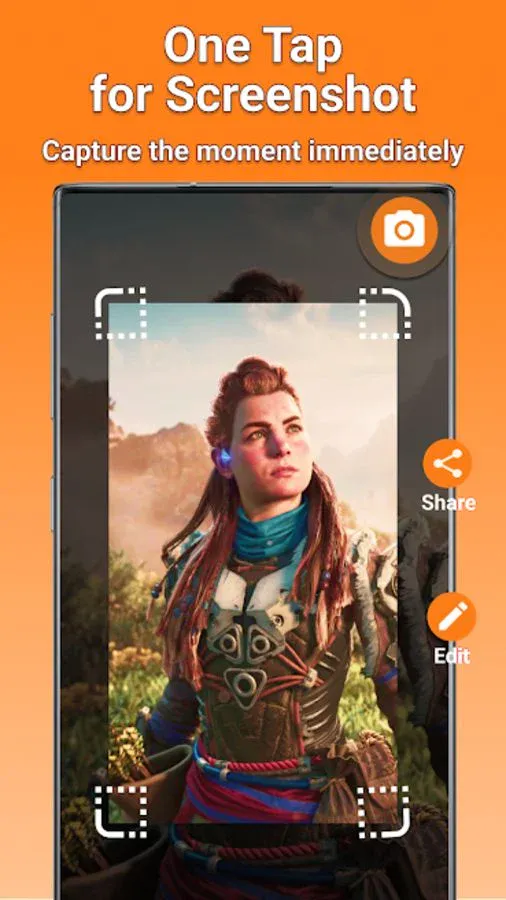
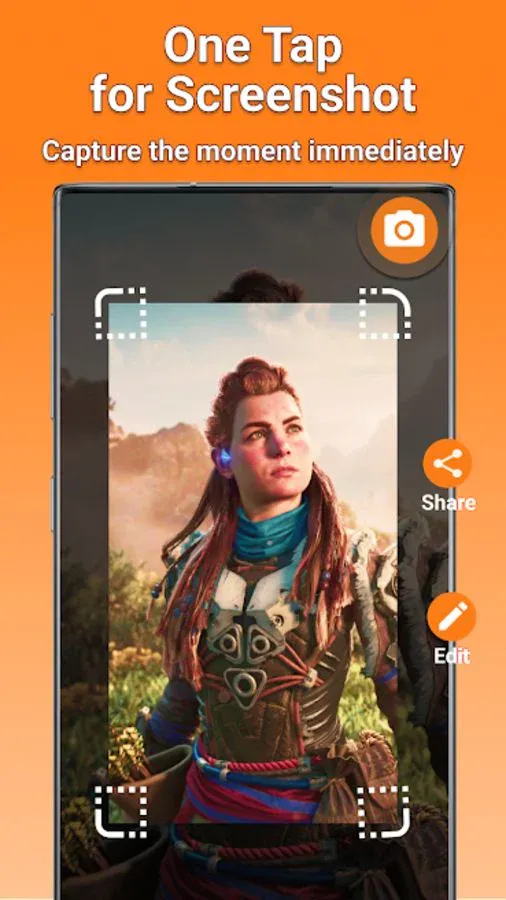
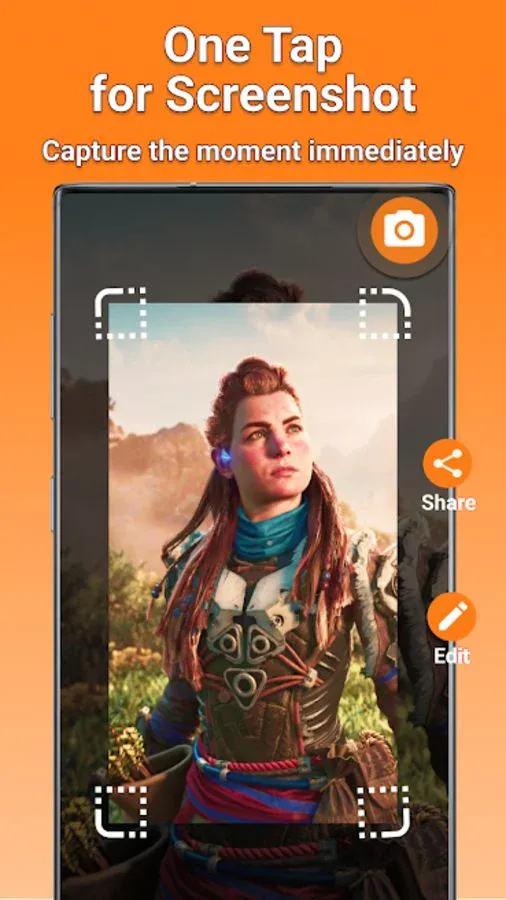
✅ Capture screen to take a clear screenshot
✅ Export Full HD video with custom settings: 360p to 1440p, 60FPS, 48Mbps
✅ No watermark: record a clean video & screenshot
✅ No recording time limits & No root needed
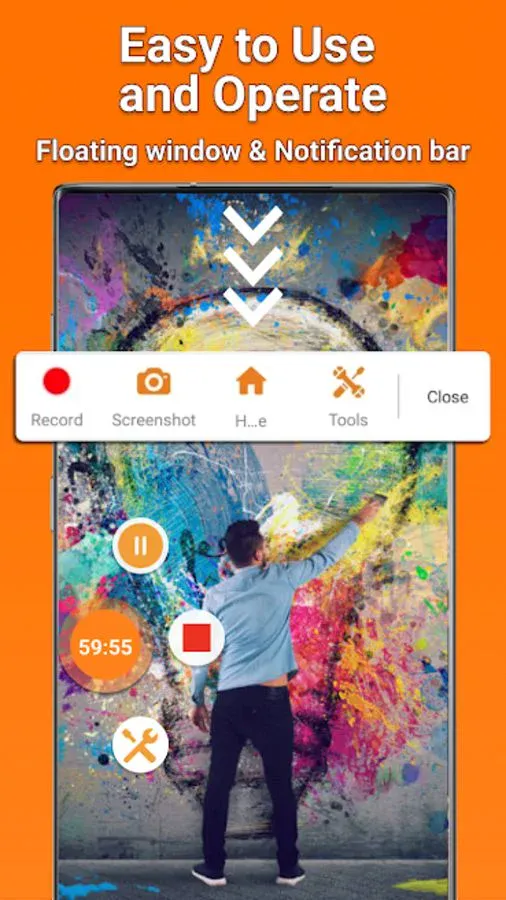
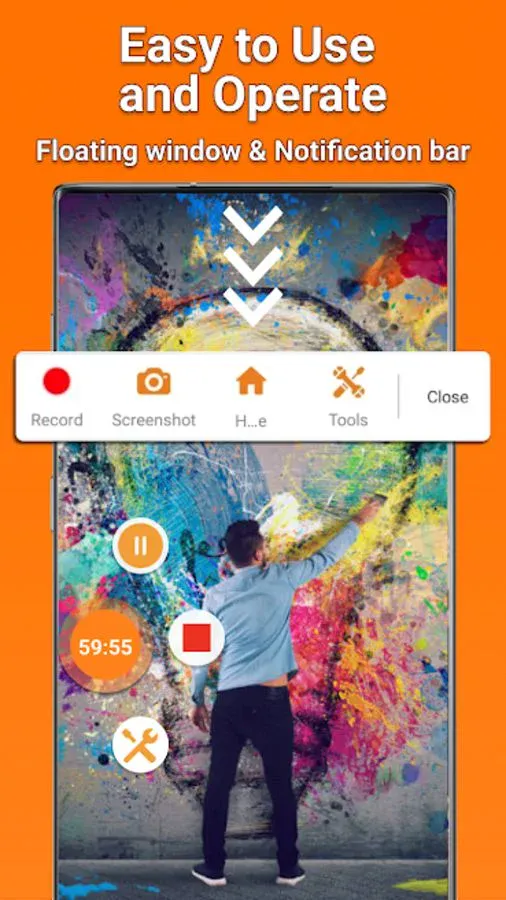
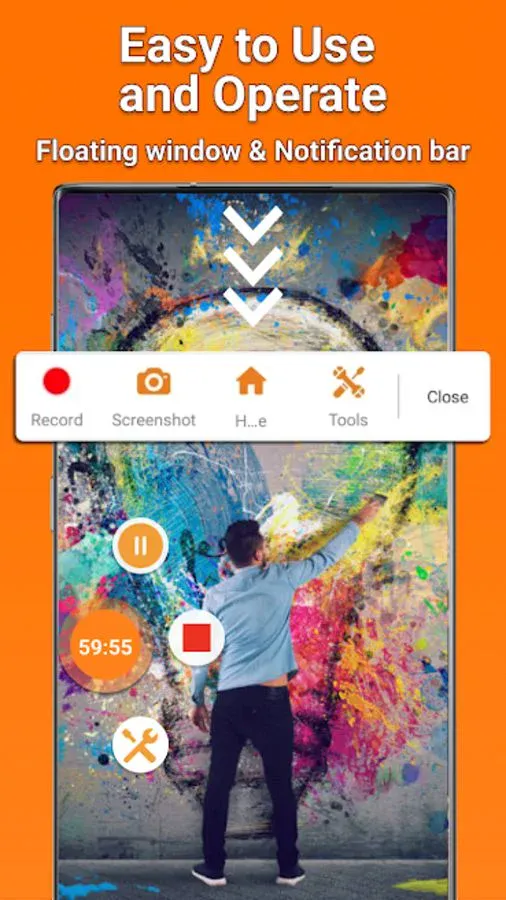
✅ Easy to pause/resume recording, rotate screen
✅ Countdown timer - to be a fully prepared recorder
✅ Floating button - just one tap to record screen and Take Screenshots
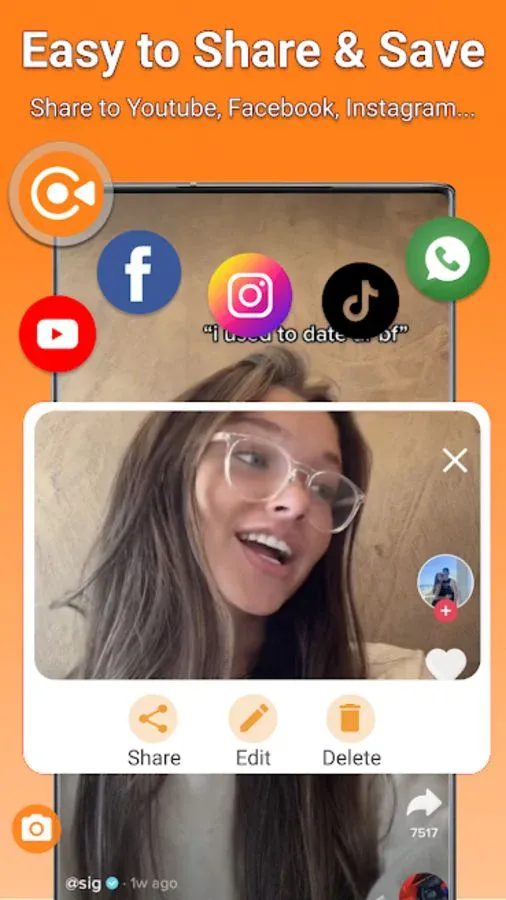
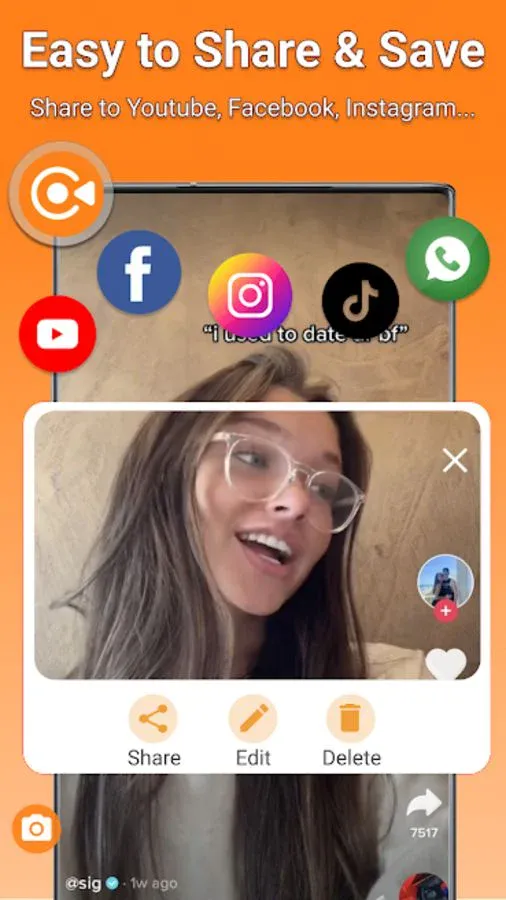
✅ Trim video - Edit video easily, Create Better
✅ Orientation (Auto, Landscape & Portrait) - Record Screen in your comfortable mode
✅ You can use face camera to record yourself and make original video
✅ Shake to stop: It only takes one touch to start recording or pause/resume at any time. You can also just shake your phone to stop recording.
✅ Support recording video with internal audio for Android 10+ users.
Download the best screen recorder - Screen Recorder to capture anything as you like!
✔️ Free Screen Recorder in FULL HD
Screen Video Recorder - TG Recorder supports recording game screen in the highest quality, 1440p, 48Mbps, 60FPS. Of course, you can record screen with adjustable resolution(360p to 1440p), quality, and FPS(25FPS to 60FPS).
✔️ Game Recorder with no Time Limit
This screen recorder - Screen Recorder is also a convenient game recorder and screen capture tool. It helps you capture screen, record screen and record gameplay video without recording time limit.
✔️ Screen Video Recorder with no Watermark
Still find a screen capture tool without watermark? Download this video recorder to capture screen in a cleaner way. If you want to capture screen, record screen or take a screenshot efficiently, it is a must-have screen recorder.
✔️ Screen Recorder with Sound
Want to record gameplay, video tutorial with sound? This powerful screen recorder with sound is your best choice. It will record your voice fluidly and clearly.
✔️ Screen Recorder with Facecam
Screen Recorder with Facecam helps you record your face and reaction in a small overlay window. It can be dragged freely to any position on the screen and customized to any size.
✔️ Screen Recorder with Audio
It is also a well functional screen recorder with audio, screen recorder with sound. Download this fantastic screen recorder with audio to record your own video now.
TOP FEATURES:
✅ Record Gameplay on your phone
✅ Capture screen to take a clear screenshot
✅ Export Full HD video with custom settings: 360p to 1440p, 60FPS, 48Mbps
✅ No watermark: record a clean video & screenshot
✅ No recording time limits & No root needed
✅ Easy to pause/resume recording, rotate screen
✅ Countdown timer - to be a fully prepared recorder
✅ Floating button - just one tap to record screen and Take Screenshots
✅ Trim video - Edit video easily, Create Better
✅ Orientation (Auto, Landscape & Portrait) - Record Screen in your comfortable mode
✅ You can use face camera to record yourself and make original video
✅ Shake to stop: It only takes one touch to start recording or pause/resume at any time. You can also just shake your phone to stop recording.
✅ Support recording video with internal audio for Android 10+ users.
Tools
Ratings
0
0 total ratings
5
73%
4
10%
3
4%
2
3%
1
10%
REVIEWS
No reviews yet. Be the first one to review this app
'%20fill-rule='evenodd'%20clip-rule='evenodd'%20d='M8.04878%200.118571C9.10796%20-0.198465%2010.2321%200.132893%2010.9526%200.961509L18.7058%209.9036H22.0709C23.0433%209.90386%2023.8429%2010.7032%2023.843%2011.6757V13.1309H23.8497C23.8497%2013.4983%2023.5476%2013.8014%2023.1803%2013.8015H19.9372V33.9548C19.9372%2034.423%2019.5703%2034.7975%2019.1021%2034.7977H17.142C15.91%2034.7977%2014.9156%2033.8036%2014.9154%2032.5644V28.0251C13.5538%2028.5582%2012.3722%2028.7169%2010.9963%2028.7169C6.45689%2028.7169%203.74677%2025.6897%203.74677%2020.6099V13.8015H1.77319C0.800641%2013.8015%200.000280942%2013.0091%200%2012.0294V10.573C0.000219737%2010.2057%200.303205%209.9036%200.670545%209.9036H13.5676L5.13039%201.85482C4.82078%201.55938%204.94365%201.04032%205.35428%200.917851L8.04878%200.118571ZM8.78425%2013.8082V20.611C8.78438%2023.1974%209.8151%2024.35%2012.1135%2024.35C12.9637%2024.3499%2014.1167%2024.1489%2014.902%2023.7959V13.8082H8.78425Z'%20fill='white'/%3e%3c/svg%3e)
Permissions
Storage: access photos, media, and files on your device
Internet: use your internet connection
Camera: take pictures and record video
Microphone: record audio
Developer Info
Curated for YouSee all






Scan to download on PhonePe Appstore

