

Divyesh Devlani
4.0
ratings5 MB
SizeVerified
SCREENSHOTS (8)
About the app
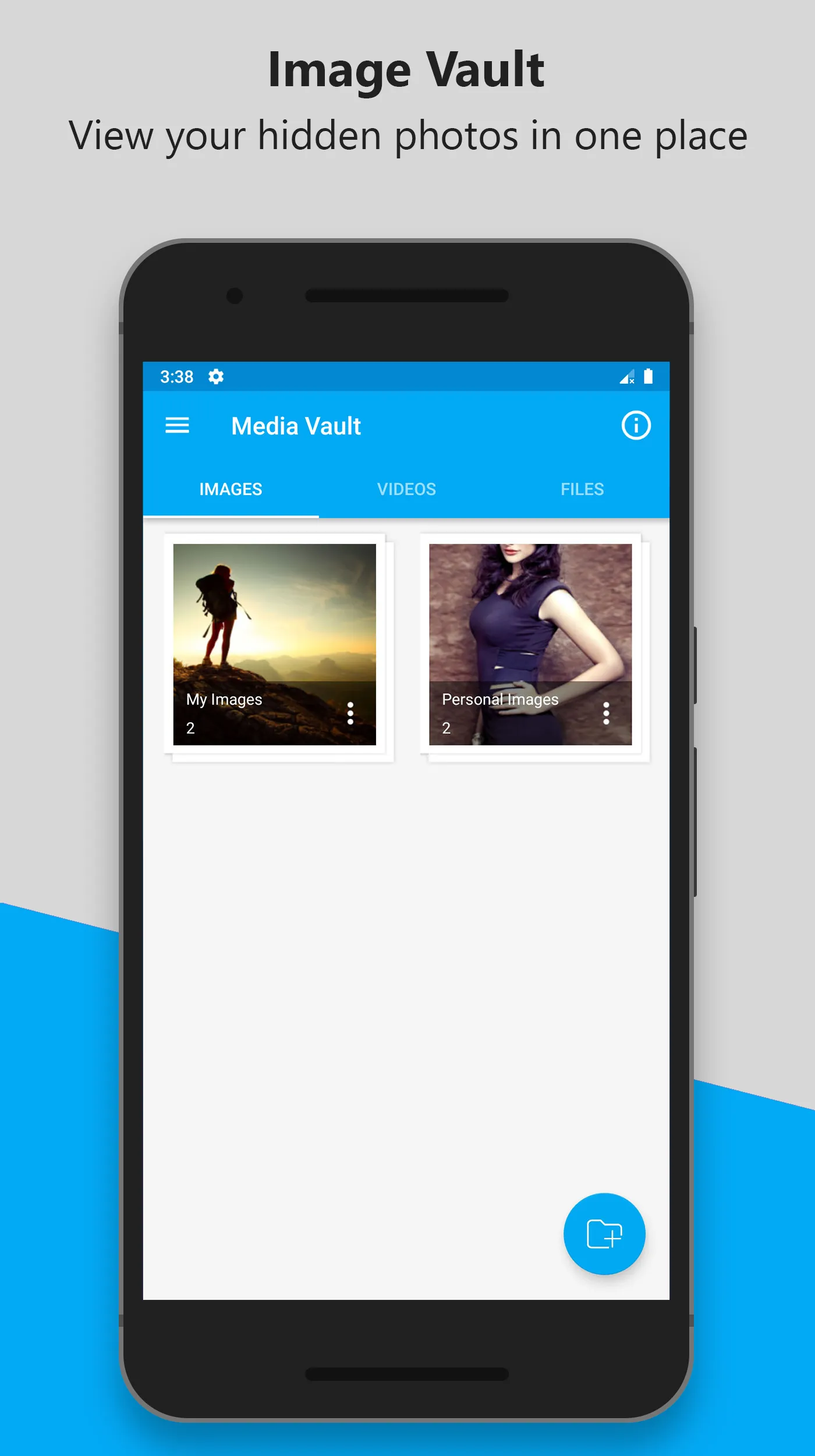
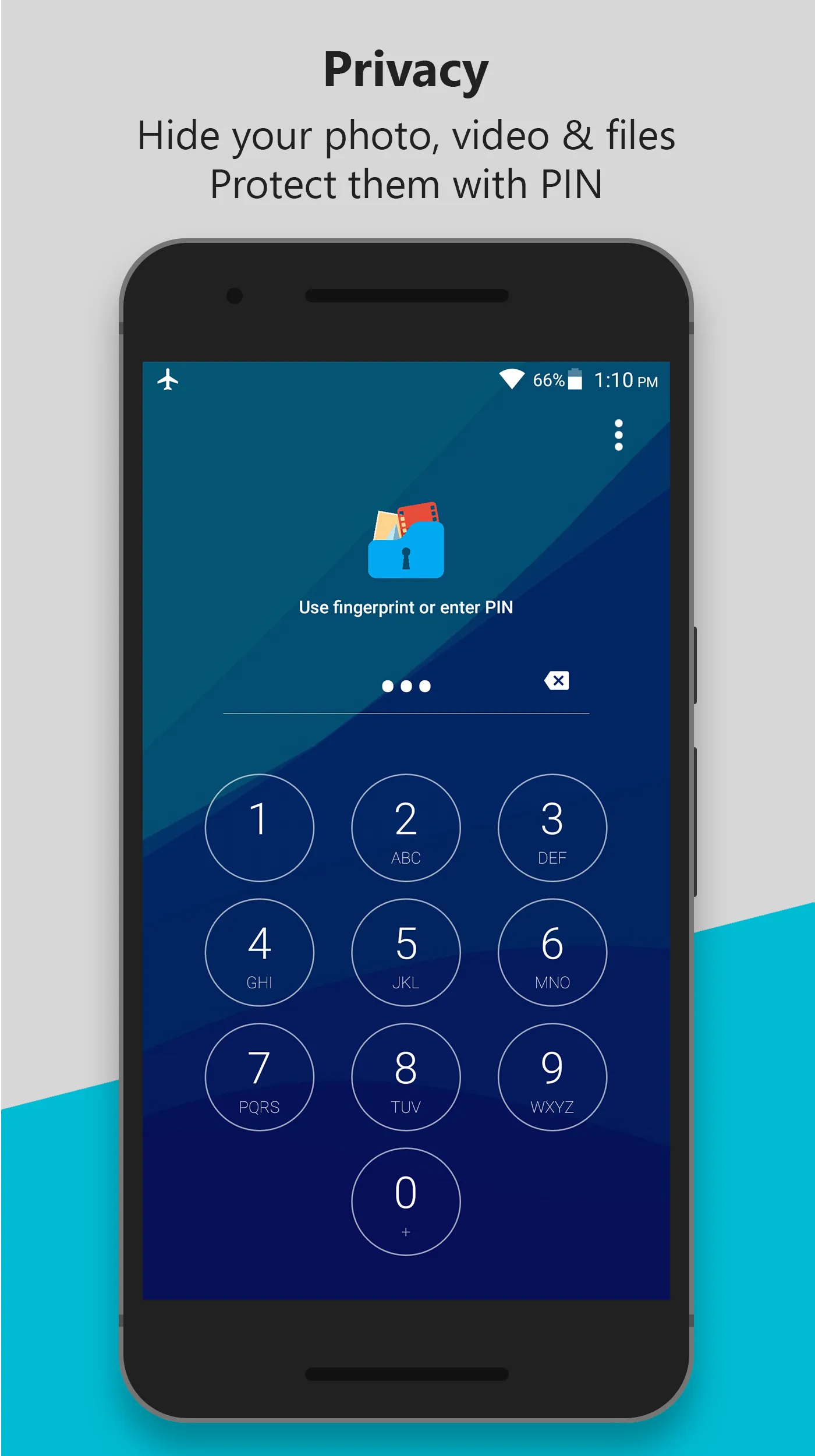
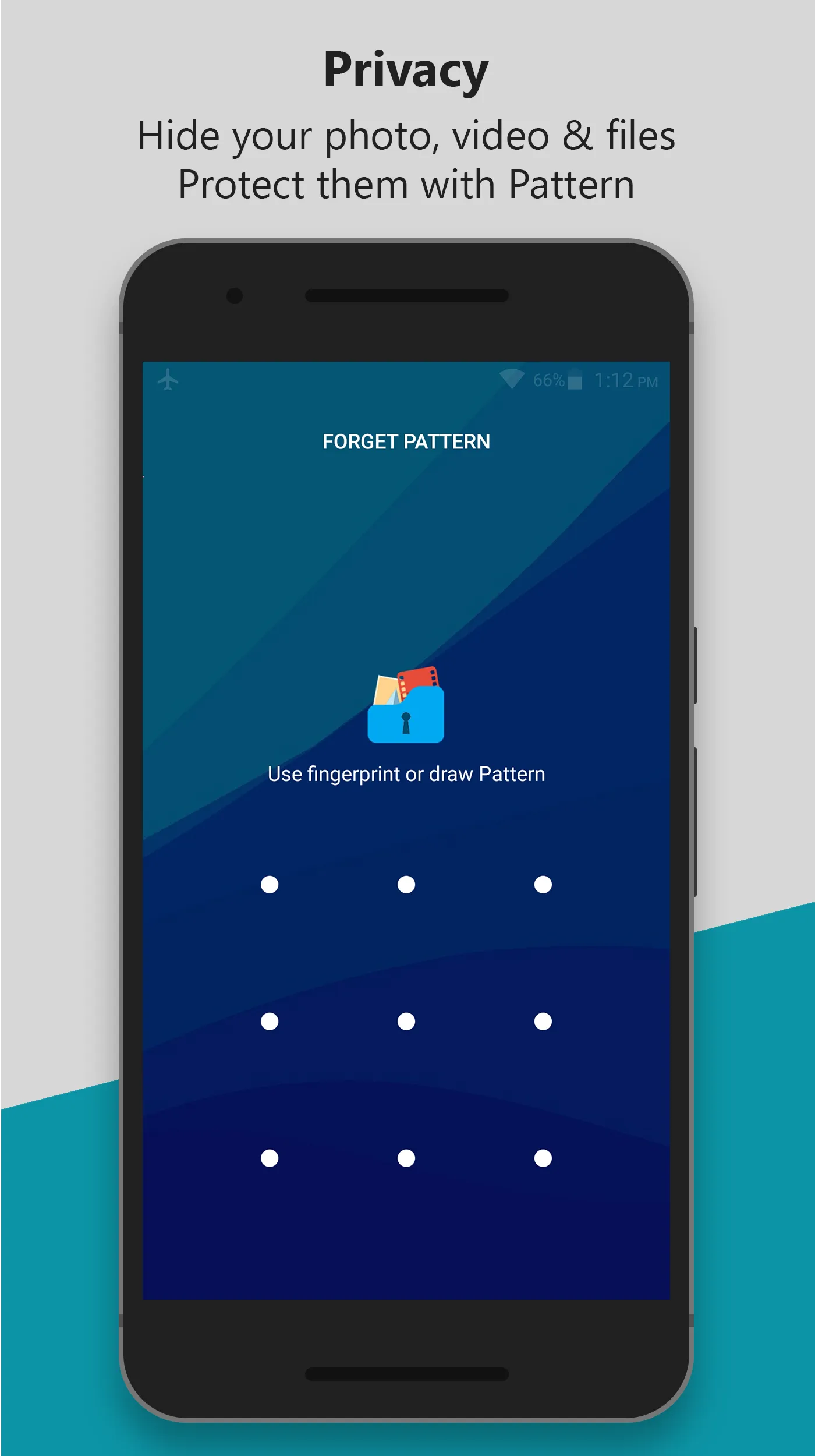
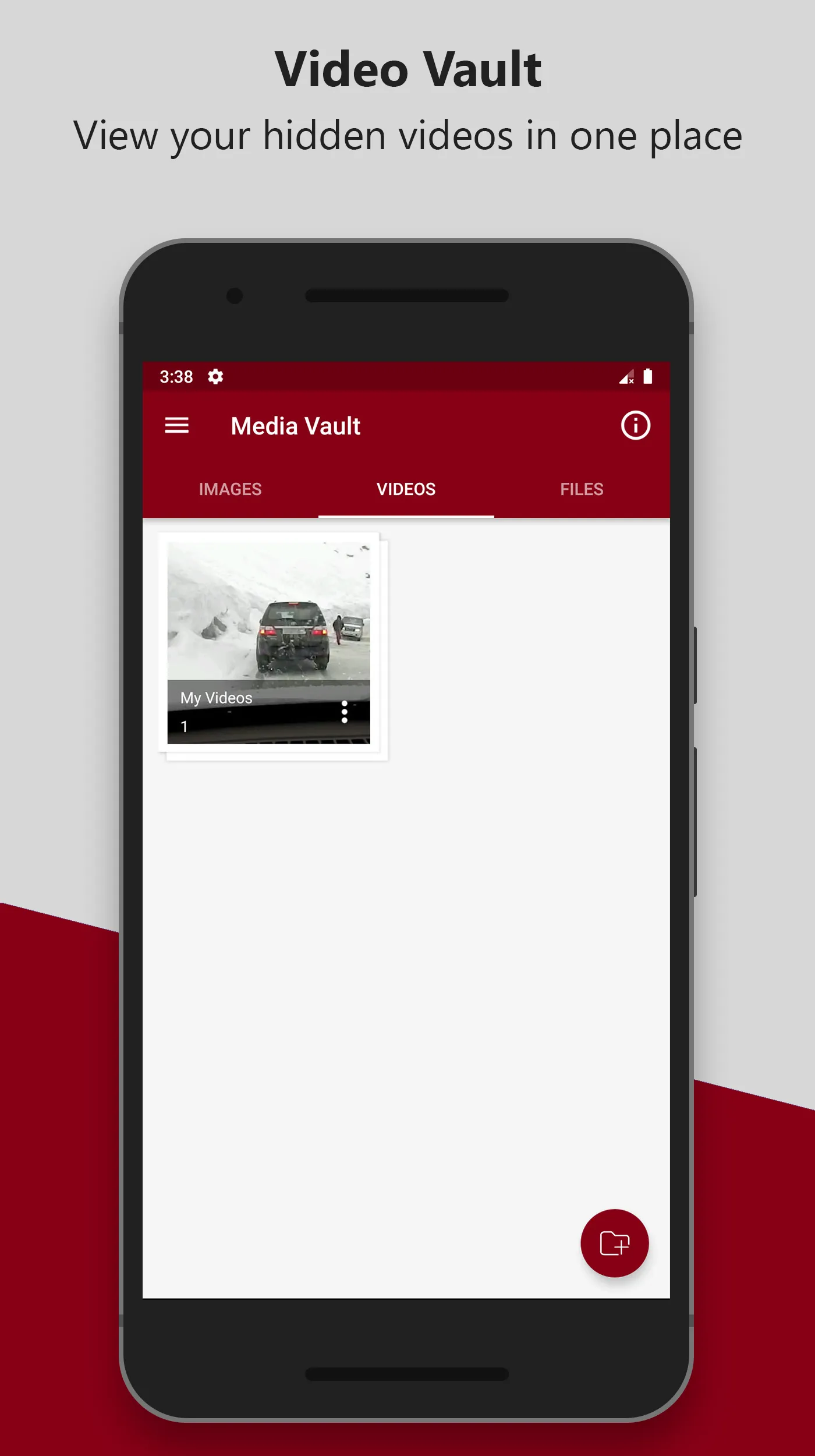
Media Vault can hide images, videos & files, unlock the app with PIN or pattern, or fingerprint.
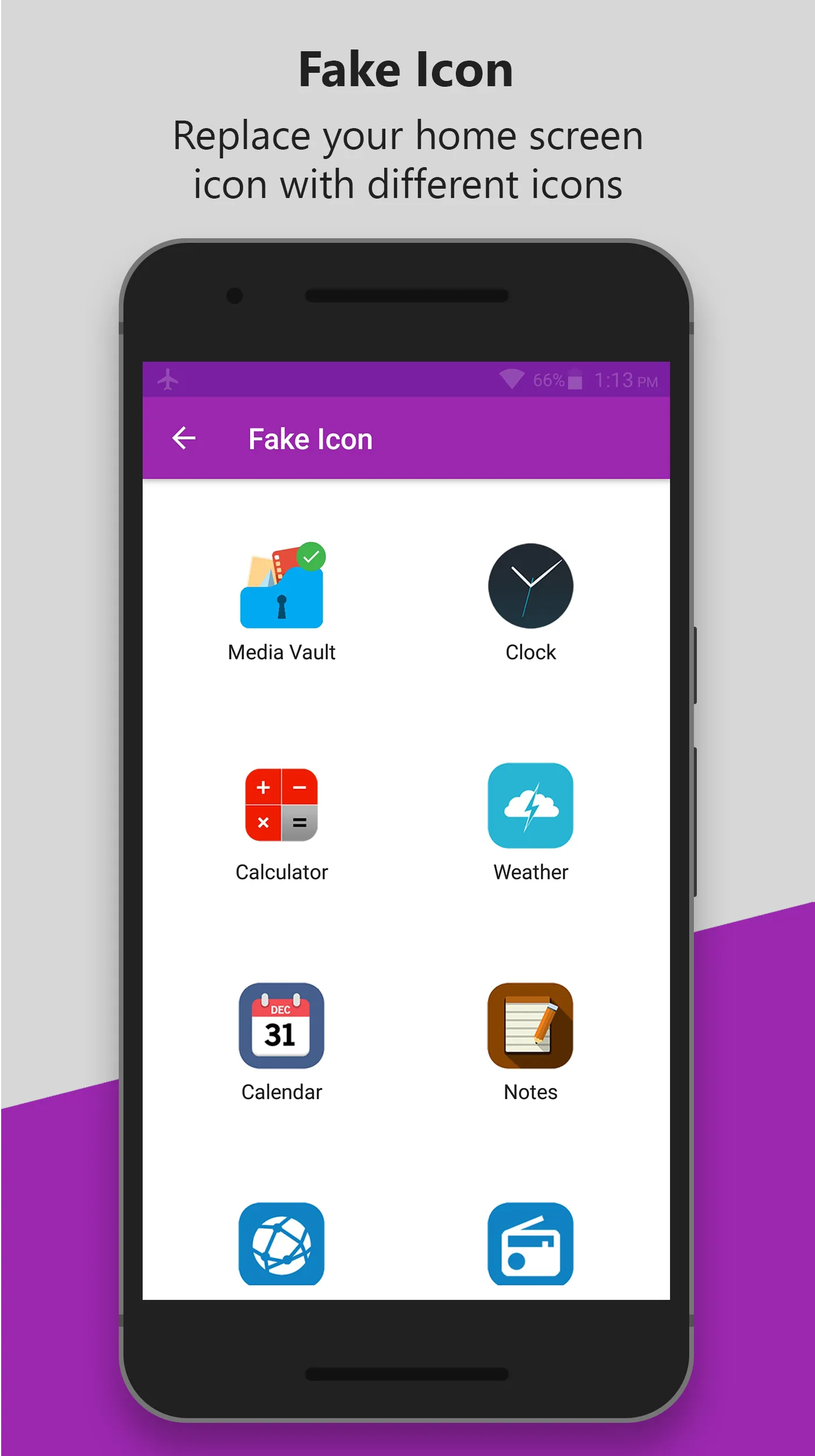
• Hide Media Vault icon from the home screen or Replace Media Vault icon with Alarm Clock, Weather, Calculator, Calendar, Notepad, Browser, and Radio on the home screen, easy to confuse intruders and keep media safe.
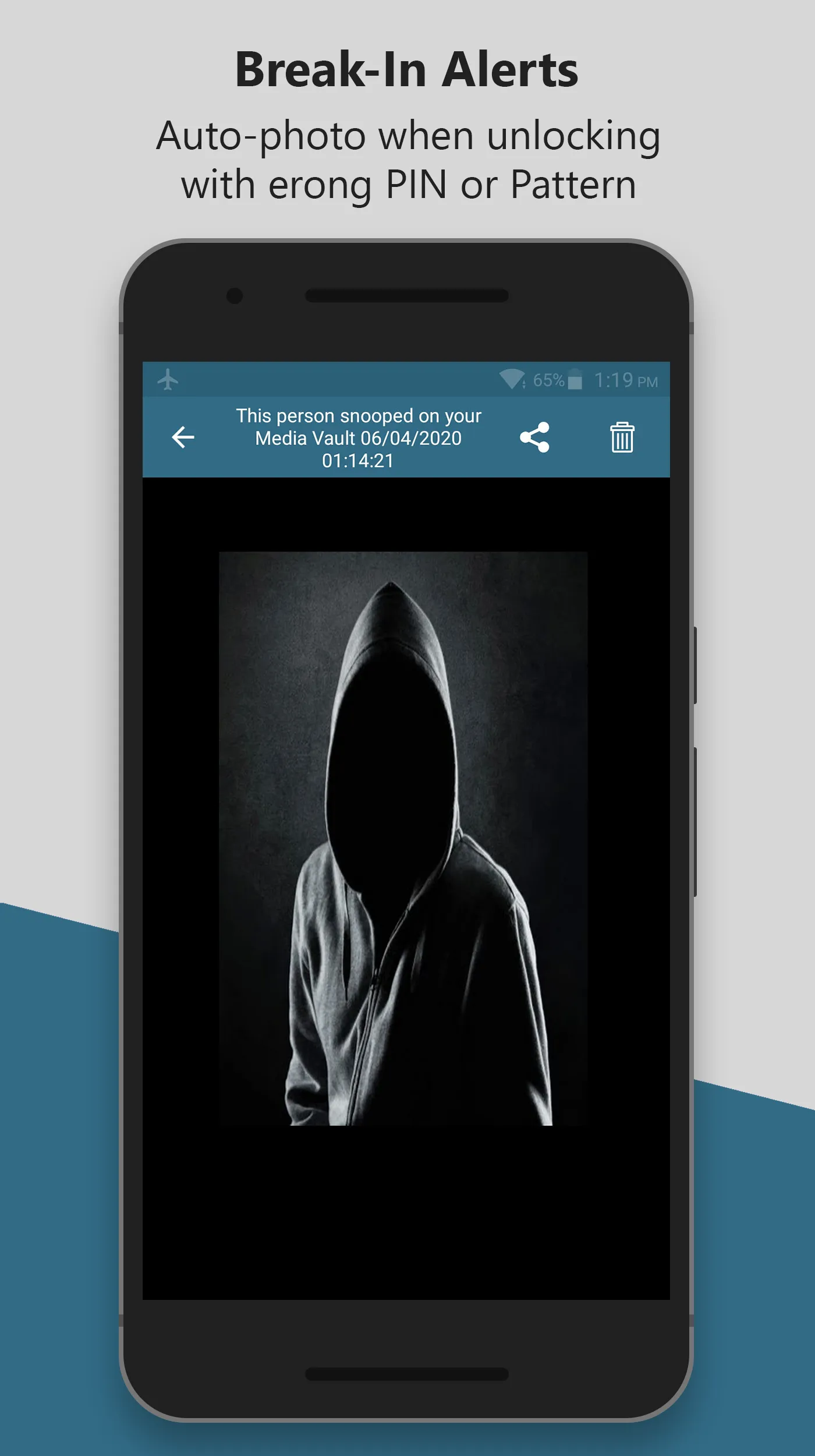
• Media Vault contains Break-in Alerts which allows you to easily see who has tried to unlock Media Vault without your permission, Media Vault will take a photo when the user enters the wrong PIN, and unlocking failed.
• PIN lock has a random keyboard option, random keyboard ensures more security.
• Media Vault supports Invisible Pattern Lock.
MAIN FEATURES
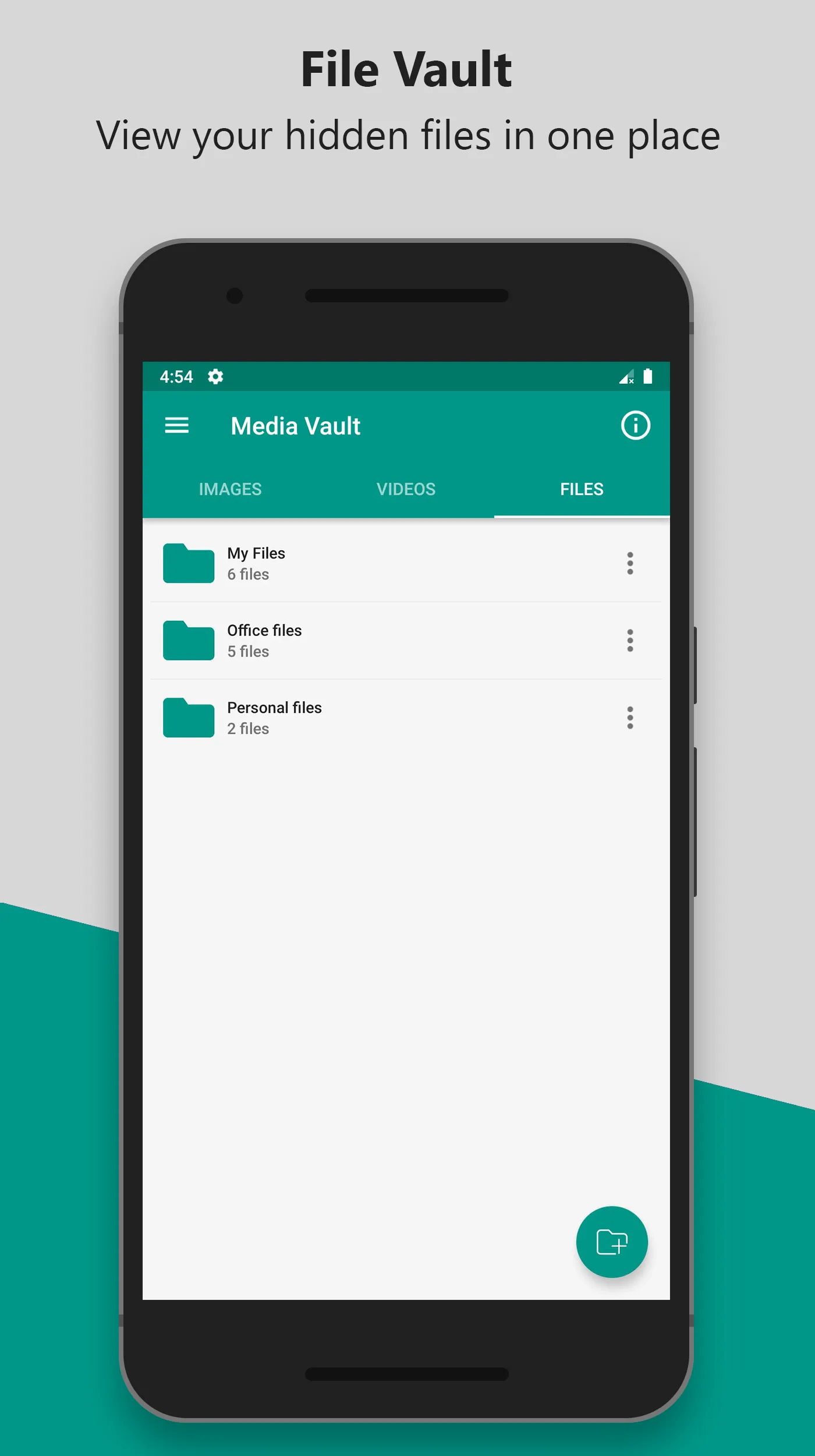
★ Hide Images, Videos & Files from phone memory and SD card.
★ It supports SD card, you can move your files from phone memory to SD card and hide them to save storage space of phone memory.
★ No storage limitations to hide files.
★ Unlock Media Vault with PIN, Pattern, or Fingerprint.
★ Hide Media Vault icon.
★ Replace Media Vault icon with Fake Icon to confuse intruders.
★ Contains Break-in Alerts, it will capture a photo when entered wrong PIN or pattern.
★ Know who is trying to access Media Vault with the wrong PIN.
★ Beautiful and smooth user interface.
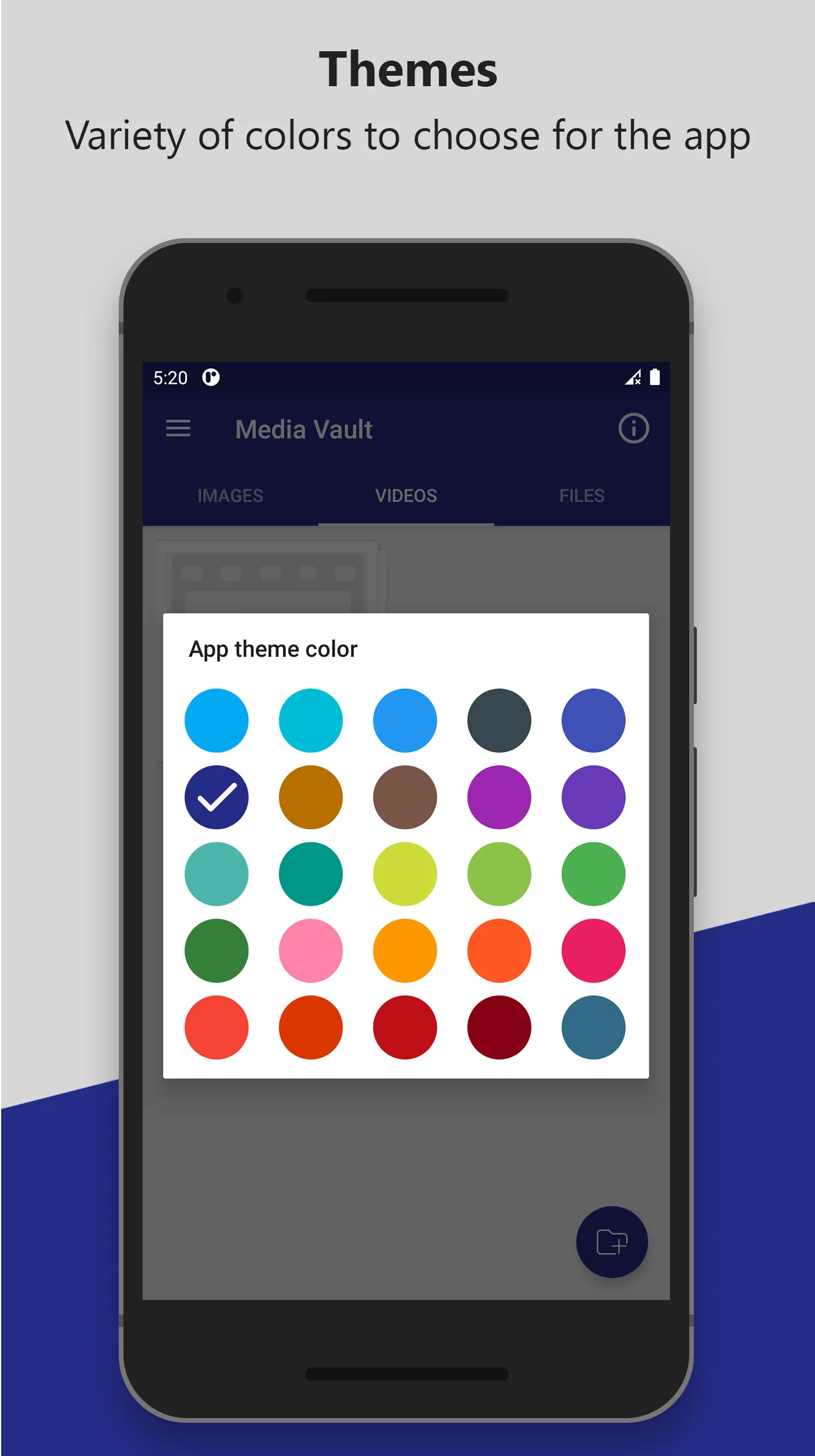
★ Variety of Themes.
★ Random Keyboard.
★ Invisible Pattern.
-------FAQ------
1. How to set my PIN for the first time?
Open Media Vault -> Enter PIN code -> Confirm PIN code
2. How to change my PIN?
Open Media Vault -> Settings -> Change PIN
Confirm PIN -> Enter new PIN -> Re-enter new PIN
3. What should I do if I forget the Media Vault PIN?
Login Screen -> Reset PIN, follow instructions.
Permissions
Media Vault may ask for permission to access the following features
• Photos/Media/Files for Vault feature.
• Camera for Snap photo of intruders.
Note: This app uses the Device Administrator permission
- This BIND_DEVICE_ADMIN permission is used to prevent uninstalling Media Vault by unauthorized uses. After you enable this advanced Protection, nobody can uninstall Media Vault without a PIN. If you want to uninstall it, please disable Uninstall Prevention first from app settings.
Tools
Ratings
0
0 total ratings
5
73%
4
10%
3
4%
2
3%
1
10%
REVIEWS
No reviews yet. Be the first one to review this app
'%20fill-rule='evenodd'%20clip-rule='evenodd'%20d='M8.04878%200.118571C9.10796%20-0.198465%2010.2321%200.132893%2010.9526%200.961509L18.7058%209.9036H22.0709C23.0433%209.90386%2023.8429%2010.7032%2023.843%2011.6757V13.1309H23.8497C23.8497%2013.4983%2023.5476%2013.8014%2023.1803%2013.8015H19.9372V33.9548C19.9372%2034.423%2019.5703%2034.7975%2019.1021%2034.7977H17.142C15.91%2034.7977%2014.9156%2033.8036%2014.9154%2032.5644V28.0251C13.5538%2028.5582%2012.3722%2028.7169%2010.9963%2028.7169C6.45689%2028.7169%203.74677%2025.6897%203.74677%2020.6099V13.8015H1.77319C0.800641%2013.8015%200.000280942%2013.0091%200%2012.0294V10.573C0.000219737%2010.2057%200.303205%209.9036%200.670545%209.9036H13.5676L5.13039%201.85482C4.82078%201.55938%204.94365%201.04032%205.35428%200.917851L8.04878%200.118571ZM8.78425%2013.8082V20.611C8.78438%2023.1974%209.8151%2024.35%2012.1135%2024.35C12.9637%2024.3499%2014.1167%2024.1489%2014.902%2023.7959V13.8082H8.78425Z'%20fill='white'/%3e%3c/svg%3e)
Permissions
Storage: access photos, media, and files on your device
Biometric Information: access biometric data like fingerprint to unlock the app
Internet: use your internet connection
Camera: take pictures and record video
Curated for YouSee all






Scan to download on PhonePe Appstore

