
4.0
ratings16 MB
SizeVerified
SCREENSHOTS (7)
About the app
KeepSafe: Your Personal Secure Vault – A powerful offline-first password manager designed to protect your most confidential information with complete privacy, control, and strong on-device security.
⚡ 100% Offline First – Your Data Stays With You
• Works completely without internet – anytime, anywhere
• No data is required to be stored on external servers
• Access your passwords even without network or Wi-Fi
• Ideal for travel, emergencies, or low connectivity areas
• Designed to keep your data on your device
• You stay in control of your information
🔒 Strong Security Protection
• Encryption helps protect your sensitive data
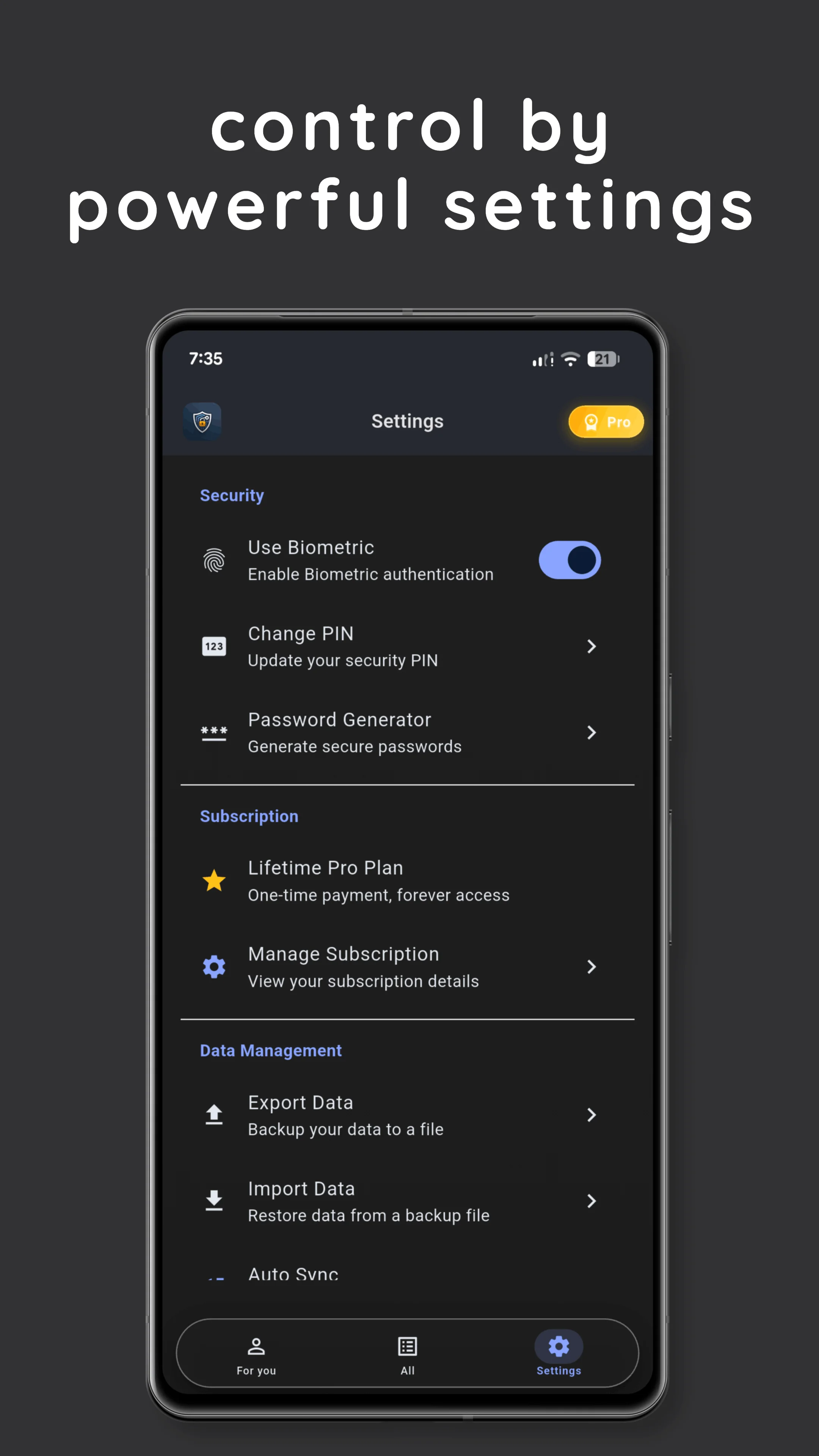
• PIN code + Fingerprint/Face ID for secure access
• Automatic logout when you're away
• Data stored locally on your device
🚀 Smart Password Creator (Pro Feature)
• Generate strong passwords from 8–64 characters
• Modes: Random, Easy-to-Remember, and PIN codes
• Customize with letters, numbers, and symbols
• Avoid confusing characters (i, l, 1, O, 0, etc.)
• Create secure yet memorable passwords
• Copy passwords with one tap
⭐ Easy Access & Smart Tracking
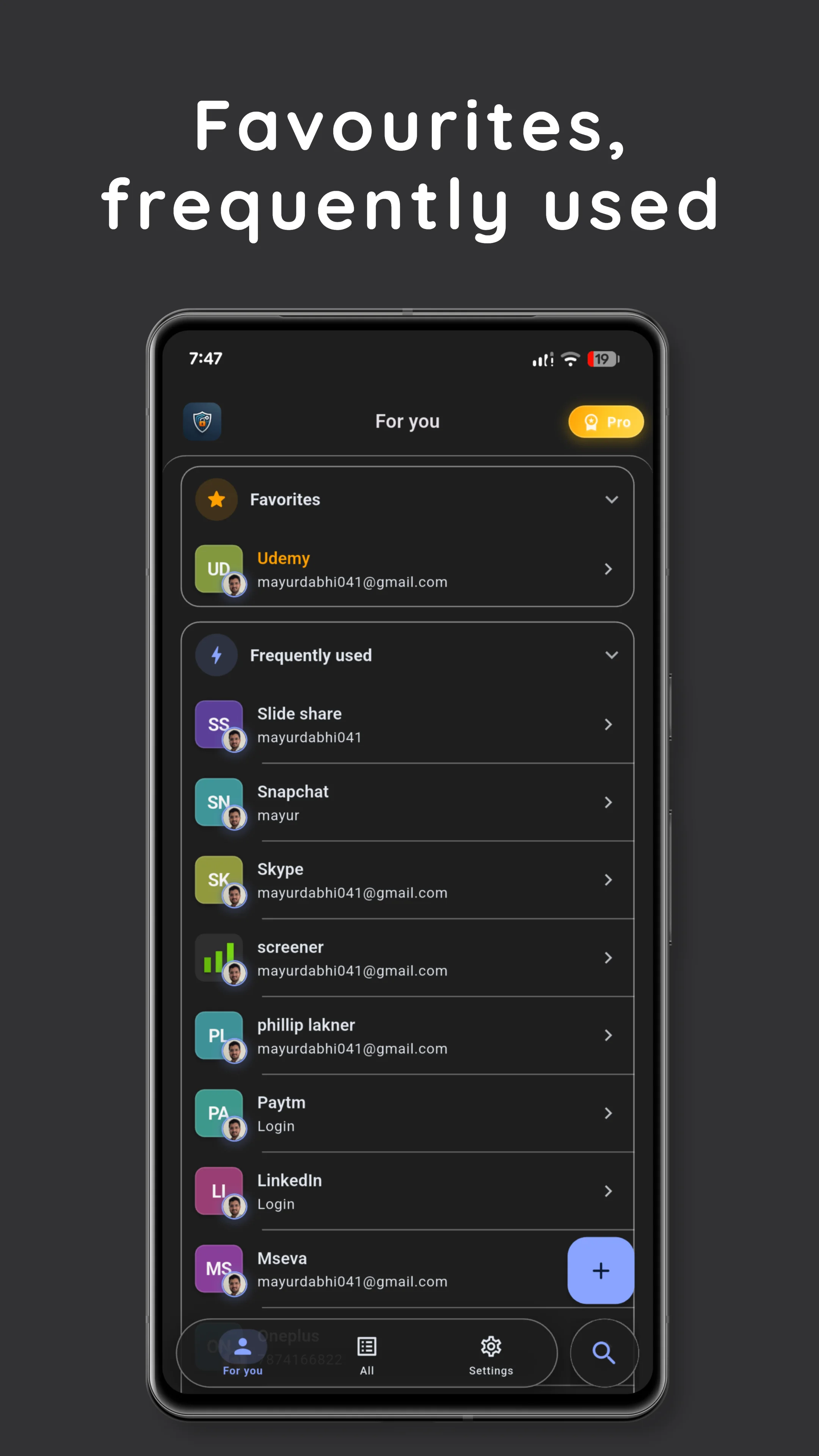
• Quickly access frequently used items
• View recently created entries in one place
• Save time with faster navigation to important data
• Designed to improve daily usability
☁️ Optional Secure Cloud Backup (Pro Feature)
• Encrypted backup to Google Drive
• Works in background automatically
• Sync across multiple devices when needed
• Option to backup only on Wi-Fi
• View backup status and history
👨👩👧👦 Family Password Management
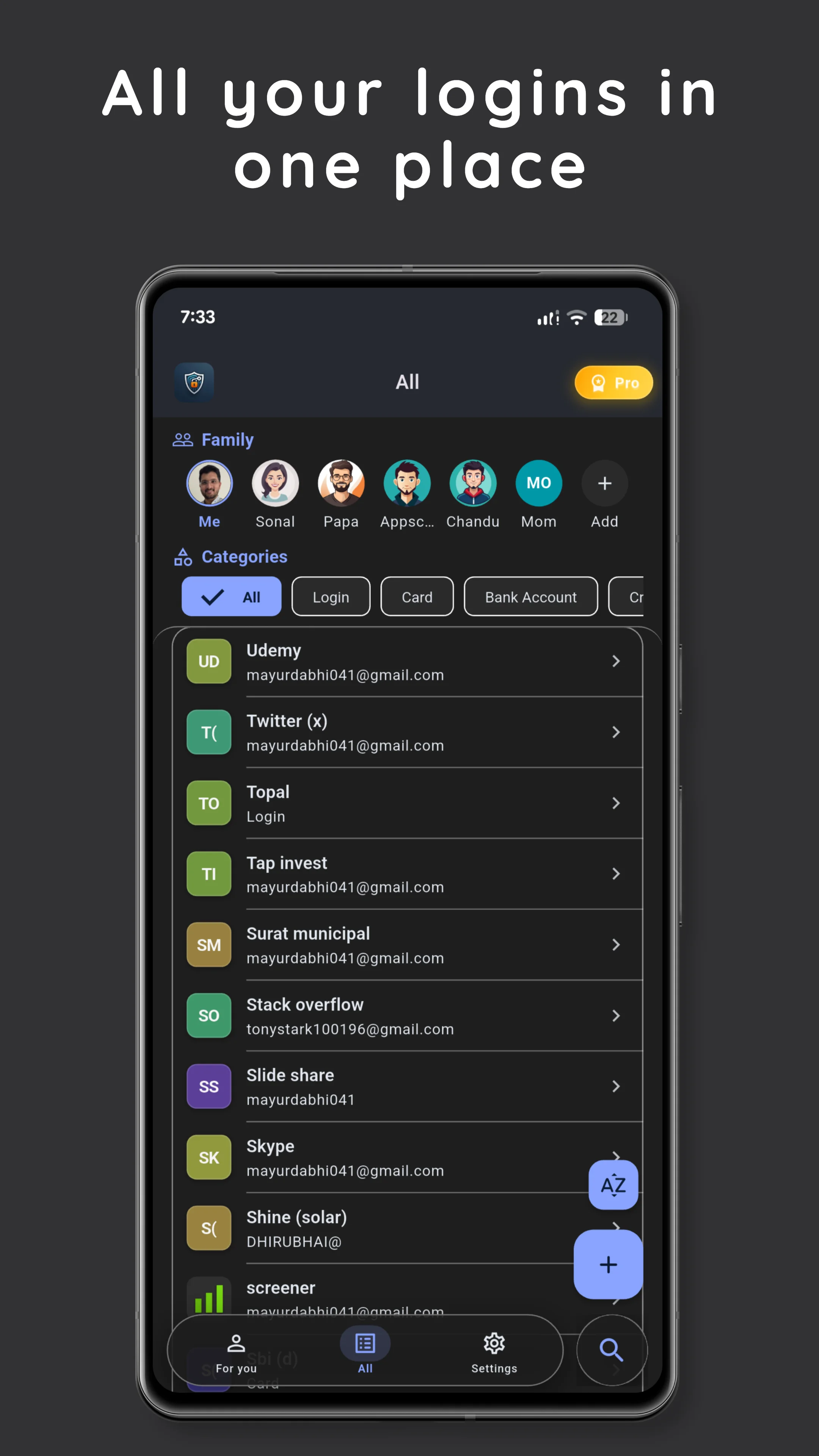
• Add and manage family member profiles
• Organize passwords separately for each member
• Share information within your family
• Categories like Spouse, Parent, Child, and more
• 3 members free, unlimited with Pro
📱 Smart Organization
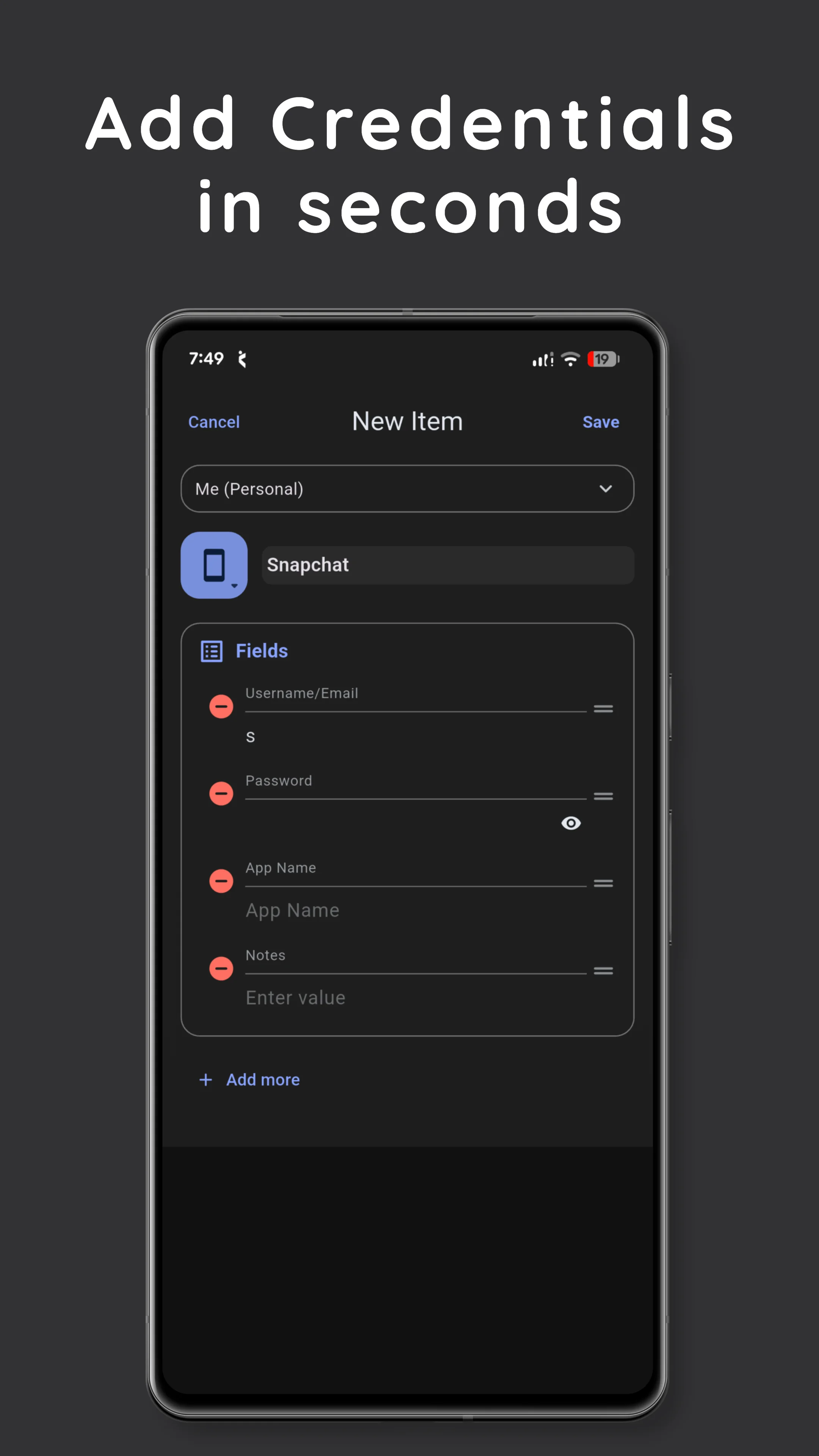
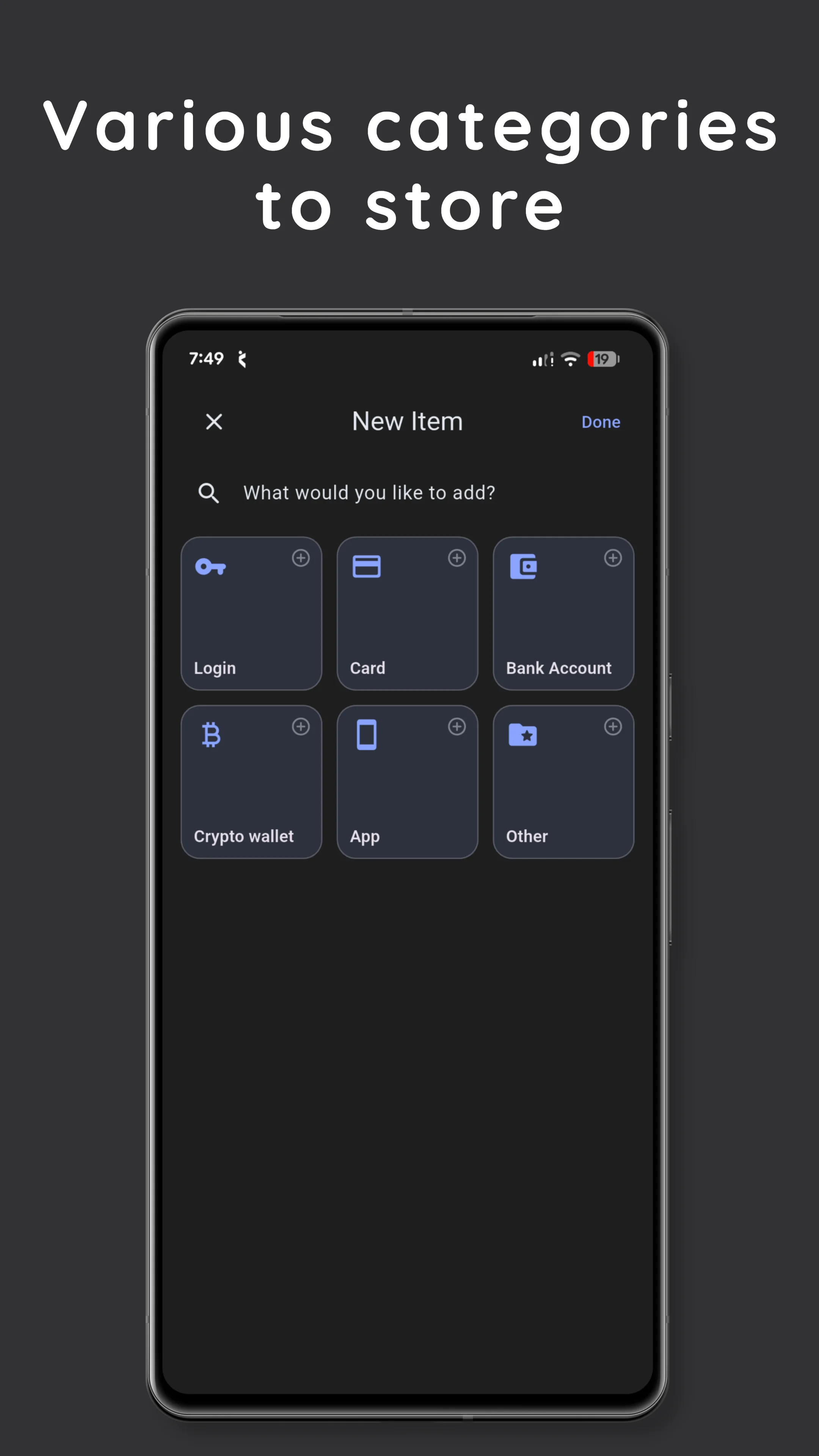
• Store: Bank Accounts, Cards, Websites, Apps, Documents, Notes
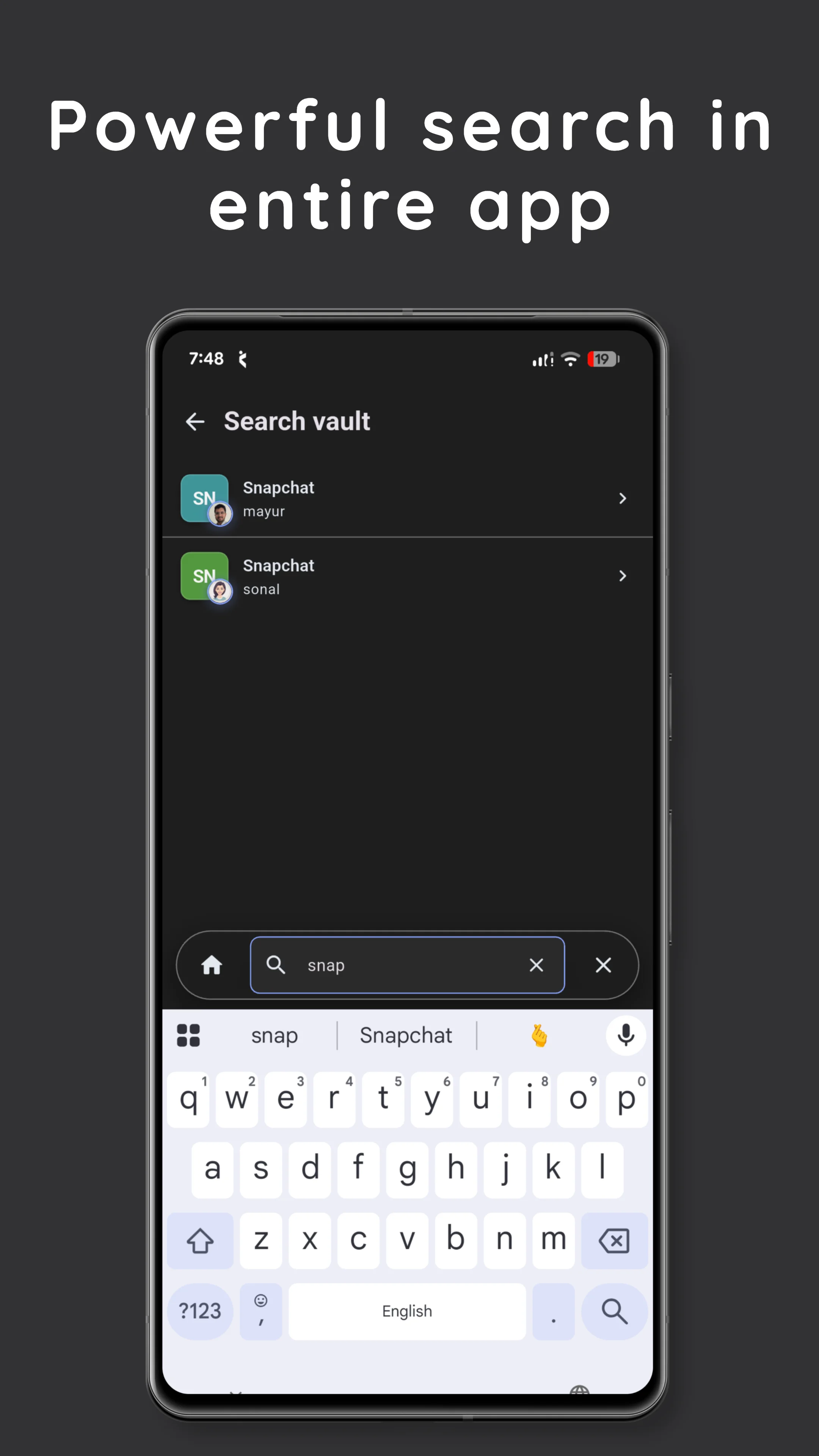
• Search to find items quickly
• Sort by name, date, category, or favorites (Pro)
• Add custom fields for flexible storage
• Mark important items as favorites
🔄 Easy Backup & Restore
• Export your data anytime
• Password-protect backup files
• Restore data when needed
• Supports use across multiple devices
🎨 Simple, Fast & User-Friendly
• Clean and easy-to-use interface
• Dark and Light themes
• Smooth performance
• Optimized for phones and tablets
• Built for an offline-first experience
💎 Pro Features (Premium)
• Unlimited family members
• Smart password generator
• Optional Google Drive backup
• Advanced sorting options
• Priority support
• Monthly, yearly, or lifetime plans
🛡️ Privacy & Control
• Offline-first design
• No mandatory account required
• No unnecessary data collection
• Optional cloud backup under your control
• You manage and control your data
📊 Why Users Choose KeepSafe
• Designed for privacy-focused users
• Works without internet dependency
• Helpful for managing personal and family data
• Regular updates and improvements
• Simple and practical features
🔥 Recent Updates
• Added secure cloud backup option
• Introduced smart password generator
• Improved performance and usability
• Enhanced organization and search
• Added frequently used & recent items tracking
💡 Perfect For
• Users looking for an offline password manager
• Families managing shared information
• Professionals storing sensitive data
• Users who prefer local storage over cloud dependency
• Anyone needing access without internet
Download KeepSafe today and use a secure, offline-first vault designed for simplicity, privacy, and control.
Note: KeepSafe is an independent secure vault application and is not affiliated with other apps with similar names.
Privacy Policy & Terms: Available in app settings
Support: Contact us through the app
Tools
Ratings
0
0 total ratings
5
73%
4
10%
3
4%
2
3%
1
10%
REVIEWS
No reviews yet. Be the first one to review this app
'%20fill-rule='evenodd'%20clip-rule='evenodd'%20d='M8.04878%200.118571C9.10796%20-0.198465%2010.2321%200.132893%2010.9526%200.961509L18.7058%209.9036H22.0709C23.0433%209.90386%2023.8429%2010.7032%2023.843%2011.6757V13.1309H23.8497C23.8497%2013.4983%2023.5476%2013.8014%2023.1803%2013.8015H19.9372V33.9548C19.9372%2034.423%2019.5703%2034.7975%2019.1021%2034.7977H17.142C15.91%2034.7977%2014.9156%2033.8036%2014.9154%2032.5644V28.0251C13.5538%2028.5582%2012.3722%2028.7169%2010.9963%2028.7169C6.45689%2028.7169%203.74677%2025.6897%203.74677%2020.6099V13.8015H1.77319C0.800641%2013.8015%200.000280942%2013.0091%200%2012.0294V10.573C0.000219737%2010.2057%200.303205%209.9036%200.670545%209.9036H13.5676L5.13039%201.85482C4.82078%201.55938%204.94365%201.04032%205.35428%200.917851L8.04878%200.118571ZM8.78425%2013.8082V20.611C8.78438%2023.1974%209.8151%2024.35%2012.1135%2024.35C12.9637%2024.3499%2014.1167%2024.1489%2014.902%2023.7959V13.8082H8.78425Z'%20fill='white'/%3e%3c/svg%3e)
Permissions
Storage: access photos, media, and files on your device
Biometric Information: access biometric data like fingerprint to unlock the app
Internet: use your internet connection
Camera: take pictures and record video
Developer Info
Curated for YouSee all






Scan to download on PhonePe Appstore

