
mokyuu
4.0
ratings7 MB
SizeVerified
SCREENSHOTS (6)
About the app
Note
We will receive more emails requesting radio clocks from other countries, but since you can not create it without materials, please attach the clear material you need.
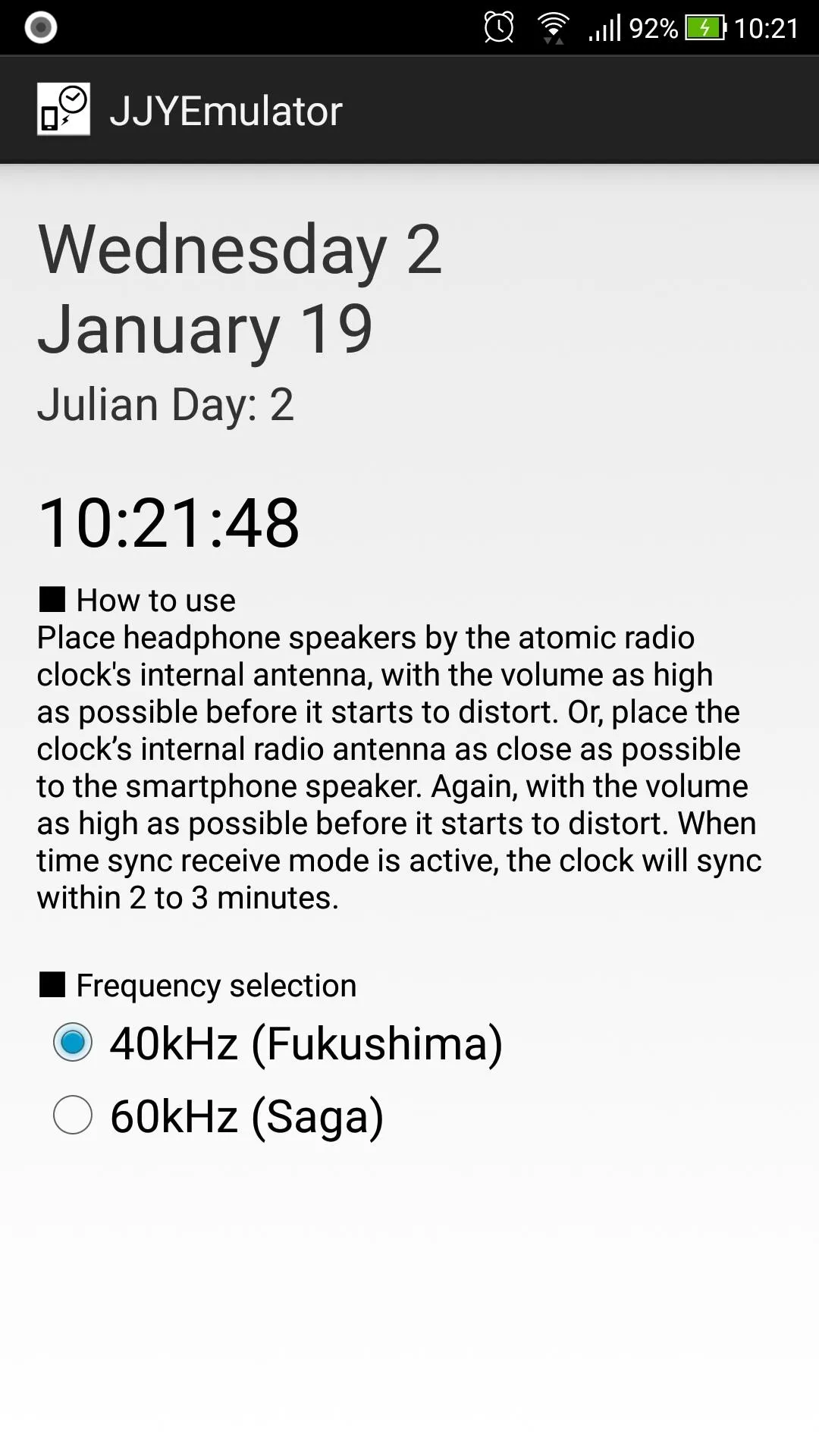
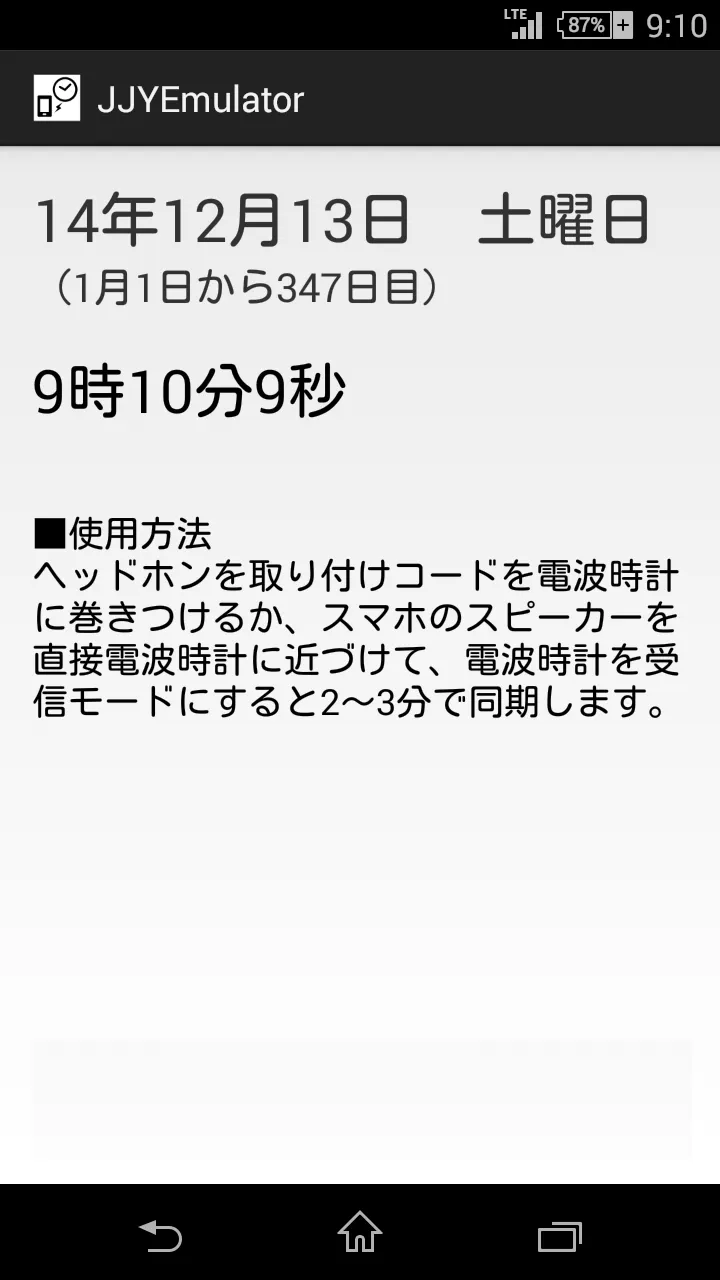
It outlines the steps to transmit the time sync audio beeps with headphones to the watch, which after a few minutes, results with the watch being synced as if the watch owner was actually in Japan.
This application synchronizes with the time of your smartphone. To synchronize the time accurately, it is recommended to use a time synchronization application etc. to make the time of your smartphone accurate.
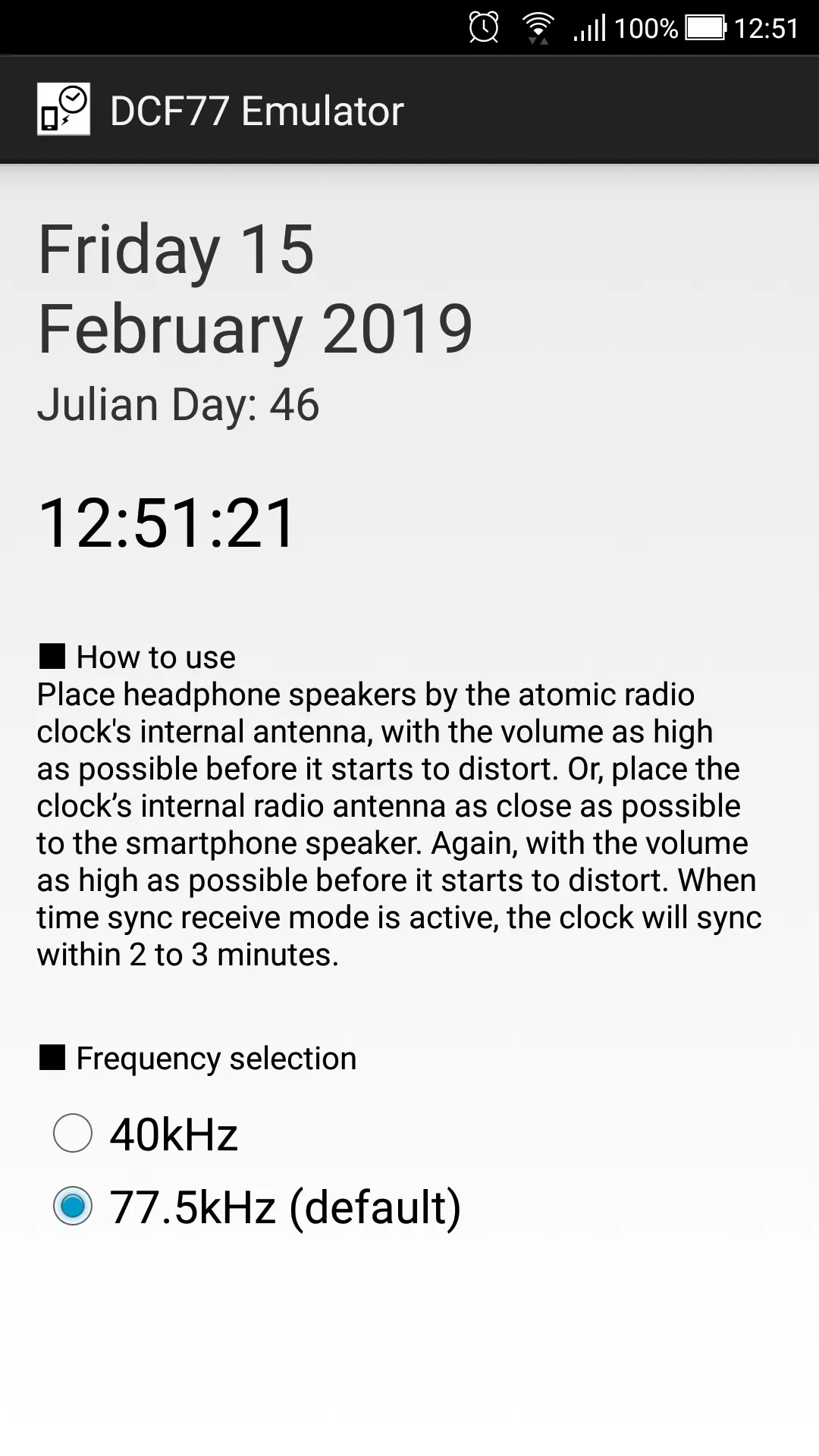
Place headphone speakers by the atomic radio clock’s internal
antenna, with the volume as high as possible before it starts to
distort. Or, place the clock’s internal radio antenna as close as
possible to the smartphone speaker. Again, with the volume as
high as possible before it starts to distort. When time sync
receive mode is active, the clock will sync within 2 to 3
minutes.
Tools
Ratings
0
0 total ratings
5
73%
4
10%
3
4%
2
3%
1
10%
REVIEWS
No reviews yet. Be the first one to review this app
'%20fill-rule='evenodd'%20clip-rule='evenodd'%20d='M8.04878%200.118571C9.10796%20-0.198465%2010.2321%200.132893%2010.9526%200.961509L18.7058%209.9036H22.0709C23.0433%209.90386%2023.8429%2010.7032%2023.843%2011.6757V13.1309H23.8497C23.8497%2013.4983%2023.5476%2013.8014%2023.1803%2013.8015H19.9372V33.9548C19.9372%2034.423%2019.5703%2034.7975%2019.1021%2034.7977H17.142C15.91%2034.7977%2014.9156%2033.8036%2014.9154%2032.5644V28.0251C13.5538%2028.5582%2012.3722%2028.7169%2010.9963%2028.7169C6.45689%2028.7169%203.74677%2025.6897%203.74677%2020.6099V13.8015H1.77319C0.800641%2013.8015%200.000280942%2013.0091%200%2012.0294V10.573C0.000219737%2010.2057%200.303205%209.9036%200.670545%209.9036H13.5676L5.13039%201.85482C4.82078%201.55938%204.94365%201.04032%205.35428%200.917851L8.04878%200.118571ZM8.78425%2013.8082V20.611C8.78438%2023.1974%209.8151%2024.35%2012.1135%2024.35C12.9637%2024.3499%2014.1167%2024.1489%2014.902%2023.7959V13.8082H8.78425Z'%20fill='white'/%3e%3c/svg%3e)
Permissions
Storage: access photos, media, and files on your device
Internet: use your internet connection
Phone: make and manage phone calls
Developer Info
Curated for YouSee all






Scan to download on PhonePe Appstore

