

Maple Media
4.0
ratings21 MB
SizeVerified
SCREENSHOTS (8)
About the app
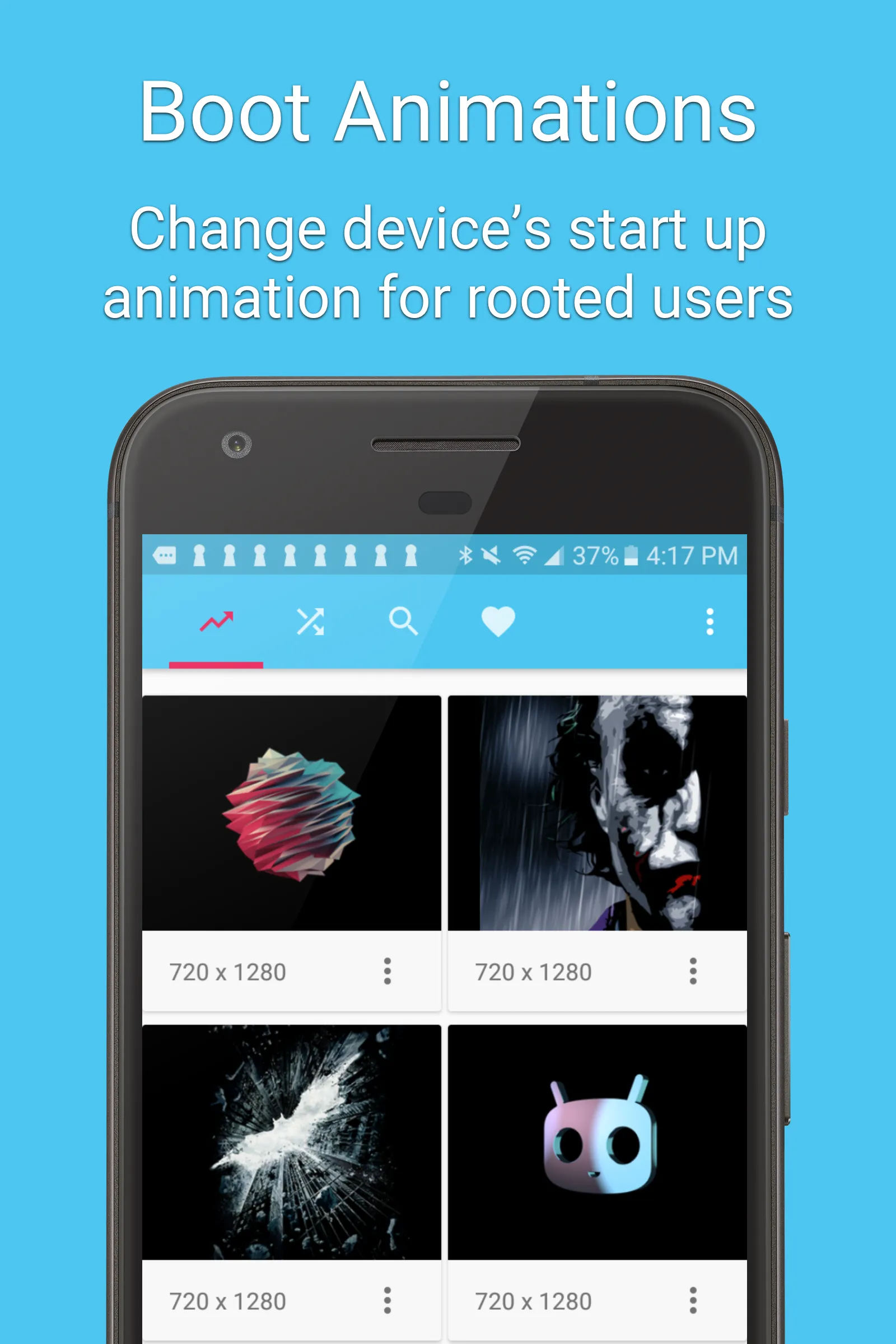
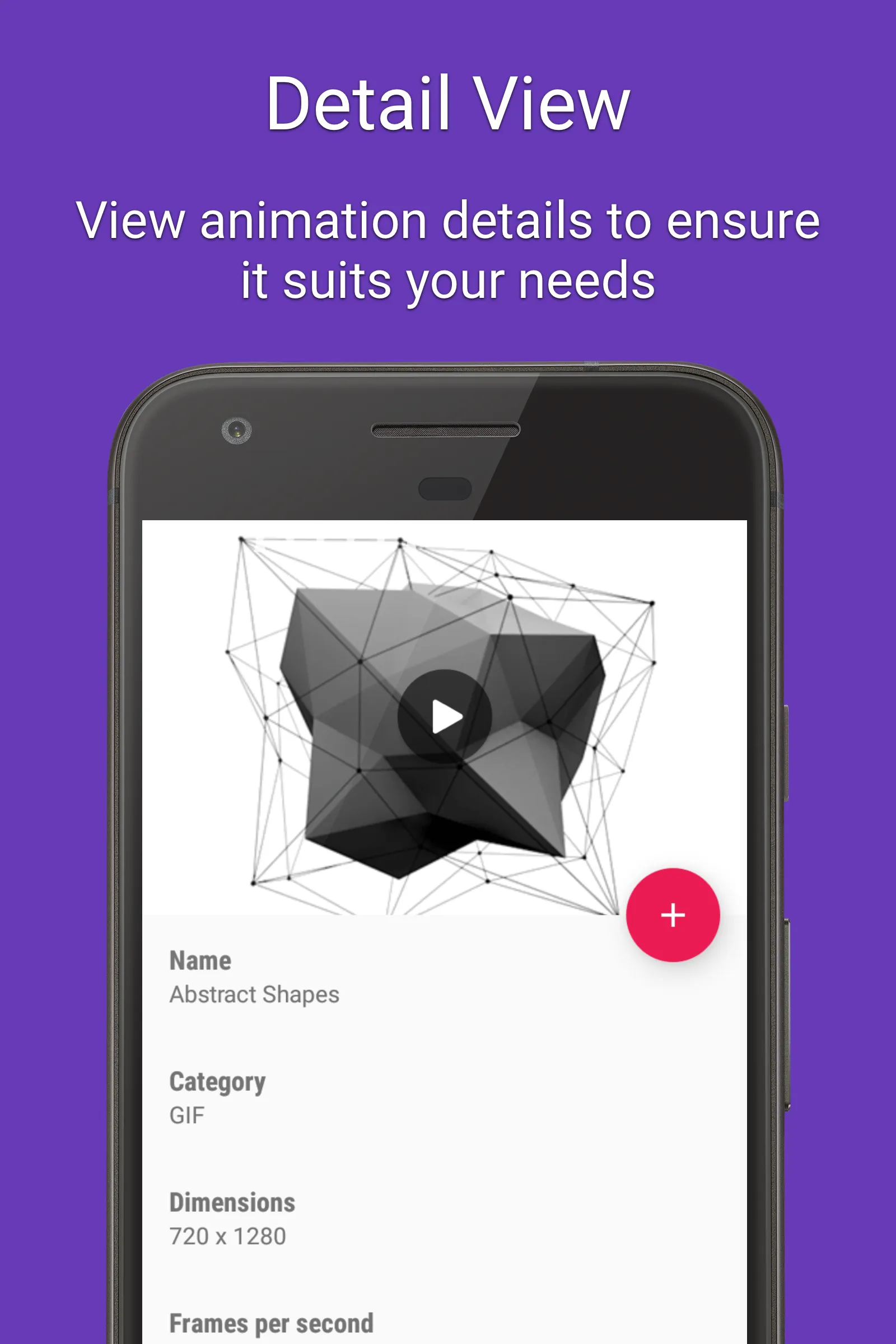
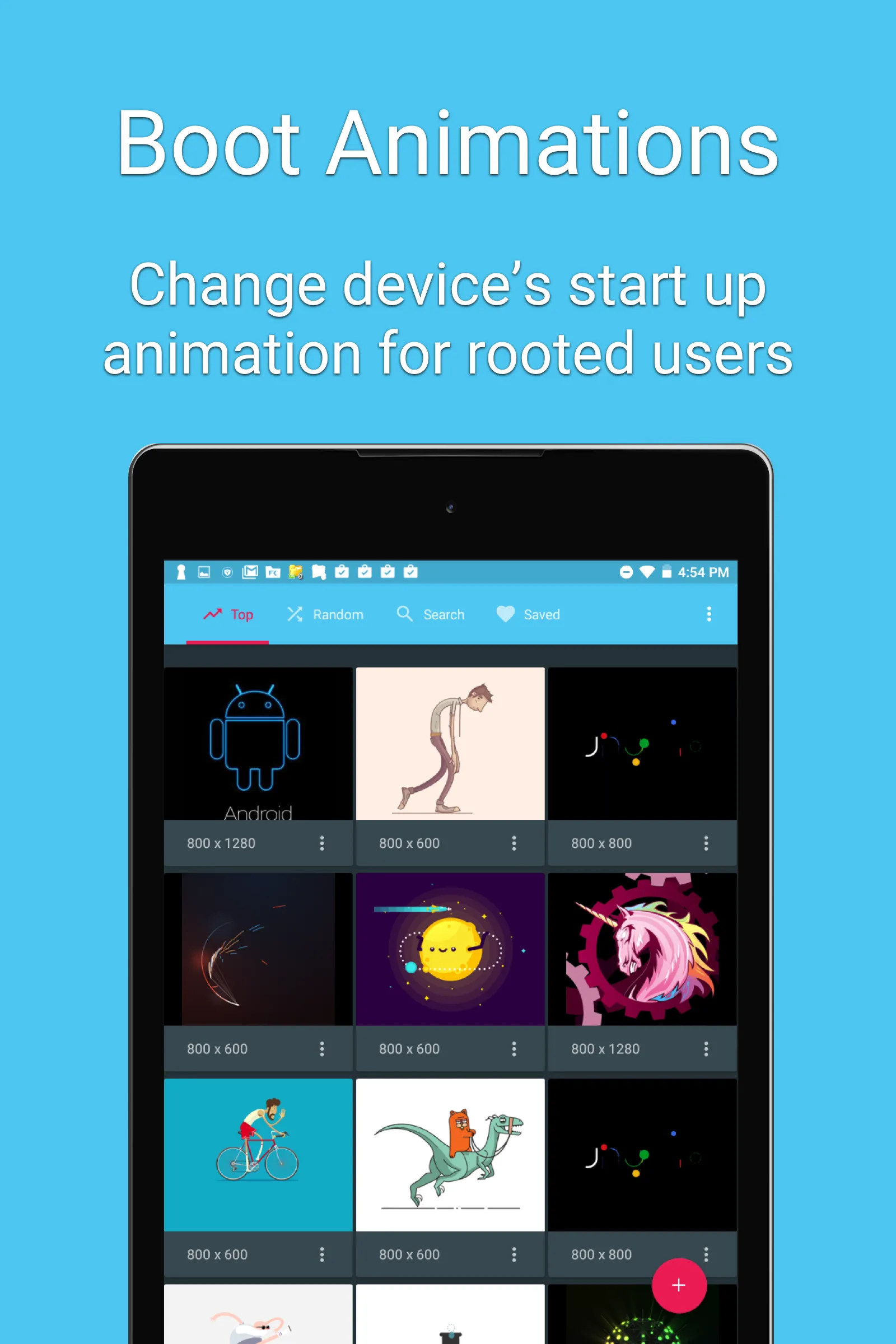
A boot animation is the loading animation that is played when your device starts up. Choose from hundreds of custom load animations to install to your rooted device. Root access is required and your device must be compatible to install custom boot animations.
Features:
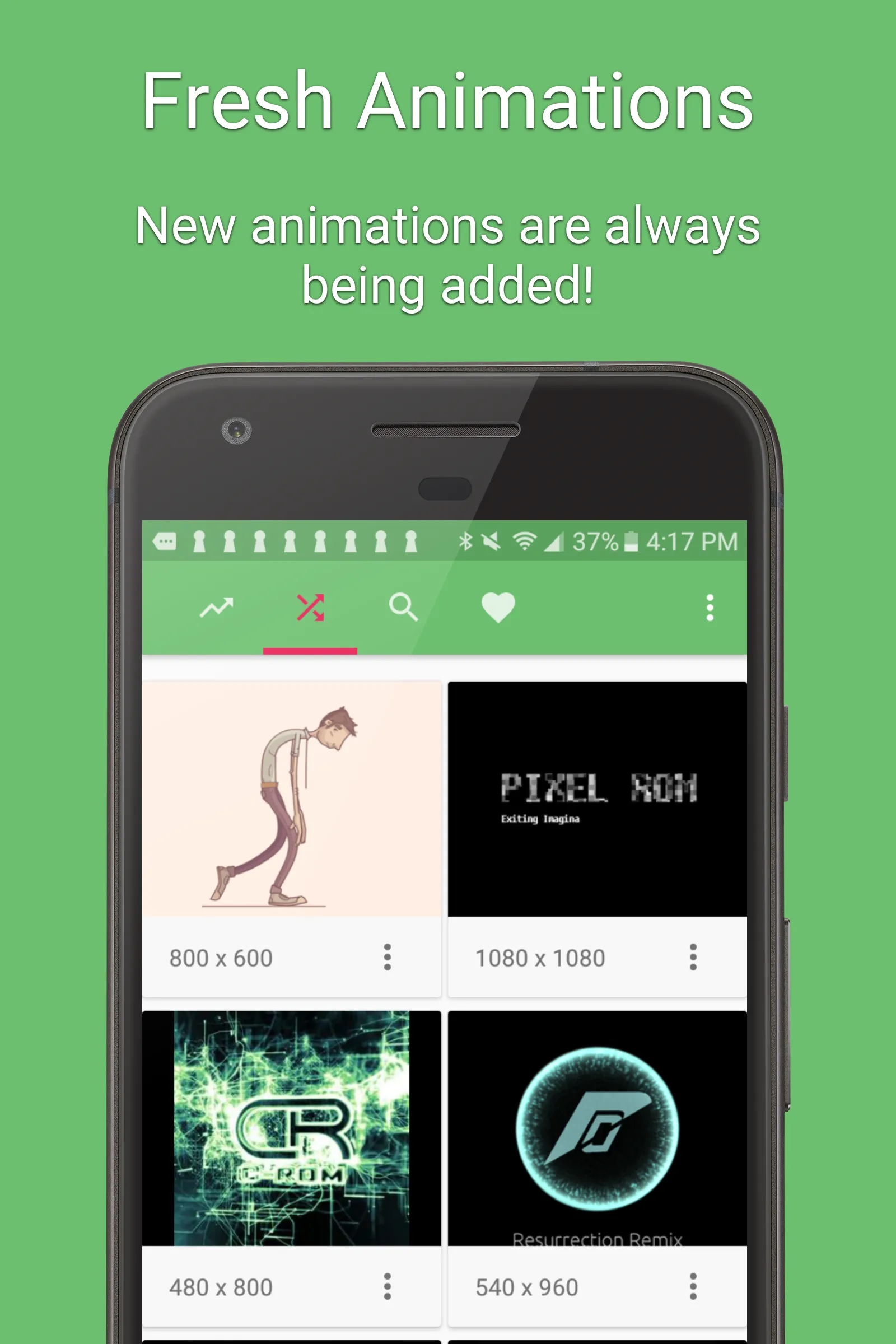
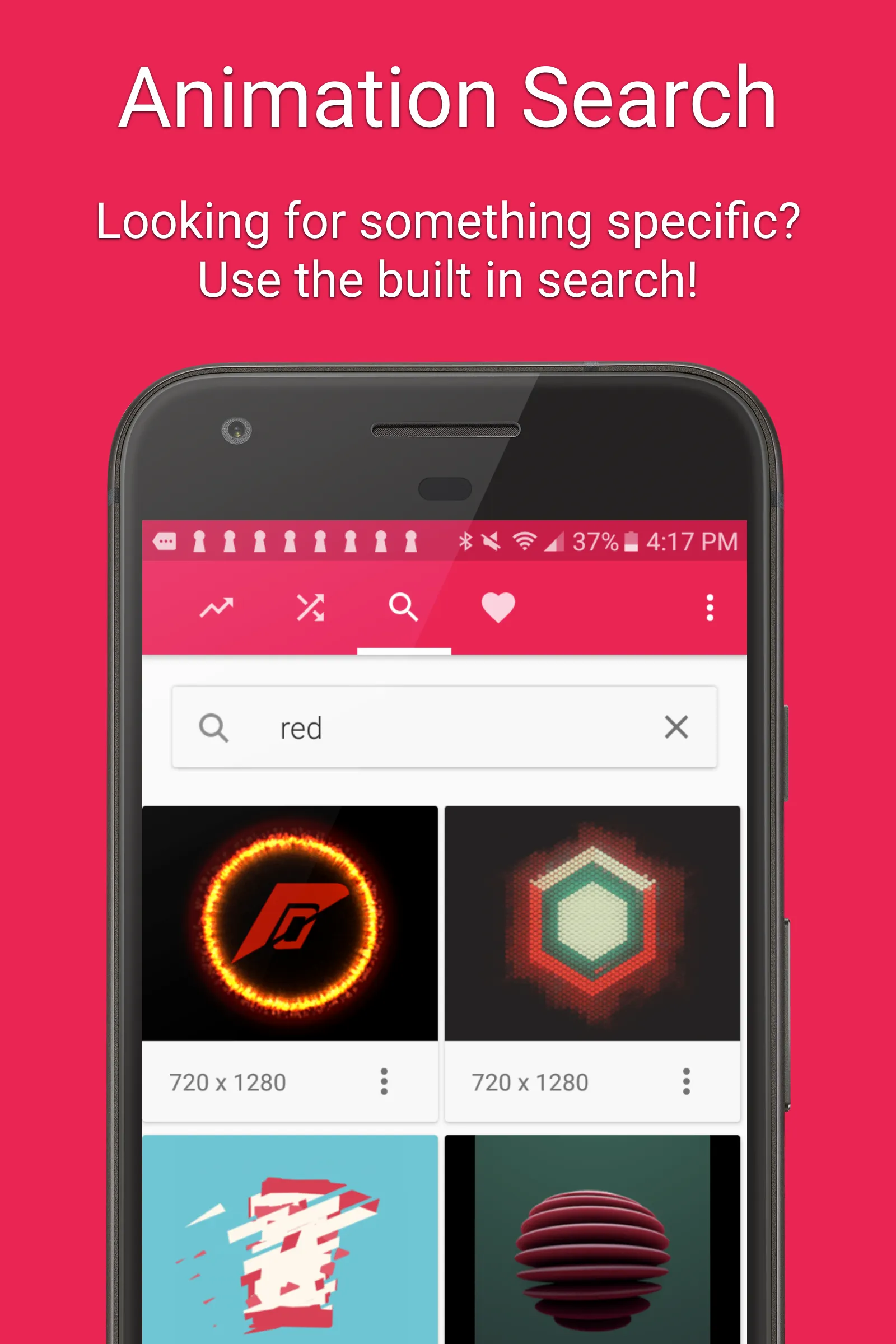
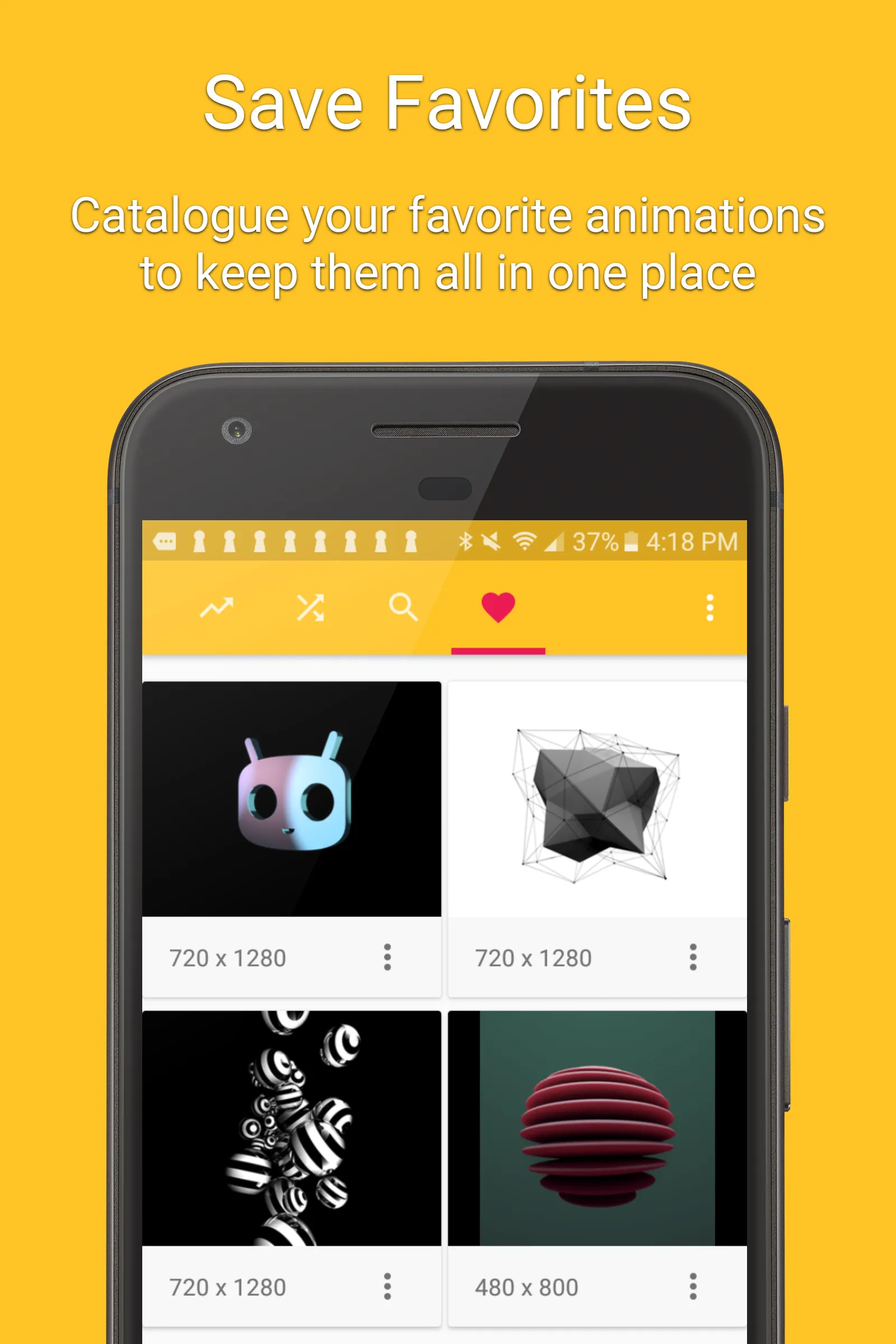
• Hundreds of beautiful boot animations for superusers 🌈.
• Install boot animations from your SD card.
• Convert an animated GIF to a boot animation.
• High-quality boot animation previews.
• Auto install a new boot animation each time your device starts up.
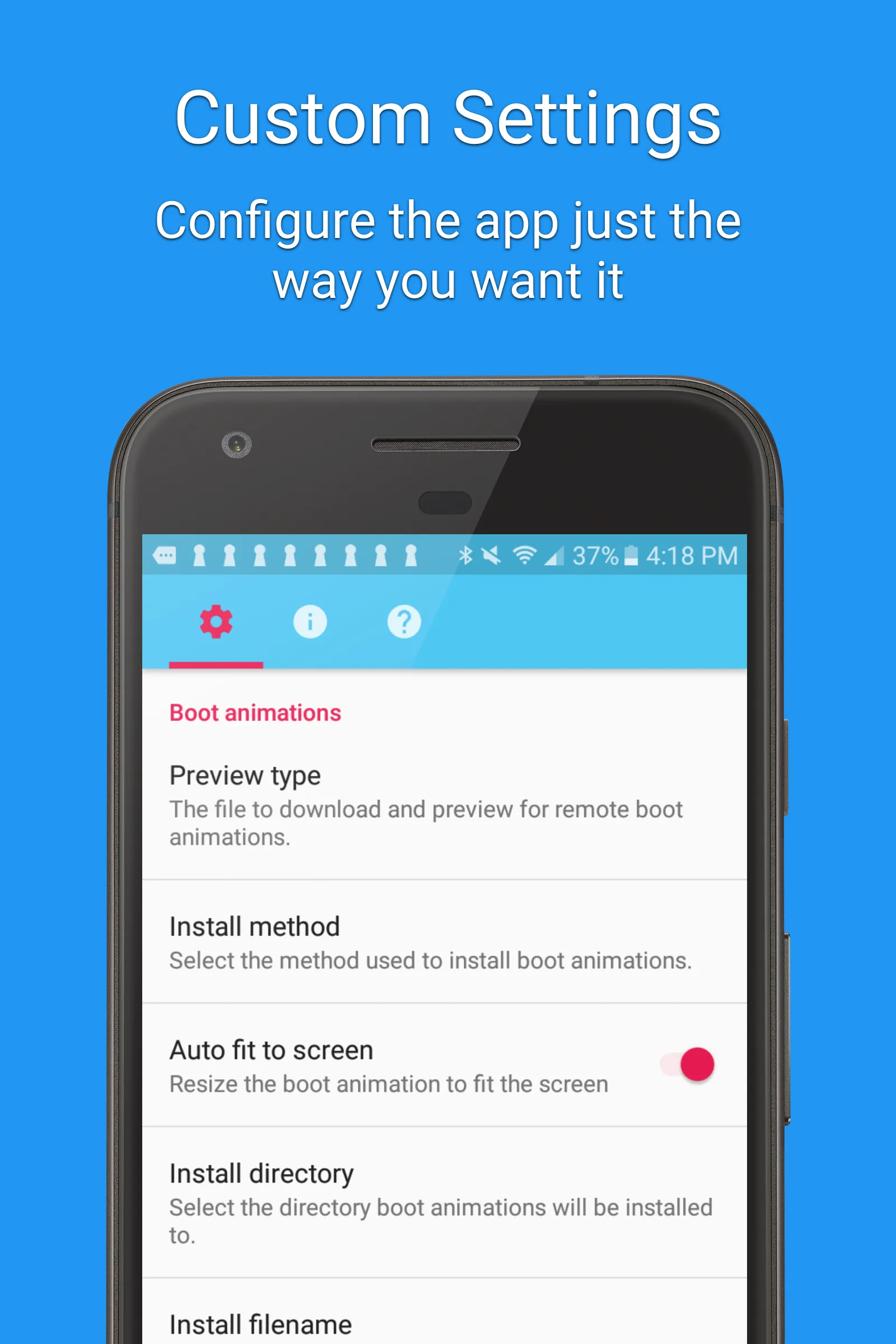
• Modify boot animations (custom dimensions, background color, frame rate).
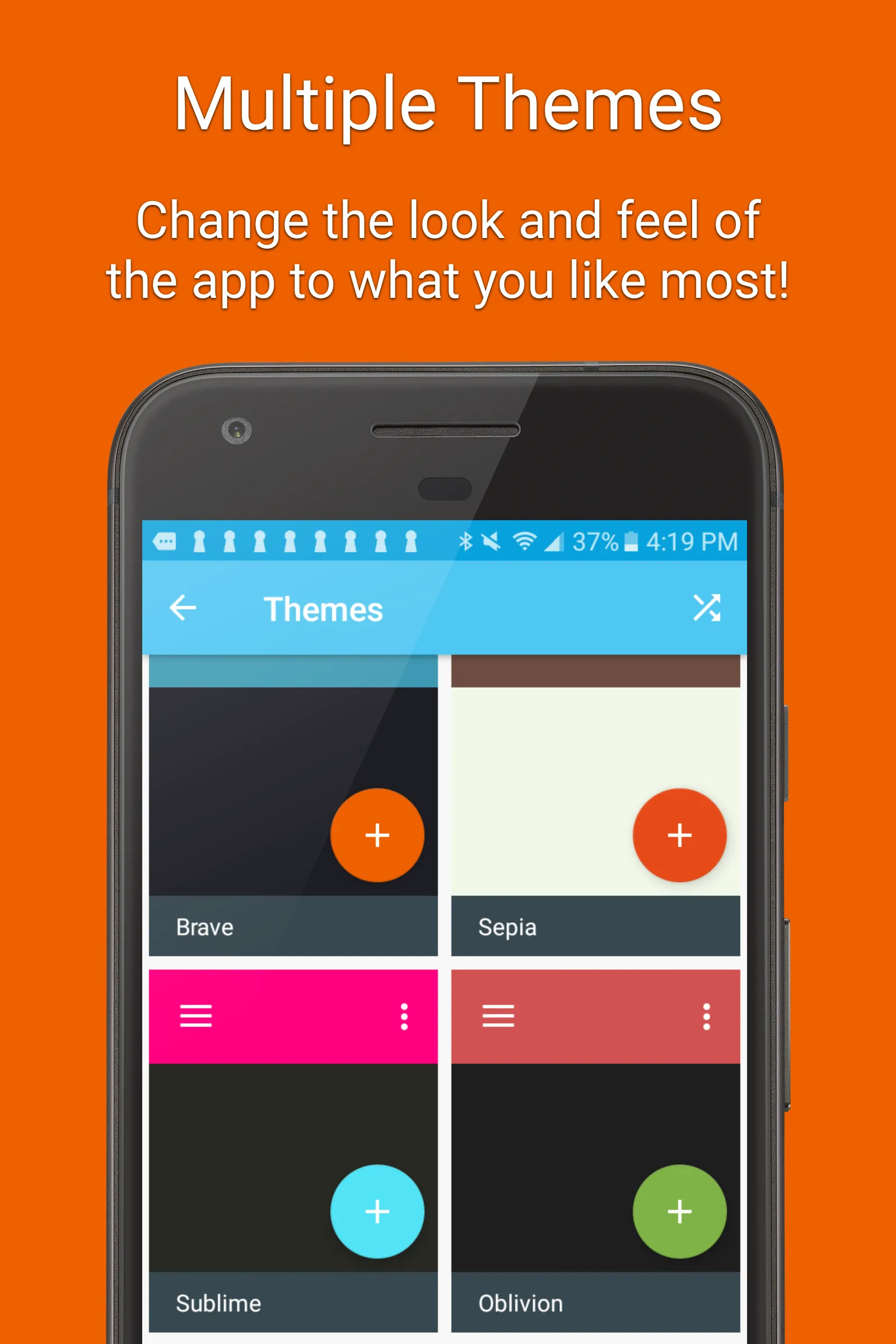
• Compatible with the CyanogenMod Theme Engine.
** PLEASE NOTE: SAMSUNG IS NOT COMPATIBLE WITH THIS APP
Frequently Asked Questions:
Q: Is my device supported?
A: Your device must be rooted to install a boot animation. Some manufacturers use a different boot animation format (QMG) which is not compatible with this app. You do not need root access if you are running a ROM with the CyanogenMod theme engine.
Q: The boot animation doesn’t play. How can I fix this?
A: Some Android devices use different install locations. You should find your current boot animation location and change it in the app’s preferences.
Q: How do I restore my original boot animation?
A: The app will backup boot animations by default. If you want to restore your original boot animation, click on the “Backups” menu item, select your animation, and click “Restore”. Before installing a boot animation you should backup your ROM in recovery.
Disclaimer:
Installing a boot animation has the potential to soft-brick your device. Please backup your system partition using a custom recovery before using the app.
Support Email: [email protected]
Tools
Ratings
0
0 total ratings
5
73%
4
10%
3
4%
2
3%
1
10%
REVIEWS
No reviews yet. Be the first one to review this app
'%20fill-rule='evenodd'%20clip-rule='evenodd'%20d='M8.04878%200.118571C9.10796%20-0.198465%2010.2321%200.132893%2010.9526%200.961509L18.7058%209.9036H22.0709C23.0433%209.90386%2023.8429%2010.7032%2023.843%2011.6757V13.1309H23.8497C23.8497%2013.4983%2023.5476%2013.8014%2023.1803%2013.8015H19.9372V33.9548C19.9372%2034.423%2019.5703%2034.7975%2019.1021%2034.7977H17.142C15.91%2034.7977%2014.9156%2033.8036%2014.9154%2032.5644V28.0251C13.5538%2028.5582%2012.3722%2028.7169%2010.9963%2028.7169C6.45689%2028.7169%203.74677%2025.6897%203.74677%2020.6099V13.8015H1.77319C0.800641%2013.8015%200.000280942%2013.0091%200%2012.0294V10.573C0.000219737%2010.2057%200.303205%209.9036%200.670545%209.9036H13.5676L5.13039%201.85482C4.82078%201.55938%204.94365%201.04032%205.35428%200.917851L8.04878%200.118571ZM8.78425%2013.8082V20.611C8.78438%2023.1974%209.8151%2024.35%2012.1135%2024.35C12.9637%2024.3499%2014.1167%2024.1489%2014.902%2023.7959V13.8082H8.78425Z'%20fill='white'/%3e%3c/svg%3e)
Permissions
Storage: access photos, media, and files on your device
Internet: use your internet connection
Phone: make and manage phone calls
Developer Info
Curated for YouSee all






Scan to download on PhonePe Appstore

