

Rudraashwi Technology Private Limited
4.0
ratings9 MB
SizeVerified
SCREENSHOTS (8)
About the app
After Call helps businesses stay connected with customers immediately after a call ends.
It can automatically send SMS follow-ups for incoming answered calls, outgoing calls and missed calls, helping you reply faster and maintain consistent communication.
Key Features
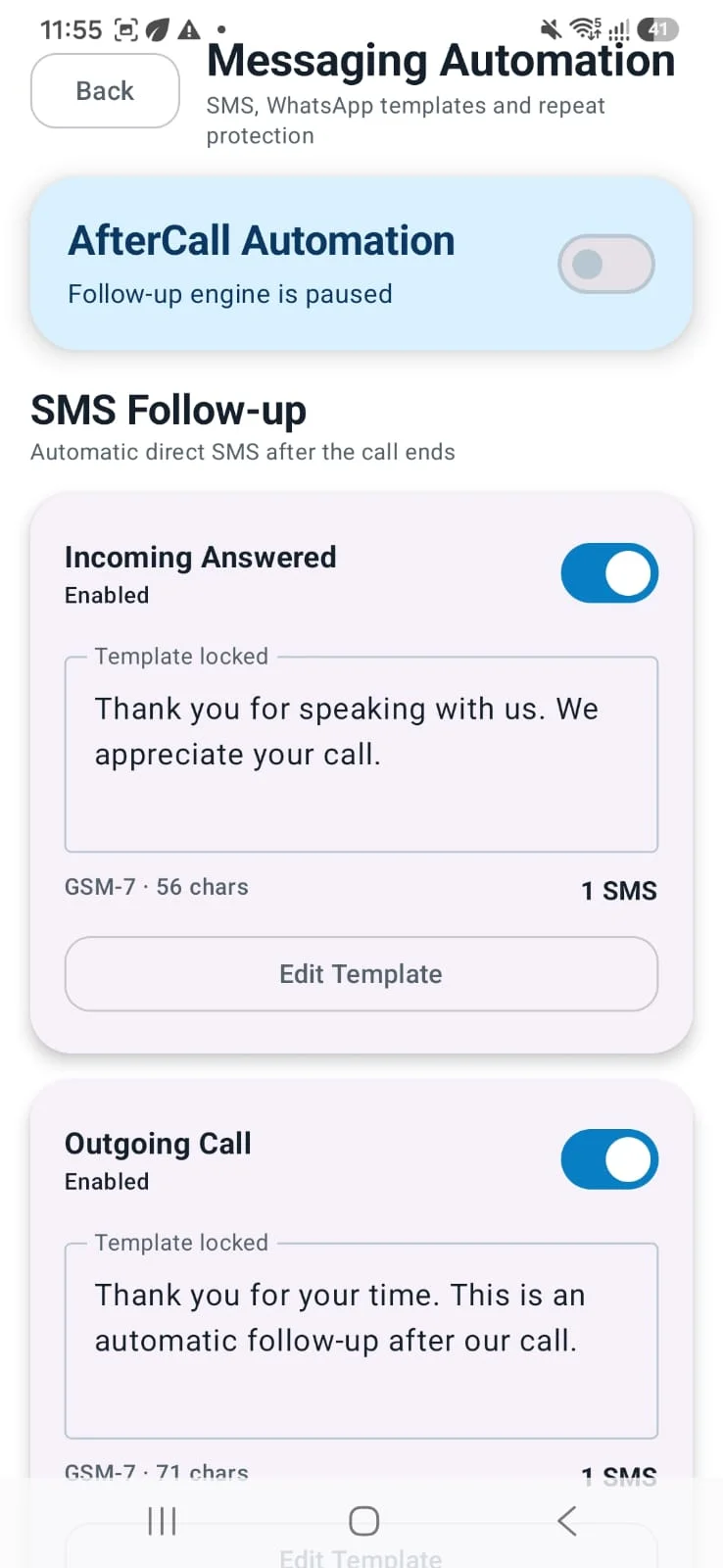
1. Automatic SMS Follow-up
- Send SMS automatically after calls end
- Separate templates for:
- Incoming Answered Calls
- Outgoing Calls
- Missed Calls
- Turn each template ON/OFF separately
- Template lock / edit / save flow
- SMS character count and SMS segment count support
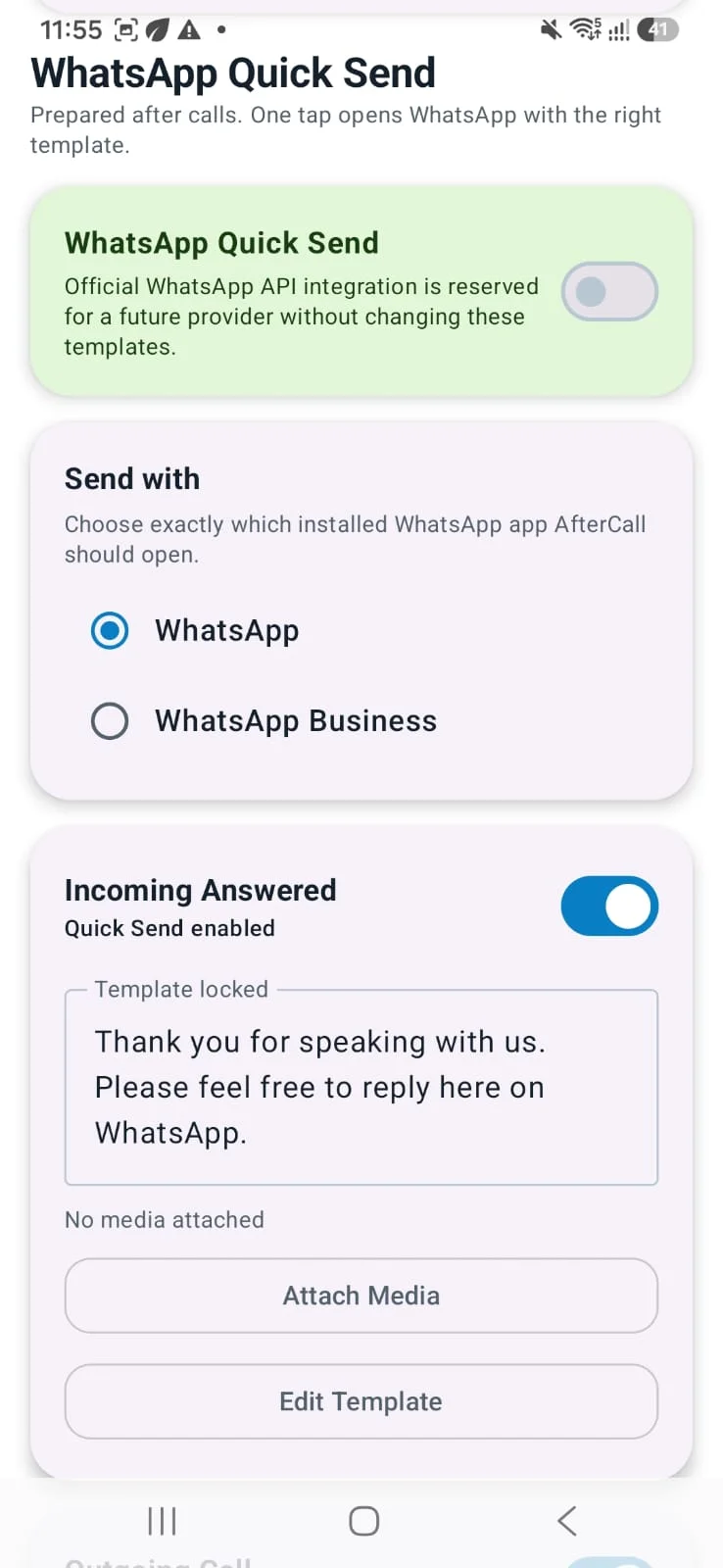
2. WhatsApp Quick Send
- Prepare separate WhatsApp templates for incoming, outgoing and missed calls
- Choose whether to open WhatsApp or WhatsApp Business
- Attach media to WhatsApp follow-ups
- One-tap quick send flow after the call
3. Repeat Protection
- Prevent repeated follow-ups to the same number
- Set cooldown days as needed
- Useful for avoiding over-messaging
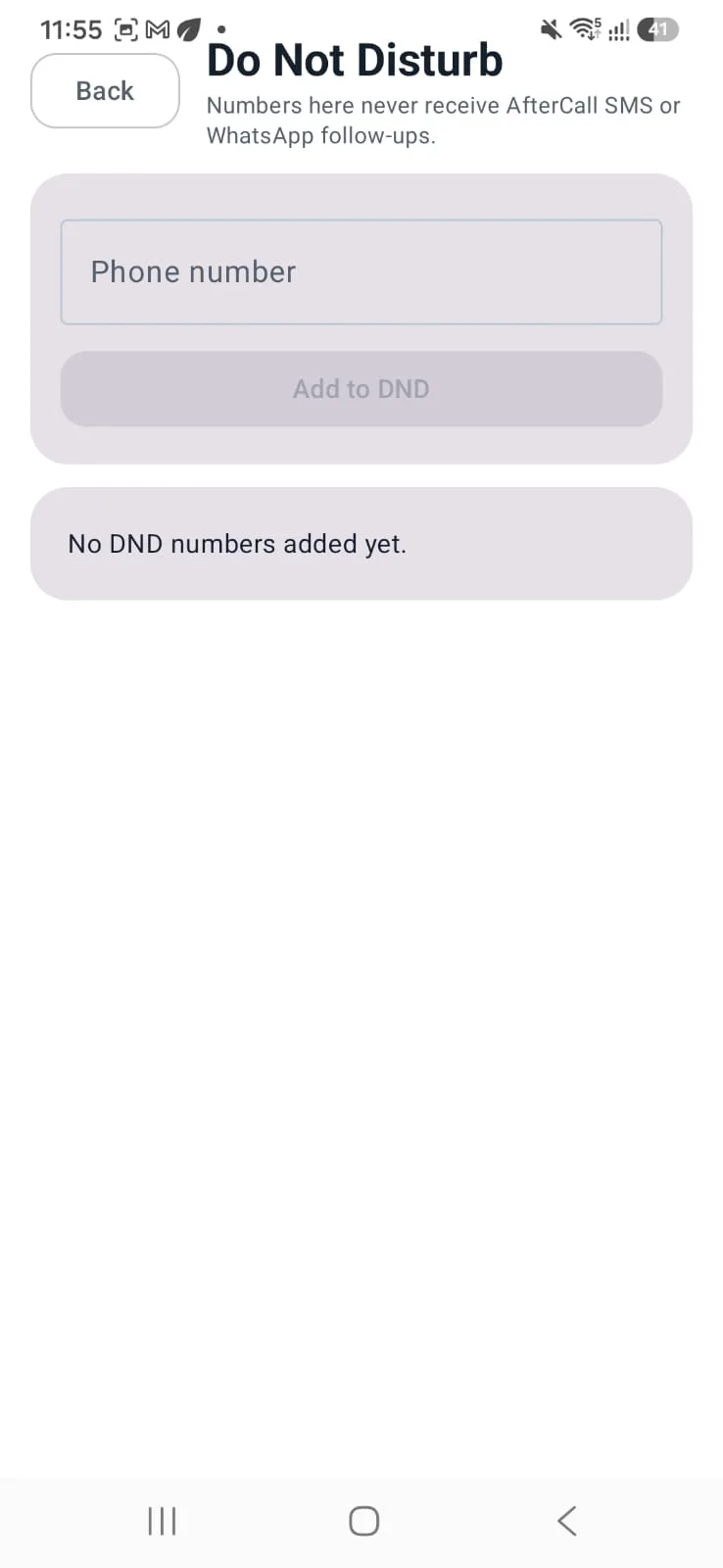
4. Do Not Disturb (DND) List
- Add numbers that should never receive follow-ups
- Works for both SMS and WhatsApp workflow control
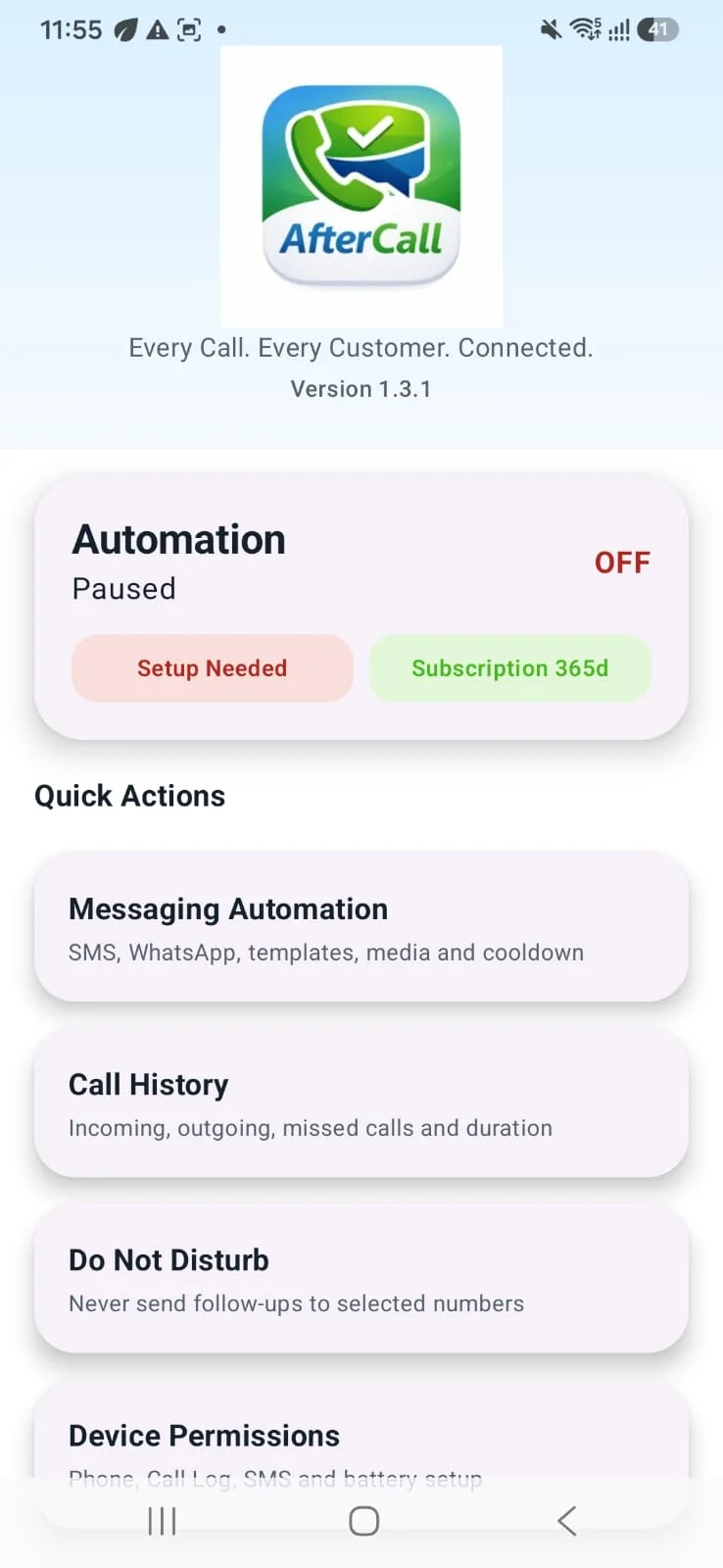
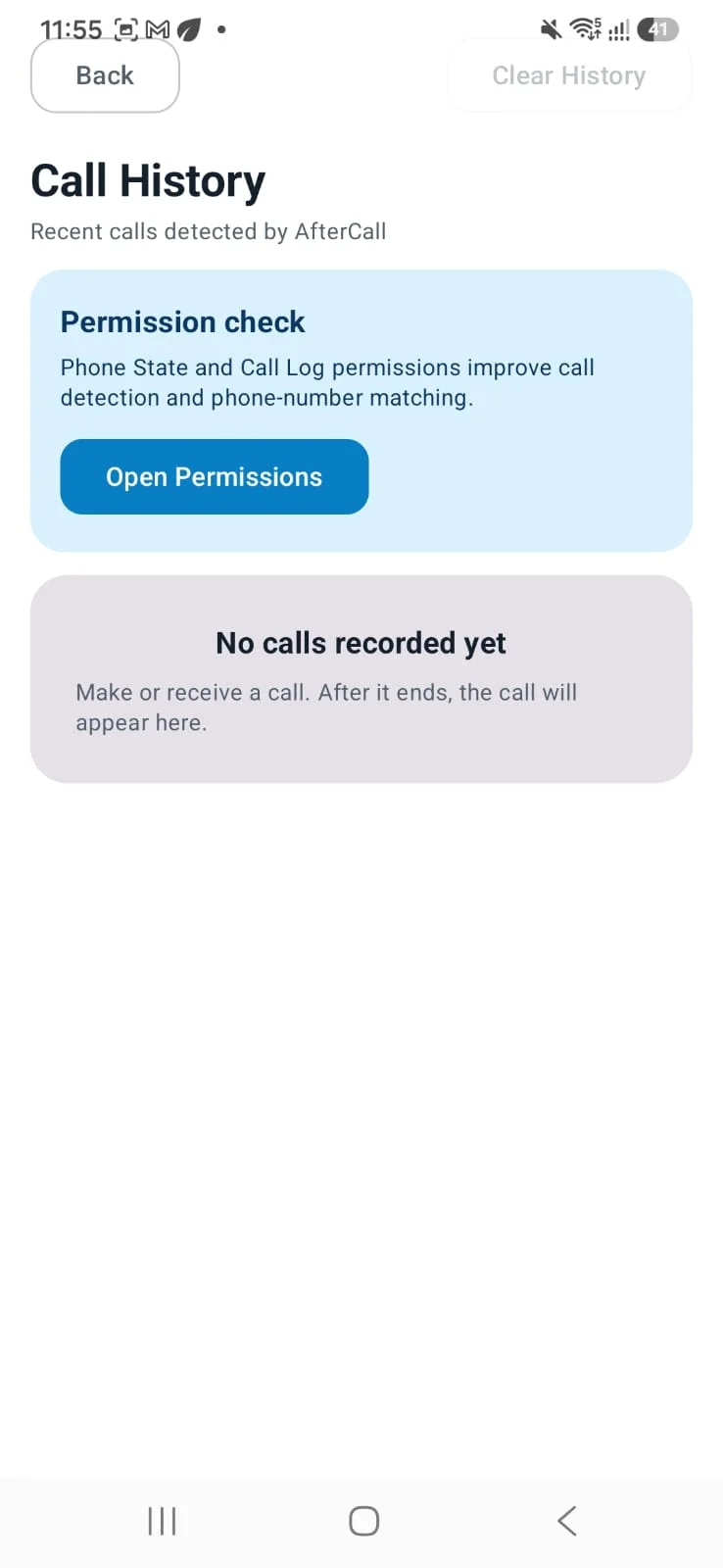
5. Call History
- View recent calls detected by the app
- Check call direction and duration support
- Helps verify automation behavior
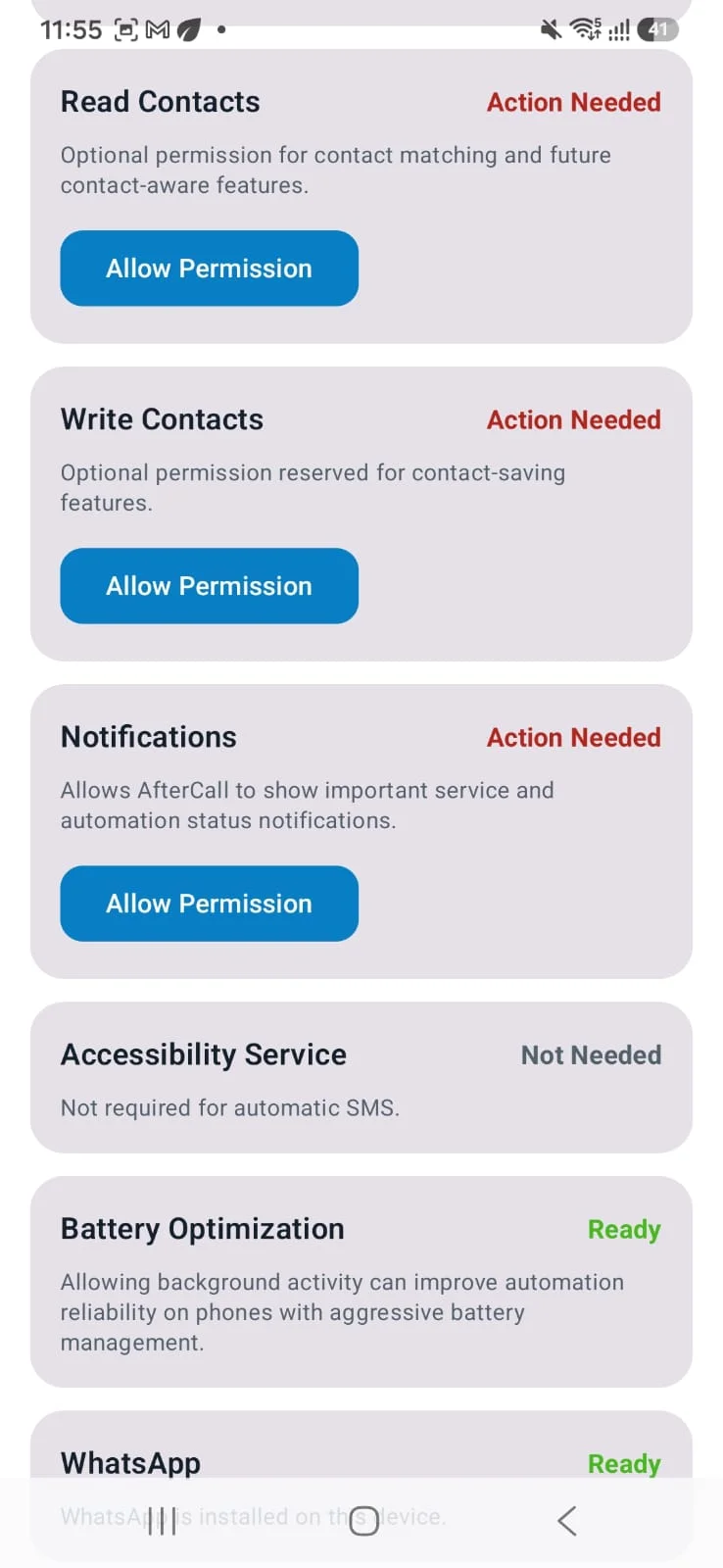
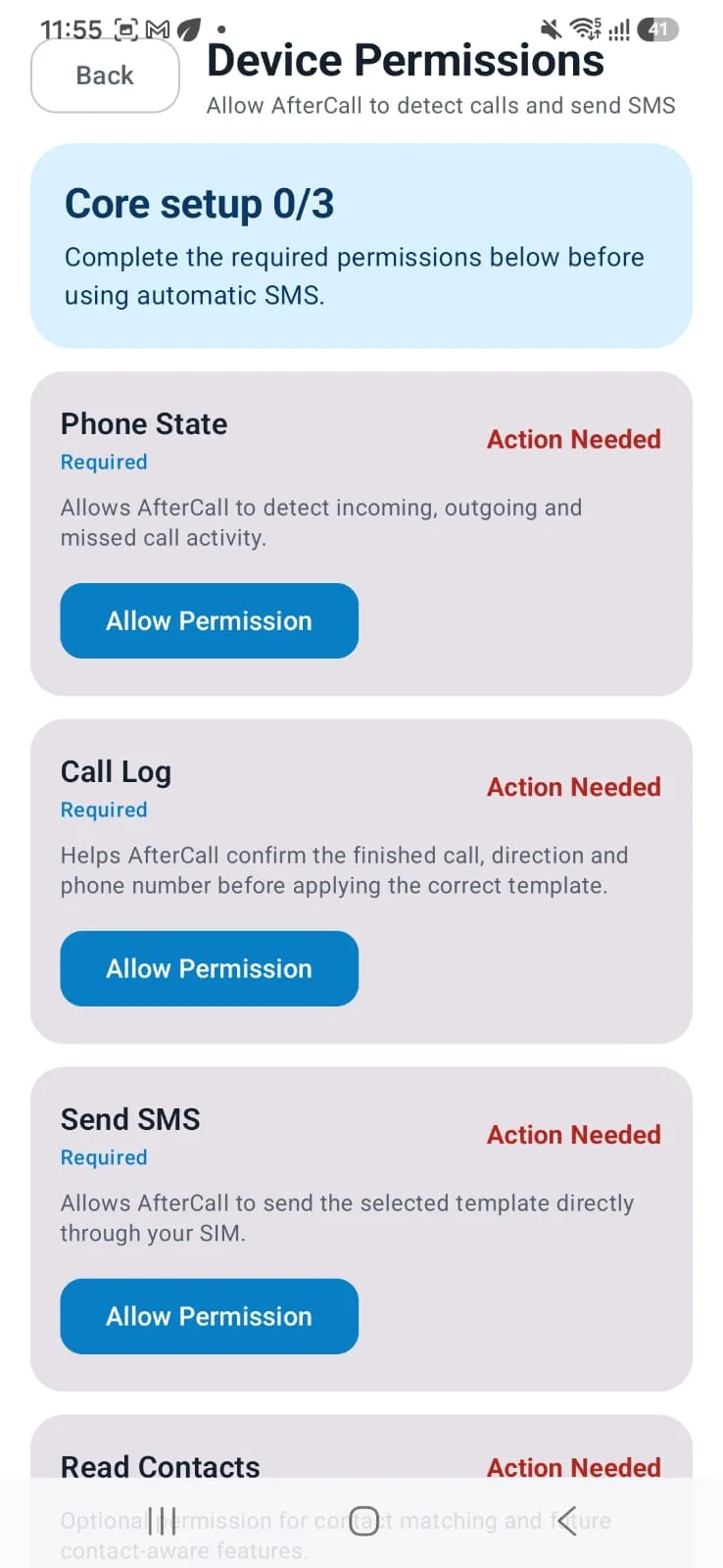
6. Device Permission Setup
- Guided permission status for Phone State, Call Log, SMS and other optional permissions
- Easy setup flow for first-time users
7. License-based Access
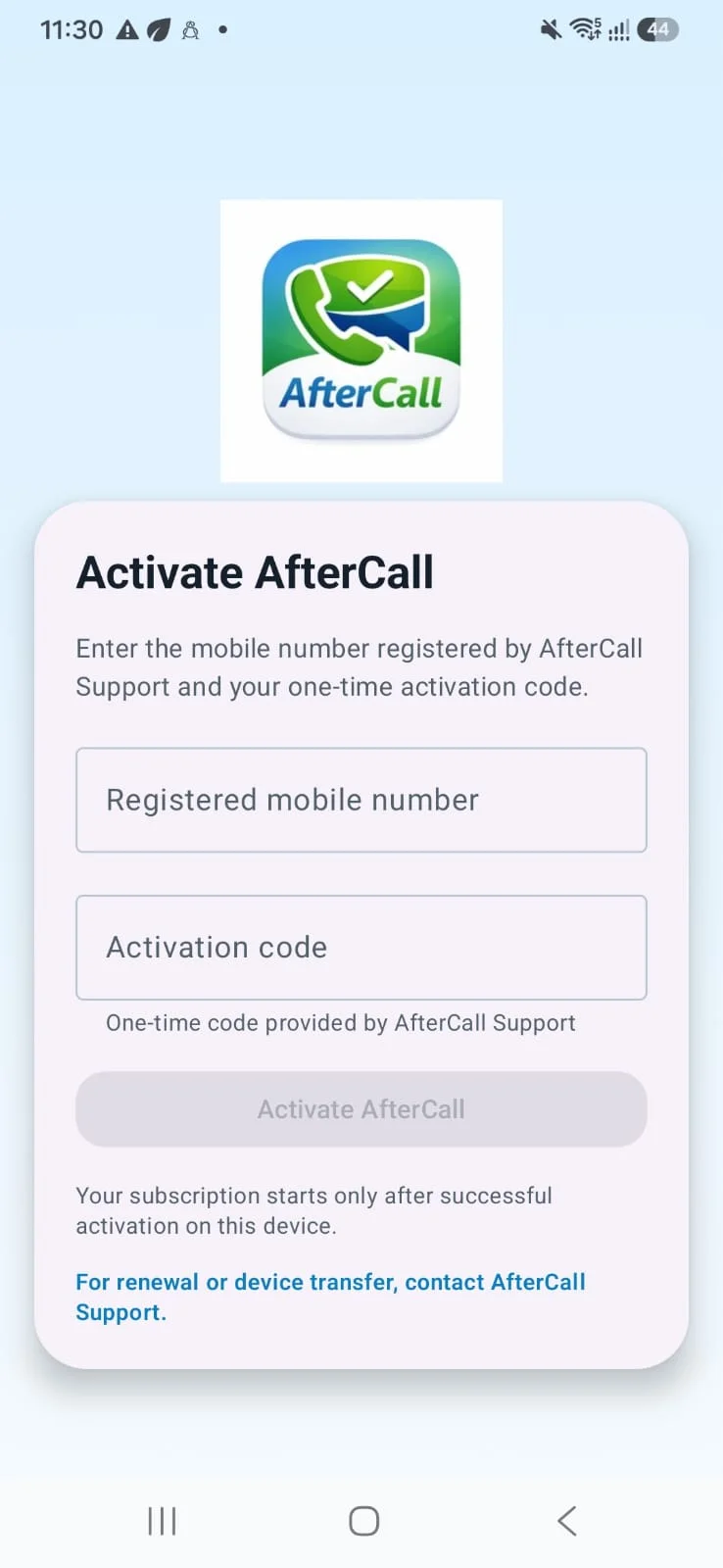
- Secure activation using registered mobile number and activation code
- Subscription and renewal managed through AfterCall support
Who is it for?
After Call is useful for:
- Local businesses
- Sales teams
- Customer support teams
- Clinics and service providers
- Shops and professionals who want quick call follow-up
Important Note
- SMS is sent through your device/SIM after required permissions are granted.
- WhatsApp feature is designed as a Quick Send / app-open flow and depends on installed WhatsApp apps and user setup.
- Some features require phone permissions to work correctly.
For support, activation, renewal or device transfer, contact:
[email protected]
9693667887
Tools
Ratings
0
0 total ratings
5
73%
4
10%
3
4%
2
3%
1
10%
REVIEWS
No reviews yet. Be the first one to review this app

Permissions
Contacts: access your contacts
Internet: use your internet connection
Phone: make and manage phone calls
SMS: send and view SMS messages
Developer Info
Curated for YouSee all





Scan to download on PhonePe Appstore