

Tatoe Apps
4.0
ratings6 MB
SizeVerified
SCREENSHOTS (8)
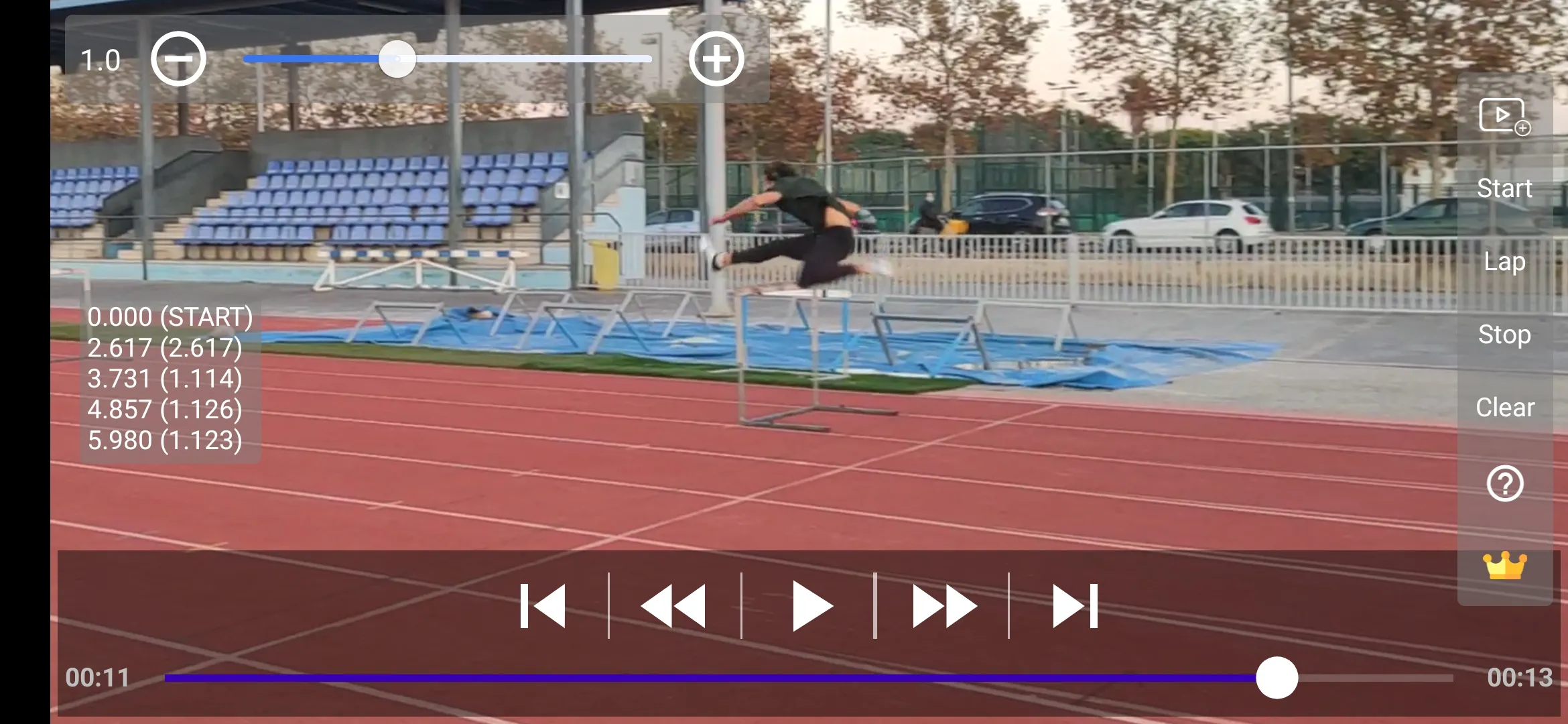
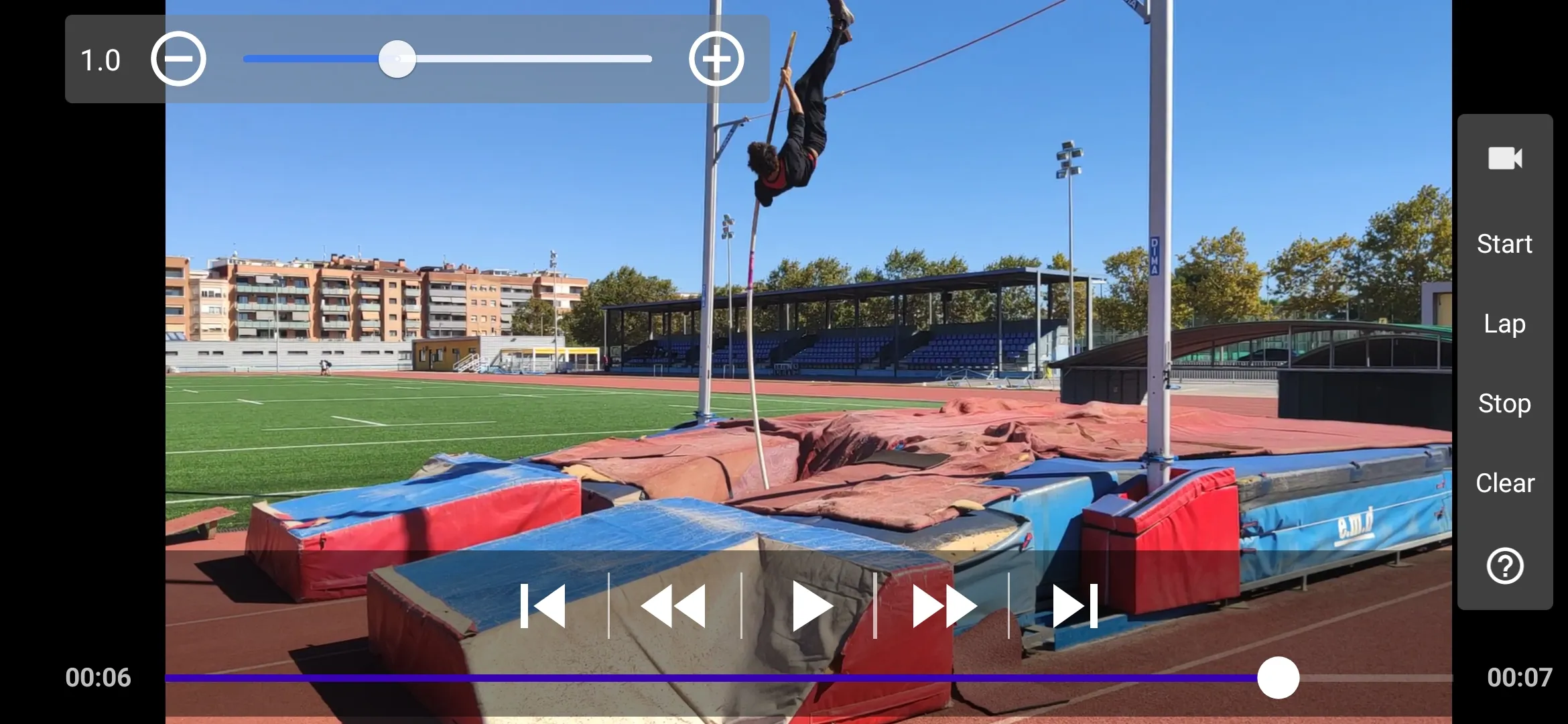
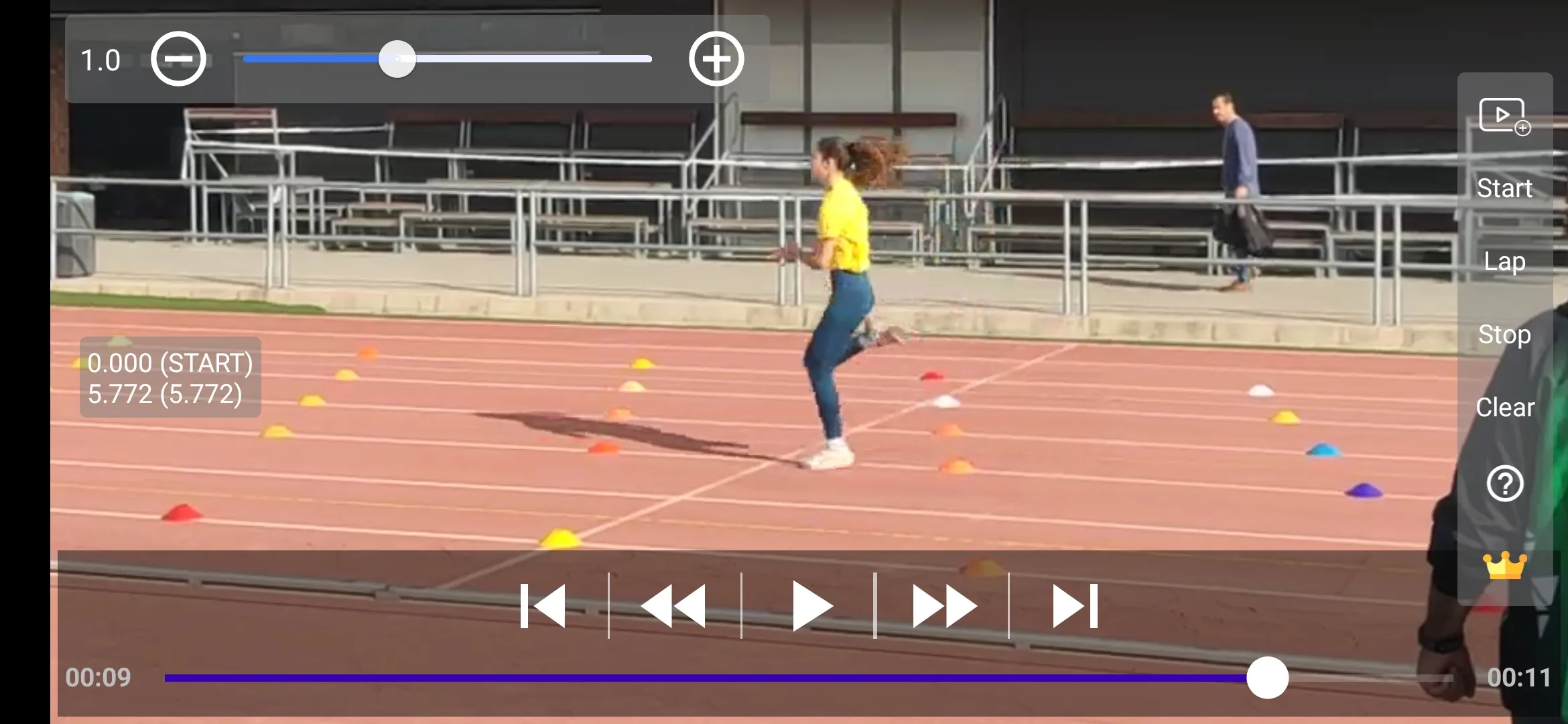
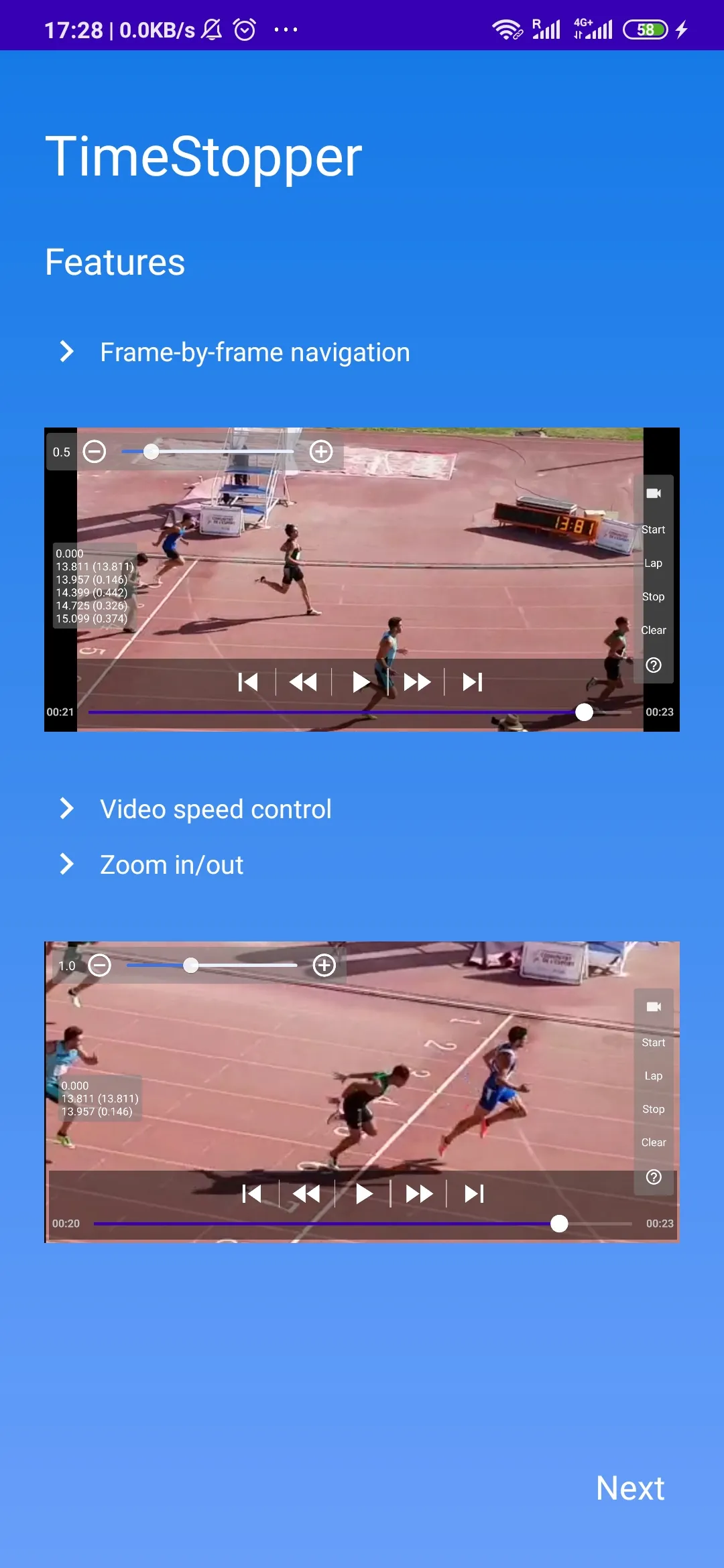
About the app
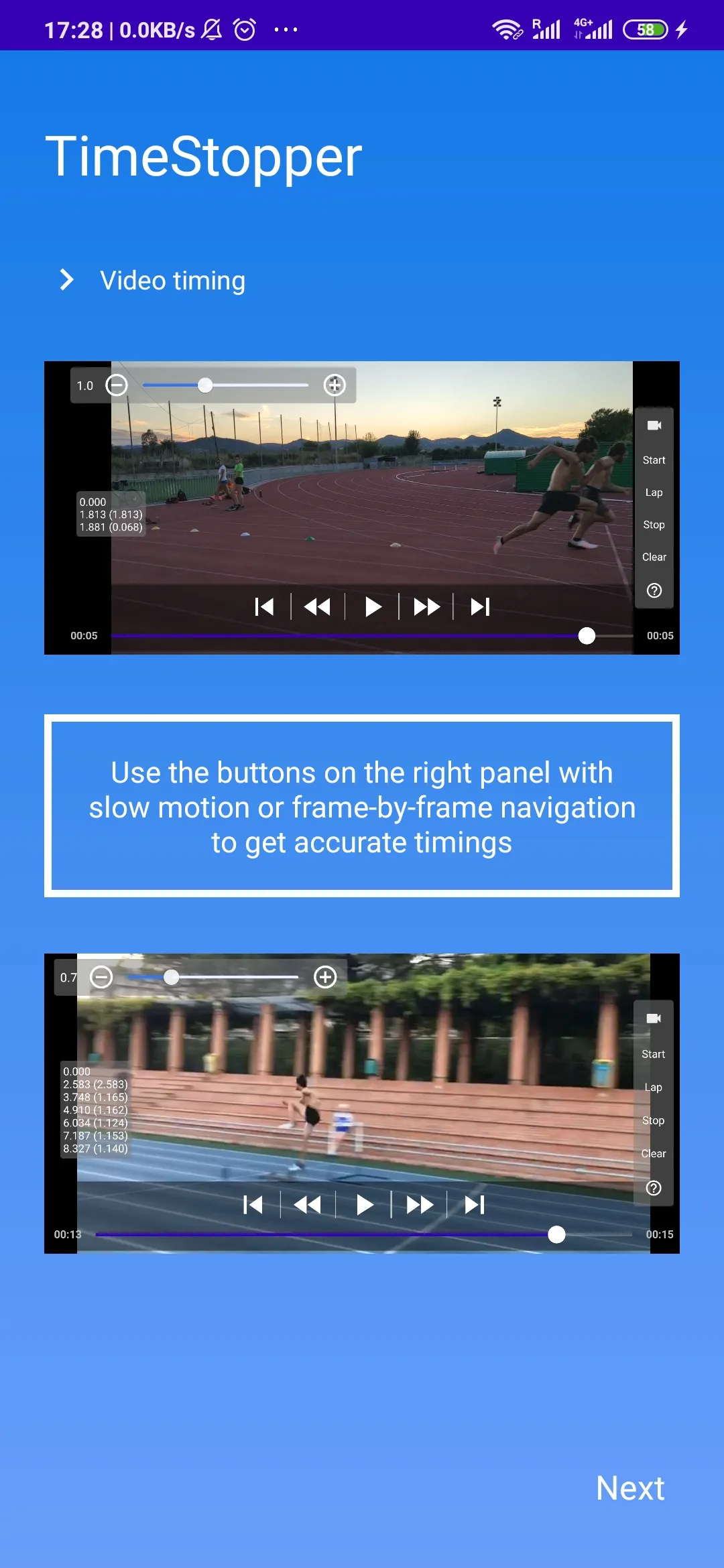
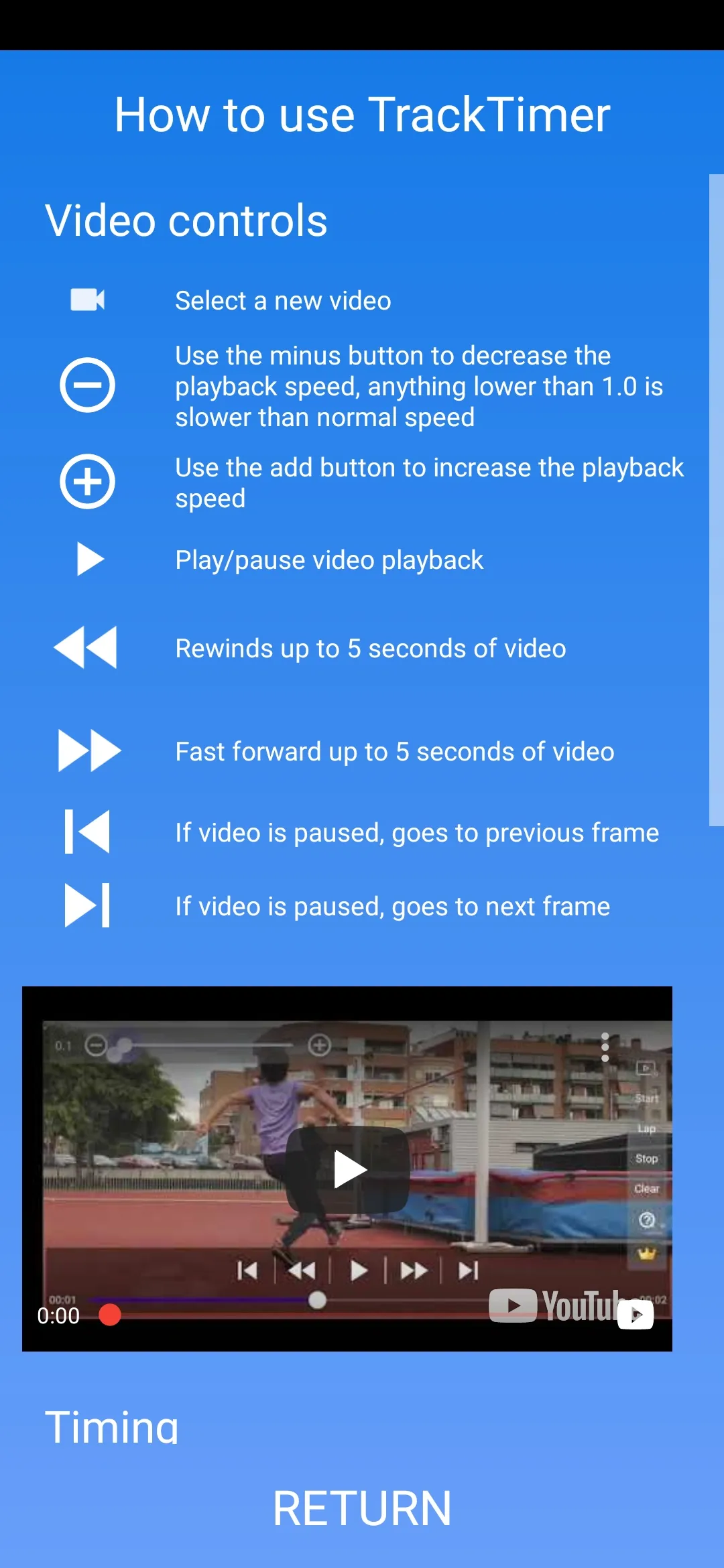
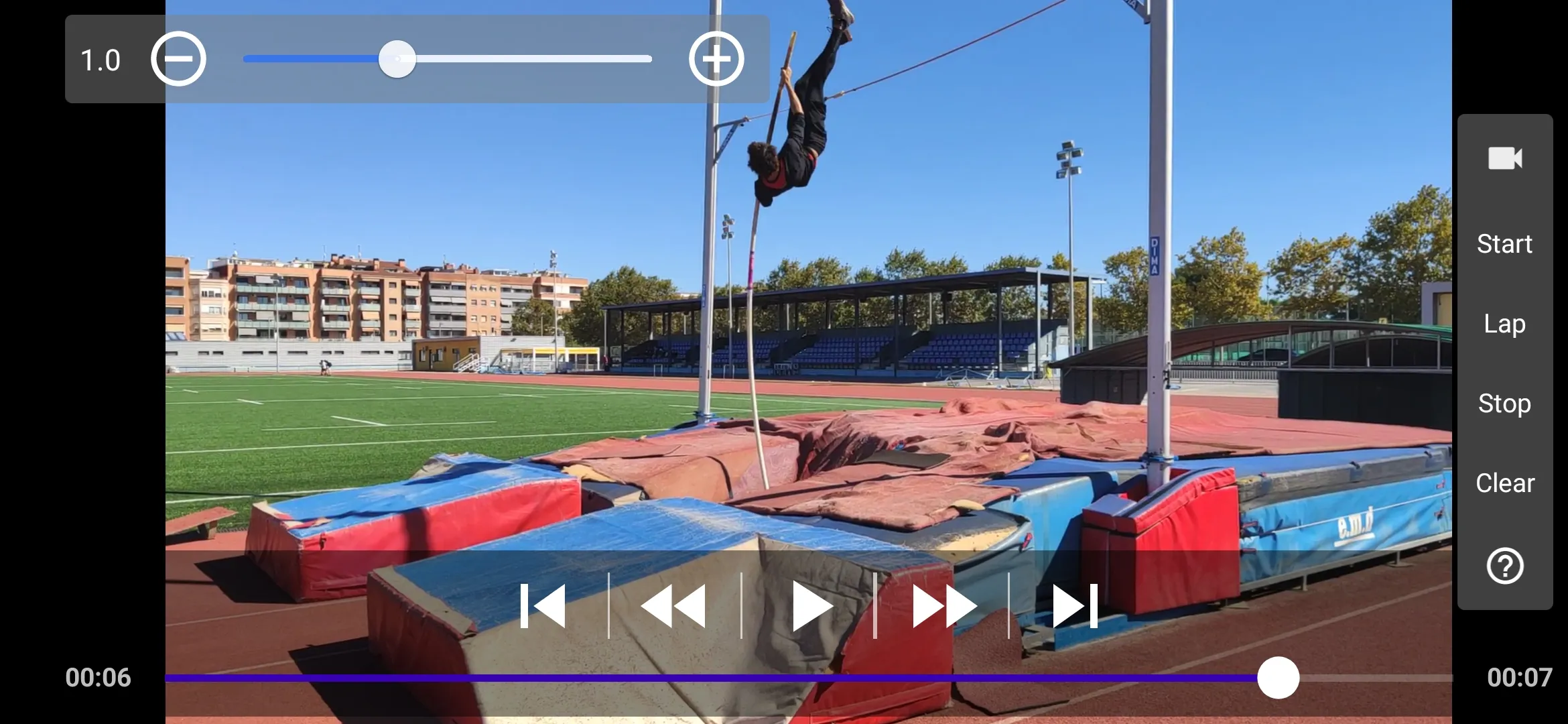
TrackTimer allows you to analyse videos in a seamless and intuitive way. It provides video speed control to view media in slow motion, zoom-in-out, and frame by frame navigation so you can inspect every single frame.
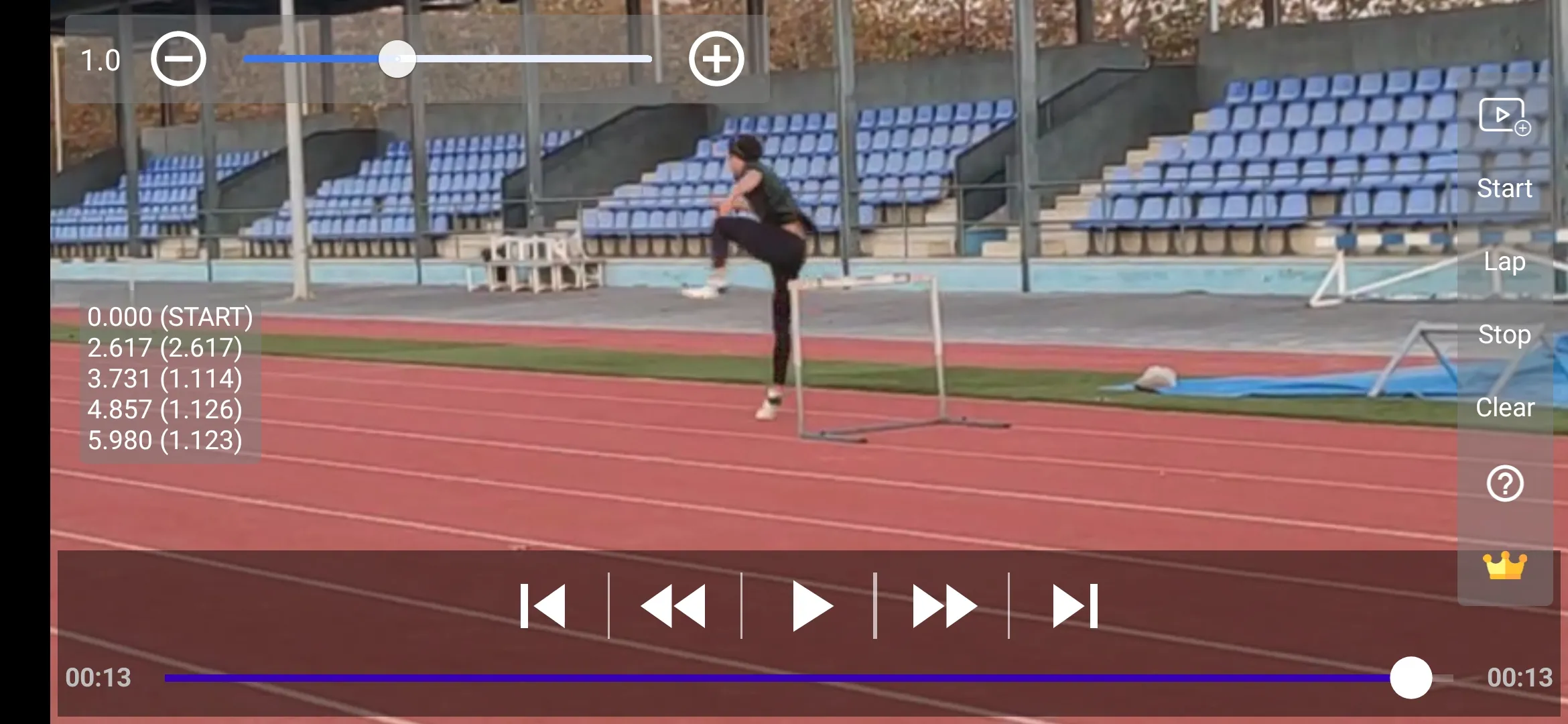
You can also use timing tools to make precise time measurements, as long as you choose the right start and end frames the app will provide the corresponding time between the frames. Of course, there will be a margin of error that will depend on the frames per second of the recorded video, for example:
- 60 frames per seconds video {-0.009, +0.009} seconds
- 30 frames per seconds video {-0.018, +0.018} seconds
- 24 frames per seconds video {-0.020, +0.020} seconds
You can use the timing feature freely but it is limited to 1 video per day. To make unlimited use you can acquire a year subscription for 5€.
TrackTimer does not contain ads.
Sports
Ratings
0
0 total ratings
5
73%
4
10%
3
4%
2
3%
1
10%
REVIEWS
No reviews yet. Be the first one to review this app
'%20fill-rule='evenodd'%20clip-rule='evenodd'%20d='M8.04878%200.118571C9.10796%20-0.198465%2010.2321%200.132893%2010.9526%200.961509L18.7058%209.9036H22.0709C23.0433%209.90386%2023.8429%2010.7032%2023.843%2011.6757V13.1309H23.8497C23.8497%2013.4983%2023.5476%2013.8014%2023.1803%2013.8015H19.9372V33.9548C19.9372%2034.423%2019.5703%2034.7975%2019.1021%2034.7977H17.142C15.91%2034.7977%2014.9156%2033.8036%2014.9154%2032.5644V28.0251C13.5538%2028.5582%2012.3722%2028.7169%2010.9963%2028.7169C6.45689%2028.7169%203.74677%2025.6897%203.74677%2020.6099V13.8015H1.77319C0.800641%2013.8015%200.000280942%2013.0091%200%2012.0294V10.573C0.000219737%2010.2057%200.303205%209.9036%200.670545%209.9036H13.5676L5.13039%201.85482C4.82078%201.55938%204.94365%201.04032%205.35428%200.917851L8.04878%200.118571ZM8.78425%2013.8082V20.611C8.78438%2023.1974%209.8151%2024.35%2012.1135%2024.35C12.9637%2024.3499%2014.1167%2024.1489%2014.902%2023.7959V13.8082H8.78425Z'%20fill='white'/%3e%3c/svg%3e)
Permissions
Storage: access photos, media, and files on your device
Internet: use your internet connection
Phone: make and manage phone calls
Curated for YouSee all






Scan to download on PhonePe Appstore

