

Centre for Railway Information Systems
4.8
20 ratings30 MB
SizeVerified
SCREENSHOTS (8)
About the app
Railway Employee Self Service (RESS) is an online system for Indian Railway employees has been developed by Centre for Railway Information Systems (CRIS).
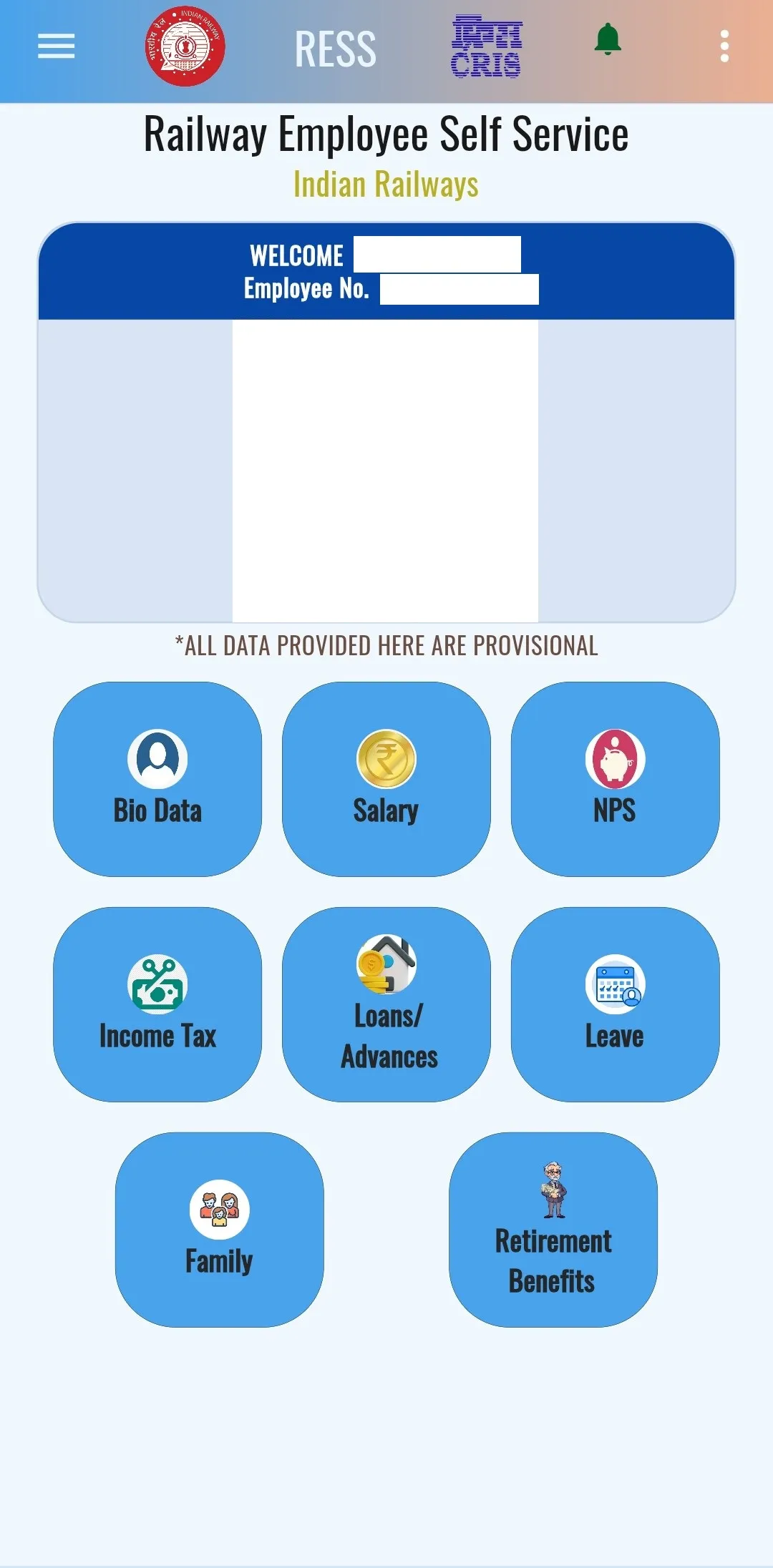
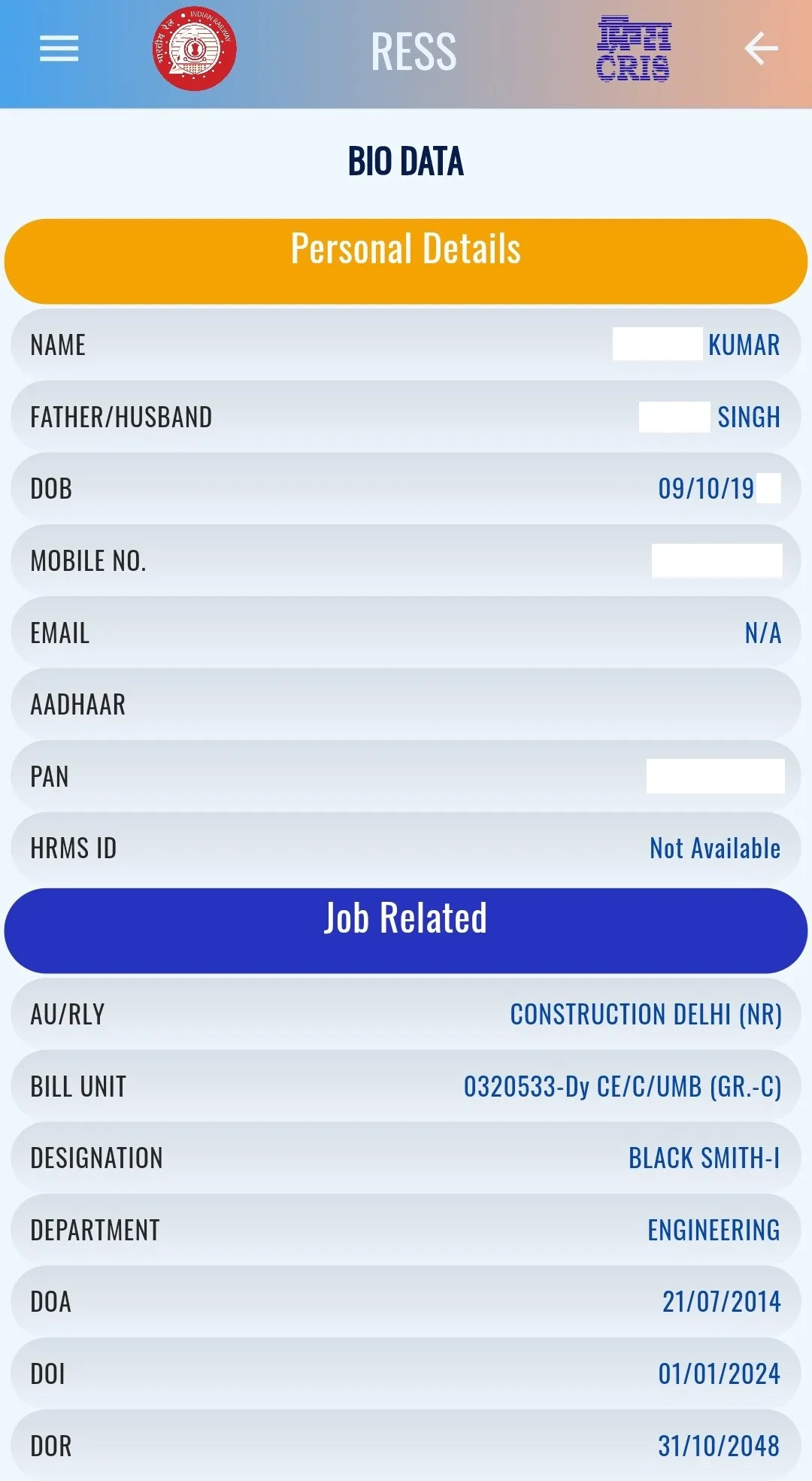
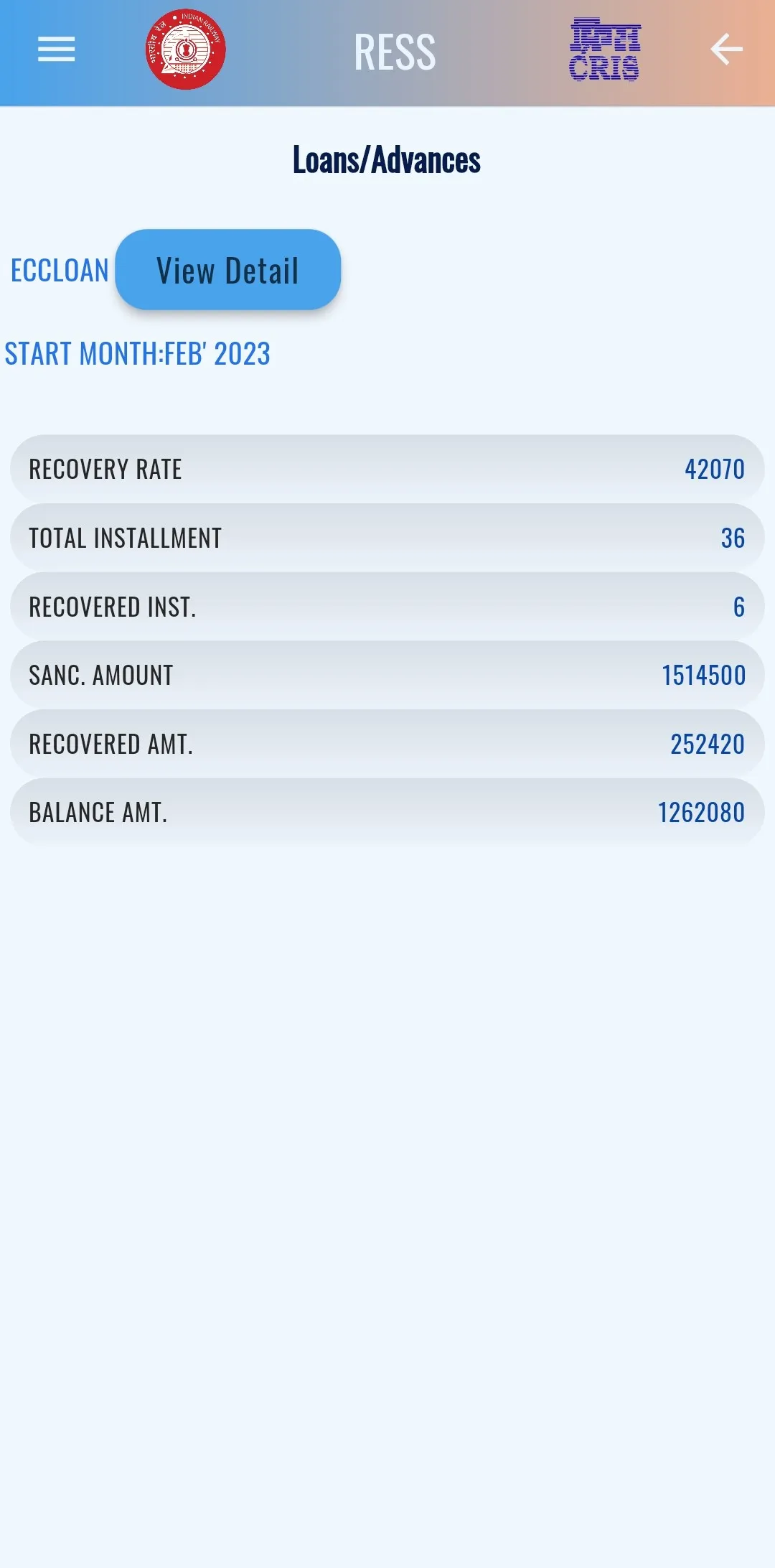
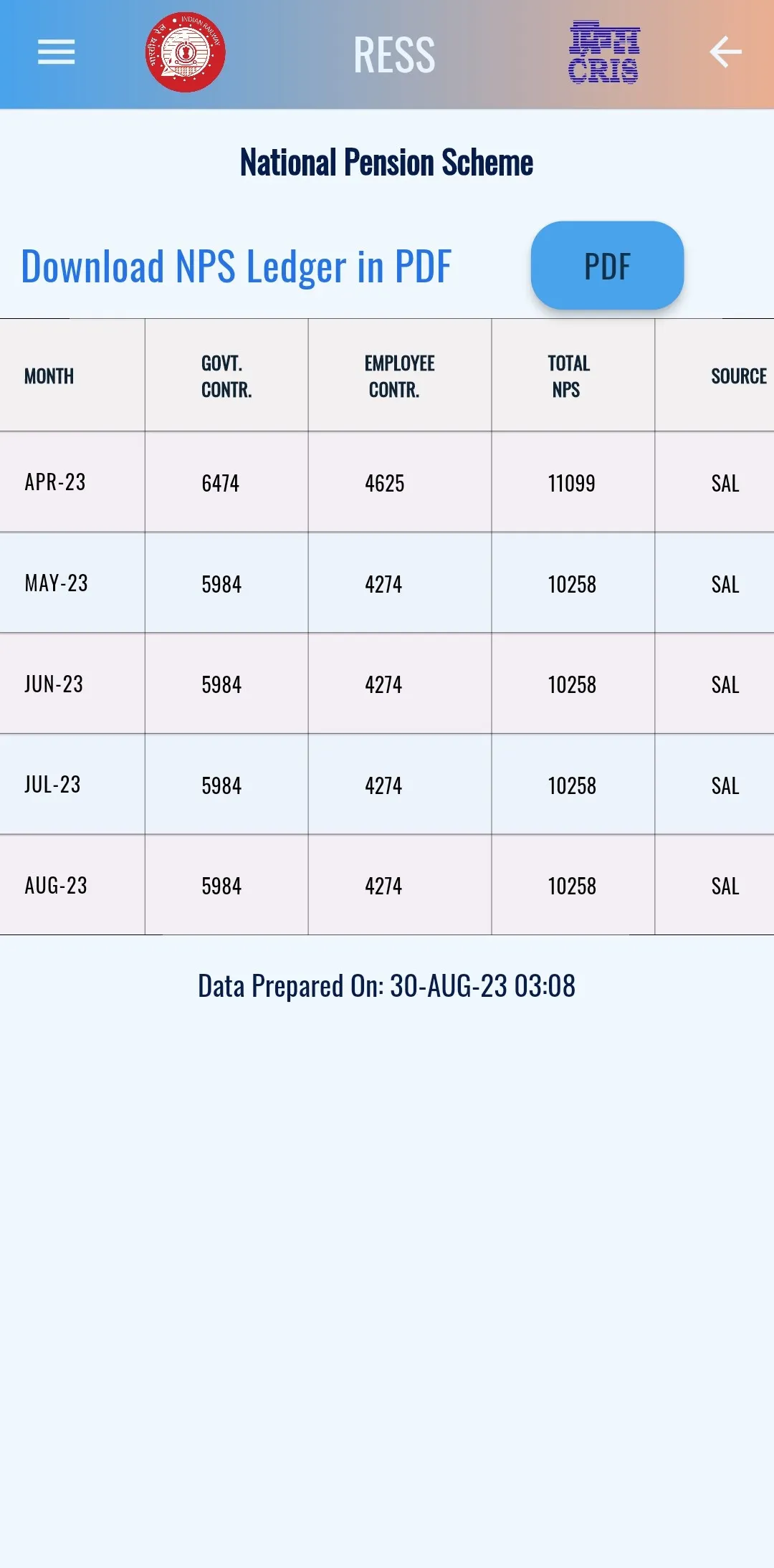
Now Railway employees can use this application to view their Personal Bio-data, Service and Pay related particular, Salary details, Provident fund/NPS details ,Salary
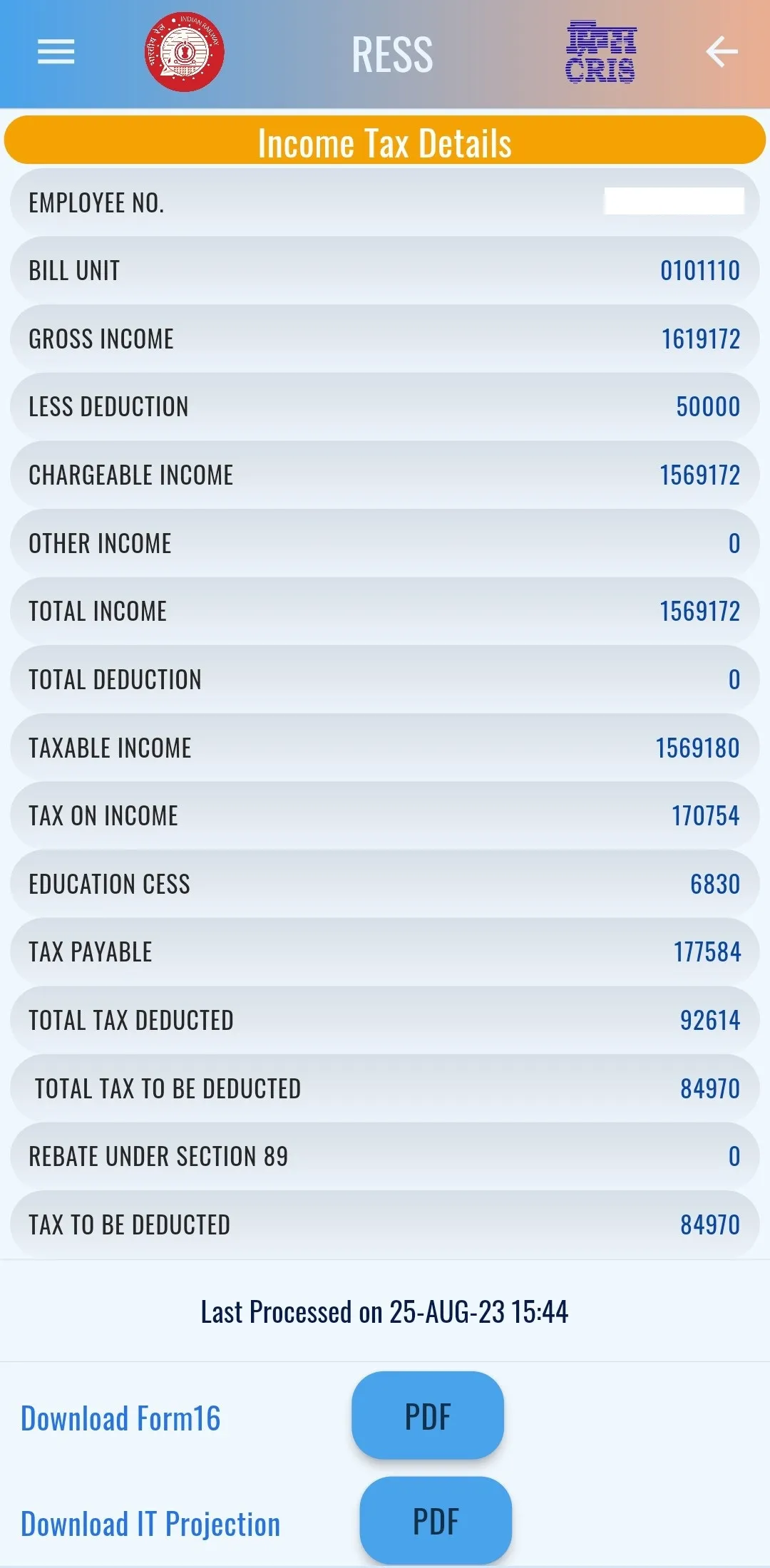
related loans & advances, income tax details (including monthly deductible amount) ,Leave and Family details, Pension Benefits (for retired employee only) etc.
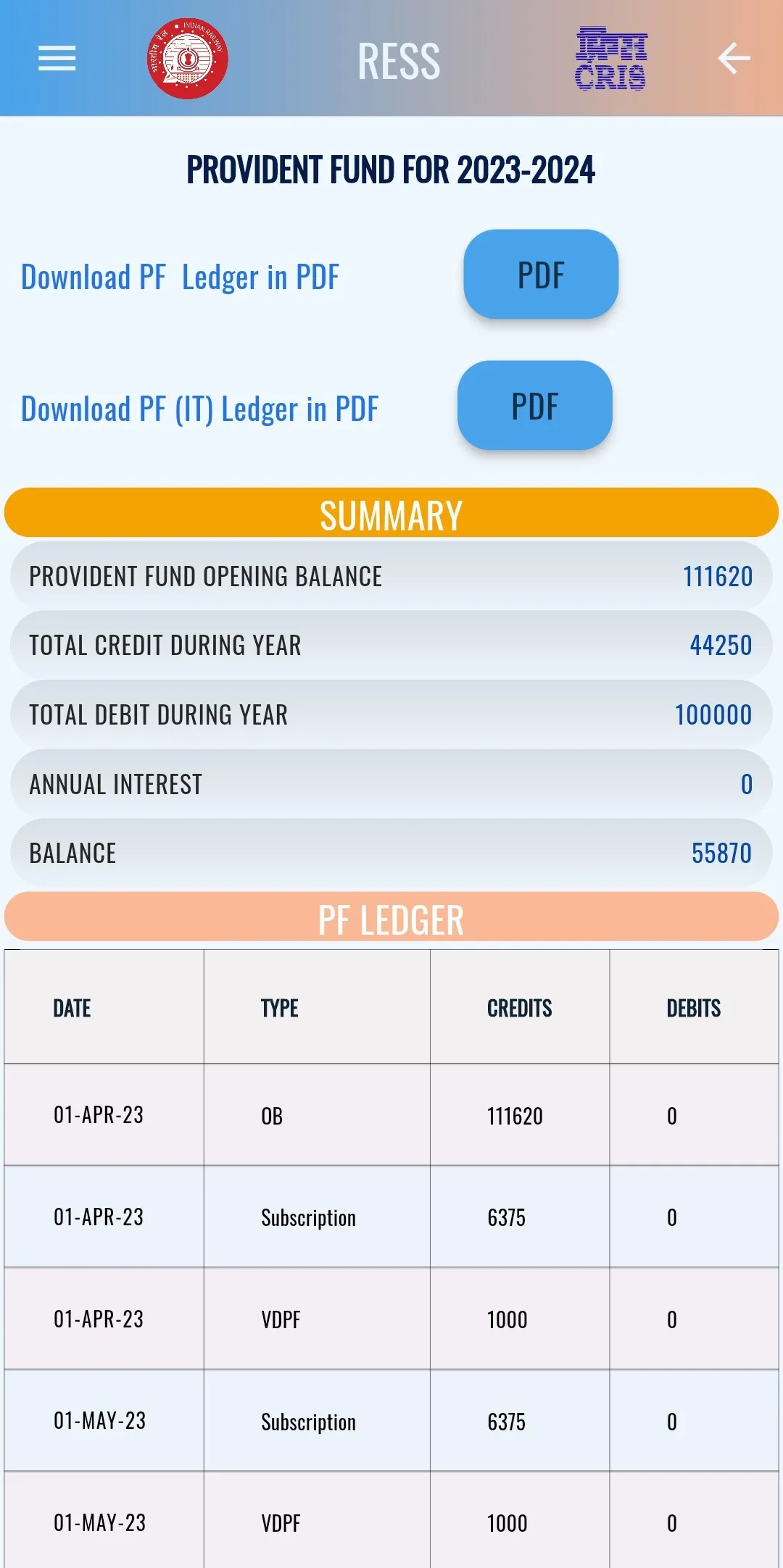
Download of Payslip,PF/NPS Ledger,e-PPO in PDF format are also available.
Registration Process:-
1. For Registering with RESS, an employee should ensure following point:-
a. Date of Birth and Mobile No are updated in IPAS. Permission to update Date of Birth and Mobile No is available with Pay Bill Clerks.
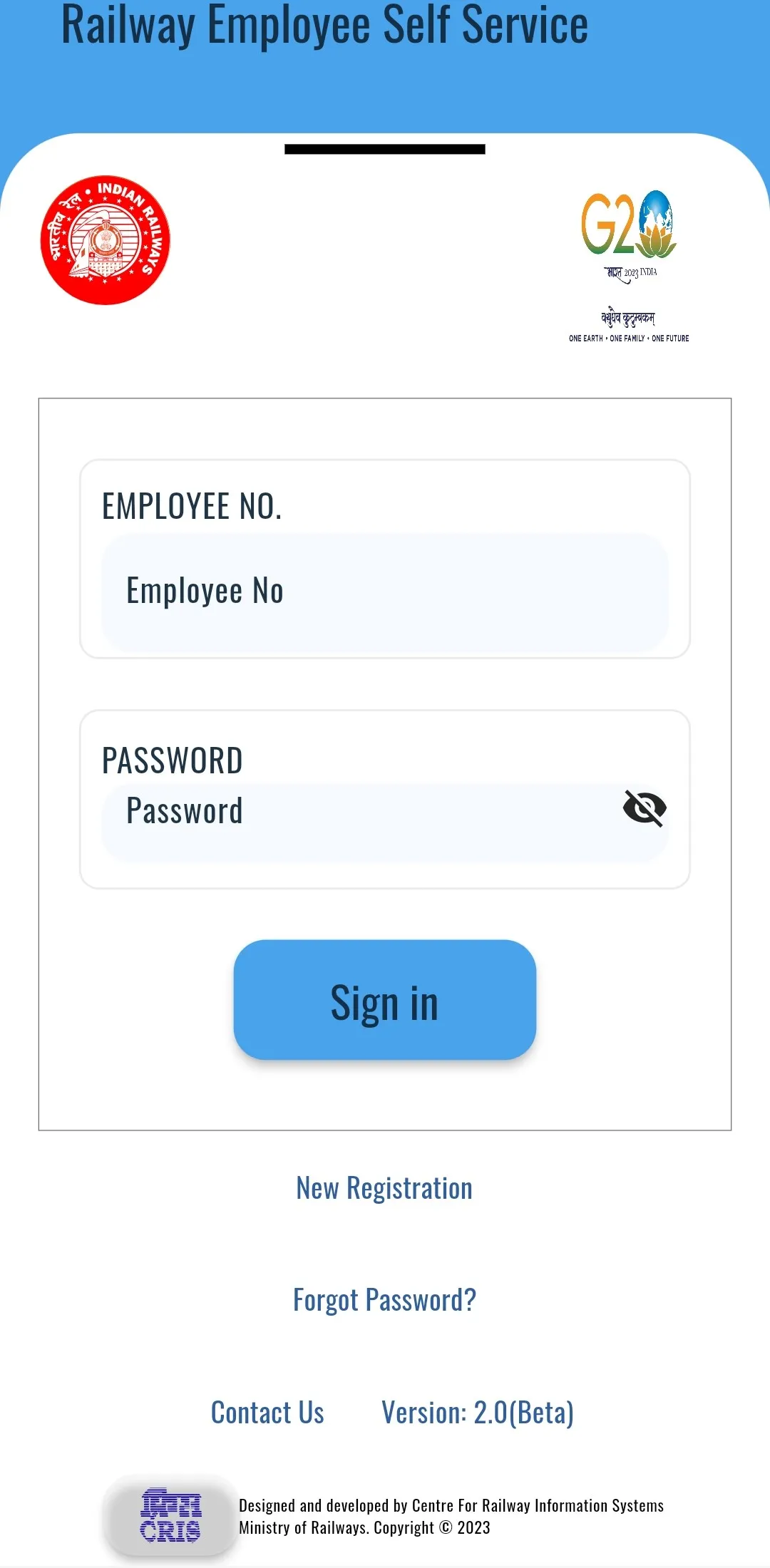
2. Link for “New Registration” has been provided in the Application. Touch the link.
3. Enter Employee Number, Mobile Number and Date of Birth
4. Verification code will be sent on the mobile number.
5. Enter verification code.
6. Registration is complete. Verification code is your Password.
A registered railway employee can view following:-
1. Bio-data (Personal details, Job related, Pay related)
2. Salary details (Monthly and Yearly Summary)
3. Download Monthly Payslip in PDF
4. Financial Year wise Supplementary payments
5. Provident Fund (PF) ledger along with Status of last PF withdrawal Application
6. NPS recoveries during a financial year
7. Loans and Advances details
8. Income Tax projections,Digitally sign Form-16 and cumulative deductions
9. Leave Balances (LAP & LHAP)
10. Family Details
11. Details of OT, TA, NDA, NHA, KMA, Child Education Allowance etc.
12. Retirement Benefits and Downloading of e-PPO for retired Employees.
If you Forget password:-
1. Touch on link “Forgot Password”
2. Enter Employee Number, Mobile Number and Date of Birth.
3. Password will be sent as OTP on your mobile number.This OTP is your Future Password.
Desktop version of RESS is also available at https://aims.indianrailways.gov.in
Productivity
Ratings
4.9
20 total ratings
5
85%
4
15%
3
0%
2
0%
1
0%
'%20fill-rule='evenodd'%20clip-rule='evenodd'%20d='M8.04878%200.118571C9.10796%20-0.198465%2010.2321%200.132893%2010.9526%200.961509L18.7058%209.9036H22.0709C23.0433%209.90386%2023.8429%2010.7032%2023.843%2011.6757V13.1309H23.8497C23.8497%2013.4983%2023.5476%2013.8014%2023.1803%2013.8015H19.9372V33.9548C19.9372%2034.423%2019.5703%2034.7975%2019.1021%2034.7977H17.142C15.91%2034.7977%2014.9156%2033.8036%2014.9154%2032.5644V28.0251C13.5538%2028.5582%2012.3722%2028.7169%2010.9963%2028.7169C6.45689%2028.7169%203.74677%2025.6897%203.74677%2020.6099V13.8015H1.77319C0.800641%2013.8015%200.000280942%2013.0091%200%2012.0294V10.573C0.000219737%2010.2057%200.303205%209.9036%200.670545%209.9036H13.5676L5.13039%201.85482C4.82078%201.55938%204.94365%201.04032%205.35428%200.917851L8.04878%200.118571ZM8.78425%2013.8082V20.611C8.78438%2023.1974%209.8151%2024.35%2012.1135%2024.35C12.9637%2024.3499%2014.1167%2024.1489%2014.902%2023.7959V13.8082H8.78425Z'%20fill='white'/%3e%3c/svg%3e)
Permissions
Location: access this device"s location
Storage: access photos, media, and files on your device
Internet: use your internet connection
Curated for YouSee all






Scan to download on PhonePe Appstore

