

RSupport Co., Ltd.
4.0
ratings58 MB
SizeVerified
SCREENSHOTS (6)

About the app
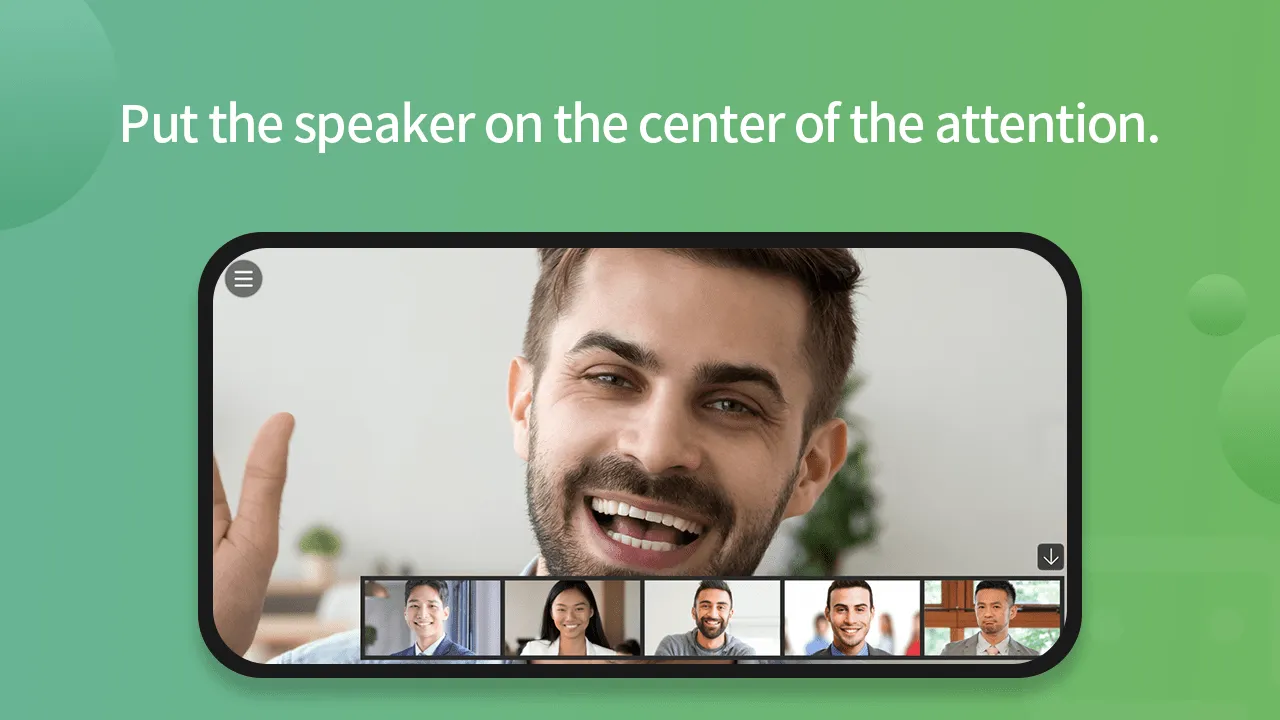
RemoteMeeting is collaboration and video conferencing application.
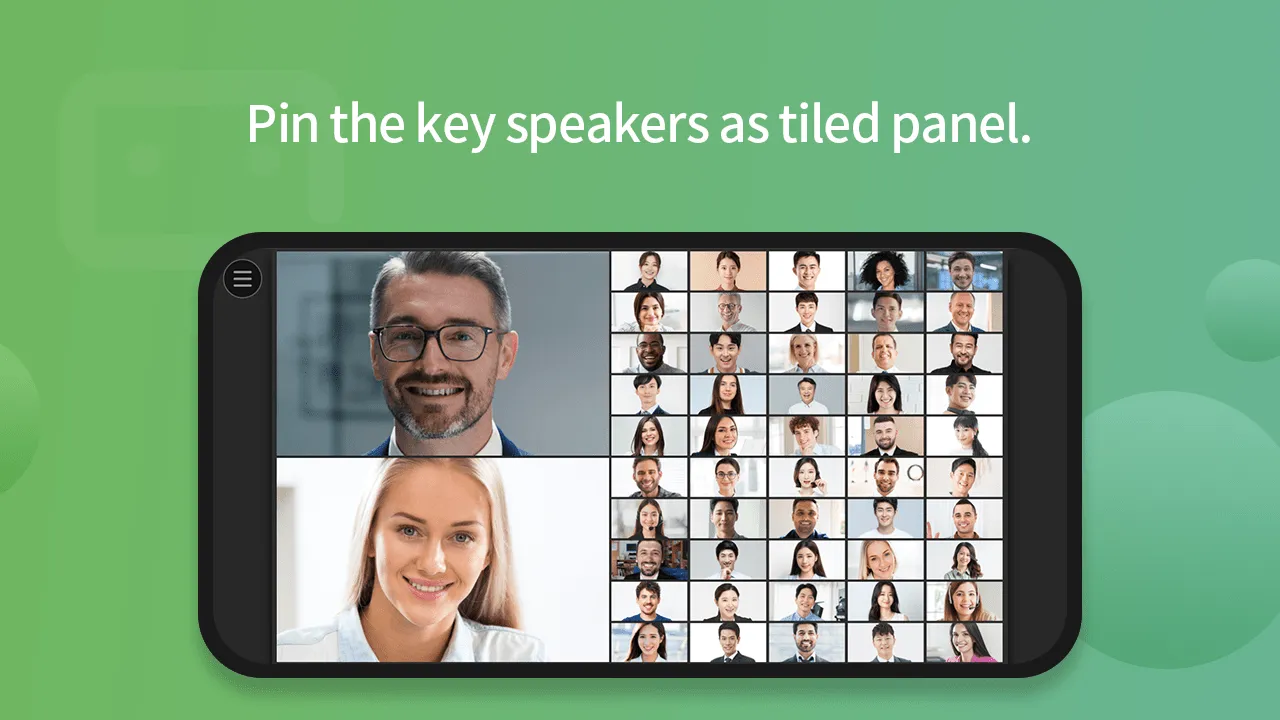
With RemoteMeeting, you can easily enjoy multipoint videoconferencing anytime, anywhere in you mobile device.
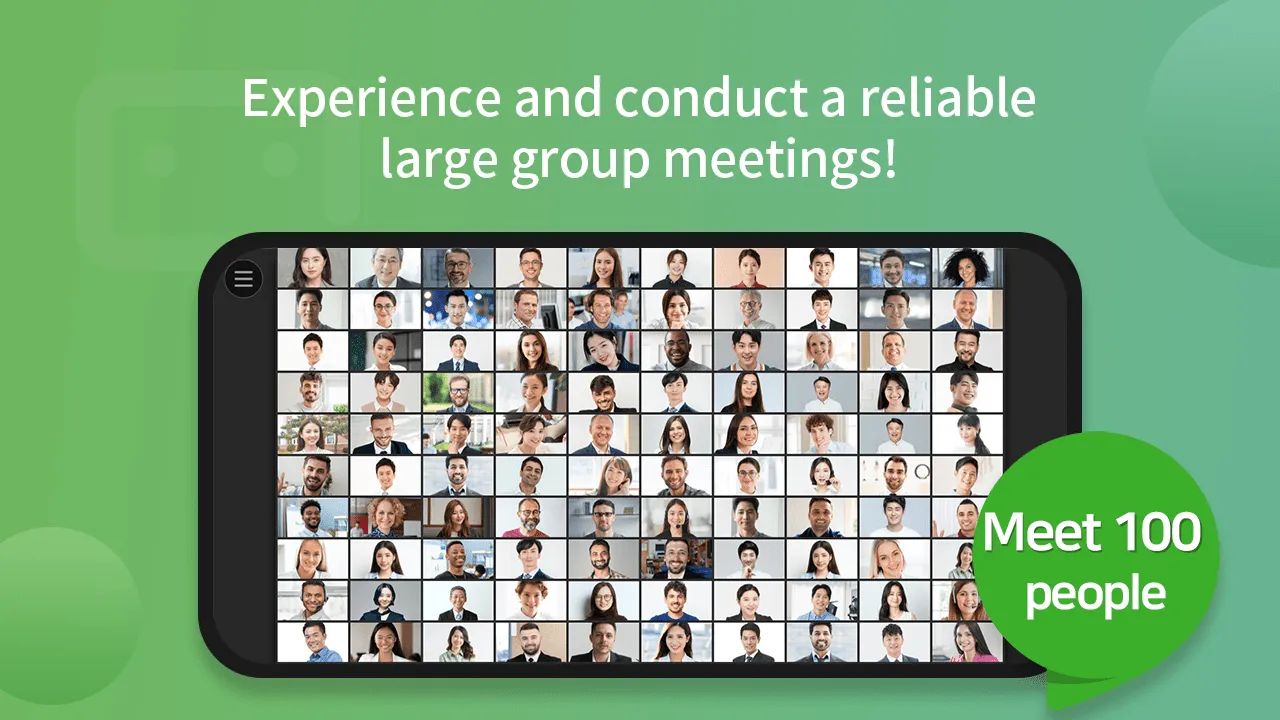
Do not miss important meetings because you are away. Up to 100 simultaneous participants can join the meeting.
Designed for anyone to use it with ease. Easy, simple yet powerful video collaboration
[Special features]
1. To be Easy –Intuitive UI lets you use it without having to learn how to use it.
2. To be Fast – Users who connect from a PC can connect to a web browser and use it right away without downloading a program.
3. Powerful functions– Provides a variety of collaboration features to facilitate communication during meetings.
4. Mobile Support– From mobile to conference room opening to recording, everything on your PC is as it is.
[Functions]
“RemoteMeeting provides essential features for video conferencing, as well as assistive functions for smooth video conferencing.”
1.Connect with multiple devices: meet online via PC, Smartphone, Tablet, etc.
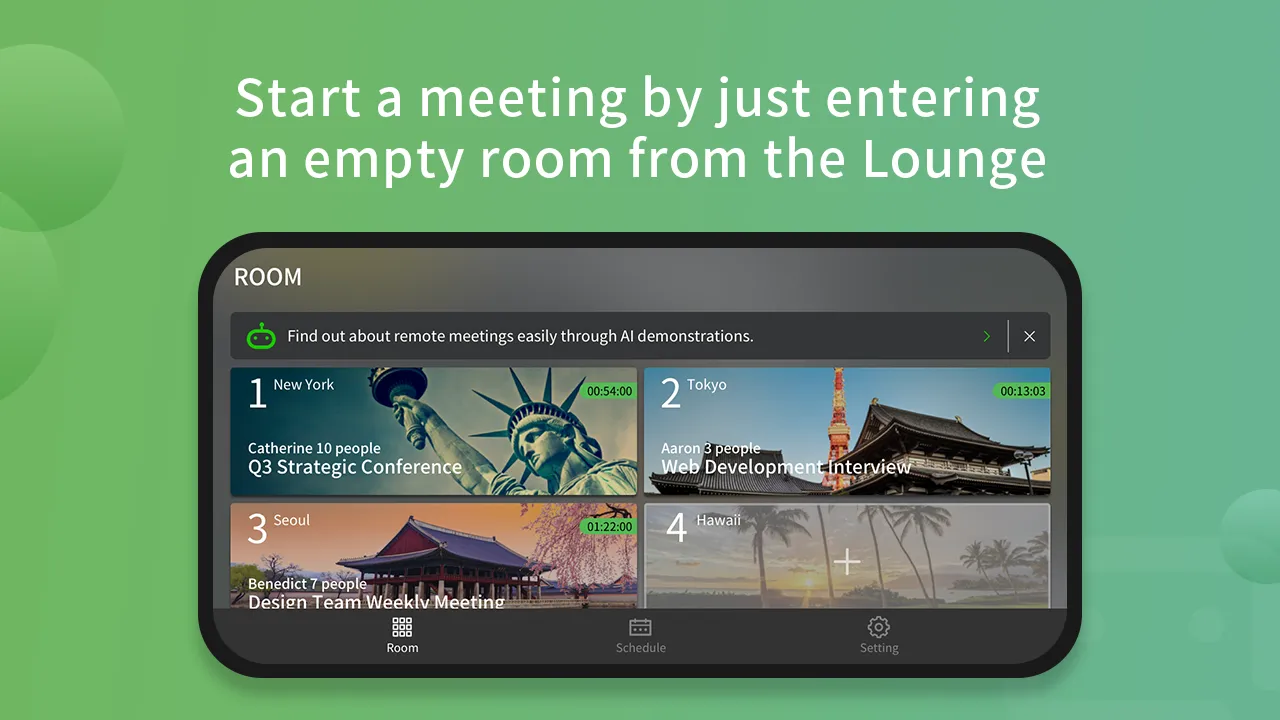
2.ONE-CLICK meeting start: create a meeting with just “ONE-CLICK”
3.Instant participation: Join the meeting with 6-digit Access Code or Selecting the meeting on the list.
4.PC screen share: RemoteMeeting supports the screen sharing that enhances the online meeting experience.
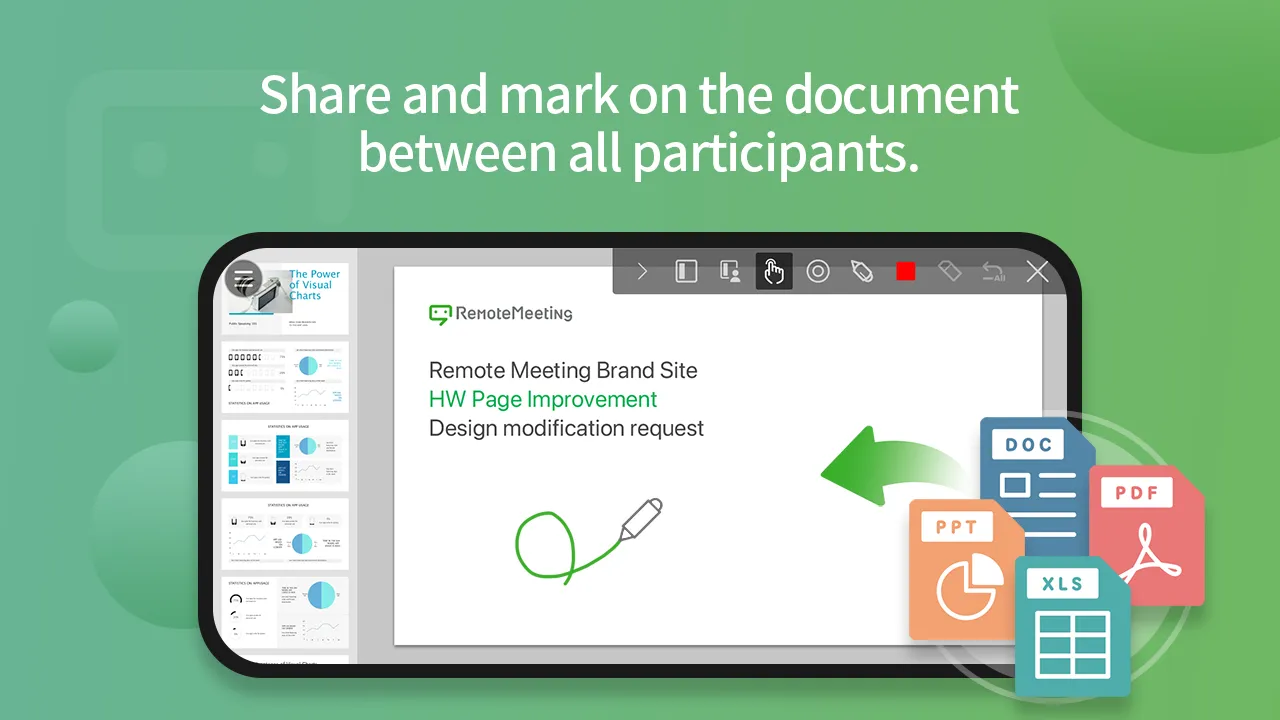
5.Web presentation: PC participants can use their own documents and give presentation to attendees.
6.Drawing: On the document presentation mode, you can use laser pointers or color pens to easily and clearly explain.
7.Minutes (Typing): Create meeting minutes and edit / share it with all attendees in real-time.
8.AI Minutes(STT): If offers a voice recognition feature called AI minutes which captures the speaker‘s voice and converts it into text.
9.Recording: Record Meeting’s screen (Cloud Storage)
10.Chatting: Share opinions as text message not to disturb ongoing speech or presentation
11.Moderator: The moderator can grant or restrict the voice of the meeting participants.
12.AI Demo: Easily find out how to use and function for RemoteMeeting with AI Demo
[How to Use]
1. How to start a meeting:
① Launch the app
② Log in
③ Select an empty meeting room in the lounge and the start the meeting
④ Invite other participants by informing the generated access code.
2. How to join a meeting:
① Launch the app
② Log in
③ Join the meeting by selecting an active meeting room in the LOUNGE or by entering the access code.
※ Click the link the invitation email received from the meeting creator to automatically launch the app and join the meeting.
※ Sign up in www.remotemeeting.com to become an account manager. Then, add users to use the service.
※ If you use cellular, the cost of mobile data consumed might be charged from your mobile provider.
--
Following permissions are required by the app.
◼︎ Required access permissions
[Phone] Used to check phone status and its network details during a meeting.
[Camera] Used to capture the image from the camera for the video conference.
[Microphone] Used to capture the voice from the microphone for the video conference.
[Storage] Used to temporarily save data generated during automatic login and the meeting.
[Nearby device] Utilized for using nearby device during meetings.
◼︎ For Android 6.0 or lower version users, the access permission is automatically agreed with the installation.
◼︎ Access permission can be denied for Android OS 6.0 or higher is available by [Settings]-[Applications]-[Select apps]-[Select permissions]-[Deny].
Productivity
Ratings
0
0 total ratings
5
73%
4
10%
3
4%
2
3%
1
10%
REVIEWS
No reviews yet. Be the first one to review this app
'%20fill-rule='evenodd'%20clip-rule='evenodd'%20d='M8.04878%200.118571C9.10796%20-0.198465%2010.2321%200.132893%2010.9526%200.961509L18.7058%209.9036H22.0709C23.0433%209.90386%2023.8429%2010.7032%2023.843%2011.6757V13.1309H23.8497C23.8497%2013.4983%2023.5476%2013.8014%2023.1803%2013.8015H19.9372V33.9548C19.9372%2034.423%2019.5703%2034.7975%2019.1021%2034.7977H17.142C15.91%2034.7977%2014.9156%2033.8036%2014.9154%2032.5644V28.0251C13.5538%2028.5582%2012.3722%2028.7169%2010.9963%2028.7169C6.45689%2028.7169%203.74677%2025.6897%203.74677%2020.6099V13.8015H1.77319C0.800641%2013.8015%200.000280942%2013.0091%200%2012.0294V10.573C0.000219737%2010.2057%200.303205%209.9036%200.670545%209.9036H13.5676L5.13039%201.85482C4.82078%201.55938%204.94365%201.04032%205.35428%200.917851L8.04878%200.118571ZM8.78425%2013.8082V20.611C8.78438%2023.1974%209.8151%2024.35%2012.1135%2024.35C12.9637%2024.3499%2014.1167%2024.1489%2014.902%2023.7959V13.8082H8.78425Z'%20fill='white'/%3e%3c/svg%3e)
Permissions
Storage: access photos, media, and files on your device
Biometric Information: access biometric data like fingerprint to unlock the app
Internet: use your internet connection
Phone: make and manage phone calls
Developer Info
Curated for YouSee all






Scan to download on PhonePe Appstore

