

TRIKDIS
4.0
ratings5 MB
SizeVerified
SCREENSHOTS (4)
About the app
EVERY alarm system can be smart!
With PROTEGUS you will always know what is happening at your home or office with real-time notifications and remote control. PROTEGUS platform offers you an easy way to control any existing or new alarm system from smartphone or using WEB. Get control of your alarm system!
Save money and time, no need to change existing alarm system, only upgrade it.
Any alarm system + TRIKDIS communicator
With PROTEGUS you can:
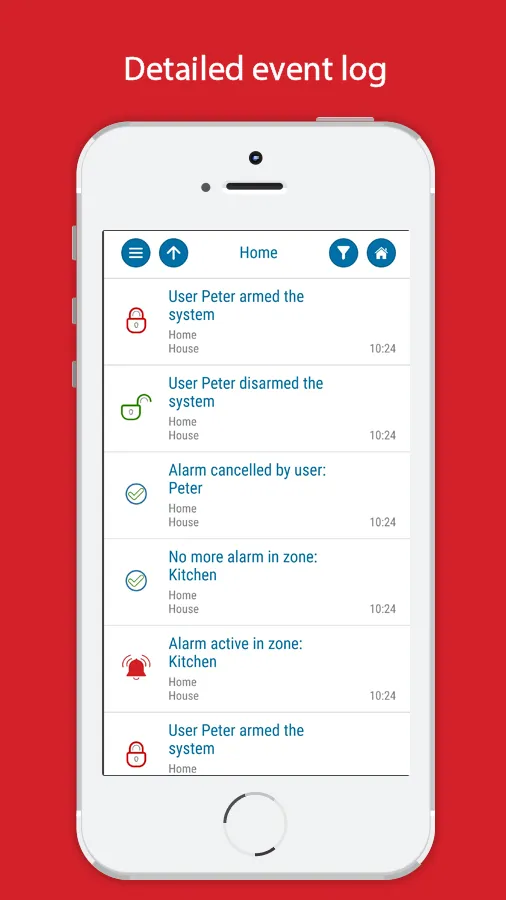
• Monitor your security system
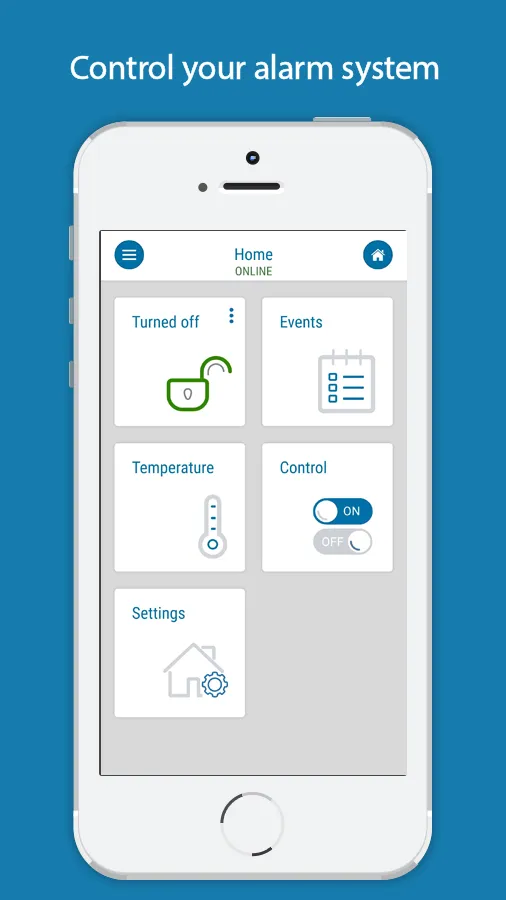
• Arm or disarm the system remotely
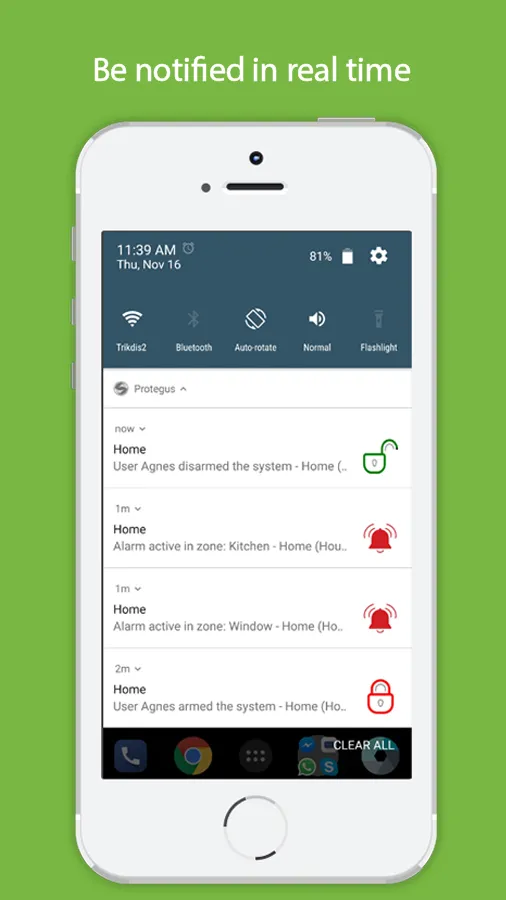
• Be informed about each event with push notifications
• Take action if alarm occurs
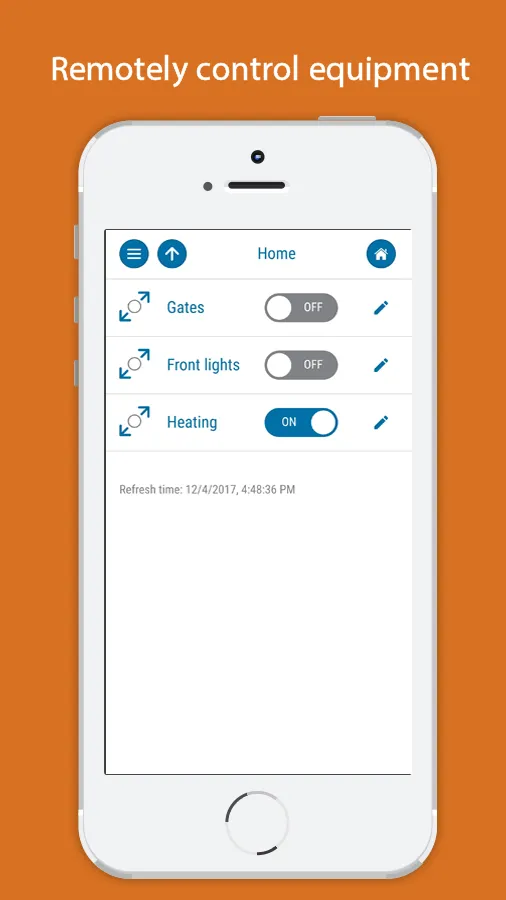
• Control automation devices remotely (open gates, turn on/off heating and etc.)
Please find more at www.protegus.eu
-----------------
Some technical details for installers:
TRIKDIS communicators that work with PROTEGUS app are compatible with any alarm panel. Communicators are directly compatible with Paradox, DSC, Interlogix (Caddx) and Texecom panels by connecting to panel's serial or data port. They work with any other alarm panel by connecting to alarm control panels landline communicator (TIP RING contacts). We display Contact ID events in a visual and user friendly way. With such panels remote Arm/Disarm is done via keyswitch zone.
Here are some videos on how to connect a TRIKDIS communicator to most popular panels:
G16 with DSC PowerSeries panel: https://youtu.be/VRZOM3sR7Ec
G16T with DSC PowerSeries Neo panel: https://youtu.be/3sC3Ngfm_lY
G16 with Paradox panel: https://youtu.be/XVN6cEZtrRE (Spectra, Magellan, Digiplex or Esprit)
G16 with GE Interlogix (Caddx) NetworX NX panel: https://youtu.be/hmnkOSzWiSM
Please find more details and installation manuals in http://www.trikdis.com
Productivity
Ratings
0
0 total ratings
5
73%
4
10%
3
4%
2
3%
1
10%
REVIEWS
No reviews yet. Be the first one to review this app
'%20fill-rule='evenodd'%20clip-rule='evenodd'%20d='M8.04878%200.118571C9.10796%20-0.198465%2010.2321%200.132893%2010.9526%200.961509L18.7058%209.9036H22.0709C23.0433%209.90386%2023.8429%2010.7032%2023.843%2011.6757V13.1309H23.8497C23.8497%2013.4983%2023.5476%2013.8014%2023.1803%2013.8015H19.9372V33.9548C19.9372%2034.423%2019.5703%2034.7975%2019.1021%2034.7977H17.142C15.91%2034.7977%2014.9156%2033.8036%2014.9154%2032.5644V28.0251C13.5538%2028.5582%2012.3722%2028.7169%2010.9963%2028.7169C6.45689%2028.7169%203.74677%2025.6897%203.74677%2020.6099V13.8015H1.77319C0.800641%2013.8015%200.000280942%2013.0091%200%2012.0294V10.573C0.000219737%2010.2057%200.303205%209.9036%200.670545%209.9036H13.5676L5.13039%201.85482C4.82078%201.55938%204.94365%201.04032%205.35428%200.917851L8.04878%200.118571ZM8.78425%2013.8082V20.611C8.78438%2023.1974%209.8151%2024.35%2012.1135%2024.35C12.9637%2024.3499%2014.1167%2024.1489%2014.902%2023.7959V13.8082H8.78425Z'%20fill='white'/%3e%3c/svg%3e)
Permissions
Storage: access photos, media, and files on your device
Internet: use your internet connection
Phone: make and manage phone calls
Developer Info
Curated for YouSee all






Scan to download on PhonePe Appstore

