
TechPulseStudio
4.0
ratings12 MB
SizeVerified
SCREENSHOTS (8)
About the app
PDFs are incredibly versatile, yet notoriously challenging to modify. But there's no need to manually copy text from a PDF. With the power of OCR (Optical Character Recognition), even scanned pages become editable.
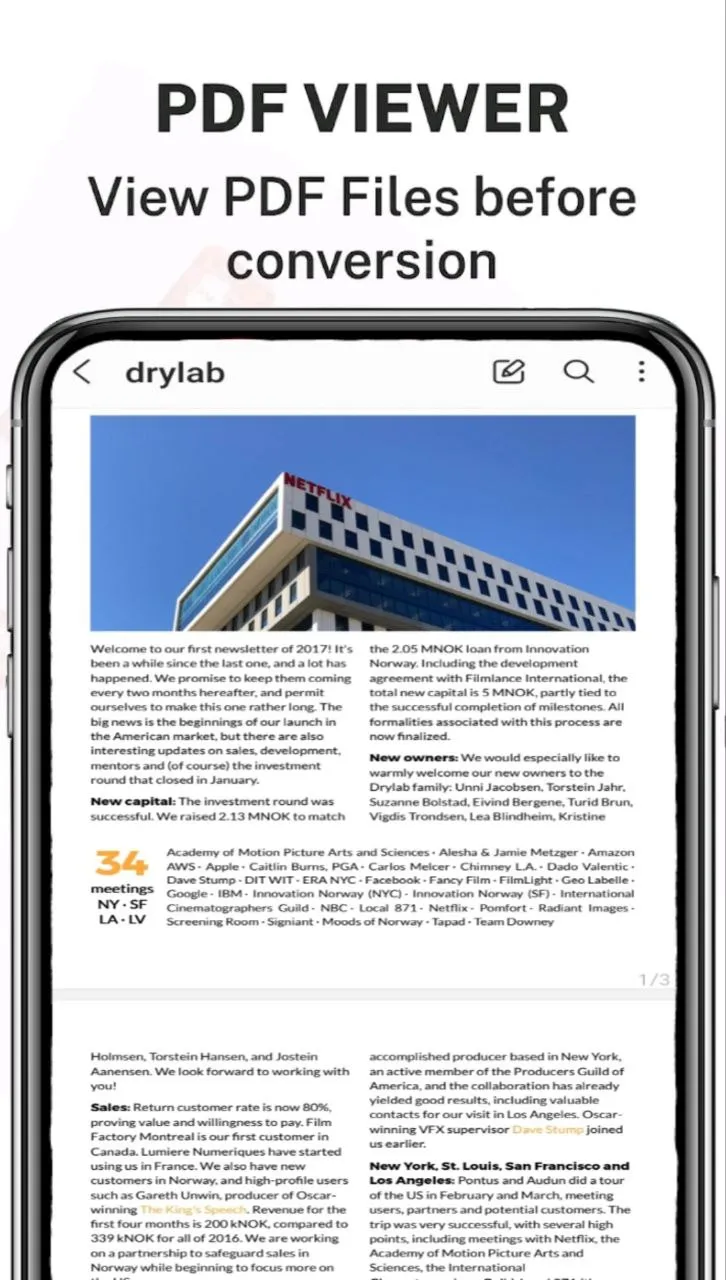
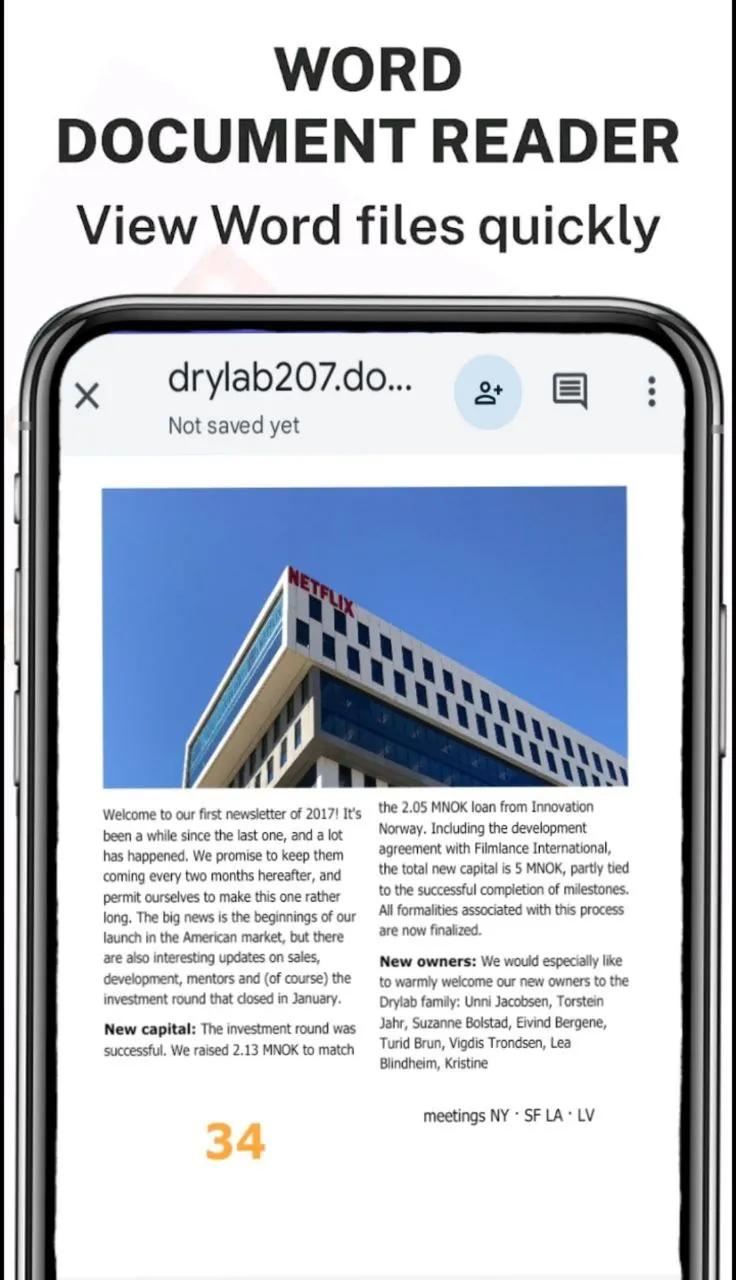
Introducing the premier PDF to Word converter. This tool faithfully reproduces the formatting of your PDFs – think fonts, paragraphs, lists, tables, and columns – right in a Word document. Once converted, you can easily edit, extract content, and even re-export as a new PDF. The best part? No registration, no login, and no need to share your contact details.
Looking to Convert a Scanned PDF to Word?
You're in the right spot. Our PDF converter transforms your PDFs into editable Word documents, converting from PDF to DOCX seamlessly.
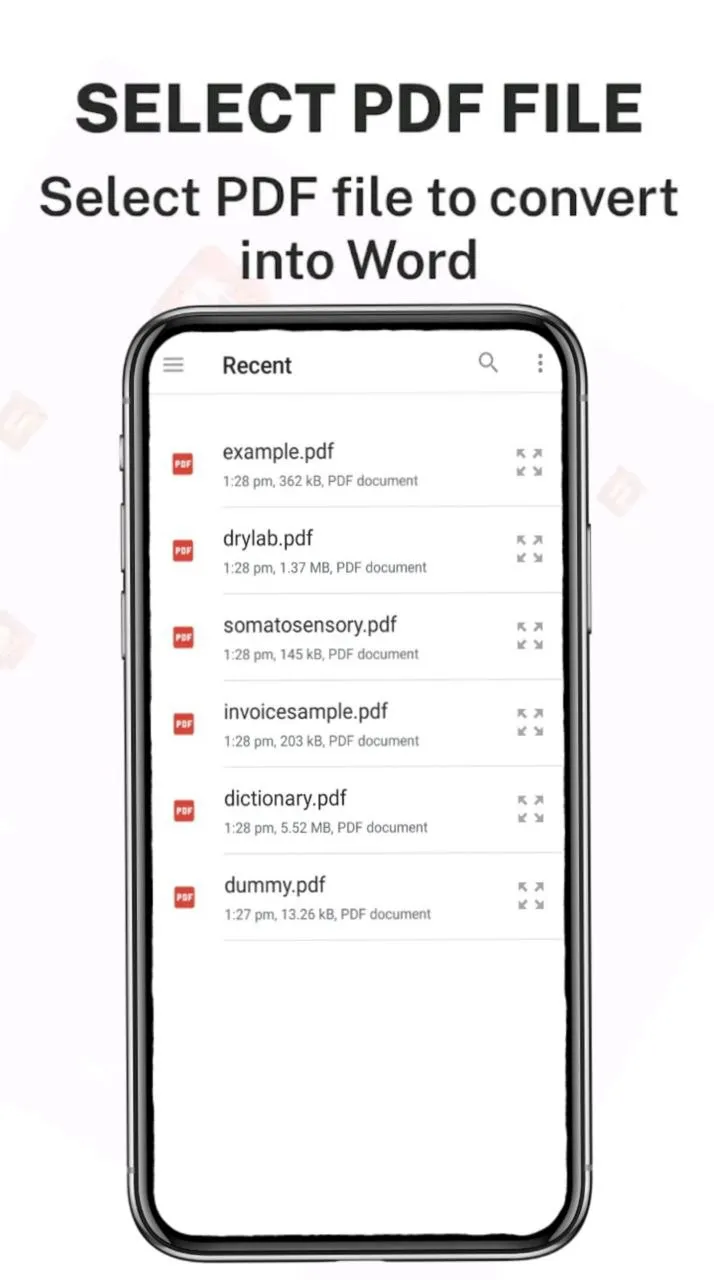
Here's a simple guide to converting PDF to Word:
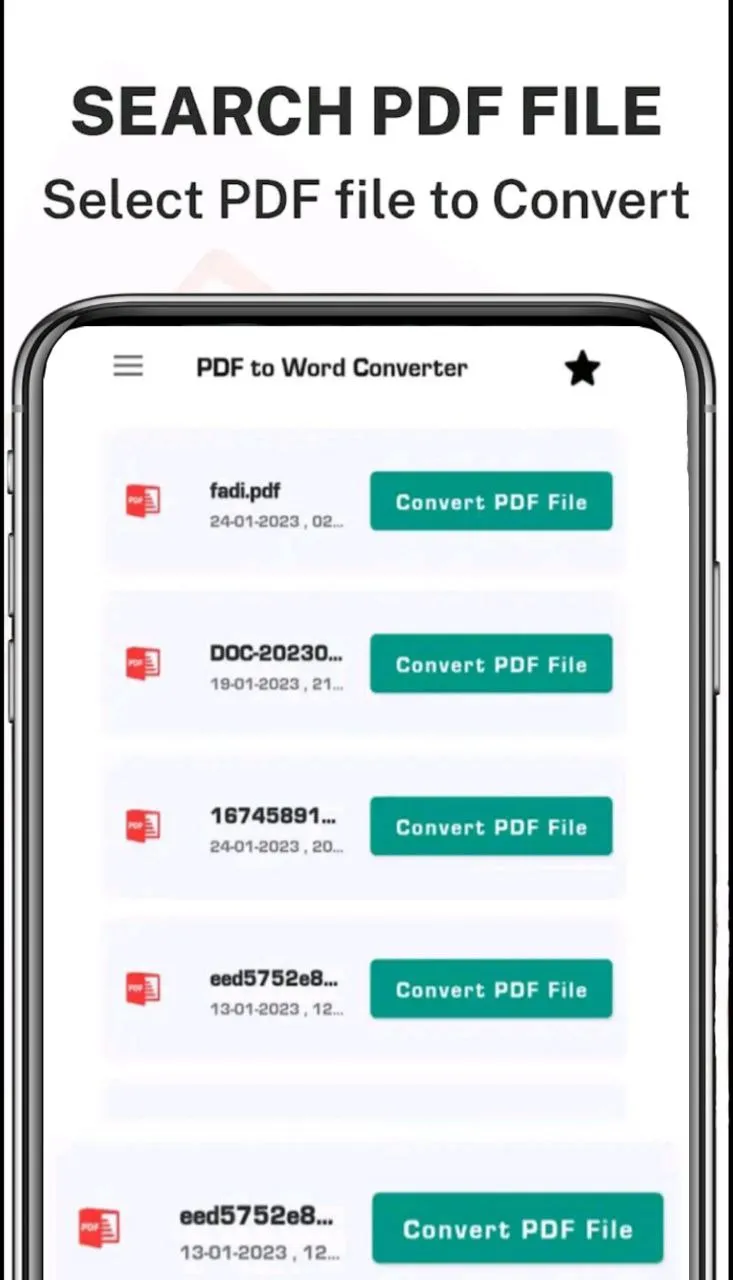
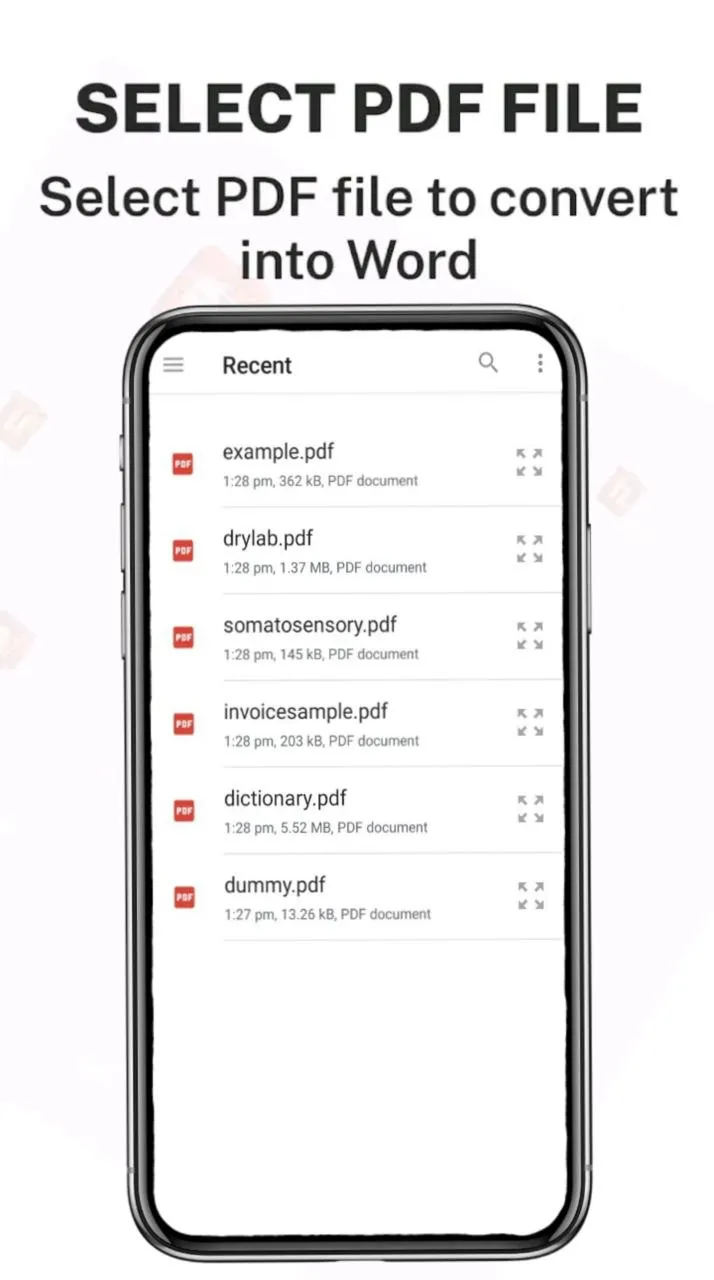
1. Choose your desired PDF file and select Convert.
2. Patiently wait as we work our magic and convert your PDF to Word. And voila!
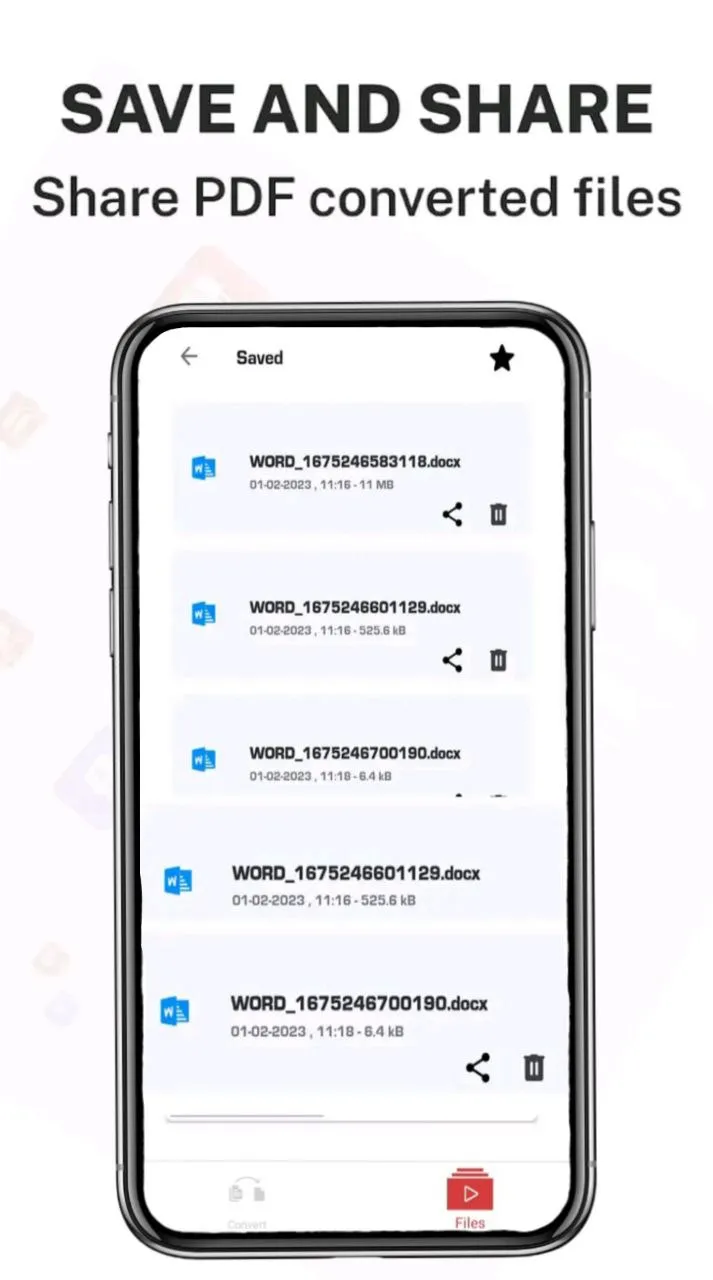
Your converted files can be found at: Phone/PDF2Word-Converter.
Introducing the premier PDF to Word converter. This tool faithfully reproduces the formatting of your PDFs – think fonts, paragraphs, lists, tables, and columns – right in a Word document. Once converted, you can easily edit, extract content, and even re-export as a new PDF. The best part? No registration, no login, and no need to share your contact details.
Looking to Convert a Scanned PDF to Word?
You're in the right spot. Our PDF converter transforms your PDFs into editable Word documents, converting from PDF to DOCX seamlessly.
Here's a simple guide to converting PDF to Word:
1. Choose your desired PDF file and select Convert.
2. Patiently wait as we work our magic and convert your PDF to Word. And voila!
Your converted files can be found at: Phone/PDF2Word-Converter.
Productivity
Ratings
0
0 total ratings
5
73%
4
10%
3
4%
2
3%
1
10%
REVIEWS
No reviews yet. Be the first one to review this app
'%20fill-rule='evenodd'%20clip-rule='evenodd'%20d='M8.04878%200.118571C9.10796%20-0.198465%2010.2321%200.132893%2010.9526%200.961509L18.7058%209.9036H22.0709C23.0433%209.90386%2023.8429%2010.7032%2023.843%2011.6757V13.1309H23.8497C23.8497%2013.4983%2023.5476%2013.8014%2023.1803%2013.8015H19.9372V33.9548C19.9372%2034.423%2019.5703%2034.7975%2019.1021%2034.7977H17.142C15.91%2034.7977%2014.9156%2033.8036%2014.9154%2032.5644V28.0251C13.5538%2028.5582%2012.3722%2028.7169%2010.9963%2028.7169C6.45689%2028.7169%203.74677%2025.6897%203.74677%2020.6099V13.8015H1.77319C0.800641%2013.8015%200.000280942%2013.0091%200%2012.0294V10.573C0.000219737%2010.2057%200.303205%209.9036%200.670545%209.9036H13.5676L5.13039%201.85482C4.82078%201.55938%204.94365%201.04032%205.35428%200.917851L8.04878%200.118571ZM8.78425%2013.8082V20.611C8.78438%2023.1974%209.8151%2024.35%2012.1135%2024.35C12.9637%2024.3499%2014.1167%2024.1489%2014.902%2023.7959V13.8082H8.78425Z'%20fill='white'/%3e%3c/svg%3e)
Permissions
Storage: access photos, media, and files on your device
Internet: use your internet connection
Phone: make and manage phone calls
Camera: take pictures and record video
Curated for YouSee all






Scan to download on PhonePe Appstore

