
SSon Studio
4.0
ratings63 MB
SizeVerified
SCREENSHOTS (7)
About the app
Unlock the power of seamless PDF editor management with PDF editor - PDF Scanner! Designed to cater to the needs of students, professionals, and anyone who works with digital documents, this app offers an all-in-one toolkit to view PDF files, edit PDF, and organize PDFs effortlessly.
Key features
📖 View PDF files with ease
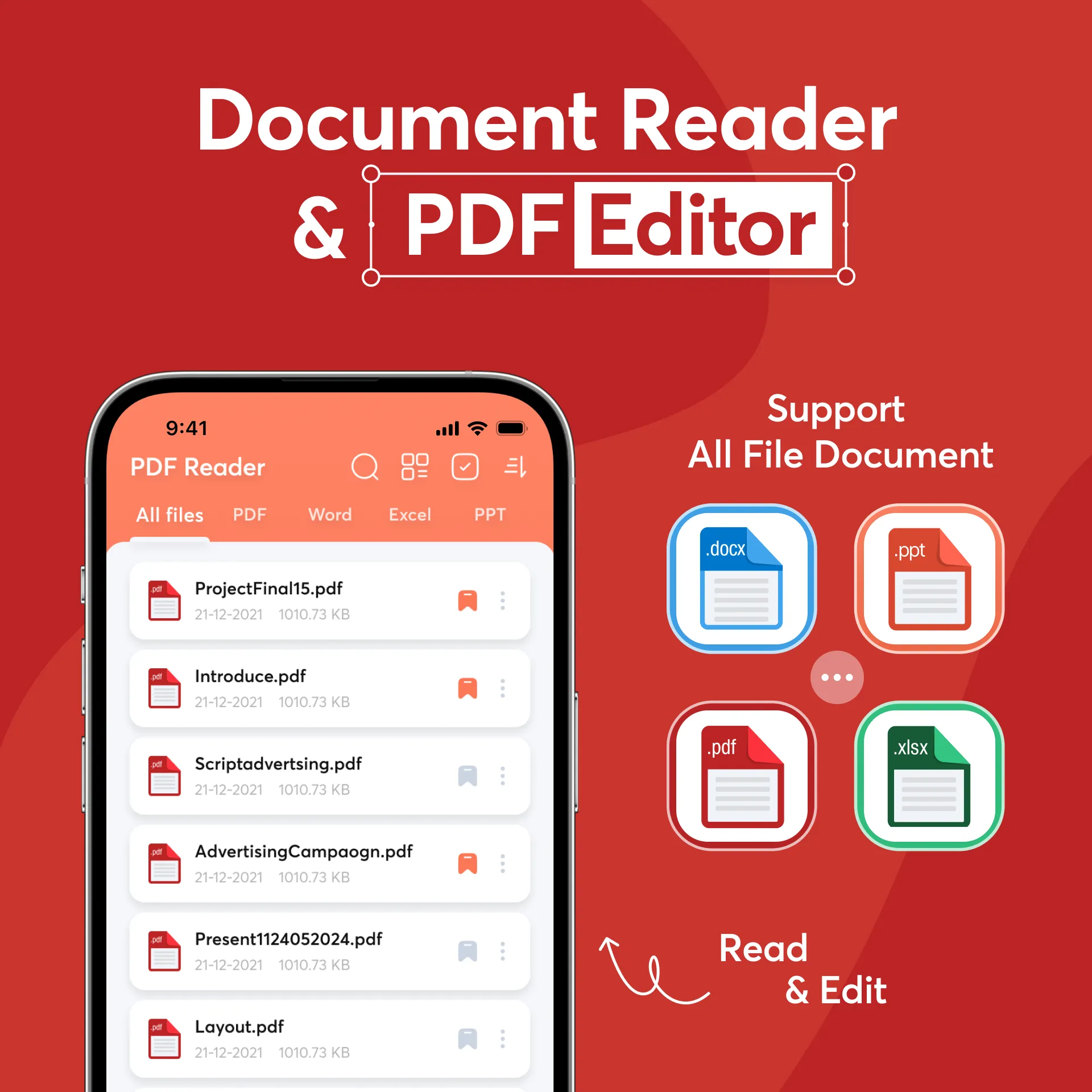
Experience flexible viewing modes that allow you to read PDF documents in a way that suits your preferences. Switch between vertical or horizontal views for a comfortable reading experience.
Customize your reading experience further by selecting Color Page View options to adjust page colors, helping reduce eye strain or adding a unique visual flair with the PDF viewer.
🔗 Merge & split PDFs effortlessly
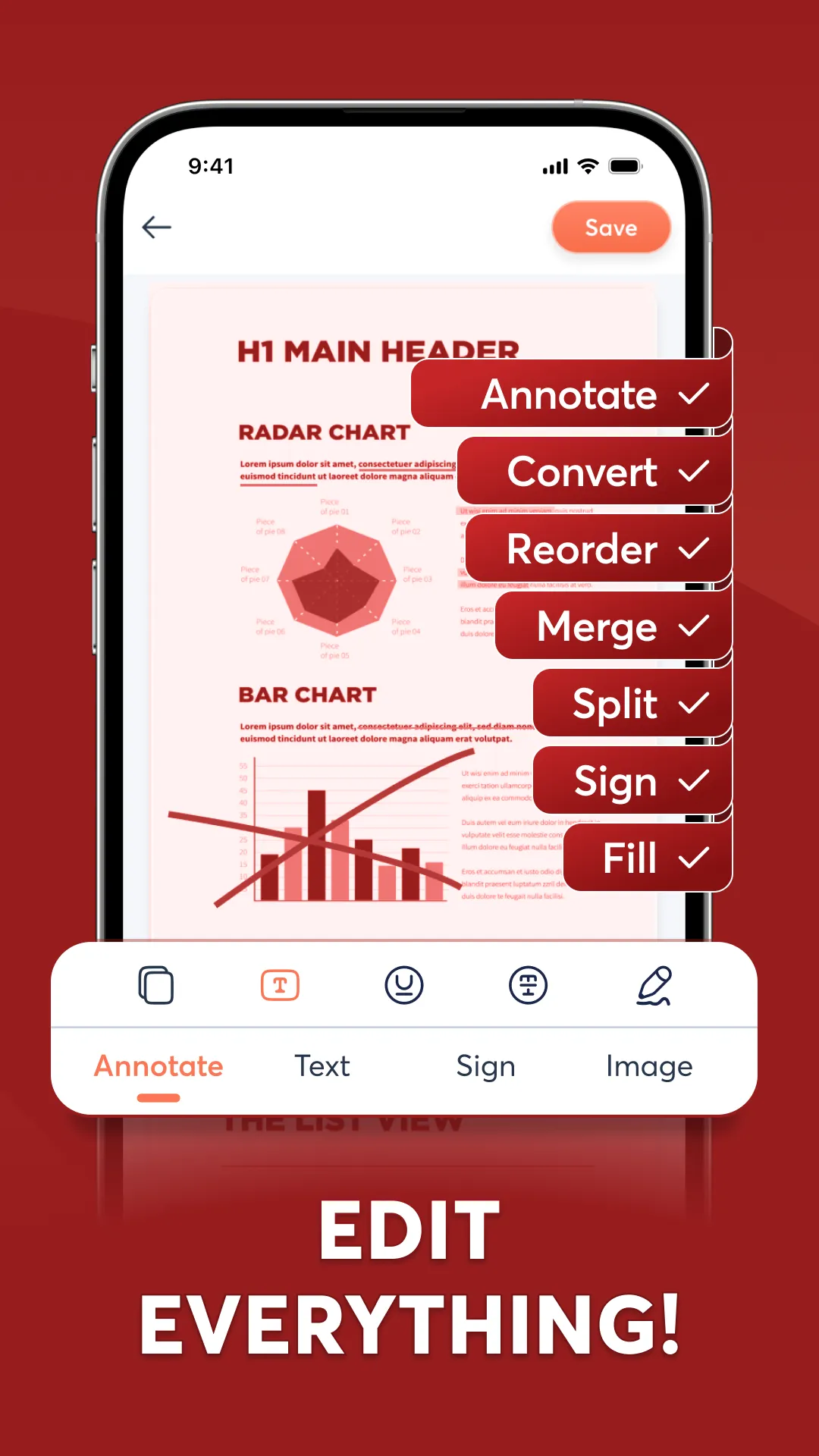
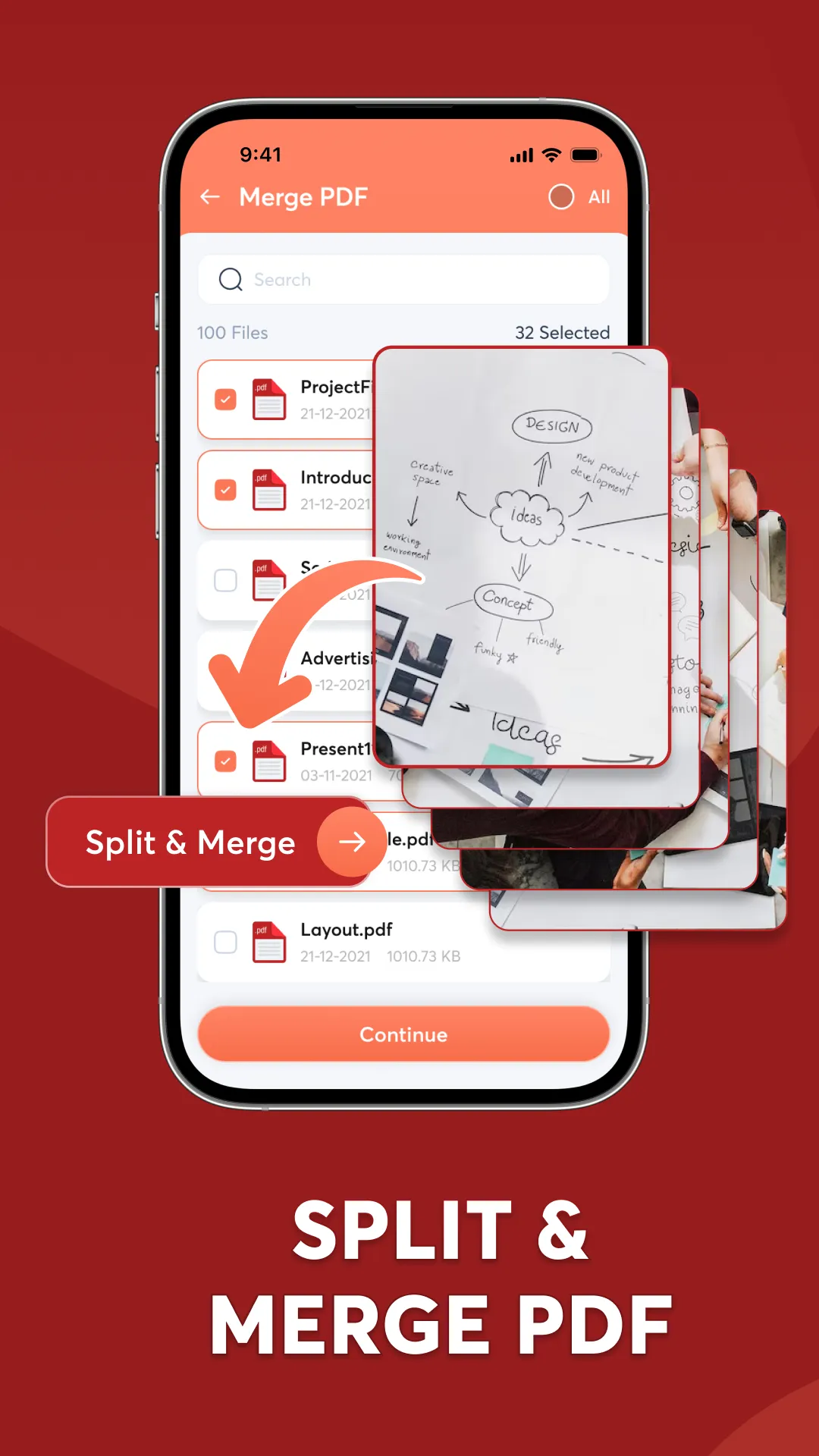
Simplify document management by merging multiple PDF files into one comprehensive document, perfect for compiling reports or project materials. Alternatively, split PDF into separate sections to share or organize content as needed. With the split PDF feature, it’s easy to structure PDFs just the way you want, saving you time and enhancing productivity.
✍️ Edit PDFs: Annotate, Sign, and Add Text
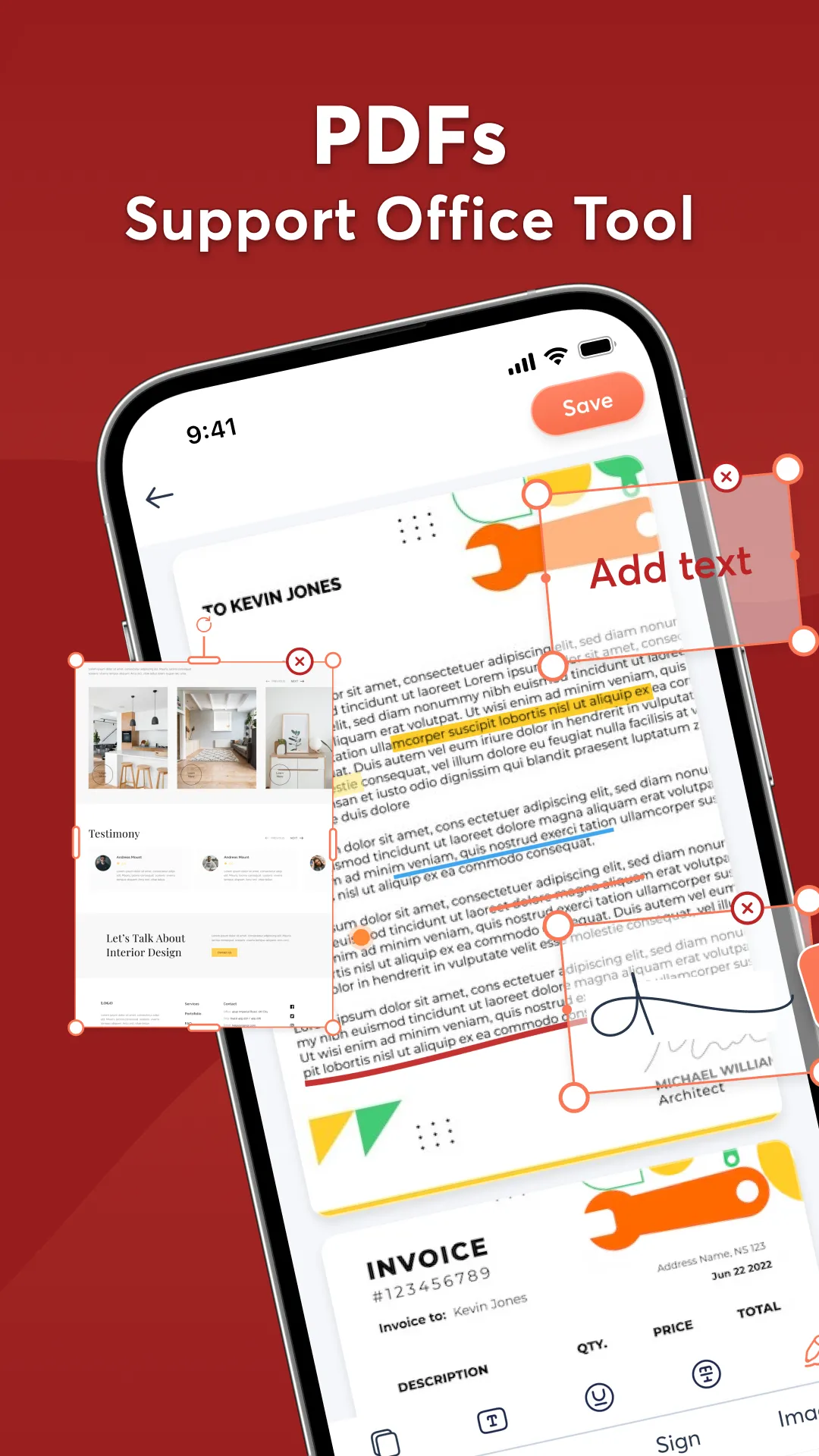
Enjoy the flexibility of a true PDF file editor experience. Annotate PDF by adding notes and highlights, making it easier to study or share feedback on important documents. The sign PDF feature allows you to add signatures, making it quick and convenient to finalize contracts or forms directly from your device.
With the Add Text function, insert additional information or adjust text content within the PDF, bringing a new level of customization to your documents.
📲 Scan to PDF
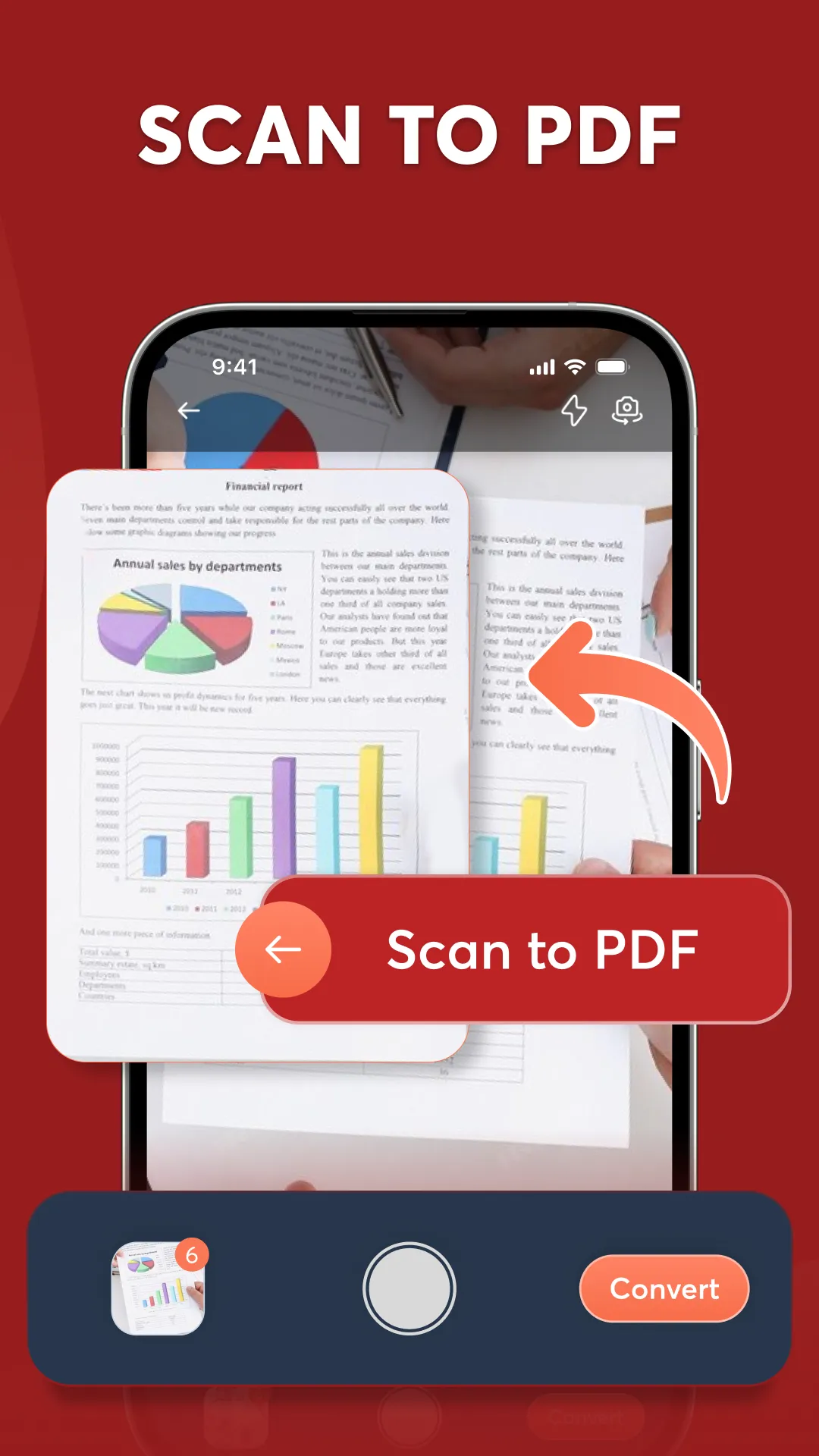
Turn your physical documents into high-quality PDFs with the built-in PDF scanner feature. Capture receipts, contracts, notes, and more with ease, converting them instantly into a digital format that’s ready to view PDF files, edit PDF, or share.
This feature transforms your device into a portable PDF scan tool, eliminating the need for traditional scanning equipment and providing you with digital copies of your essential documents.
🖼️ Convert images to PDF
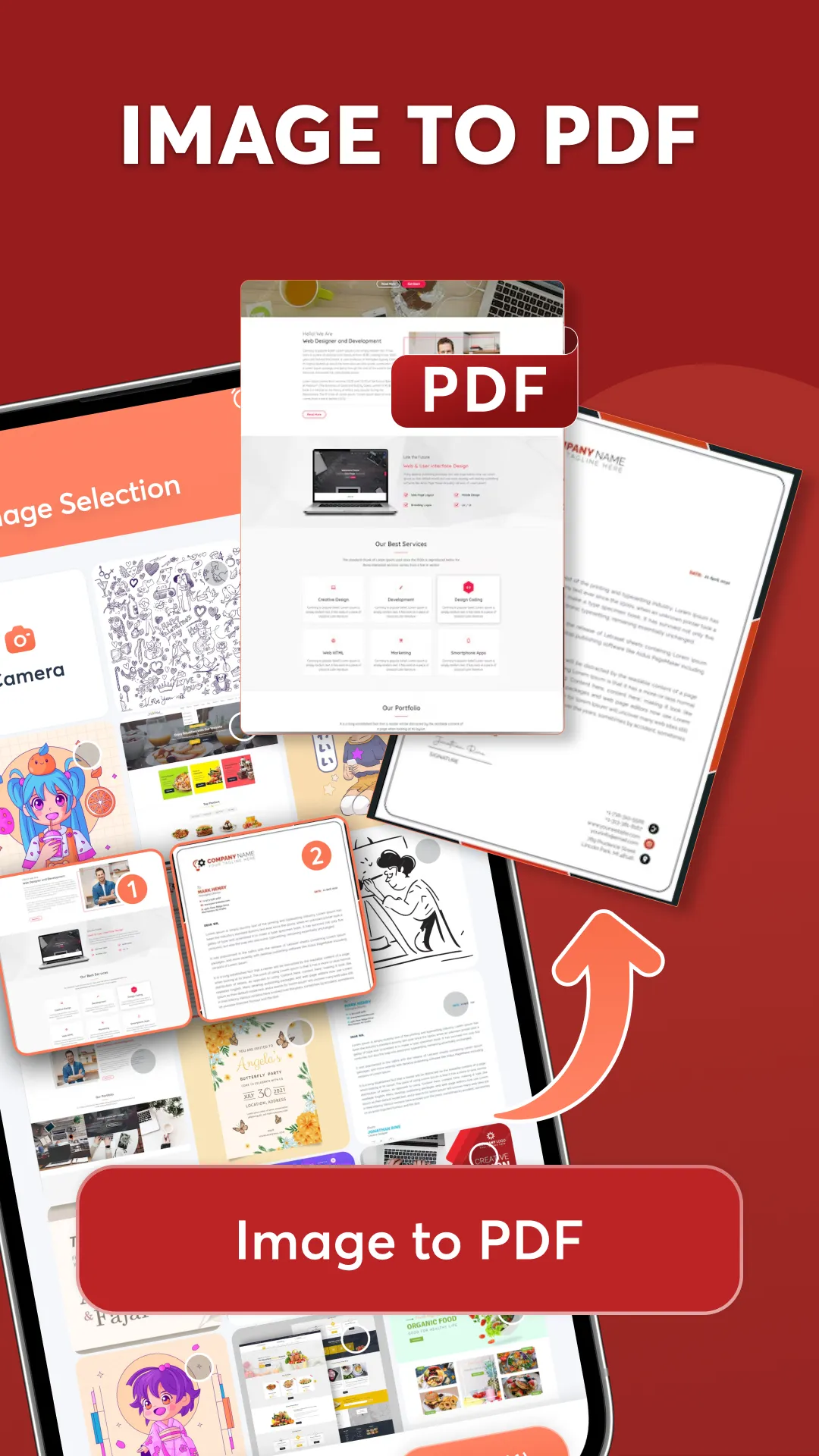
Simplify the process of compiling visual content by convert PDF from images in a few easy steps. Perfect for presentations, reports, and portfolios, this feature lets you create organized documents from image files, whether you’re working with photos, diagrams, or sketches.
⭐Why choose PDF editor - PDF scanner?
With PDF editor - PDF scanner, your documents are always at your fingertips. From view PDF reader to edit PDF and convert images to PDF, each tool is designed to make working with PDFs as efficient and enjoyable as possible. Whether you’re preparing for a big meeting, organizing school assignments, or handling personal paperwork, this PDF editor app is the ultimate PDF manager for all your document needs.
Experience PDF viewer - PDF scanner to embrace a smoother, more powerful PDF management!
Productivity
Ratings
0
0 total ratings
5
73%
4
10%
3
4%
2
3%
1
10%
REVIEWS
No reviews yet. Be the first one to review this app
'%20fill-rule='evenodd'%20clip-rule='evenodd'%20d='M8.04878%200.118571C9.10796%20-0.198465%2010.2321%200.132893%2010.9526%200.961509L18.7058%209.9036H22.0709C23.0433%209.90386%2023.8429%2010.7032%2023.843%2011.6757V13.1309H23.8497C23.8497%2013.4983%2023.5476%2013.8014%2023.1803%2013.8015H19.9372V33.9548C19.9372%2034.423%2019.5703%2034.7975%2019.1021%2034.7977H17.142C15.91%2034.7977%2014.9156%2033.8036%2014.9154%2032.5644V28.0251C13.5538%2028.5582%2012.3722%2028.7169%2010.9963%2028.7169C6.45689%2028.7169%203.74677%2025.6897%203.74677%2020.6099V13.8015H1.77319C0.800641%2013.8015%200.000280942%2013.0091%200%2012.0294V10.573C0.000219737%2010.2057%200.303205%209.9036%200.670545%209.9036H13.5676L5.13039%201.85482C4.82078%201.55938%204.94365%201.04032%205.35428%200.917851L8.04878%200.118571ZM8.78425%2013.8082V20.611C8.78438%2023.1974%209.8151%2024.35%2012.1135%2024.35C12.9637%2024.3499%2014.1167%2024.1489%2014.902%2023.7959V13.8082H8.78425Z'%20fill='white'/%3e%3c/svg%3e)
Permissions
Storage: access photos, media, and files on your device
Internet: use your internet connection
Phone: make and manage phone calls
Camera: take pictures and record video
Developer Info
Curated for YouSee all






Scan to download on PhonePe Appstore

