

KTK Tools
4.0
ratings10 MB
SizeVerified
SCREENSHOTS (4)
About the app
Overall Equipment Efficiency (OEE) is one of the best methods using measuring performance of production facilities. Having a mobile app to calculate OEE will make our work easy.
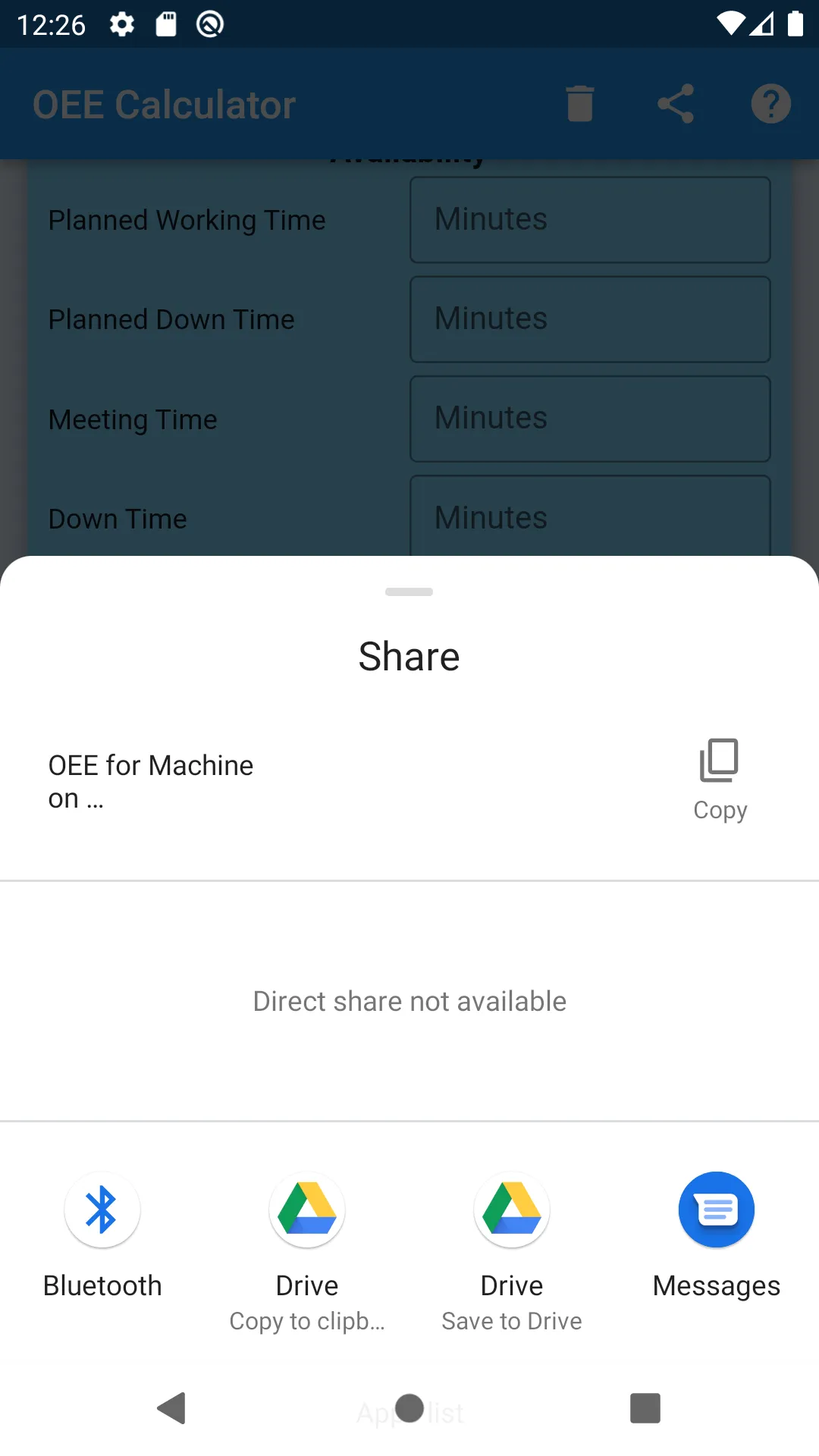
Share OEE is using messaging, email, Viber, etc
Use the share button on top to share your OEE. It will allow you to share OEE data (which is available on the screen) using any method your phone supports. (Email, sms, Viber, etc)
How to Use OEE Calculator
Please note that all 'time' values should be in the minutes.
Please note that total output, output per hour, reject and rework should use the same measurement. (Don’t use total output in kg and rejects in liters. Both should be in kg or liter)
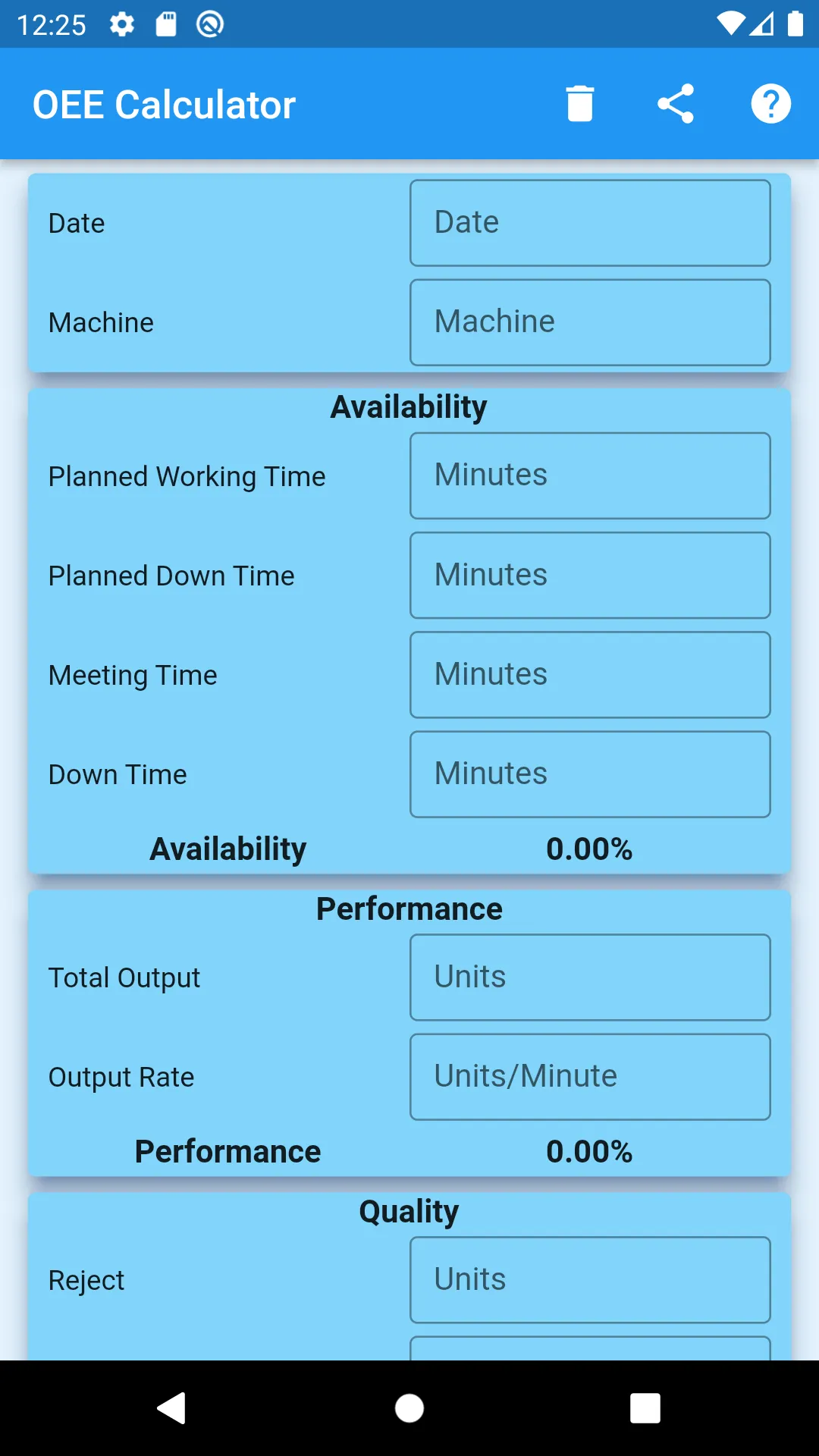
Date
Select the date which data belongs
Machine
Enter the name of the Machine/Line to which data belongs.
Planned Working Time
This is the time which machine/line operates, including planned breakdown and meeting times. You can consider mealtime and teatime as your interest. If your Planned Working Time includes mealtimes and teatime, please add them to the Planned Down Time.
Planned Down Time
Enter any time that is included in Planned Working Time but need to exclude the time calculating OEE. Preventive Maintenance, Lunch, and teatime (if included in Planned Working Time) are examples.
Meeting Time
If you have any meeting enter the time taken for that here. (This time also not considering when calculating OEE)
Down Time
Enter any Down time occurred during working time.
Availability
Availability factor calculates using below formula
Availability % = (Planned Working Time – Planned Down Time – Meeting Time – Down Time) *100 / (Planned Working Time – Planned Down Time – Meeting Time)
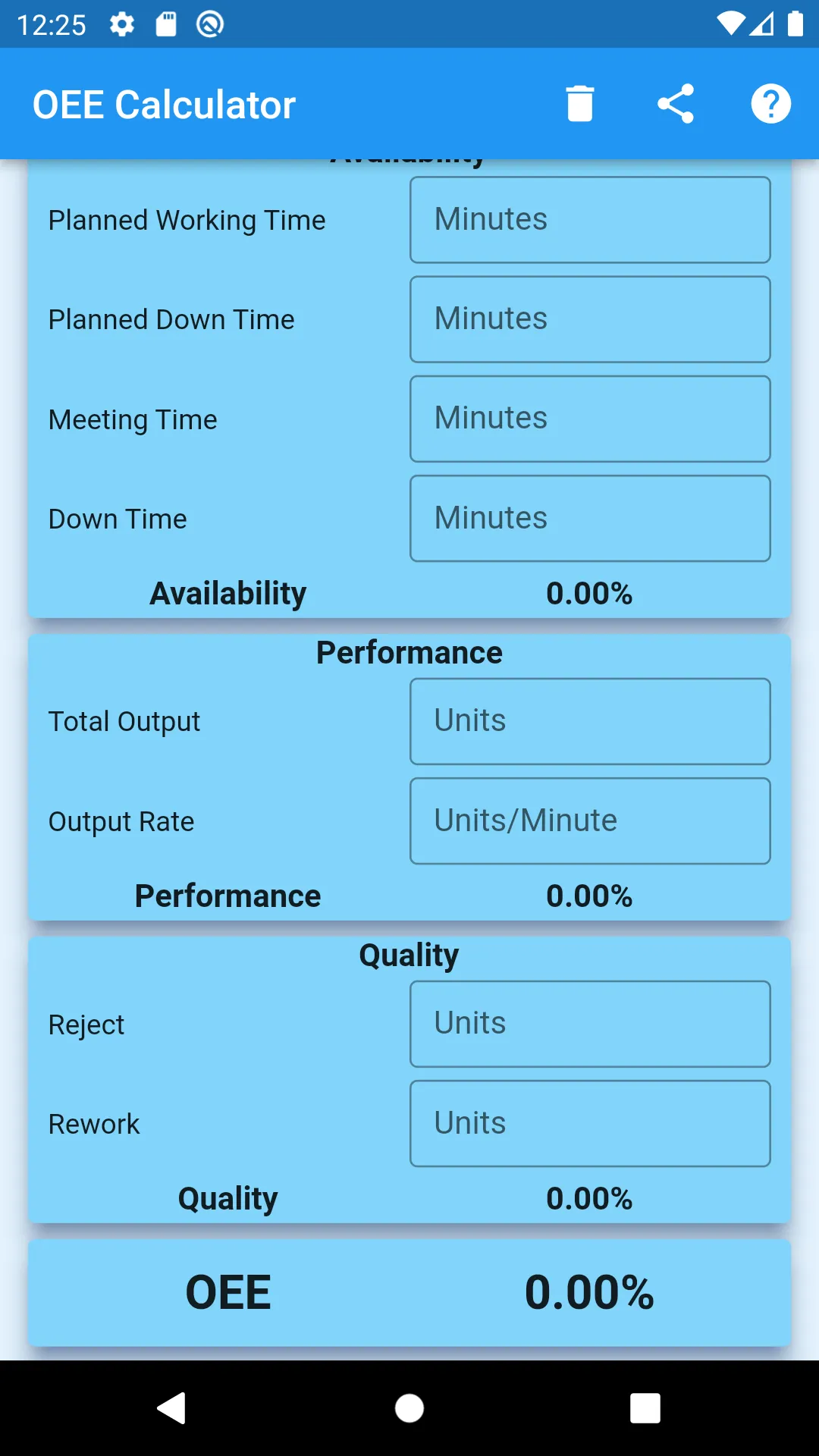
Total Output
Enter the total output during the period. This should include Rejected Items & Reworked Items.
Output Rate
Enter the standard value here. Enter output per minute here.
Performance
Performance factor calculates using below formula
Performance % = (Total Output / Output per Hour) * 100 / (Planned Working Time – Planned Down Time – Meeting Time – Down Time)
Reject
Enter reject quantity during the period.
Rework
Enter rework quantity during the period.
Quality
Quality factor calculates using below formula
Quality % = (Total Output – Reject – Rework) *100 / Total Output
When you enter data, the app calculates the Availability, Performance and Quality when it has data to calculate those. If you enter any non-numeric value, you will receive an error message. After you enter all data, you can share it with others using the share button. You can clear the data using the “Clear” button.
Productivity
Ratings
0
0 total ratings
5
73%
4
10%
3
4%
2
3%
1
10%
REVIEWS
No reviews yet. Be the first one to review this app
'%20fill-rule='evenodd'%20clip-rule='evenodd'%20d='M8.04878%200.118571C9.10796%20-0.198465%2010.2321%200.132893%2010.9526%200.961509L18.7058%209.9036H22.0709C23.0433%209.90386%2023.8429%2010.7032%2023.843%2011.6757V13.1309H23.8497C23.8497%2013.4983%2023.5476%2013.8014%2023.1803%2013.8015H19.9372V33.9548C19.9372%2034.423%2019.5703%2034.7975%2019.1021%2034.7977H17.142C15.91%2034.7977%2014.9156%2033.8036%2014.9154%2032.5644V28.0251C13.5538%2028.5582%2012.3722%2028.7169%2010.9963%2028.7169C6.45689%2028.7169%203.74677%2025.6897%203.74677%2020.6099V13.8015H1.77319C0.800641%2013.8015%200.000280942%2013.0091%200%2012.0294V10.573C0.000219737%2010.2057%200.303205%209.9036%200.670545%209.9036H13.5676L5.13039%201.85482C4.82078%201.55938%204.94365%201.04032%205.35428%200.917851L8.04878%200.118571ZM8.78425%2013.8082V20.611C8.78438%2023.1974%209.8151%2024.35%2012.1135%2024.35C12.9637%2024.3499%2014.1167%2024.1489%2014.902%2023.7959V13.8082H8.78425Z'%20fill='white'/%3e%3c/svg%3e)
Permissions
Storage: access photos, media, and files on your device
Internet: use your internet connection
Phone: make and manage phone calls
Curated for YouSee all






Scan to download on PhonePe Appstore

