

Equatex, part of the Computershare Group
4.0
ratings23 MB
SizeVerified
SCREENSHOTS (3)
About the app
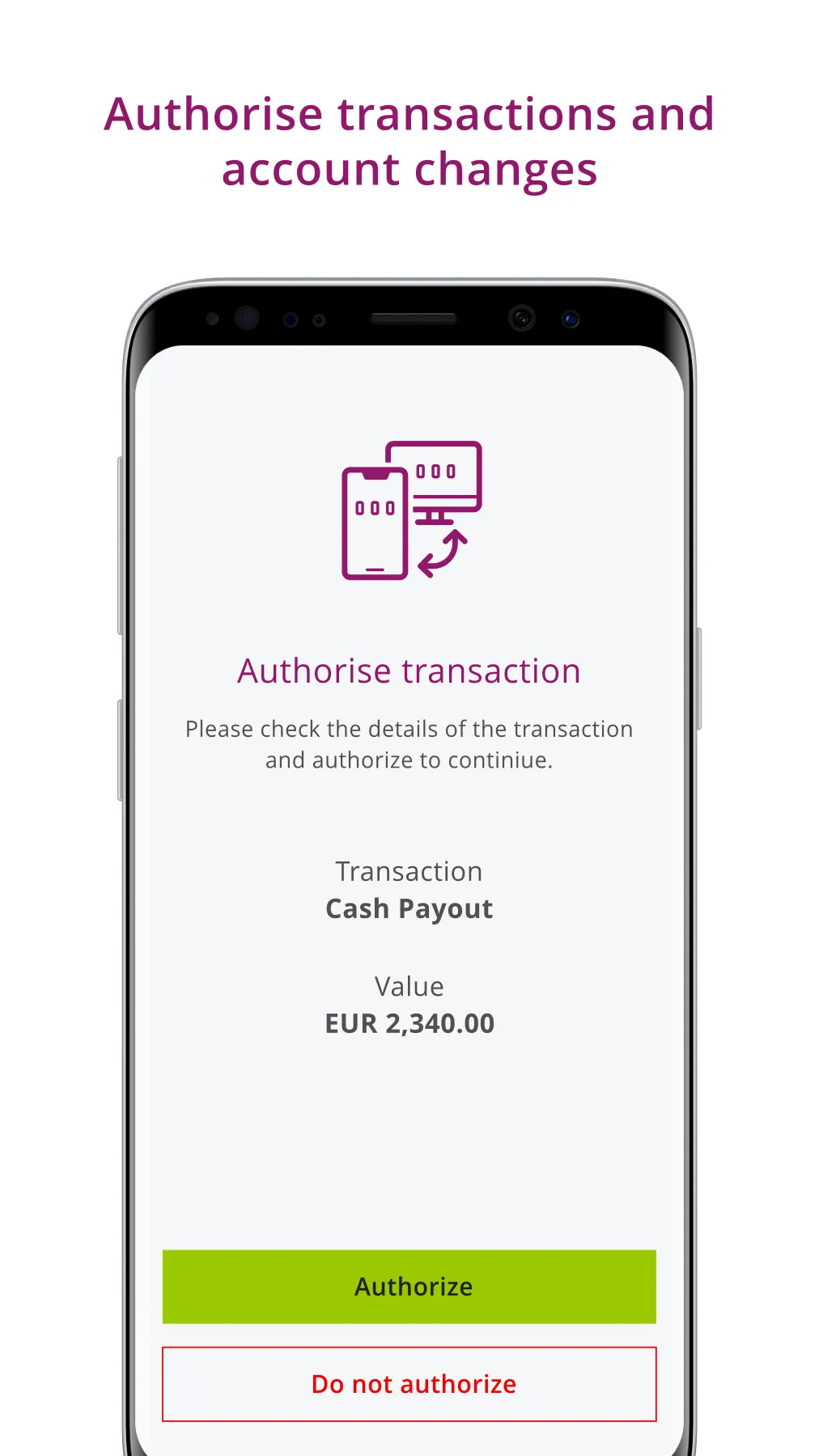
EquateAccess provides multi-factor authentication (MFA) that simplifies your login and protects your EquatePlus account with an additional level of security.
How it works:
When your account is ready to begin using EquateAccess, you will receive an invitation to download the app. Once downloaded, follow the simple instructions to register it to your account.
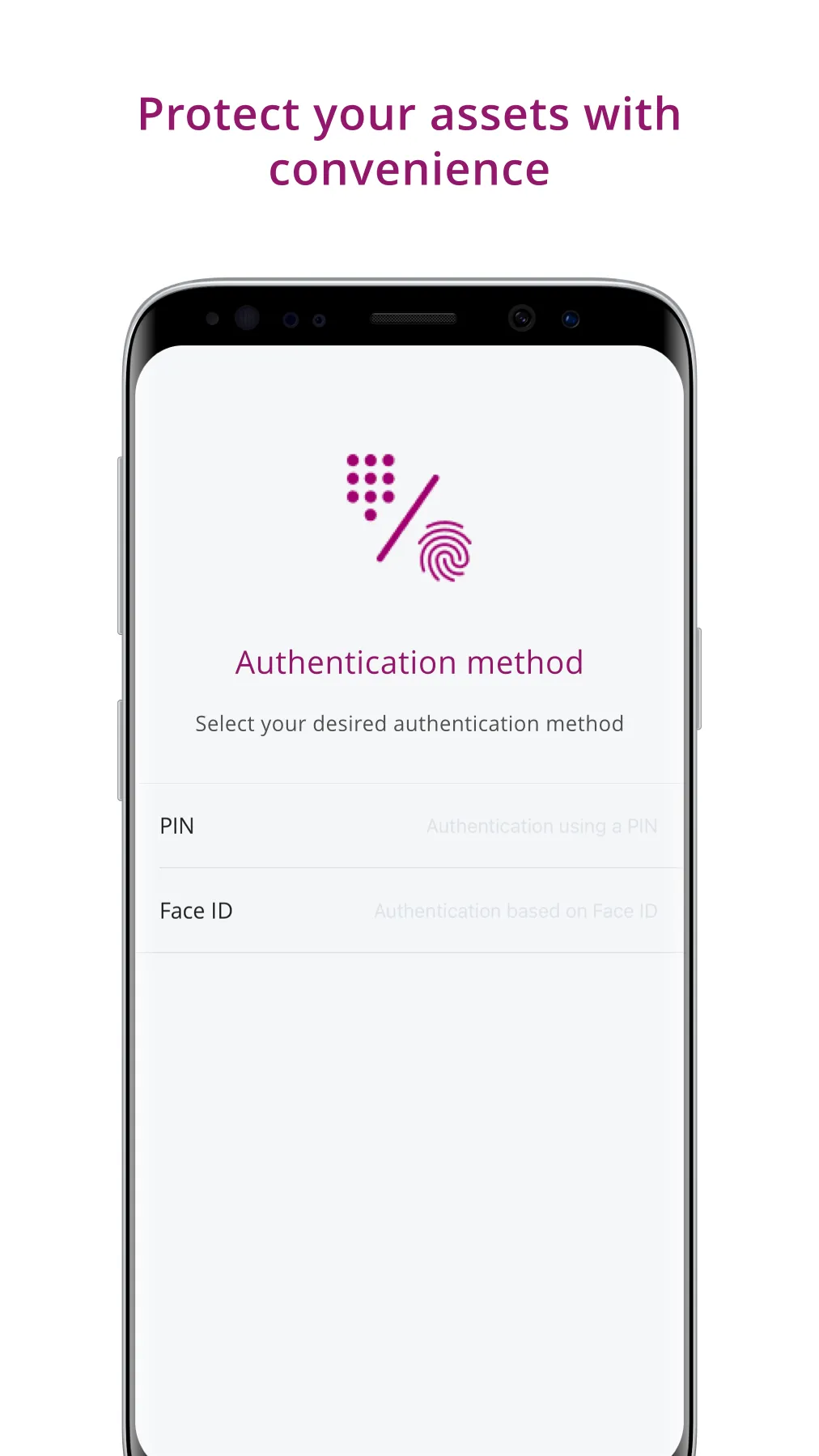
After completing the easy setup, you will be prompted to scan a QR code each time you log in. Use EquateAccess to scan the code and authorise the login on your mobile device using Face ID, Touch ID, or by entering your EquateAccess PIN.
Requirements:
• EquateAccess requires your mobile device’s camera to scan the QR codes. Please be sure to grant permission to the app when prompted.
• The enhanced login must be configured for your company. Make sure you have received an invitation before installing EquateAccess.
How it works:
When your account is ready to begin using EquateAccess, you will receive an invitation to download the app. Once downloaded, follow the simple instructions to register it to your account.
After completing the easy setup, you will be prompted to scan a QR code each time you log in. Use EquateAccess to scan the code and authorise the login on your mobile device using Face ID, Touch ID, or by entering your EquateAccess PIN.
Requirements:
• EquateAccess requires your mobile device’s camera to scan the QR codes. Please be sure to grant permission to the app when prompted.
• The enhanced login must be configured for your company. Make sure you have received an invitation before installing EquateAccess.
Productivity
Ratings
0
0 total ratings
5
73%
4
10%
3
4%
2
3%
1
10%
REVIEWS
No reviews yet. Be the first one to review this app
'%20fill-rule='evenodd'%20clip-rule='evenodd'%20d='M8.04878%200.118571C9.10796%20-0.198465%2010.2321%200.132893%2010.9526%200.961509L18.7058%209.9036H22.0709C23.0433%209.90386%2023.8429%2010.7032%2023.843%2011.6757V13.1309H23.8497C23.8497%2013.4983%2023.5476%2013.8014%2023.1803%2013.8015H19.9372V33.9548C19.9372%2034.423%2019.5703%2034.7975%2019.1021%2034.7977H17.142C15.91%2034.7977%2014.9156%2033.8036%2014.9154%2032.5644V28.0251C13.5538%2028.5582%2012.3722%2028.7169%2010.9963%2028.7169C6.45689%2028.7169%203.74677%2025.6897%203.74677%2020.6099V13.8015H1.77319C0.800641%2013.8015%200.000280942%2013.0091%200%2012.0294V10.573C0.000219737%2010.2057%200.303205%209.9036%200.670545%209.9036H13.5676L5.13039%201.85482C4.82078%201.55938%204.94365%201.04032%205.35428%200.917851L8.04878%200.118571ZM8.78425%2013.8082V20.611C8.78438%2023.1974%209.8151%2024.35%2012.1135%2024.35C12.9637%2024.3499%2014.1167%2024.1489%2014.902%2023.7959V13.8082H8.78425Z'%20fill='white'/%3e%3c/svg%3e)
Permissions
Biometric Information: access biometric data like fingerprint to unlock the app
Internet: use your internet connection
Camera: take pictures and record video
Developer Info
Curated for YouSee all






Scan to download on PhonePe Appstore

