
5.0
1 ratings8 MB
SizeVerified
SCREENSHOTS (8)
About the app
🌟 Welcome to Cloudemy Studio! 🌟
Are you ready to transform your teaching experience into something truly extraordinary? Say hello to Cloudemy Studio – the ultimate solution for creating captivating and engaging educational video lectures!
**Why Cloudemy Studio?**
🎥 Seamlessly Record Video Lectures:
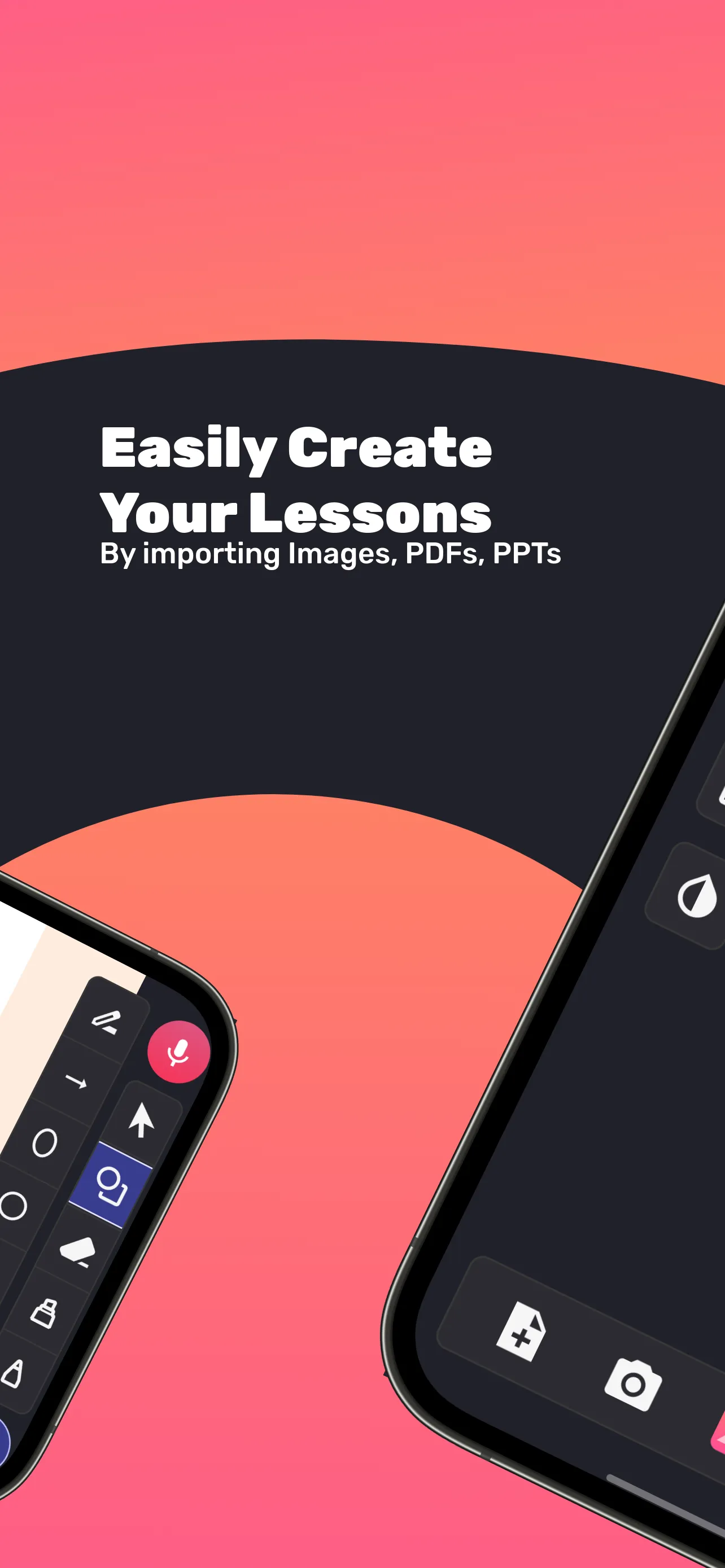
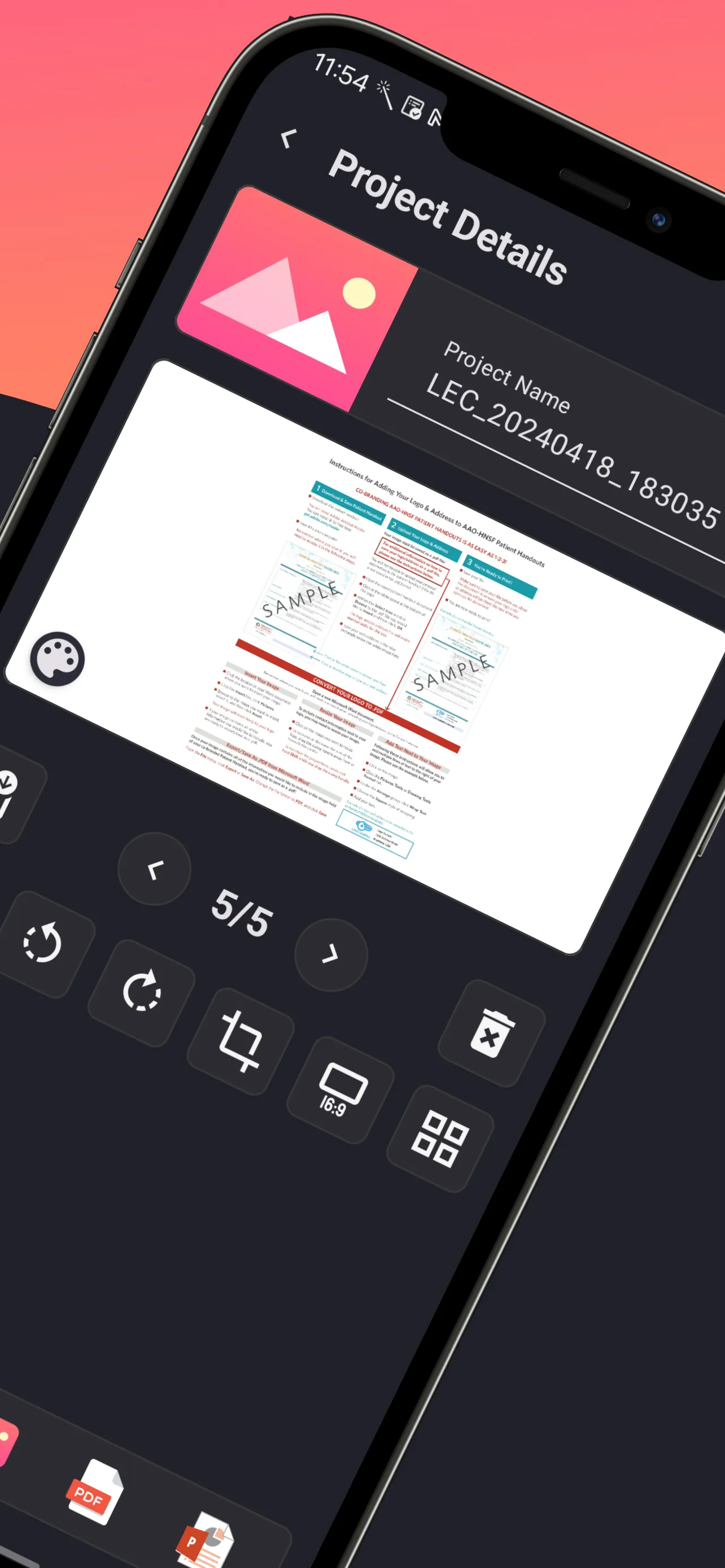
- Effortlessly record your lectures using images, PDFs, and PowerPoint presentations.
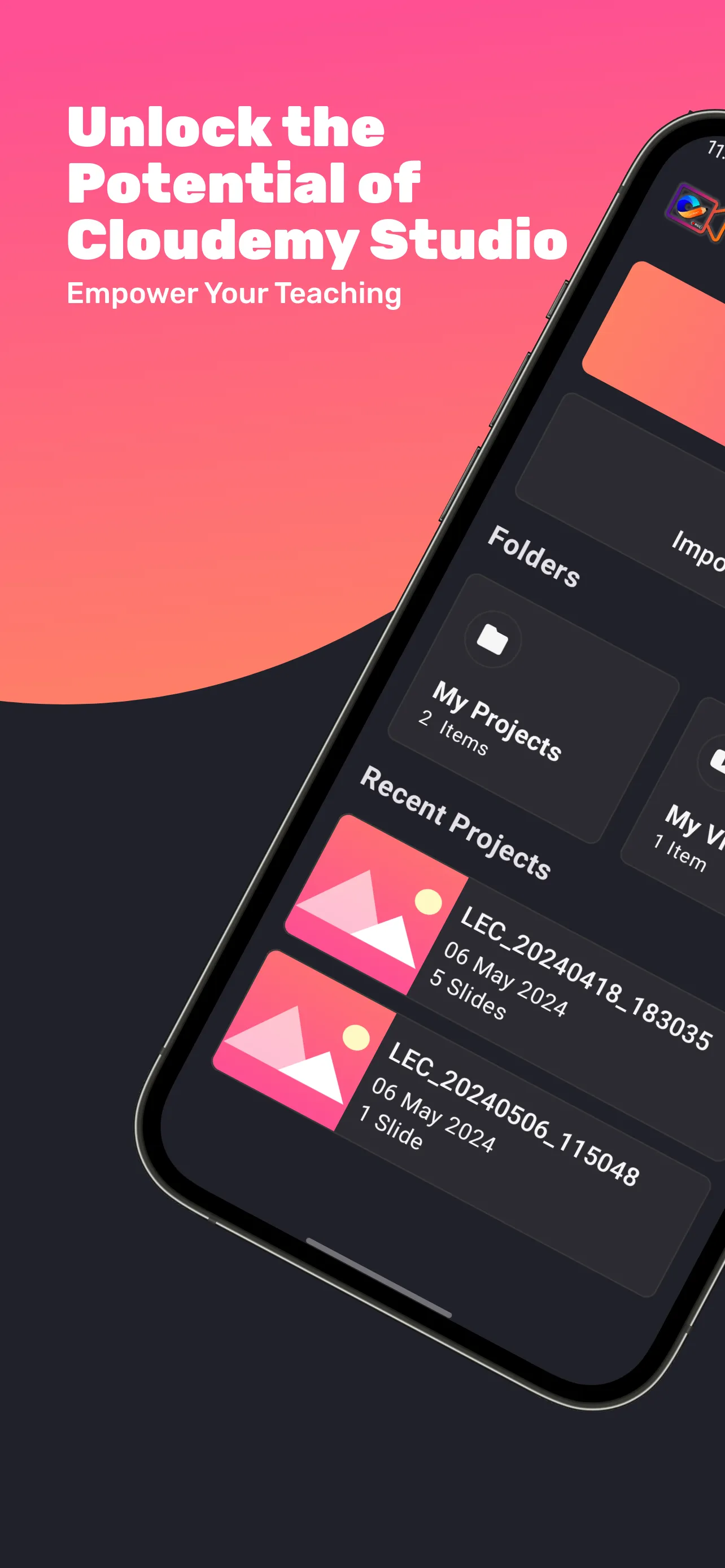
- Import images, PDFs with custom settings like importing page range, and even import PPTs.
- Everything is saved in a single .cslide file for easy sharing and importing.
👩🏫 Enhance Student Engagement:
- Create dynamic content that enhances student engagement and comprehension.
- Customize each slide with options to modify images, including crop, rotate, and invert colors.
- Choose a custom background color for each slide to match your lesson theme.
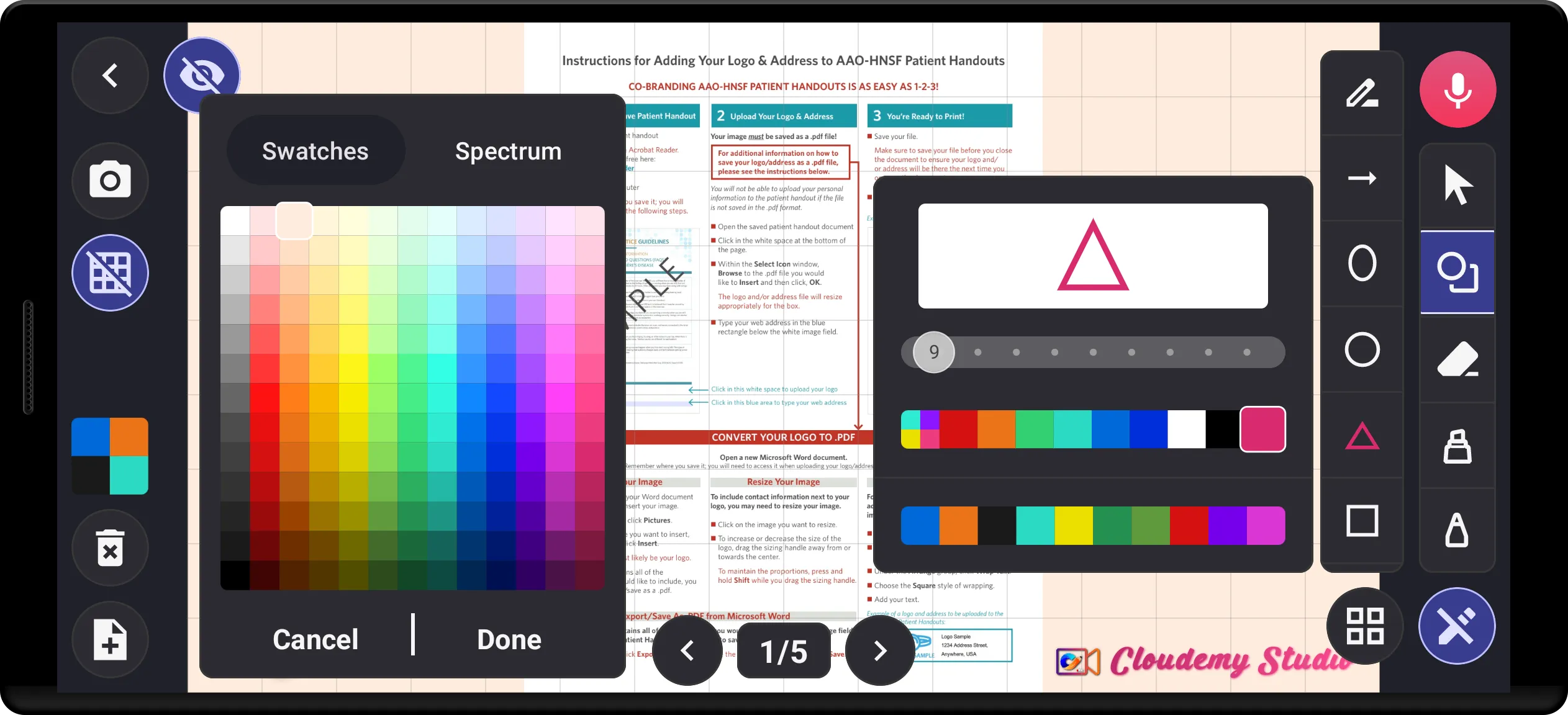
🖊️ Powerful Drawing and Annotation Tools:
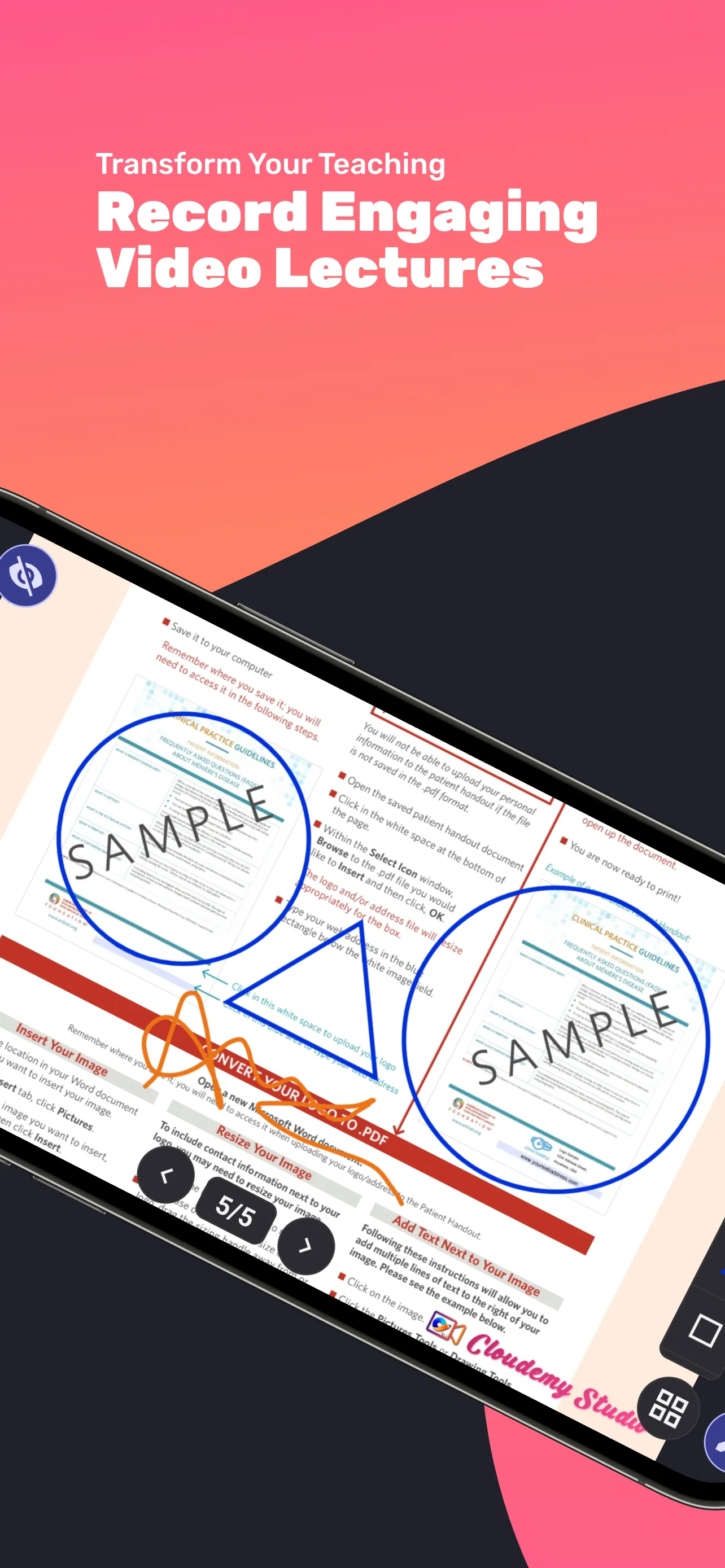
- Write and draw directly on slides using your finger or stylus.
- Draw shapes like triangles, circles, squares, rectangles, lines, arrows, pentagons, and hexagons.
- Use the arrow pointer tool to highlight specific elements on the current slide.
📱 Convenient Recording Features:
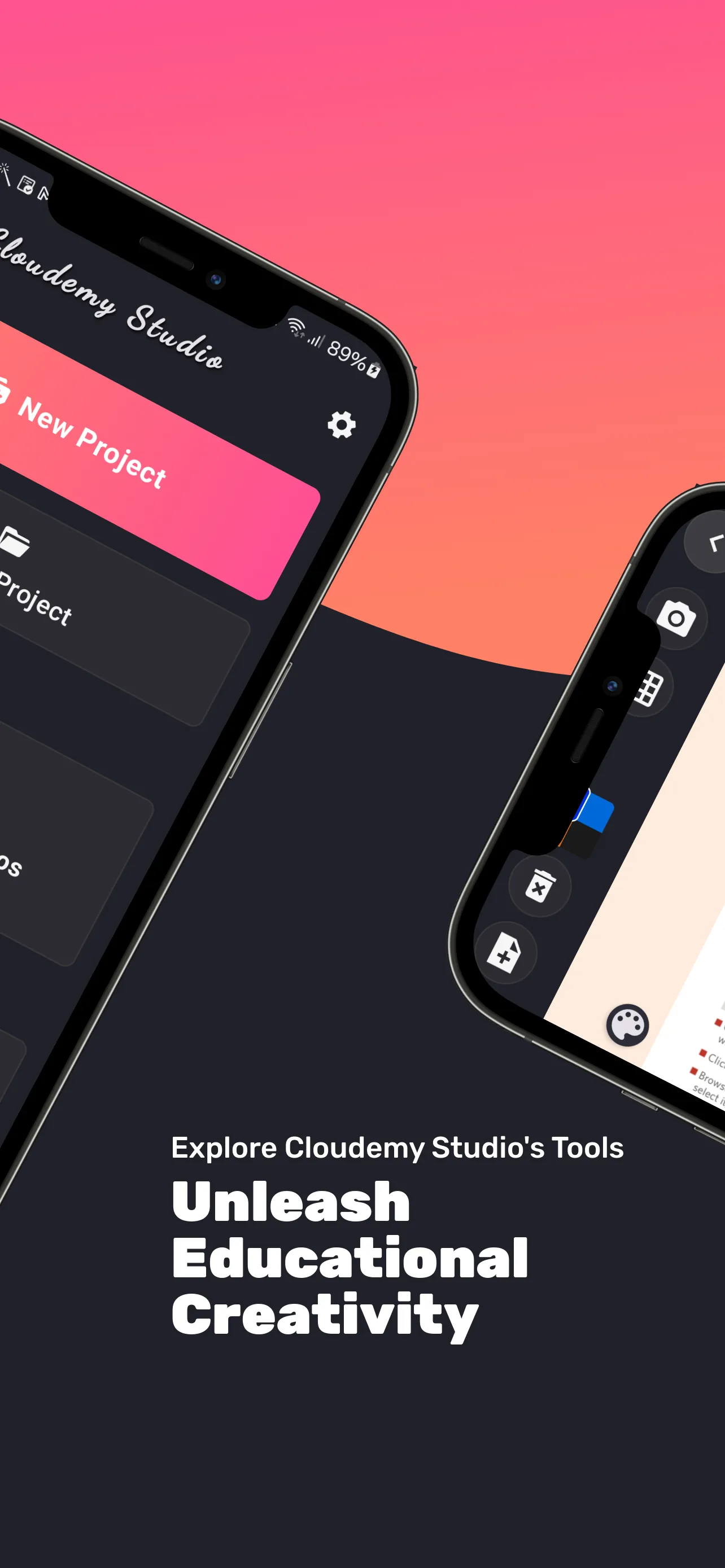
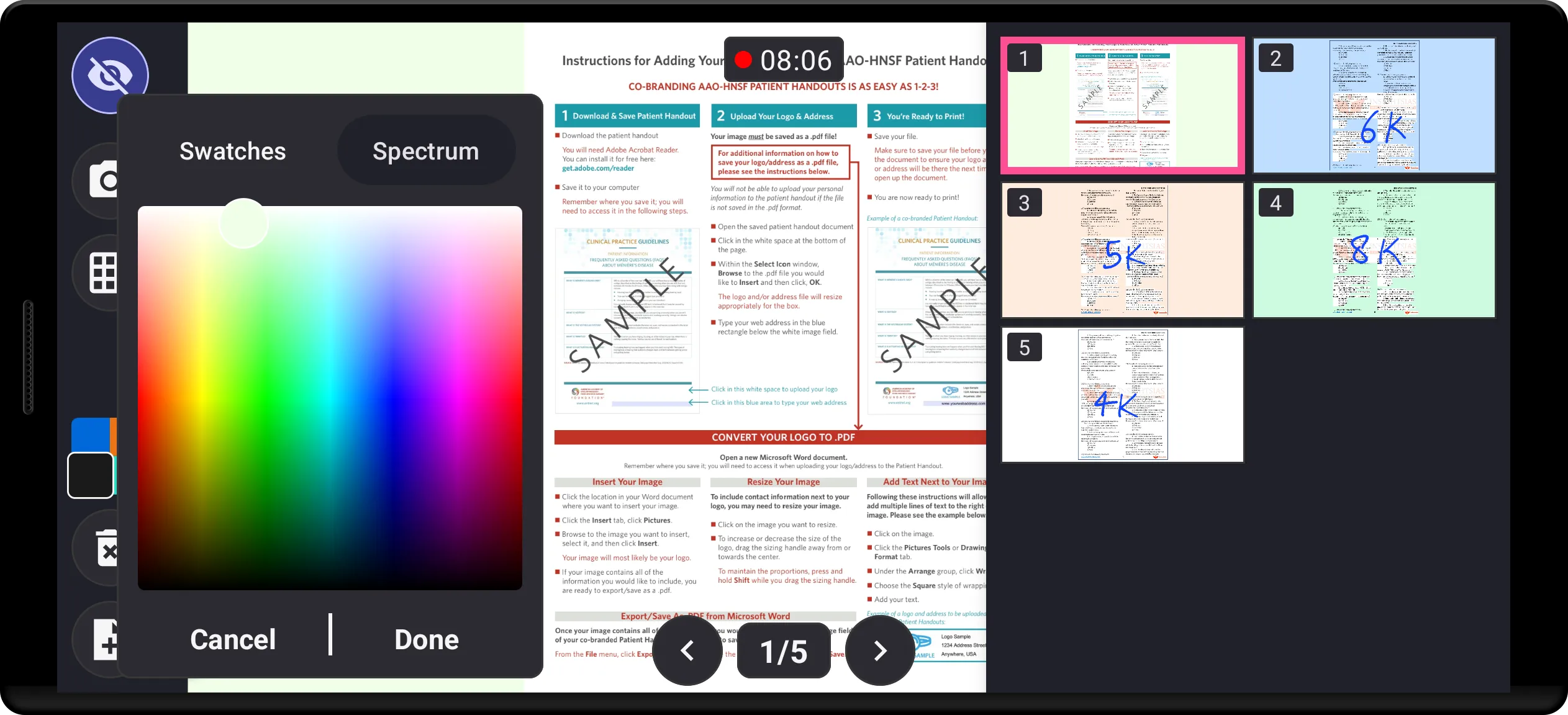
- Easily rearrange slides using the grid view feature.
- Pick any color from the color spectrum palette for pens, shapes, and backgrounds.
- Download drawn slides as images or PDFs for easy sharing and distribution.
📂 Sharing Whole Presentation as One File:
- Create a lecture file using images, PDFs, PPTs, and make all needed modifications.
- Export the entire file as a .cslide file and share it with others.
- Simply import the .cslide file on another device to start recording without any hassle.
🎬 Advanced Video Settings:
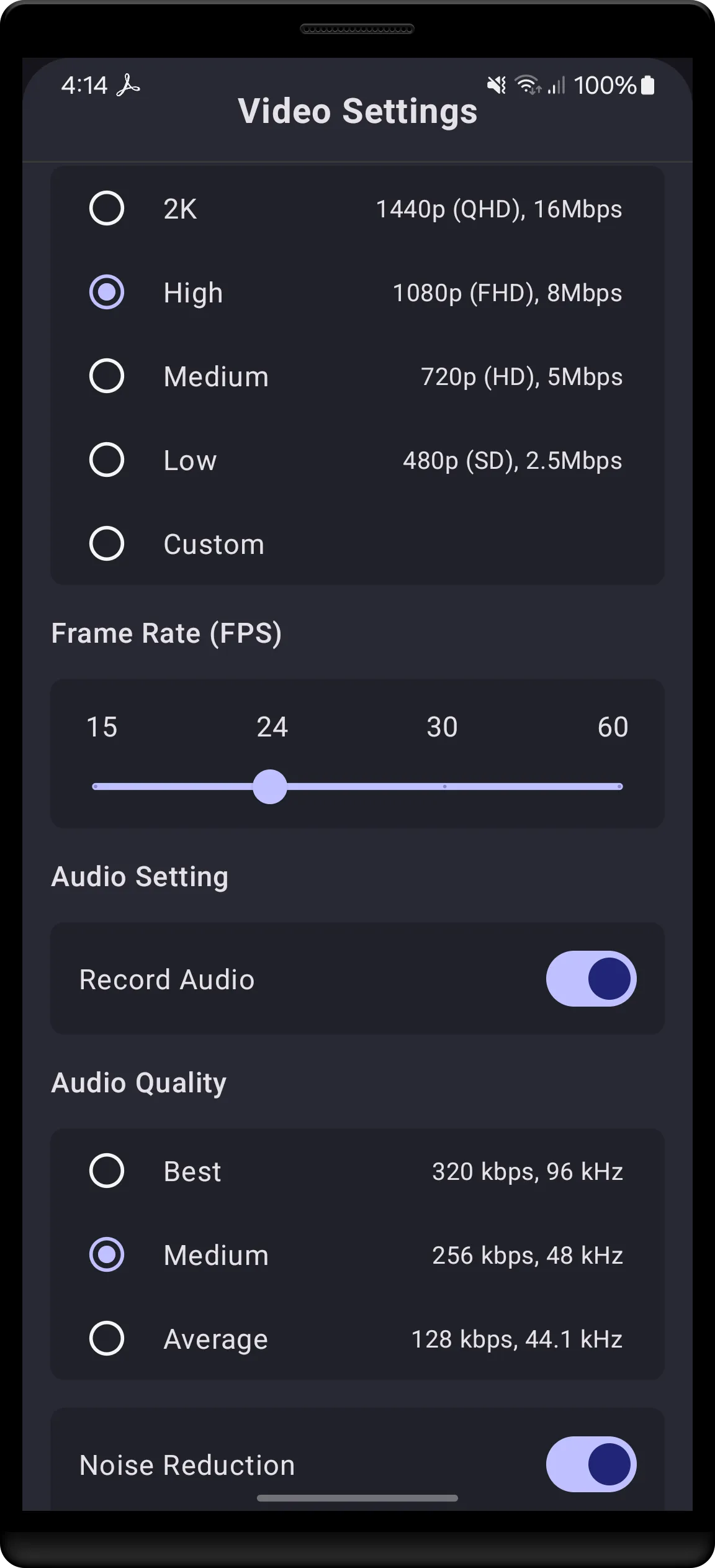
- Record videos in resolutions up to 4K for stunning clarity.
- Enjoy dual-channel audio recording support with noise cancellation for crisp, clear sound.
- Customize audio quality settings with options for bitrate and frequency up to 96kHz.
- Choose from a range of video quality settings, from 480p to 4K, with custom frame rate settings up to 60 fps.
- Select between AVC and HEVC encoder options for optimal video compression.
With Cloudemy Studio, you have all the tools you need to create professional-quality educational video lectures that captivate and inspire your students. Download now and revolutionize your teaching today!
Productivity
Ratings
5
1 total ratings
5
100%
4
0%
3
0%
2
0%
1
0%
REVIEWS
AKASH VERMA
22/05/2024
easily record neat and clean education related videos for youtube channel or for teaching online.
'%20fill-rule='evenodd'%20clip-rule='evenodd'%20d='M8.04878%200.118571C9.10796%20-0.198465%2010.2321%200.132893%2010.9526%200.961509L18.7058%209.9036H22.0709C23.0433%209.90386%2023.8429%2010.7032%2023.843%2011.6757V13.1309H23.8497C23.8497%2013.4983%2023.5476%2013.8014%2023.1803%2013.8015H19.9372V33.9548C19.9372%2034.423%2019.5703%2034.7975%2019.1021%2034.7977H17.142C15.91%2034.7977%2014.9156%2033.8036%2014.9154%2032.5644V28.0251C13.5538%2028.5582%2012.3722%2028.7169%2010.9963%2028.7169C6.45689%2028.7169%203.74677%2025.6897%203.74677%2020.6099V13.8015H1.77319C0.800641%2013.8015%200.000280942%2013.0091%200%2012.0294V10.573C0.000219737%2010.2057%200.303205%209.9036%200.670545%209.9036H13.5676L5.13039%201.85482C4.82078%201.55938%204.94365%201.04032%205.35428%200.917851L8.04878%200.118571ZM8.78425%2013.8082V20.611C8.78438%2023.1974%209.8151%2024.35%2012.1135%2024.35C12.9637%2024.3499%2014.1167%2024.1489%2014.902%2023.7959V13.8082H8.78425Z'%20fill='white'/%3e%3c/svg%3e)
Permissions
Storage: access photos, media, and files on your device
Internet: use your internet connection
Camera: take pictures and record video
Microphone: record audio
Developer Info
Curated for YouSee all






Scan to download on PhonePe Appstore

