

Balint Infotech
4.0
ratings11 MB
SizeVerified
SCREENSHOTS (4)
About the app
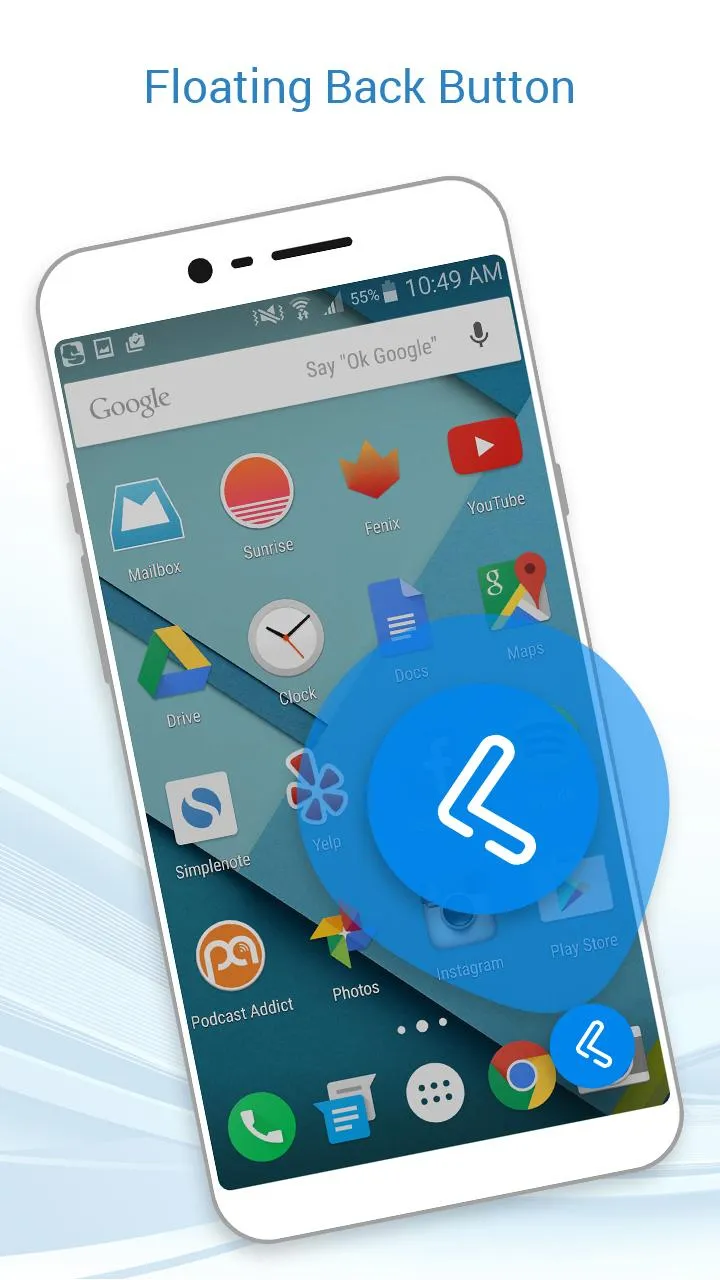
There are various customized navigation bar apps available on the app store. Although, the new Floating Back Button app focuses on customized back button utilities for the Android smartphone users.
Floating Back Button app introduces the black button, wherein the user can set the position of the back button easily just by dragging it on the screen. Floating Back Button app is a readily available in-demand Android application designed by professional Android designers and developers.
Functionalities:
- Allow Floating Back Button app overlay permission.
- Allow Floating Back Button app accessibility permission.
- Turn on the toggle to access Floating Back Button app.
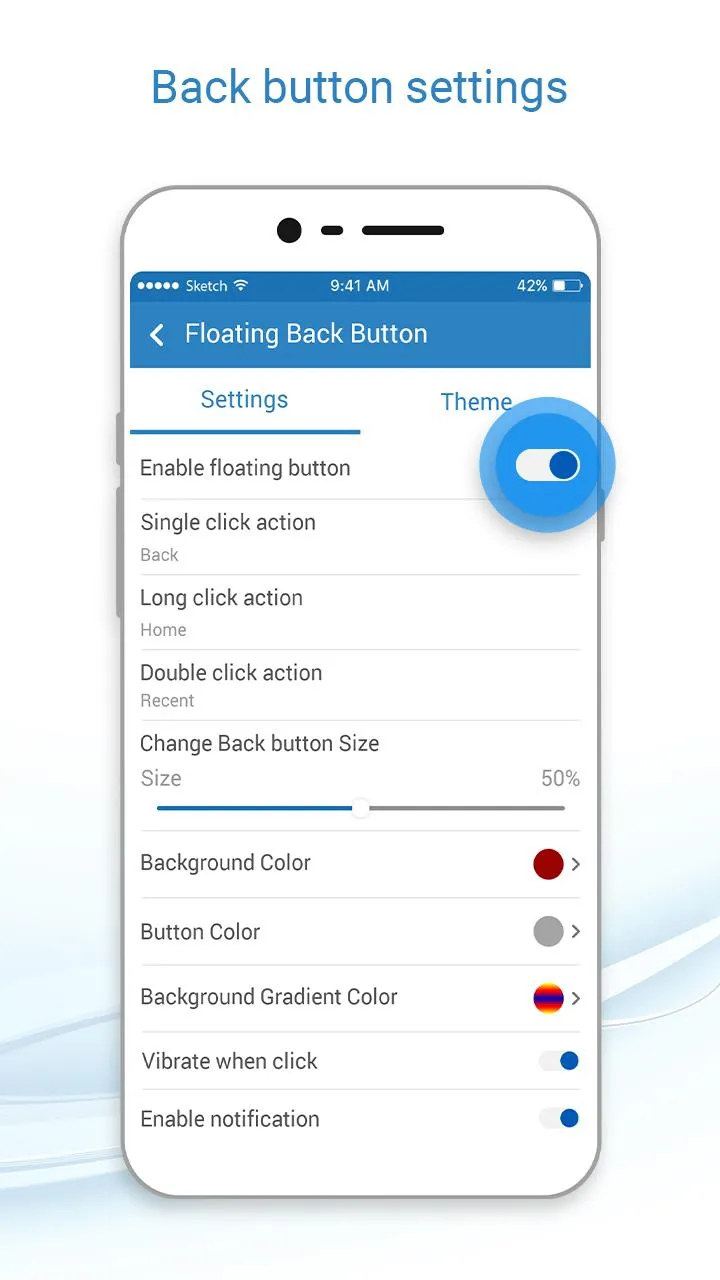
- Various customized settings to let the user hold the overall utilities.
- User-defined long press action.
- User-defined double click action.
- Modify and set Back Button size via sliders.
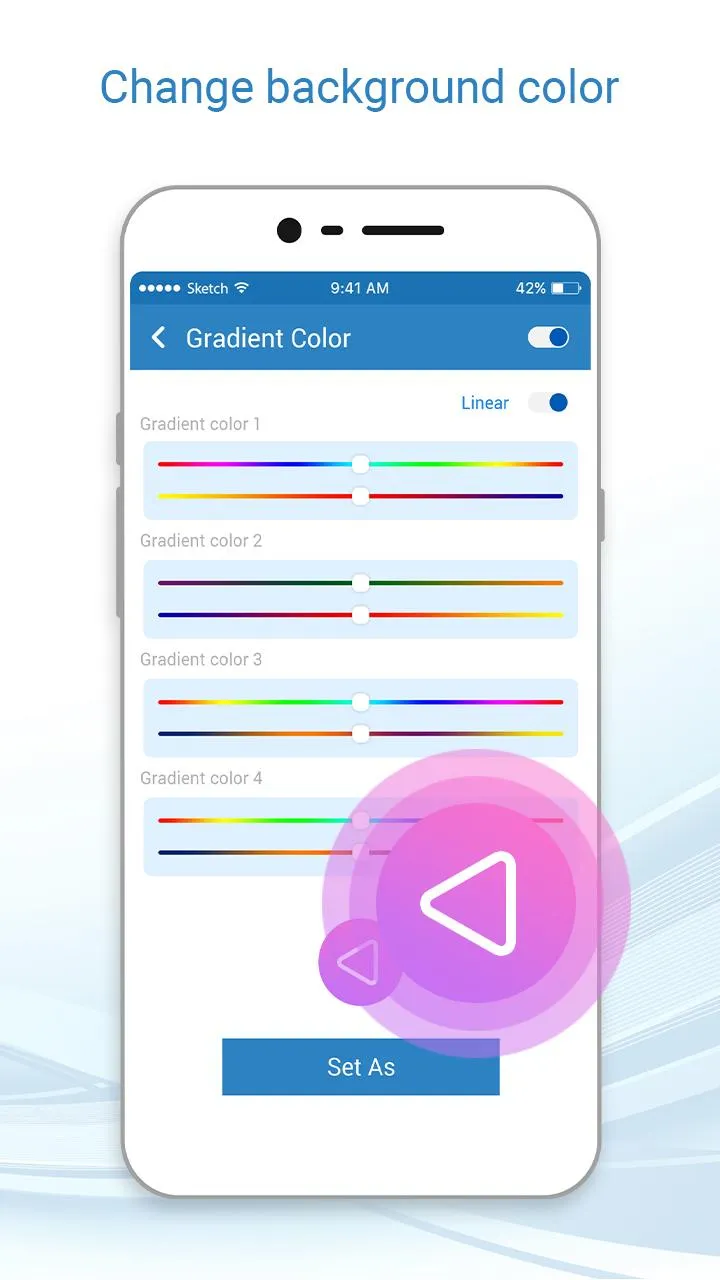
- Background color options.
- Button color options.
- Background gradient option.
- Background image option.
- Vibrate on Touch.
- Auto adjust in Landscape.
- Auto adjust in portrait.
- Show app notification.
- Set opacity of Navigation bar via sliders.
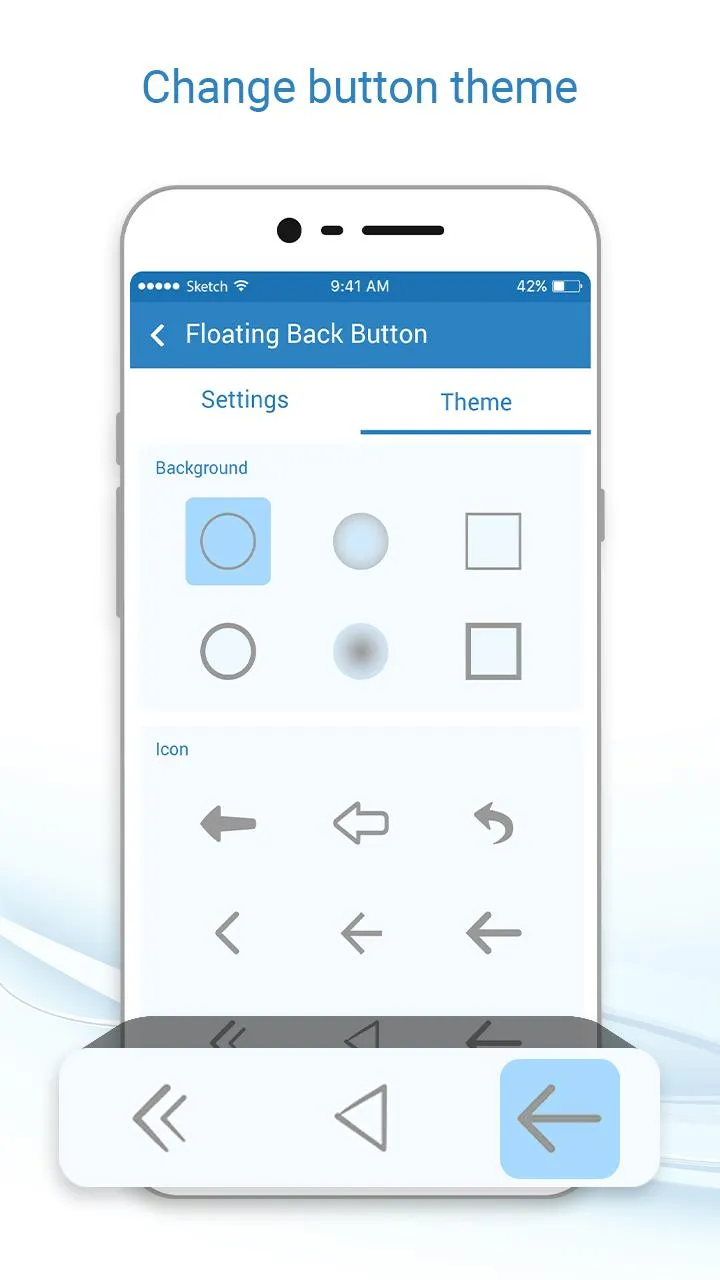
- Background and Icon theme options.
Floating Back Button app is a partial navigation utility app. Floating Back Button app allows the user to customize some tap options for smartphone. Floating Back Button app is free to install and has a quick installation process.
Floating Back Button has a simple and straightforward design and GUI. Floating Back Button app is a lightweight application, will not drain the device memory, battery and other resources. Floating Back Button app supports almost all screen resolutions of mobile and tablet devices.
Install the Floating Back Button app NOW!!!
Photography
Ratings
0
0 total ratings
5
73%
4
10%
3
4%
2
3%
1
10%
REVIEWS
No reviews yet. Be the first one to review this app
'%20fill-rule='evenodd'%20clip-rule='evenodd'%20d='M8.04878%200.118571C9.10796%20-0.198465%2010.2321%200.132893%2010.9526%200.961509L18.7058%209.9036H22.0709C23.0433%209.90386%2023.8429%2010.7032%2023.843%2011.6757V13.1309H23.8497C23.8497%2013.4983%2023.5476%2013.8014%2023.1803%2013.8015H19.9372V33.9548C19.9372%2034.423%2019.5703%2034.7975%2019.1021%2034.7977H17.142C15.91%2034.7977%2014.9156%2033.8036%2014.9154%2032.5644V28.0251C13.5538%2028.5582%2012.3722%2028.7169%2010.9963%2028.7169C6.45689%2028.7169%203.74677%2025.6897%203.74677%2020.6099V13.8015H1.77319C0.800641%2013.8015%200.000280942%2013.0091%200%2012.0294V10.573C0.000219737%2010.2057%200.303205%209.9036%200.670545%209.9036H13.5676L5.13039%201.85482C4.82078%201.55938%204.94365%201.04032%205.35428%200.917851L8.04878%200.118571ZM8.78425%2013.8082V20.611C8.78438%2023.1974%209.8151%2024.35%2012.1135%2024.35C12.9637%2024.3499%2014.1167%2024.1489%2014.902%2023.7959V13.8082H8.78425Z'%20fill='white'/%3e%3c/svg%3e)
Permissions
Storage: access photos, media, and files on your device
Internet: use your internet connection
Phone: make and manage phone calls
Curated for YouSee all






Scan to download on PhonePe Appstore

