

OMRON SOFTWARE Co., Ltd.
4.0
ratings42 MB
SizeVerified
SCREENSHOTS (8)
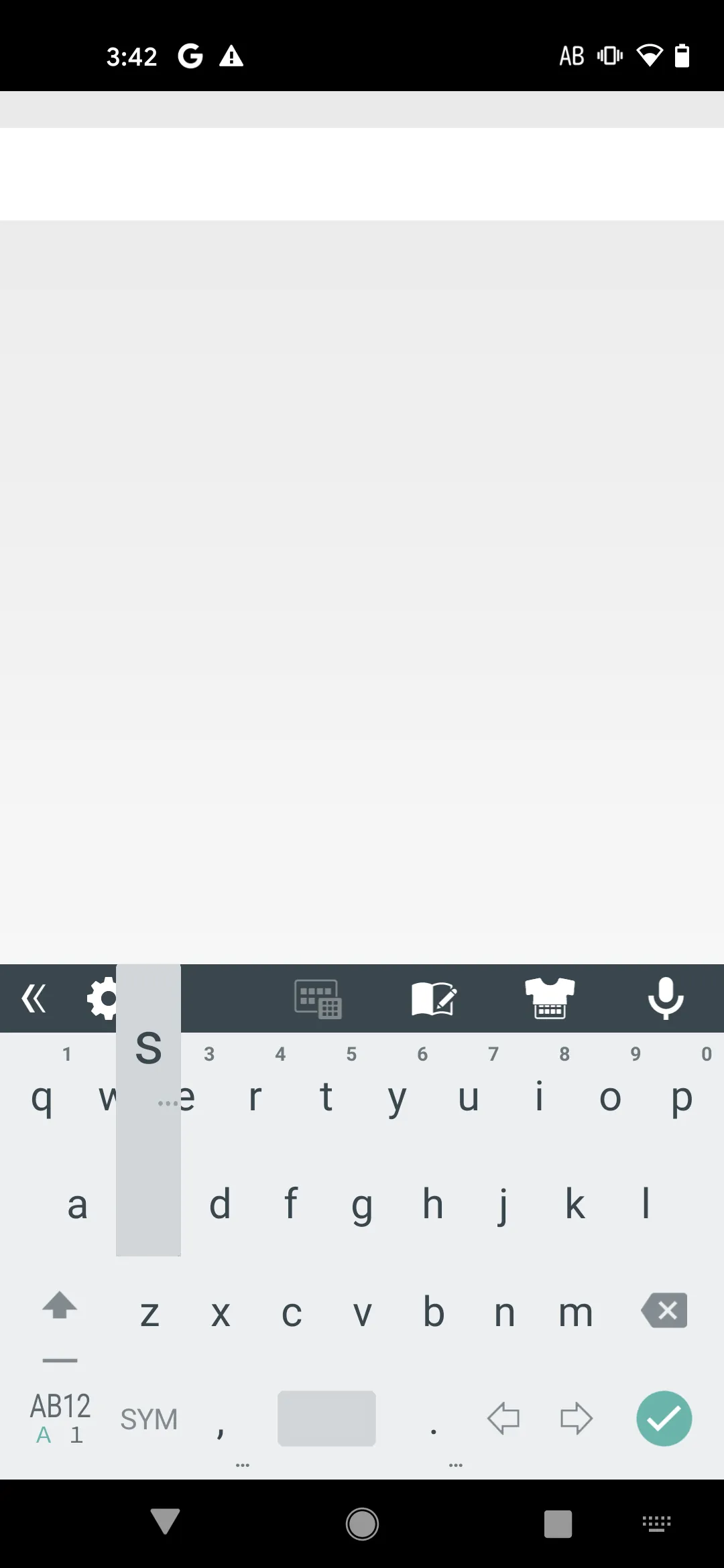
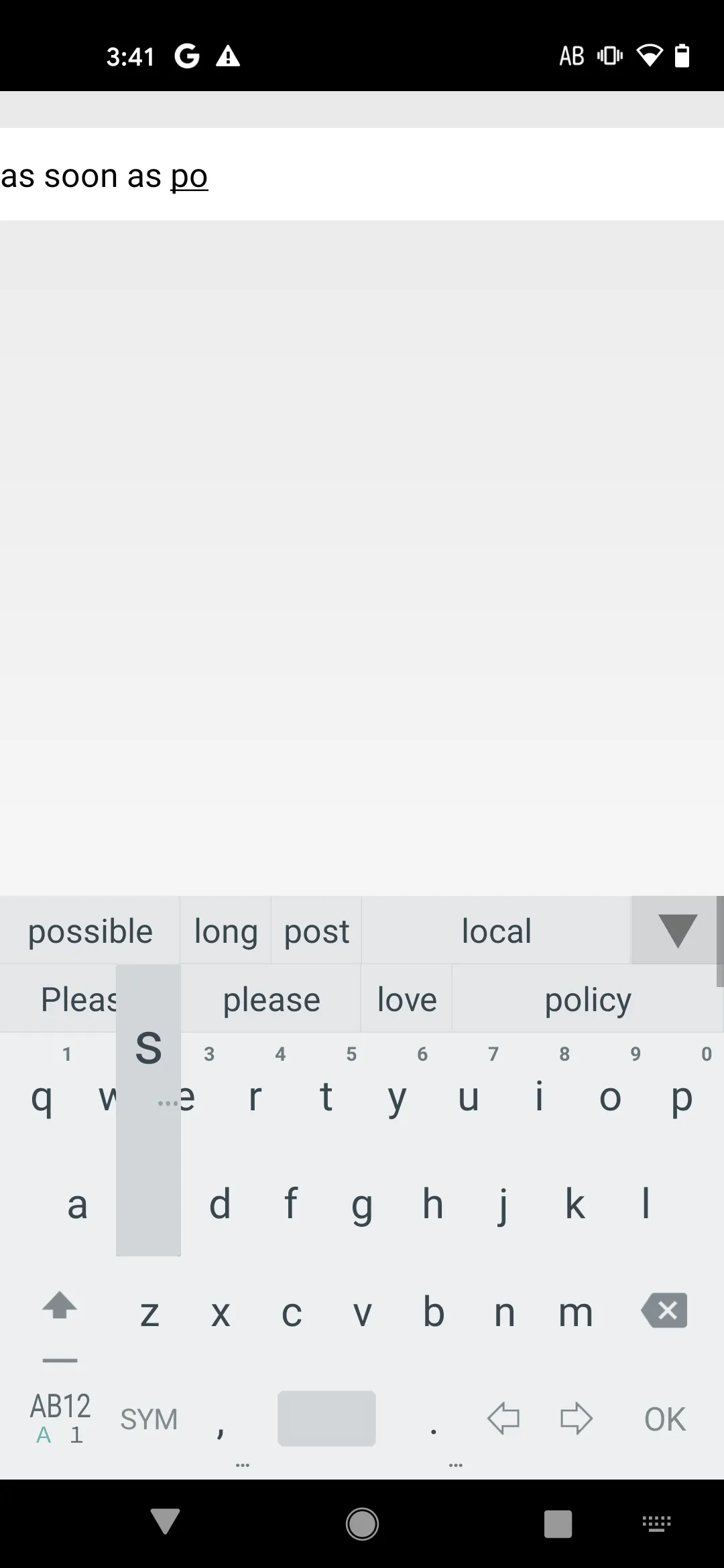
About the app
\ This keyboard is simple and becomes usable in your preference. /
Wnn Keyboard Lab is pre-release version of iWnn IME (Japanese keyboard) which is standard installed a lot of Android devices in Japan.
Wnn Keyboard Lab has stable basic IME functions and plug-in modules for customization.
【 Features of Wnn Keyboard Lab 】
* Useful functions
- Mushroom(Input Extension plug-in) for useful and fun input
Mushroom: External application to help with text input(ex. Various Emotion input)
- You can easily send URLs and sentences to other applications by launcher ;-)
- User dictionary backup
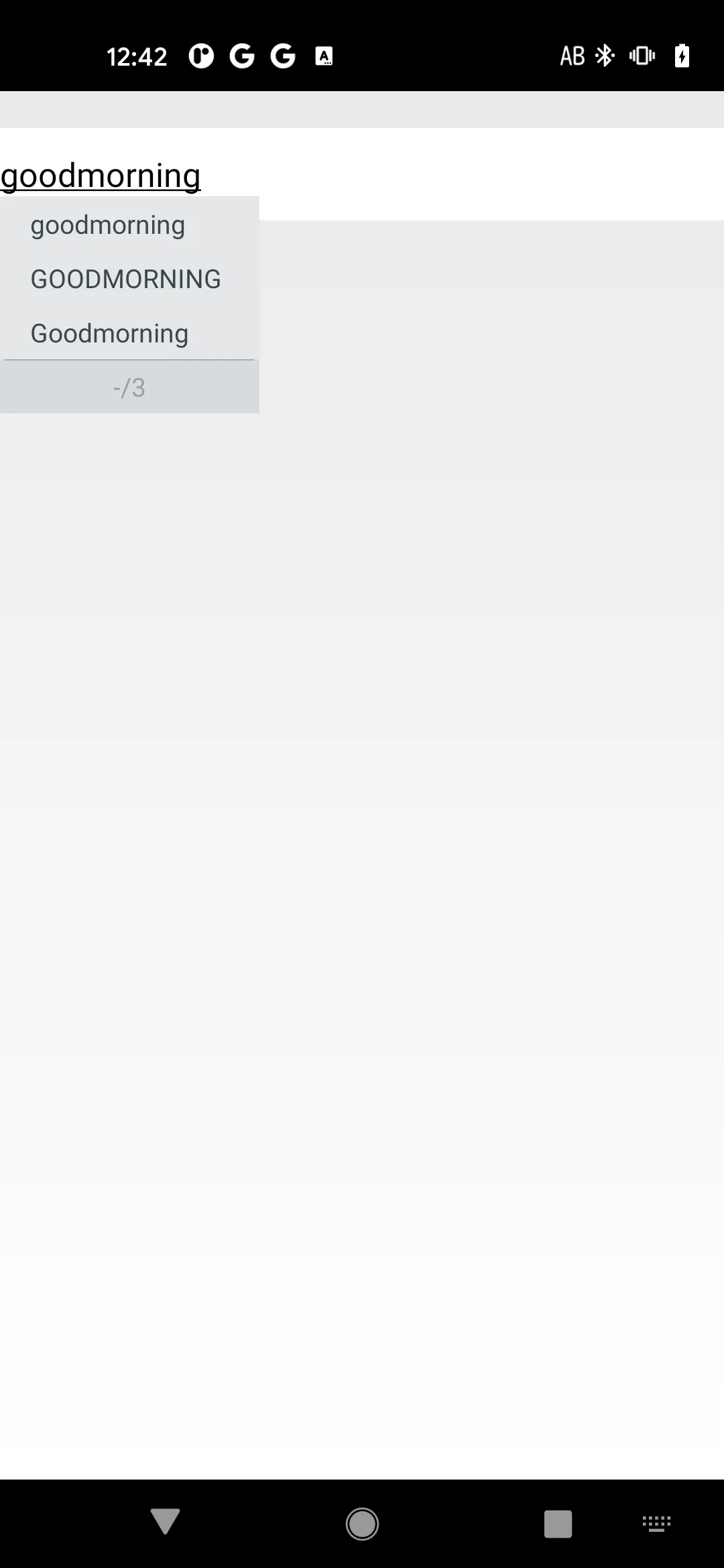
- Learning reset for each word by long-pressing the conversion candidate area
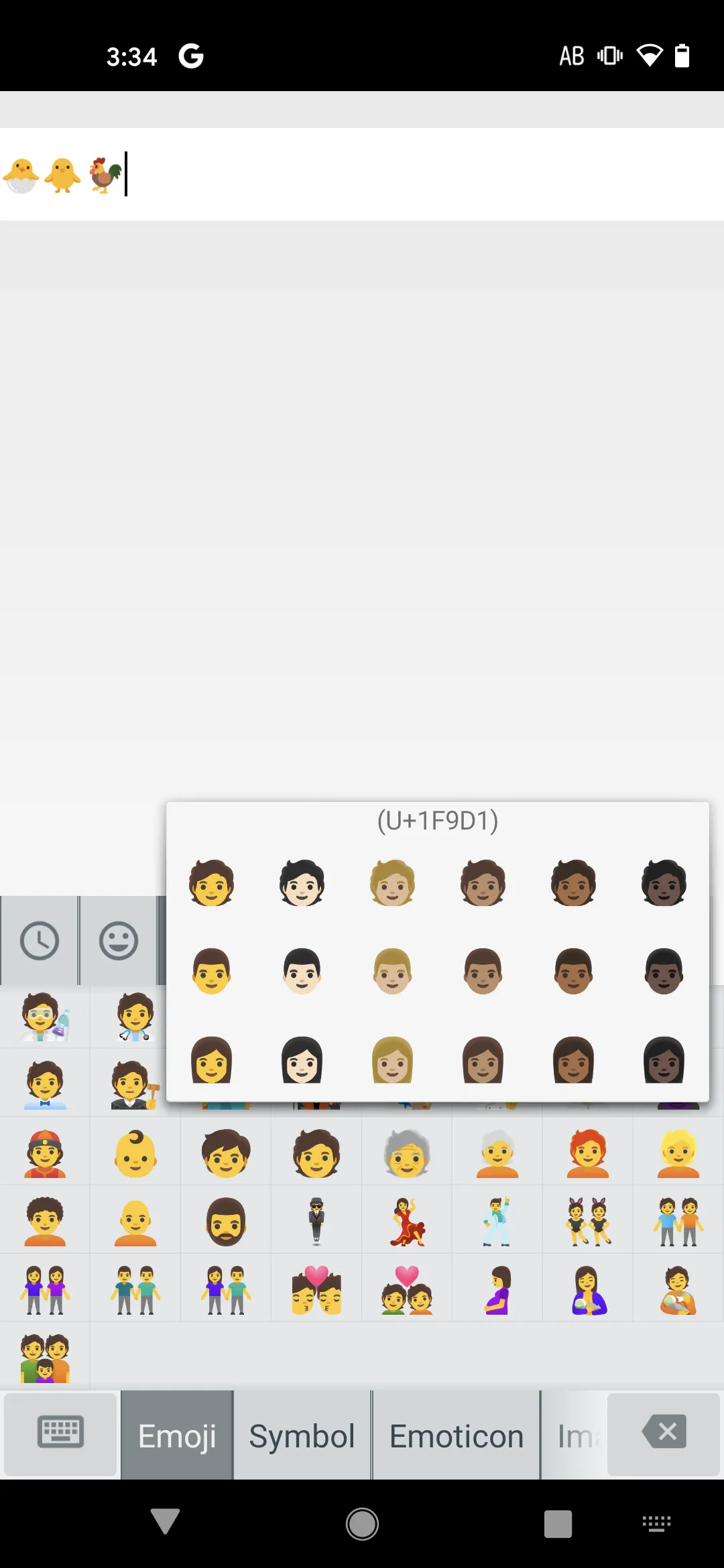
- Image input
You can input the images in the downloads folder from symbol list!
Images which you registered reading by a user dictionary can be displayed on word/relation prediction candidates.
Note: Image input is enabled on +メッセージ(NTTdocomo/au/SoftBank) and Hangouts.
- Richer candidates by cloud conversion!
By installing "Wnn Japanese Ext Pack,"
you can use richer conversion on the cloud server!
- Multi-language input by using chargeable "Wnn Lang Pack"
English(UK), Chinese(Simplified/Traditional), Korean, Czech,
German, Spanish, French, French(Canada), Italian, Dutch,
Norwegian, Polish, Portuguese, Portuguese(Brazil), Russian, Swedish
* Customizable design and layout for easy to use
- Keyboard image
You can use colorful theme and local mascot☆
( https://play.google.com/store/search?q=omronsoft%20keyboardimage&c=apps )
- Key on/off
You can hide some keys for simplify keyboard: undo key, number key, etc.
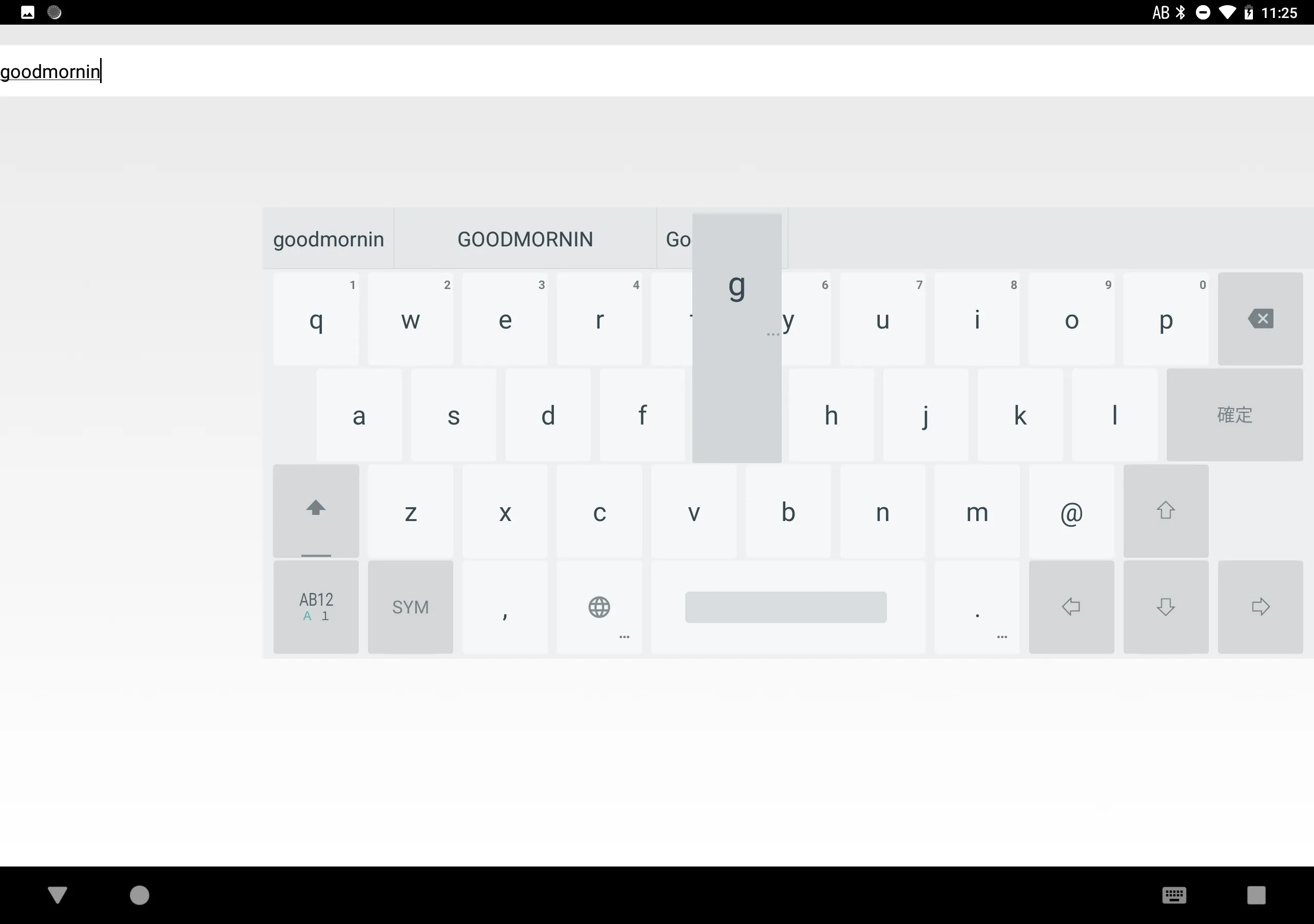
- Keyboard type(10-key, QWERTY, 50-key) can be set for each input mode(Japanese, English, Number.)
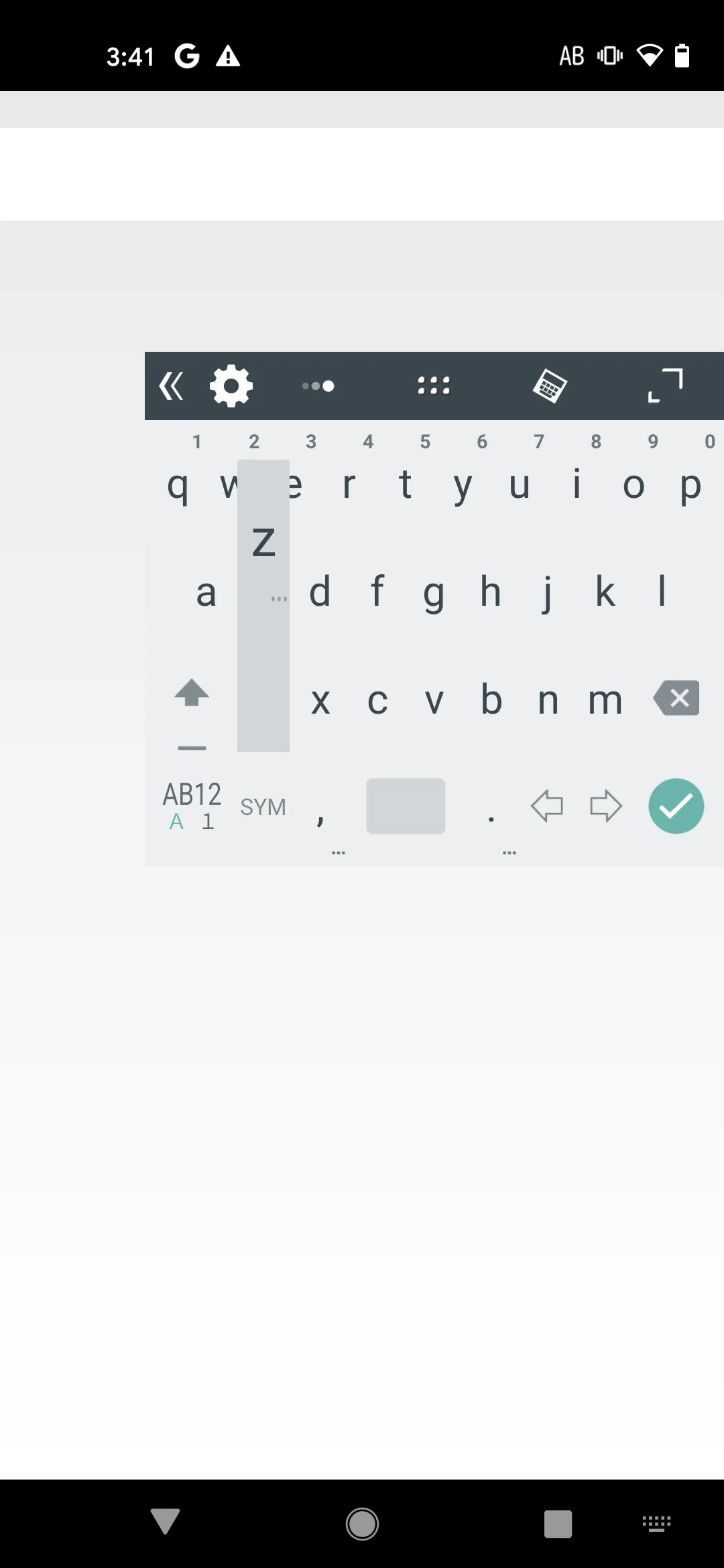
- Floating keyboard
You can change a position and transparency of the keyboard!
- Changeable keyboard size
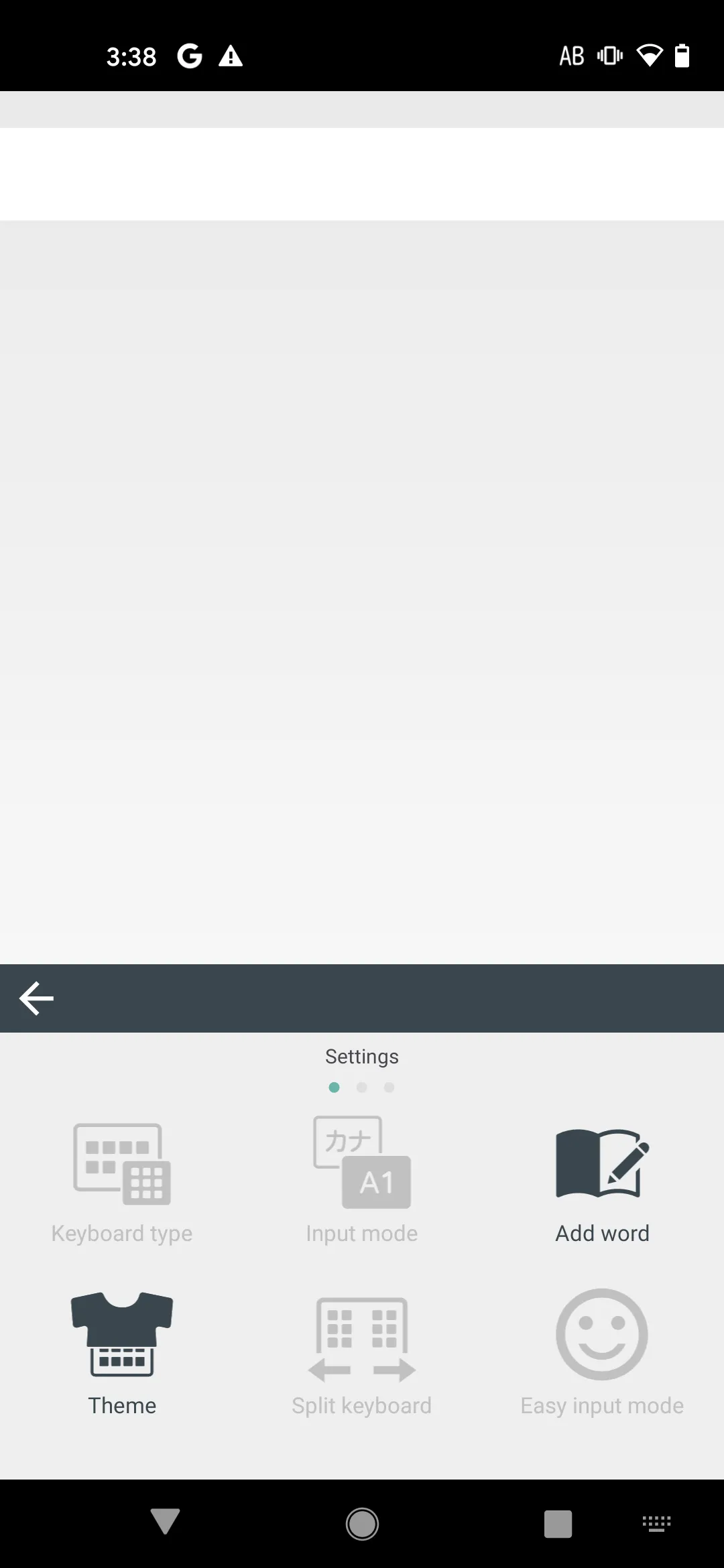
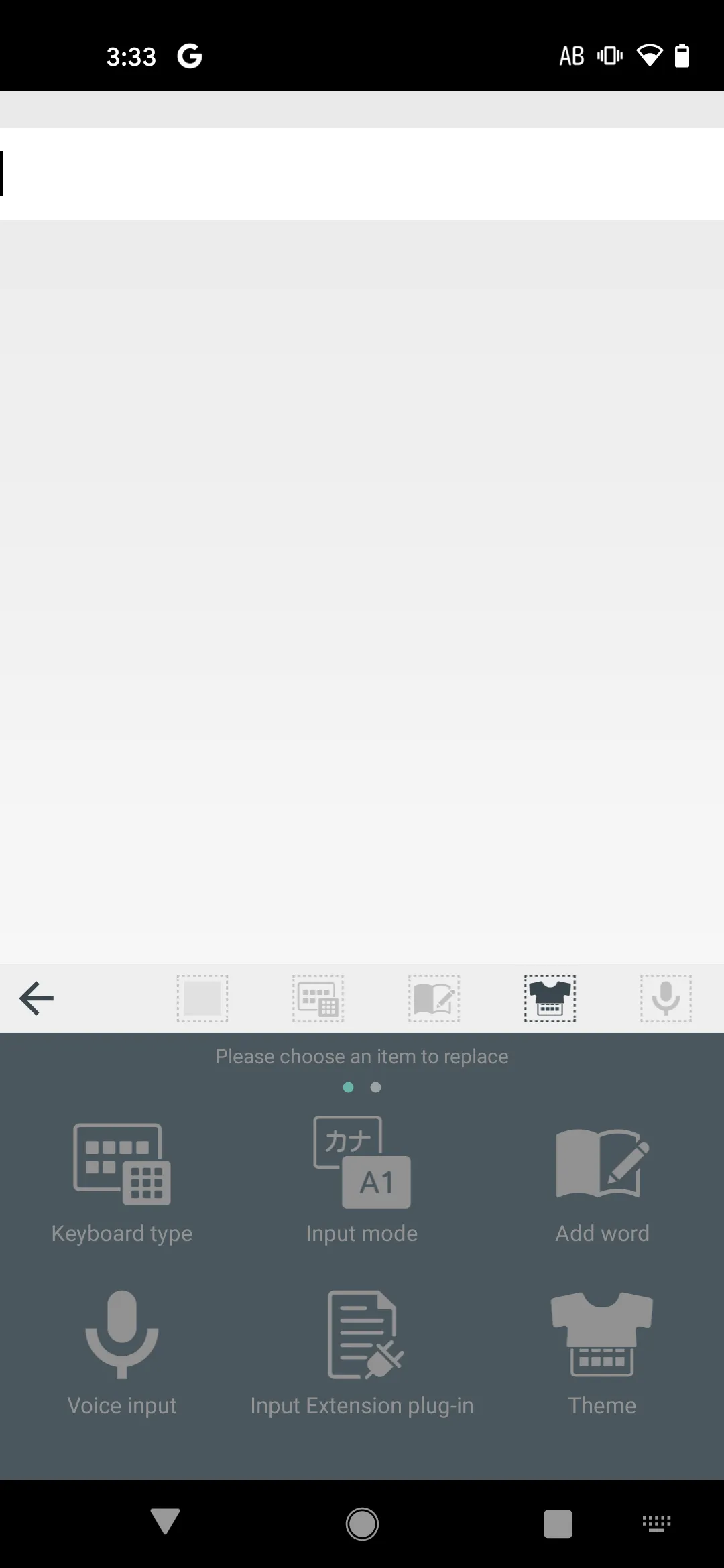
- Shortcuts for setting
Shortcuts of setting items could be placed on the menu bar of keyboard.
Note: Please long-press "<<" to hide the menu bar.
* Others
- This free version includes tiny dictionary.
Please install additional "Wnn Japanese Ext Pack" for better Japanese candidates.
( https://play.google.com/store/apps/details?id=jp.co.omronsoft.wnnext.cloudwnn.ja )
- The storage location of additional dictionaries after Lab-256
Since there are restrictions depending on the OS version, the storage location of the dictionary file has been changed from Lab-256 released in September 2020.
To use the additional dictionary:
1.Create a new "wnnlab" folder under Internalstorage/android/data/jp.co.omronsoft.wnnlab/files/
2.Move all existing dictionary files under /sdcard/wnnlab/ to the new "wnnlab" folder
If you uninstall Wnn Keyboard Lab, the dictionary file will also be deleted. Please keep the copy of the dictionary file separately beforehand.
- Please feel free to contact us at the following address if you have any requests or questions.
[email protected]
- Wnn Keyboard Lab website
( https://www.wnnlab.com/ )
【 Purpose of access permissions 】
[Full network access]
- Only for displaying ads
- No input data is sent outside of app unless using external modules.
[Storage access]
- For importing text dictionaries on the storage
- For importing and inputting images on the storage
Personalization
Ratings
0
0 total ratings
5
73%
4
10%
3
4%
2
3%
1
10%
REVIEWS
No reviews yet. Be the first one to review this app
'%20fill-rule='evenodd'%20clip-rule='evenodd'%20d='M8.04878%200.118571C9.10796%20-0.198465%2010.2321%200.132893%2010.9526%200.961509L18.7058%209.9036H22.0709C23.0433%209.90386%2023.8429%2010.7032%2023.843%2011.6757V13.1309H23.8497C23.8497%2013.4983%2023.5476%2013.8014%2023.1803%2013.8015H19.9372V33.9548C19.9372%2034.423%2019.5703%2034.7975%2019.1021%2034.7977H17.142C15.91%2034.7977%2014.9156%2033.8036%2014.9154%2032.5644V28.0251C13.5538%2028.5582%2012.3722%2028.7169%2010.9963%2028.7169C6.45689%2028.7169%203.74677%2025.6897%203.74677%2020.6099V13.8015H1.77319C0.800641%2013.8015%200.000280942%2013.0091%200%2012.0294V10.573C0.000219737%2010.2057%200.303205%209.9036%200.670545%209.9036H13.5676L5.13039%201.85482C4.82078%201.55938%204.94365%201.04032%205.35428%200.917851L8.04878%200.118571ZM8.78425%2013.8082V20.611C8.78438%2023.1974%209.8151%2024.35%2012.1135%2024.35C12.9637%2024.3499%2014.1167%2024.1489%2014.902%2023.7959V13.8082H8.78425Z'%20fill='white'/%3e%3c/svg%3e)
Permissions
Storage: access photos, media, and files on your device
Internet: use your internet connection
Developer Info
Curated for YouSee all






Scan to download on PhonePe Appstore

