

Olympia
4.0
ratings5 MB
SizeVerified
SCREENSHOTS (3)

About the app
You can now control the base unit of the Protect alarm system conveniently by using your smartphone.
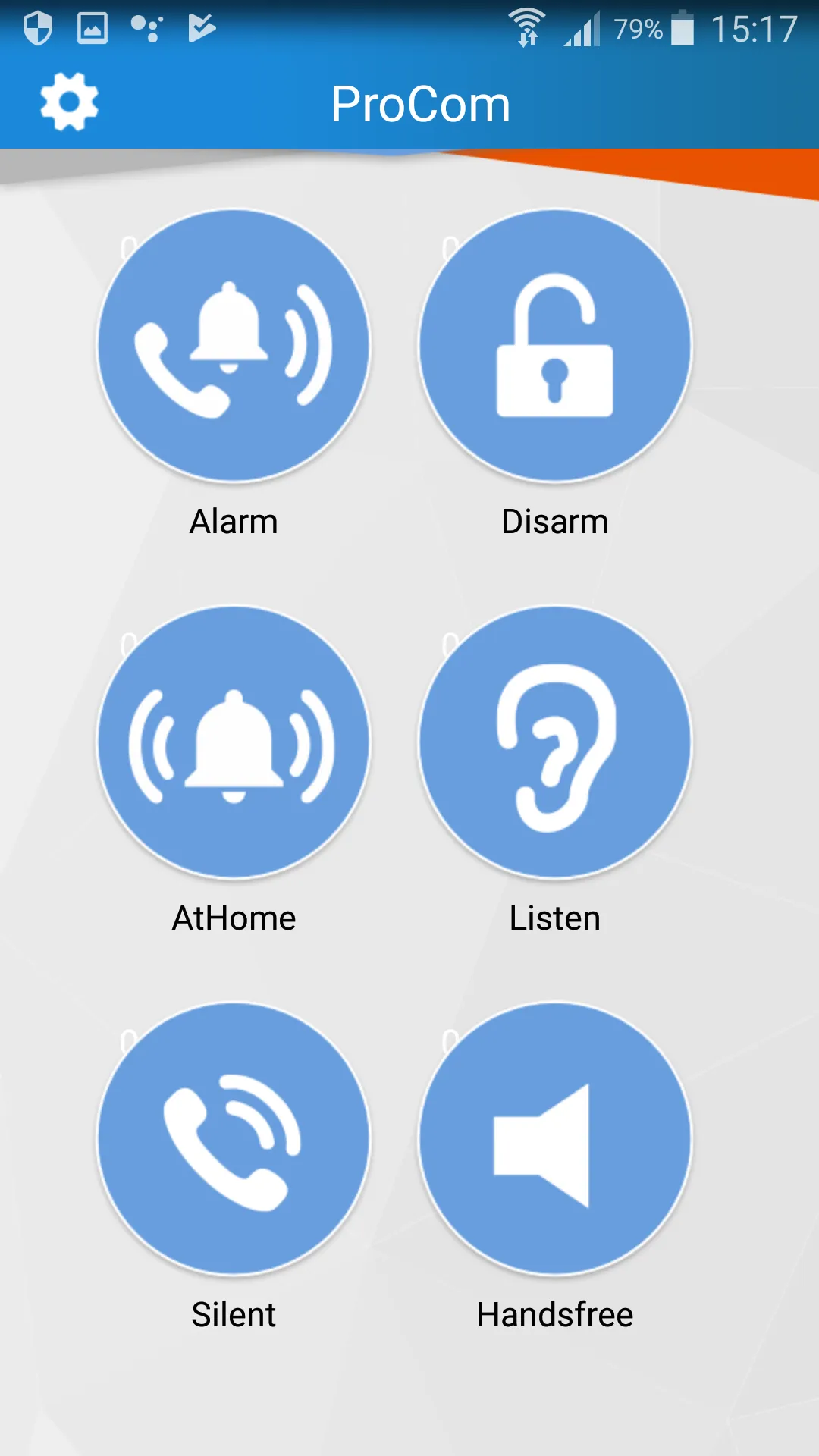
You can choose from the following functions: Alarm mode, Inactive mode, At Home mode, Silent mode, Room Monitoring mode and Speakerphone mode.
(There must be a SIM card in the base unit. Consequential costs may ensue through voice calls.)
Quick Guide:
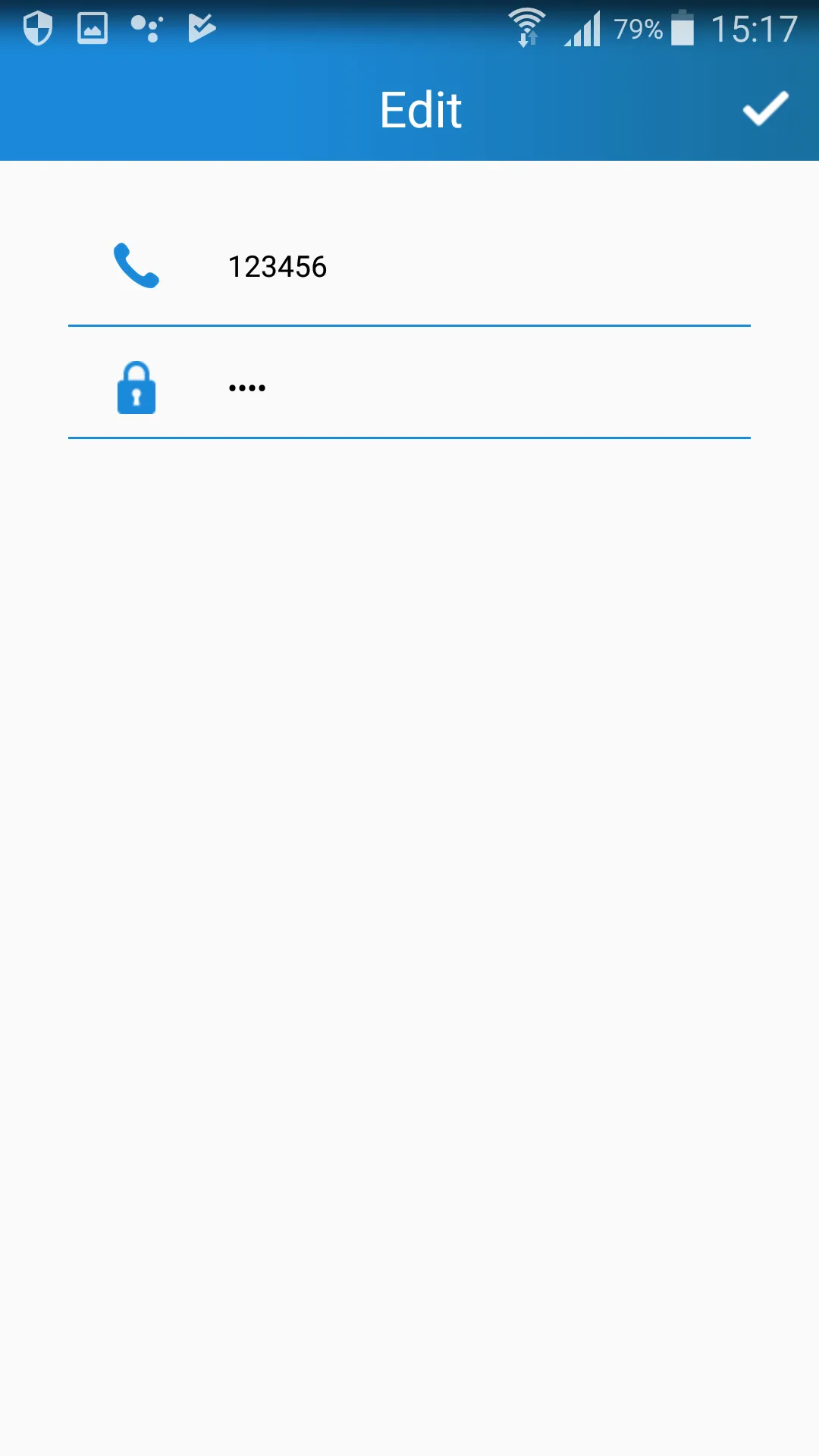
Before you can use the ProCom App voice call feature on the base unit of the alarm system, you must enter a phone number and PIN of the key lock in the base unit.
- Tip on Settings (top left)
- Enter the phone number of the SIM card which you have inserted in the base unit of the alarm system.
- Enter the PIN number of the key lock of the alarm system’s base unit.
- Tip on the tick (top right corner) to confirm your entries.
A detailed operating manual for the app is available at: www.olympia-vertrieb.de under the “Security” caption.
Personalization
Ratings
0
0 total ratings
5
73%
4
10%
3
4%
2
3%
1
10%
REVIEWS
No reviews yet. Be the first one to review this app
'%20fill-rule='evenodd'%20clip-rule='evenodd'%20d='M8.04878%200.118571C9.10796%20-0.198465%2010.2321%200.132893%2010.9526%200.961509L18.7058%209.9036H22.0709C23.0433%209.90386%2023.8429%2010.7032%2023.843%2011.6757V13.1309H23.8497C23.8497%2013.4983%2023.5476%2013.8014%2023.1803%2013.8015H19.9372V33.9548C19.9372%2034.423%2019.5703%2034.7975%2019.1021%2034.7977H17.142C15.91%2034.7977%2014.9156%2033.8036%2014.9154%2032.5644V28.0251C13.5538%2028.5582%2012.3722%2028.7169%2010.9963%2028.7169C6.45689%2028.7169%203.74677%2025.6897%203.74677%2020.6099V13.8015H1.77319C0.800641%2013.8015%200.000280942%2013.0091%200%2012.0294V10.573C0.000219737%2010.2057%200.303205%209.9036%200.670545%209.9036H13.5676L5.13039%201.85482C4.82078%201.55938%204.94365%201.04032%205.35428%200.917851L8.04878%200.118571ZM8.78425%2013.8082V20.611C8.78438%2023.1974%209.8151%2024.35%2012.1135%2024.35C12.9637%2024.3499%2014.1167%2024.1489%2014.902%2023.7959V13.8082H8.78425Z'%20fill='white'/%3e%3c/svg%3e)
Permissions
Phone: make and manage phone calls
Curated for YouSee all






Scan to download on PhonePe Appstore

