
NCH Software
4.0
ratings11 MB
SizeVerified
SCREENSHOTS (8)
About the app
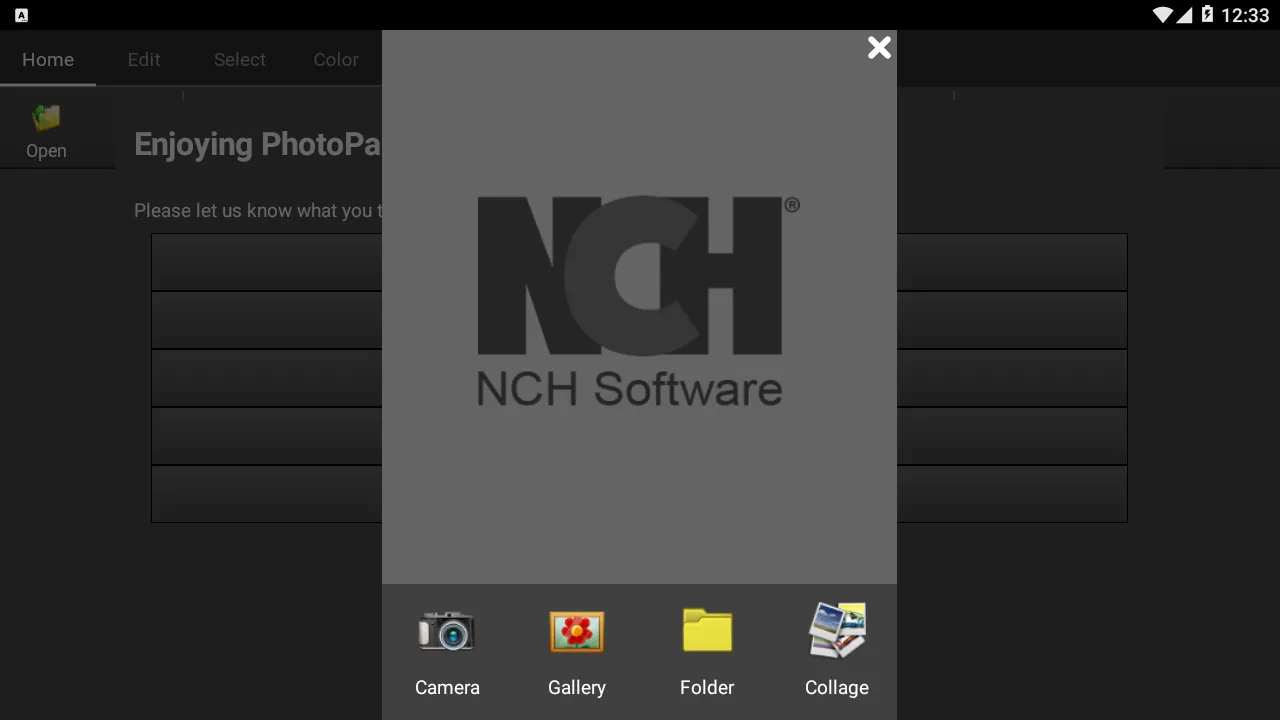
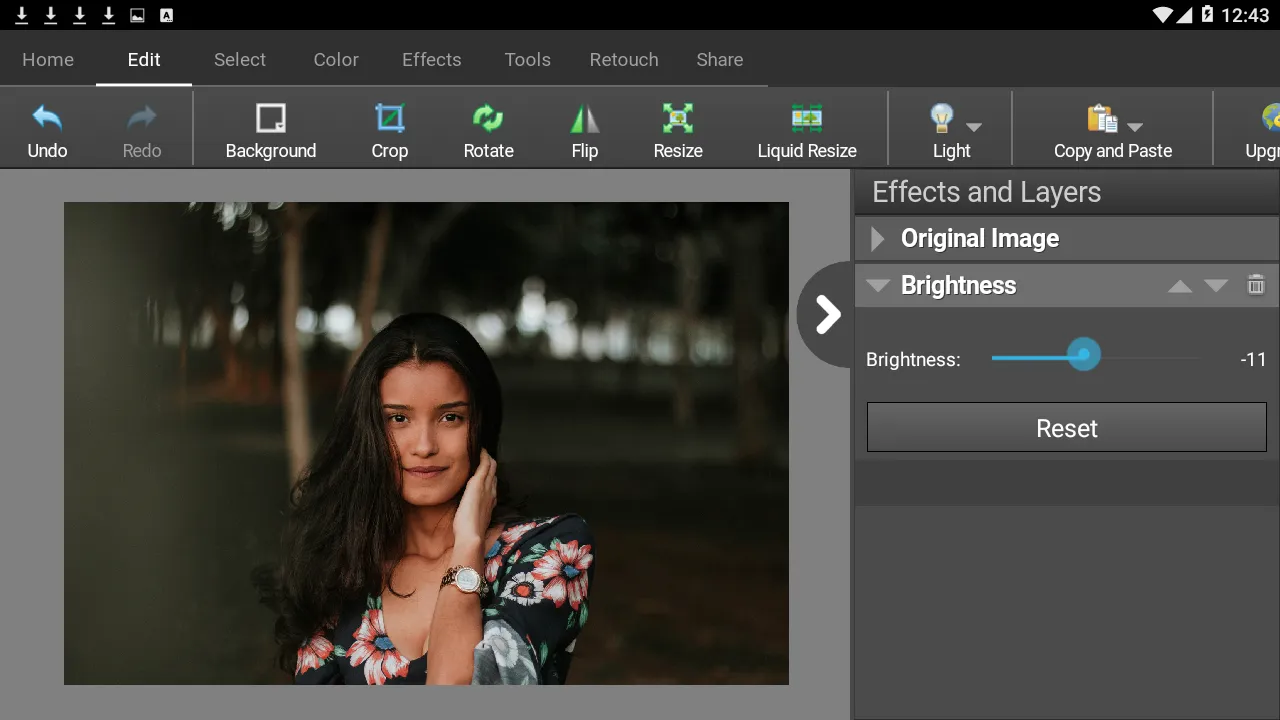
PhotoPad Free Photo Editing App is an easy-to-use digital image editor app for Android phones and devices. Easily edit photos, pictures, and other image types. PhotoPad supports the most popular image formats. Use this picture editor to crop, rotate, resize, and flip photos quickly and easily.
Photo Editing Features:
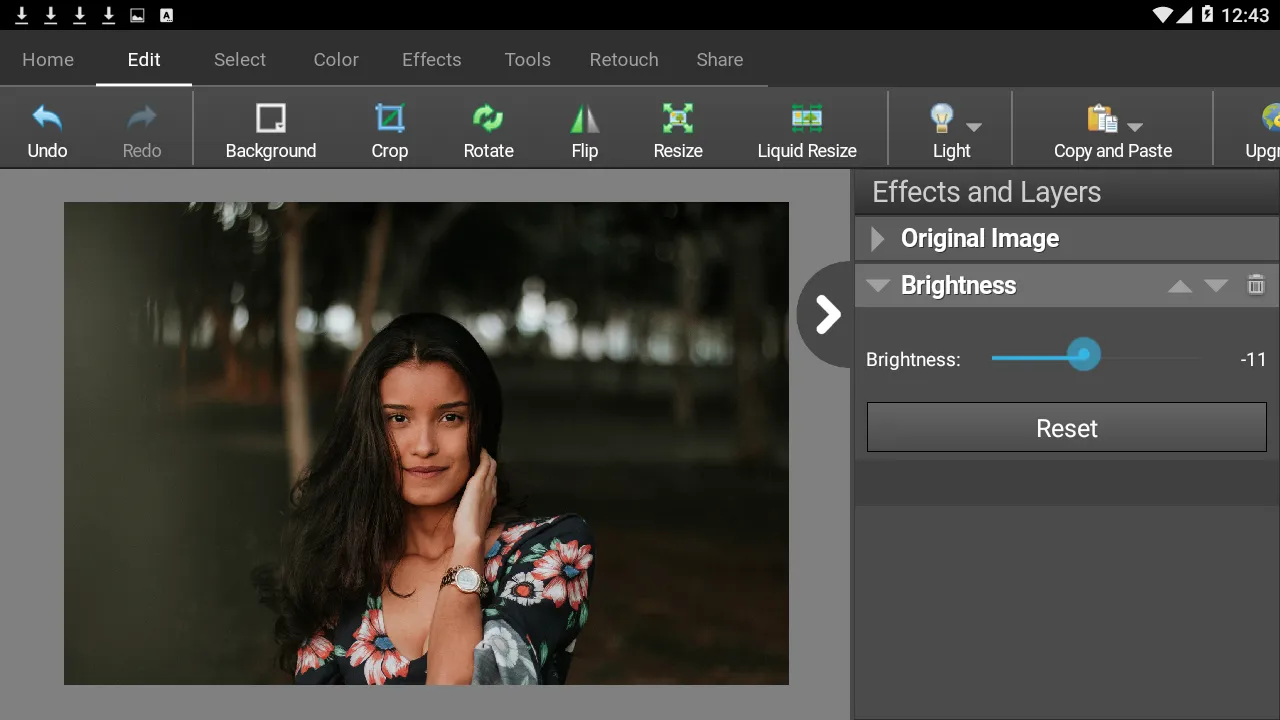
- Crop, rotate, resize and flip pictures
- Touch up photos to remove blemishes and fix color
- Improve photo quality and focus with blur, sharpening, and noise reduction tools
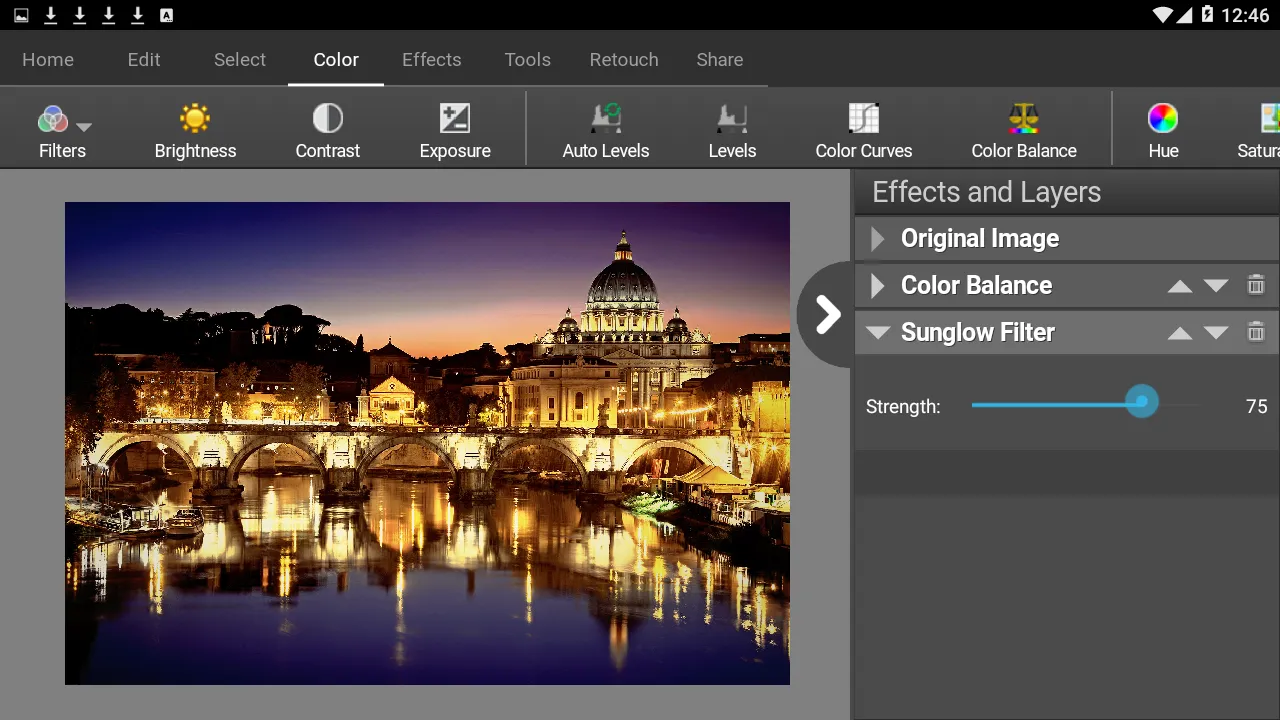
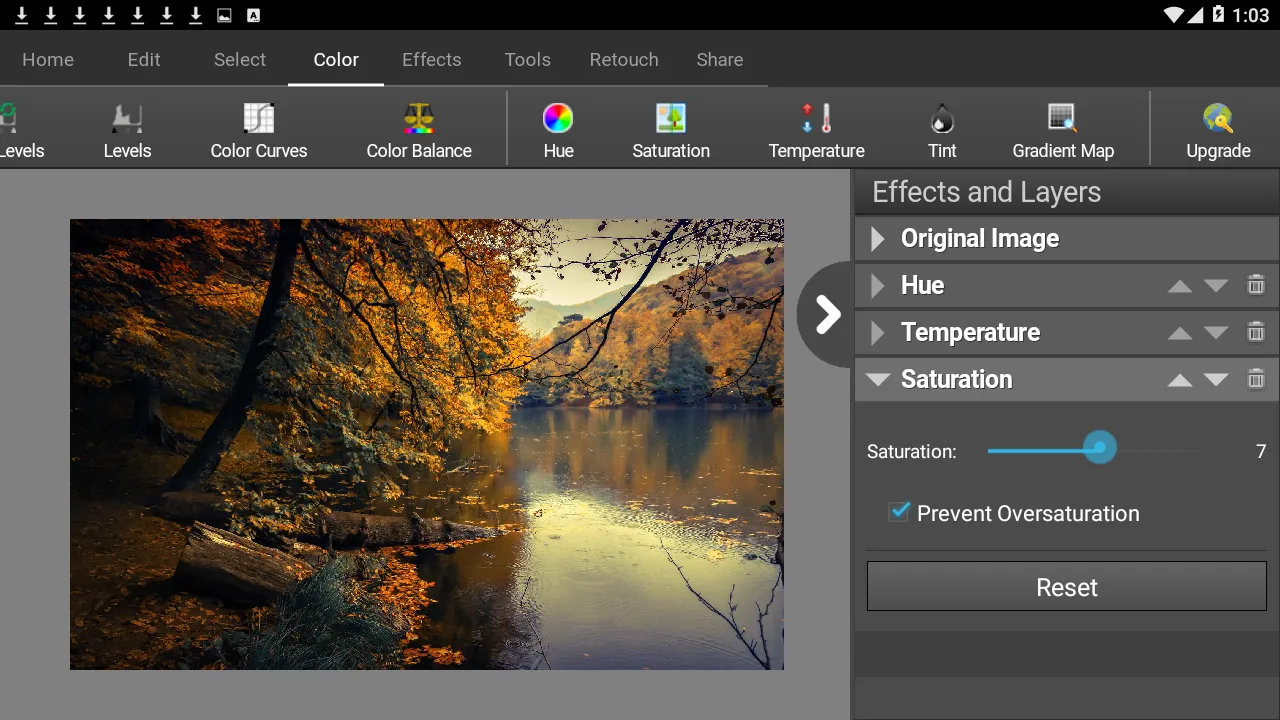
- Adjust the color balance, exposure, levels, brightness, contrast, and more
- Merge multiple exposures to create stunning HDR photographs
- Load JPG, GIF, PNG, TIFF, BMP, and other popular image formats
- Resize your image utilizing machine learning and AI for the best quality with super-resolution
- Change the aspect ratio of an image without distorting key features using the liquid resize effect
- Easily undo, re-order and edit existing effects on the layers list using non-destructive editing
- Toggle layer visibility to review an edit
- Take and edit screenshots of your desktop
Image Editing Features:
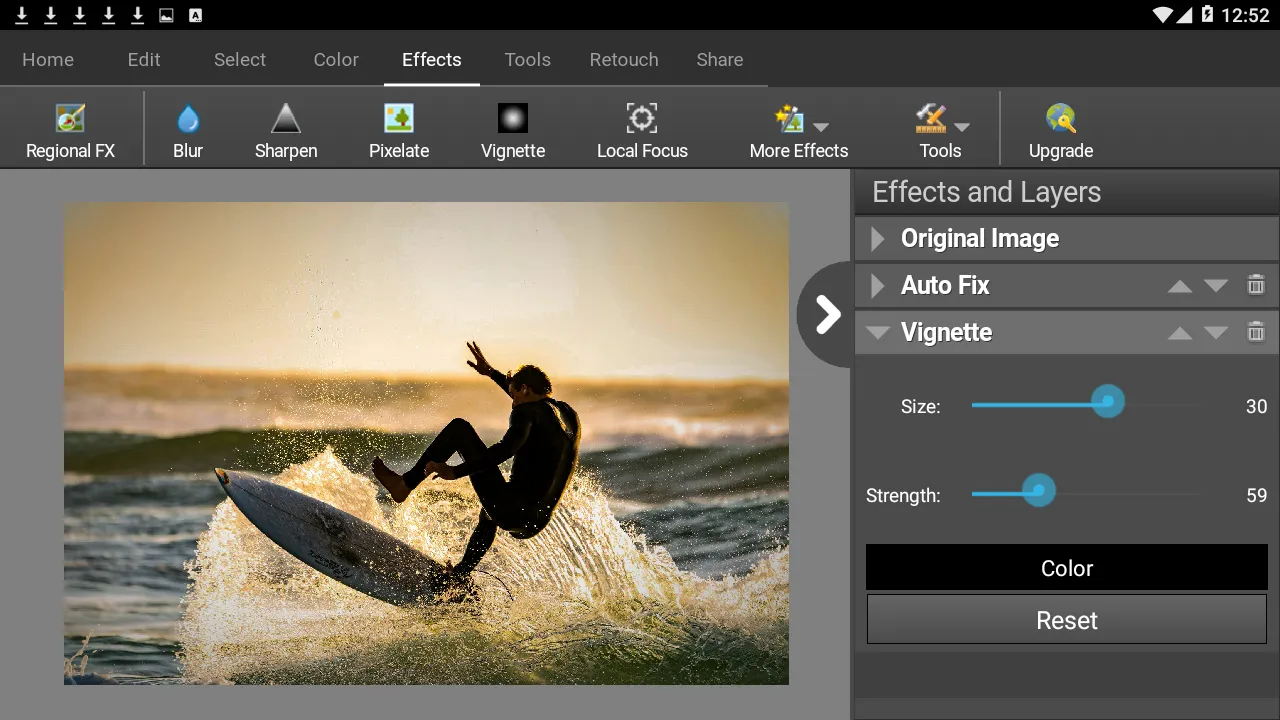
- Apply photo effects, including oil paint, cartoon, vignette, sepia and many more
- Add splashes of color to images with our easy to use Colorize Tool
- Create collages and photo mosaics with your photographs
- Use preset filters to easily enhance your photos
- Convert your photo to cross stitch patterns, paint by numbers or add an oil painting effect
- Add text and captions to photos to post online, add to photo books or to create a new viral meme
- Insert clipart from the included clipart library
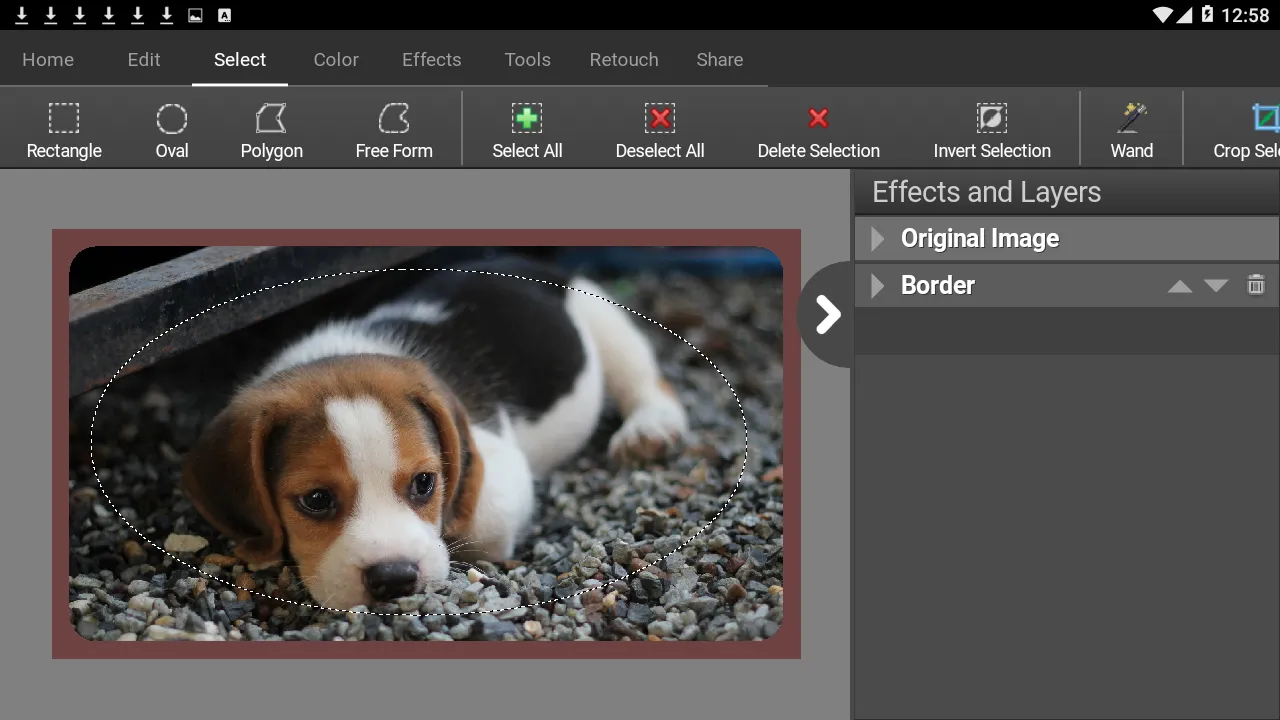
- Add frames and borders around your photographs
- Upload edited pictures directly to Facebook or Flickr
- Adjust the opacity of a layer to finesse an edit
PhotoPad Free Photo Editing for Android is perfect for professionals or someone just wanting to edit personal photos. Editing with this app can help improve the quality on your favorite photo, picture, or other image. Easily upload your picture after editing to Facebook or Flickr.
PhotoPad Free Image Editor. Do you have an old photo you want to update or improve? Use the included tools to reduce red-eye and blemishes in your picture. PhotoPad Free Photo and Image editing app is the easiest editor available for Android.
Personalization
Ratings
0
0 total ratings
5
73%
4
10%
3
4%
2
3%
1
10%
REVIEWS
No reviews yet. Be the first one to review this app
'%20fill-rule='evenodd'%20clip-rule='evenodd'%20d='M8.04878%200.118571C9.10796%20-0.198465%2010.2321%200.132893%2010.9526%200.961509L18.7058%209.9036H22.0709C23.0433%209.90386%2023.8429%2010.7032%2023.843%2011.6757V13.1309H23.8497C23.8497%2013.4983%2023.5476%2013.8014%2023.1803%2013.8015H19.9372V33.9548C19.9372%2034.423%2019.5703%2034.7975%2019.1021%2034.7977H17.142C15.91%2034.7977%2014.9156%2033.8036%2014.9154%2032.5644V28.0251C13.5538%2028.5582%2012.3722%2028.7169%2010.9963%2028.7169C6.45689%2028.7169%203.74677%2025.6897%203.74677%2020.6099V13.8015H1.77319C0.800641%2013.8015%200.000280942%2013.0091%200%2012.0294V10.573C0.000219737%2010.2057%200.303205%209.9036%200.670545%209.9036H13.5676L5.13039%201.85482C4.82078%201.55938%204.94365%201.04032%205.35428%200.917851L8.04878%200.118571ZM8.78425%2013.8082V20.611C8.78438%2023.1974%209.8151%2024.35%2012.1135%2024.35C12.9637%2024.3499%2014.1167%2024.1489%2014.902%2023.7959V13.8082H8.78425Z'%20fill='white'/%3e%3c/svg%3e)
Permissions
Storage: access photos, media, and files on your device
Internet: use your internet connection
Phone: make and manage phone calls
Camera: take pictures and record video
Developer Info
Curated for YouSee all






Scan to download on PhonePe Appstore

