
AlAwraq Studio
4.0
ratings21 MB
SizeVerified
SCREENSHOTS (8)

About the app
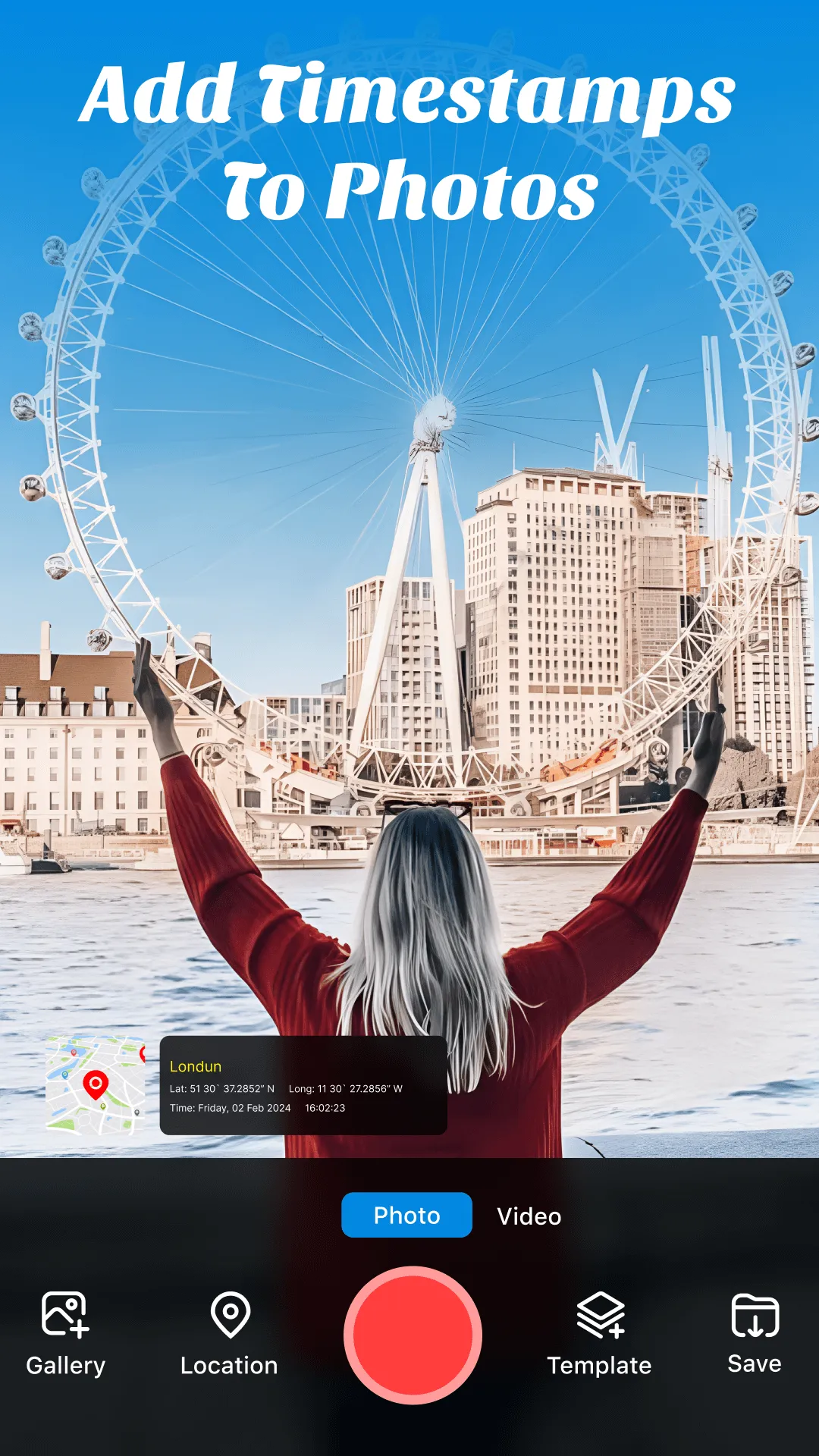
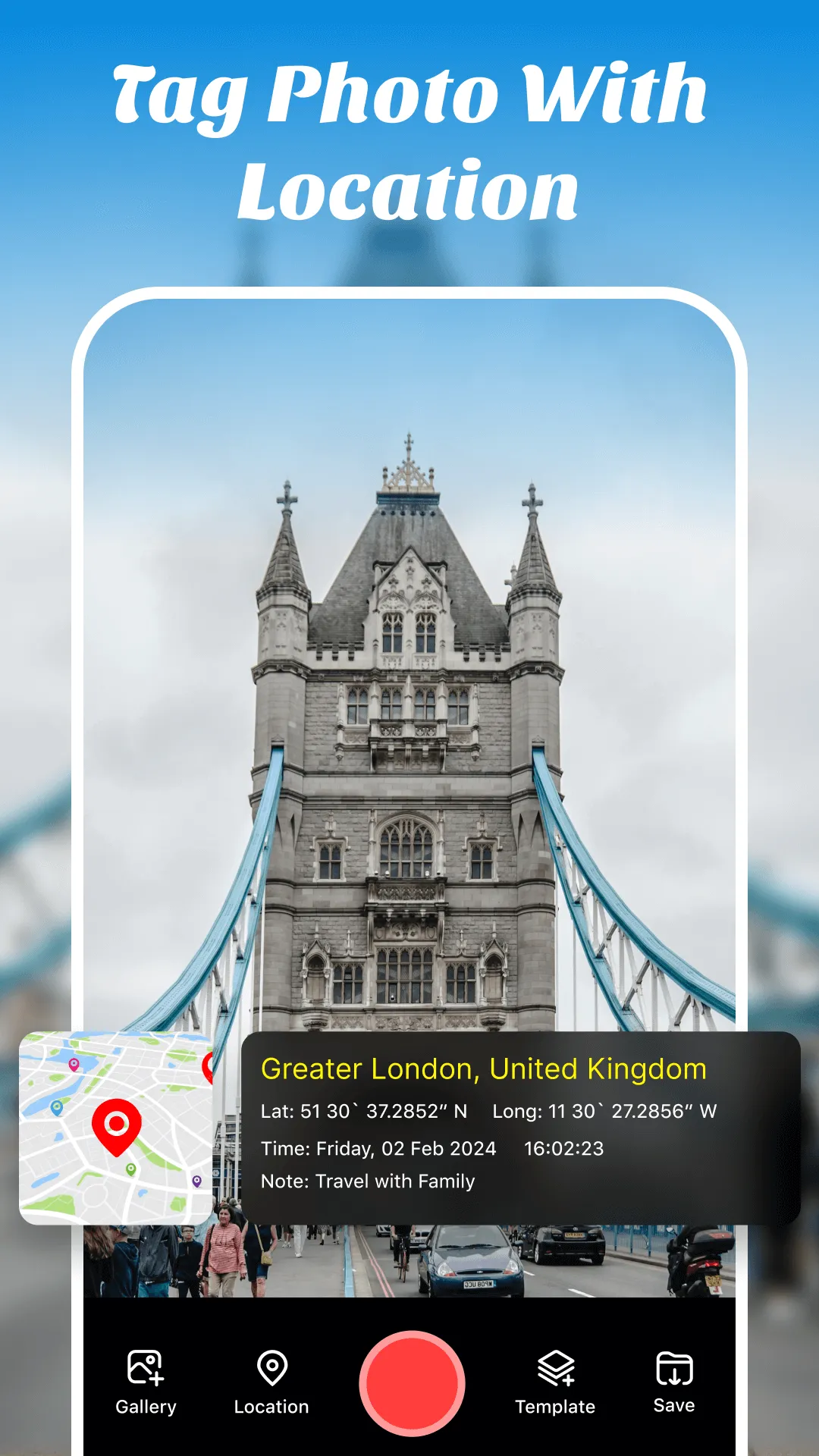
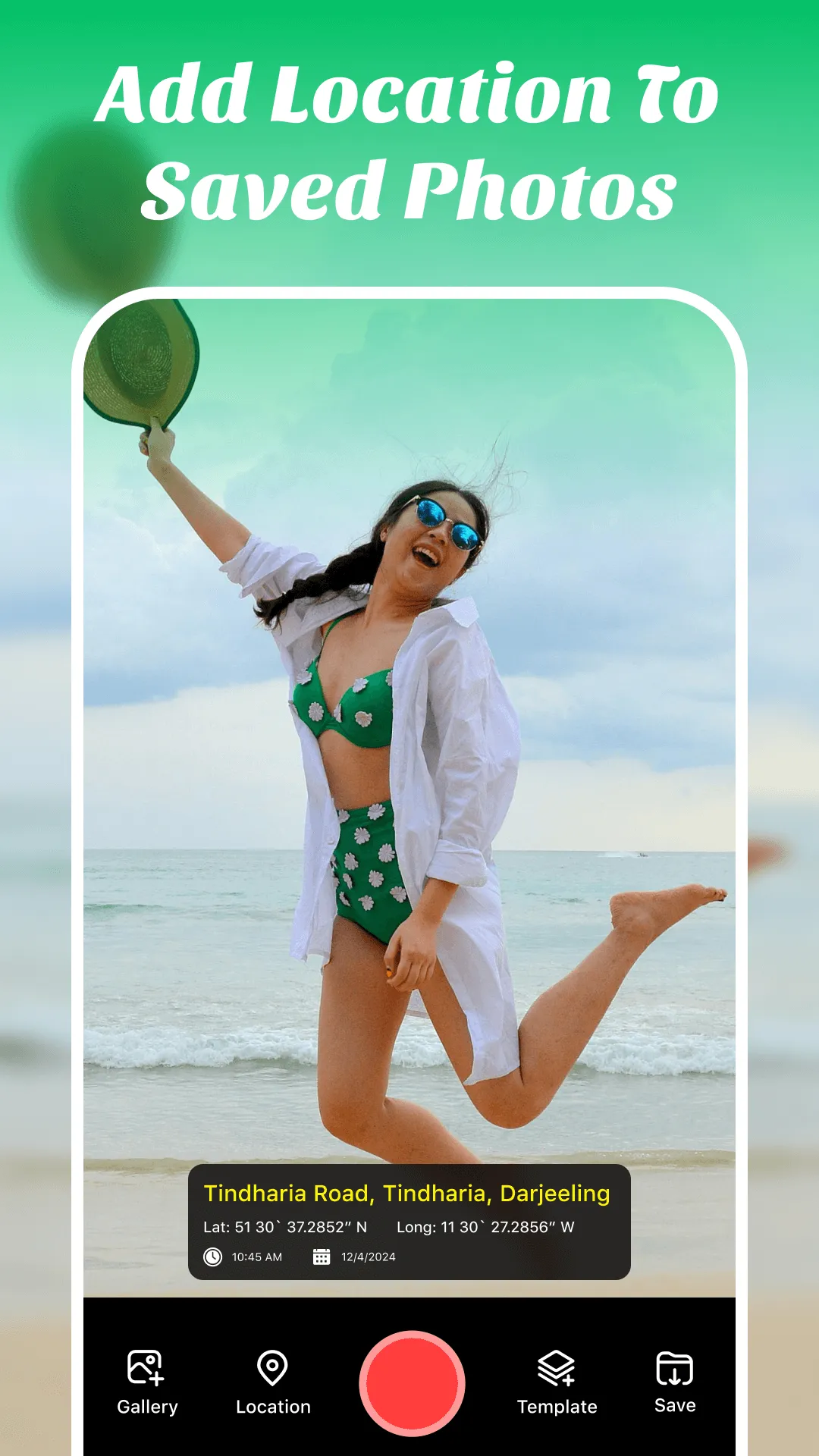
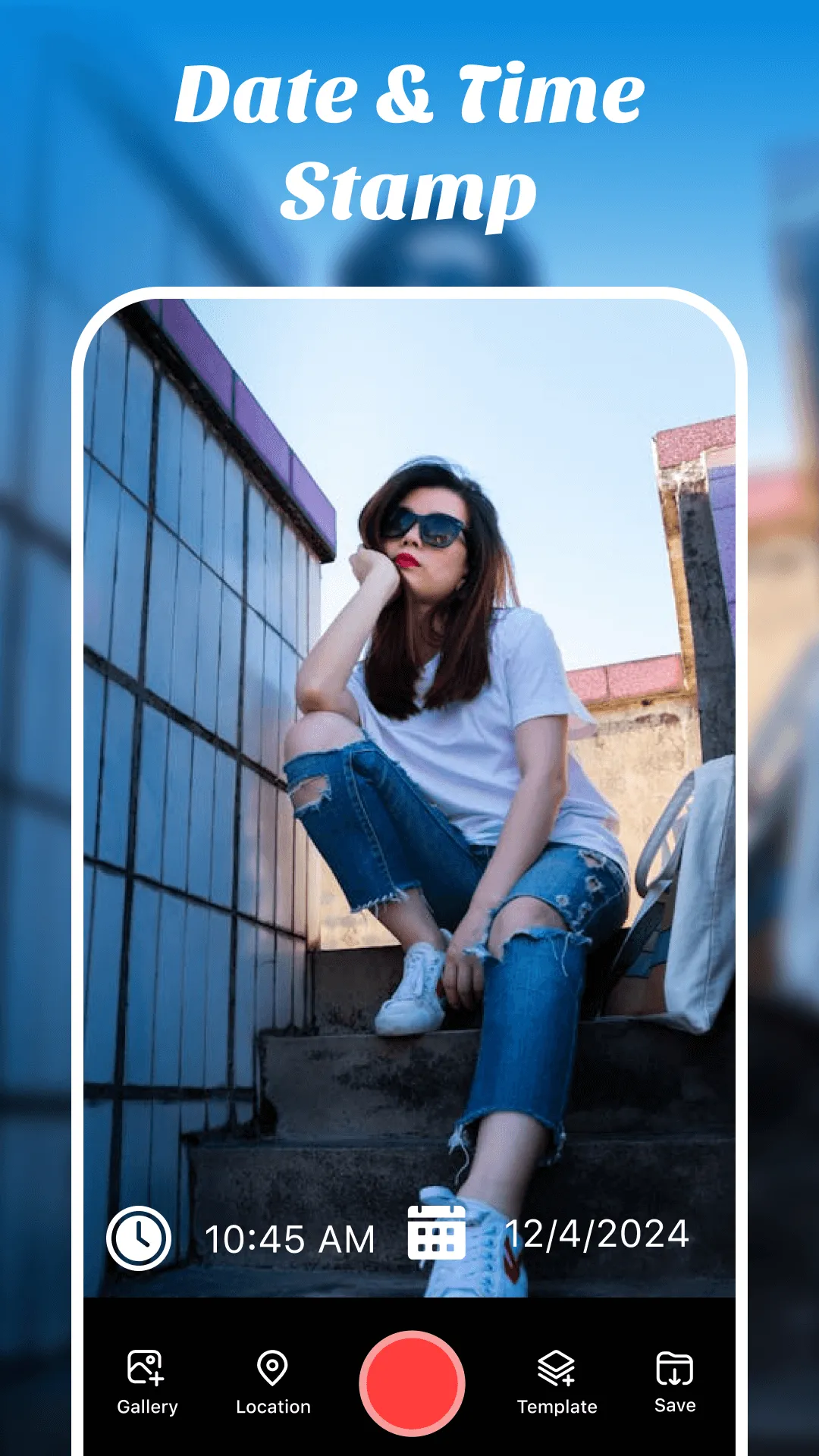
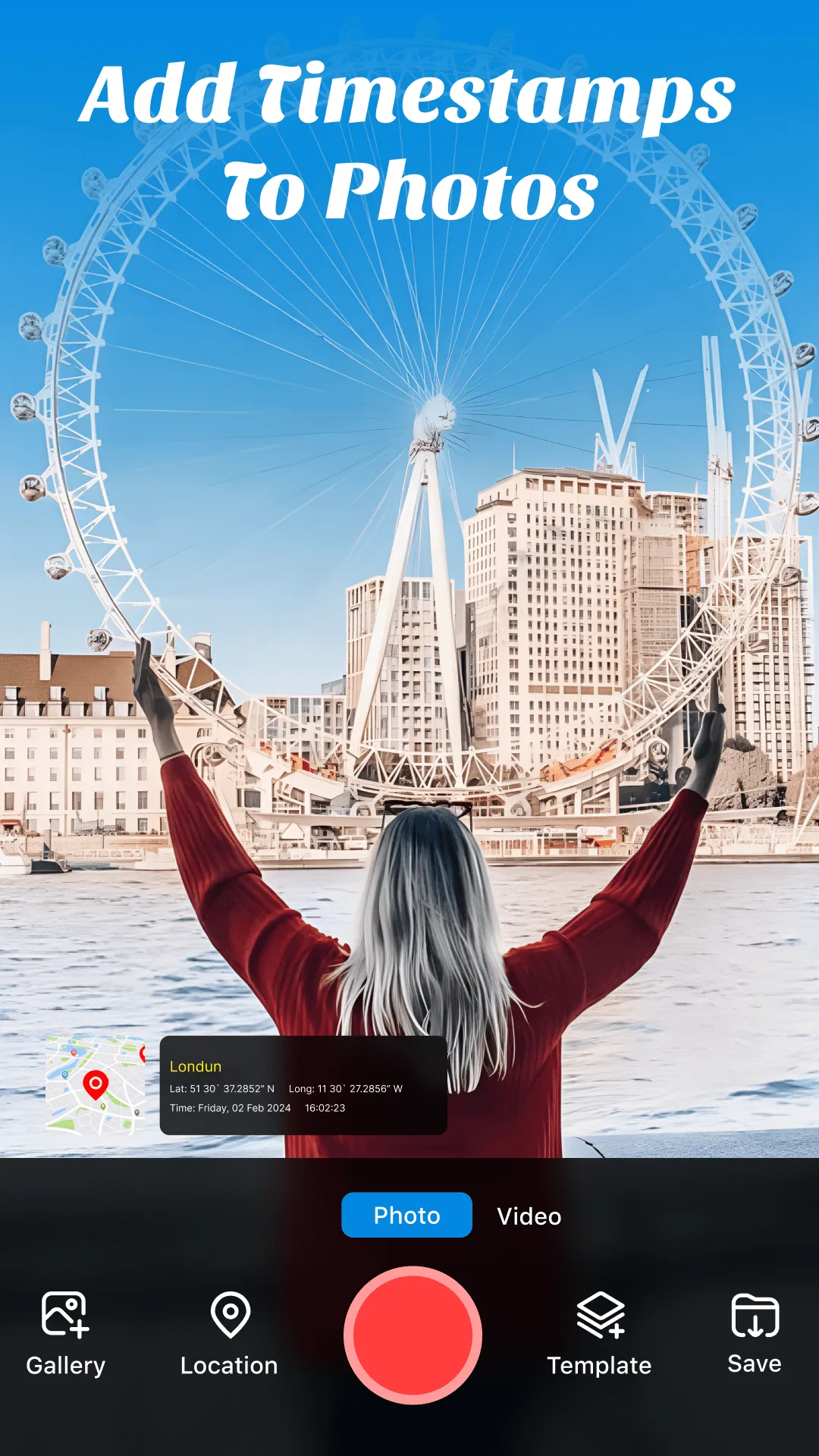
GPS Map Camera & timestamp camera allows you to capture your moments with location context. Geotagging your photos and videos with GPS photo app allows you to see where a photo was taken easily. With the GPS map camera location app, users can tag GPS location data and timestamps into their photos, videos, and selfie cameras, adding valuable information to their memories. This will help you to remember where and when you visited. GPS Map Camera makes sure that every photo tells a story. Share photos and videos captured by a GPS Map Camera Video with location details. The friendly interface of GPS map camera video and photo makes it easy to use for anyone. GPS camera app provides camera filters, Grid, HDR, Mute option on video camera, Rotation, and white balance options. Add date and time formats and location details to your photos with GPS map camera longitude and latitude. The GPS map camera longitude and latitude feature ensures your photos have precise geotagging information. With the GPS Stamp Camera app, you easily add a GPS stamp on photos to capture the exact location of your moments. The GPS stamp on photos includes accurate geotagging, helping you remember where each picture was taken.
Users can zoom in and out of photos in the GPS camera and photo timestamp app. If they need to capture an object from close range, they can zoom in on the image up to 10x Zoom. The geotag on the photo allows users to add timestamps and a location stamp on photos to any photo or video in their phone gallery.
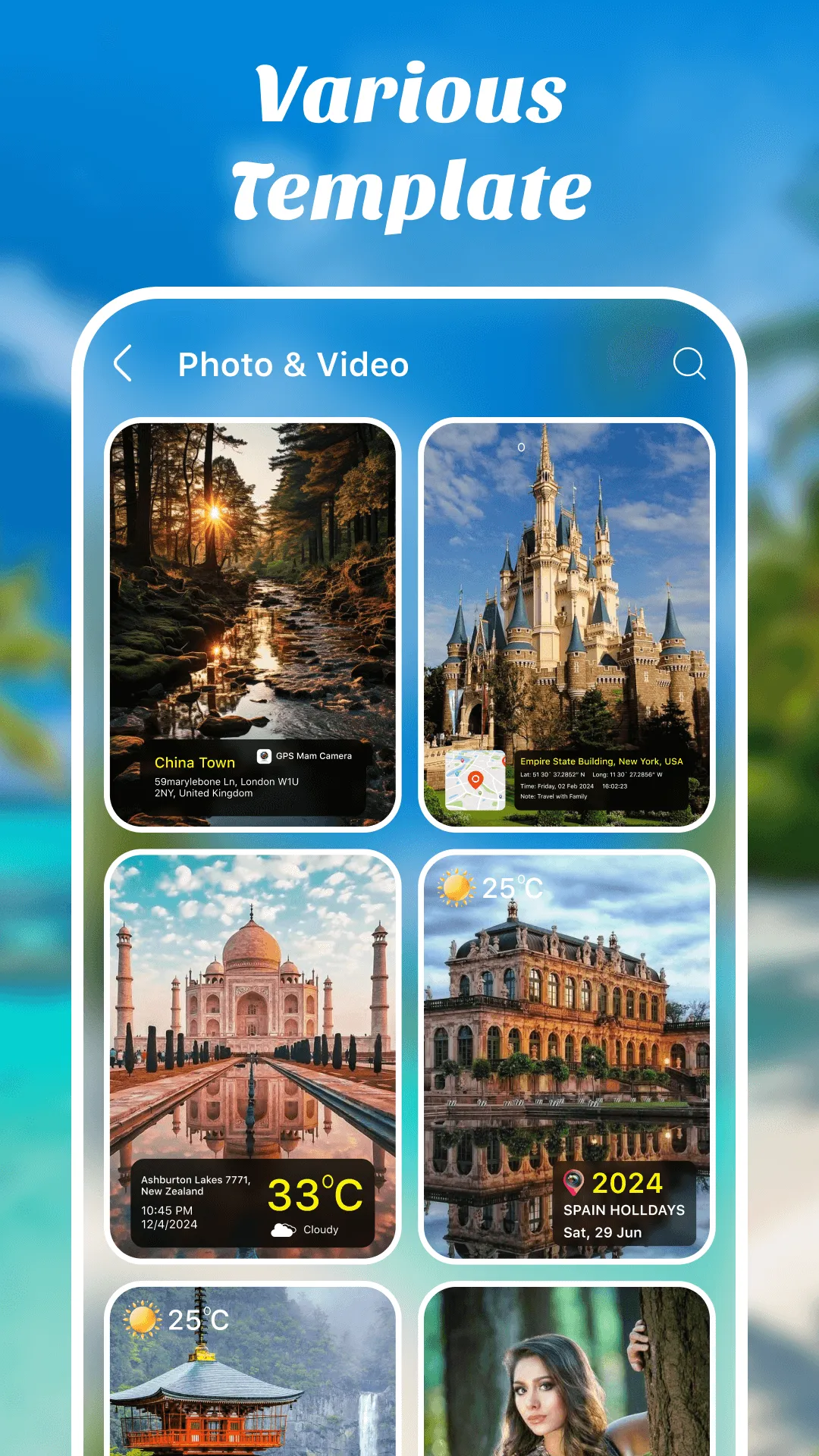
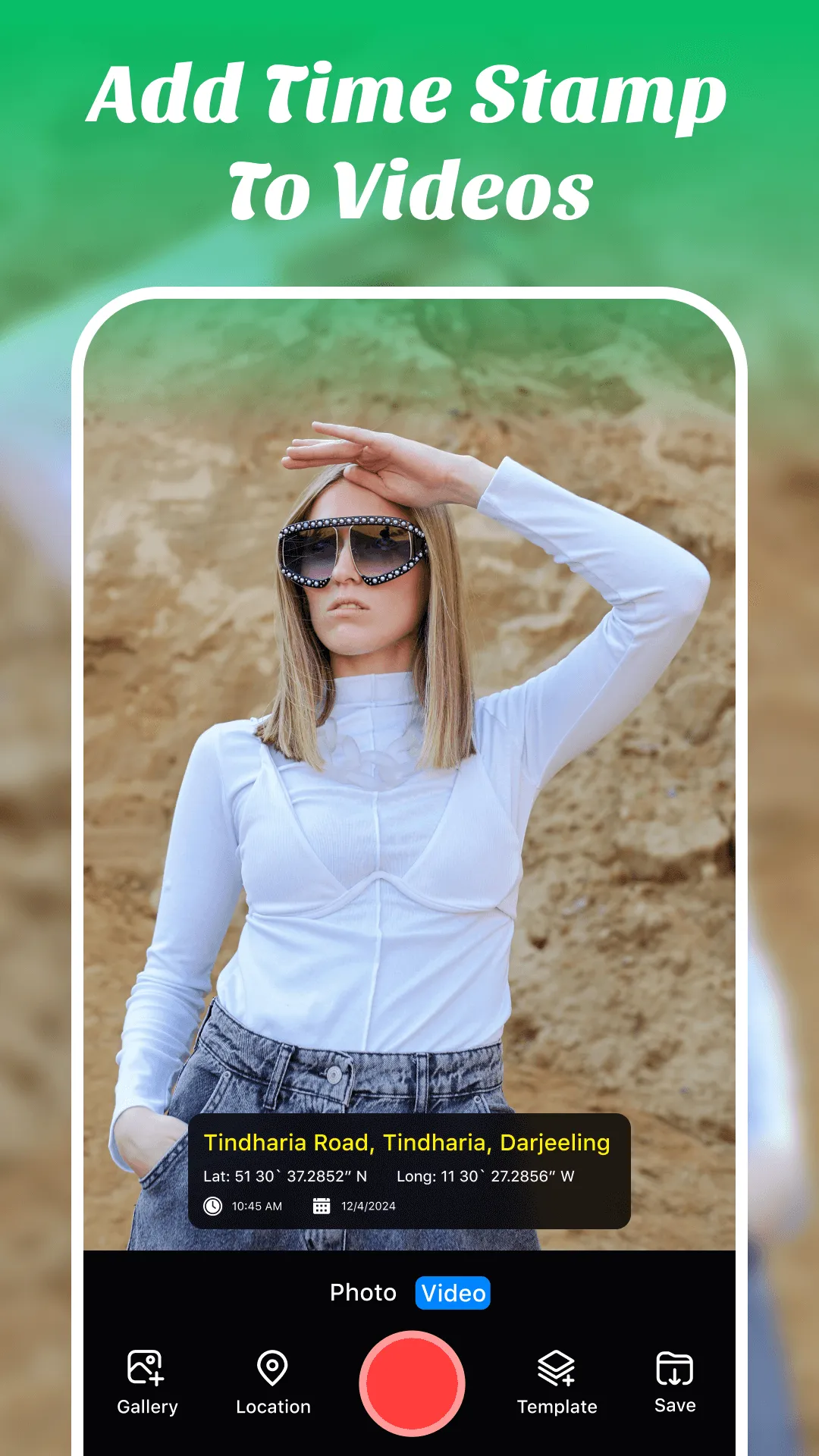
GPS map camera video: Record stunning videos with auto geotagging. You can apply different location tag templates. Select any template you want to integrate into your video. The GPS camera and Kamera GPS Terbaik will automatically integrate with your video.
Map Types
GPS map camera longitude and latitude offer different types of maps(Normal Map, Hybrid Map, Satellite Map, and Terrain Map) to view your current location. In these maps, you can automatically view your current location or add location manually. In Manual location tracking, you can manually add your preferred location as a geo stamp on your photos and videos.
Date & Time Formats
With a GPS Map Camera & timestamp camera, you can select your chosen date and time format. This feature of the GPS camera with date and time allows you to customize how the date and time are displayed on your photos captured using the timestamp photo and video app.
Selfie Camera
GPS Map Camera offers a Selfie Camera feature. Users can take cool selfies as usual, but with a GPS camera and geotagging camera, the app automatically adds your location data to your selfie. So you can show off your new haircut and let everyone know about the cool coffee shop you visited. Get ready for cool selfies with GPS Map Camera.
Why To Use GPS Map Camera with Time Stamp App
Recall Memories
Capture the moment, remember the place: GPS stamps on photos create a lasting record of your adventures.
Document your travels
Record your journey, add location stamps to photos, and create a personalized travelog.
Organize and Search for GPS Map Camera
Easily organize and search your photos by location, making it simpler to find specific memories.
Storytelling
Add location context to your photos with the GPS Map Camera lite app, allowing you to tell more engaging stories.
Features
GPS navigation map direction.
GPS camera and photo timestamp.
Offer multiple geotag templates to apply to photos and videos.
Camera Selfie
The camera with timestamp offers customizable Date & Time Formats, allowing you to choose GPS Map Camera contains different map types
Tag on photos, videos, and selfies.
Track your current location along with your captured photos with a GPS map camera.
Share your experiences, suggestions, or any questions at: [email protected].
Personalization
Ratings
0
0 total ratings
5
73%
4
10%
3
4%
2
3%
1
10%
REVIEWS
No reviews yet. Be the first one to review this app
'%20fill-rule='evenodd'%20clip-rule='evenodd'%20d='M8.04878%200.118571C9.10796%20-0.198465%2010.2321%200.132893%2010.9526%200.961509L18.7058%209.9036H22.0709C23.0433%209.90386%2023.8429%2010.7032%2023.843%2011.6757V13.1309H23.8497C23.8497%2013.4983%2023.5476%2013.8014%2023.1803%2013.8015H19.9372V33.9548C19.9372%2034.423%2019.5703%2034.7975%2019.1021%2034.7977H17.142C15.91%2034.7977%2014.9156%2033.8036%2014.9154%2032.5644V28.0251C13.5538%2028.5582%2012.3722%2028.7169%2010.9963%2028.7169C6.45689%2028.7169%203.74677%2025.6897%203.74677%2020.6099V13.8015H1.77319C0.800641%2013.8015%200.000280942%2013.0091%200%2012.0294V10.573C0.000219737%2010.2057%200.303205%209.9036%200.670545%209.9036H13.5676L5.13039%201.85482C4.82078%201.55938%204.94365%201.04032%205.35428%200.917851L8.04878%200.118571ZM8.78425%2013.8082V20.611C8.78438%2023.1974%209.8151%2024.35%2012.1135%2024.35C12.9637%2024.3499%2014.1167%2024.1489%2014.902%2023.7959V13.8082H8.78425Z'%20fill='white'/%3e%3c/svg%3e)
Permissions
Location: access this device"s location
Storage: access photos, media, and files on your device
Internet: use your internet connection
Camera: take pictures and record video
Curated for YouSee all






Scan to download on PhonePe Appstore

