

4.0
ratings6 MB
SizeVerified
SCREENSHOTS (8)
About the app
Discover the App that made videography great again 🩵
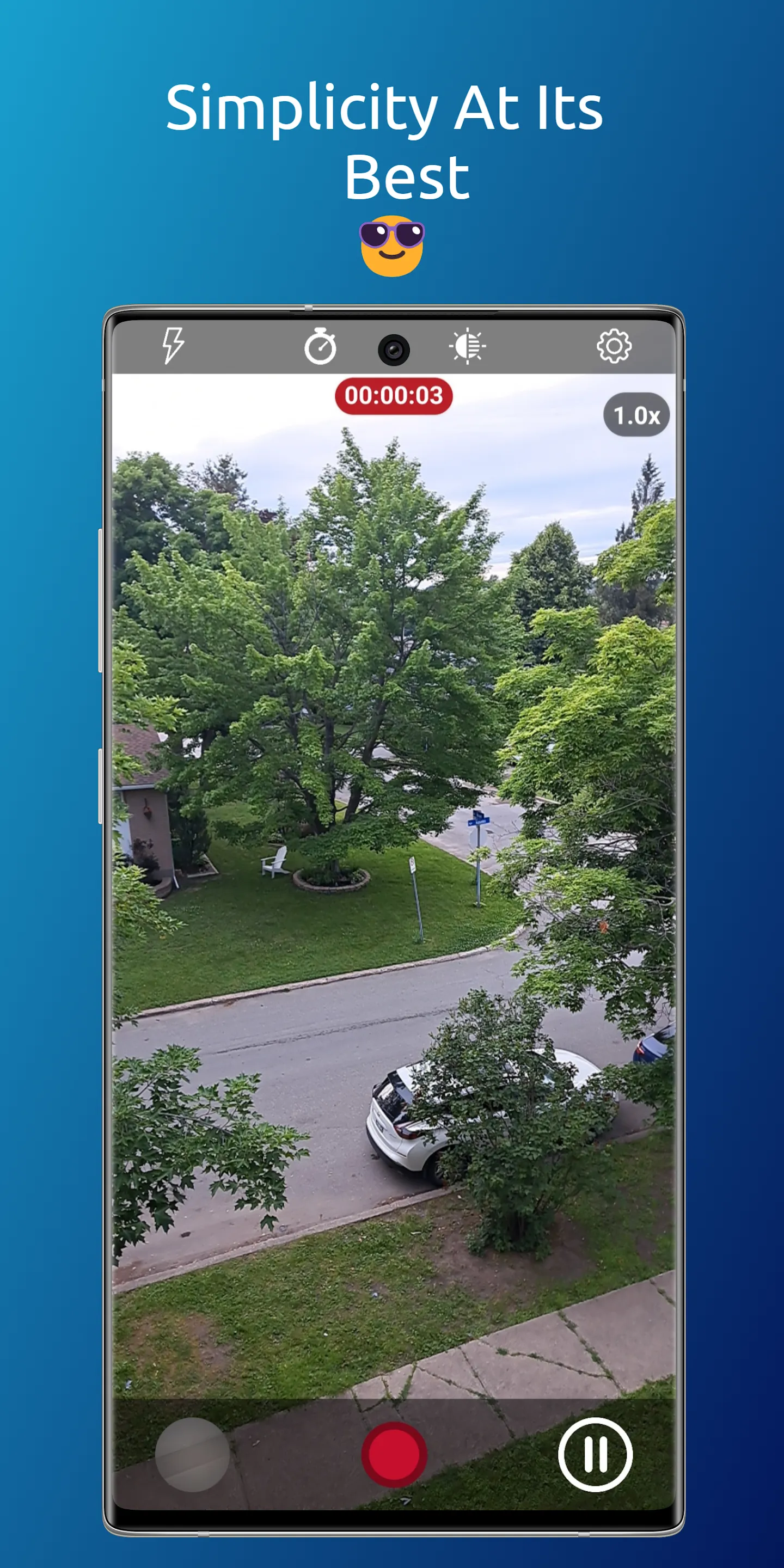
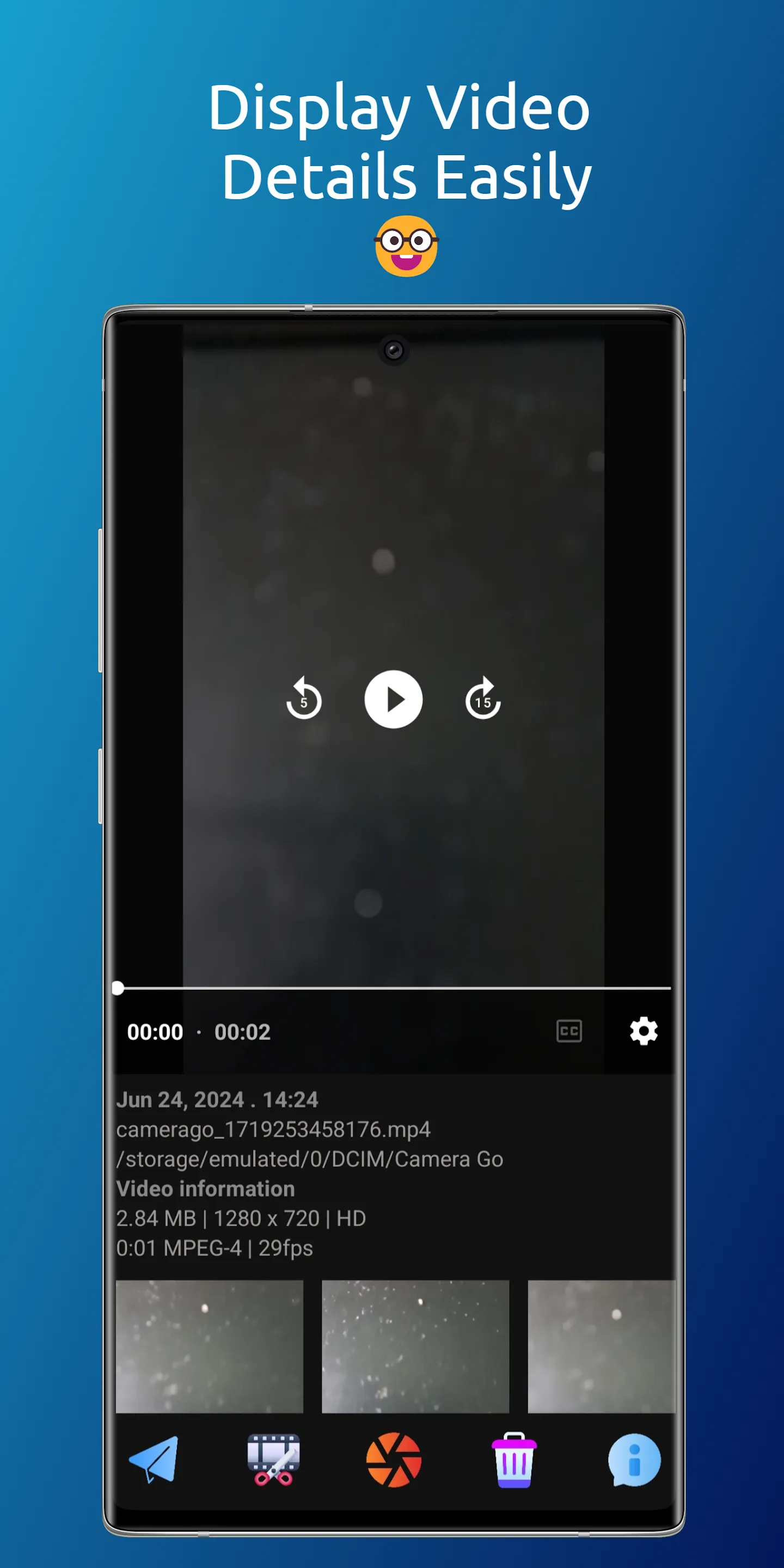
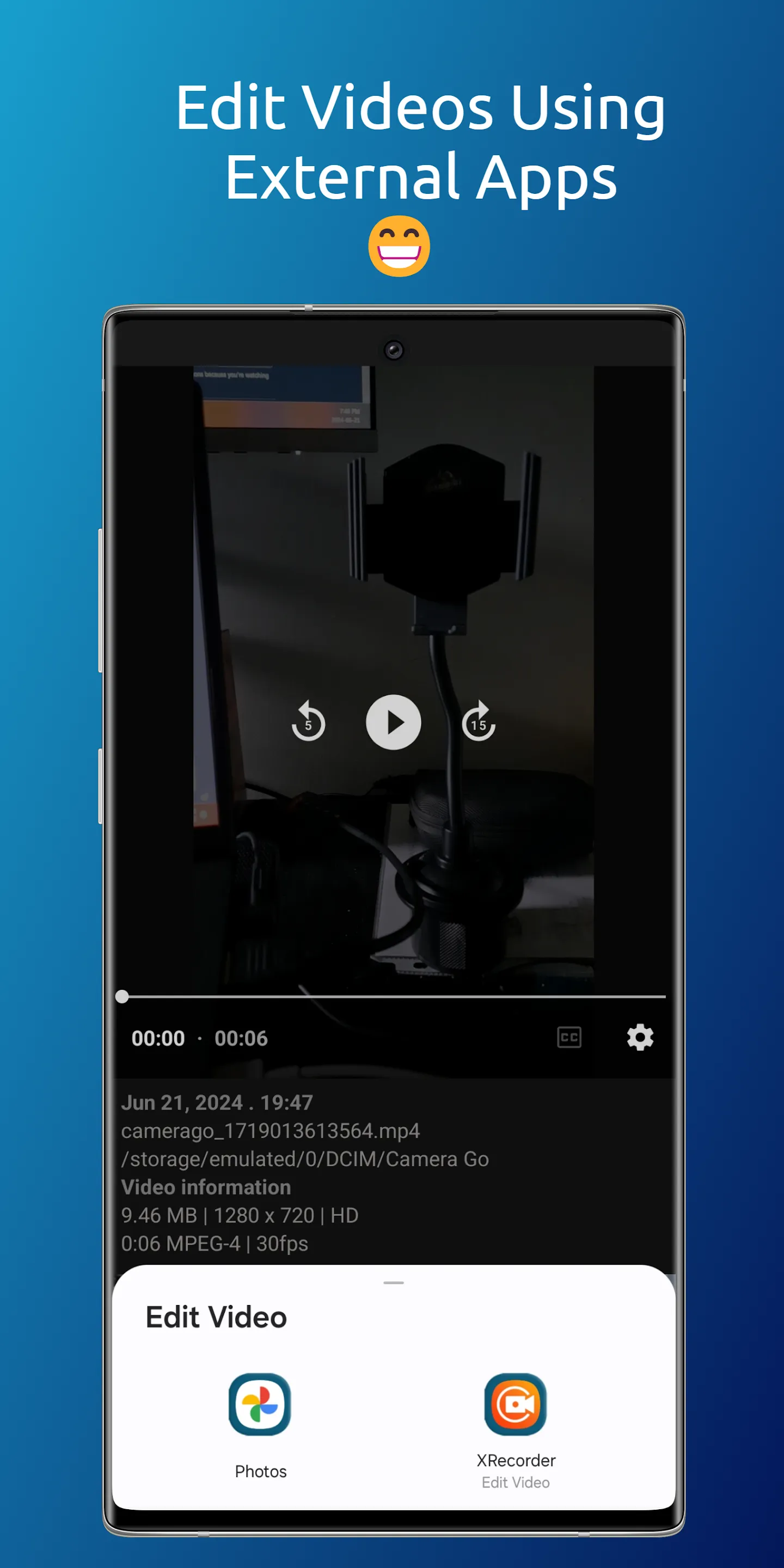
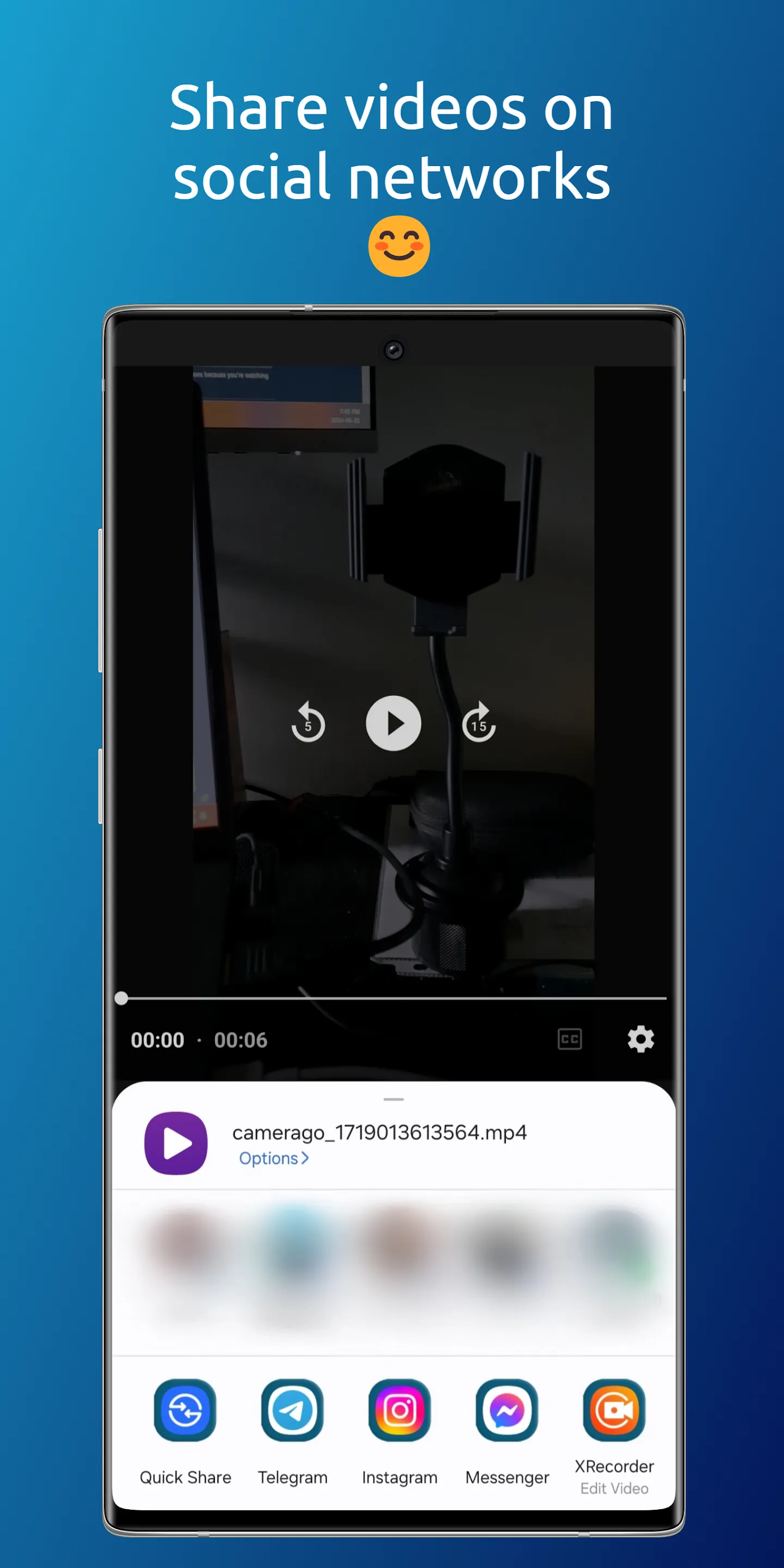
Camera Go features a stunning, straightforward, and user-friendly interface. It enables you to start recording instantly upon launching the app and also supports background video capture.
CGO is available in 12 languages: English, Arabic , Bengali, German, Spanish, French, Hindi, Italian, Japanese, Korean, Portuguese and Russian.
CGO Key Features:
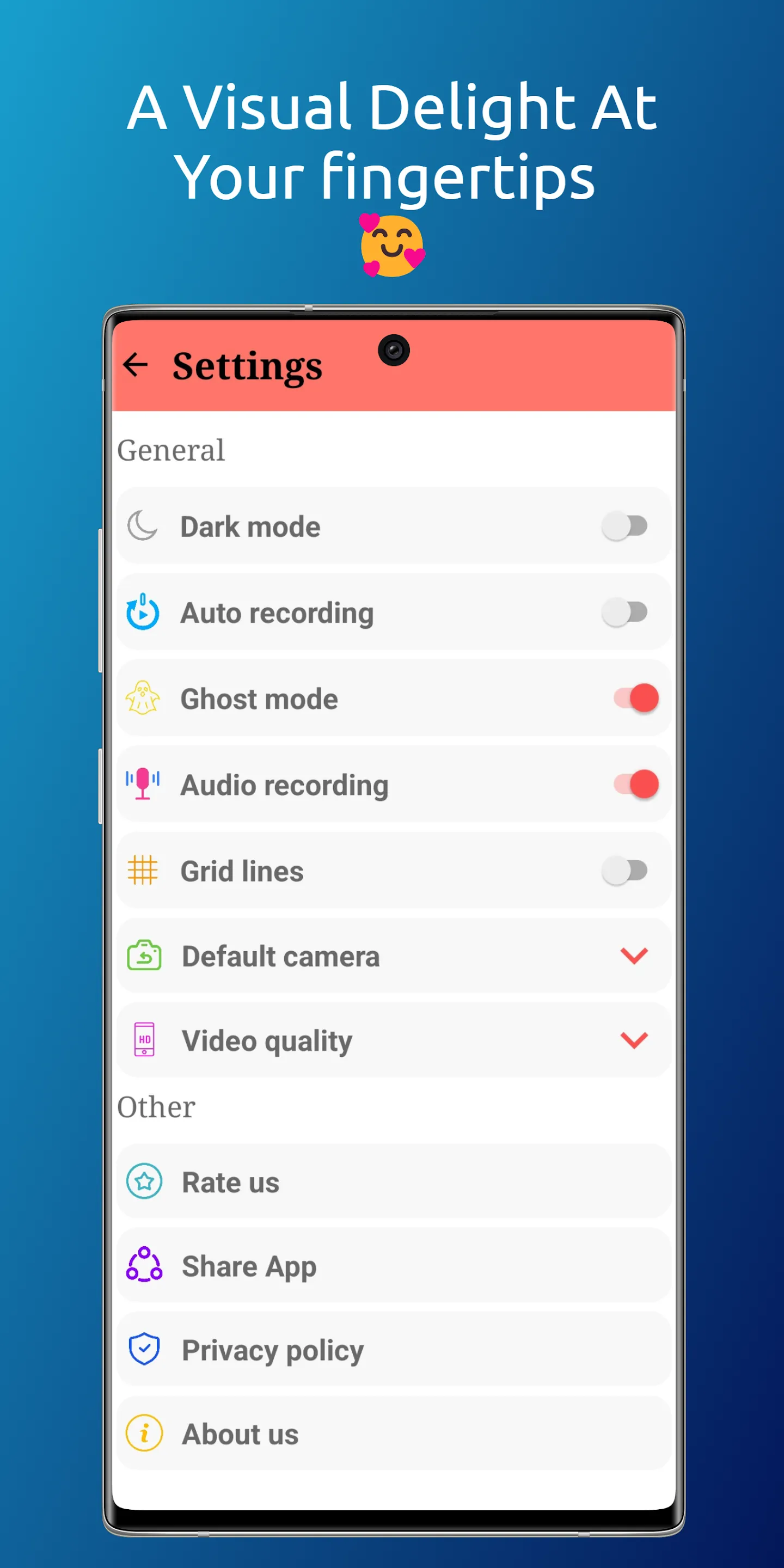
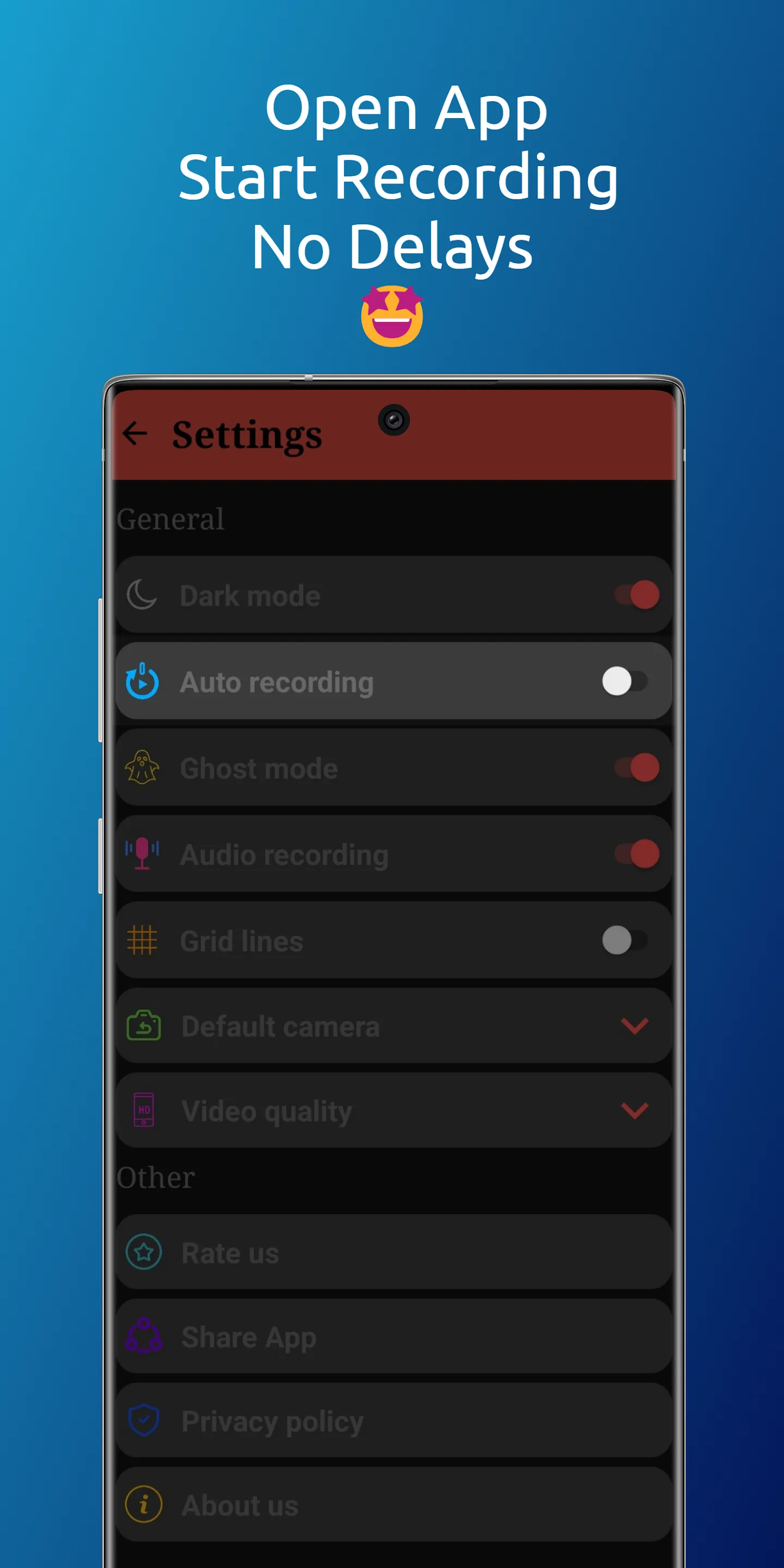
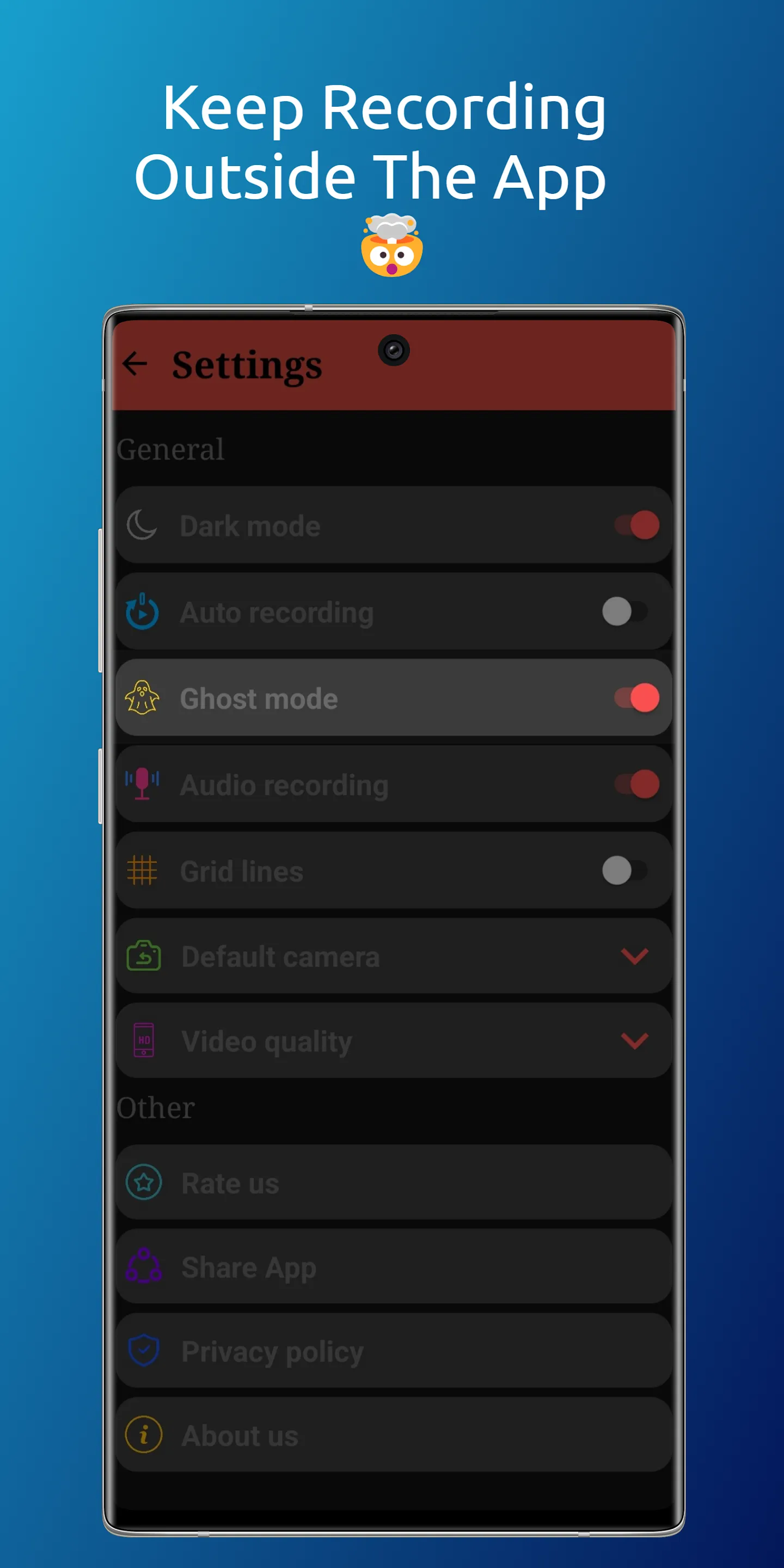
👉🏻 Auto recording: All you have to do is launching the app and it gonna start recording a video automatically (no time to waste). You can achieve this feature by activating the "Auto recording" in Settings.
👉🏻 Ghost mode: Turn the App into a ghost and start recording videos in the Background. You can achieve this feature by activating the "Ghost mode" in the Settings, start recording a video, exit the App while recording and the App will automatically start recording a video in the background with a notification saying that the video recording is in progress.
👉🏻 Audio recording: this feature allows you to mute the audio while recording.
👉🏻 Default camera: Choose your default camera when launching the app ( Front or Back camera).
👉🏻 Video quality: Choose your quality and it could include: HD resolution , Full HD resolution (FHD), Ultra HD resolution (UHD), 4K resolution .
In order to activate a quick launcher you have 2 options (you can do both) :
1.Through the lock screen shortcut:
The way of doing it depends on the smart phone model that you have. Here’s how you can do it on a Samsung Galaxy phone:
👉🏻Tap your lock screen to wake it up, and then touch and hold it.
👉🏻Enter your credentials if prompted.
👉🏻Tap the shortcut you’d like to change.
👉🏻Select the app you want to add as a shortcut. Note that some apps may require unlocking the device before they open fully.
👉🏻Tap Done when finished.
2.Through the side key/button:
The way of doing it depends on the smart phone model that you have. Here’s how you can do it on a Samsung Galaxy phone:
👉🏻Open Settings.
👉🏻Select Advanced features.
👉🏻Tap on Side button/key.
👉🏻Select Open app and click on the gearwheel on the side and choose Camera Go.
You can use the App as :
👉🏻 Video recorder
👉🏻 Background video recorder
👉🏻 Video capture tool
👉🏻 Camera launcher
👉🏻 Prompt video recorder
👉🏻 Fast video camera app
👉🏻 Instant recording video app
👉🏻 Quick video capture
👉🏻 Hidden camera recorder
👉🏻 OffScreen video recorder
👉🏻 high quality video recorder
PS: For a better user experience, the Auto Recording mode and the Ghost mode cannot work simultaneously. Therefore, the activation of one feature will lead to the deactivation of the other.
Disclaimer: The feature of "Ghost mode" is built for the purpose of switching between the Apps while recording. Therefore, it must be used as permitted by law.
Personalization
Ratings
0
0 total ratings
5
73%
4
10%
3
4%
2
3%
1
10%
REVIEWS
No reviews yet. Be the first one to review this app
'%20fill-rule='evenodd'%20clip-rule='evenodd'%20d='M8.04878%200.118571C9.10796%20-0.198465%2010.2321%200.132893%2010.9526%200.961509L18.7058%209.9036H22.0709C23.0433%209.90386%2023.8429%2010.7032%2023.843%2011.6757V13.1309H23.8497C23.8497%2013.4983%2023.5476%2013.8014%2023.1803%2013.8015H19.9372V33.9548C19.9372%2034.423%2019.5703%2034.7975%2019.1021%2034.7977H17.142C15.91%2034.7977%2014.9156%2033.8036%2014.9154%2032.5644V28.0251C13.5538%2028.5582%2012.3722%2028.7169%2010.9963%2028.7169C6.45689%2028.7169%203.74677%2025.6897%203.74677%2020.6099V13.8015H1.77319C0.800641%2013.8015%200.000280942%2013.0091%200%2012.0294V10.573C0.000219737%2010.2057%200.303205%209.9036%200.670545%209.9036H13.5676L5.13039%201.85482C4.82078%201.55938%204.94365%201.04032%205.35428%200.917851L8.04878%200.118571ZM8.78425%2013.8082V20.611C8.78438%2023.1974%209.8151%2024.35%2012.1135%2024.35C12.9637%2024.3499%2014.1167%2024.1489%2014.902%2023.7959V13.8082H8.78425Z'%20fill='white'/%3e%3c/svg%3e)
Permissions
Storage: access photos, media, and files on your device
Biometric Information: access biometric data like fingerprint to unlock the app
Internet: use your internet connection
Camera: take pictures and record video
Curated for YouSee all






Scan to download on PhonePe Appstore

