

Vivek Umrao
4.0
ratings4 MB
SizeVerified
SCREENSHOTS (8)
About the app
Child Safe Application: Ensuring Online Safety for Children
The Child Safe application is designed to help parents monitor and control their child's device usage, addressing the growing concerns of internet abuse and misuse.
Key Features:
Enforced Installation:
Once configured, the child cannot remove or uninstall the application without parental consent. Parents must disable the uninstallation option from their device to enable all features.
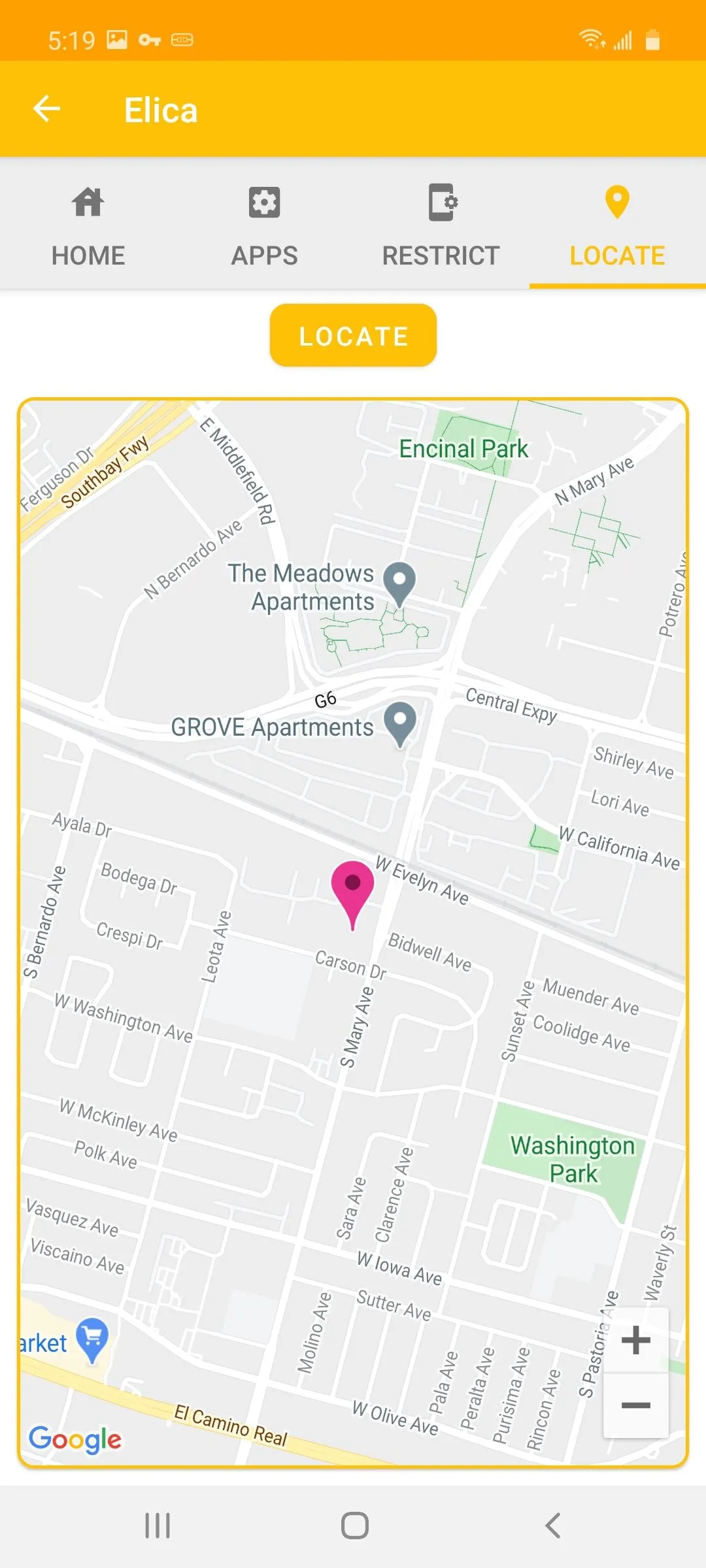
Location Tracking:
Parents can view the live location of their child's device in real-time.
Password Management:
Parents can change or update the child's device password at any time without needing the current password.
Device Locking:
Parents can lock and reboot the child's device at any time.
In-App pin protection.
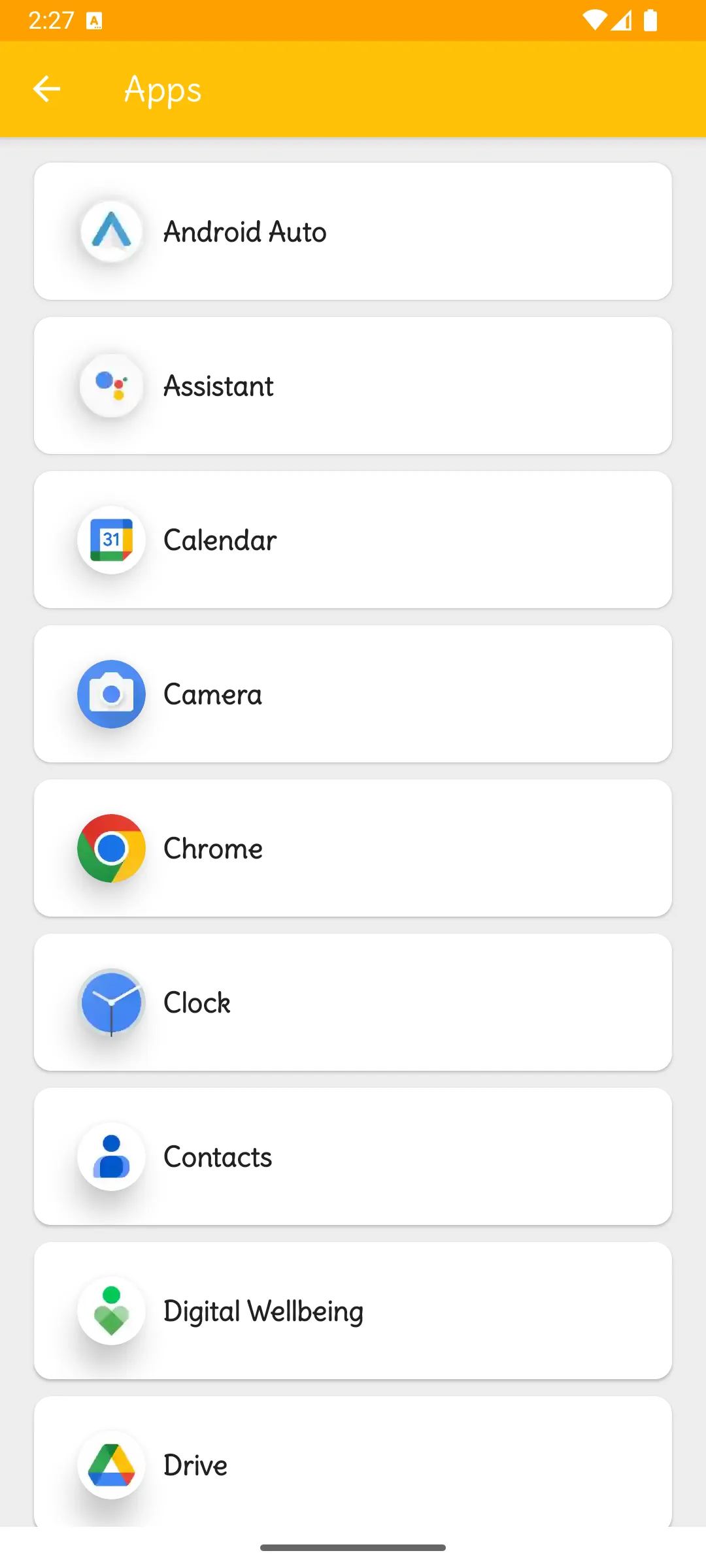
Application Management:
Uninstall non-system applications from the child's device.
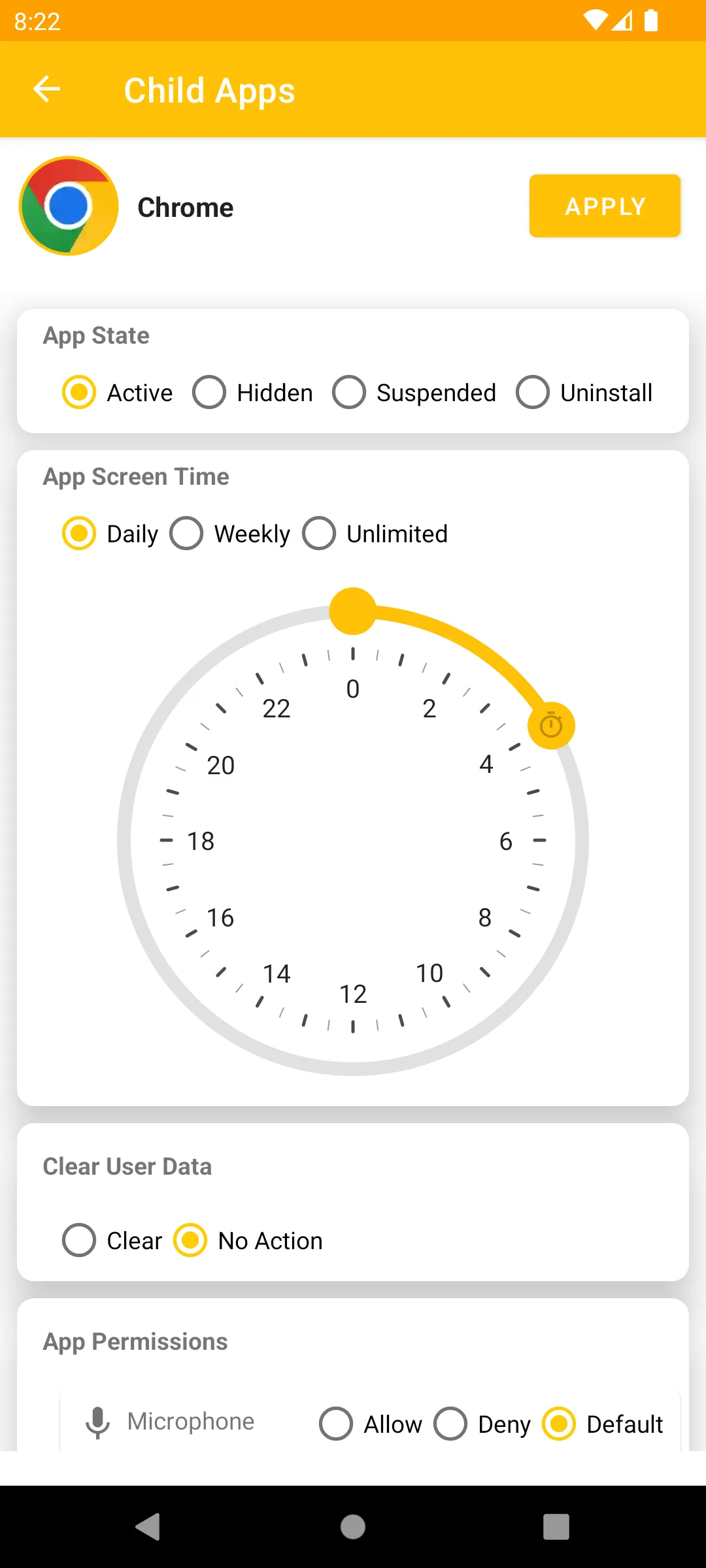
Hide or suspend any application.
Allow or disallow permission for any application.
Set daily or weekly usage limits for applications.
Restrictions:
Apply various restrictions to the child's device, including:
Disallowing camera usage
Disallowing app installation
Disallowing airplane mode
Disallowing app uninstallation
And many more
Uninstall Protection:
Parents can disable the uninstallation of this application from the child's device and hide it from the launcher.
Multiple Device Control:
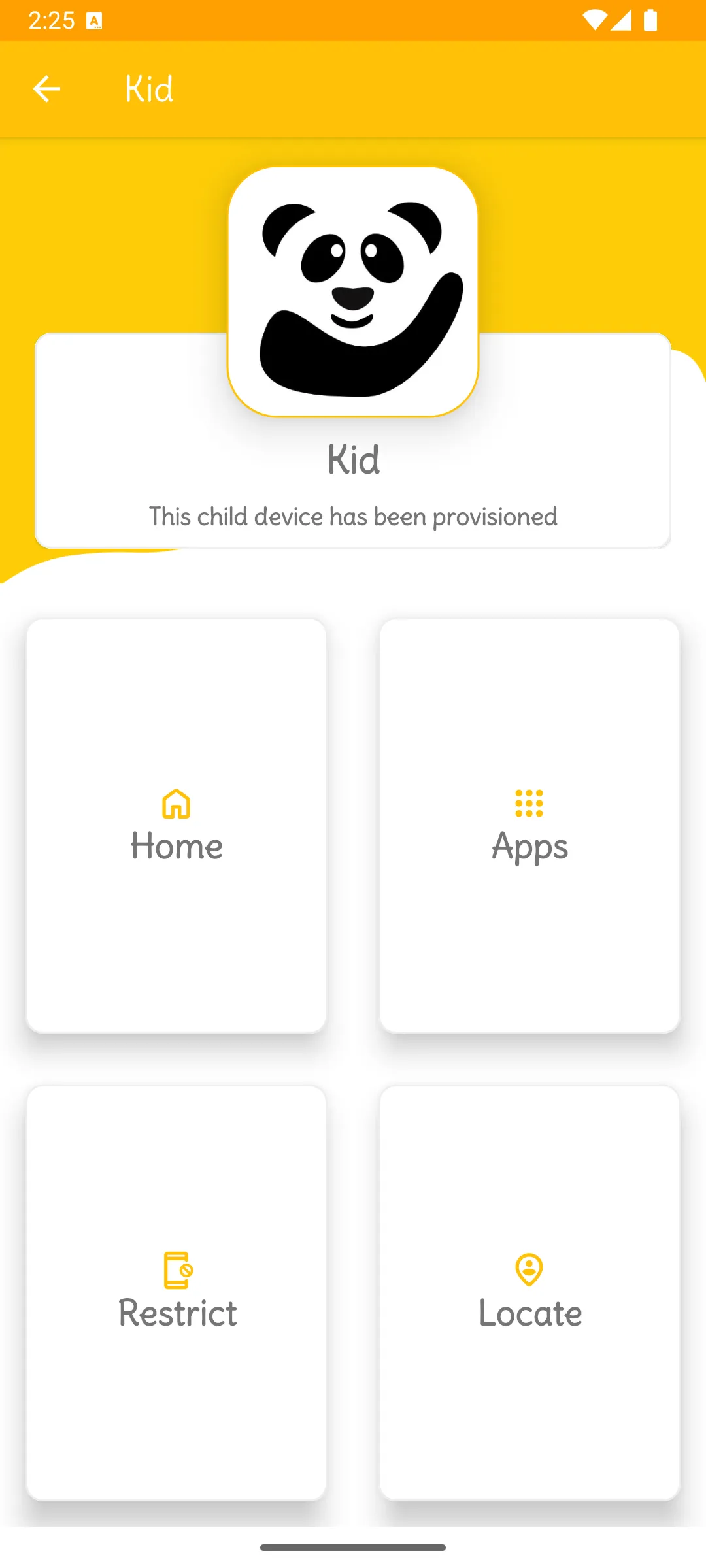
Manage and control multiple children's devices from a single application.
Application Security:
The application will be completely hidden and non-removable on the child's device.
System Application Management:
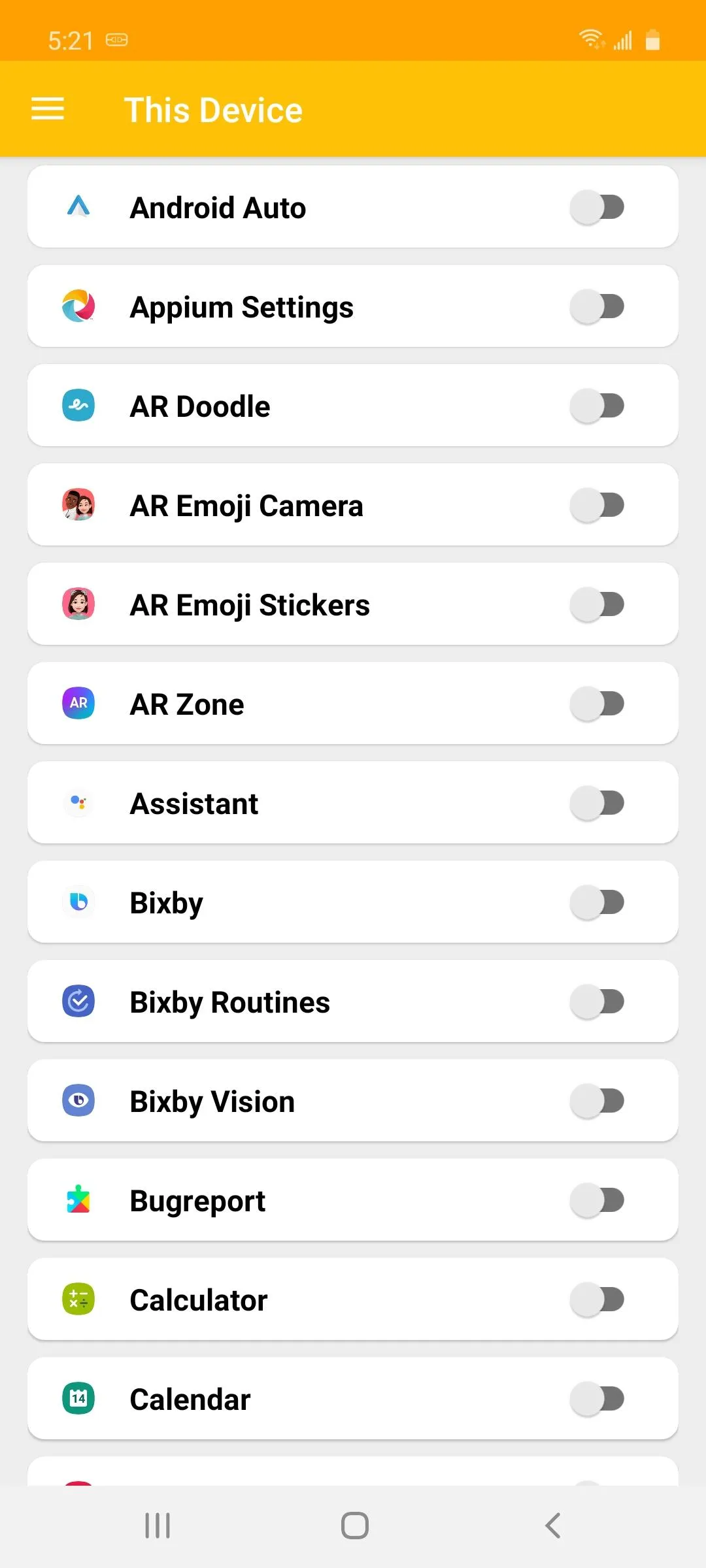
Parents can disable annoying system applications (bloatware) on their device.
Note: To use these features on the parent's device, please follow the steps for "App setup on child's device."
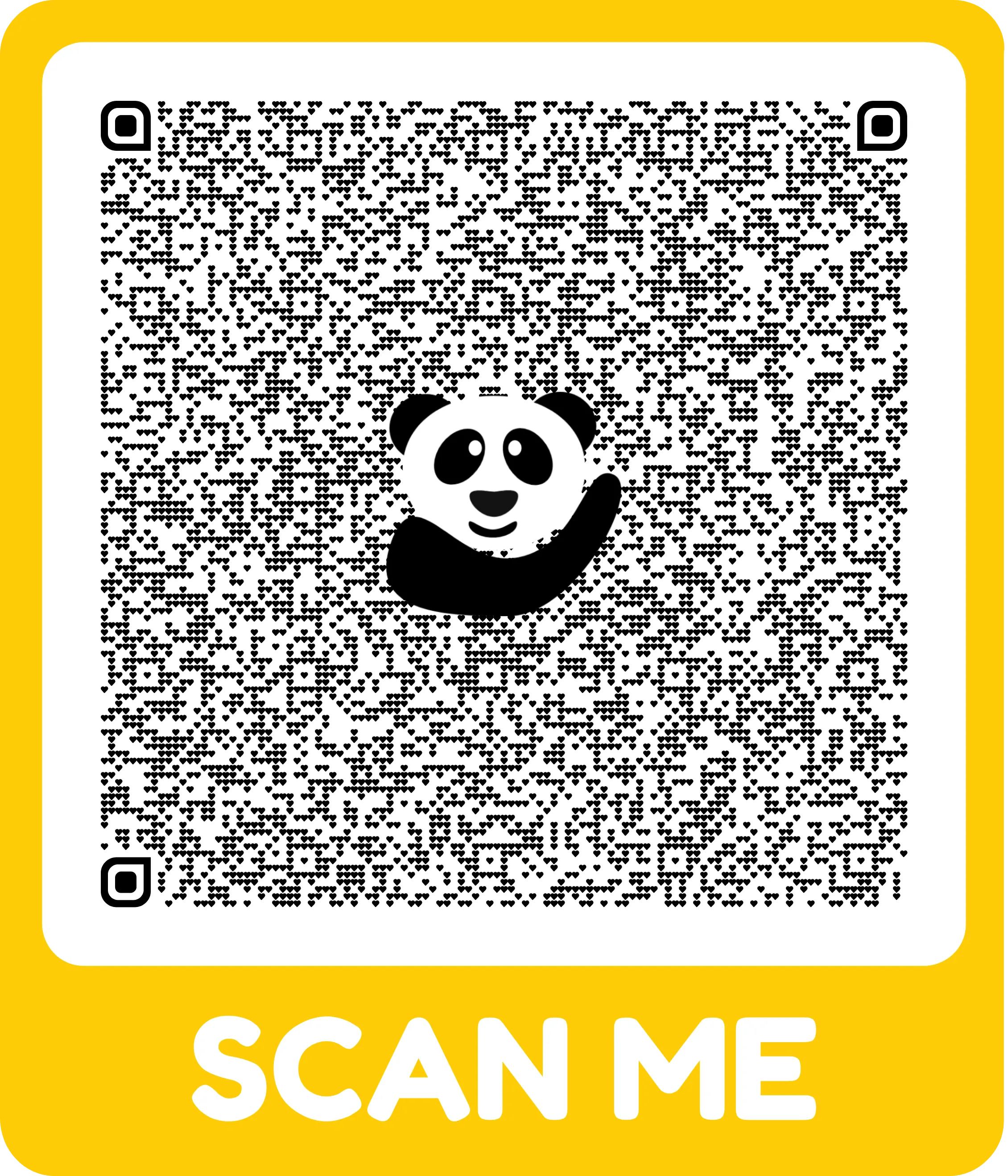
Setup and Configuration using QR Code Scanning:
Watch the video guide
Refer to the QR code present in the Play Store screenshots.
Permissions:
Child application requires various permissions for its functions. Some permissions need to be enabled manually on the child's device to use the respective features.
Parenting
Ratings
0
0 total ratings
5
73%
4
10%
3
4%
2
3%
1
10%
REVIEWS
No reviews yet. Be the first one to review this app
'%20fill-rule='evenodd'%20clip-rule='evenodd'%20d='M8.04878%200.118571C9.10796%20-0.198465%2010.2321%200.132893%2010.9526%200.961509L18.7058%209.9036H22.0709C23.0433%209.90386%2023.8429%2010.7032%2023.843%2011.6757V13.1309H23.8497C23.8497%2013.4983%2023.5476%2013.8014%2023.1803%2013.8015H19.9372V33.9548C19.9372%2034.423%2019.5703%2034.7975%2019.1021%2034.7977H17.142C15.91%2034.7977%2014.9156%2033.8036%2014.9154%2032.5644V28.0251C13.5538%2028.5582%2012.3722%2028.7169%2010.9963%2028.7169C6.45689%2028.7169%203.74677%2025.6897%203.74677%2020.6099V13.8015H1.77319C0.800641%2013.8015%200.000280942%2013.0091%200%2012.0294V10.573C0.000219737%2010.2057%200.303205%209.9036%200.670545%209.9036H13.5676L5.13039%201.85482C4.82078%201.55938%204.94365%201.04032%205.35428%200.917851L8.04878%200.118571ZM8.78425%2013.8082V20.611C8.78438%2023.1974%209.8151%2024.35%2012.1135%2024.35C12.9637%2024.3499%2014.1167%2024.1489%2014.902%2023.7959V13.8082H8.78425Z'%20fill='white'/%3e%3c/svg%3e)
Permissions
Biometric Information: access biometric data like fingerprint to unlock the app
Internet: use your internet connection
Curated for YouSee all






Scan to download on PhonePe Appstore

