

TEAC CORPORATION
4.0
ratings22 MB
SizeVerified
SCREENSHOTS (5)
About the app
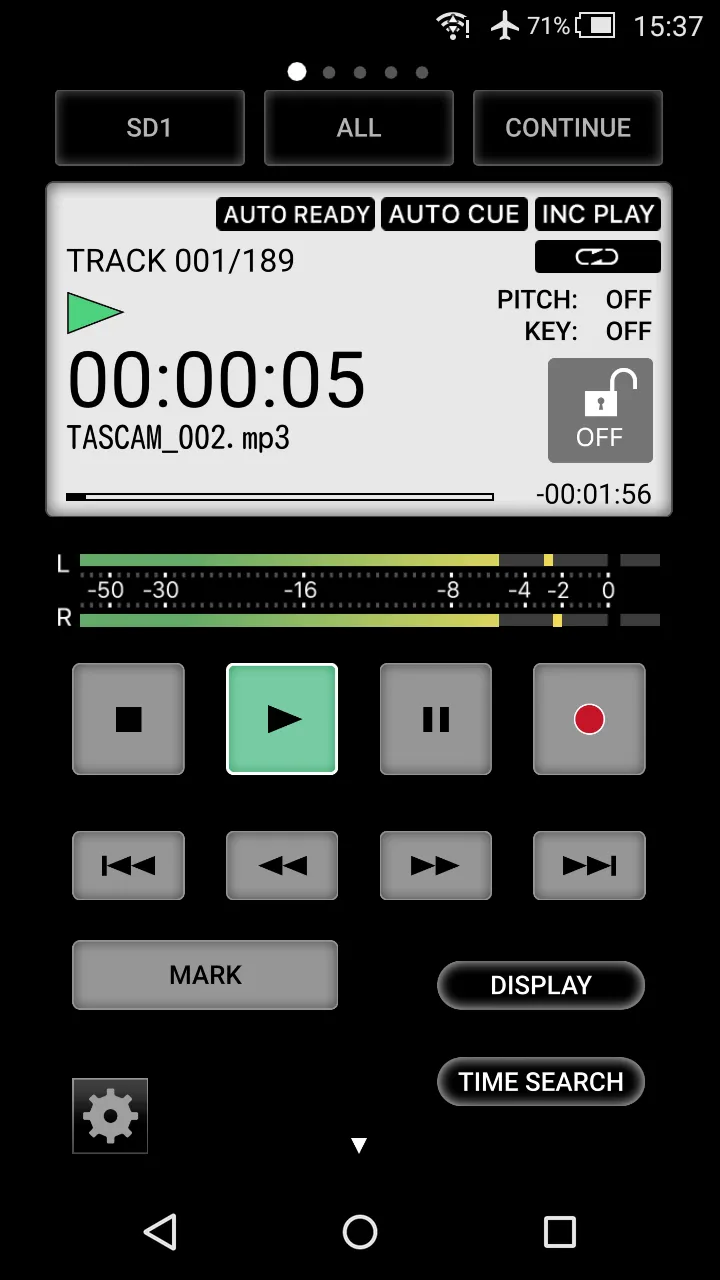
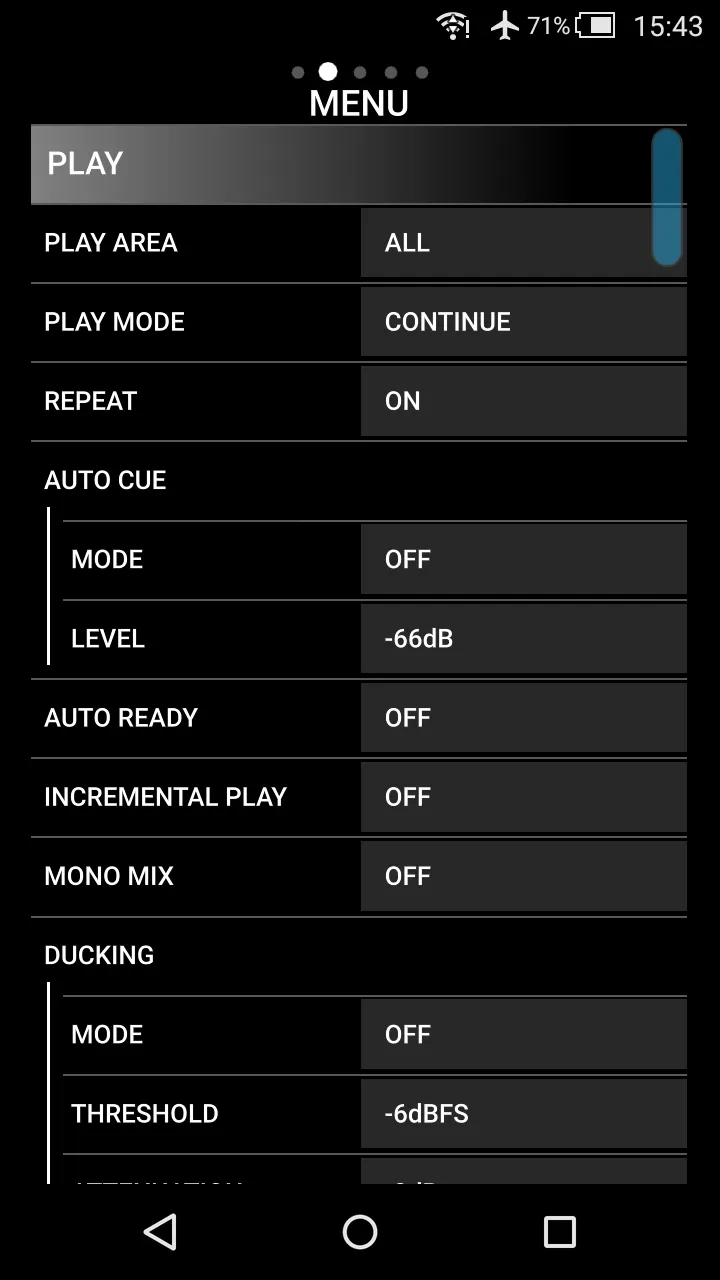
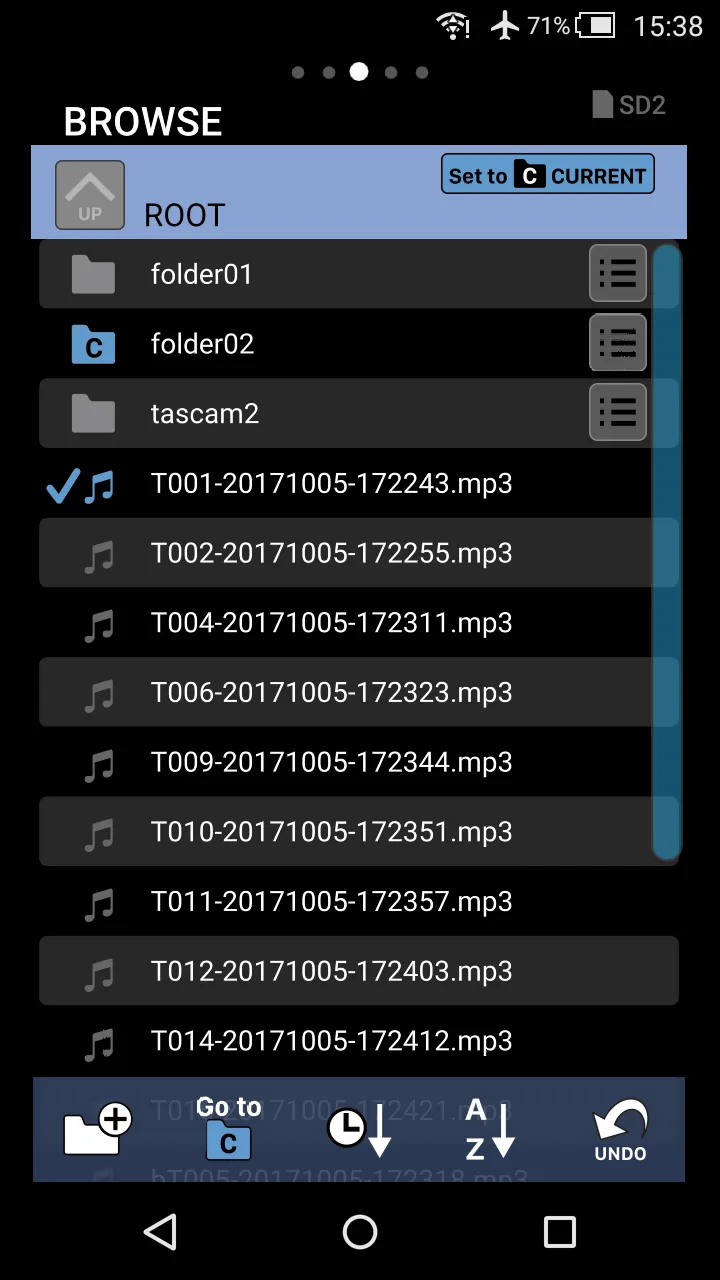
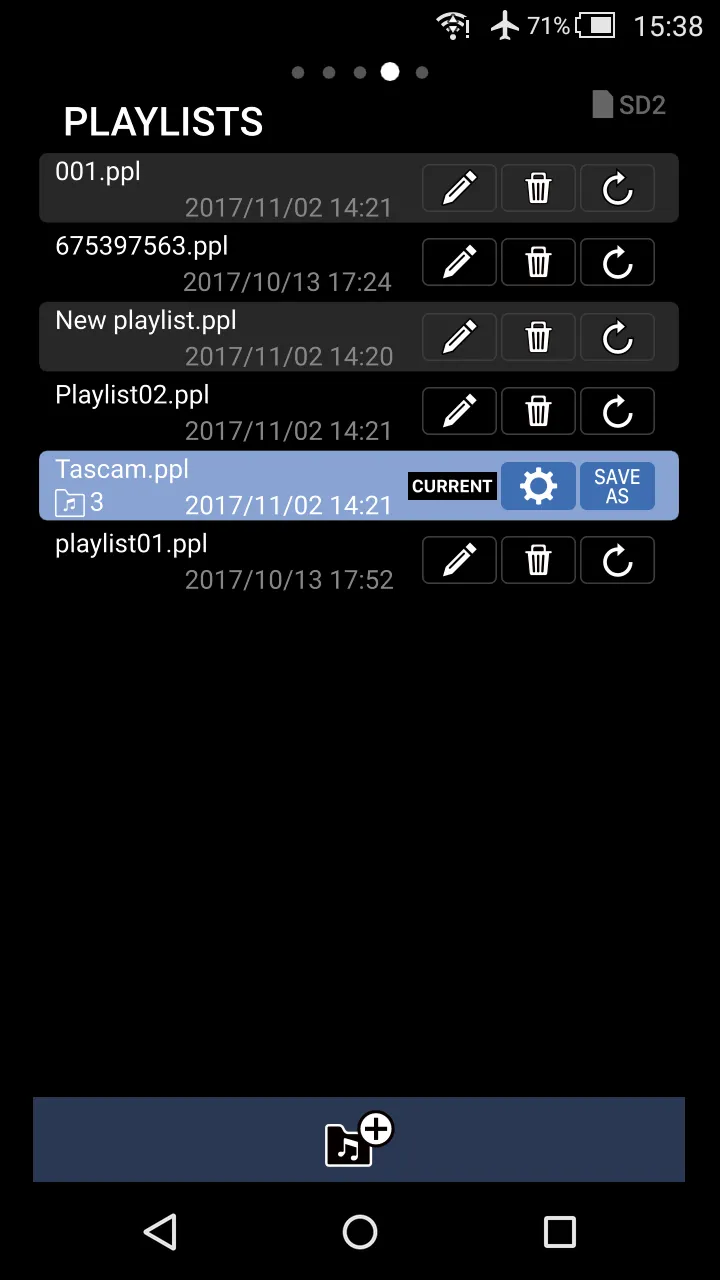
TASCAM SS250 CONTROL is a dedicated app which enables the remote control operation to control the TASCAM Solid State Stereo Recorder SS-R250N/SS-CDR250N using Wi-Fi wireless connection. When the unit and Android devices are connected by Wi-Fi in the same network via a router, the app enables transport control, menu settings, power control and status monitoring of the main unit.
Features:
● Status monitoring and unified control of power for multiple units enabled
● Remote control, menu setting and status monitoring of units enabled
- Basic settings such as Record, Play, Skip, Fast-Forward, and Rewind as well as the MARK function with the MARK Skip feature
- Designed level meter enables the monitoring on the sound level of recording and playback
- Settings on PLAY and REPEAT modes and other settings under Menu are adjustable
- Icon display to confirm the upload/download process of file transferring with server
- Browsing files and folders and managing and editing playlists on media in units possible
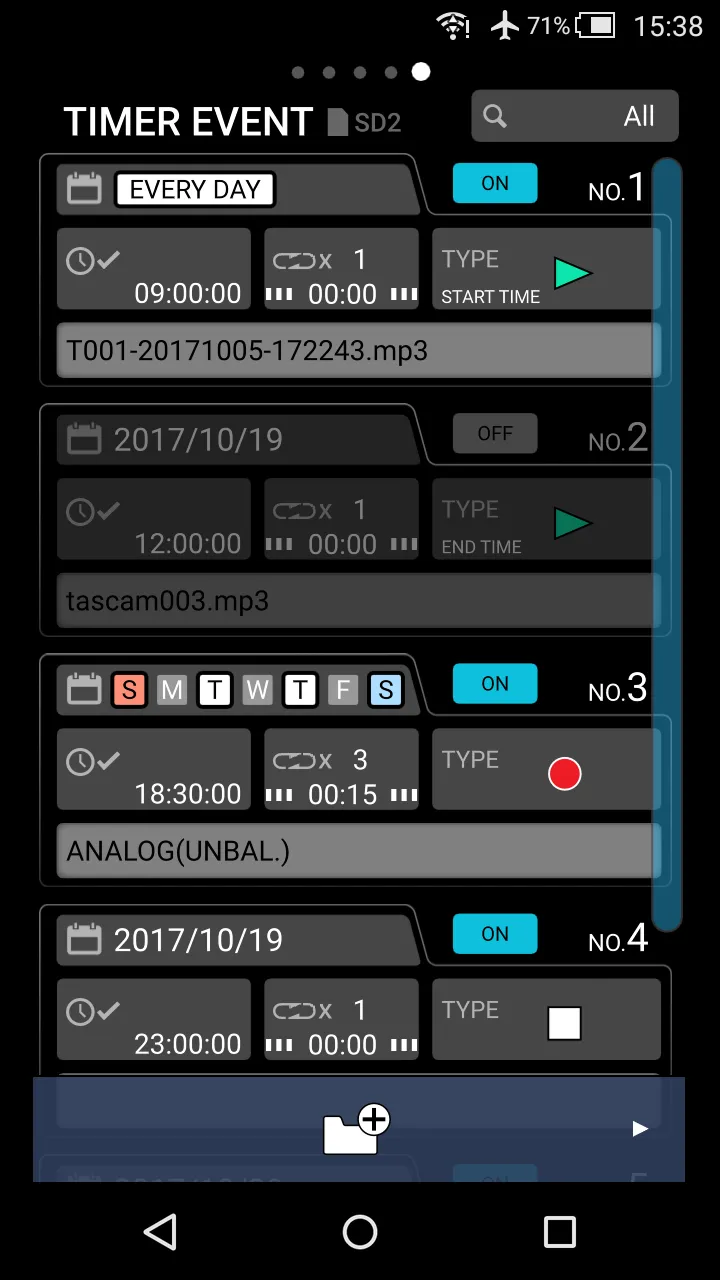
- Timer events that allow recording, playback, downloading and other operations to be conducted automatically at set times can be managed and edited
●Use app remote control for direct adjustments on the main unit while monitoring
● Through Wi-Fi network or the Ethernet connection, it enables the control of the remote operation
● Included Screen Lock to prevent handling mistakes
● Supported model: TASCAM SS-R250N (Firmware V1.30 and later), SS-CDR250N (Firmware V1.30 and later)
Please carefully read the license agreement below before using this application.
http://tascam.jp/content/downloads/products/862/license_e_app_license.pdf
Music and Audio
Ratings
0
0 total ratings
5
73%
4
10%
3
4%
2
3%
1
10%
REVIEWS
No reviews yet. Be the first one to review this app
'%20fill-rule='evenodd'%20clip-rule='evenodd'%20d='M8.04878%200.118571C9.10796%20-0.198465%2010.2321%200.132893%2010.9526%200.961509L18.7058%209.9036H22.0709C23.0433%209.90386%2023.8429%2010.7032%2023.843%2011.6757V13.1309H23.8497C23.8497%2013.4983%2023.5476%2013.8014%2023.1803%2013.8015H19.9372V33.9548C19.9372%2034.423%2019.5703%2034.7975%2019.1021%2034.7977H17.142C15.91%2034.7977%2014.9156%2033.8036%2014.9154%2032.5644V28.0251C13.5538%2028.5582%2012.3722%2028.7169%2010.9963%2028.7169C6.45689%2028.7169%203.74677%2025.6897%203.74677%2020.6099V13.8015H1.77319C0.800641%2013.8015%200.000280942%2013.0091%200%2012.0294V10.573C0.000219737%2010.2057%200.303205%209.9036%200.670545%209.9036H13.5676L5.13039%201.85482C4.82078%201.55938%204.94365%201.04032%205.35428%200.917851L8.04878%200.118571ZM8.78425%2013.8082V20.611C8.78438%2023.1974%209.8151%2024.35%2012.1135%2024.35C12.9637%2024.3499%2014.1167%2024.1489%2014.902%2023.7959V13.8082H8.78425Z'%20fill='white'/%3e%3c/svg%3e)
Permissions
Storage: access photos, media, and files on your device
Internet: use your internet connection
Phone: make and manage phone calls
Developer Info
Curated for YouSee all






Scan to download on PhonePe Appstore

