

Mikhail Shirokov
4.0
ratings11 MB
SizeVerified
SCREENSHOTS (8)
About the app
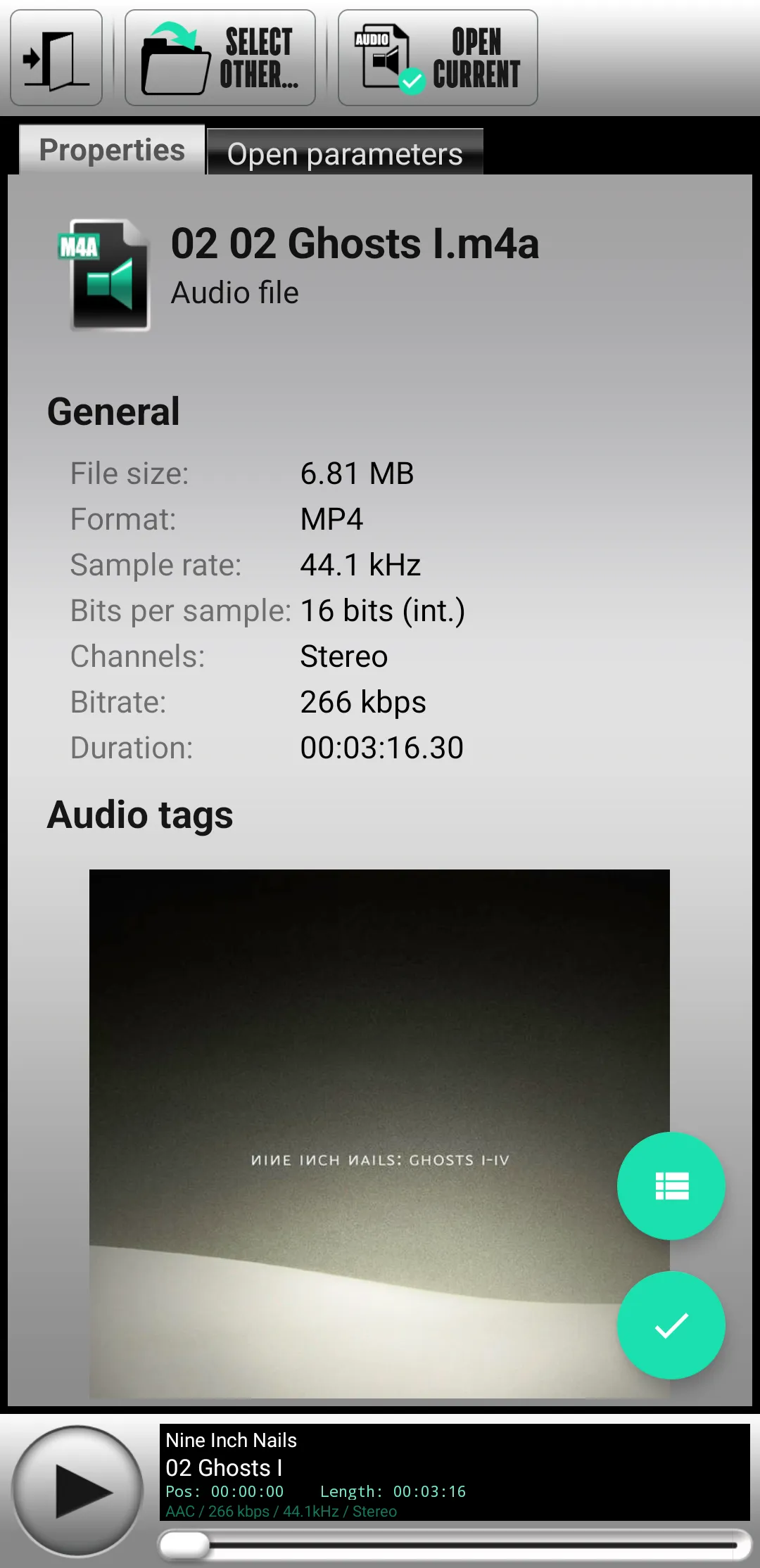
SMV Audio Editor is an audio editor and recording tool for your android device. This is a free version and it has some limitations (read below).
Common features:
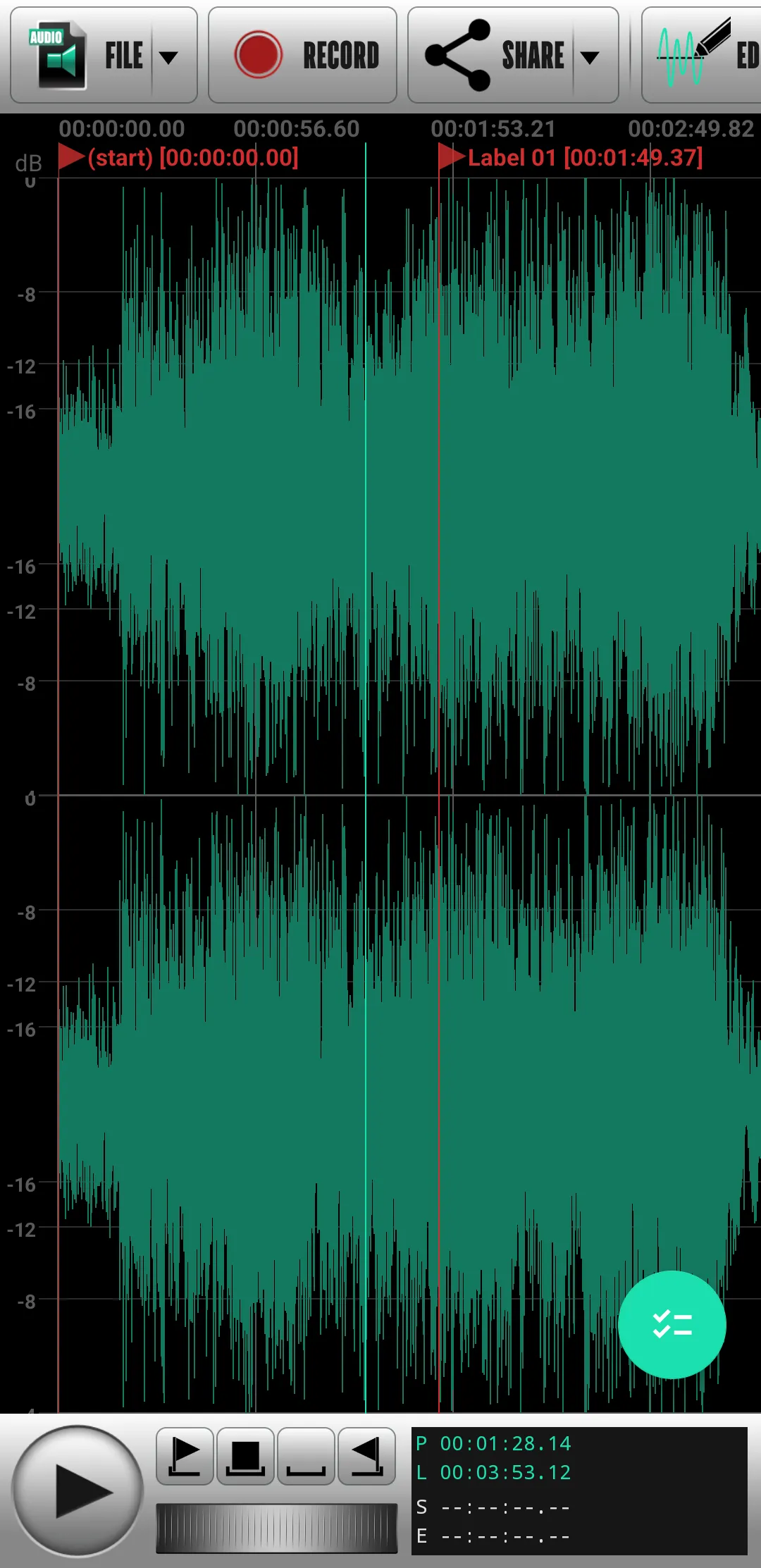
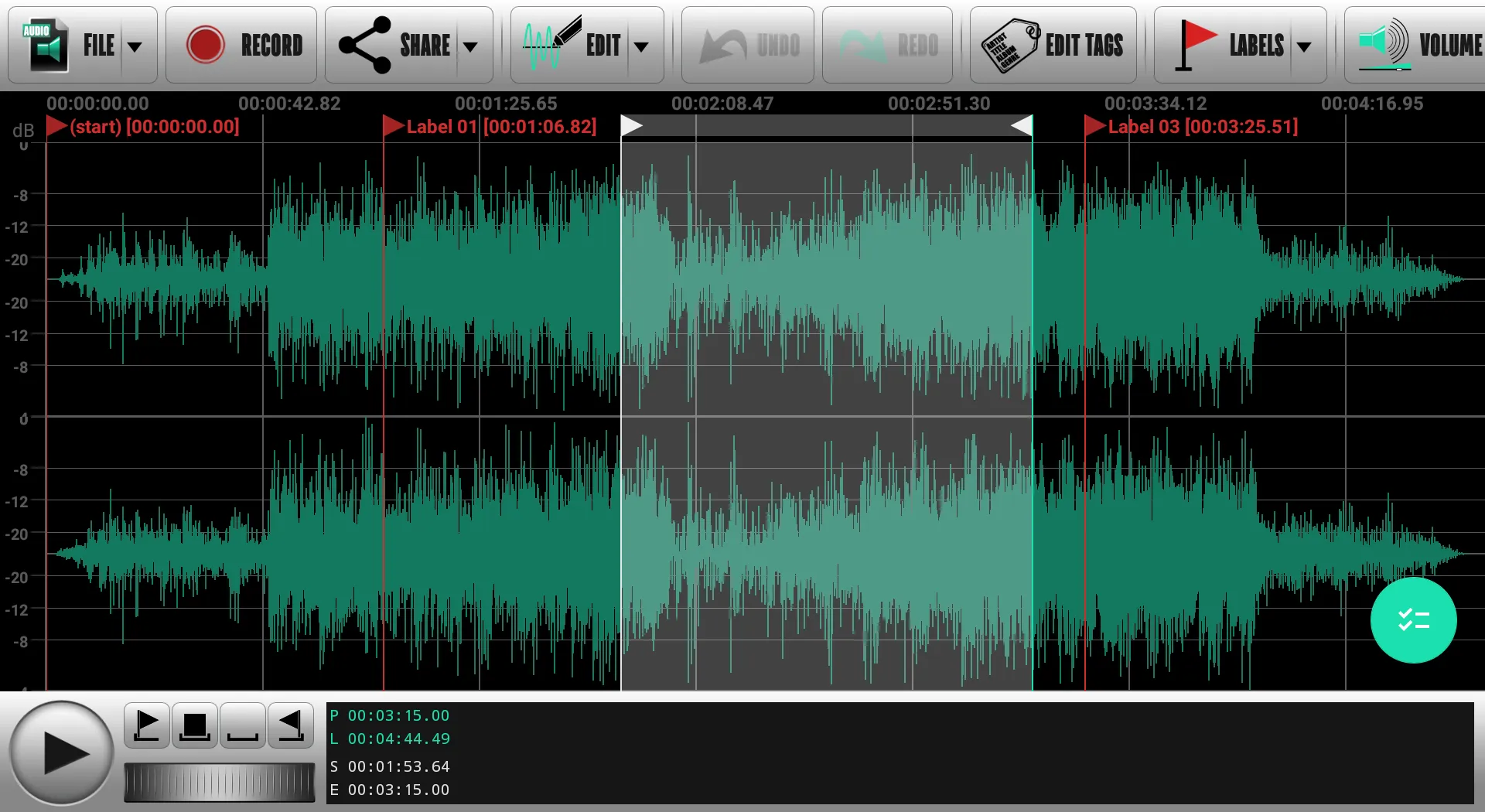
- basic editing operations (cut/copy/paste/trim);
- merging audio files;
- mixing audio files;
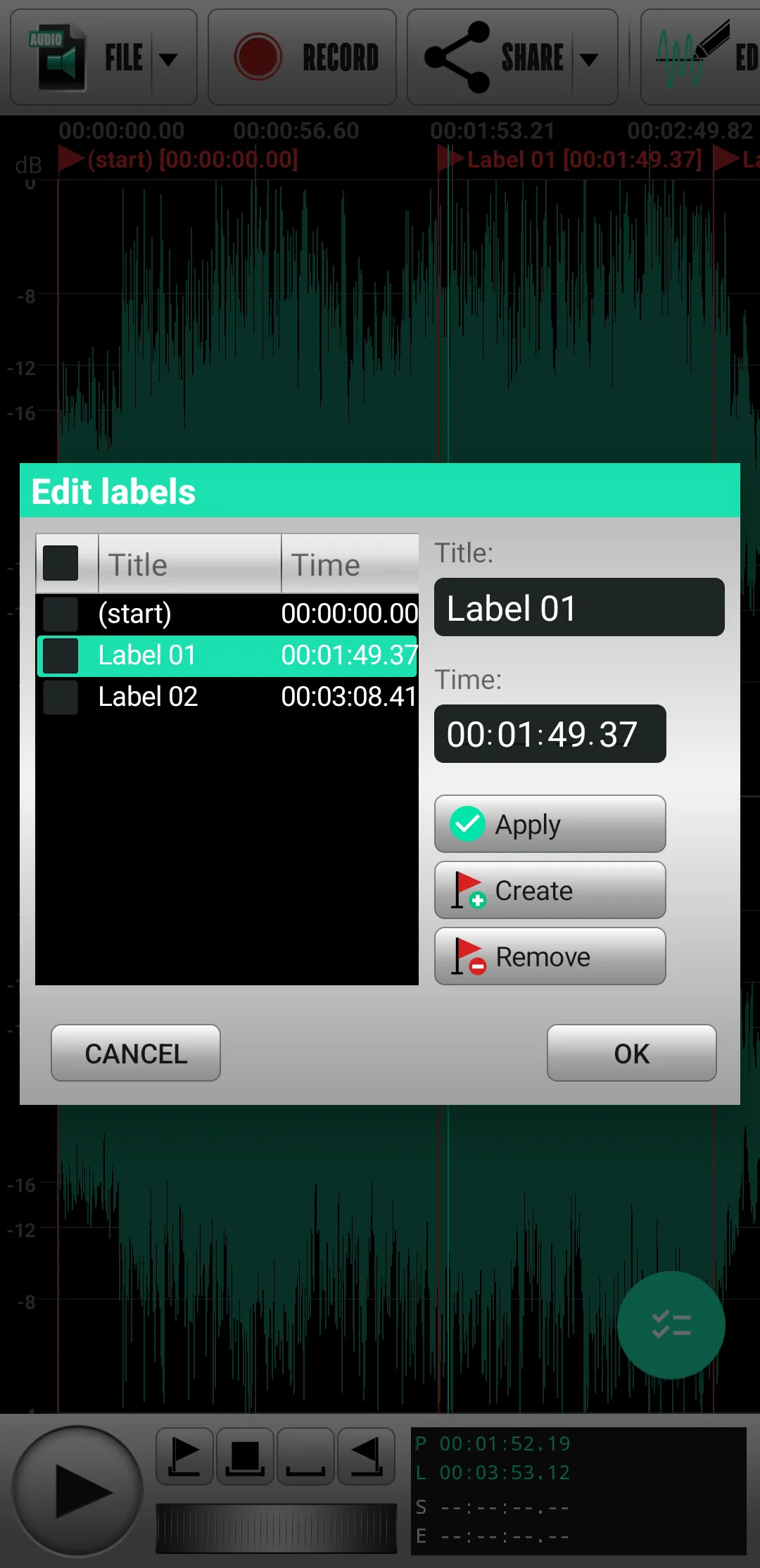
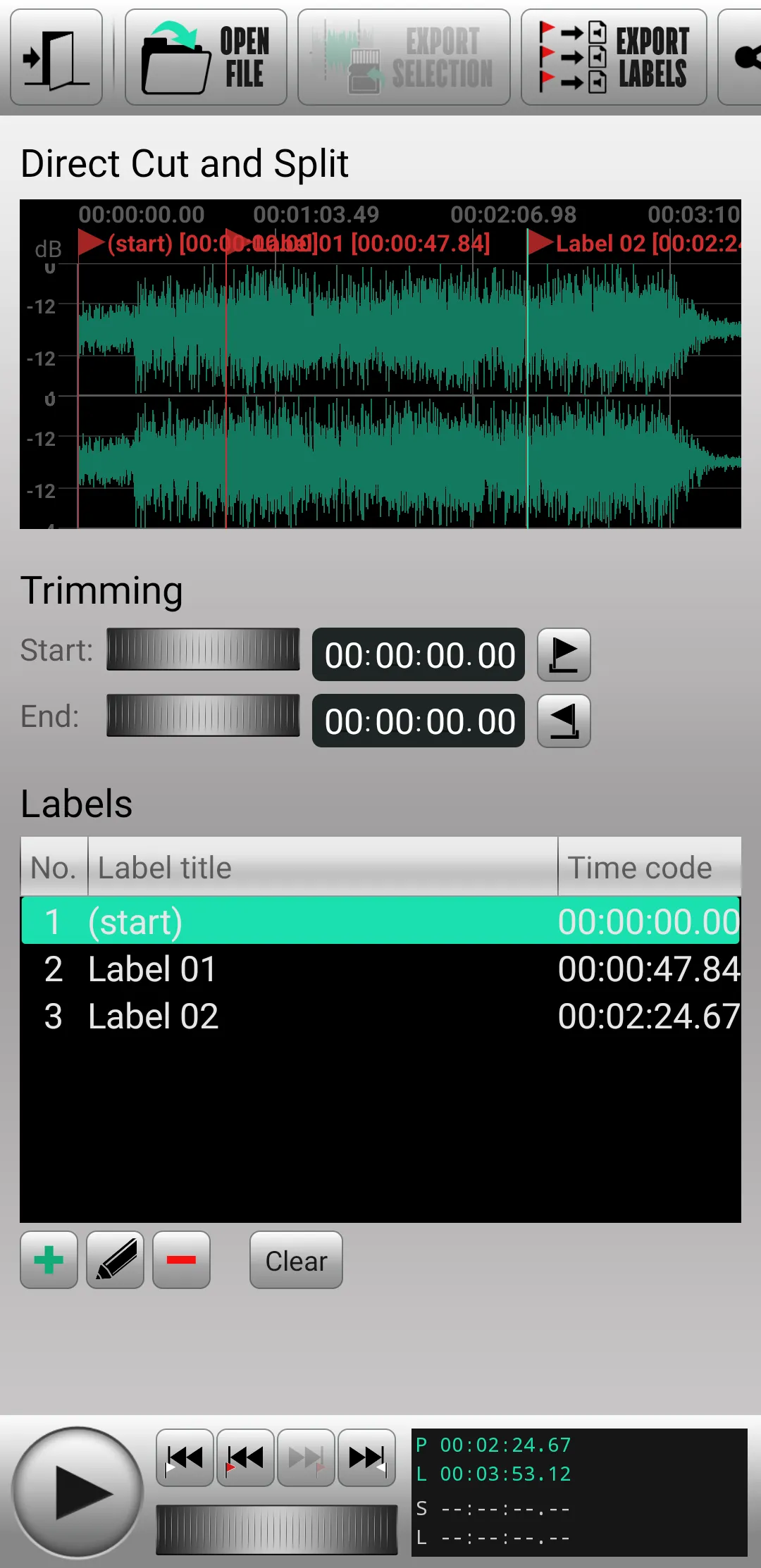
- splitting an audio file to parts by markers in the editor timeline and exporting it to separate files;
- direct cut and split of files encoded by lossy-codecs (MP3, AAC/M4A, OGG, Opus, AC3) without re-encoding;
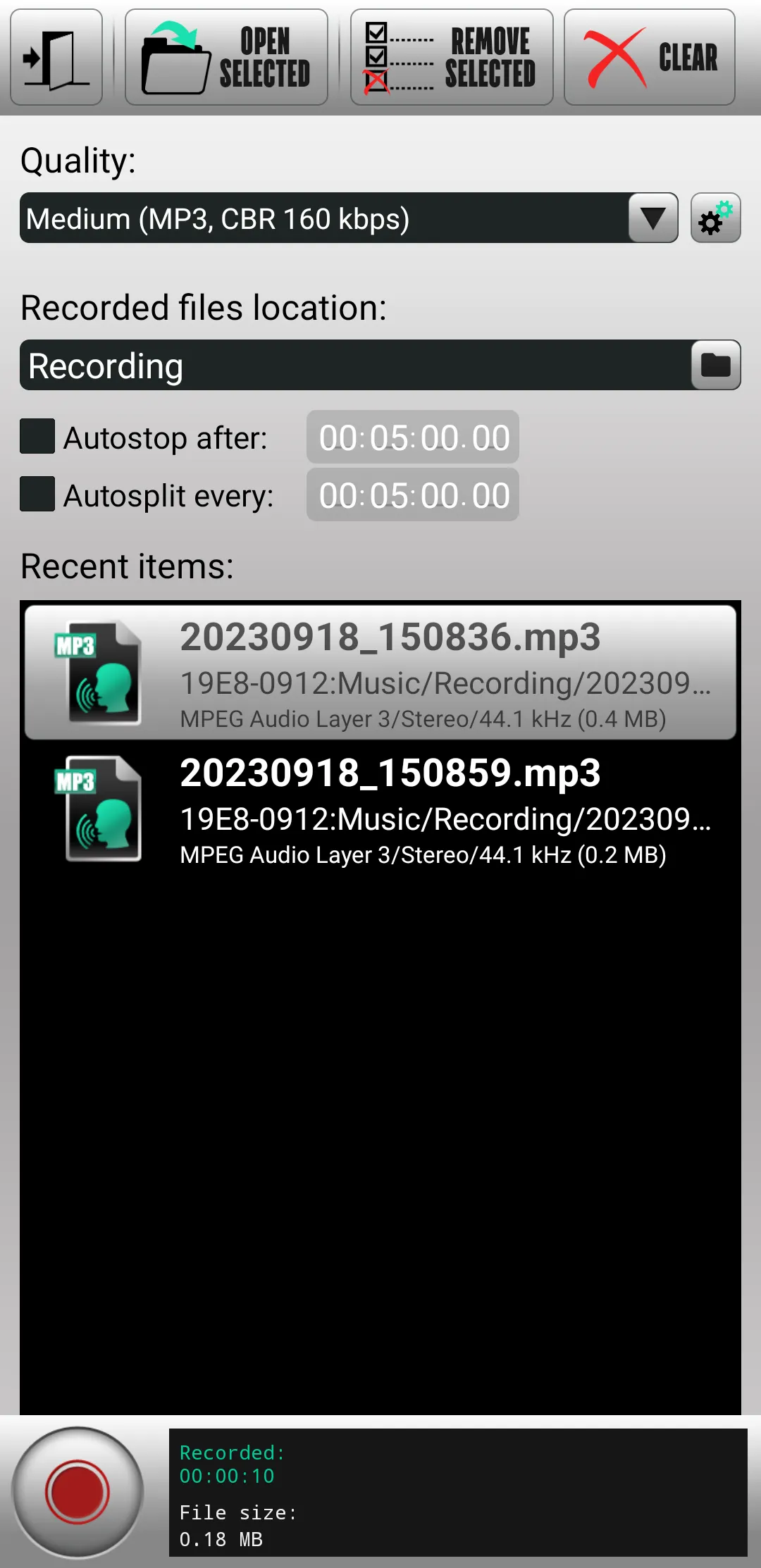
- audio recoding with autosplitting to parts and saving to different audio formats (MP3, Ogg Vorbis, Opus, FLAC, PCM-Wave);
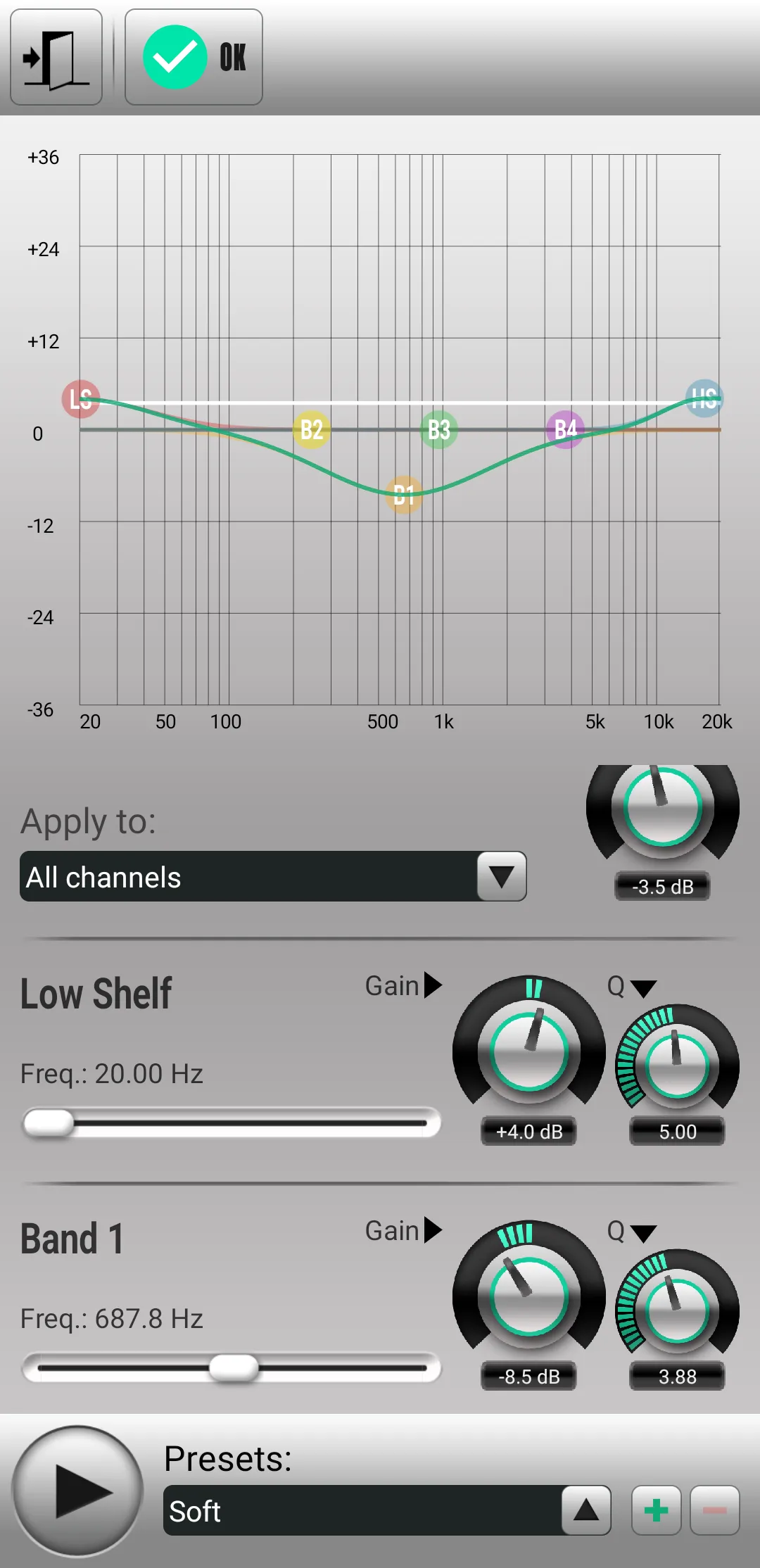
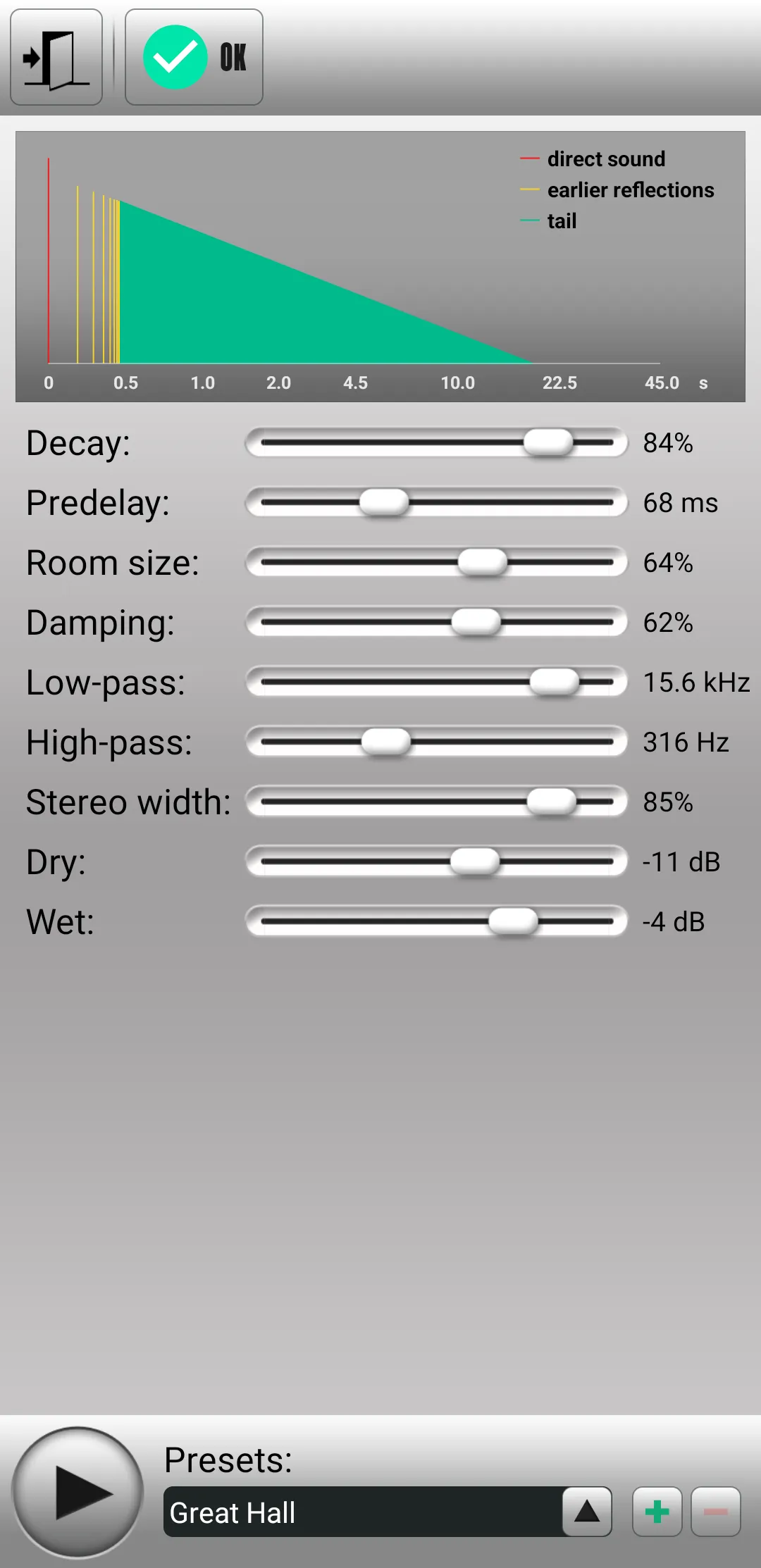
- applying some filters and effects to your audio (graphic and parametric equalizers, phaser, flanger, pitch shifter, reverb, lowpass and highpass filter etc.);
- downmixing multichannel audio to stereo or mono;
- converting mono to stereo;
- channel reconfiguration (changing number of channels, loading channels from other files etc.);
- stereo enhancing;
- changing the speed and tempo of audio;
- noise reduction and DC-offset correction tools;
- audio tag editor.
The application has a convenient file manager and intuitive user interface.
Supported input audio data:
- bit depth: 8-32 bits audio;
- sample rate: 8-48 kHz;
- number of channels: 1-8
Supported input audio file formats: PCM-Wave, MP3, AIFF (without compression), AAC/HE-AAC, ALAC, Ogg Vorbis, FLAC, Opus, AC3, AMR, MPC, WavPack.
Supported output audio file formats: PCM-Wave, Ogg Vorbis, Opus, FLAC, MP3, WavPack.
*This free version has all the features of the full version but duration of saving audio files cannot be more than 5 minutes. Also the free version contains advertisements.
Music and Audio
Ratings
0
0 total ratings
5
73%
4
10%
3
4%
2
3%
1
10%
REVIEWS
No reviews yet. Be the first one to review this app
'%20fill-rule='evenodd'%20clip-rule='evenodd'%20d='M8.04878%200.118571C9.10796%20-0.198465%2010.2321%200.132893%2010.9526%200.961509L18.7058%209.9036H22.0709C23.0433%209.90386%2023.8429%2010.7032%2023.843%2011.6757V13.1309H23.8497C23.8497%2013.4983%2023.5476%2013.8014%2023.1803%2013.8015H19.9372V33.9548C19.9372%2034.423%2019.5703%2034.7975%2019.1021%2034.7977H17.142C15.91%2034.7977%2014.9156%2033.8036%2014.9154%2032.5644V28.0251C13.5538%2028.5582%2012.3722%2028.7169%2010.9963%2028.7169C6.45689%2028.7169%203.74677%2025.6897%203.74677%2020.6099V13.8015H1.77319C0.800641%2013.8015%200.000280942%2013.0091%200%2012.0294V10.573C0.000219737%2010.2057%200.303205%209.9036%200.670545%209.9036H13.5676L5.13039%201.85482C4.82078%201.55938%204.94365%201.04032%205.35428%200.917851L8.04878%200.118571ZM8.78425%2013.8082V20.611C8.78438%2023.1974%209.8151%2024.35%2012.1135%2024.35C12.9637%2024.3499%2014.1167%2024.1489%2014.902%2023.7959V13.8082H8.78425Z'%20fill='white'/%3e%3c/svg%3e)
Permissions
Storage: access photos, media, and files on your device
Internet: use your internet connection
Phone: make and manage phone calls
Camera: take pictures and record video
Curated for YouSee all






Scan to download on PhonePe Appstore

