

KME Software
4.0
ratings6 MB
SizeVerified
SCREENSHOTS (8)
About the app
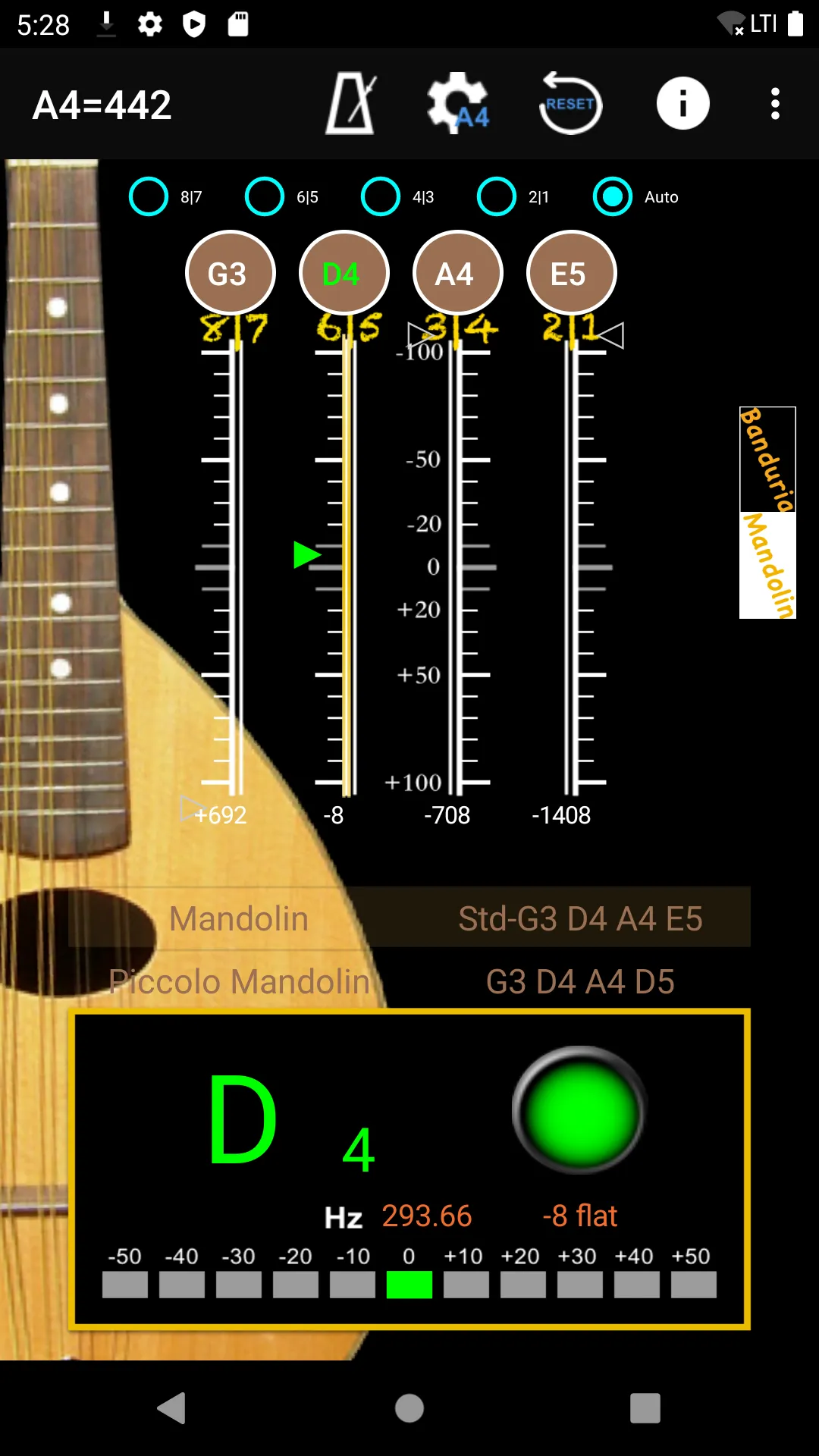
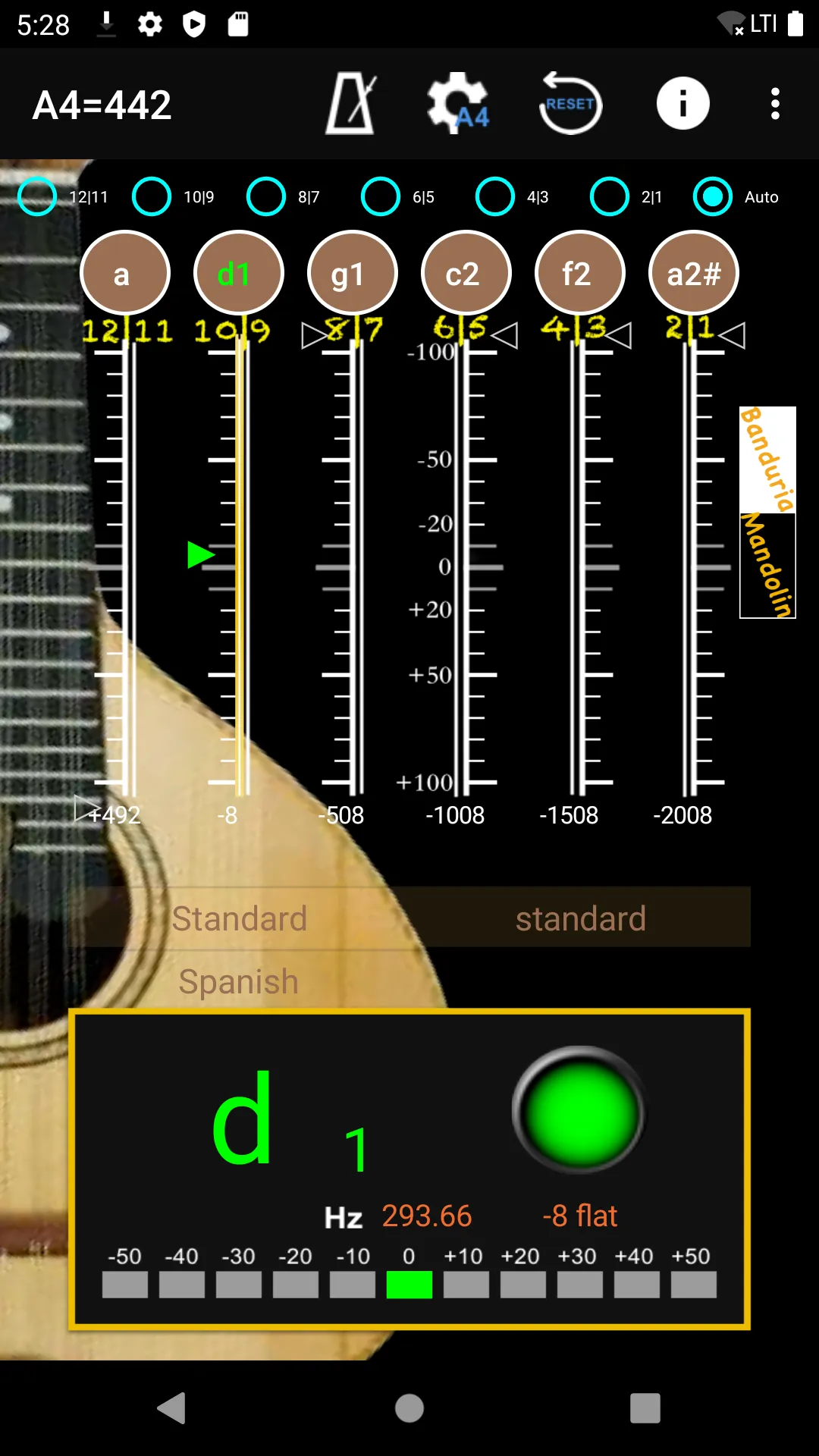
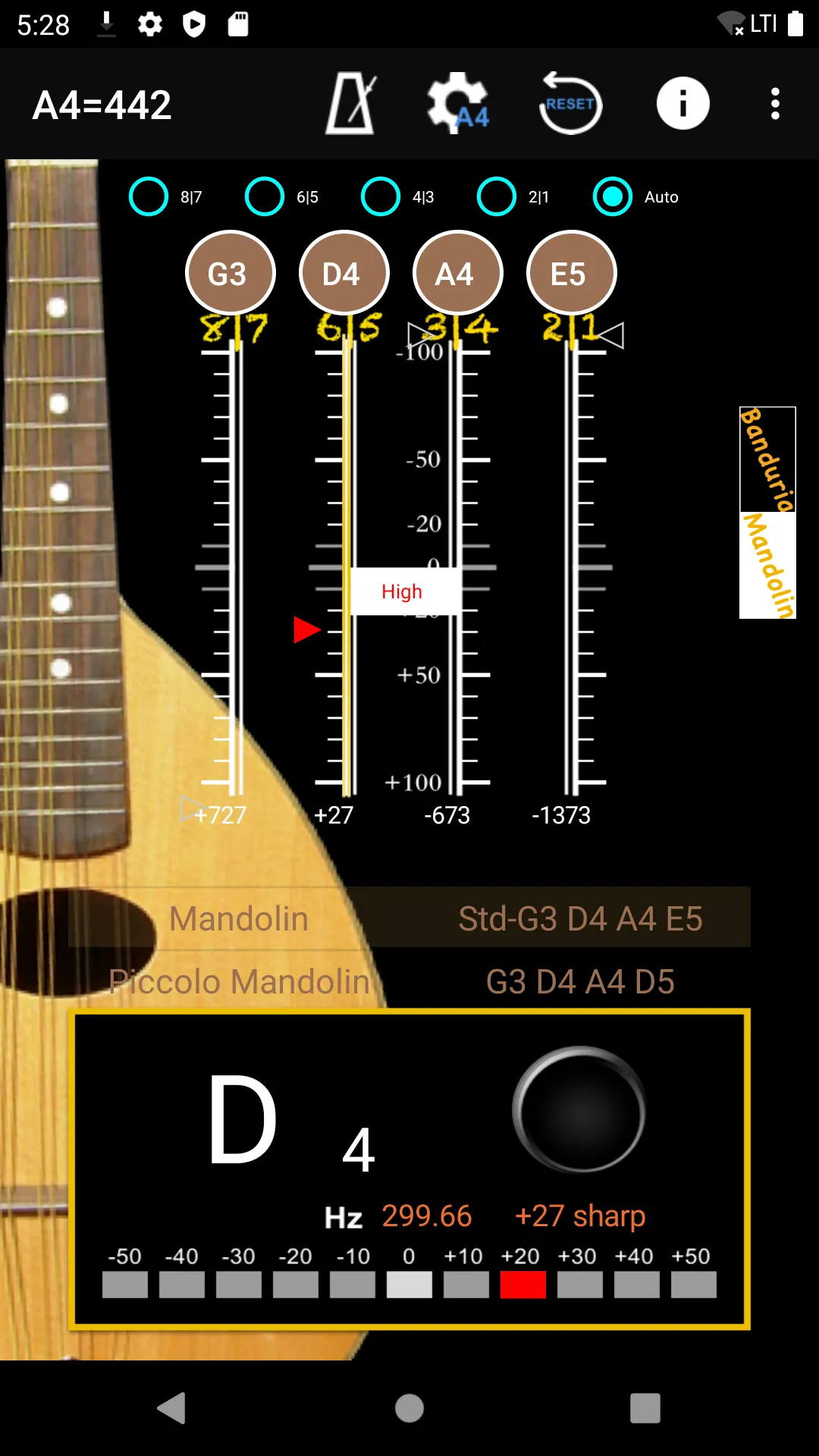
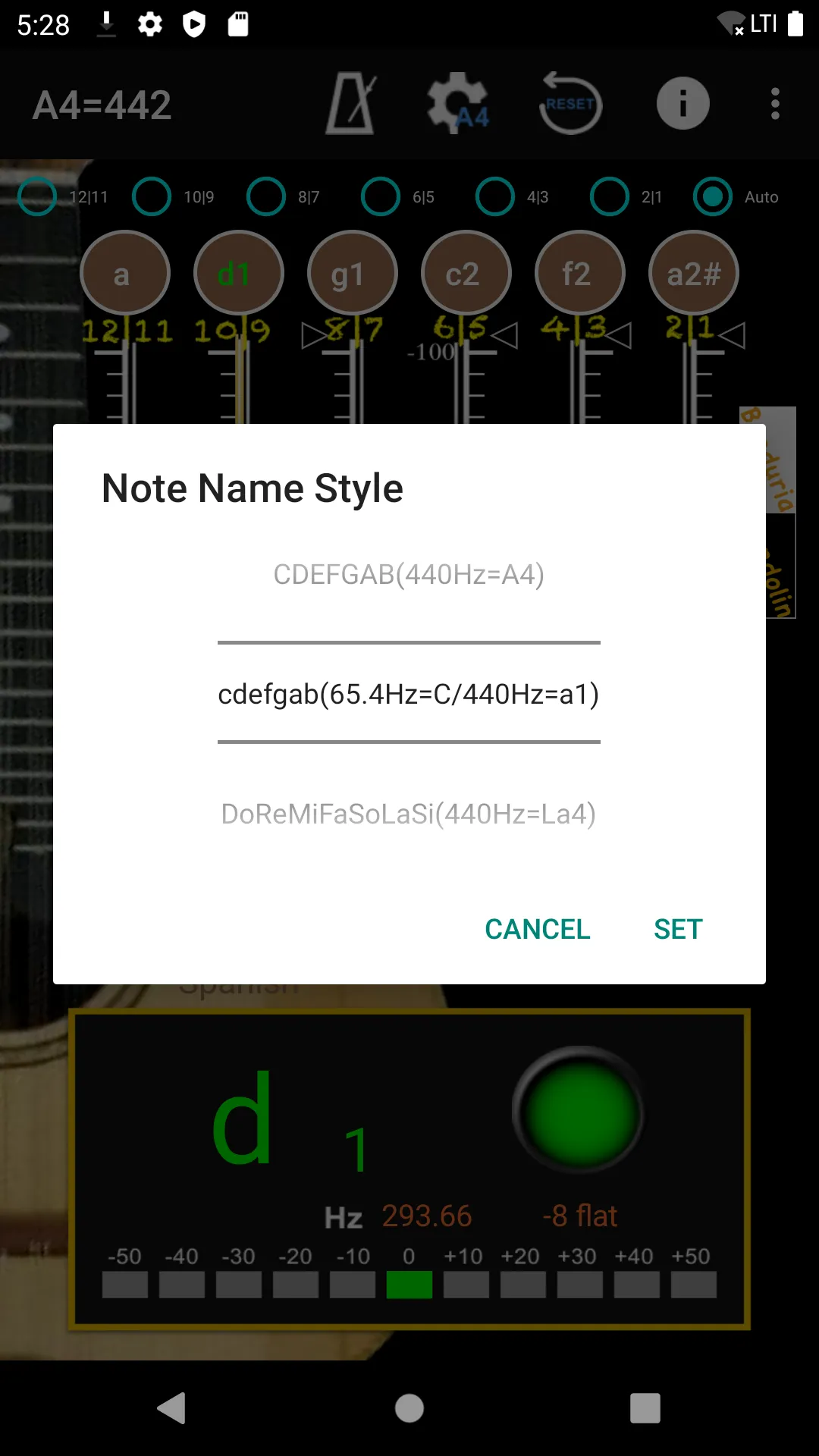
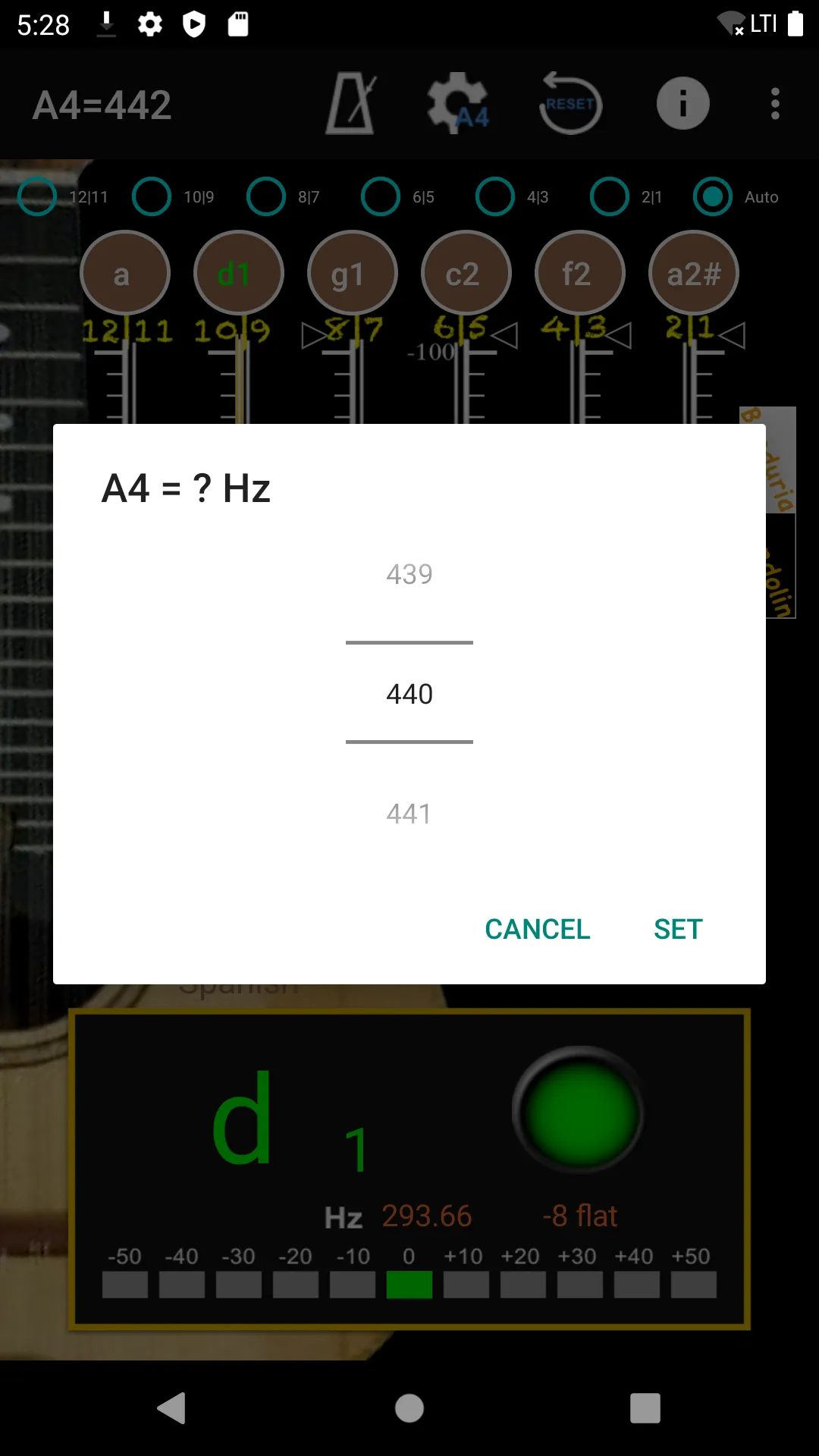
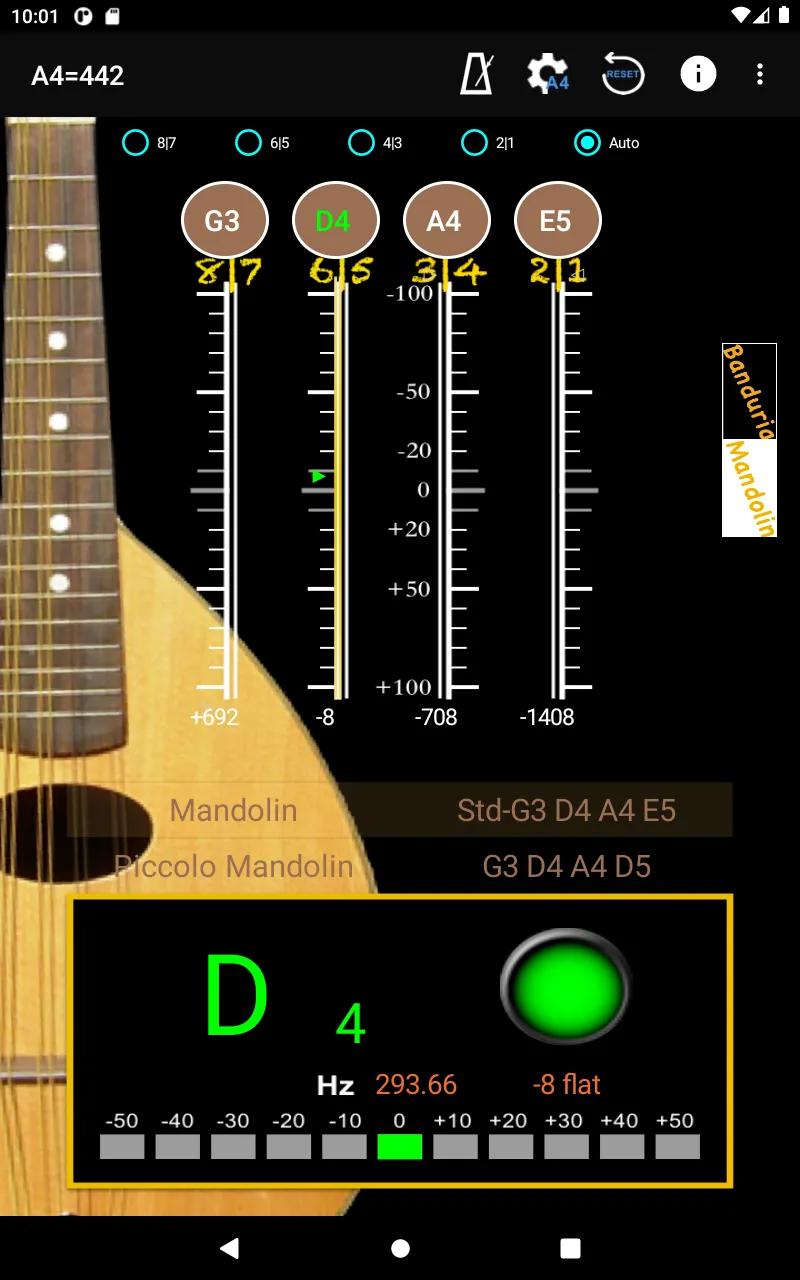
APP with auto noise filtering. First step is choose the frequency at top of screen, then choose the tuning at the middle of the screen. When you play instrument, the pitch will be shown on the panel for the individual string by indicating signal high or low.
[Tuner]
- Calibrate Piano Sound : Click on an string then calibrate the sound with your instrument. Piano Sound A4=442.
- A4 Frequency adjustment: choose 428~452 frequencies for A4 string.
- The scale for precision tuning is 10 Quantile for every sub-bit. The green arrow means pitch is accurate and it will turn white once the pitch difference exceeds more than a sub-bit.
[Metronome]
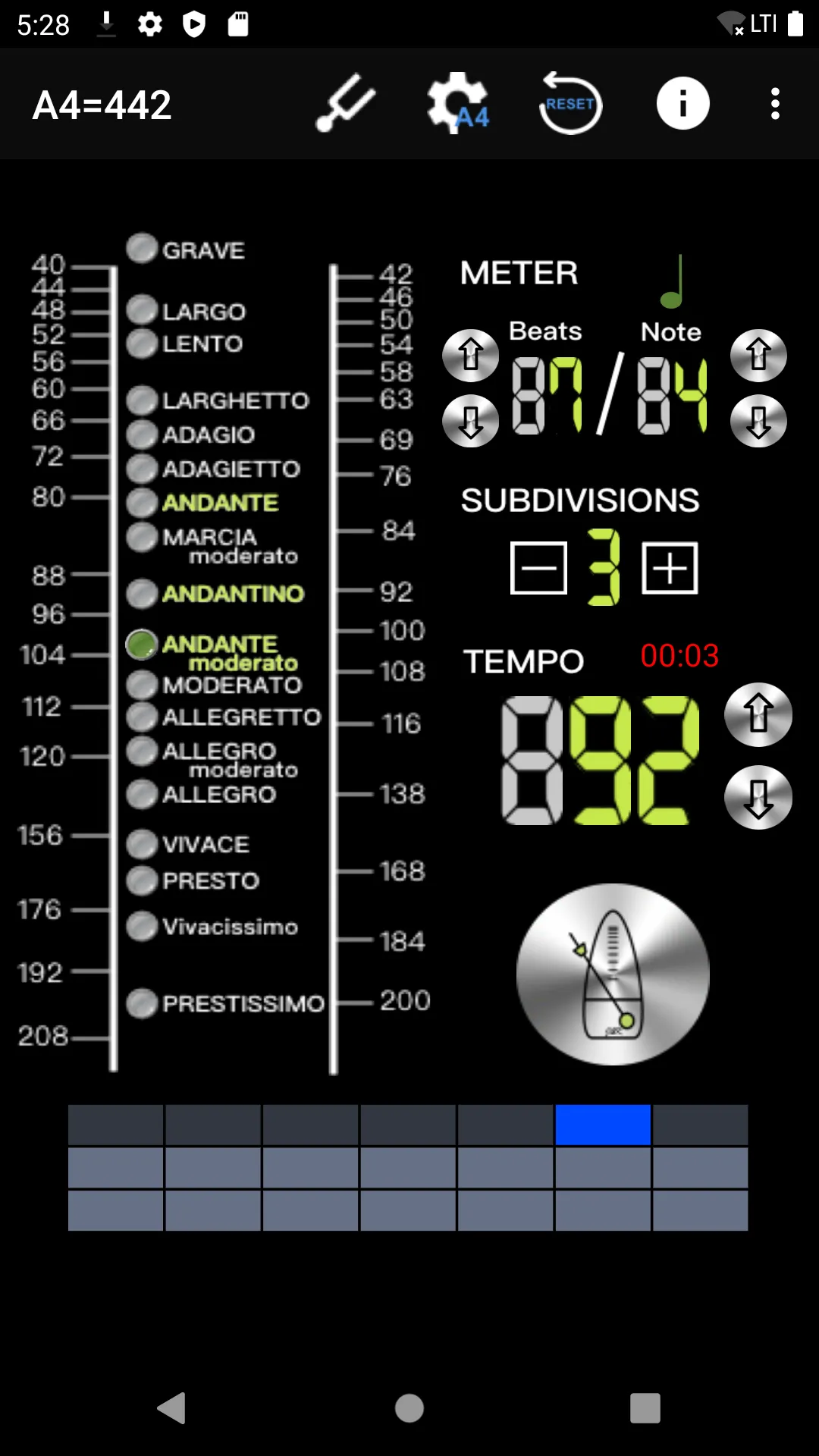
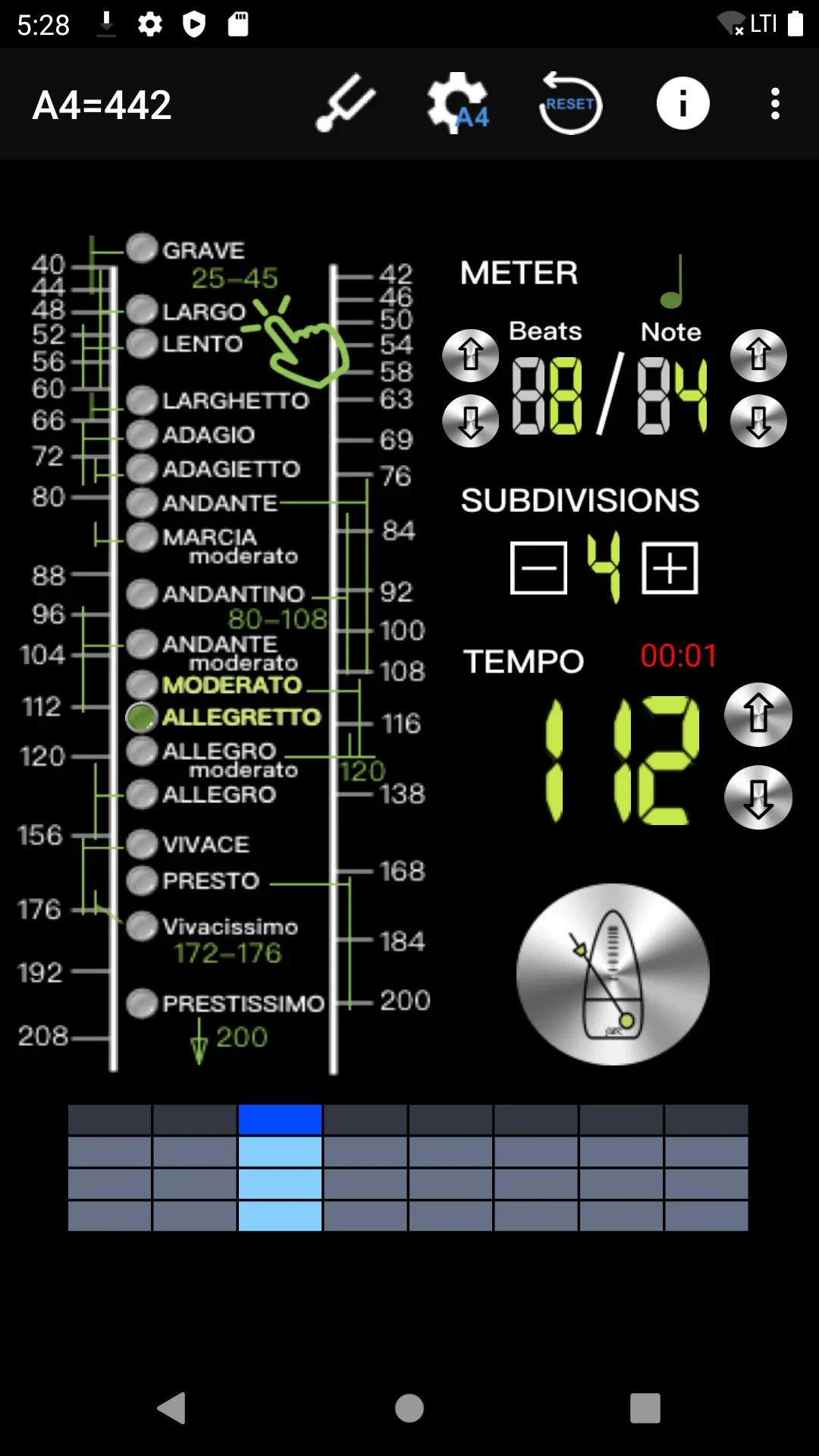
- The operation screen is intuitive and easy to use. All functions can be set on the same page.
- Intuitive beat mode selection, 18 types, including.
- Support for segment beat function, double, triple and quad beat subdivision
- Support pendulum display mode
- Timing display Helps control the practice time
- Use Real Time Playback mode, precise beat, and support dynamic shifting
Music and Audio
Ratings
0
0 total ratings
5
73%
4
10%
3
4%
2
3%
1
10%
REVIEWS
No reviews yet. Be the first one to review this app
'%20fill-rule='evenodd'%20clip-rule='evenodd'%20d='M8.04878%200.118571C9.10796%20-0.198465%2010.2321%200.132893%2010.9526%200.961509L18.7058%209.9036H22.0709C23.0433%209.90386%2023.8429%2010.7032%2023.843%2011.6757V13.1309H23.8497C23.8497%2013.4983%2023.5476%2013.8014%2023.1803%2013.8015H19.9372V33.9548C19.9372%2034.423%2019.5703%2034.7975%2019.1021%2034.7977H17.142C15.91%2034.7977%2014.9156%2033.8036%2014.9154%2032.5644V28.0251C13.5538%2028.5582%2012.3722%2028.7169%2010.9963%2028.7169C6.45689%2028.7169%203.74677%2025.6897%203.74677%2020.6099V13.8015H1.77319C0.800641%2013.8015%200.000280942%2013.0091%200%2012.0294V10.573C0.000219737%2010.2057%200.303205%209.9036%200.670545%209.9036H13.5676L5.13039%201.85482C4.82078%201.55938%204.94365%201.04032%205.35428%200.917851L8.04878%200.118571ZM8.78425%2013.8082V20.611C8.78438%2023.1974%209.8151%2024.35%2012.1135%2024.35C12.9637%2024.3499%2014.1167%2024.1489%2014.902%2023.7959V13.8082H8.78425Z'%20fill='white'/%3e%3c/svg%3e)
Permissions
Storage: access photos, media, and files on your device
Internet: use your internet connection
Phone: make and manage phone calls
Camera: take pictures and record video
Developer Info
Curated for YouSee all






Scan to download on PhonePe Appstore

