

mCreations
4.7
3 ratings6 MB
SizeVerified
SCREENSHOTS (7)
About the app
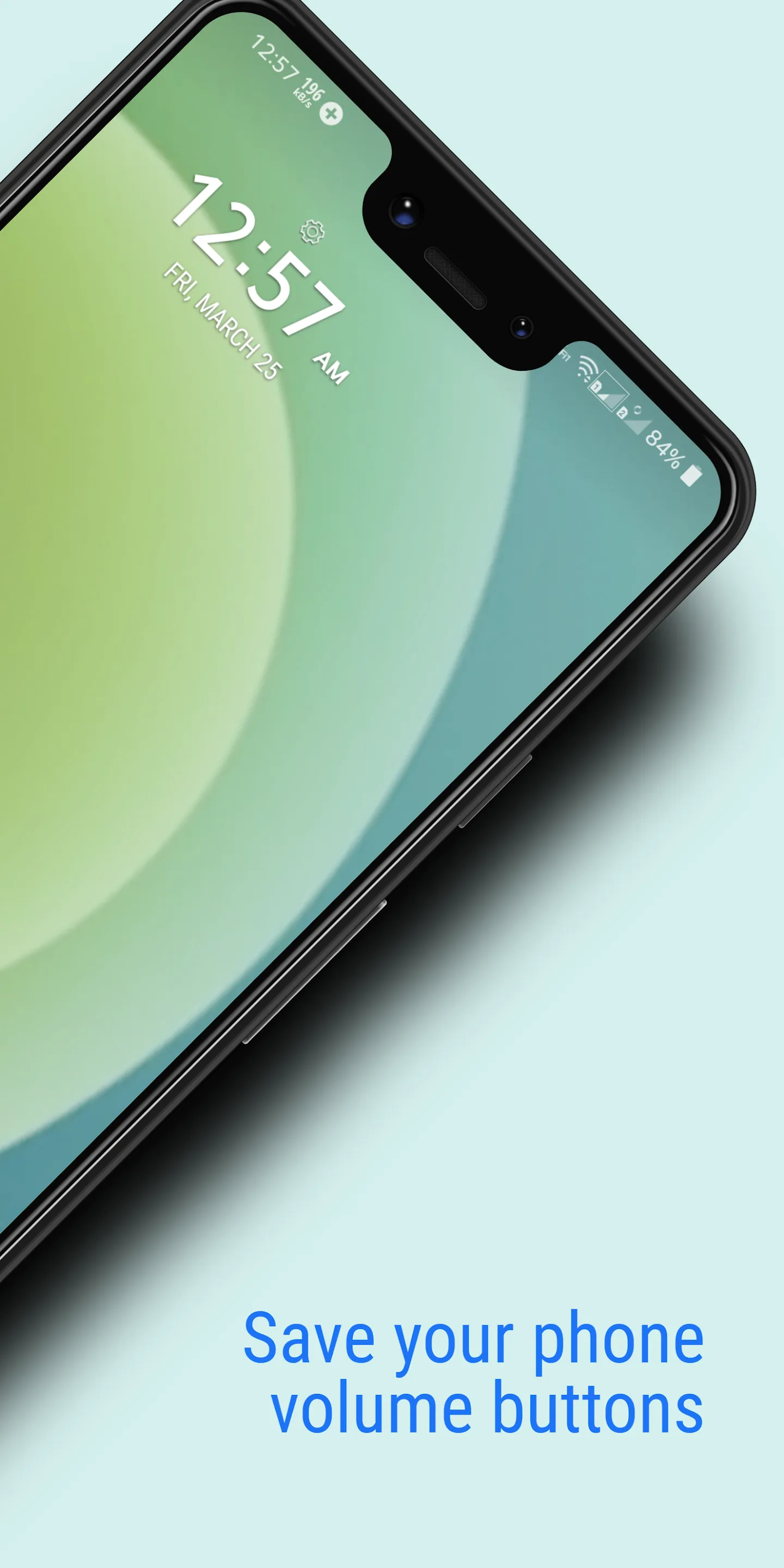
Simulate the phone's physical volume keys on the screen.
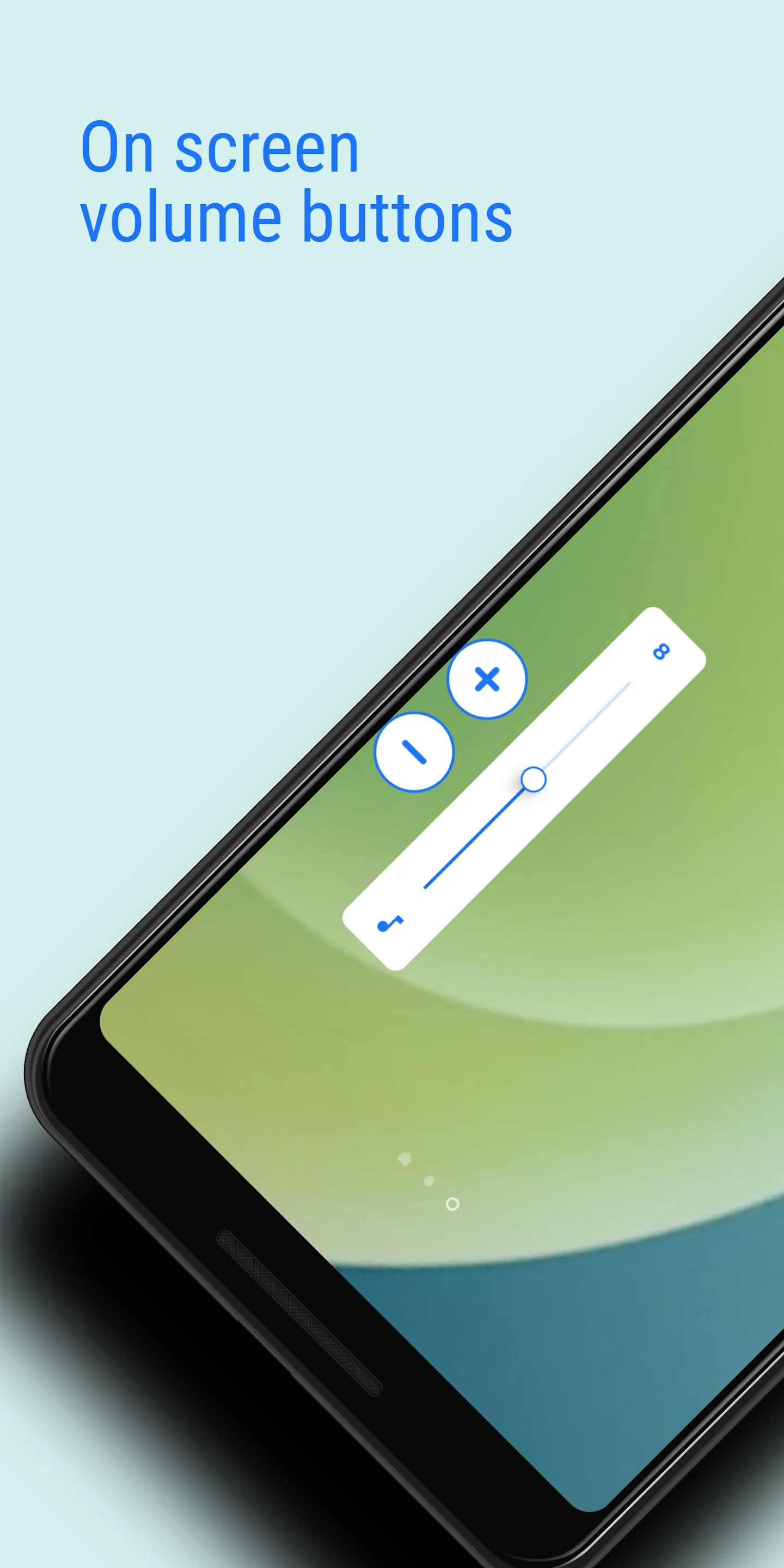
Assistive Volume Button shows the volume buttons on the edge of the screen which simulates the volume control functionality of the phone's physical volume keys.
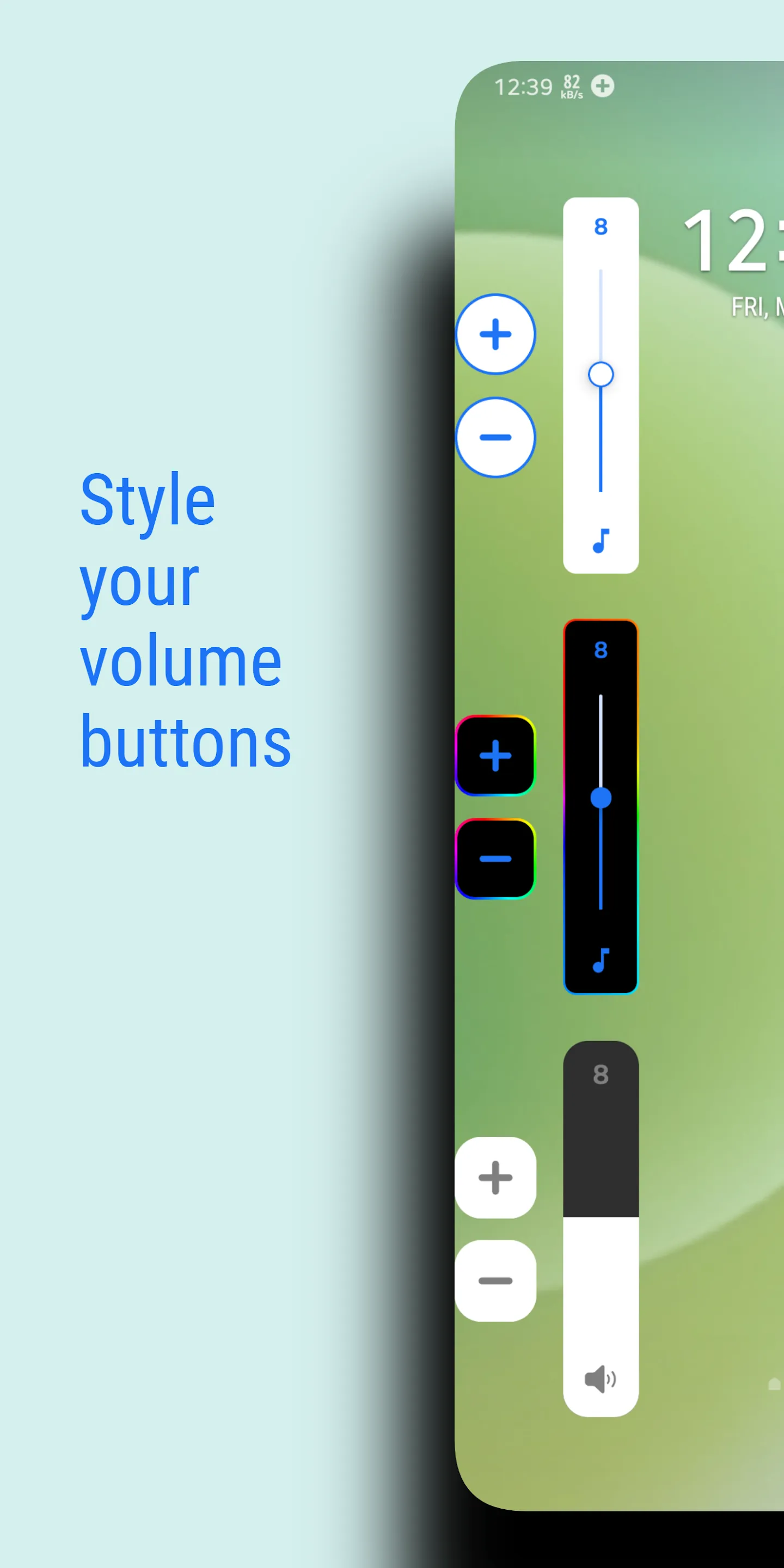
Volume buttons can be moved on the screen to be placed anywhere on the side edge.
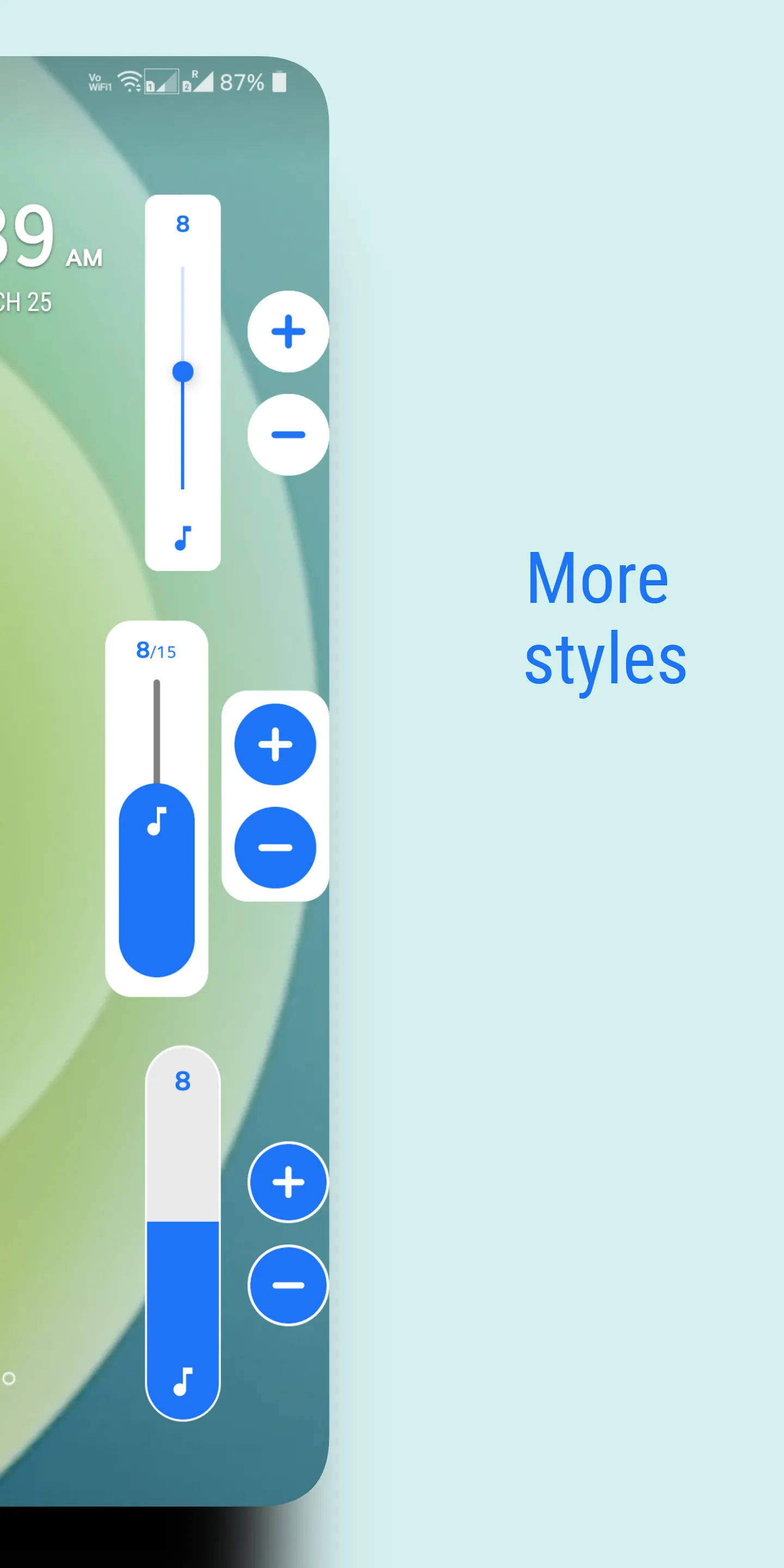
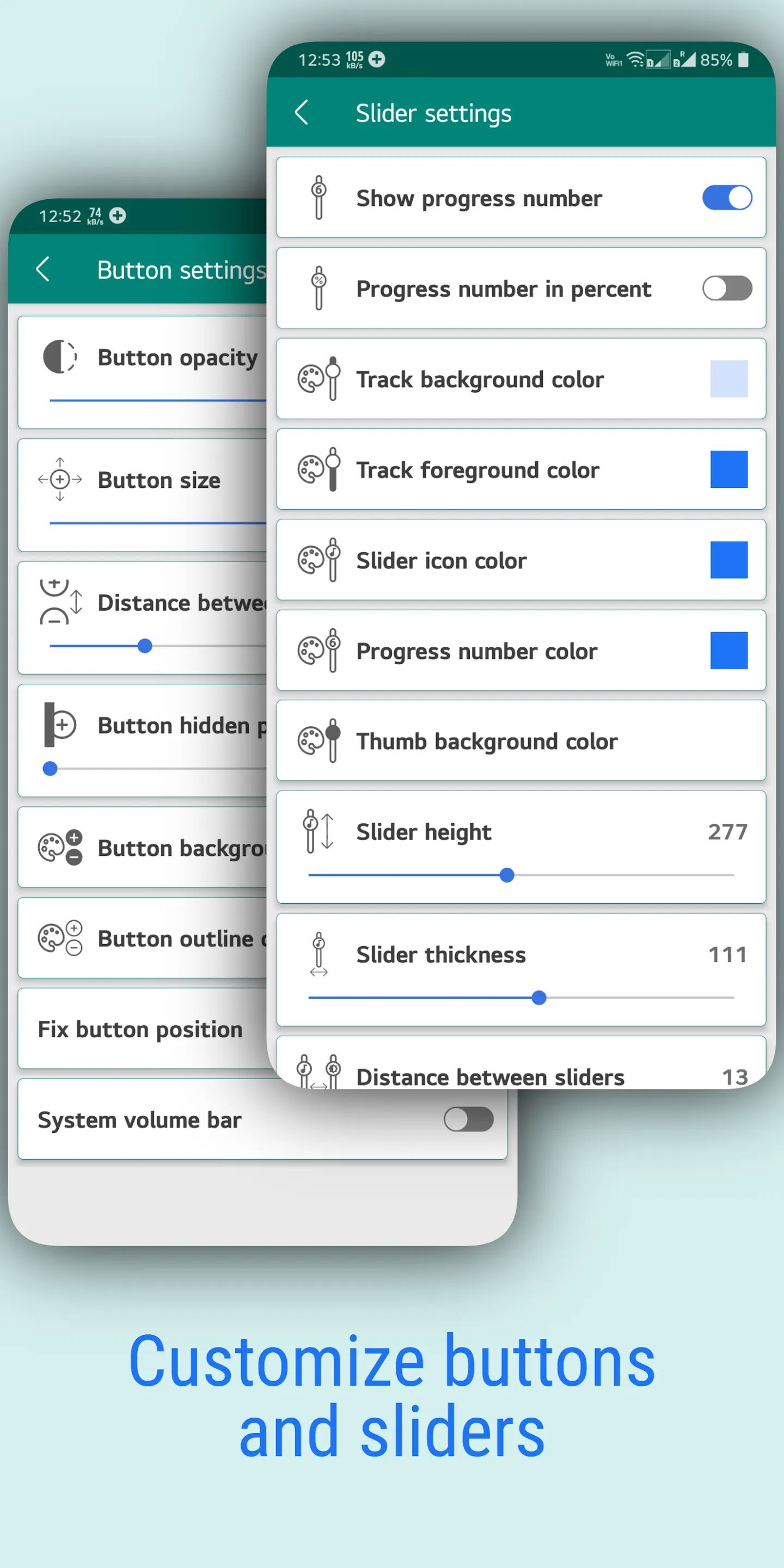
You can customize buttons and sliders. Change the size, color, transparency, style such as iOS, MIUI and more.
PREMIUM FEATURES
Very useful premium features which can also be activated by watching ad:
☞ Screen on/off - Power key simulator and auto SCREEN ON with proximity sensor.
☞ Volume booster - Boost the volume of your speakers more than the phone's MAX volume.
☞ Lower brightness - Lower the brightness than the phone's LOWEST screen brightness.
STYLES
Apply the predefined style with one tap:
• Android
• Android 12
• iOS
• Xiaomi MIUI
• Huawei EMUI
• RGB border
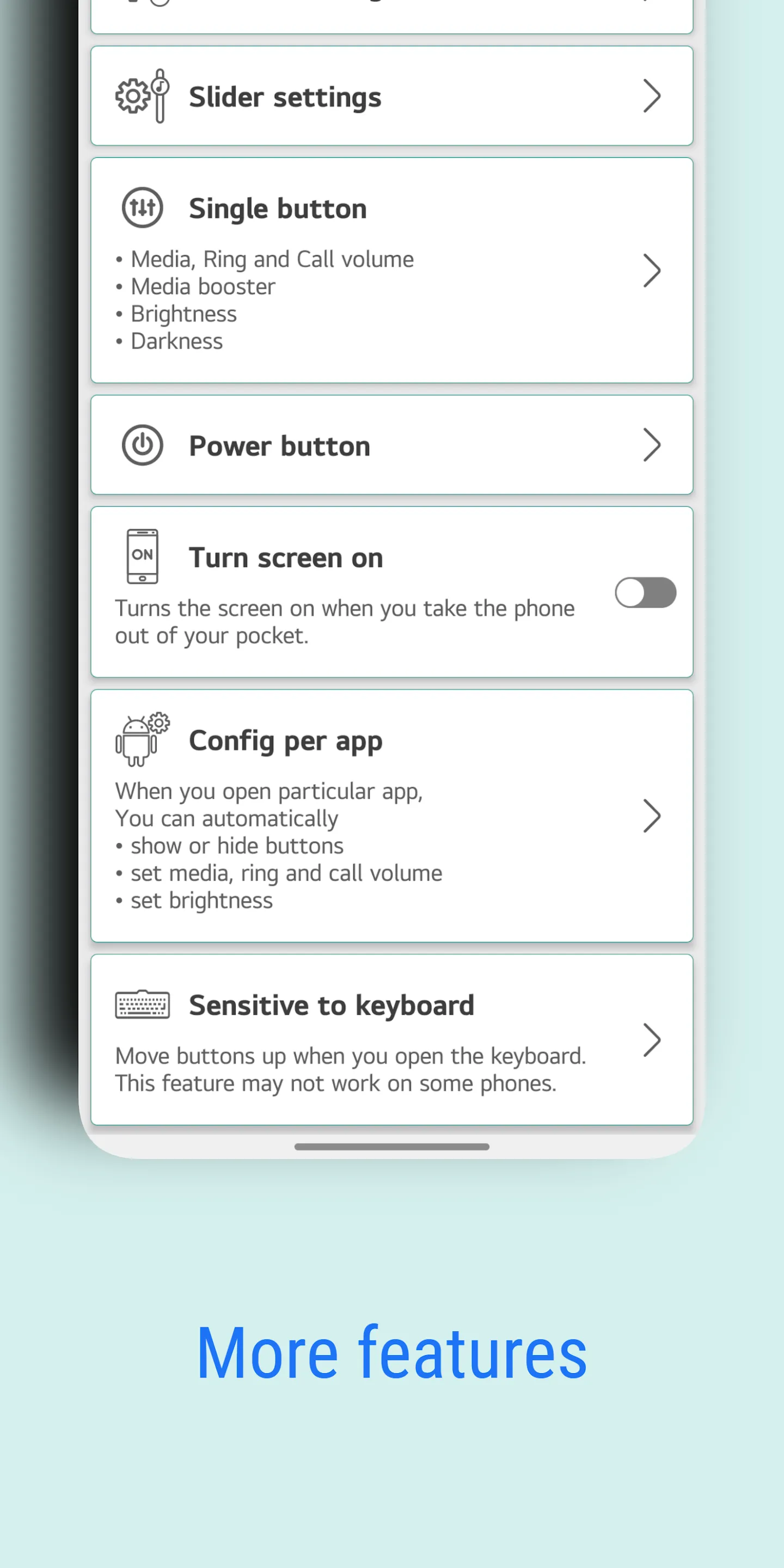
SINGLE BUTTON
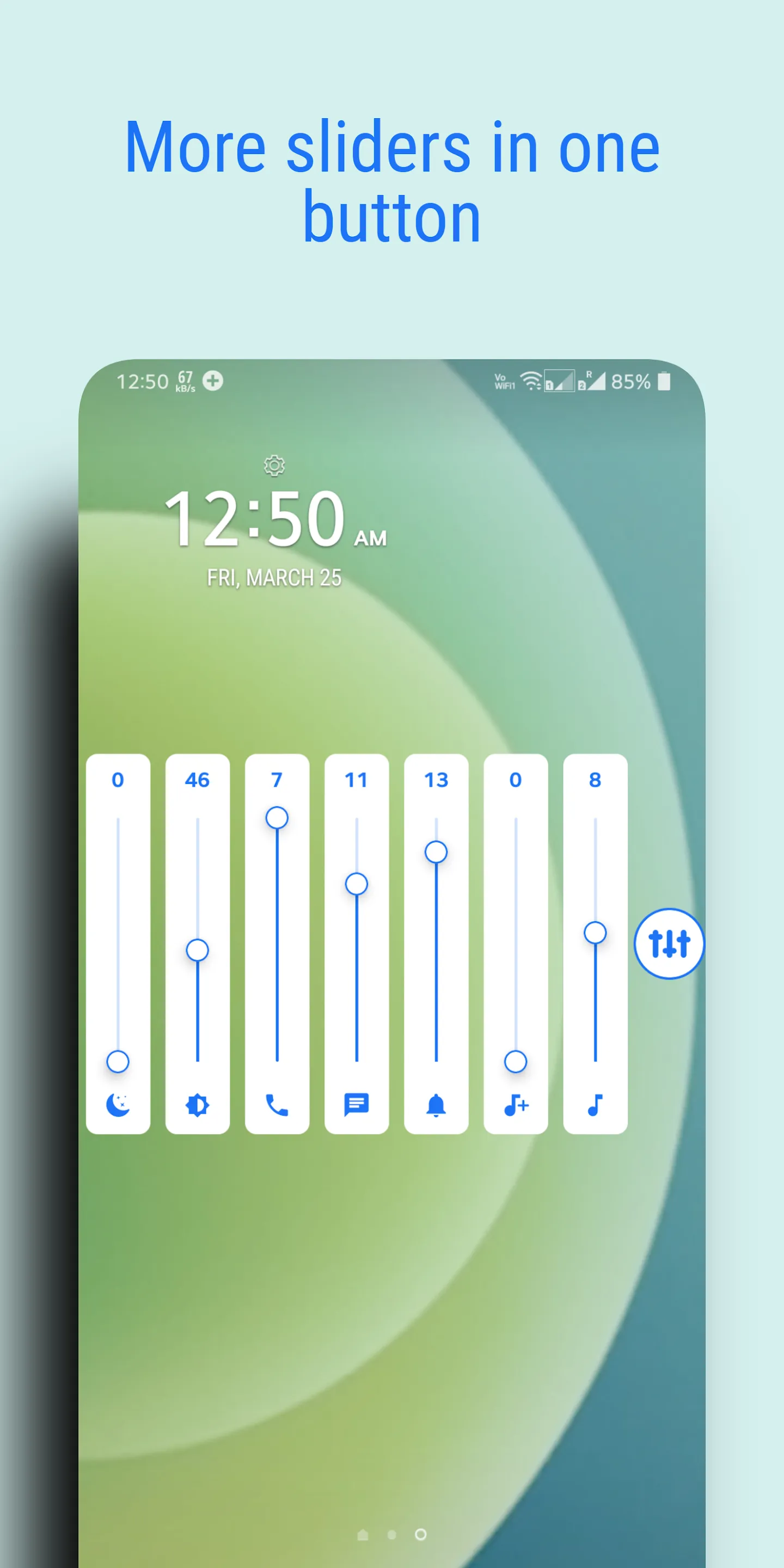
Show only one button on the screen and tap on it will open sliders you choose:
• Media
• Media booster (Speaker / Volume booster)
• Ring
• Notification
• Call
• Brightness
• Darkness (Lower brightness)
With single button, you can control wide range of Media volume from normal to boosted volume and normal brightness to lower brightness.
POWER BUTTON (Android 9+)
Shows additional button which simulates phone's physical power key.
AUTO SCREEN ON
Use proximity sensor to turn the screen on.
When you hover over the phone proximity sensor, the screen will turn on without pressing any key.
USECASE: When you take the phone out of your pocket, your phone screen will turn on automatically.
So now it truely simulates functionaliy of the power key by turning SCREEN OFF with power button from the screen and SCREEN ON by proximity sensor.
CONFIGURATION PER APP
You can set per app volume, brightness and buttons visibility.
When you open particular app, your defined configuration will be applied.
KEYBOARD
To avoid interruption in typing, app automatically moves the buttons up when keyboard opens so that it won't interrupt with your typing.
ACCESSIBILITY
This app uses accessibility API for the following features to work:
• Power button
• Configuration per app
• Sensitive to keyboard
NOTE
App requires permission to run the service in background.
Some phones stop the background service. Those users need to follow steps mentioned in the app.
Music and Audio
Ratings
4.7
3 total ratings
5
67%
4
33%
3
0%
2
0%
1
0%
REVIEWS
******4694
27/04/2026
yadhu

Permissions
Storage: access photos, media, and files on your device
Internet: use your internet connection
Developer Info






Scan to download on PhonePe Appstore