

YAMAHA MOTOR Co., Ltd.
4.0
44 ratings47 MB
SizeVerified
SCREENSHOTS (8)
About the app
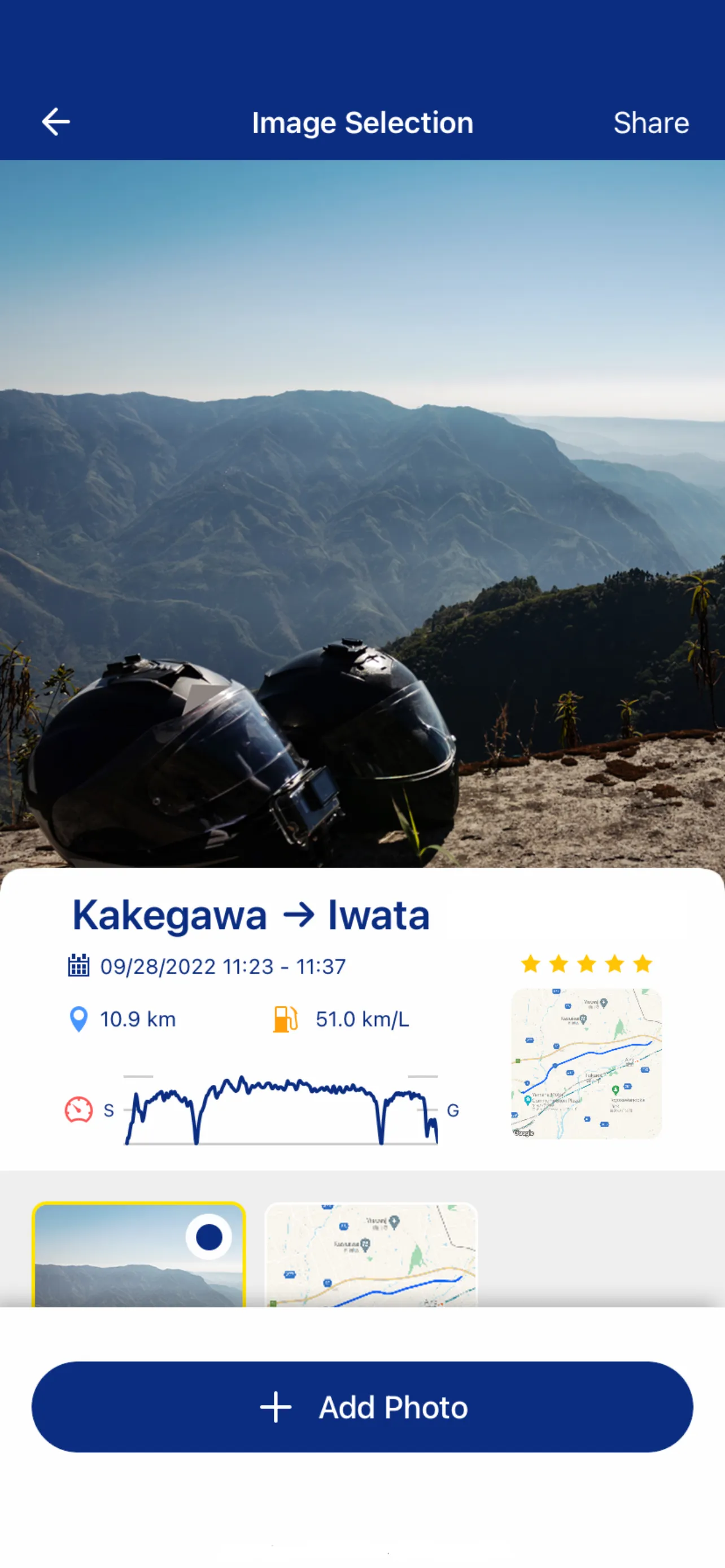
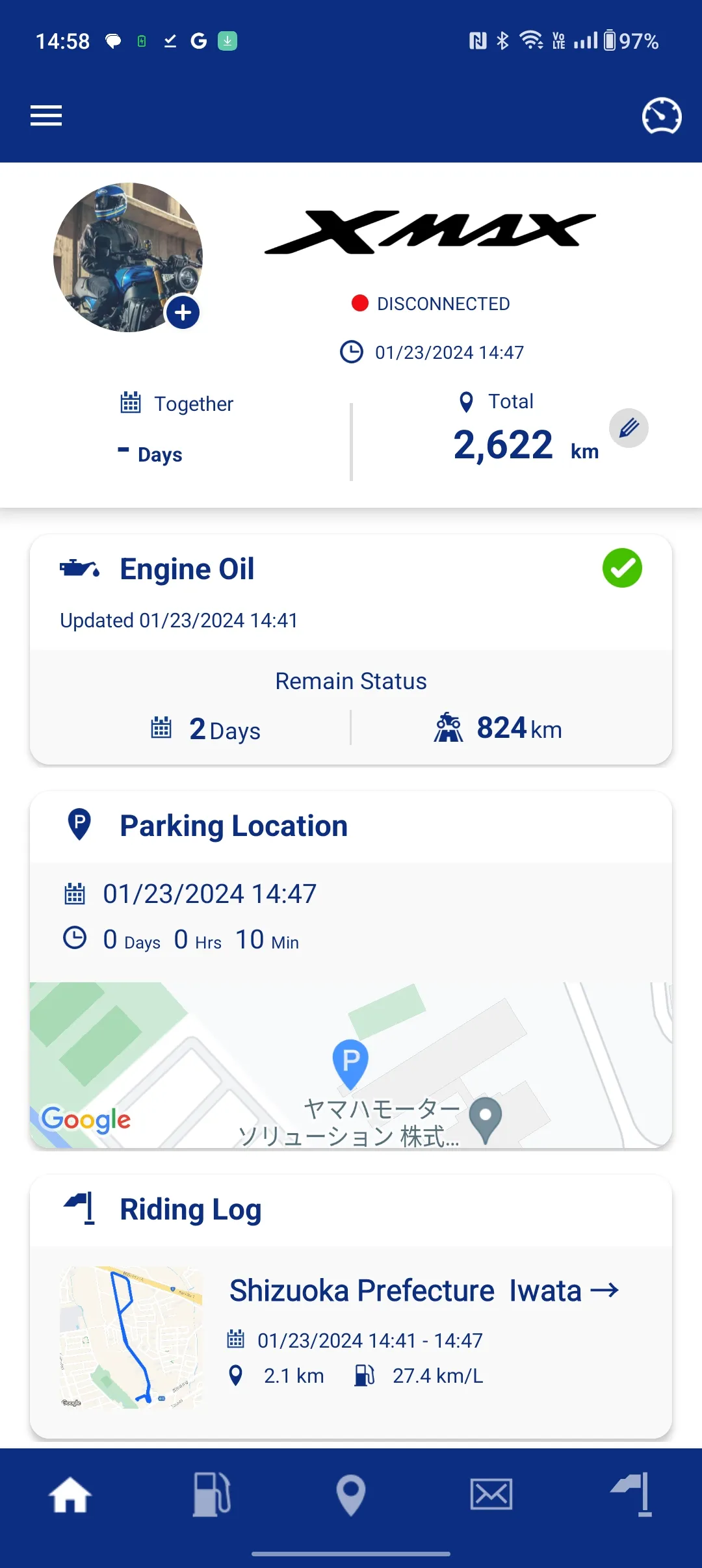
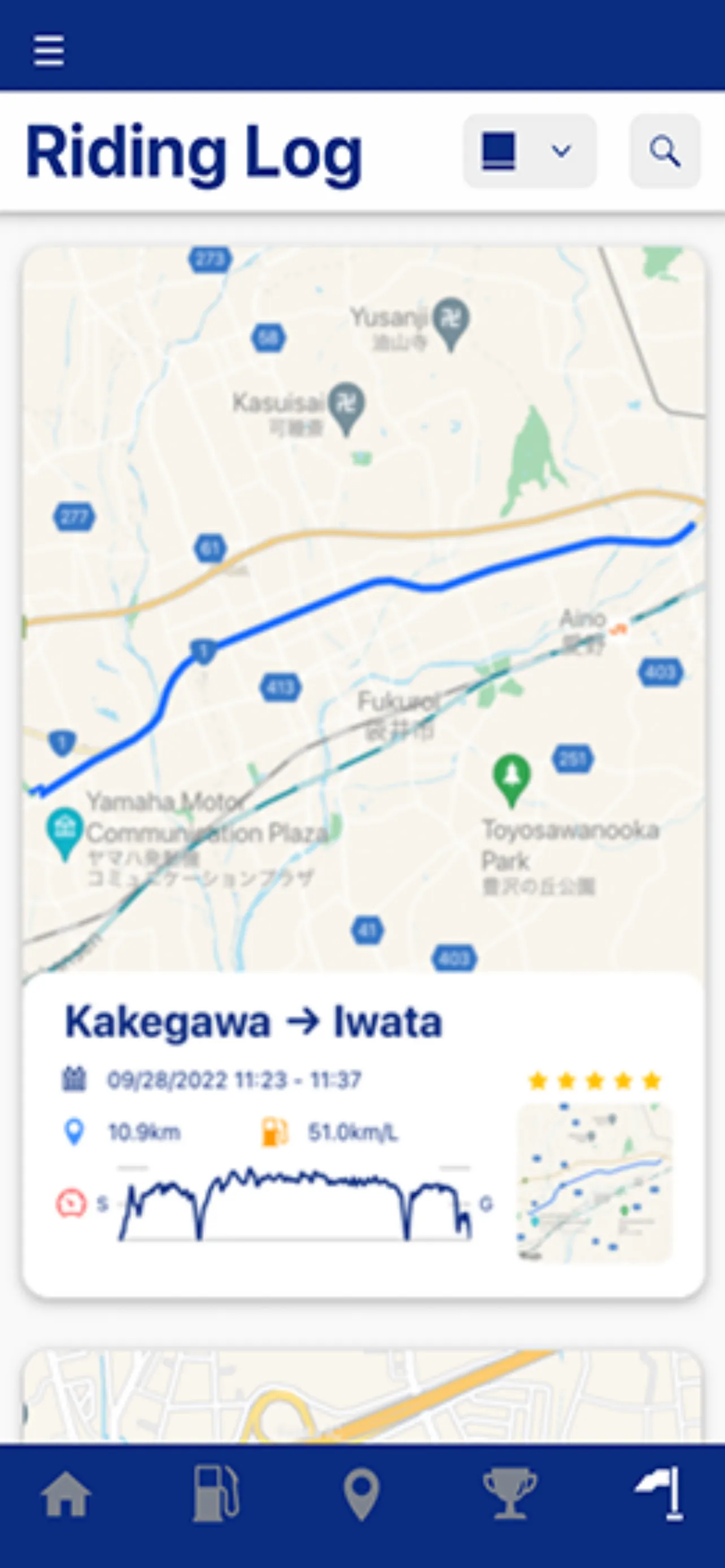
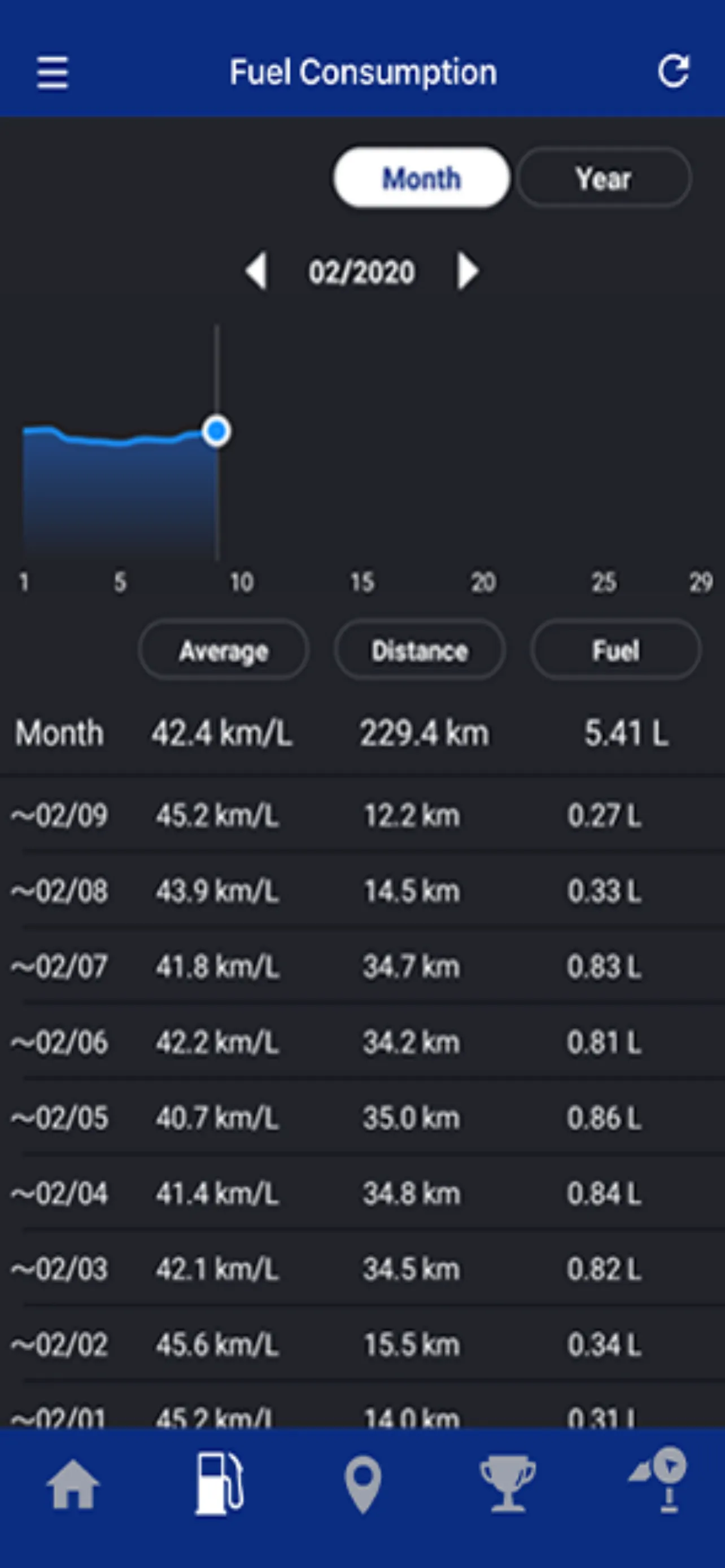
Enhance your motorcycle life with greater convenience, peace of mind and enjoyment through Y-Connect.
By Connecting your smartphone with Y-Connect installed and your motorcycle, we provide greater motorcycling convenience and support your motorcycle through this application. In addition, this application provides a new level of enjoyment by connecting you with Yamaha users all over the world.
*Functions vary depending on the connecting model. For details, please refer to the URL below.
https://global.yamaha-motor.com/business/mc/connectivity/
CONFIRMED COMPATIBILITY WITH
Android 9 and UP
Bluetooth BLE4.1 and UP
CONFIRMED USABLE DEVICES
Smartphones
*Compatibility/usability checks are conducted under set conditions. Please be aware that the app may not function properly with all smartphones or operating systems.
NOTES ON USAGE
• The app and its features are all free to use, but any fees resulting from downloading the app itself and any data transmitted while using it will be borne by the user.
• The app can only be used with models equipped with a Yamaha Communication Control Unit (CCU).
• You must connect your motorcycle to the app via Bluetooth before using the app. Refer to your motorcycle’s Owner’s Manual.
• Only errors that generate error codes are detected by the app.
• The app will not track your motorcycle if it has been moved from its last parking location.
• The app uses your smartphone’s GPS and Bluetooth functions, which may drain battery life faster.
• Some smartphones may be disconnected from the app due to battery or power-saving settings. Check your smartphone’s user manual or provider for details.
• Creating an account with YamahaMotorID is required to use the app.
WARNING!
• Always stop the vehicle before operating your smartphone.
• Never take your hands off the handlebars while riding.
• Always concentrate on riding by keeping your eyes and mind on the road.
• Read the owner's manual carefully before operating the vehicle.
Y-Connect app asks for the following device permissions as needed:
• Camera: To scan vehicle’s QR code
• Contacts: To select from phone contacts where to send malfunction notice
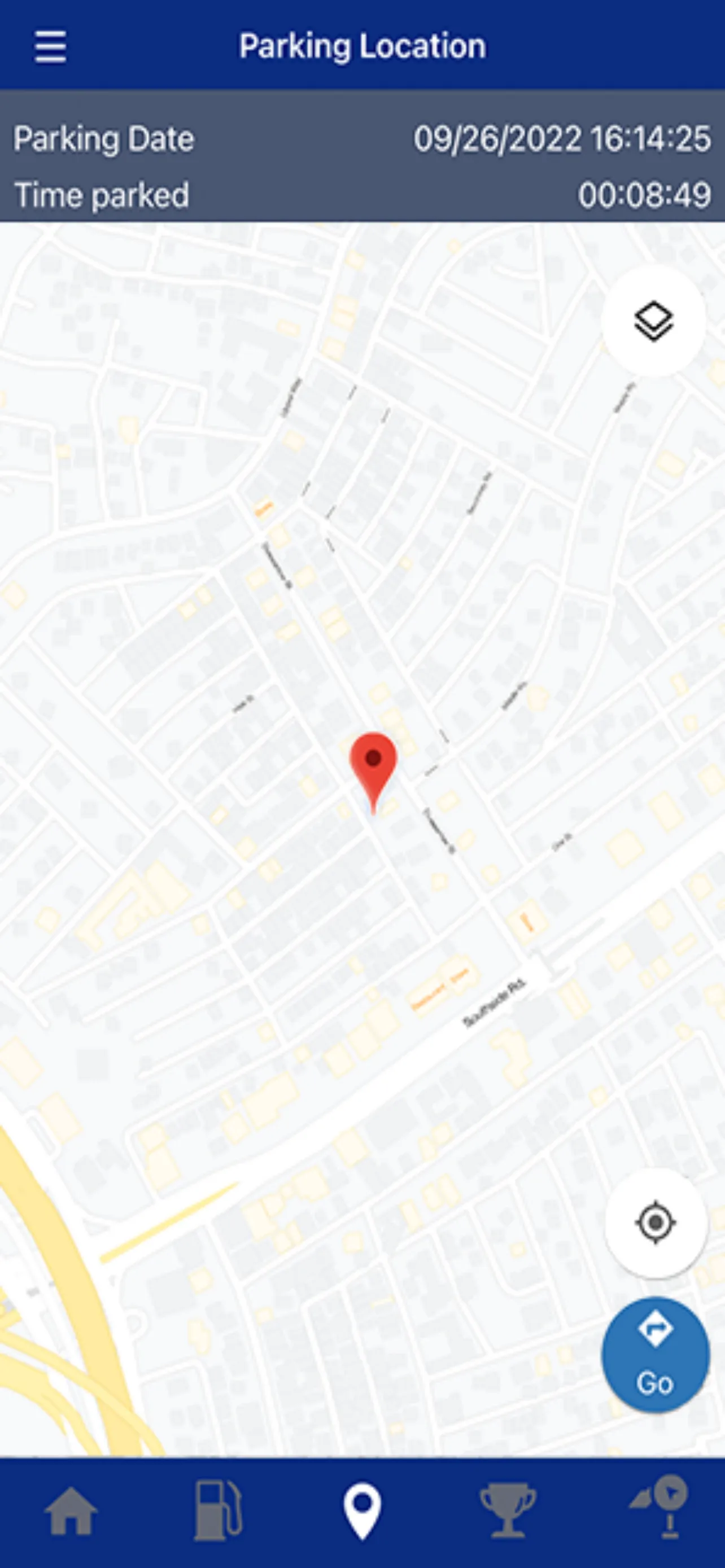
• Location: To pair the vehicle and utilize the map
• Phone: To display incoming call on the meter panel
• Files: To change vehicle’s image
Lifestyle
Ratings
4
44 total ratings
5
66%
4
5%
3
7%
2
9%
1
14%

'%20fill-rule='evenodd'%20clip-rule='evenodd'%20d='M8.04878%200.118571C9.10796%20-0.198465%2010.2321%200.132893%2010.9526%200.961509L18.7058%209.9036H22.0709C23.0433%209.90386%2023.8429%2010.7032%2023.843%2011.6757V13.1309H23.8497C23.8497%2013.4983%2023.5476%2013.8014%2023.1803%2013.8015H19.9372V33.9548C19.9372%2034.423%2019.5703%2034.7975%2019.1021%2034.7977H17.142C15.91%2034.7977%2014.9156%2033.8036%2014.9154%2032.5644V28.0251C13.5538%2028.5582%2012.3722%2028.7169%2010.9963%2028.7169C6.45689%2028.7169%203.74677%2025.6897%203.74677%2020.6099V13.8015H1.77319C0.800641%2013.8015%200.000280942%2013.0091%200%2012.0294V10.573C0.000219737%2010.2057%200.303205%209.9036%200.670545%209.9036H13.5676L5.13039%201.85482C4.82078%201.55938%204.94365%201.04032%205.35428%200.917851L8.04878%200.118571ZM8.78425%2013.8082V20.611C8.78438%2023.1974%209.8151%2024.35%2012.1135%2024.35C12.9637%2024.3499%2014.1167%2024.1489%2014.902%2023.7959V13.8082H8.78425Z'%20fill='white'/%3e%3c/svg%3e)
Permissions
Location: access this device"s location
Contacts: access your contacts
Storage: access photos, media, and files on your device
Internet: use your internet connection






Scan to download on PhonePe Appstore

