
FingerTory
4.0
ratings27 MB
SizeVerified
SCREENSHOTS (8)
About the app
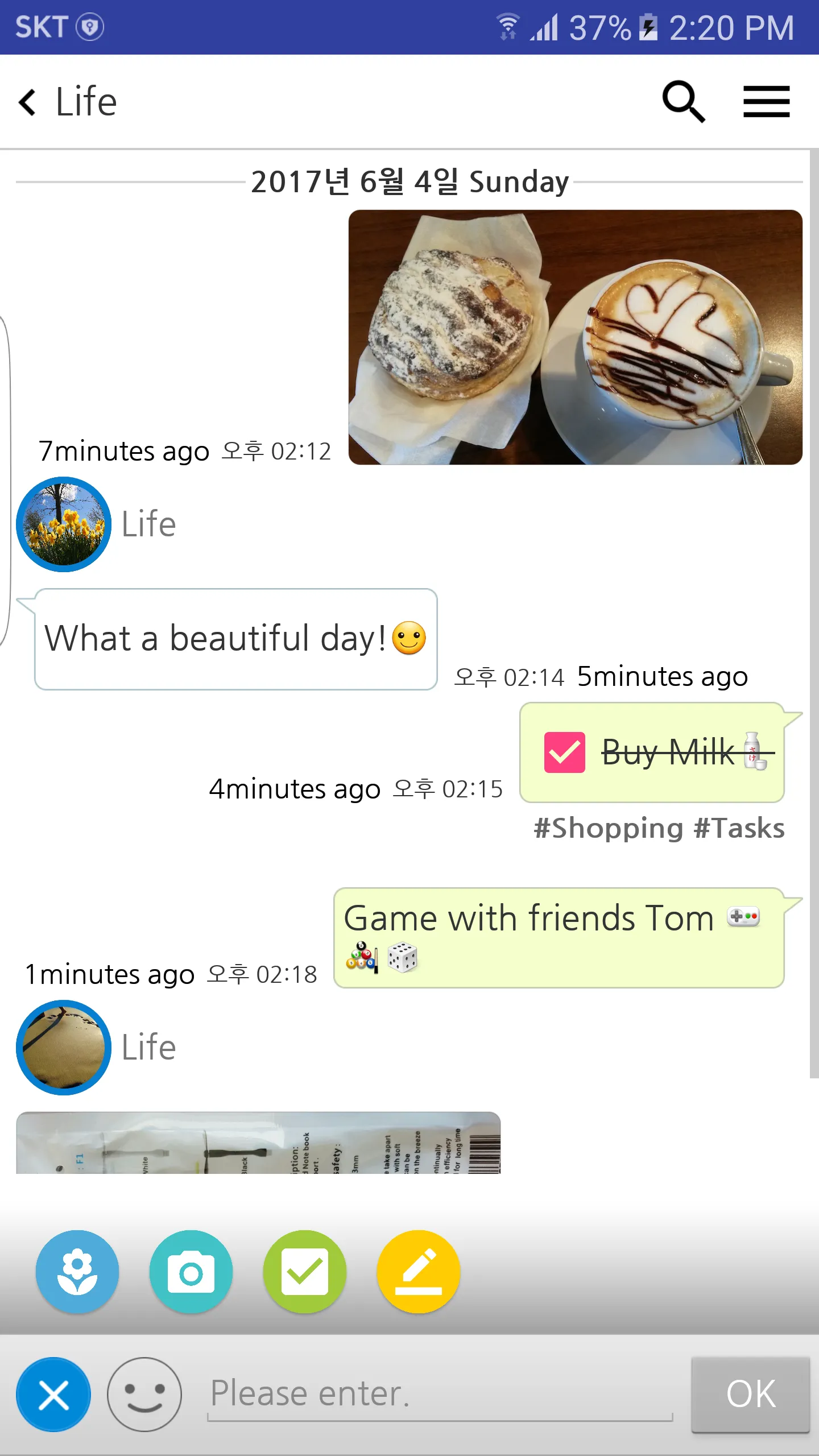
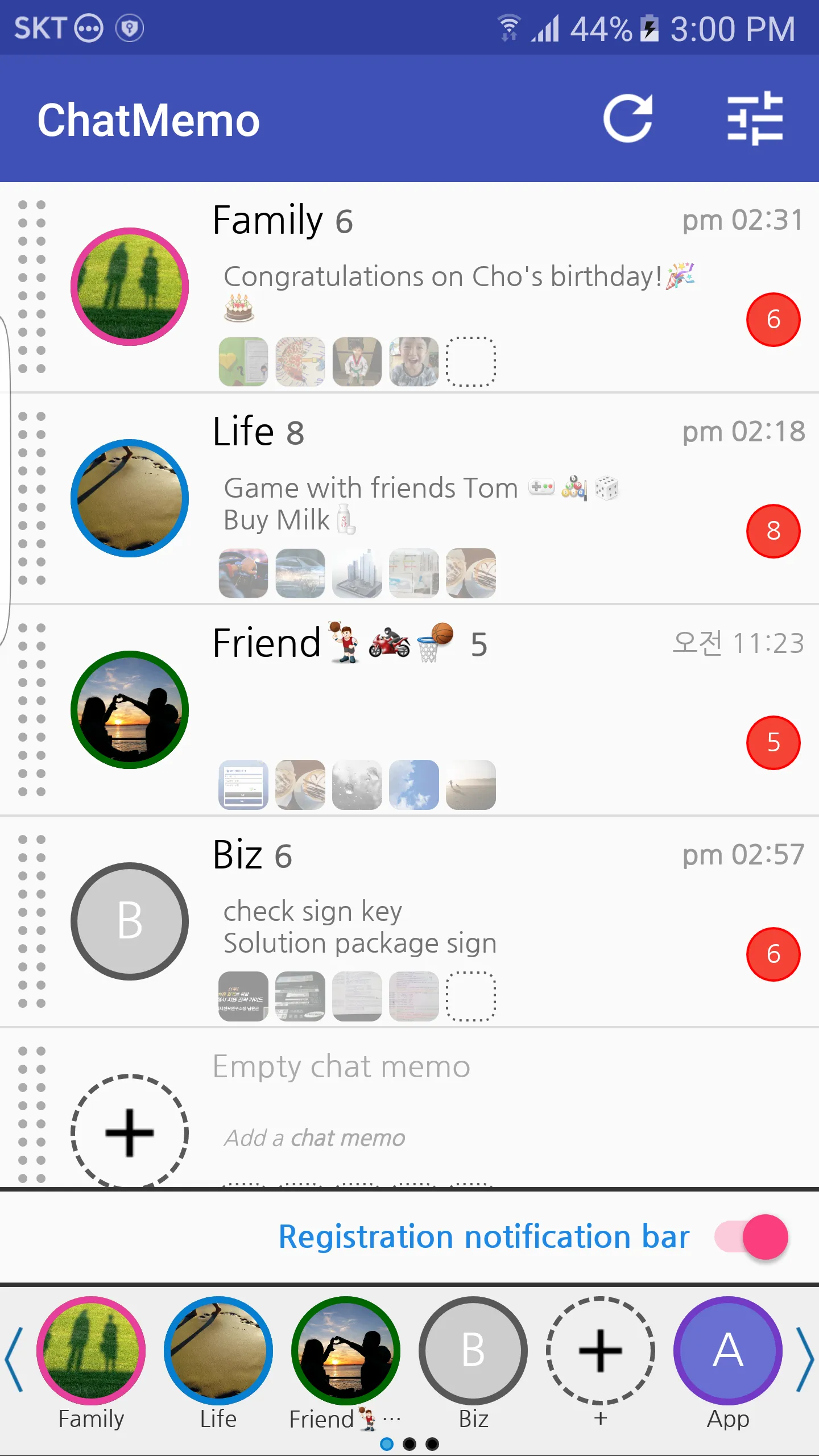
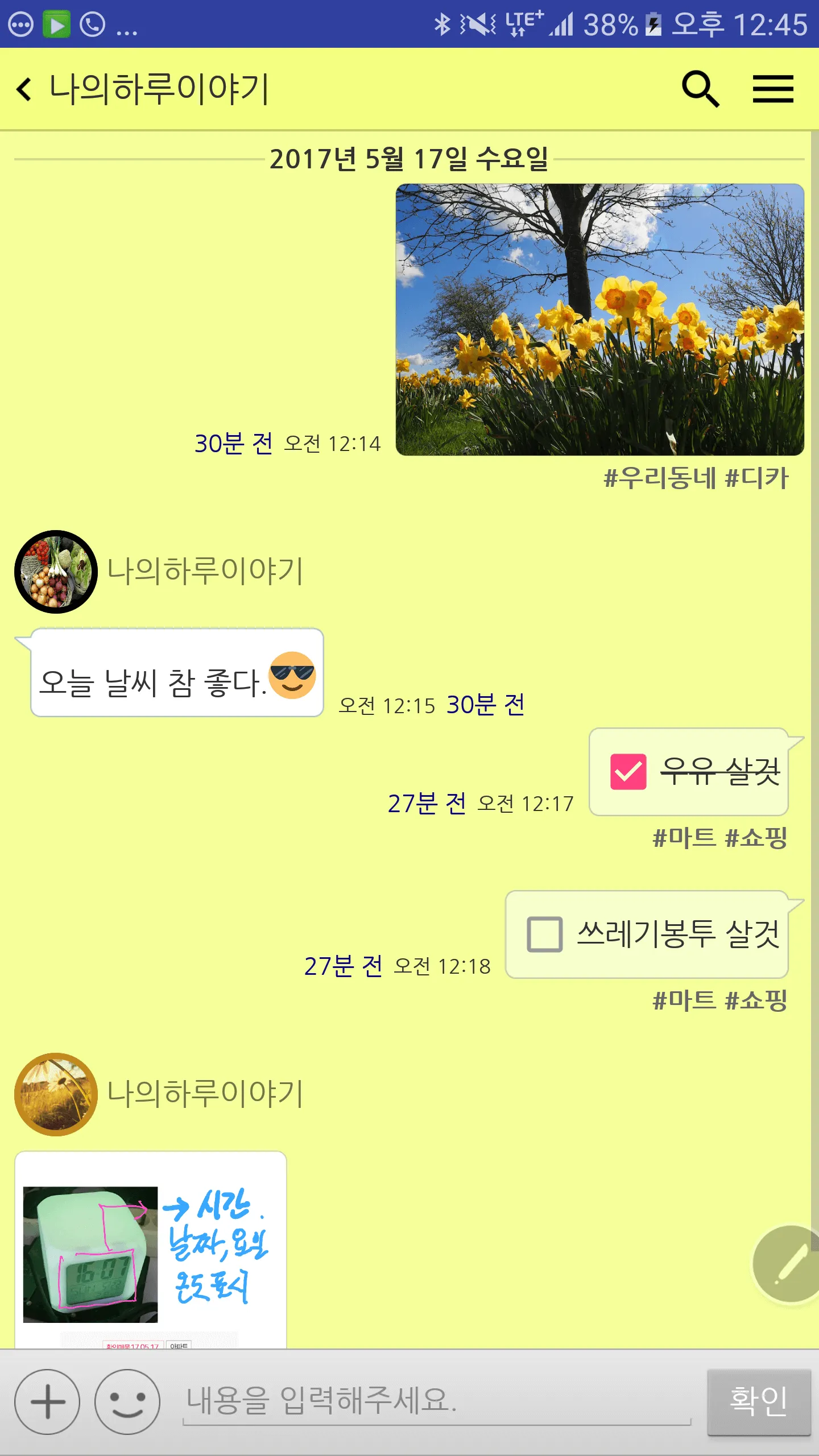
Notibar TalkMemo is a conversational note app that does not require communication.
The notes in the chat room are stored only in the internal memory area of the unit.
👉 main function
🔹 Time recording notes
🔹 Interactive memo date / time display
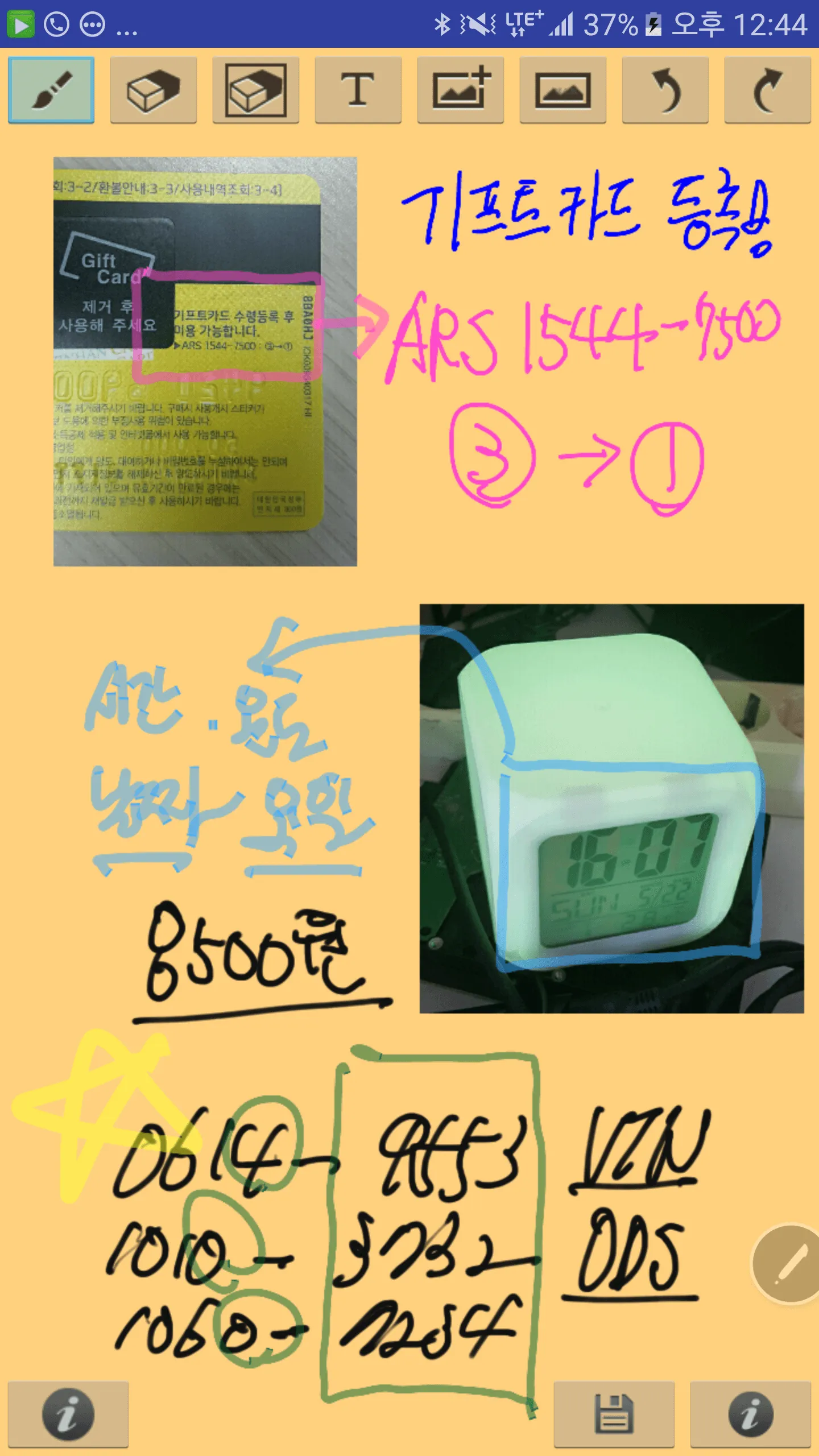
🔹 Add photos (images) through album or camera shoot
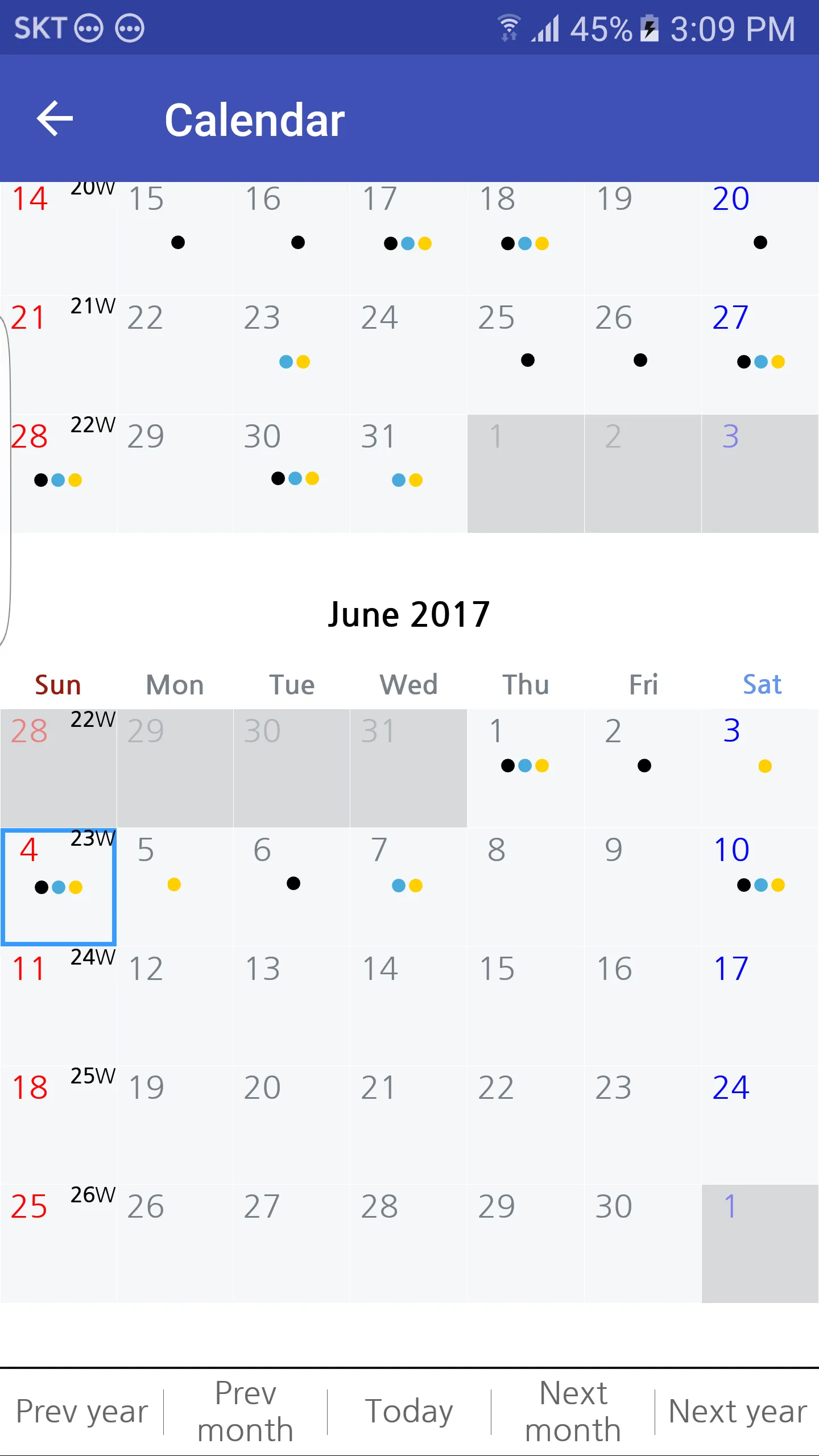
🔹 Calendar is available for diary
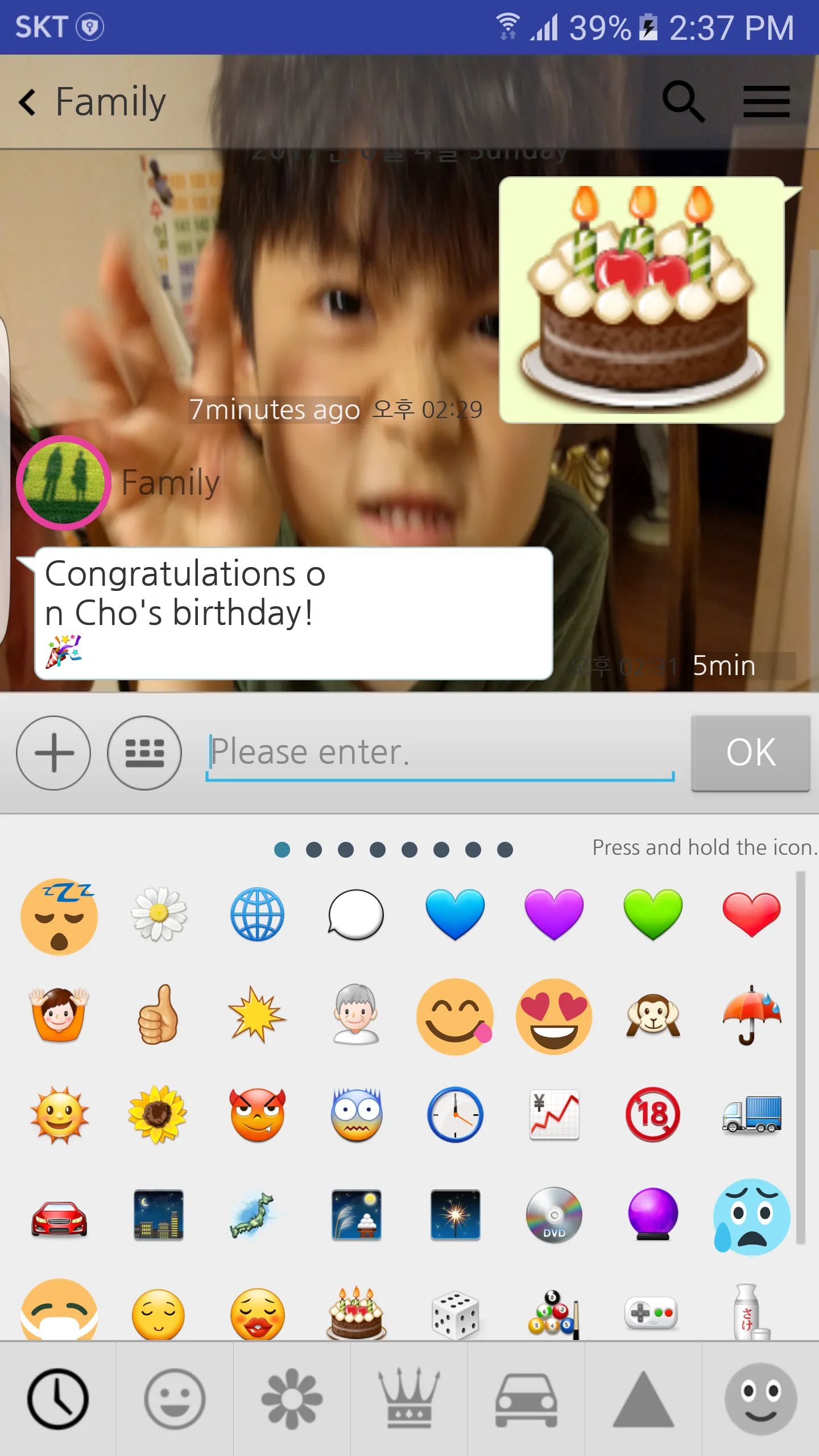
🔹 Easy entry by registering emoticons and favorite phrases
🔹 Search function
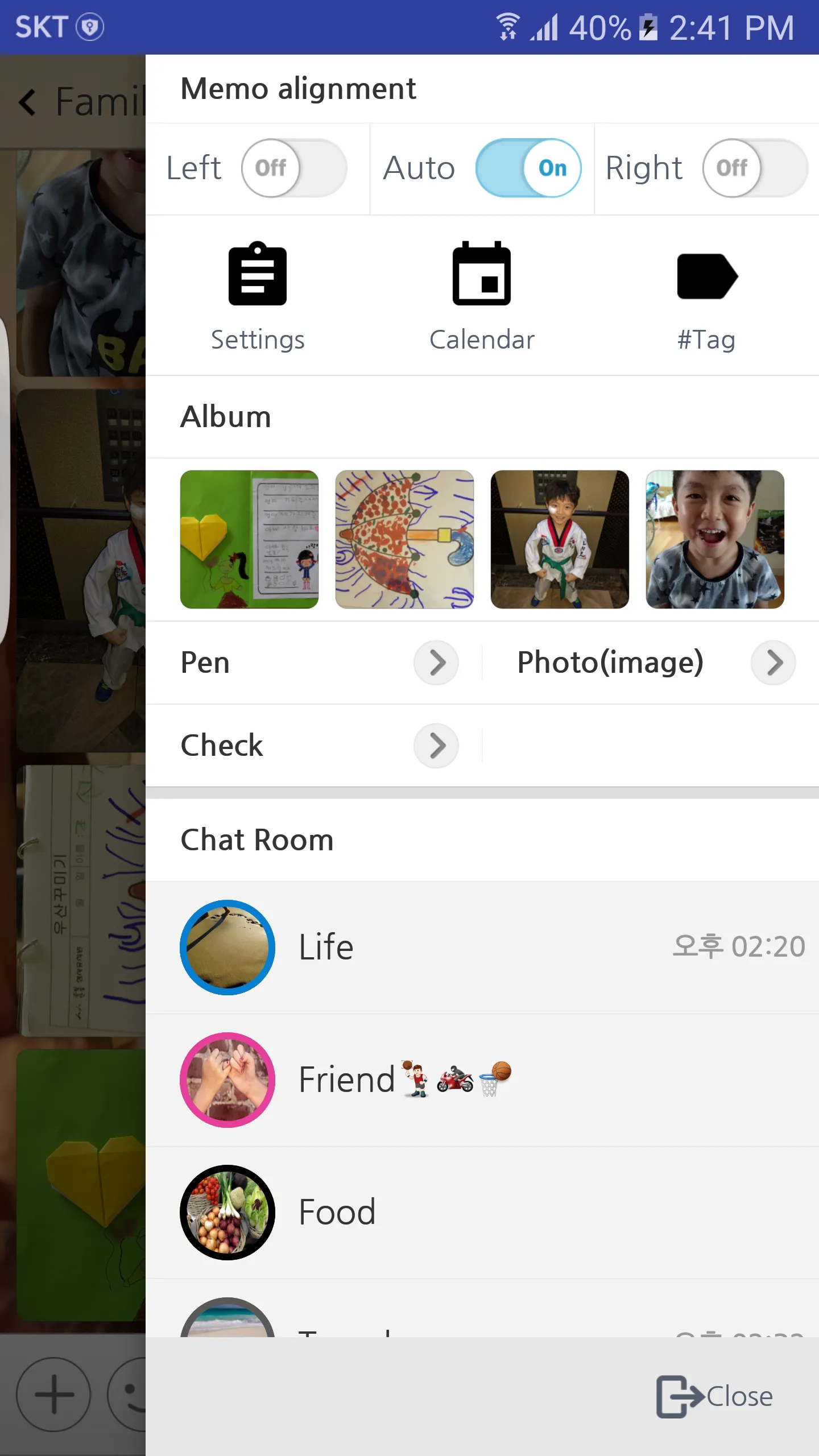
🔹 Hash tag support and hash tag filter support
🔹 Apply multiple selection tags
🔹 Delete multiple selections
🔹 View filter by memo type
🔹 Pen drawing support (Spen / General)
🔹 GIF Animation
🔹 Web link preview
🔹 Memo calendar provided (lunar calendar)
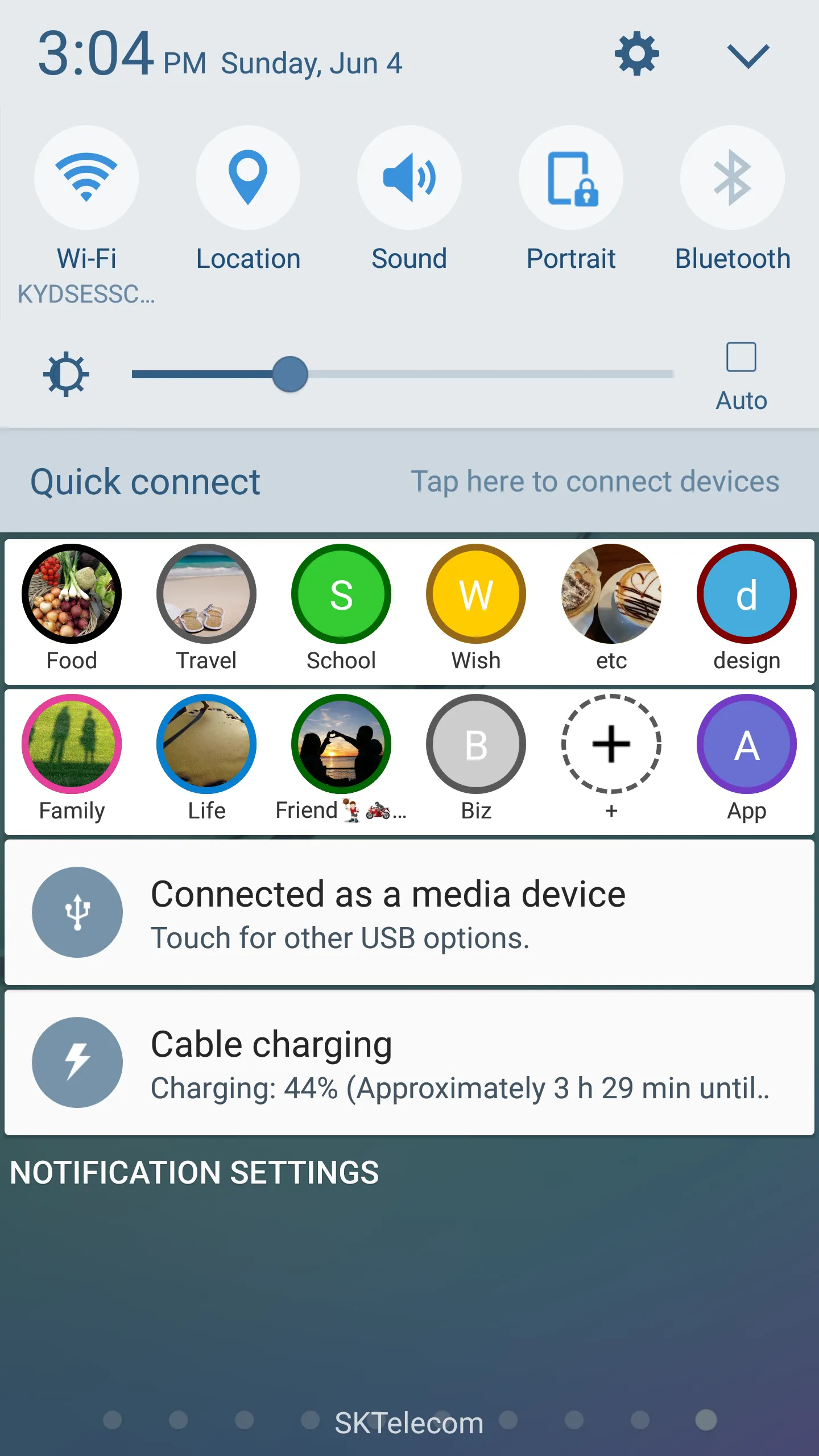
🔹 Support chat room shortcut in notification bar
👉 Chat Room Settings
🔹 Selectable background color / background image
🔹 Font can be changed (NanumGothic, NanumMyeongjo)
🔹 Chat room lockable
🔹 Provide chat room shortcut on home screen
👉 Other functions
🔹 Password (4 digits) or fingerprint recognition
🔹 Backup function (import / export / backup including image (picture) is possible)
👉Permission guide
1. To access the backup file (zip) stored in the external memory when restoring data with backup data
Use the android.permission.READ_EXTERNAL_STORAGE permission.
We do not collect, process or transmit any data after obtaining the appropriate rights.
2. When adding photos to notes, use android.permission.READ_EXTERNAL_STORAGE permission to access photo storage.
We do not collect, process or transmit any data after obtaining the appropriate rights.
3. Use the android.permission.WRITE_EXTERNAL_STORAGE permission to move the backed up data to an external memory and keep it.
We do not collect, process or transmit any data after obtaining the appropriate rights.
4. Use android.permission.CAMERA permission to add photos taken with camera to notes.
We do not collect, process or transmit any data after obtaining the appropriate rights.
5. Use android.permission.USE_FINGERPRINT permission to lock fingerprint authentication on apps or memos.
We do not collect, process or transmit any data after obtaining the appropriate rights.
6. Use the android.permission.POST_NOTIFICATIONS permission to register notifications in the notification bar. (Applicable to Android13 or later)
We do not collect, process or transmit any data after obtaining the appropriate permission.
Lifestyle
Ratings
0
0 total ratings
5
73%
4
10%
3
4%
2
3%
1
10%
REVIEWS
No reviews yet. Be the first one to review this app
'%20fill-rule='evenodd'%20clip-rule='evenodd'%20d='M8.04878%200.118571C9.10796%20-0.198465%2010.2321%200.132893%2010.9526%200.961509L18.7058%209.9036H22.0709C23.0433%209.90386%2023.8429%2010.7032%2023.843%2011.6757V13.1309H23.8497C23.8497%2013.4983%2023.5476%2013.8014%2023.1803%2013.8015H19.9372V33.9548C19.9372%2034.423%2019.5703%2034.7975%2019.1021%2034.7977H17.142C15.91%2034.7977%2014.9156%2033.8036%2014.9154%2032.5644V28.0251C13.5538%2028.5582%2012.3722%2028.7169%2010.9963%2028.7169C6.45689%2028.7169%203.74677%2025.6897%203.74677%2020.6099V13.8015H1.77319C0.800641%2013.8015%200.000280942%2013.0091%200%2012.0294V10.573C0.000219737%2010.2057%200.303205%209.9036%200.670545%209.9036H13.5676L5.13039%201.85482C4.82078%201.55938%204.94365%201.04032%205.35428%200.917851L8.04878%200.118571ZM8.78425%2013.8082V20.611C8.78438%2023.1974%209.8151%2024.35%2012.1135%2024.35C12.9637%2024.3499%2014.1167%2024.1489%2014.902%2023.7959V13.8082H8.78425Z'%20fill='white'/%3e%3c/svg%3e)
Permissions
Storage: access photos, media, and files on your device
Biometric Information: access biometric data like fingerprint to unlock the app
Internet: use your internet connection
Phone: make and manage phone calls
Curated for YouSee all






Scan to download on PhonePe Appstore

