

Yusuke Saso
4.0
ratings20 MB
SizeVerified
SCREENSHOTS (8)
About the app
KiLog is an app designed for recording various aspects of your life.
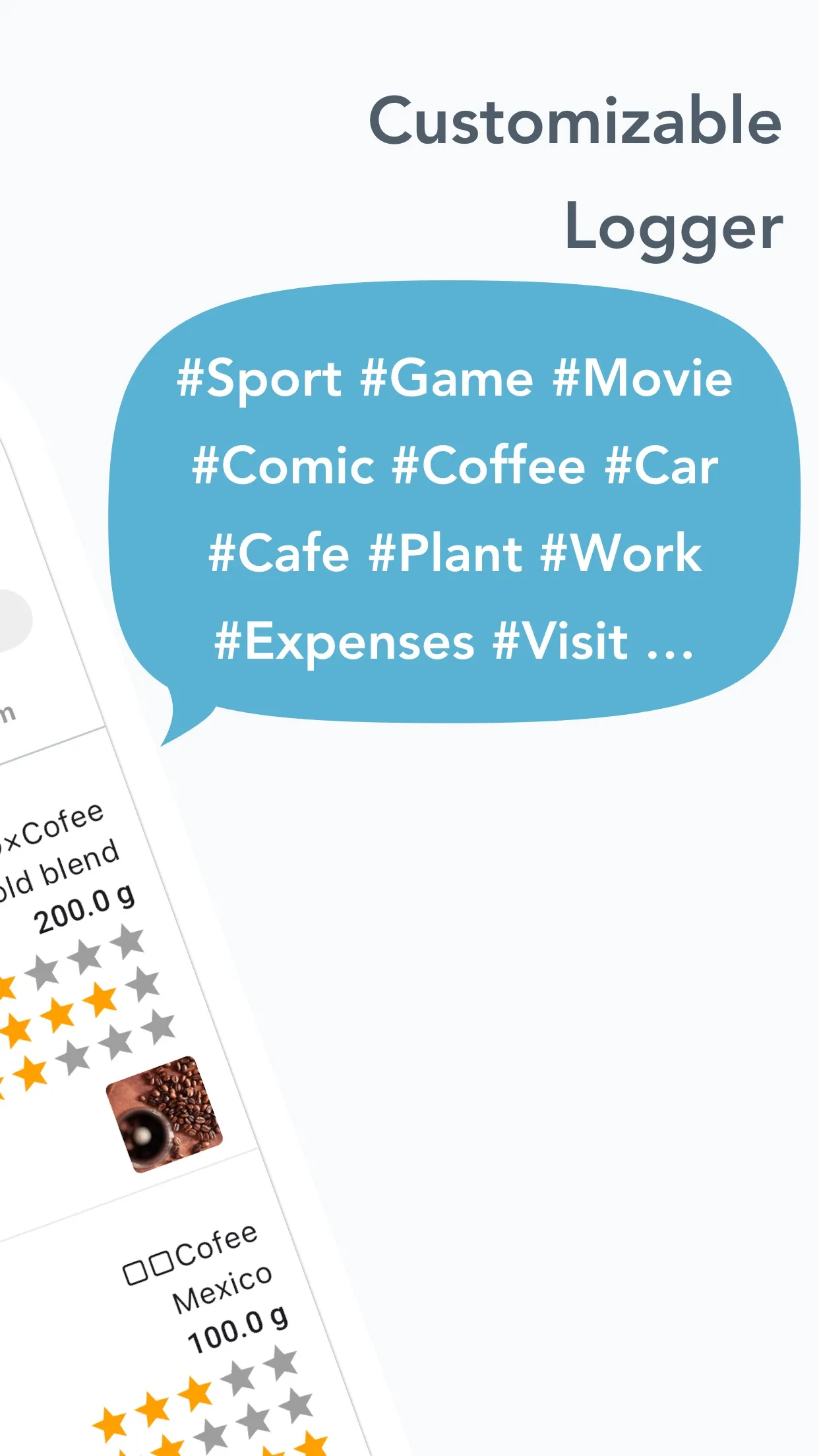
Recorded items can be flexibly customized according to the purpose of use, not limited to hobbies such as reading, movies, and games.
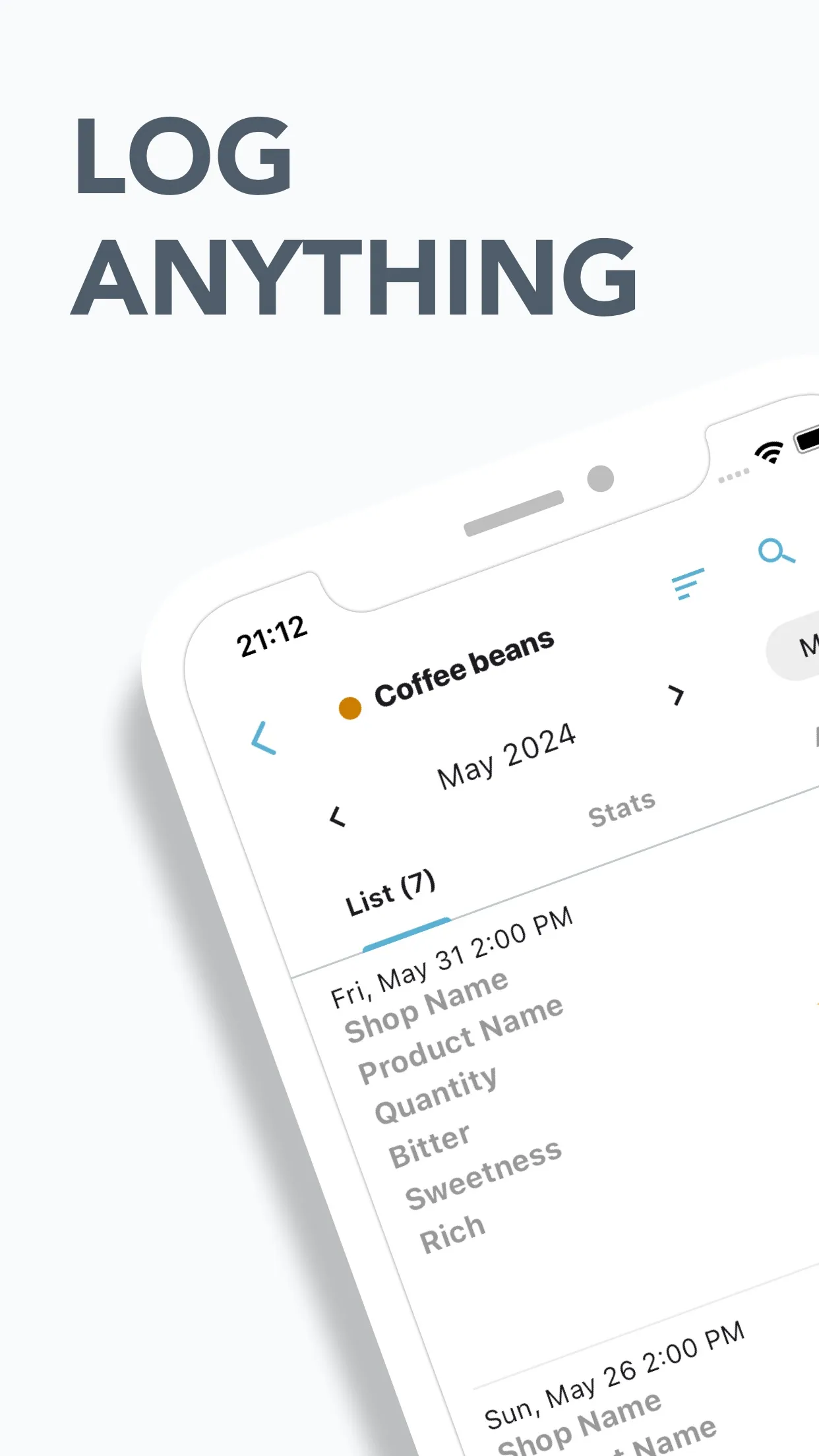
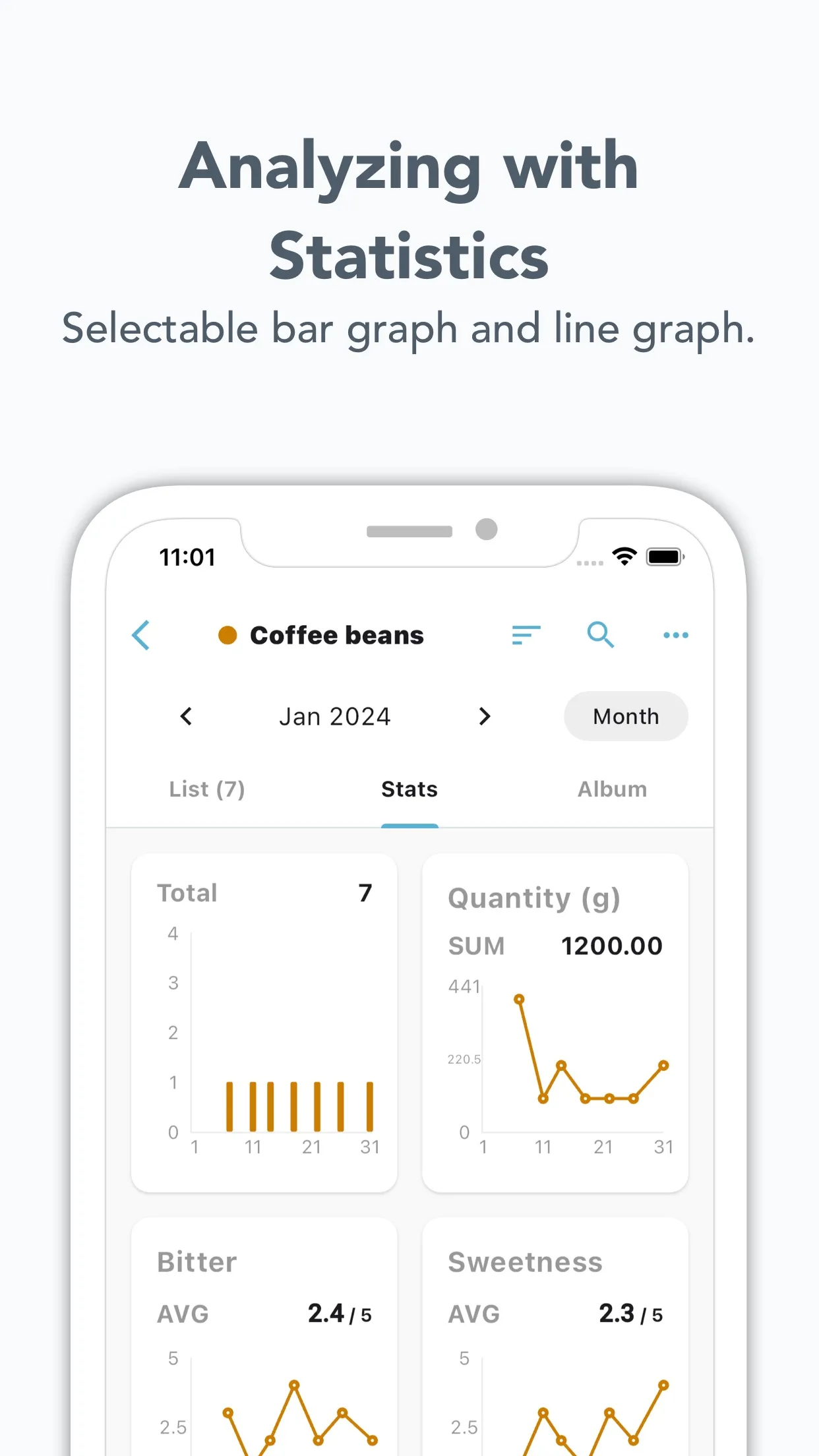
The recorded data can be conveniently displayed in lists or presented graphically for statistical analysis.
◆ Highly recommended for anyone who...
has recently bought coffee beans online shopping and wants to record the taste.
likes visiting various cafes and wants to record how you felt there.
has tired of other complicated apps and wants to record dates, times, and numbers easily.
wants to digitalize your notebook.
◆ Wonderful functions
・Customization of record formats
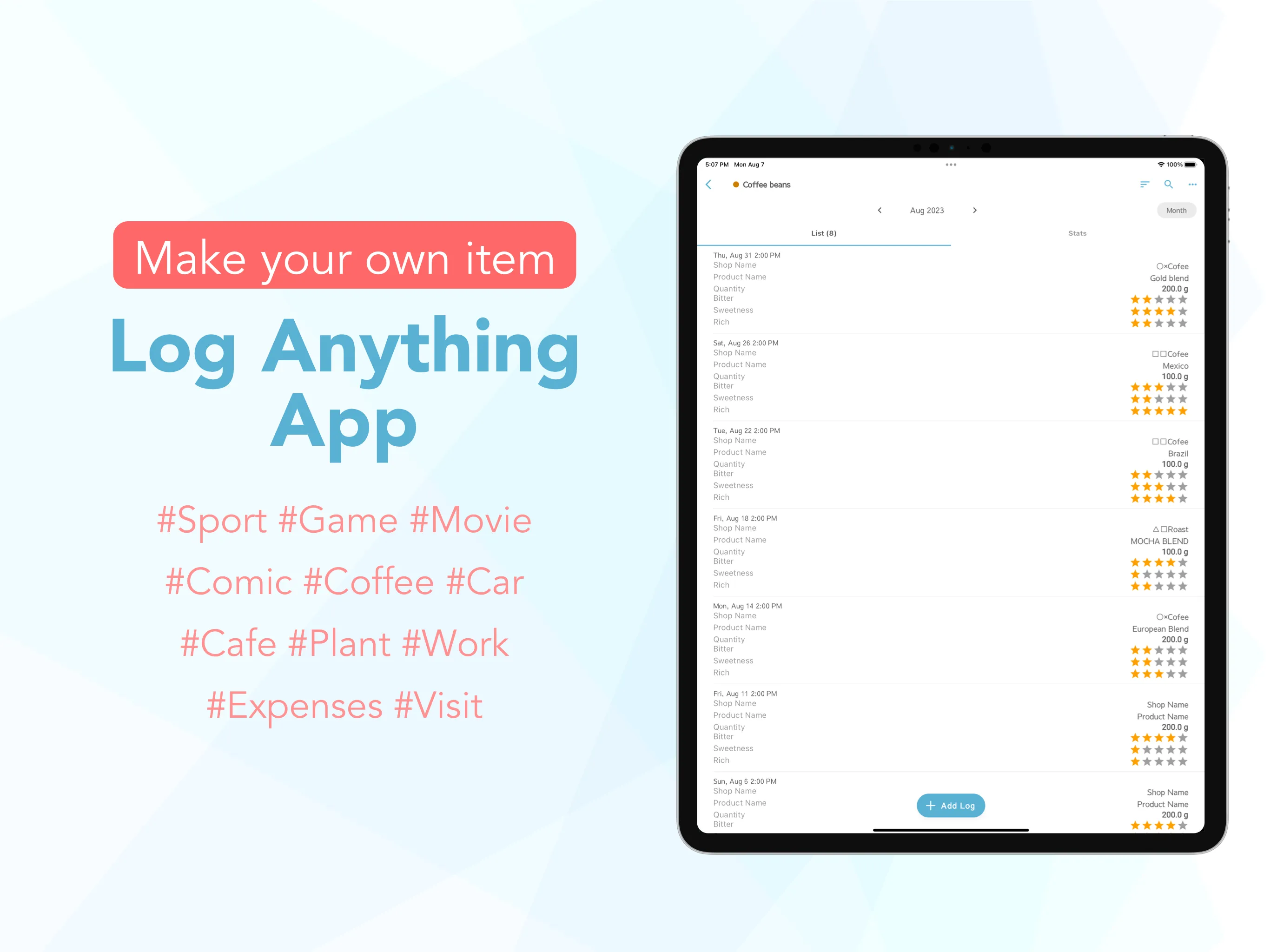
・List display
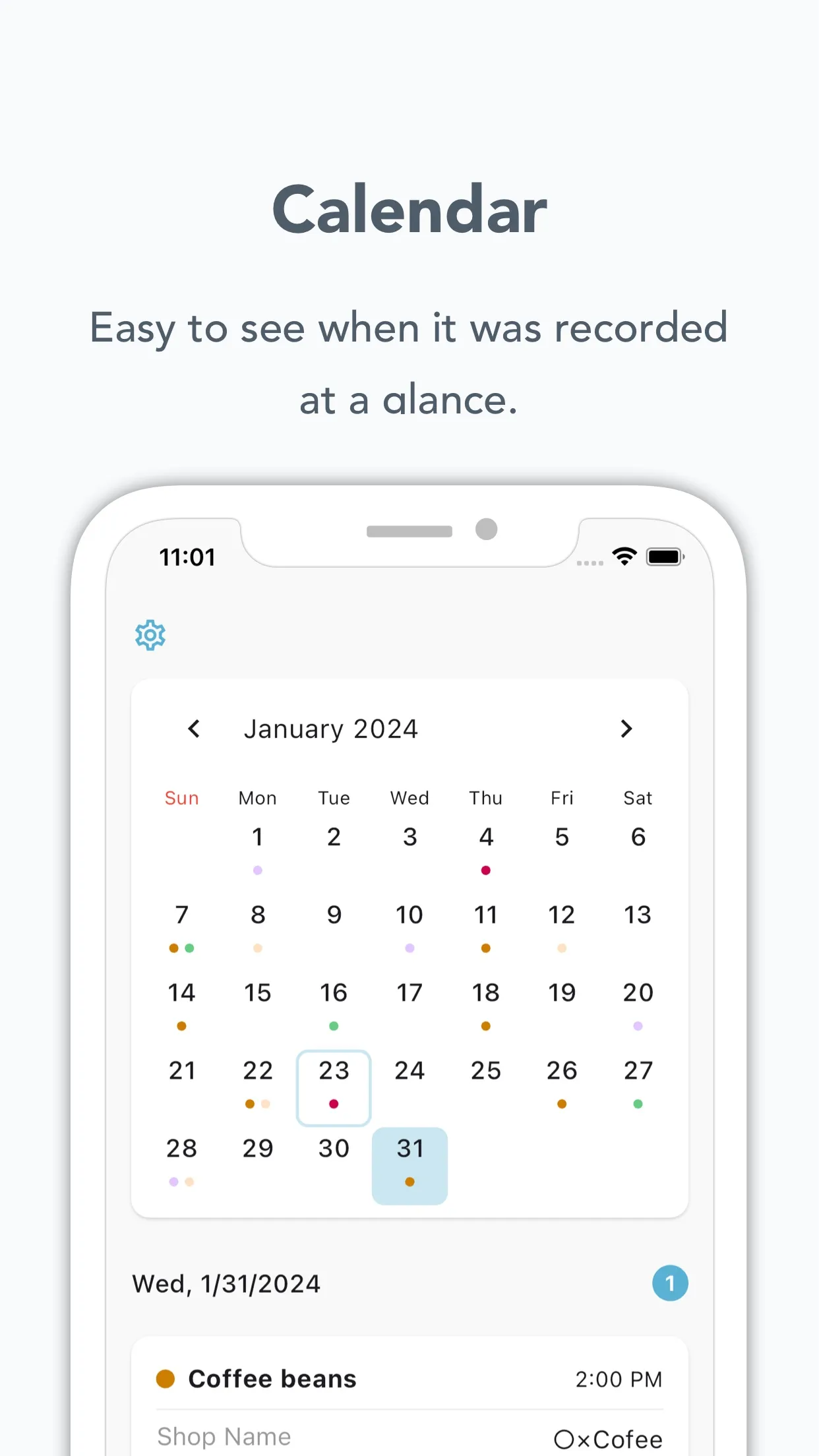
・Calendar display
・Statistical display (charts)
・Search
・Sorting
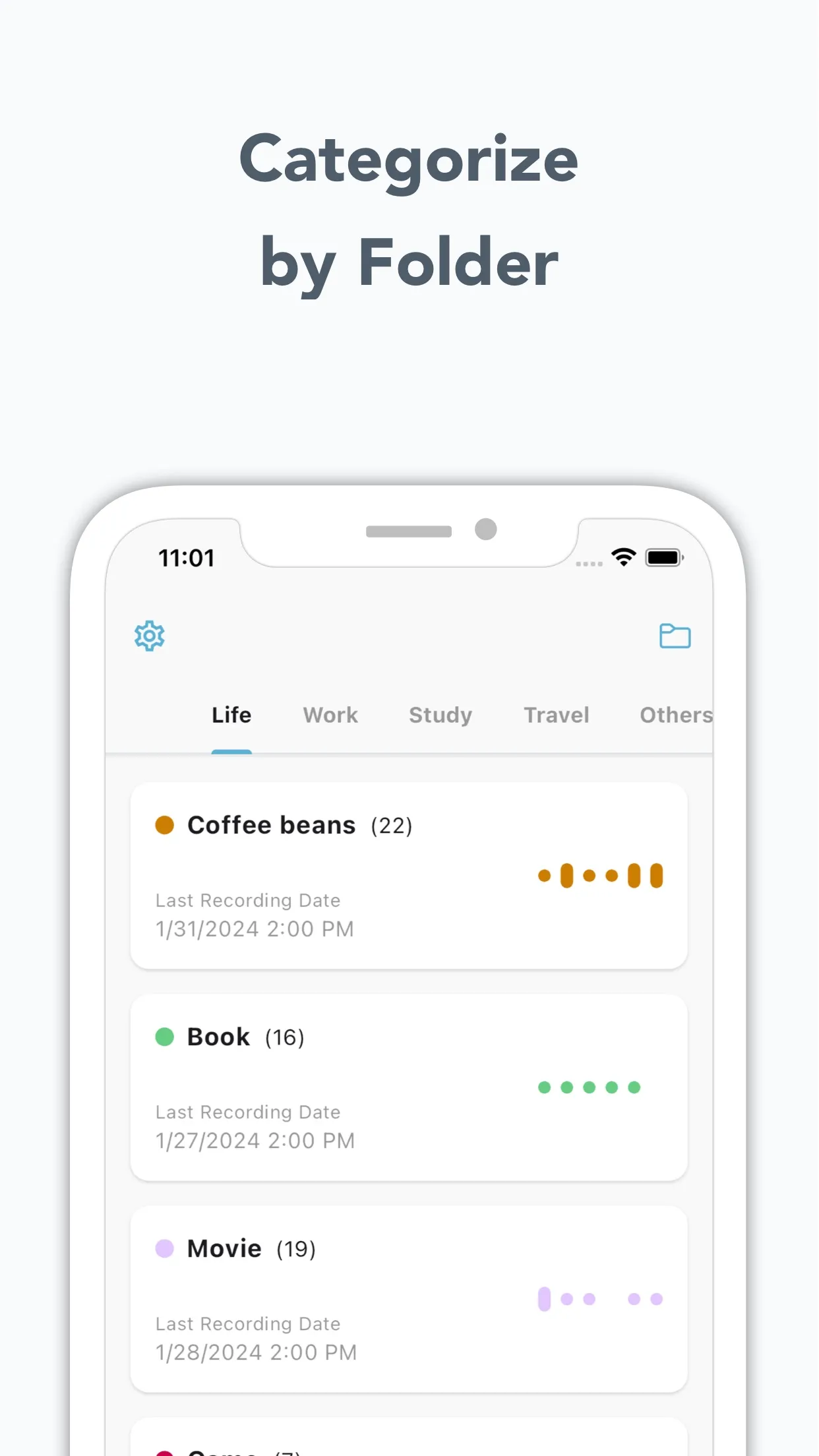
・Folder organization
・Passcode lock
・Backup
・CSV Export
・CSV Import
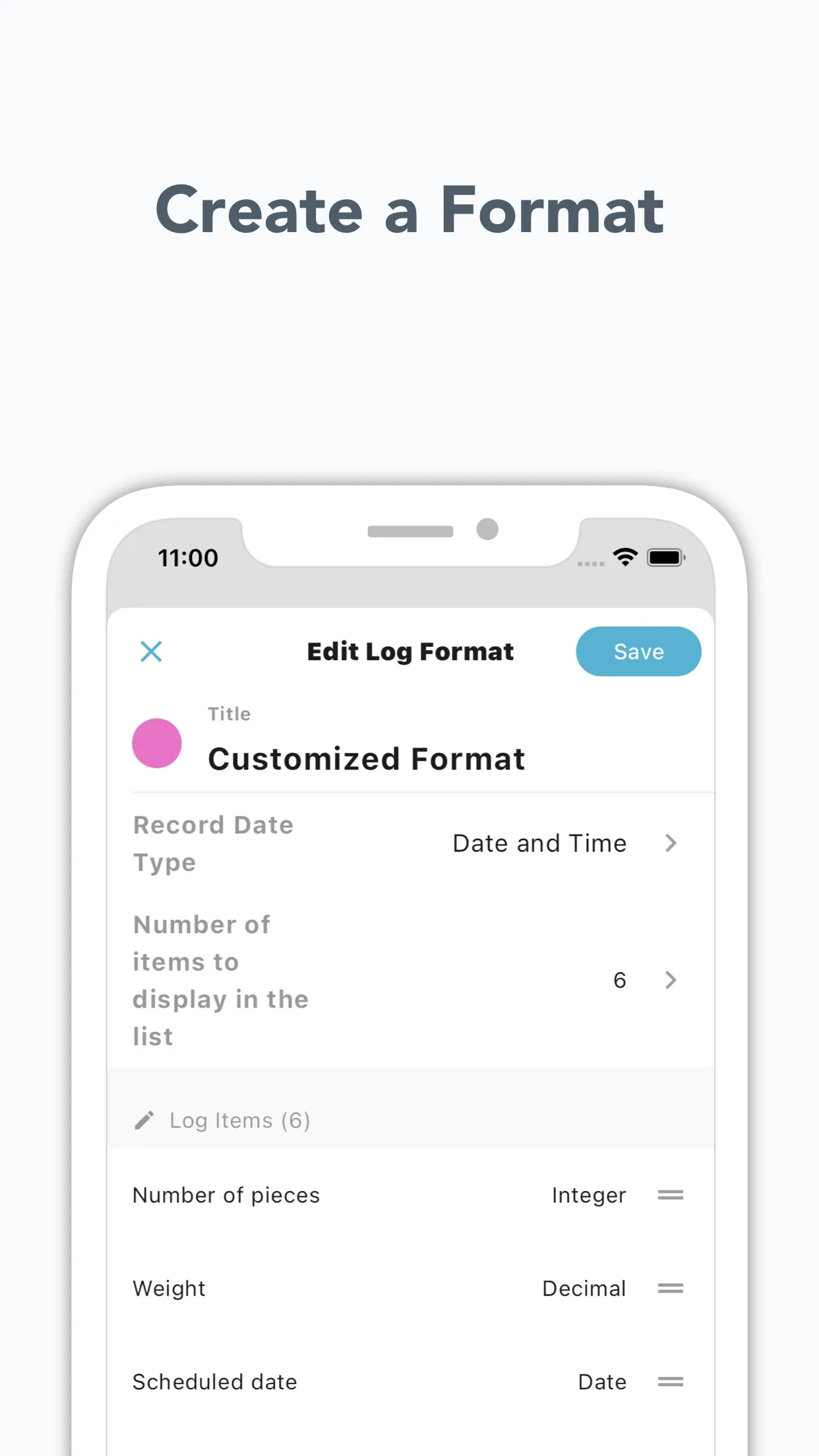
【Free choice of the log format】
You can choose it from integer, decimal, check, rating, date, text and selection.
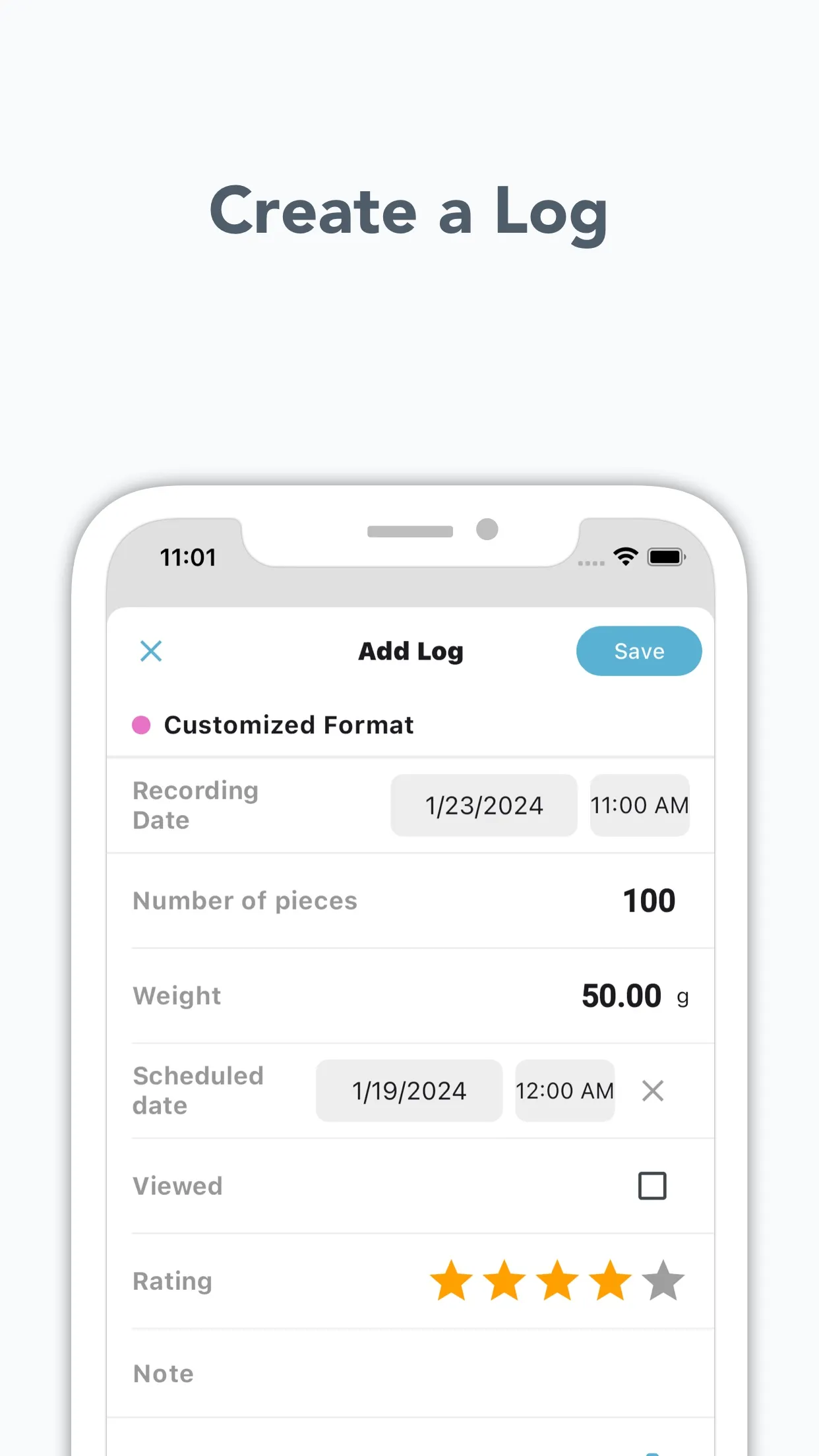
【Add logs】
After setting up the log formats, You can add logs by pressing the + button.
You can also upload photos.
【Display by lists】
You can specify periods like monthly or yearly.
You can choose the items the list includes at most 8.
【Stats Display】
Display record totals, average values, etc. in charts.
Multiple items can be displayed in one chart with custom statistics.
【Calendar display】
Check at a glance what was recorded and when in calendar format.
【Statistical table】
You can see on graphs the sum of the logs and the average of them, and so on.
【Sort by folders】
You can sort log formats by folders.
Add and edit folders on the list screen.
【Lock by pass-cord】
When you want to hide your logs, you can set a pass-cord.
【Backup】
You can save app data, which can be used even when changing devices.
【CSV Export】
Output and save logs in CSV format.
【CSV Import】
You will be able to create and update records from CSV files.
■How to use
(1) First of all, let's set up a log format.
If you want to record the books you have read, name the log books, for example.
And then you can add log items and the items of contents.
You can choose the input method from the following.
・Text
・Integer
・Decimal
・Check
・Rating
・Date
・Selection
(2) Next, let's add logs.
After setting up the log format, press the title + button and add logs.
(3) Reviewing Records
You can check your records through lists and charts. You can also perform searches and sorting.
Lifestyle
Ratings
0
0 total ratings
5
73%
4
10%
3
4%
2
3%
1
10%
REVIEWS
No reviews yet. Be the first one to review this app
'%20fill-rule='evenodd'%20clip-rule='evenodd'%20d='M8.04878%200.118571C9.10796%20-0.198465%2010.2321%200.132893%2010.9526%200.961509L18.7058%209.9036H22.0709C23.0433%209.90386%2023.8429%2010.7032%2023.843%2011.6757V13.1309H23.8497C23.8497%2013.4983%2023.5476%2013.8014%2023.1803%2013.8015H19.9372V33.9548C19.9372%2034.423%2019.5703%2034.7975%2019.1021%2034.7977H17.142C15.91%2034.7977%2014.9156%2033.8036%2014.9154%2032.5644V28.0251C13.5538%2028.5582%2012.3722%2028.7169%2010.9963%2028.7169C6.45689%2028.7169%203.74677%2025.6897%203.74677%2020.6099V13.8015H1.77319C0.800641%2013.8015%200.000280942%2013.0091%200%2012.0294V10.573C0.000219737%2010.2057%200.303205%209.9036%200.670545%209.9036H13.5676L5.13039%201.85482C4.82078%201.55938%204.94365%201.04032%205.35428%200.917851L8.04878%200.118571ZM8.78425%2013.8082V20.611C8.78438%2023.1974%209.8151%2024.35%2012.1135%2024.35C12.9637%2024.3499%2014.1167%2024.1489%2014.902%2023.7959V13.8082H8.78425Z'%20fill='white'/%3e%3c/svg%3e)
Permissions
Storage: access photos, media, and files on your device
Biometric Information: access biometric data like fingerprint to unlock the app
Internet: use your internet connection
Developer Info
Curated for YouSee all






Scan to download on PhonePe Appstore

