
AIOI SYSTEMS CO., LTD.
4.0
ratings3 MB
SizeVerified
SCREENSHOTS (5)
About the app
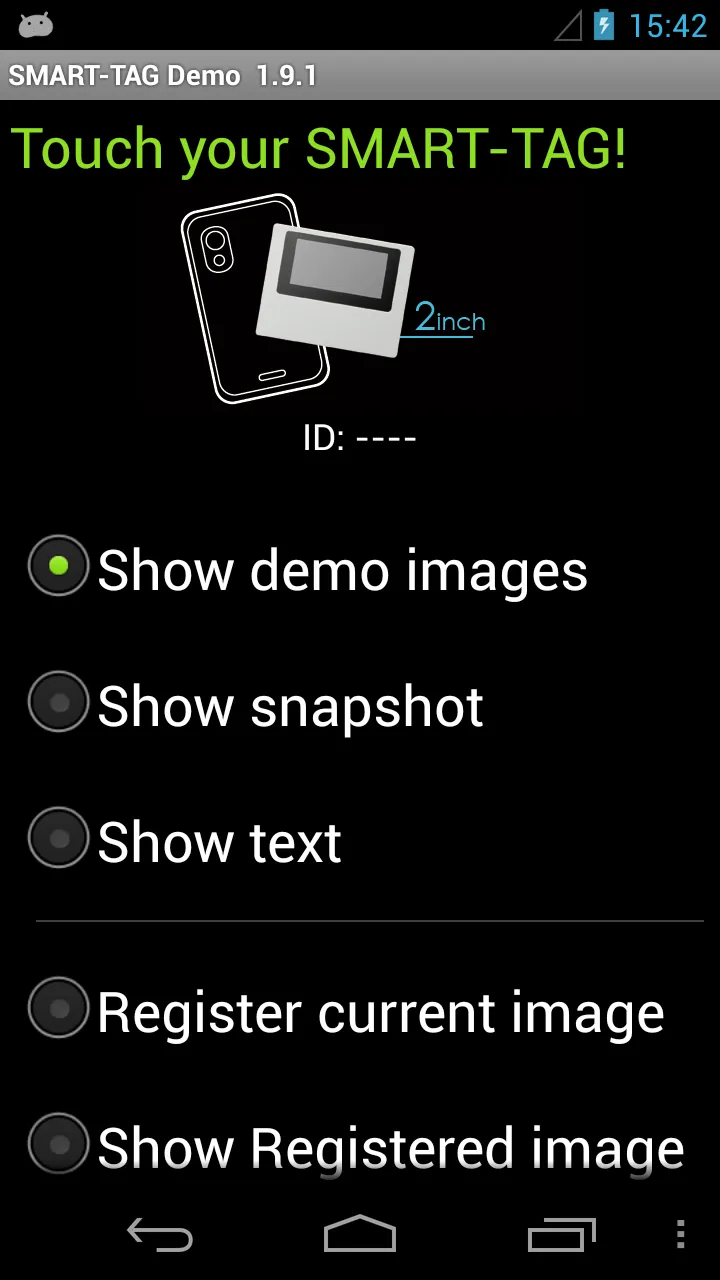
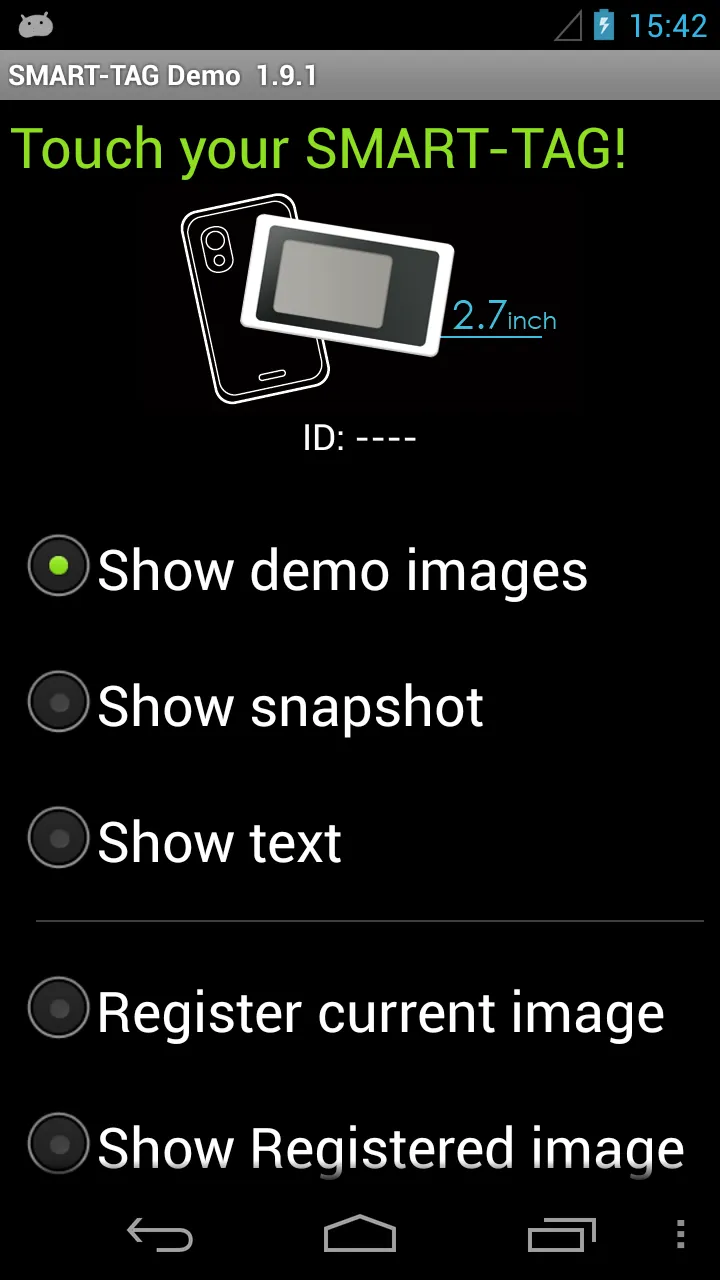
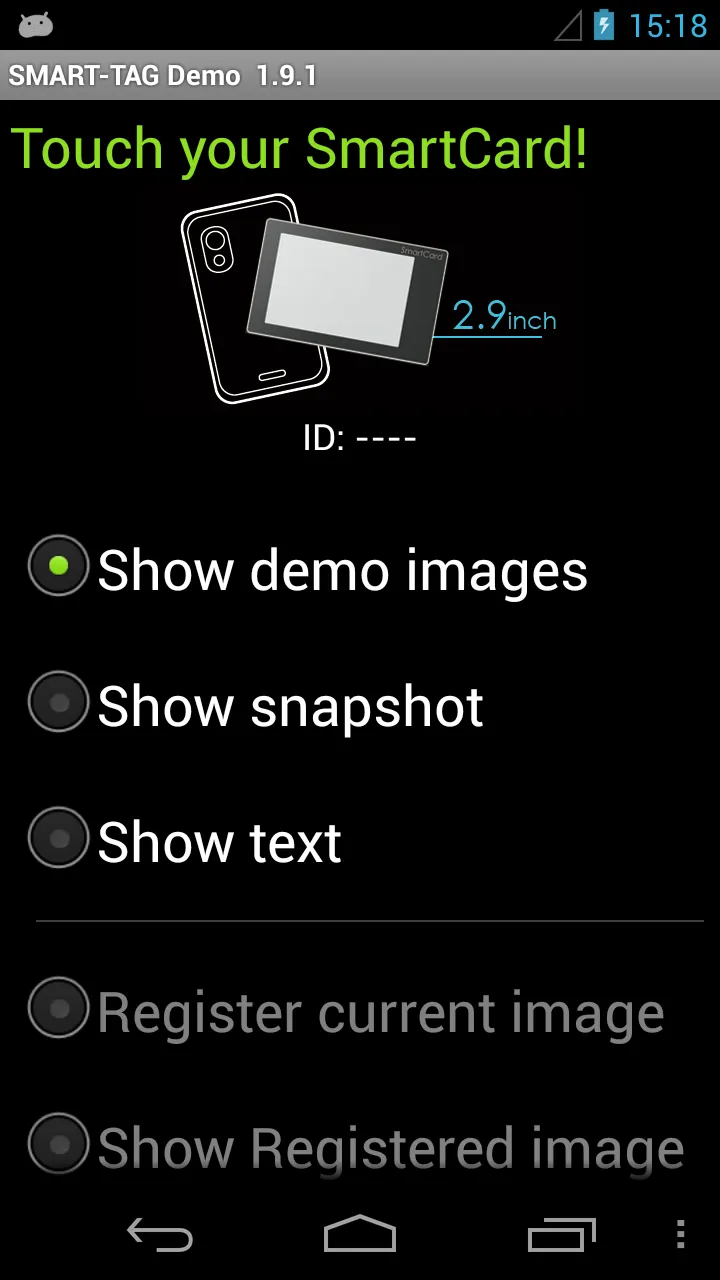
Smart Tag Demo is a demonstration application of AIOI Systems Company’s visible RFID smart tag (ST1020/ST1027) or SmartCard (SC1029L). In order to use this demo, you must have Smart Tag.
Operation Condition:
* NFC-enabled Smart Phone
* Android 4.0 or later version
(Even after meeting the above conditions, some or all of the functions may not work in some cases because of the smart phone’s specifications.)
How to Use:
When each menu option is selected and the reader/writer is touched with Smart Tag, the process starts. To perform another operation, first release the tag from the reader/writer.
*Show demo images
Sample images will be displayed on Smart Tag starting from the first registered image. The image will switch each time you touch.
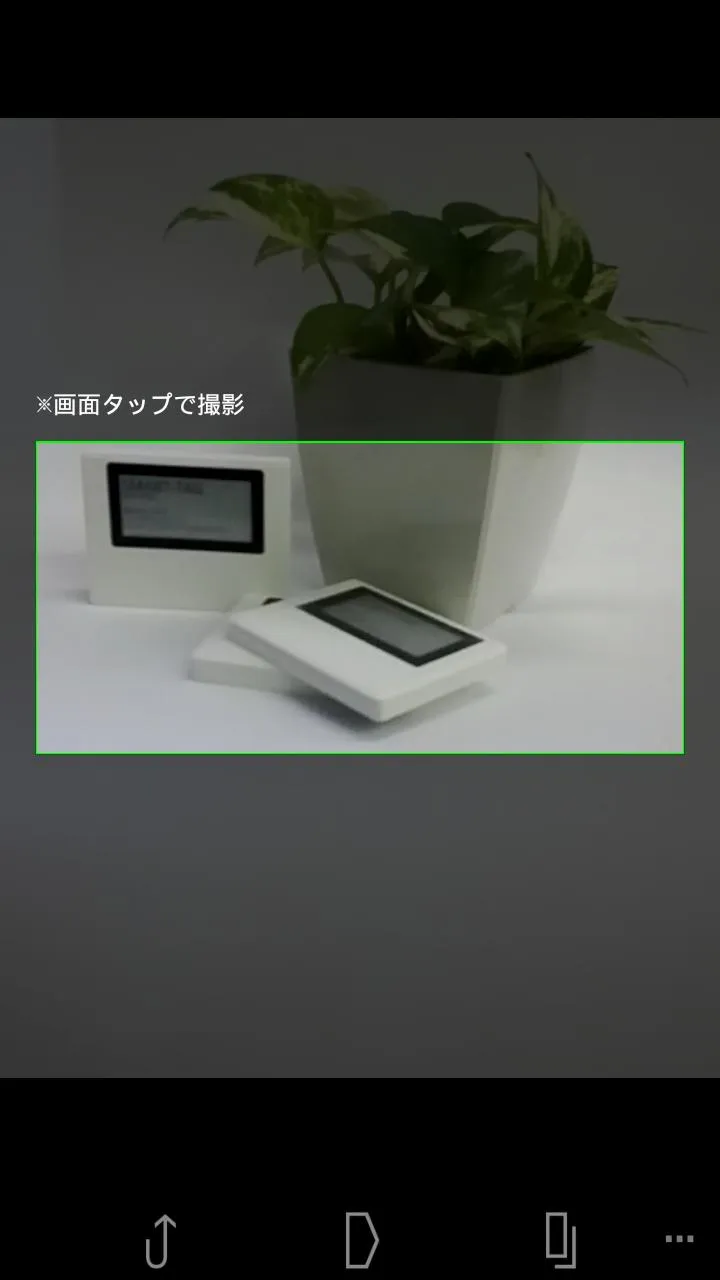
*Show snapshot
The camera takes a picture and it is displayed on Smart Tag. (After taking a picture, touch Smart Tag.)
*Show text
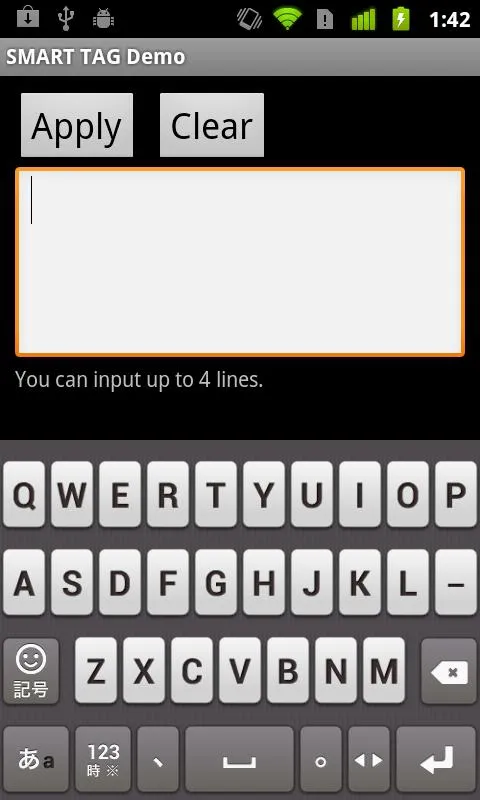
Enter a sentence and show it on the display area of Smart Tag.
When you touch with your finger [Touch here to input . . .] the input screen will be displayed.
Go to the next line after about 10 characters per line.
Up to 4 lines can fit into the display. (It takes a few seconds to communicate with Smart Tag.)
*Show Selected Image
The images saved in Smart phone can be shown on the screen of Smart Card/Tag.
*Register current image (※Smart tag only)
Register the image displayed on Smart Tag. Specify numbers 1 ~ 12, then touch.
*Show Registered image
Images that have been registered in Smart Tag will be displayed. An image will switch each time you touch.
※It is possible to specify only "1" or "2" on SmartCard.
*Write text
Write text into Smart Tag memory. Touch “Tap here to input…” to change to Entry screen.
*Read text
Read the text in Smart Tag memory and display on the screen.
*Save URL
Save the URL in the Smart Tag memory. The web address can be changed by touching the URL on the screen.
*Open URL
Read the URL that you saved in the Smart Tag memory and open the web. (When Smart Tag is touched, the web browser starts to access the page.)
*Show ‘BugDroid’
The Android logo will display on Smart Tag.
(It takes a few seconds to communicate with Smart Tag.)
*Clear display
Clear Smart Tag display.
Libraries and Demo
Ratings
0
0 total ratings
5
73%
4
10%
3
4%
2
3%
1
10%
REVIEWS
No reviews yet. Be the first one to review this app
'%20fill-rule='evenodd'%20clip-rule='evenodd'%20d='M8.04878%200.118571C9.10796%20-0.198465%2010.2321%200.132893%2010.9526%200.961509L18.7058%209.9036H22.0709C23.0433%209.90386%2023.8429%2010.7032%2023.843%2011.6757V13.1309H23.8497C23.8497%2013.4983%2023.5476%2013.8014%2023.1803%2013.8015H19.9372V33.9548C19.9372%2034.423%2019.5703%2034.7975%2019.1021%2034.7977H17.142C15.91%2034.7977%2014.9156%2033.8036%2014.9154%2032.5644V28.0251C13.5538%2028.5582%2012.3722%2028.7169%2010.9963%2028.7169C6.45689%2028.7169%203.74677%2025.6897%203.74677%2020.6099V13.8015H1.77319C0.800641%2013.8015%200.000280942%2013.0091%200%2012.0294V10.573C0.000219737%2010.2057%200.303205%209.9036%200.670545%209.9036H13.5676L5.13039%201.85482C4.82078%201.55938%204.94365%201.04032%205.35428%200.917851L8.04878%200.118571ZM8.78425%2013.8082V20.611C8.78438%2023.1974%209.8151%2024.35%2012.1135%2024.35C12.9637%2024.3499%2014.1167%2024.1489%2014.902%2023.7959V13.8082H8.78425Z'%20fill='white'/%3e%3c/svg%3e)
Permissions
Camera: take pictures and record video
Developer Info
Curated for YouSee all






Scan to download on PhonePe Appstore

