

QualityValidatedDevelopment
4.0
ratings15 MB
SizeVerified
SCREENSHOTS (8)
About the app
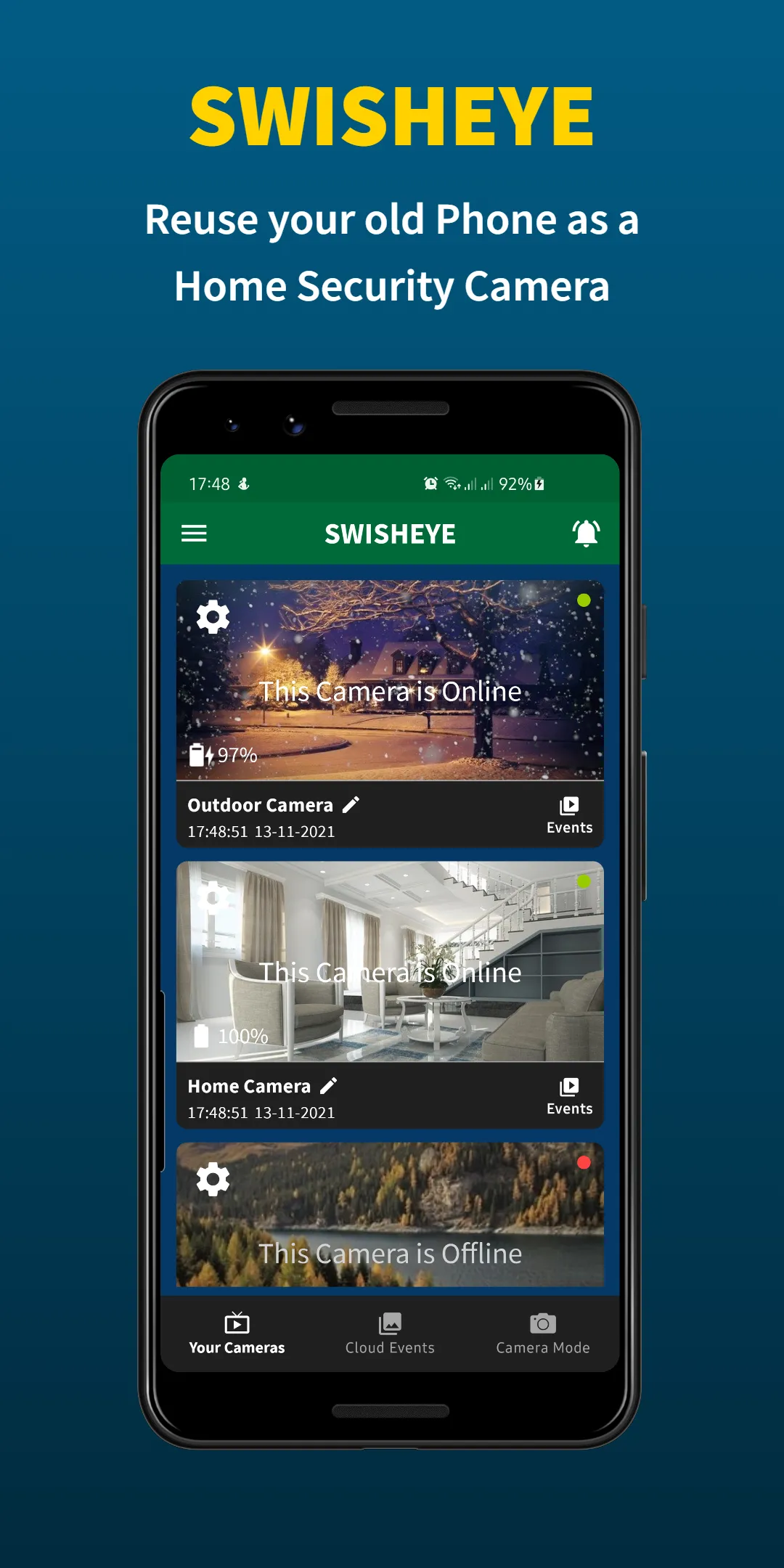
Use your regular phone as a Viewer and your old/spare phone as a Camera to guard your garage, car, or home for free! Set up your home security camera, senior care camera, or baby monitor in just 3-minutes!
FREE, STABLE, RELIABLE
The Swish Eye app can be used as a baby monitor to watch over your newborn or as a CCTV camera to keep your home safe. An Android phone can excellently act as a home security camera with motion detection, live streaming, and unlimited cloud storage.
SAFE, PORTABLE, EASY
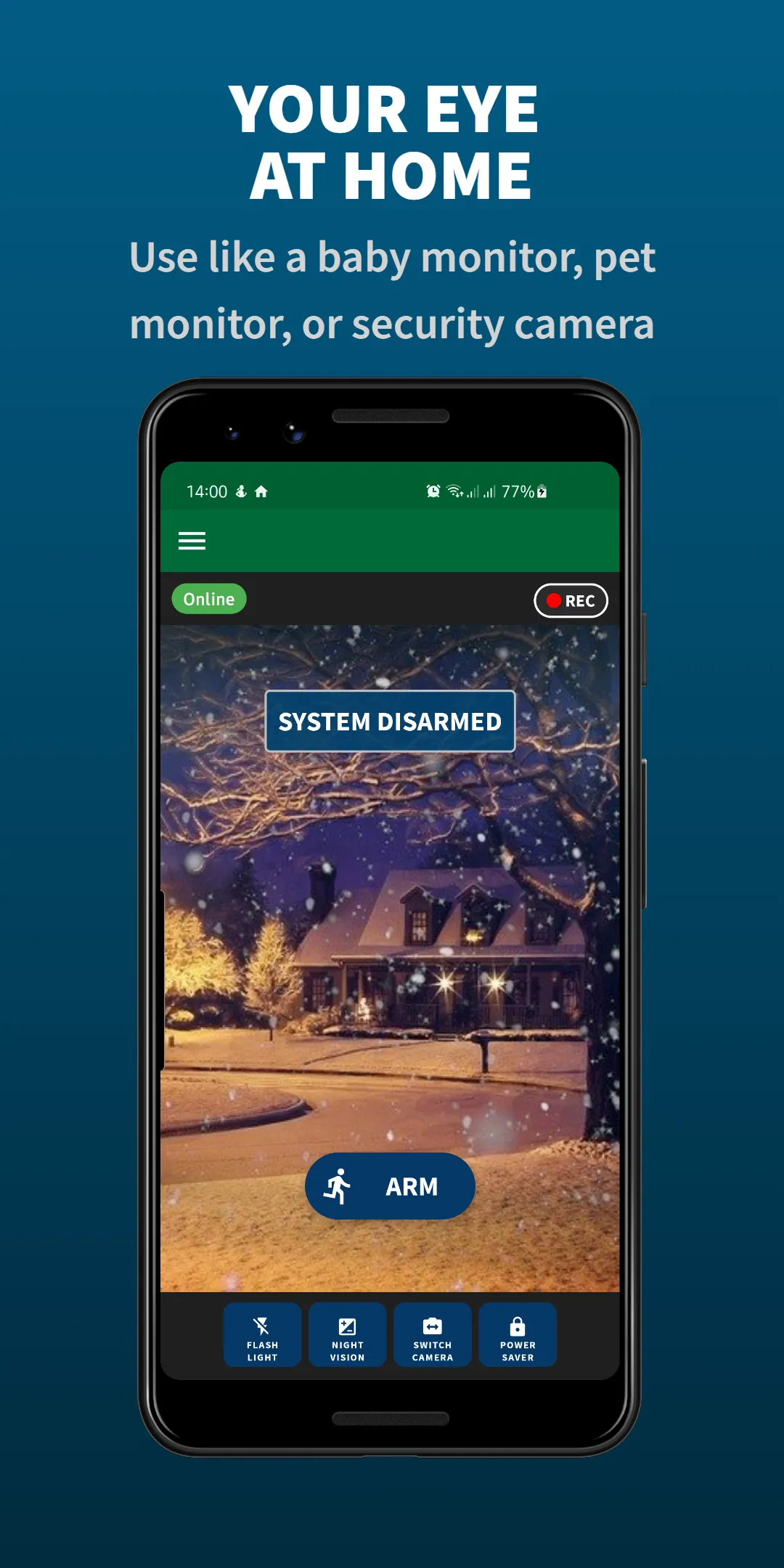
Guard your home, room, caravan, or restaurant. No complex IP configuration is required to repurpose your Android device as a D-I-Y webcam, pet-/nanny cam, baby monitor, or CCTV camera. Watch from your camera from anywhere, anytime!
BEST FEATURES
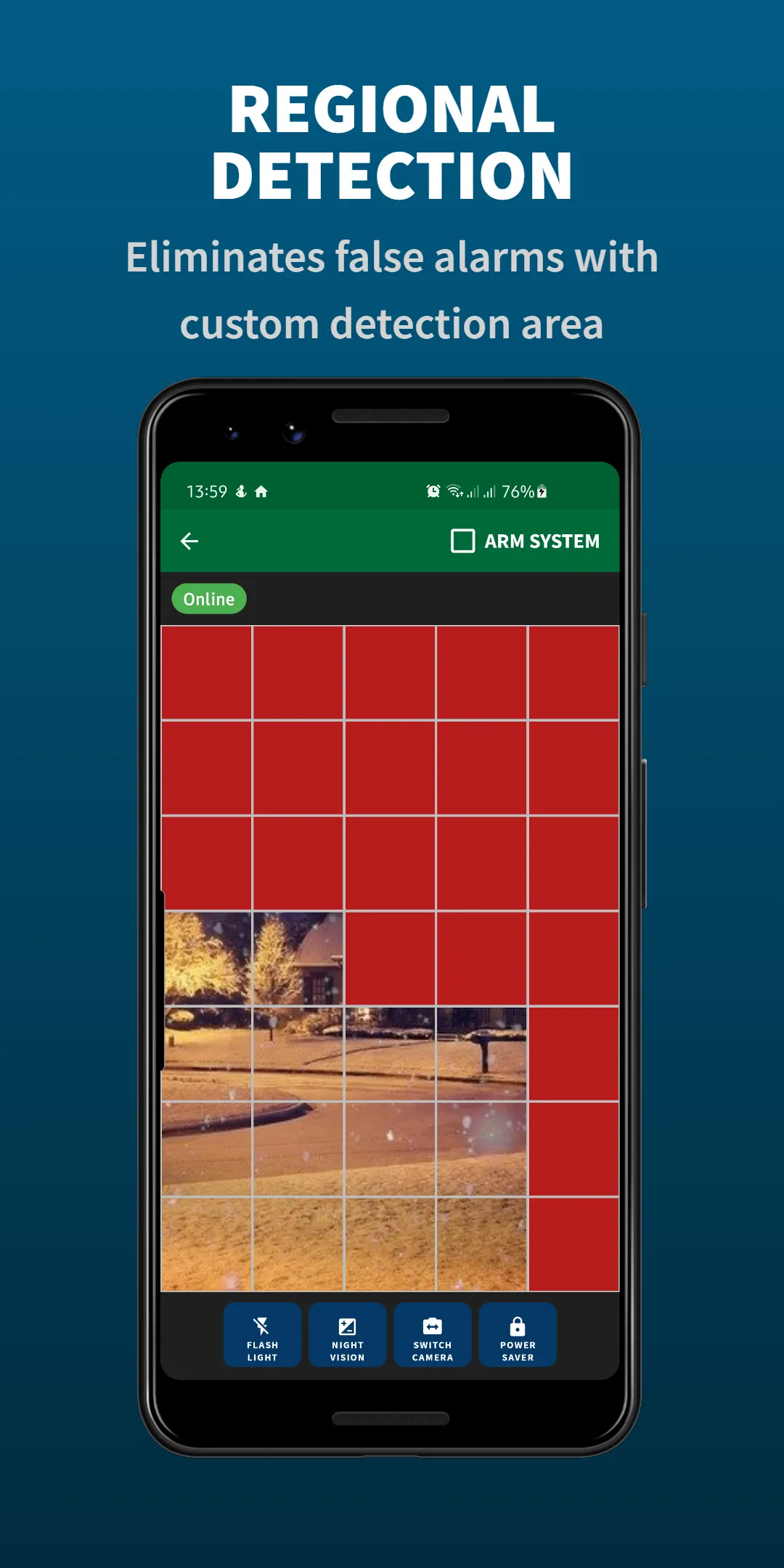
▶ Motion detection (detect intruders)
▶ 24/7 HD video monitoring (real-time, anywhere)
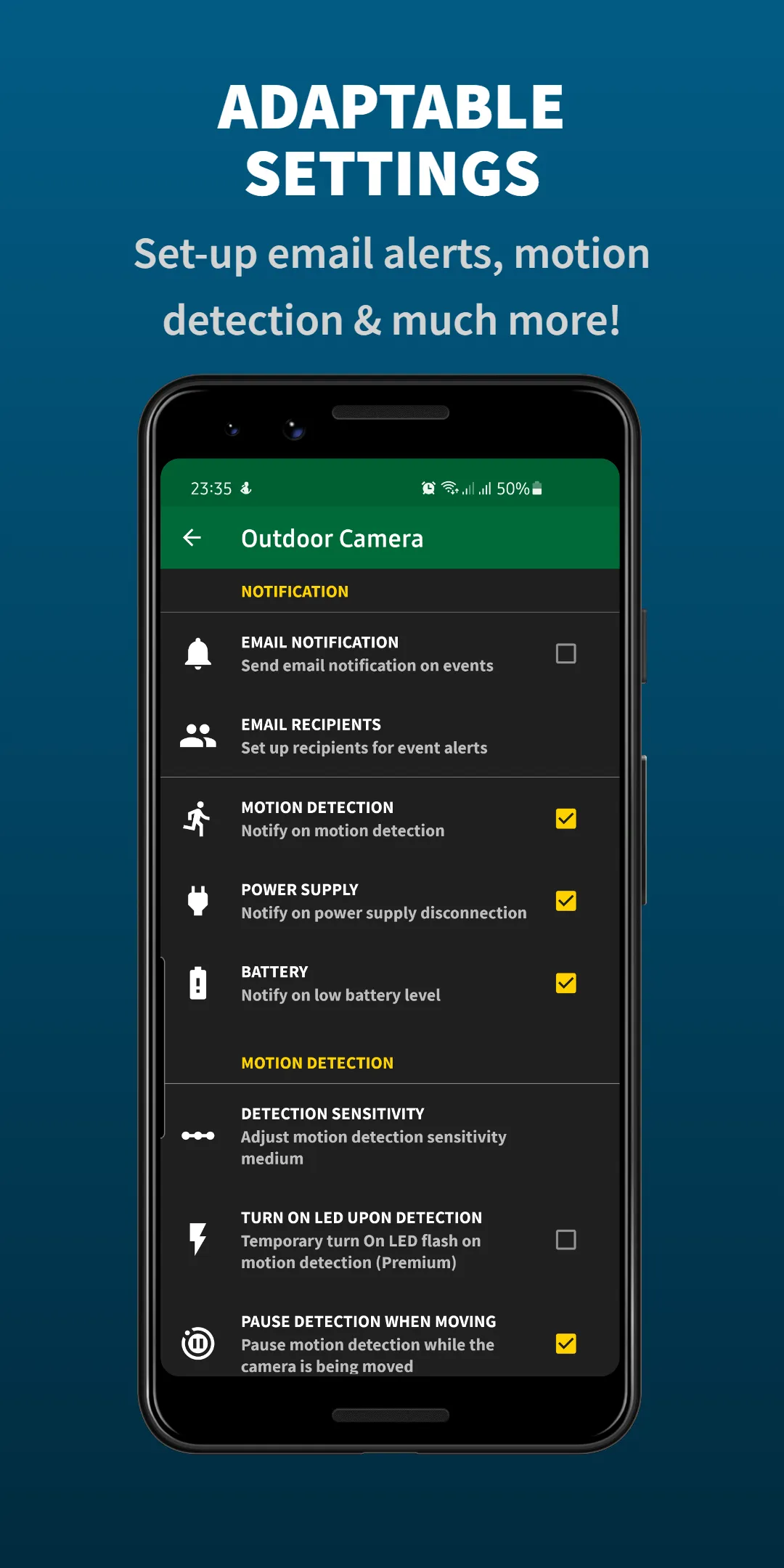
▶ Smart alert (push and/or email notifications)
▶ Unlimited storage (cloud view)
▶ Video recording (auto-record motion events)
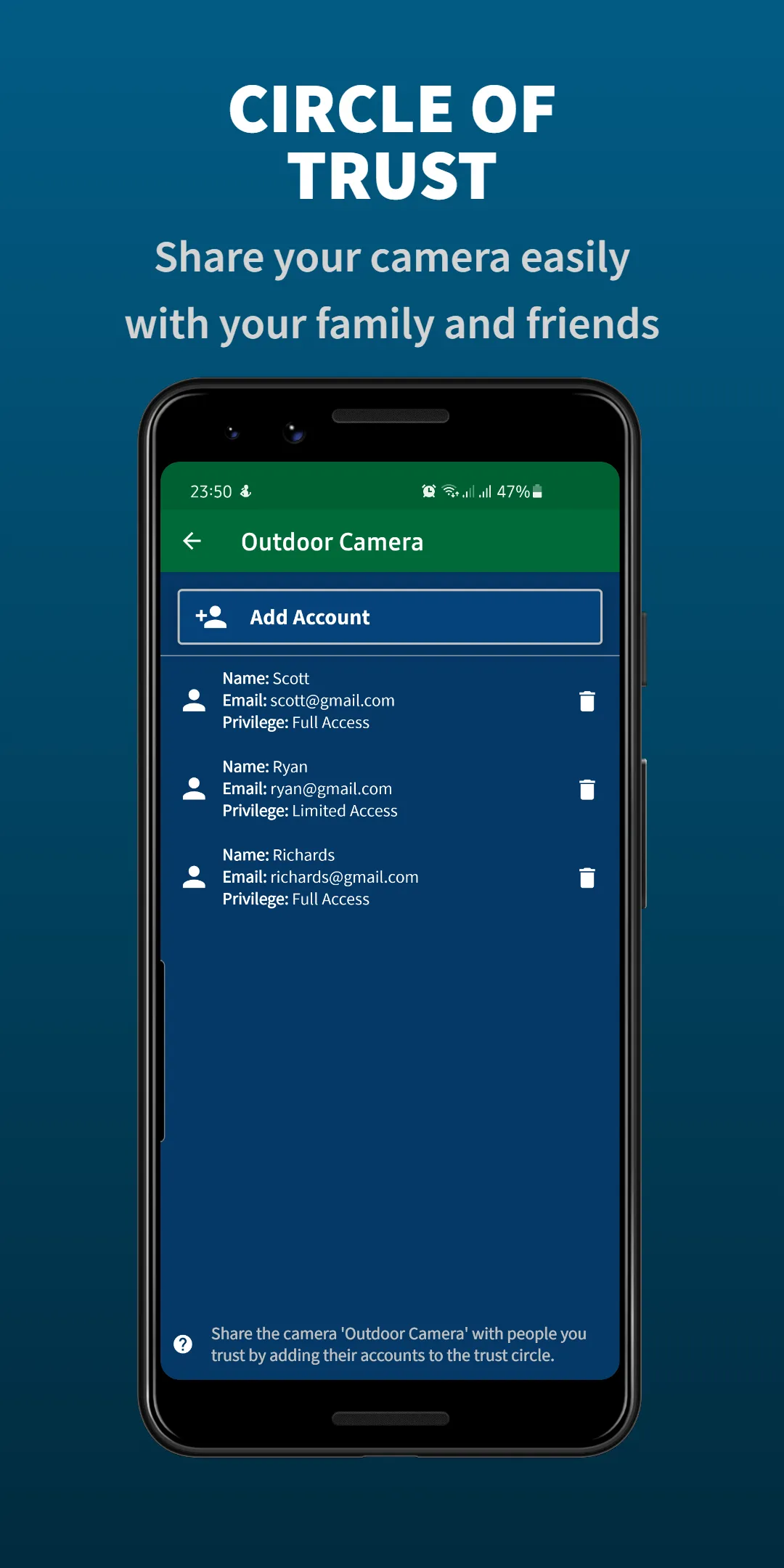
▶ Trust circle (share camera access)
▶ Works anywhere (Wi-Fi, 3G, 4G, 5G, LTE)
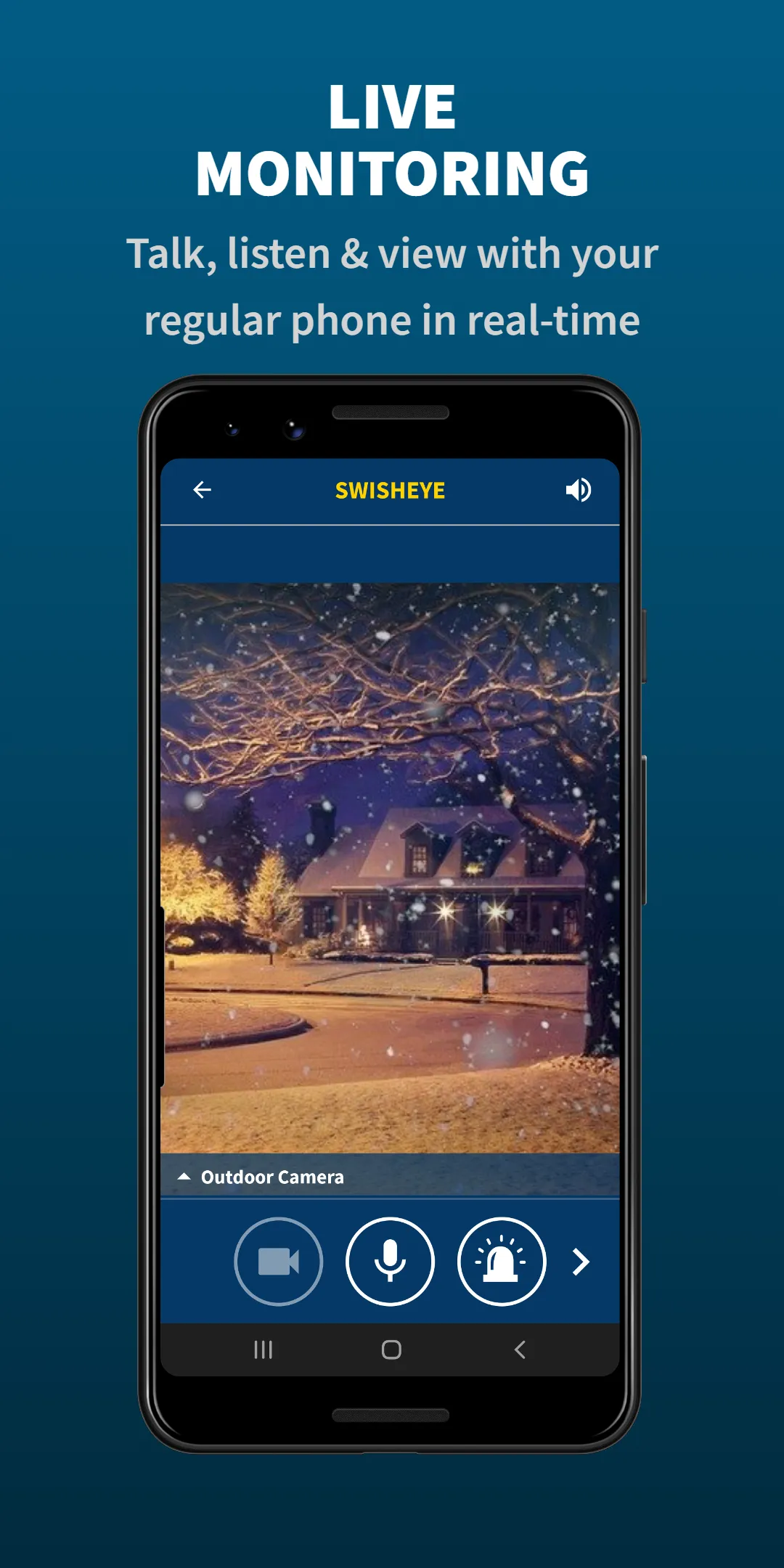
▶ Two-way audio (listen and talk in real-time)
▶ Low-light filter (see better in low light conditions)
▶ Passcode lock (keep your device safe)
▶ QR-code pairing (easy and fast setup)
▶ Remotely toggle camera (save battery)
UNLIMITED CLOUD STORAGE
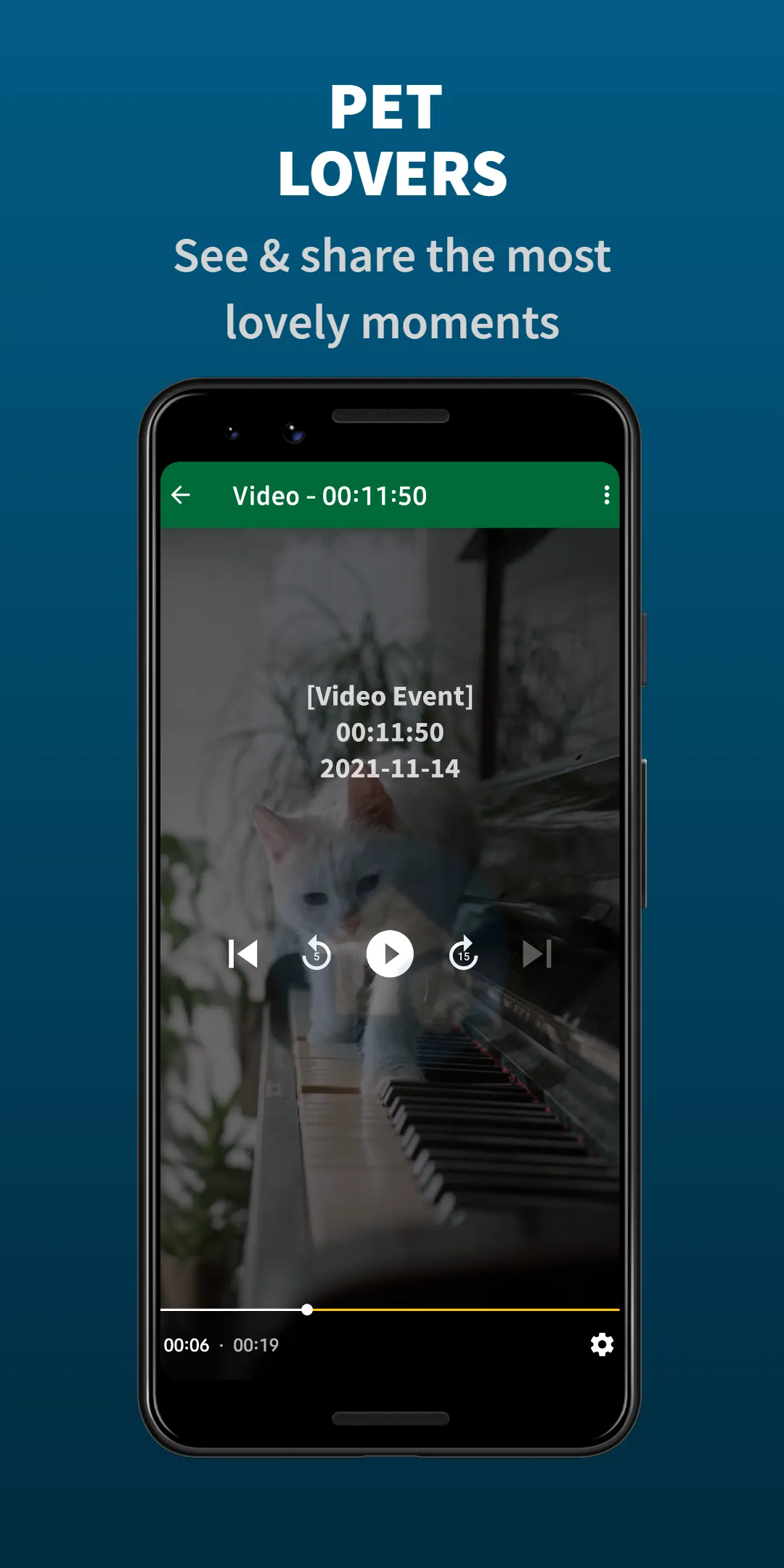
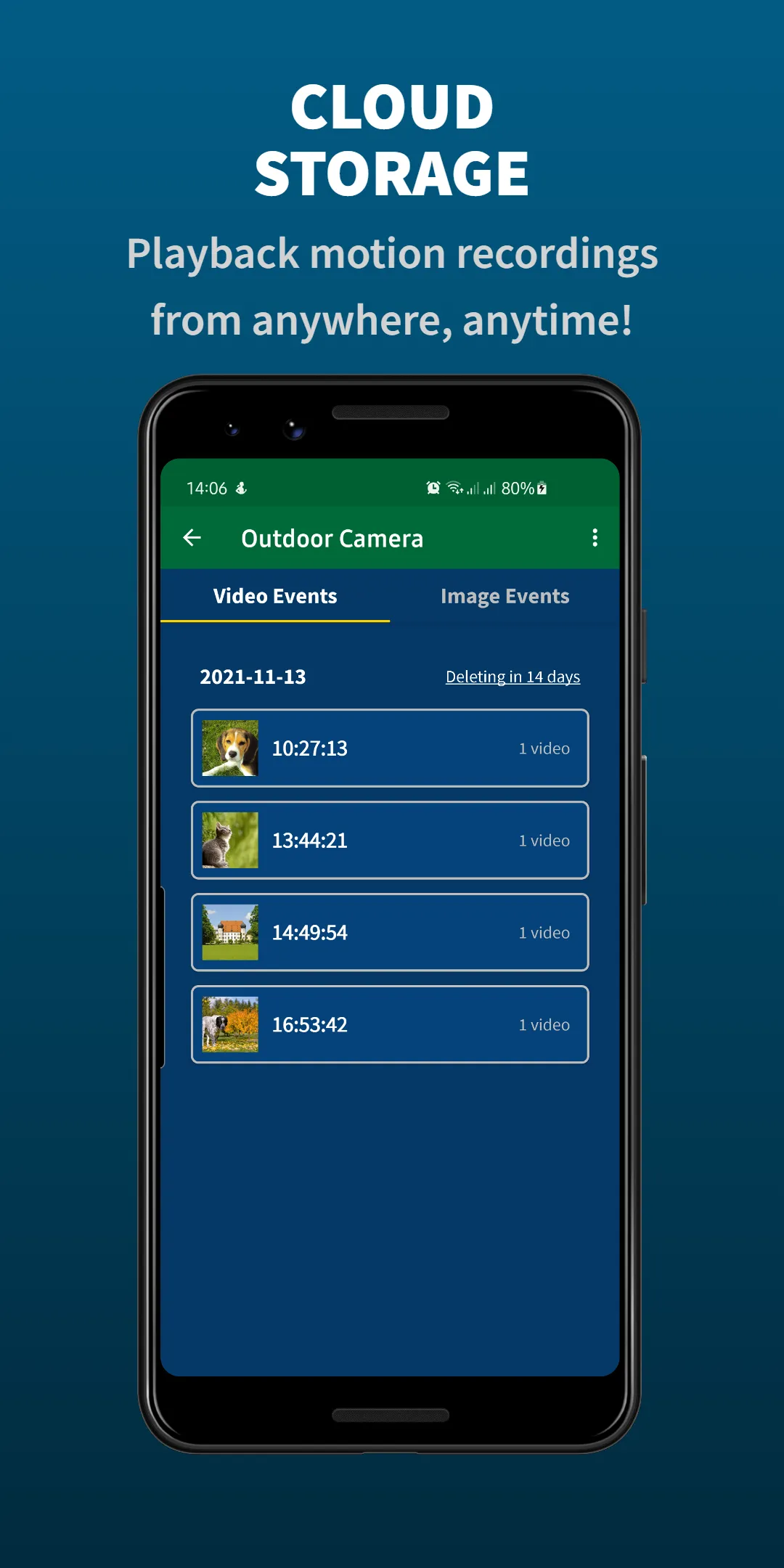
Cloud storage allows you to store auto-recorded motion videos and images in the cloud. You can playback the footage on your main phone and use it as evidence to identify intruders or share lovely moments of your pets with friends and family!
GETTING STARTED
This app is easy-to-use and user-friendly. It takes only 3 minutes to set up your new baby monitor or security camera! You can use it with only one phone, or if you have another old device, it can be more comfortable to use that as a camera, and your main phone as a Viewer.
◼ Install this app on two or more devices.
◼ Sign in using Google or Email/Password on your viewer/regular phone. (This way, the Viewer device finds the camera)
◼ Click on "Add Camera" on the main screen.
◼ Scan the generated QR code with your spare/old phone by clicking "Pair up with QR Code" on the login screen.
◼ Congratulations! You've managed to DIY your home security camera or pet/baby monitor! You deserve peace of mind!
TIP: Connect your device to a power outlet. You should be able to monitor with the screen turned off to conserve battery.
💠 We support legacy Android devices from version 4.1 (API 16) and up!
SMART, CONVENIENT, ECO-FRIENDLY
This brilliant app turns your spare/old phone into a complete security camera for real-time monitoring. You do not have to buy expensive IP cameras to enjoy peace of mind during road trips and more!
Deter intruders immediately by speaking through the Walkie-Talkie or triggering a loud siren alarm.
If you have suggestions or ideas, feel free to contact us! If you like the app, consider leaving a review, recommending it to your friends, or support our hard work by upgrading to the Premium version (low cost).
About Us
We are a Swedish-based company developing handy, secure, and robust mobile apps for people worldwide.
Need help or have suggestions?
Contact us at: [email protected]
Learn more at: SwishEye.com
App developed by QvD Apps (QualityValidatedDevelopment)
Some icons made by Icons8
Some features of this app may require device administrator permission.
House and Home
Ratings
0
0 total ratings
5
73%
4
10%
3
4%
2
3%
1
10%
REVIEWS
No reviews yet. Be the first one to review this app
'%20fill-rule='evenodd'%20clip-rule='evenodd'%20d='M8.04878%200.118571C9.10796%20-0.198465%2010.2321%200.132893%2010.9526%200.961509L18.7058%209.9036H22.0709C23.0433%209.90386%2023.8429%2010.7032%2023.843%2011.6757V13.1309H23.8497C23.8497%2013.4983%2023.5476%2013.8014%2023.1803%2013.8015H19.9372V33.9548C19.9372%2034.423%2019.5703%2034.7975%2019.1021%2034.7977H17.142C15.91%2034.7977%2014.9156%2033.8036%2014.9154%2032.5644V28.0251C13.5538%2028.5582%2012.3722%2028.7169%2010.9963%2028.7169C6.45689%2028.7169%203.74677%2025.6897%203.74677%2020.6099V13.8015H1.77319C0.800641%2013.8015%200.000280942%2013.0091%200%2012.0294V10.573C0.000219737%2010.2057%200.303205%209.9036%200.670545%209.9036H13.5676L5.13039%201.85482C4.82078%201.55938%204.94365%201.04032%205.35428%200.917851L8.04878%200.118571ZM8.78425%2013.8082V20.611C8.78438%2023.1974%209.8151%2024.35%2012.1135%2024.35C12.9637%2024.3499%2014.1167%2024.1489%2014.902%2023.7959V13.8082H8.78425Z'%20fill='white'/%3e%3c/svg%3e)
Permissions
Storage: access photos, media, and files on your device
Internet: use your internet connection
Phone: make and manage phone calls
Camera: take pictures and record video
Developer Info
Curated for YouSee all






Scan to download on PhonePe Appstore

