

endmyopia
4.0
ratings29 MB
SizeVerified
SCREENSHOTS (6)
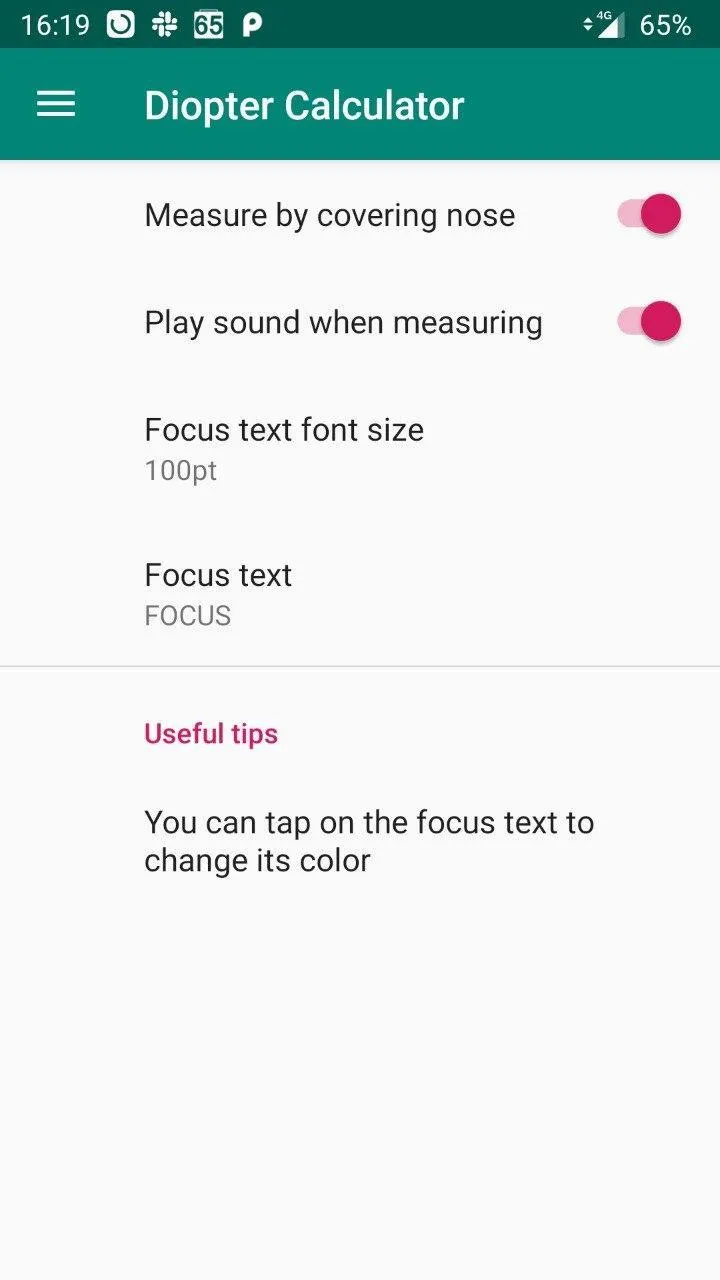
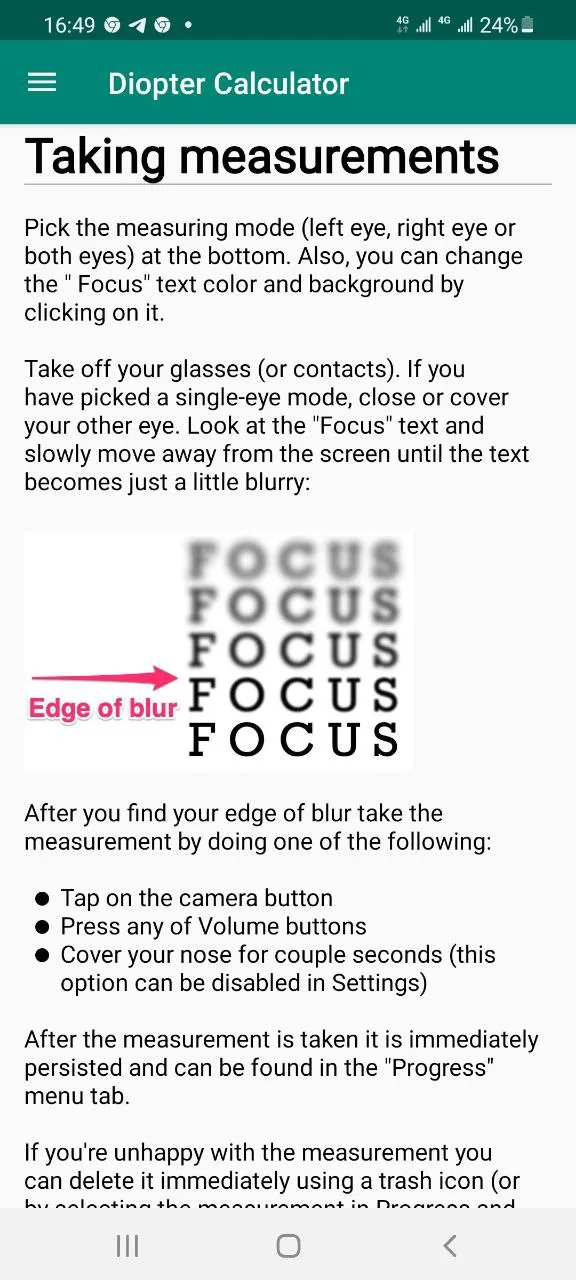
About the app
The app requires an ARCore-compatible device. The (non-definitive) list of suggested devices is listed here
https://developers.google.com/ar/discover/supported-devices
It _may_ however work on other devices too.
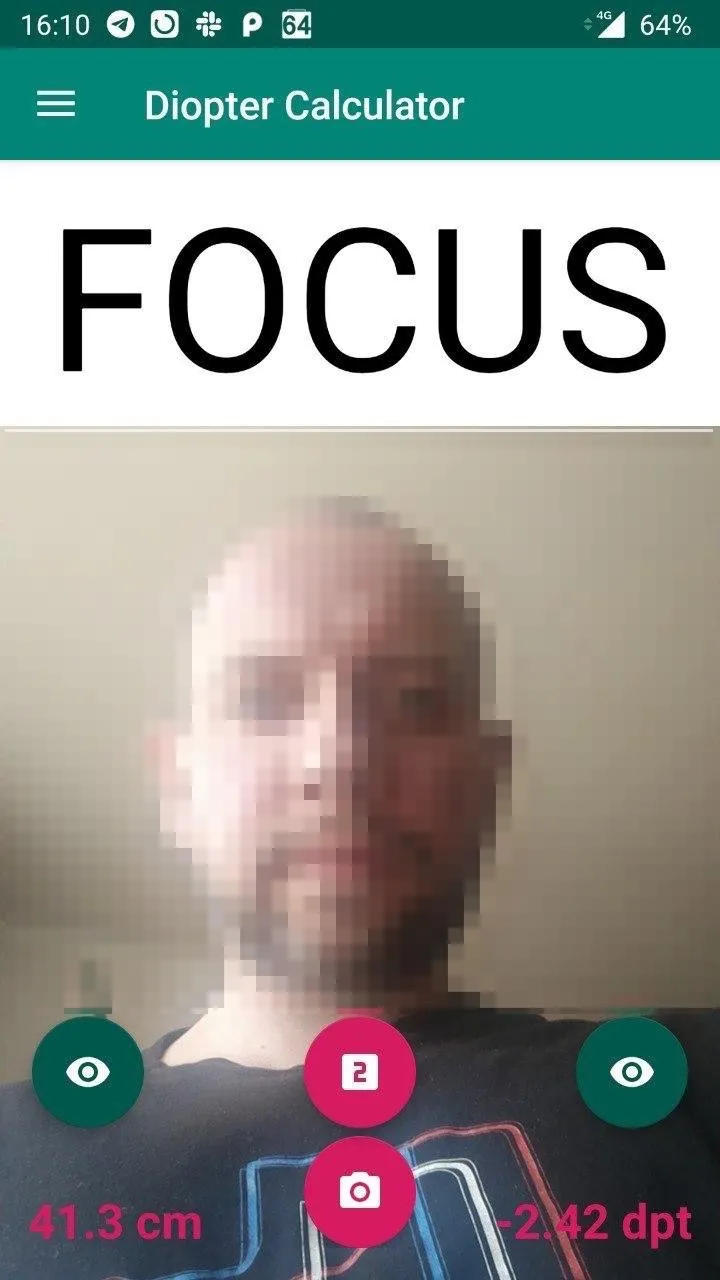
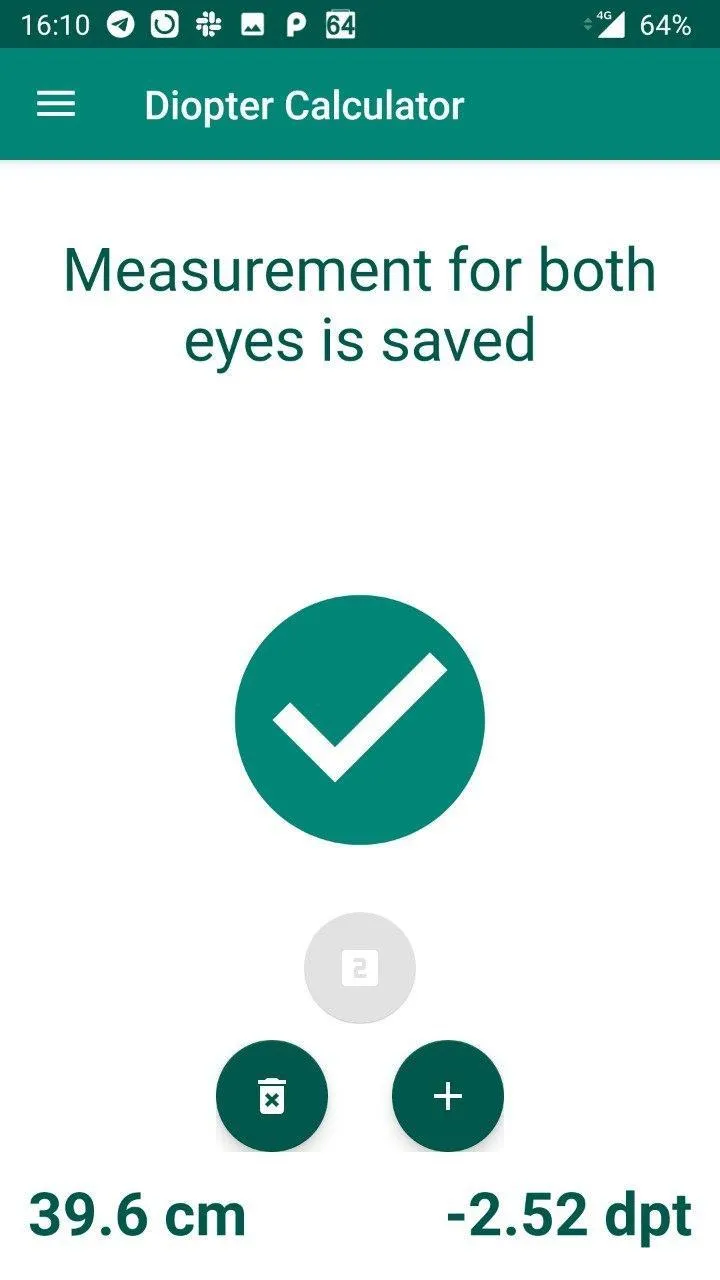
The user is shown static text. He should then move as far from the screen as possible until the text becomes a little blurry. After that, the user either presses a camera button or a volume button or quickly covers his nose with a palm which triggers the measurement action. The app measures the distance from the phone screen to the user's face (to the tip of user's nose) and uses this information to give the user an approximate amount of optic correction in diopters which the user would need to see clearly.
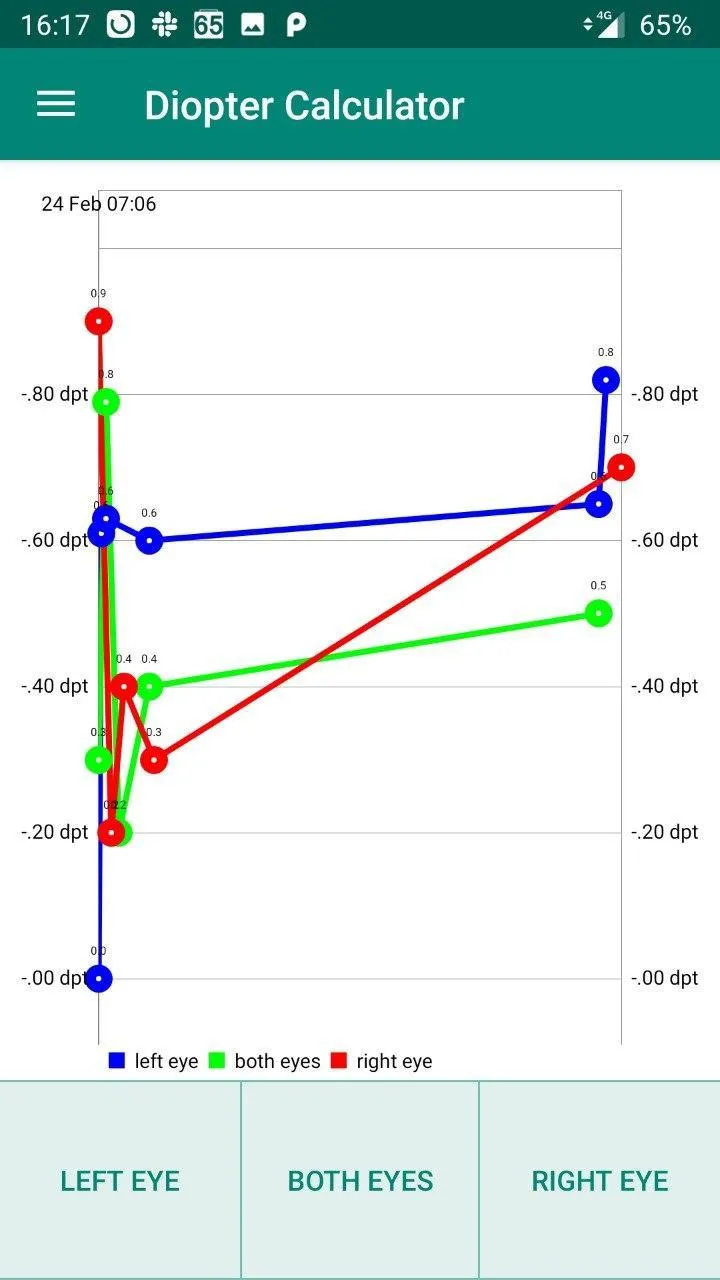
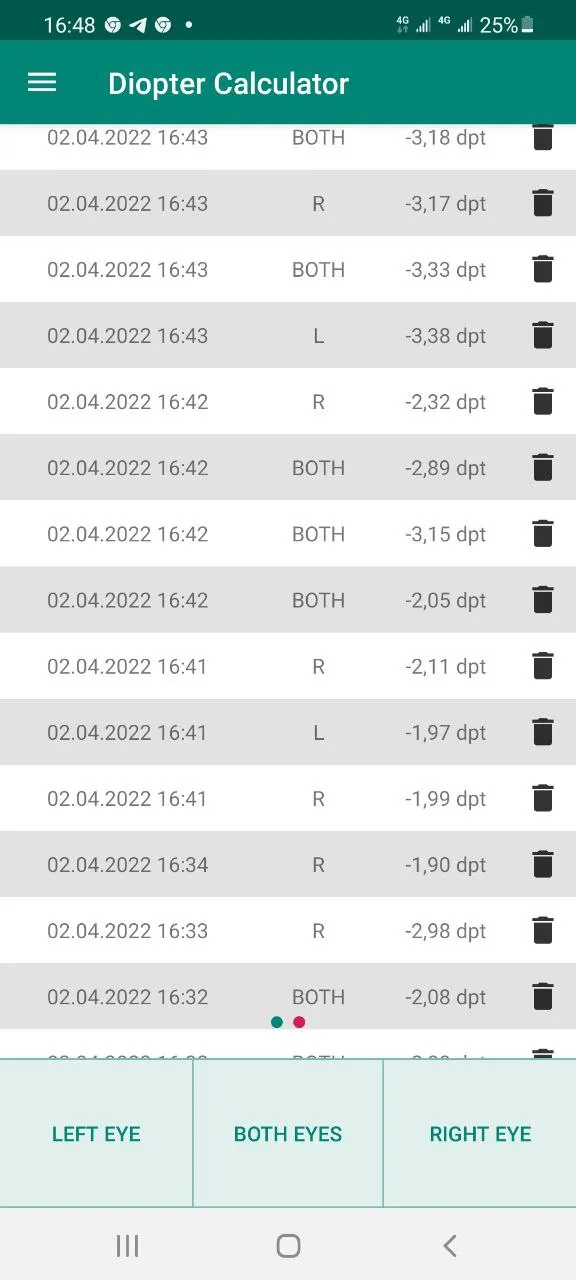
The user's progress is tracked within the app, and can be viewed using in-app charts or a table.
The progress can be imported / exported.
Source code: https://github.com/denisk20/diopter-calc
This app only gives approximate results and should not be considered the primary source of information when choosing glasses. Please consult with a certified optometrist.
A note on astigmatism:
Some people, including the app author, have pretty bad astigmatism which makes it very difficult to find the edge of blur. Here are some tips to solve this:
* Keep practicing. Eventually you should be able to distinguish between the edge of blur and the double vision.
* You can try to use glasses or contacts which only correct the astigmatism (to certain degree) during the measurement.
Health and Fitness
Ratings
0
0 total ratings
5
73%
4
10%
3
4%
2
3%
1
10%
REVIEWS
No reviews yet. Be the first one to review this app
'%20fill-rule='evenodd'%20clip-rule='evenodd'%20d='M8.04878%200.118571C9.10796%20-0.198465%2010.2321%200.132893%2010.9526%200.961509L18.7058%209.9036H22.0709C23.0433%209.90386%2023.8429%2010.7032%2023.843%2011.6757V13.1309H23.8497C23.8497%2013.4983%2023.5476%2013.8014%2023.1803%2013.8015H19.9372V33.9548C19.9372%2034.423%2019.5703%2034.7975%2019.1021%2034.7977H17.142C15.91%2034.7977%2014.9156%2033.8036%2014.9154%2032.5644V28.0251C13.5538%2028.5582%2012.3722%2028.7169%2010.9963%2028.7169C6.45689%2028.7169%203.74677%2025.6897%203.74677%2020.6099V13.8015H1.77319C0.800641%2013.8015%200.000280942%2013.0091%200%2012.0294V10.573C0.000219737%2010.2057%200.303205%209.9036%200.670545%209.9036H13.5676L5.13039%201.85482C4.82078%201.55938%204.94365%201.04032%205.35428%200.917851L8.04878%200.118571ZM8.78425%2013.8082V20.611C8.78438%2023.1974%209.8151%2024.35%2012.1135%2024.35C12.9637%2024.3499%2014.1167%2024.1489%2014.902%2023.7959V13.8082H8.78425Z'%20fill='white'/%3e%3c/svg%3e)
Permissions
Internet: use your internet connection
Camera: take pictures and record video
Microphone: record audio
Developer Info
Curated for YouSee all






Scan to download on PhonePe Appstore

