

WB Finance Department
5.0
1 ratings24 MB
SizeVerified
SCREENSHOTS (7)
About the app
The WBiFMS Mobile App has been designed to provide a user-friendly experience to the various users and stakeholders of the web portal of WBiFMS (https://www.wbifms.gov.in). Finance Department, Government of West Bengal has developed it to facilitate various Administrative Departments to plan, implement & monitor its various development projects and welfare schemes in an efficient manner and provide smart and better governance. Efficient administrative & financial functioning of the various organs of the government is another objective of this initiative.
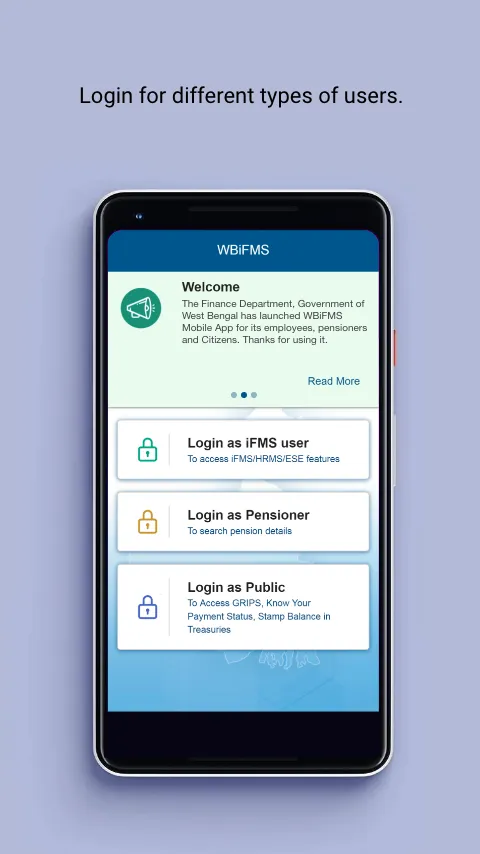
The WBiFMS Mobile App provides a single platform to the users of Departments, Directorates, Regional / Block Offices, Treasuries and Employees & Pensioners and Public to access, view, avail services, see status and view & download reports and other information easily and instantly. It is time & cost efficient, provides better service delivery to its stakeholders including citizens.
Key services for IFMS Users:
➢ To view the Budget allocation, Budget distribution & Expenditures at the level of Department, Sub- Allotting Officers Level and Drawing and Disbursing Officers (DDO)
➢ To view Head of Accounts wise total collection of the revenues of the State Government
➢ To view specific Scheme wise payment details ( Ex-Kanyashree, Rupashree, Khadyasathi etc)
➢ To view sub allotment of fund
➢ To view the latest five Allotments pending for sub-allotment
➢ To view last five Allotments received
➢ To view DDO wise Allotment consumption details
➢ To view age wise Pending Bill status in a Treasury/PAO
➢ To view un-adjusted Advance Bill details in a Treasury/PAO
➢ To view status of Monthly Accounts submission by Treasuries/PAO
➢ Pending bills with DDO
➢ Bill process status at PAO/Treasury
➢ Status of GPF final payment & retirement benefits-Retirement benefits
➢ Pending references at PL/LF/PF Operator
➢ Reference Query
➢ View balance of Deposit Account
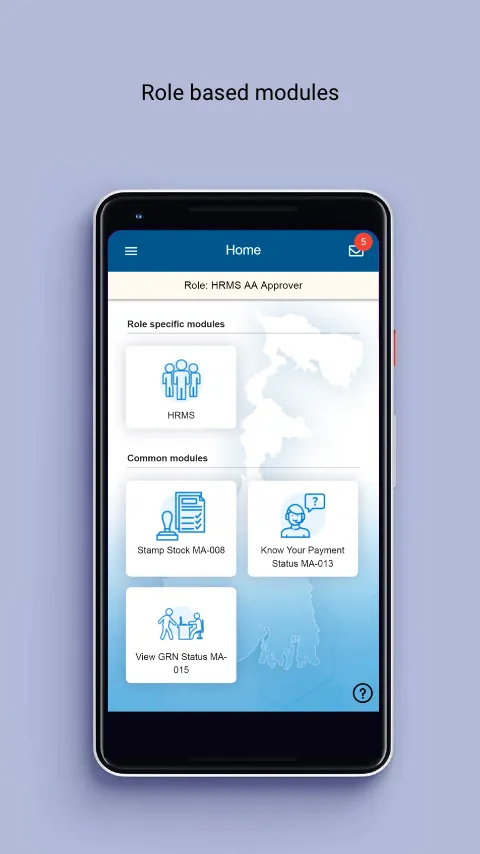
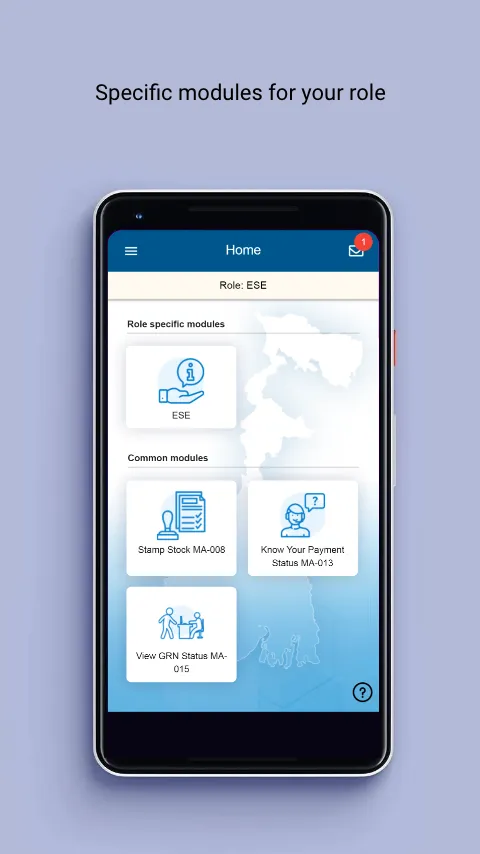
Key services for HRMS/ESE users:
➢ To apply and approve Casual, Earned, Commuted, Half Pay Leave
➢ To submit Station Leave application
➢ To submit Joining Report
➢ To apply and approve GPF Advance
➢ To view status of Leave and Loan application
➢ To view Leave and Loan balance
➢ To view Pay Slip, IT statement, Last Pay Certificate
➢ To view status of Self Appraisal Report
➢ View employees on leave
➢ View transfer history
➢ View nomination details
➢ View family details
➢ Status of GPF final payment & retirement benefits-GPF final payment
➢ Mini statement of passbook
➢ Apply for Official Tour
➢ Approve Official Tour
➢ Status of Official Tour/Transfer TA/HTC/LTC/TC application
➢ Status of claim for Official Tour/Transfer TA/HTC/LTC/TC application
➢ View Release Order
Key services for Pensioner:
➢ To view Life Certificate submission status
➢ To view Component wise Pension
➢ To view TDS
➢ View family /nomination details
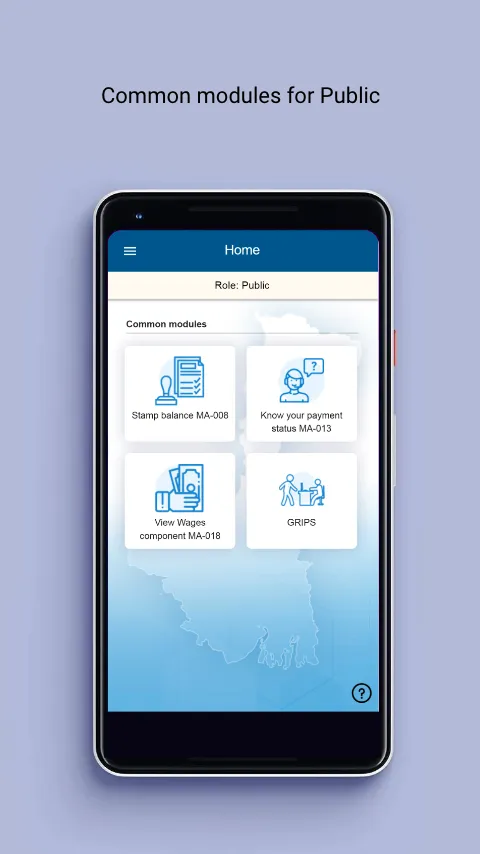
Key services for Public:
➢ To view status of Payment received by individual concerned
➢ To view status of Government Receipt Number (GRN)
➢ To view Stamp Balance
➢ To view Component of Wages
➢ Locate PAO/Treasury
➢ Locate Drawing & Disbursing Offices and Local Bodies
➢ Know your service/ head of account
➢ View & download GRN/Challan
o Utilities & Benefits :
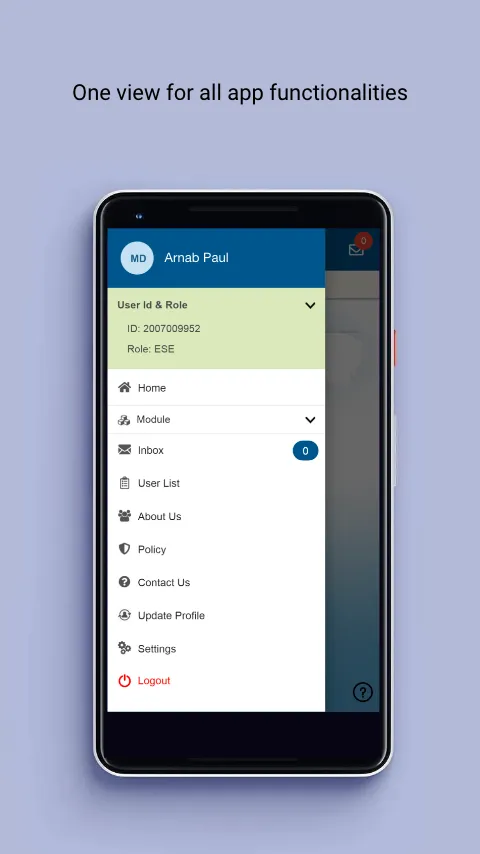
♣ Single WBiFMS Mobile App can be accessed for viewing payment & receipt details.
♣ SMS/email integration with different queries/function facilitates intimation of payment through GRIPS, intimation of transfer, etc.
♣ Dashboard for users on recent news, updates, events, etc.
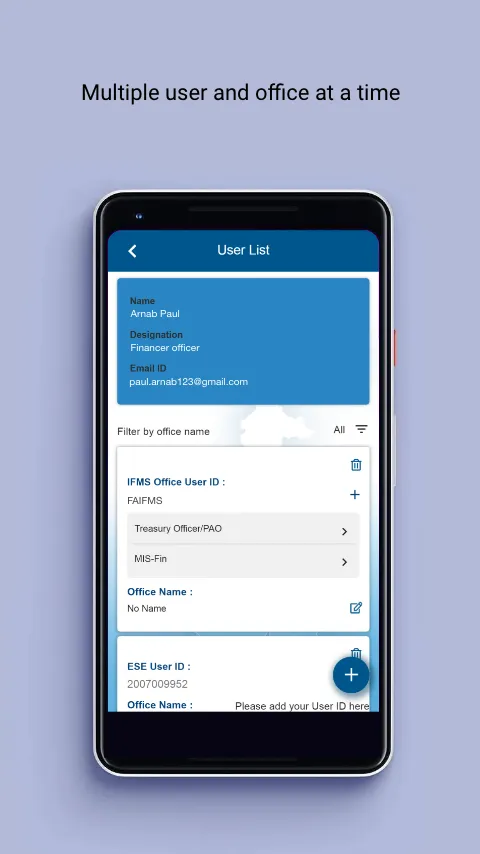
♣ Government Users can access information from multiple modules of iFMS from this mobile app by login with single mobile no. and MPIN.
♣ Citizens can anytime & anywhere avail these services through their mobile phones without visiting the department office and standing in queues.
♣ Ready availability of quick information through WBiFMS Mobile App facilitates to take administrative decision making.
♣ Login & OTP based Multi-factor authentication has been deployed to ensure authenticity of user.
Finance
Ratings
5
1 total ratings
5
100%
4
0%
3
0%
2
0%
1
0%
REVIEWS
Basudeb Chakraborty
28/03/2026
good
'%20fill-rule='evenodd'%20clip-rule='evenodd'%20d='M8.04878%200.118571C9.10796%20-0.198465%2010.2321%200.132893%2010.9526%200.961509L18.7058%209.9036H22.0709C23.0433%209.90386%2023.8429%2010.7032%2023.843%2011.6757V13.1309H23.8497C23.8497%2013.4983%2023.5476%2013.8014%2023.1803%2013.8015H19.9372V33.9548C19.9372%2034.423%2019.5703%2034.7975%2019.1021%2034.7977H17.142C15.91%2034.7977%2014.9156%2033.8036%2014.9154%2032.5644V28.0251C13.5538%2028.5582%2012.3722%2028.7169%2010.9963%2028.7169C6.45689%2028.7169%203.74677%2025.6897%203.74677%2020.6099V13.8015H1.77319C0.800641%2013.8015%200.000280942%2013.0091%200%2012.0294V10.573C0.000219737%2010.2057%200.303205%209.9036%200.670545%209.9036H13.5676L5.13039%201.85482C4.82078%201.55938%204.94365%201.04032%205.35428%200.917851L8.04878%200.118571ZM8.78425%2013.8082V20.611C8.78438%2023.1974%209.8151%2024.35%2012.1135%2024.35C12.9637%2024.3499%2014.1167%2024.1489%2014.902%2023.7959V13.8082H8.78425Z'%20fill='white'/%3e%3c/svg%3e)
Permissions
Storage: access photos, media, and files on your device
Internet: use your internet connection
Phone: make and manage phone calls
Curated for YouSee all






Scan to download on PhonePe Appstore

