

Indian Bank
5.0
2 ratings7 MB
SizeVerified
SCREENSHOTS (8)
About the app
Indian Bank has launched IB Merchant App - A mobile application for small merchants to register in the app and generate static/dynamic UPI QR code under small merchant category. Remitter (customers of the merchant) will scan the QR code and make payment to the merchant using any UPI enabled app.
This will facilitate merchants to receive money through UPI mode. It supports secure and instant transfer of funds without any extra charges from customer’s Bank account to merchant’s account.
IB Small Merchant App-Features Supported
• SIM based Authentication
• Registration as a Merchant
• Virtual payment Address Creation
• Dynamic and Static QR Code Generation
IB Small Merchant App- Transaction Features
• Collection of Payment through QR Scanning
• Balance Enquiry
• Transaction History Viewing
What are the requirements for using UPI?
• An android phone with internet service
• An operative Bank account with Indian Bank
• The mobile number being registered with IB Small Merchant App must be linked to the Bank account.
How to register in the IB Small Merchant Application?
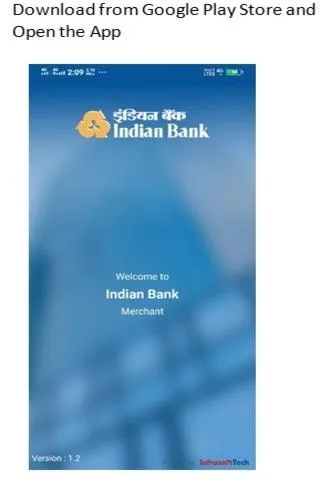
• Download IB Small Merchant Application from Google Play Store.
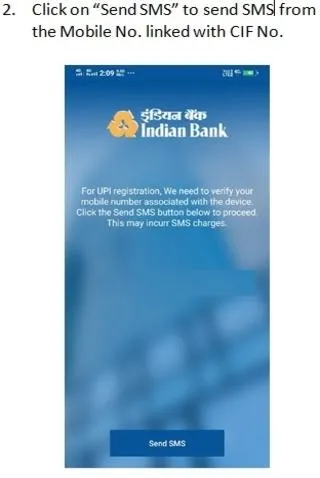
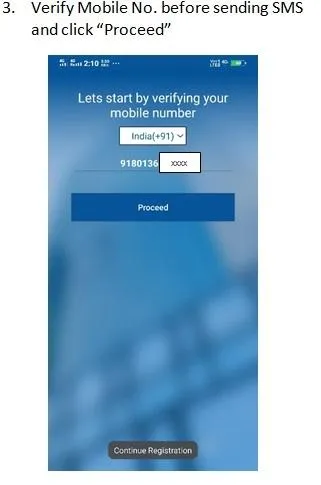
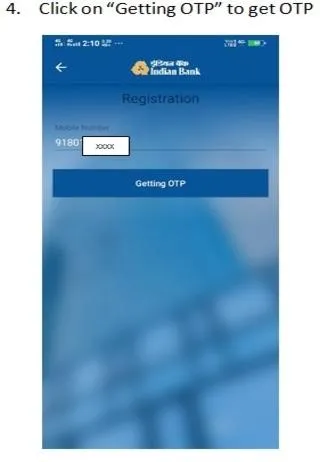
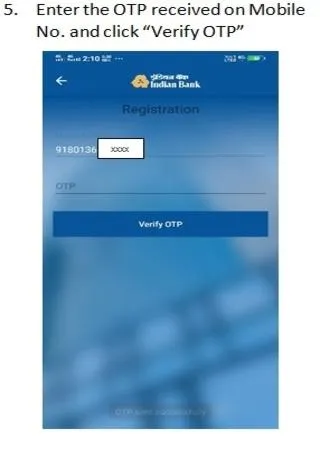
• Tap “Send SMS” to verify your mobile number. An SMS will be sent from your mobile for verification. In case of Dual SIM, Users need to select the SIM registered with Bank Account for verification.
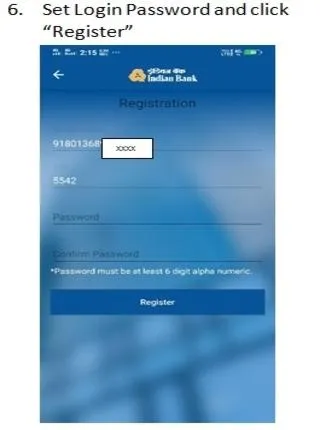
• After your mobile number is verified, you need to set login password for the application.
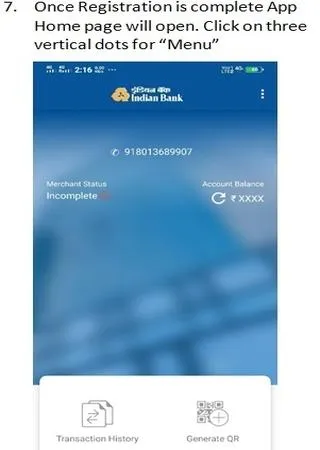
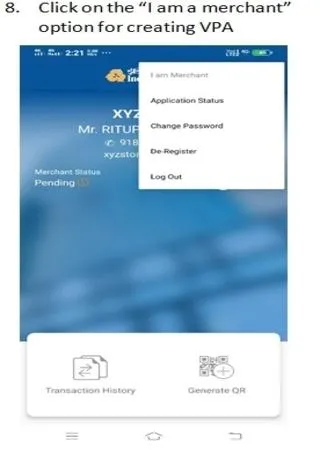
• Once login is successful select “I am a Merchant option” from Menu and submit the VPA creation request after filling the required field.
• Bank will approve the VPA creation request.
Finance
Ratings
5
2 total ratings
5
100%
4
0%
3
0%
2
0%
1
0%
REVIEWS
No reviews yet. Be the first one to review this app
'%20fill-rule='evenodd'%20clip-rule='evenodd'%20d='M8.04878%200.118571C9.10796%20-0.198465%2010.2321%200.132893%2010.9526%200.961509L18.7058%209.9036H22.0709C23.0433%209.90386%2023.8429%2010.7032%2023.843%2011.6757V13.1309H23.8497C23.8497%2013.4983%2023.5476%2013.8014%2023.1803%2013.8015H19.9372V33.9548C19.9372%2034.423%2019.5703%2034.7975%2019.1021%2034.7977H17.142C15.91%2034.7977%2014.9156%2033.8036%2014.9154%2032.5644V28.0251C13.5538%2028.5582%2012.3722%2028.7169%2010.9963%2028.7169C6.45689%2028.7169%203.74677%2025.6897%203.74677%2020.6099V13.8015H1.77319C0.800641%2013.8015%200.000280942%2013.0091%200%2012.0294V10.573C0.000219737%2010.2057%200.303205%209.9036%200.670545%209.9036H13.5676L5.13039%201.85482C4.82078%201.55938%204.94365%201.04032%205.35428%200.917851L8.04878%200.118571ZM8.78425%2013.8082V20.611C8.78438%2023.1974%209.8151%2024.35%2012.1135%2024.35C12.9637%2024.3499%2014.1167%2024.1489%2014.902%2023.7959V13.8082H8.78425Z'%20fill='white'/%3e%3c/svg%3e)
Permissions
Location: access this device"s location
Storage: access photos, media, and files on your device
Internet: use your internet connection
Phone: make and manage phone calls
Curated for YouSee all






Scan to download on PhonePe Appstore

