

LIVIA
4.0
ratings29 MB
SizeVerified
SCREENSHOTS (5)
About the app
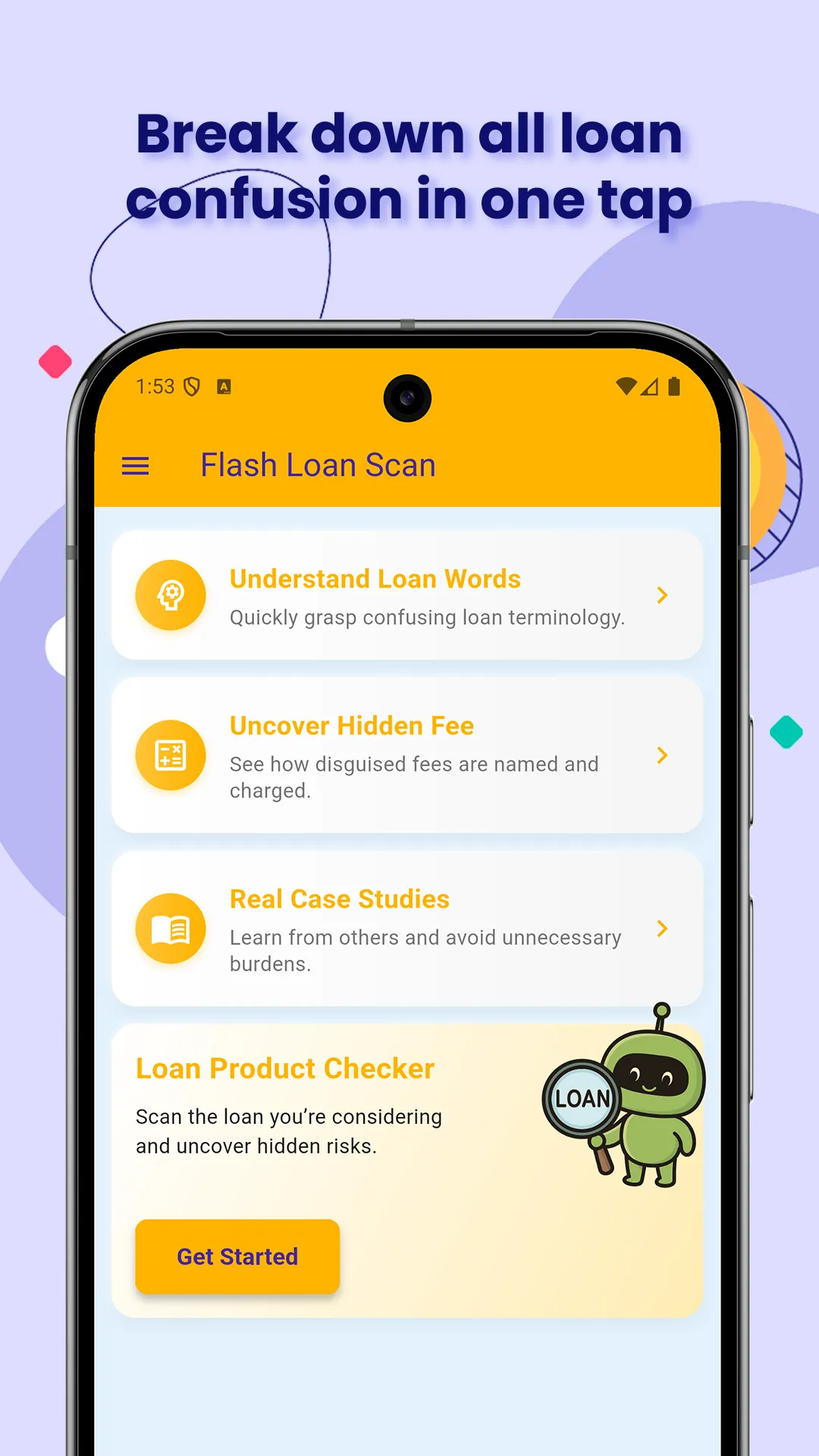
Too many borrowers receive less than promised, pay more than expected, and get trapped by vague words and hidden fees. Confusing terms, misleading ads, and unclear approval pages make it hard to know what you’re really signing up for.
Flash Loan Scan is built to fix that.
Whether it’s technical terms, buried costs, or marketing tricks, we explain it clearly—so you can make smarter, safer loan decisions.
What You Can Do
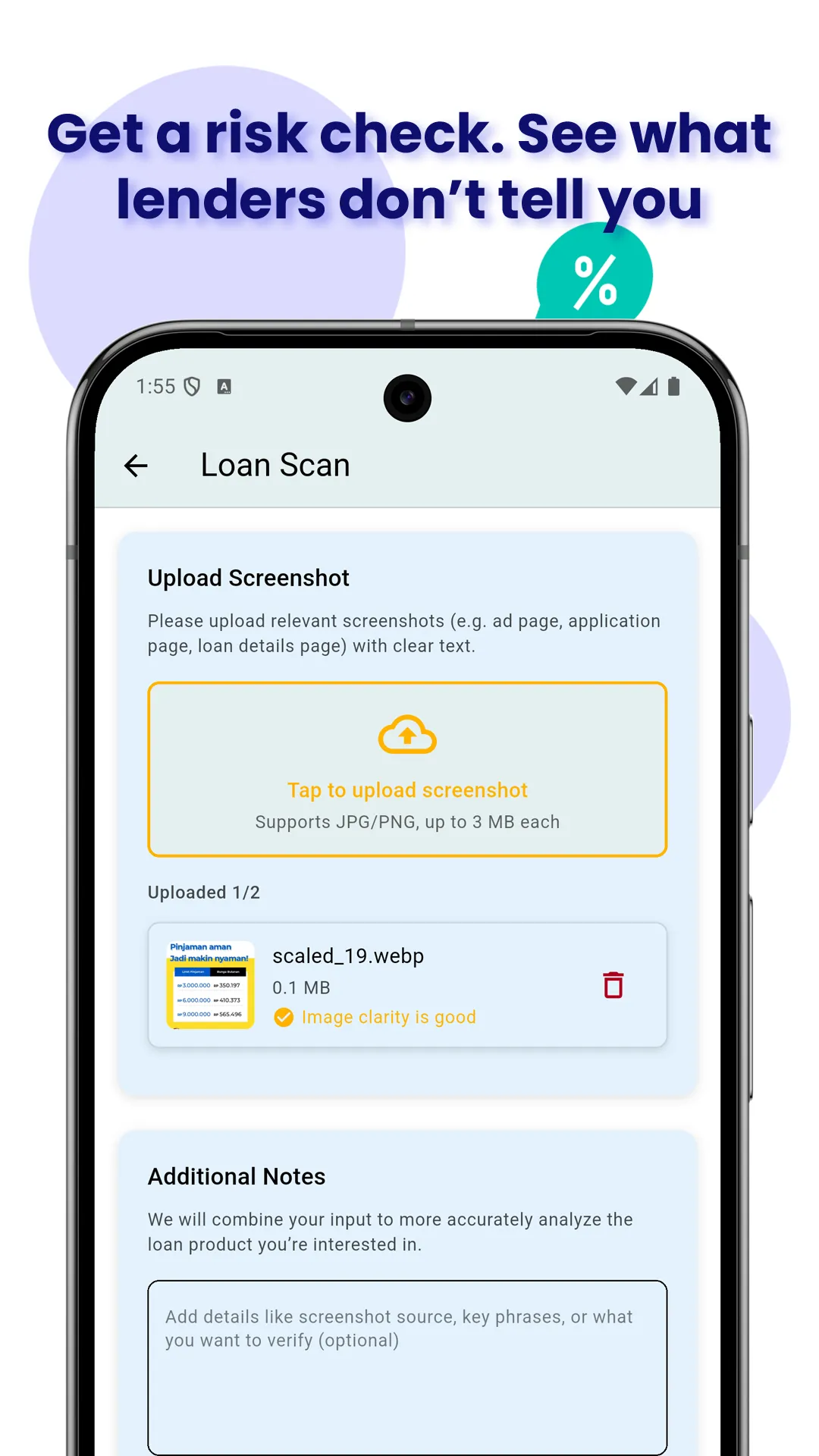
1. Scan loan-related images to reveal risks before you borrow
Upload an image—like a screenshot, ad, or confirmation page—and we’ll help you:
• Understand what you’re really being offered
• Spot hidden fees, unclear costs, and potential traps
• Get a clear summary with risks and questions to ask
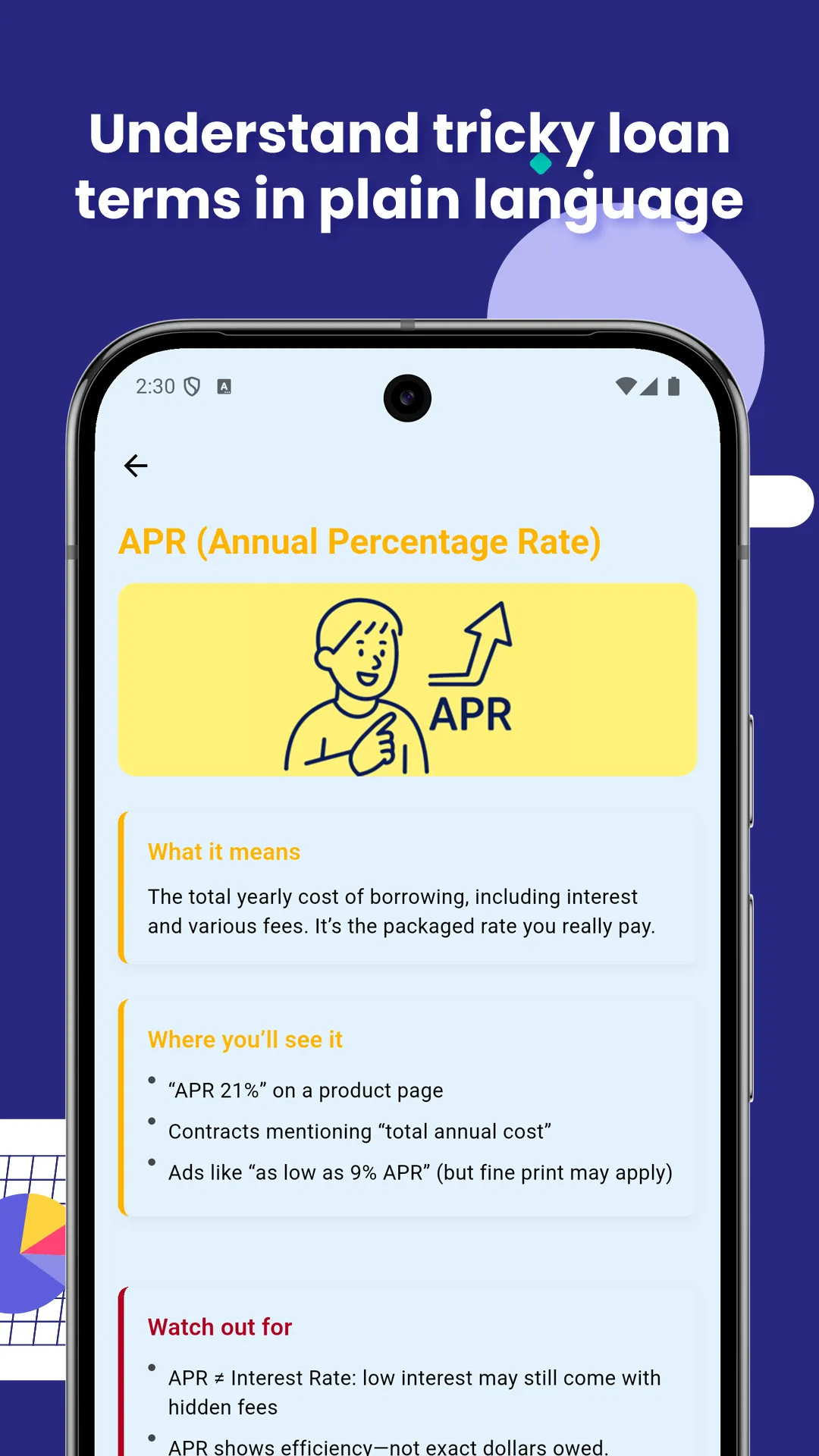
2. Understand tricky loan words in plain language
Not sure what “APR”, “balloon payment”, or “origination fee” mean?
We explain confusing loan terms in everyday language so you won’t get fooled.
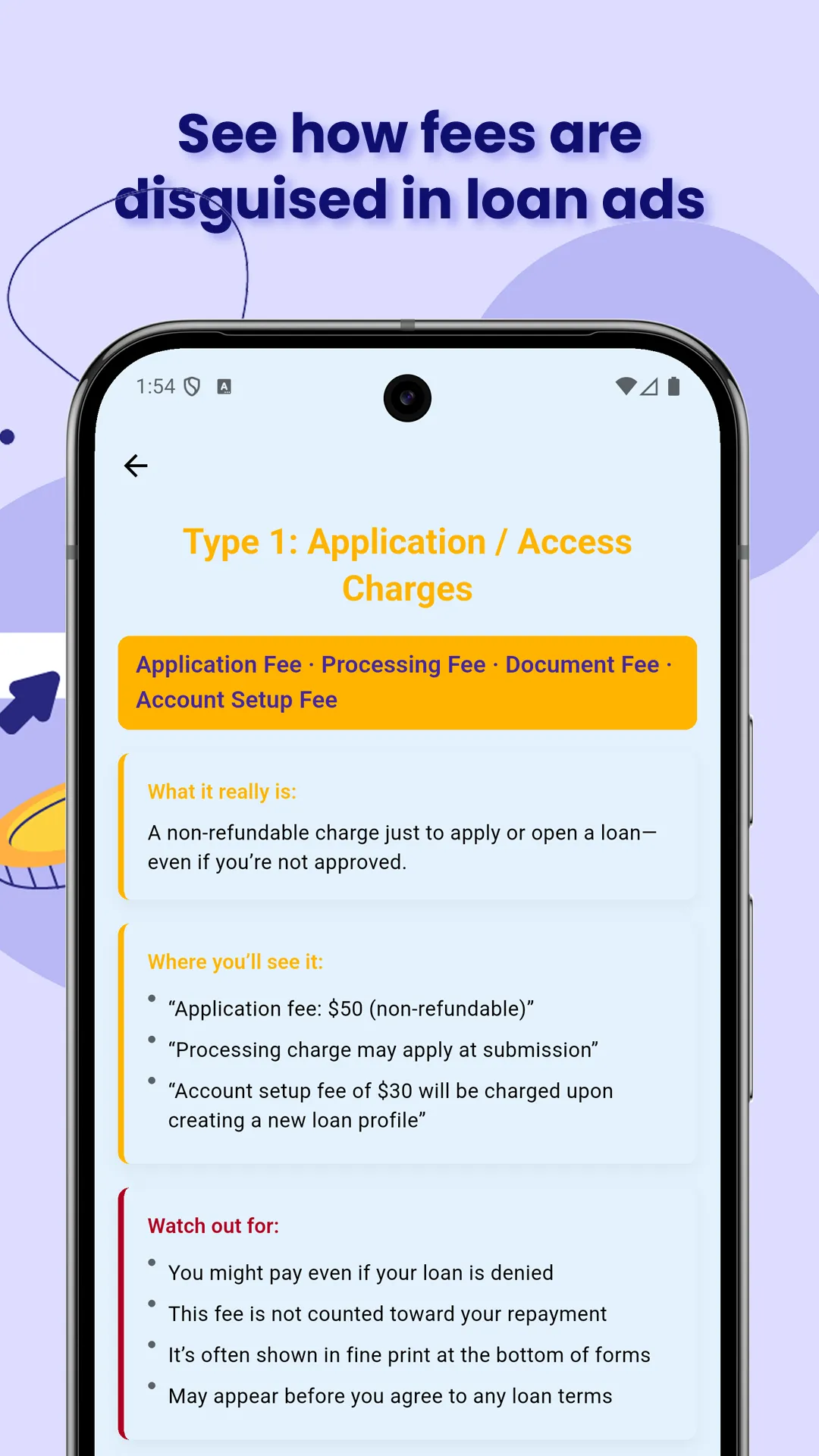
3. Spot hidden fees buried in images and fine print
Some fees are disguised in paperwork or promotional text.
We show real-world examples of how these fees appear—and what they really mean.
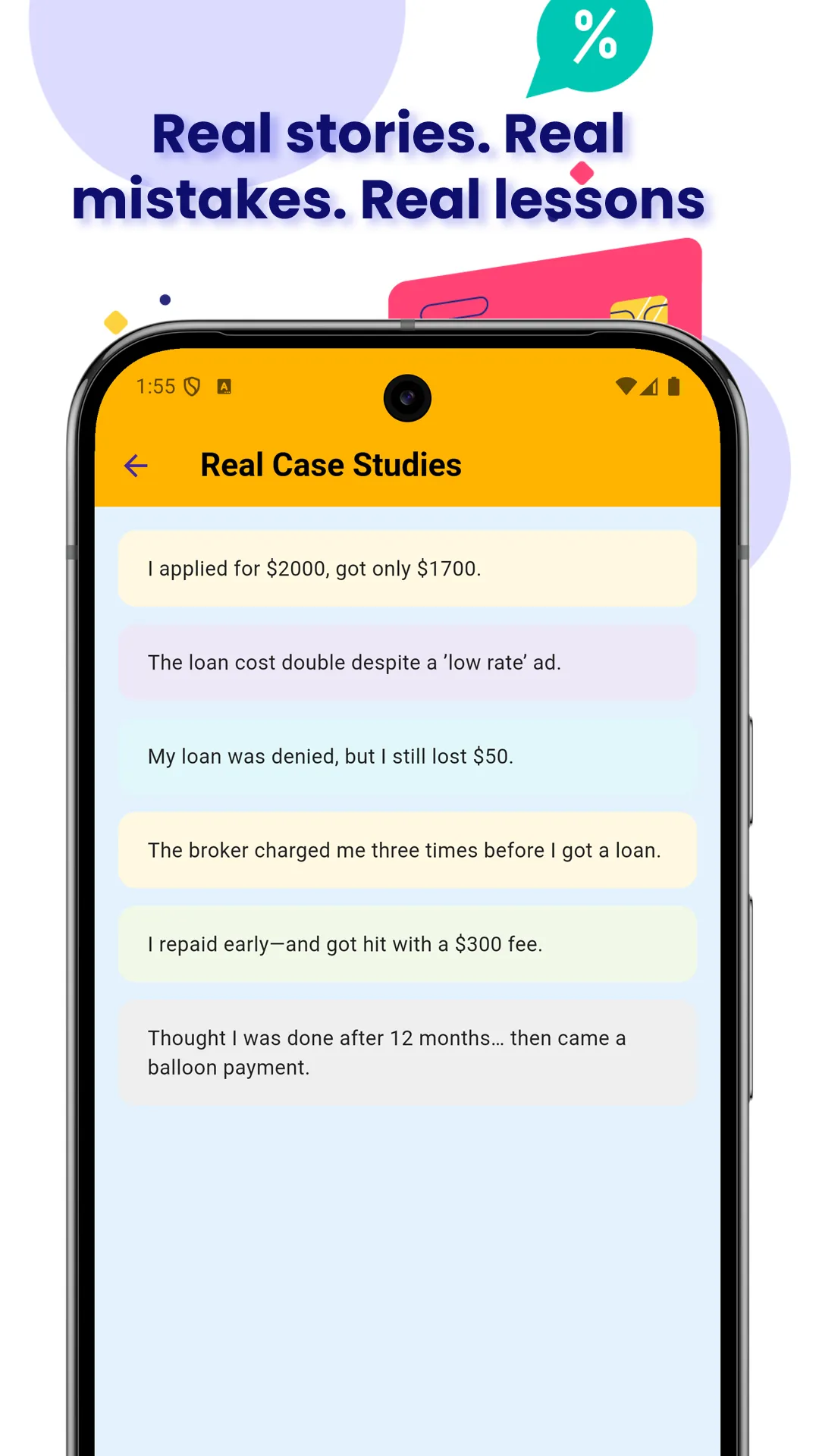
4. Learn from real user cases to avoid common traps
See how others lost money due to vague terms, surprise charges, or rushed decisions.
Each case comes with takeaways to help you stay alert.
Why Flash Loan Scan
1. Fast: Upload a loan image, get instant analysis
2. Simple: No math, no jargon—just what you need to know
3. Free: 100% free and private
4. Educational: Designed to make you a smarter borrower
Before you sign anything, scan first. Understand better. Borrow smarter.
Disclaimer: Flash Loan Scan does not provide loans or financial services. All results are educational in nature and based solely on the images and input provided by the user.
Finance
Ratings
0
0 total ratings
5
73%
4
10%
3
4%
2
3%
1
10%
REVIEWS
No reviews yet. Be the first one to review this app
'%20fill-rule='evenodd'%20clip-rule='evenodd'%20d='M8.04878%200.118571C9.10796%20-0.198465%2010.2321%200.132893%2010.9526%200.961509L18.7058%209.9036H22.0709C23.0433%209.90386%2023.8429%2010.7032%2023.843%2011.6757V13.1309H23.8497C23.8497%2013.4983%2023.5476%2013.8014%2023.1803%2013.8015H19.9372V33.9548C19.9372%2034.423%2019.5703%2034.7975%2019.1021%2034.7977H17.142C15.91%2034.7977%2014.9156%2033.8036%2014.9154%2032.5644V28.0251C13.5538%2028.5582%2012.3722%2028.7169%2010.9963%2028.7169C6.45689%2028.7169%203.74677%2025.6897%203.74677%2020.6099V13.8015H1.77319C0.800641%2013.8015%200.000280942%2013.0091%200%2012.0294V10.573C0.000219737%2010.2057%200.303205%209.9036%200.670545%209.9036H13.5676L5.13039%201.85482C4.82078%201.55938%204.94365%201.04032%205.35428%200.917851L8.04878%200.118571ZM8.78425%2013.8082V20.611C8.78438%2023.1974%209.8151%2024.35%2012.1135%2024.35C12.9637%2024.3499%2014.1167%2024.1489%2014.902%2023.7959V13.8082H8.78425Z'%20fill='white'/%3e%3c/svg%3e)
Permissions
Storage: access photos, media, and files on your device
Internet: use your internet connection
Phone: make and manage phone calls
Developer Info
Curated for YouSee all






Scan to download on PhonePe Appstore

