

Perfios Account Aggregation Services Pvt. Ltd.
4.0
ratings2 MB
SizeVerified
SCREENSHOTS (8)
About the app
If you've ever struggled to organize your financial accounts in one place, or logged into multiple sites time after time to fetch your data, you have help. Starting with bank accounts, and soon your entire portfolio of assets across securities, insurance, provident funds, all your accounts are available in one place at the click of a button.
Here's why you should trust Anumati with your data. (1) Anumati is regulated by the RBI and held to strict standards of compliance and security (2) Anumati cannot decrypt your data except in your own device such as a laptop. Only you can view your data you've aggregated across accounts. (3) If you wish, you can send selected data to a service provider - such as a lender or insurance company, and specify how that data will be used.
It's high time you got back in control of your data. Let us help!
How it works
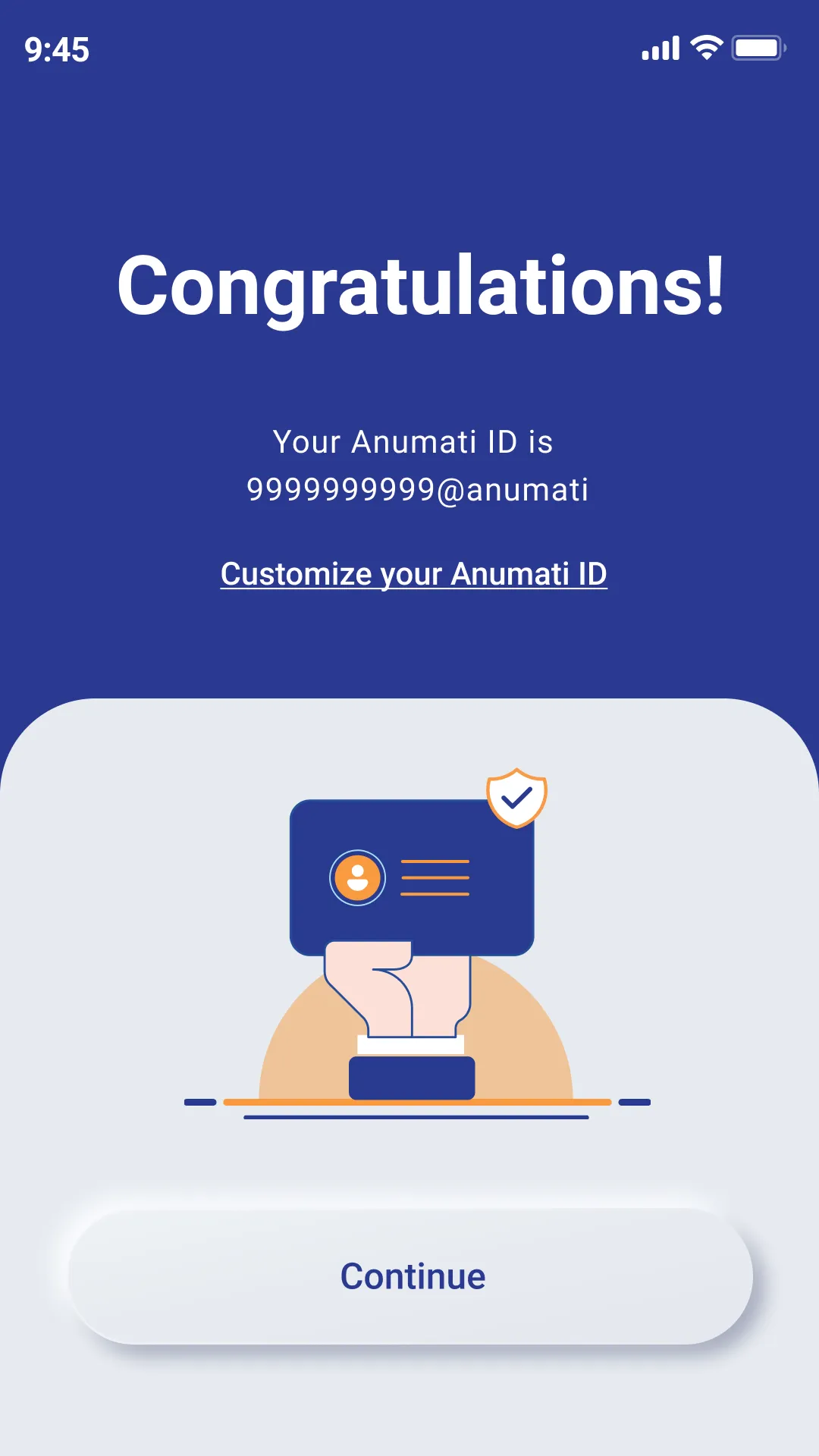
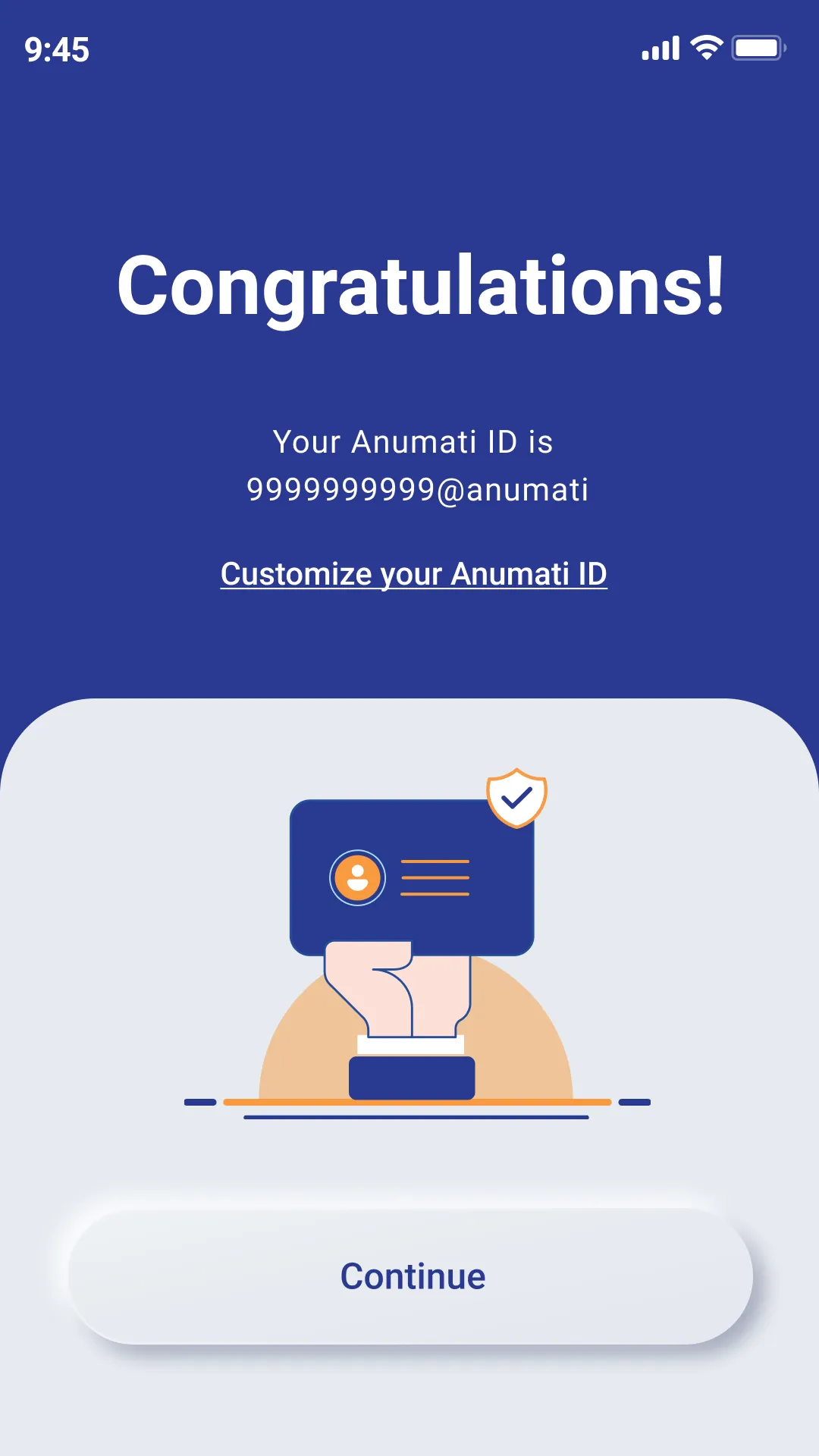
Enter your mobile number and an OTP we send and create your anumati ID. This is usually (yourmobilenumber@anumati) unless you want to customise it to say (yourself@anumati). Do remember that you can customise your id only once at setup, so be sure to use something you will remember!
Setup your 4-digit PIN
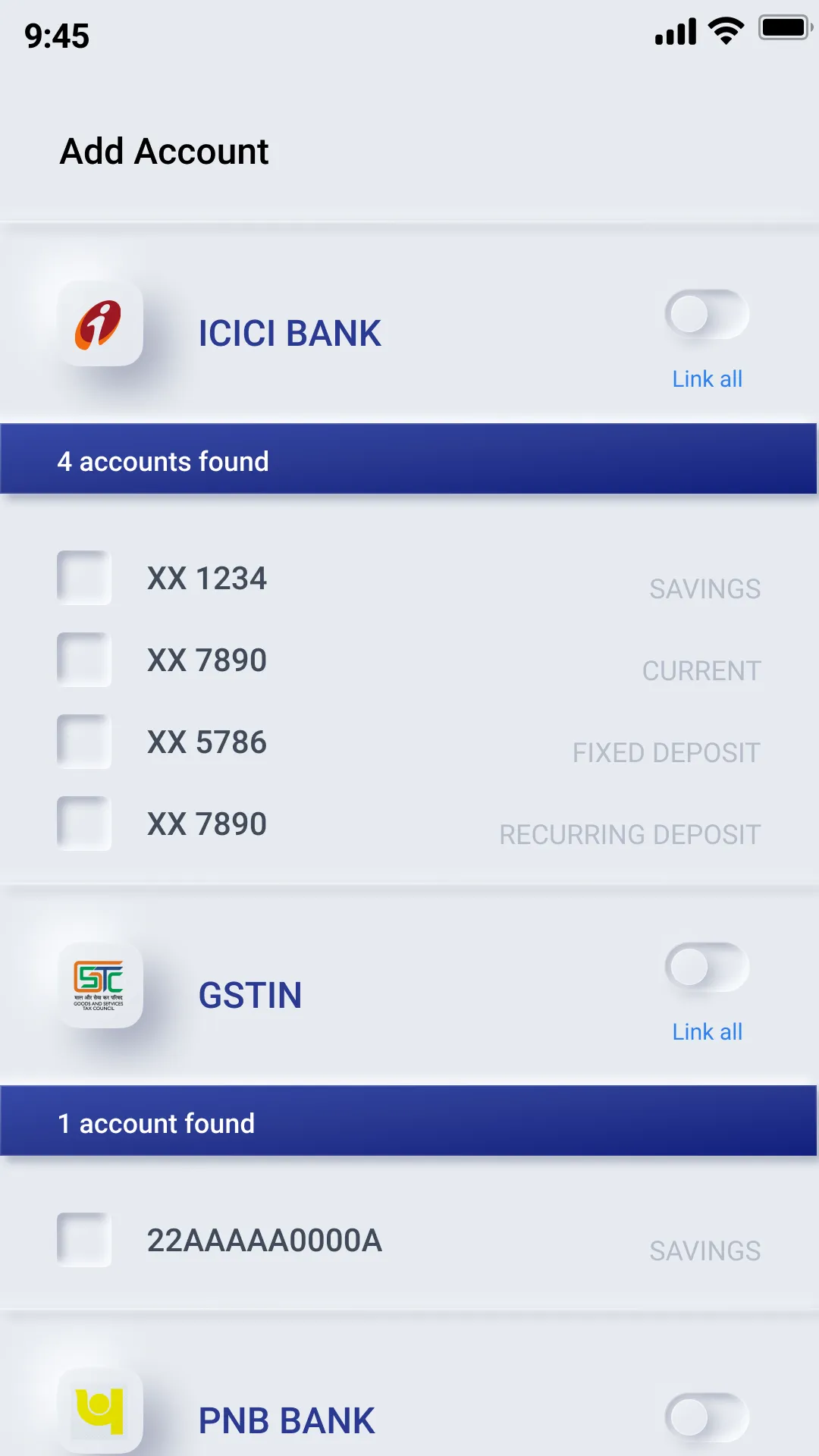
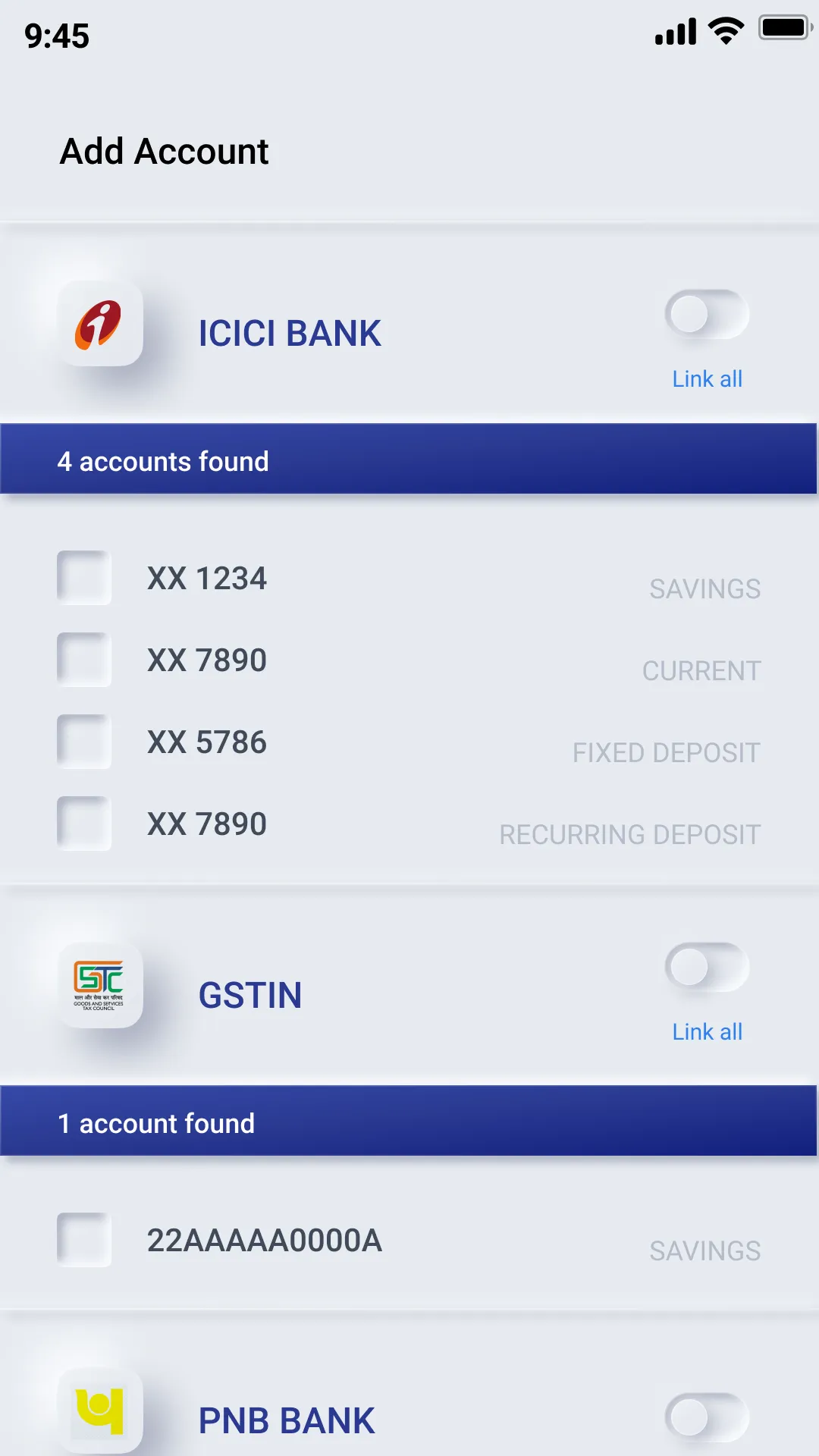
Anumati searches its network of banks for accounts linked to your number, and displays them in one neat interface. You can select a few or all of them to "link" to your anumati ID
Your bank will send you an OTP to verify it is indeed you who is requesting this linking. Enter this OTP, and your accounts are linked to your anumati ID. You can at anytime add or delete accounts - for example when we launch Mutual Funds data on the Anumati network
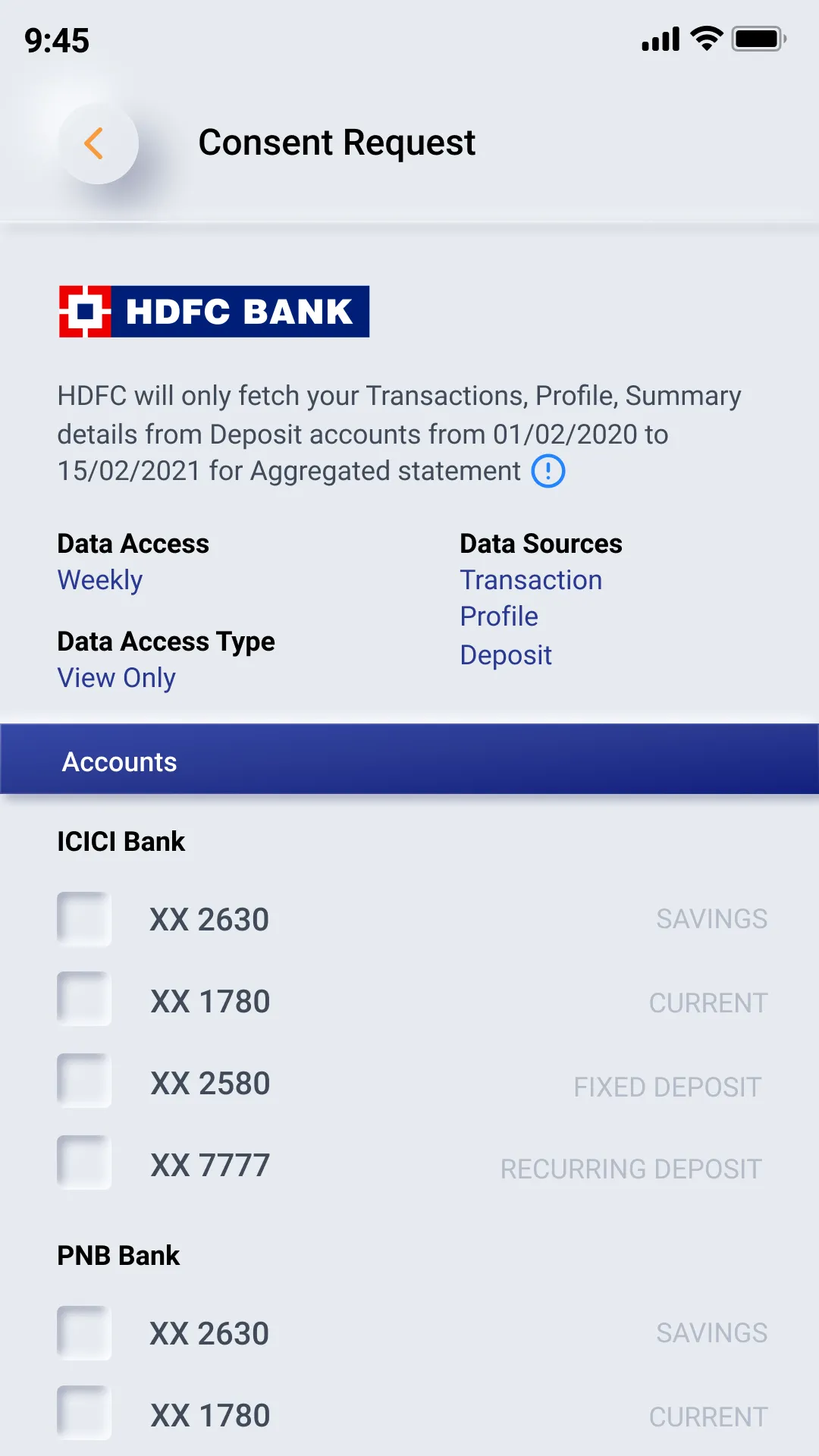
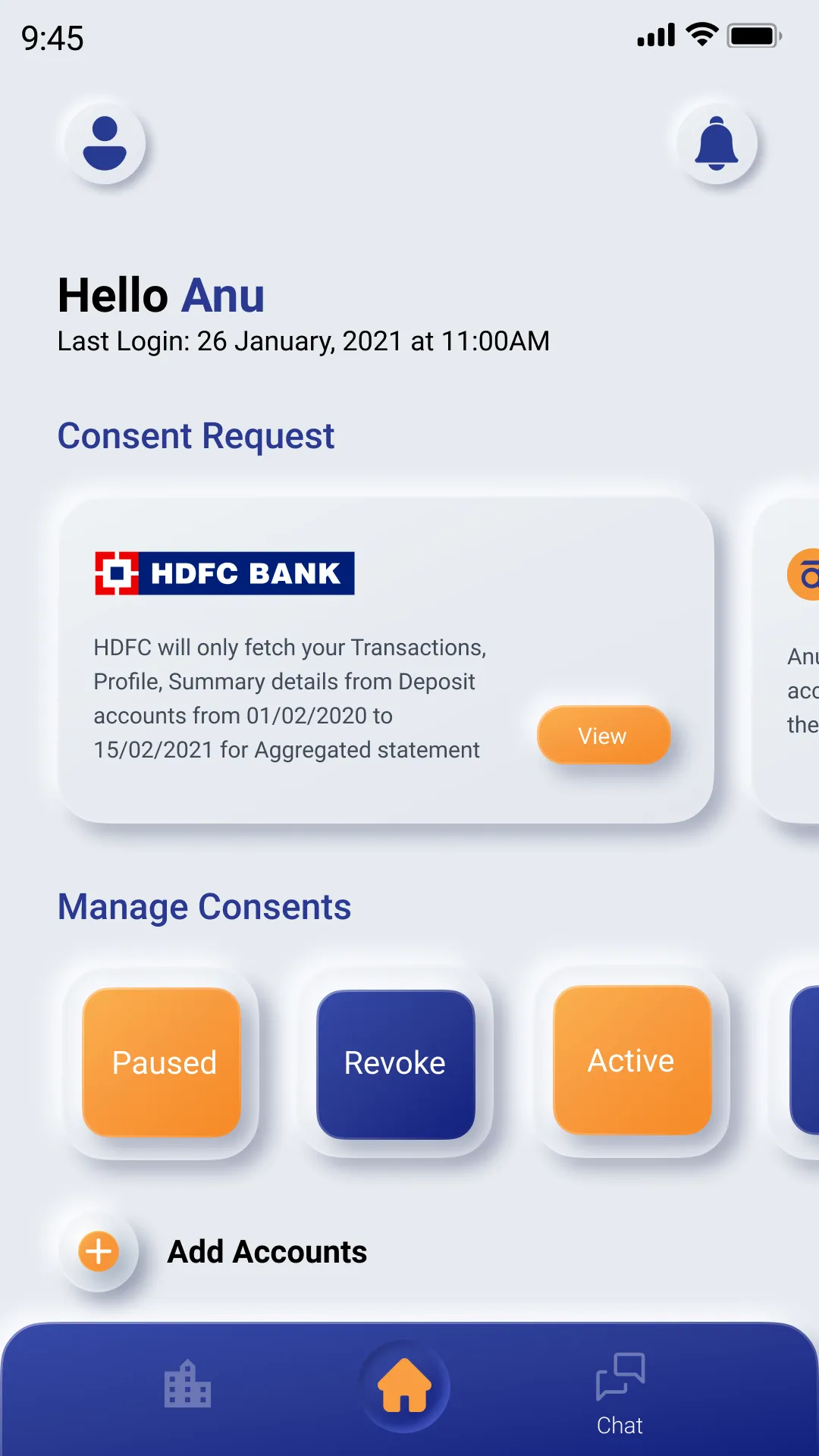
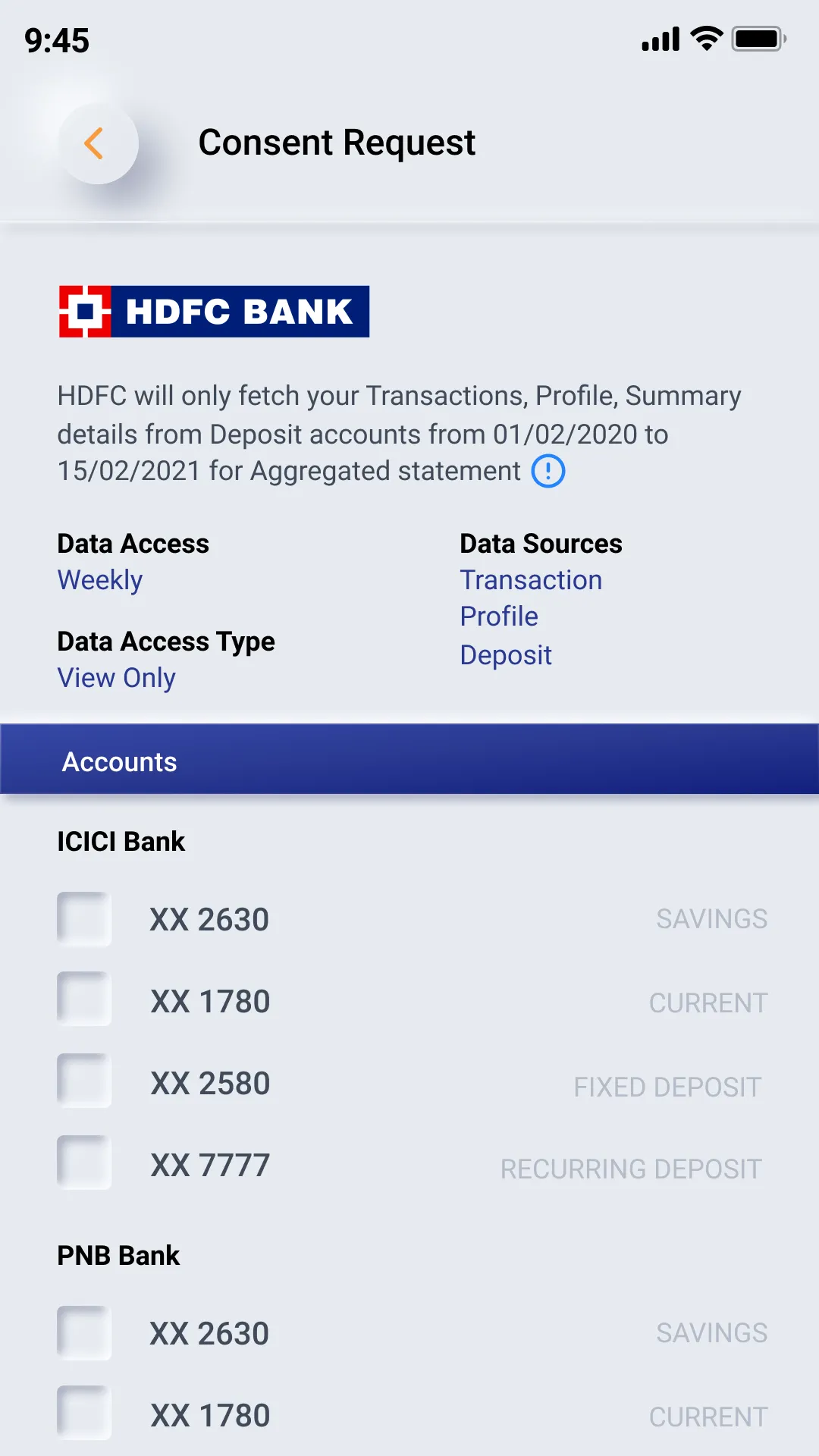
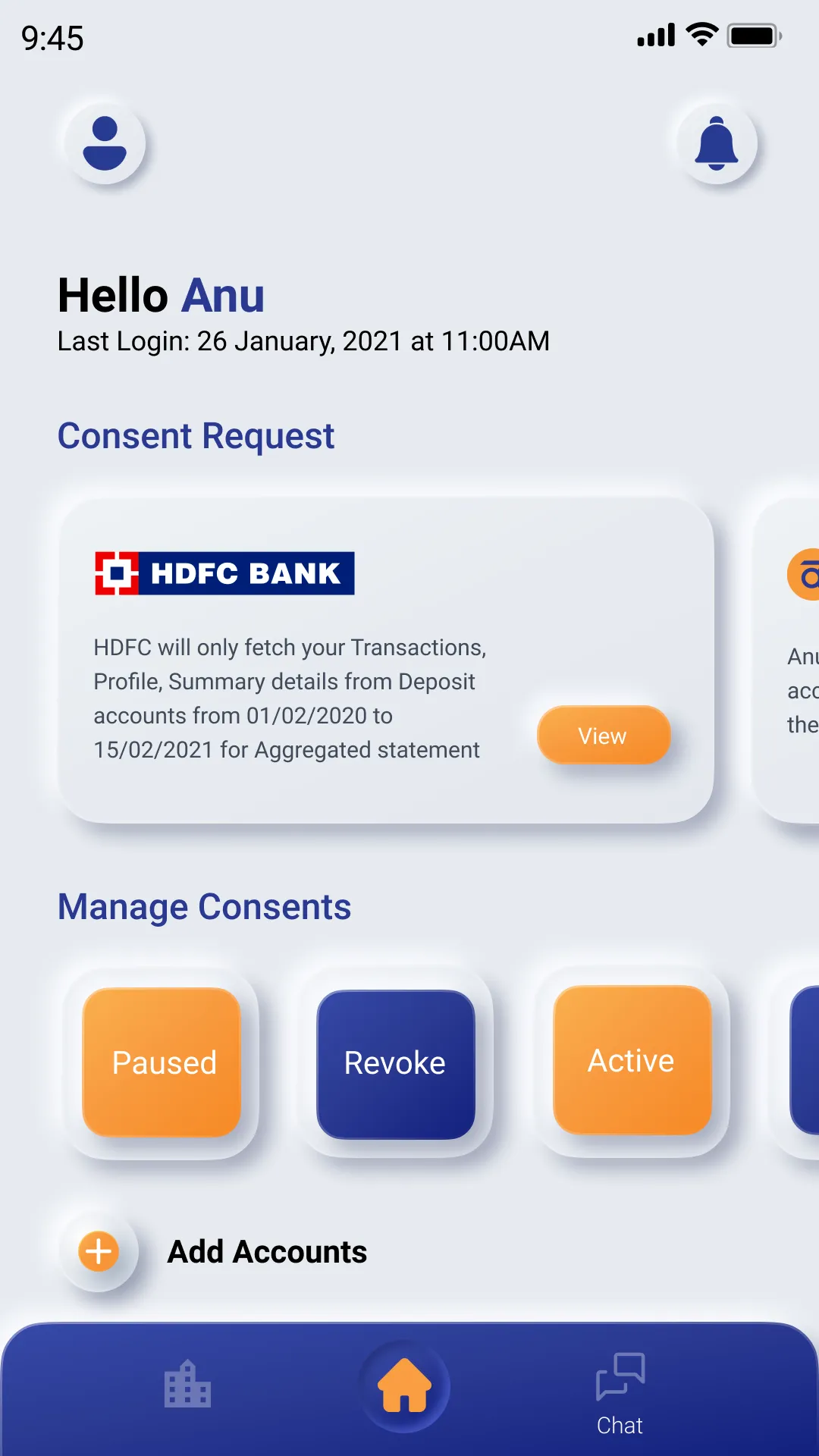
Now you're set. The next time a service provider asks for your bank statement, simply select anumati as your prefered way to share data. Enter your anumati ID, and you will automatically see all the accounts you've linked. Select one or more of these accounts to share data with one click. No more downloading PDF statements, remember their passwords, uploading them again on a different website and so on.
Finance
Ratings
0
0 total ratings
5
73%
4
10%
3
4%
2
3%
1
10%
REVIEWS
No reviews yet. Be the first one to review this app
'%20fill-rule='evenodd'%20clip-rule='evenodd'%20d='M8.04878%200.118571C9.10796%20-0.198465%2010.2321%200.132893%2010.9526%200.961509L18.7058%209.9036H22.0709C23.0433%209.90386%2023.8429%2010.7032%2023.843%2011.6757V13.1309H23.8497C23.8497%2013.4983%2023.5476%2013.8014%2023.1803%2013.8015H19.9372V33.9548C19.9372%2034.423%2019.5703%2034.7975%2019.1021%2034.7977H17.142C15.91%2034.7977%2014.9156%2033.8036%2014.9154%2032.5644V28.0251C13.5538%2028.5582%2012.3722%2028.7169%2010.9963%2028.7169C6.45689%2028.7169%203.74677%2025.6897%203.74677%2020.6099V13.8015H1.77319C0.800641%2013.8015%200.000280942%2013.0091%200%2012.0294V10.573C0.000219737%2010.2057%200.303205%209.9036%200.670545%209.9036H13.5676L5.13039%201.85482C4.82078%201.55938%204.94365%201.04032%205.35428%200.917851L8.04878%200.118571ZM8.78425%2013.8082V20.611C8.78438%2023.1974%209.8151%2024.35%2012.1135%2024.35C12.9637%2024.3499%2014.1167%2024.1489%2014.902%2023.7959V13.8082H8.78425Z'%20fill='white'/%3e%3c/svg%3e)
Permissions
Storage: access photos, media, and files on your device
Internet: use your internet connection
Phone: make and manage phone calls
Developer Info
Curated for YouSee all






Scan to download on PhonePe Appstore

