

CPDH Apps
4.0
ratings6 MB
SizeVerified
SCREENSHOTS (6)
About the app
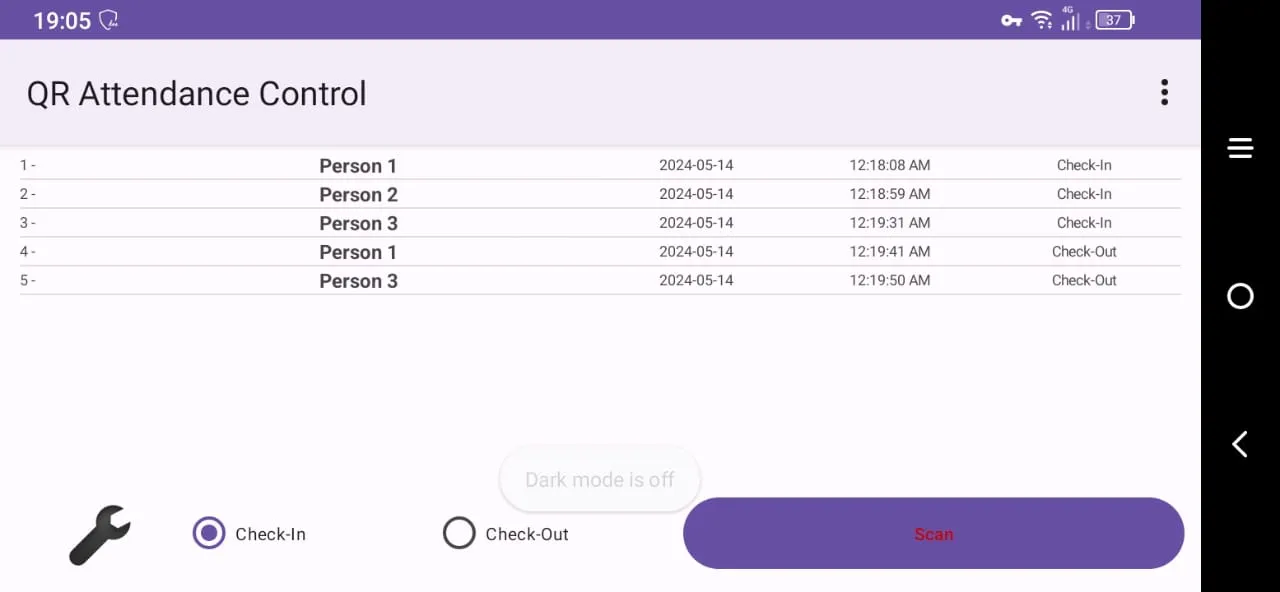
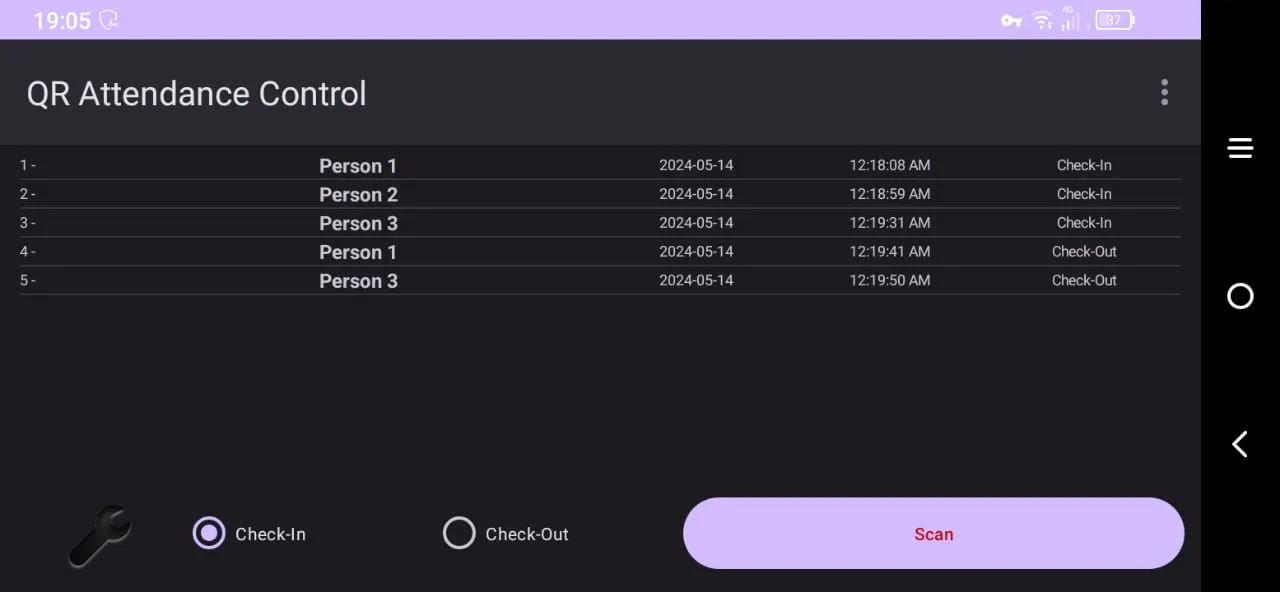
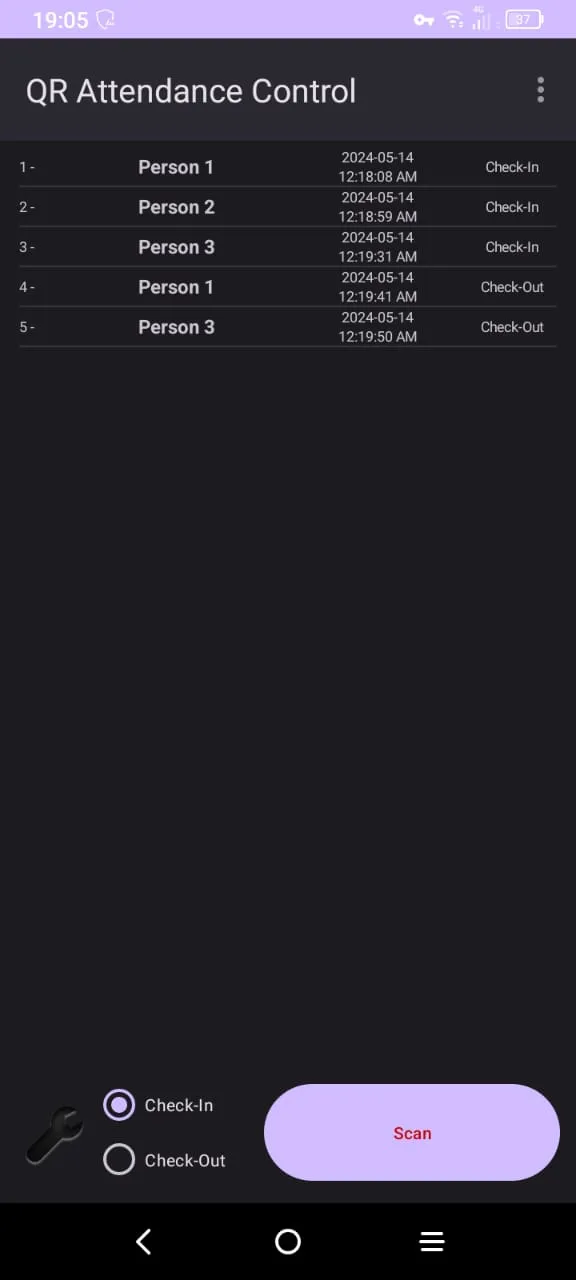
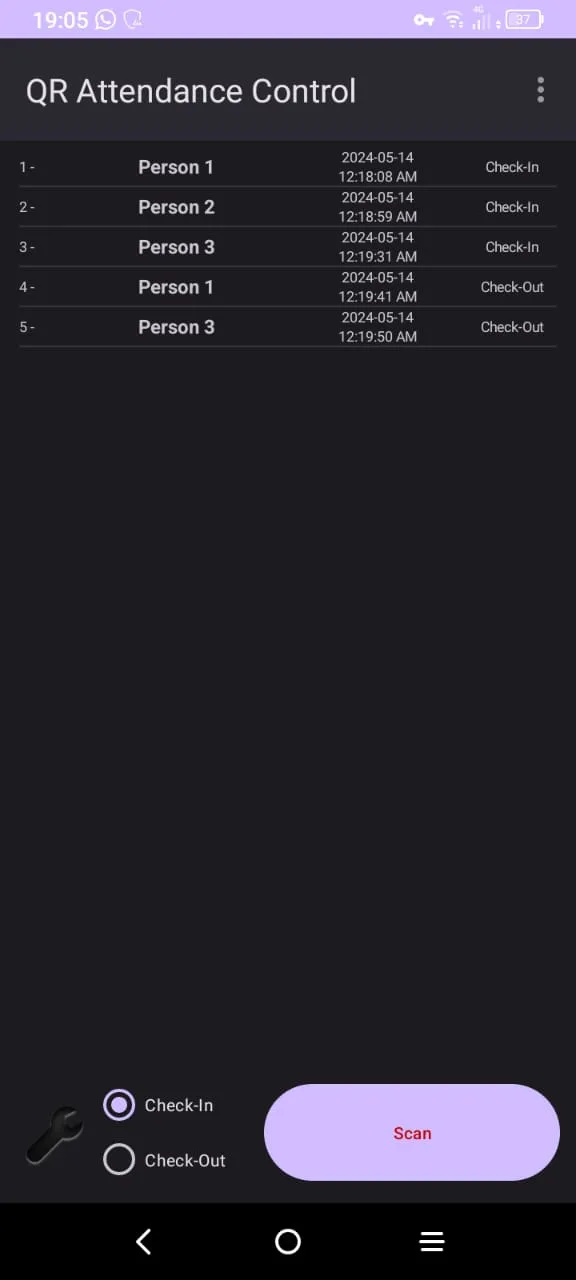
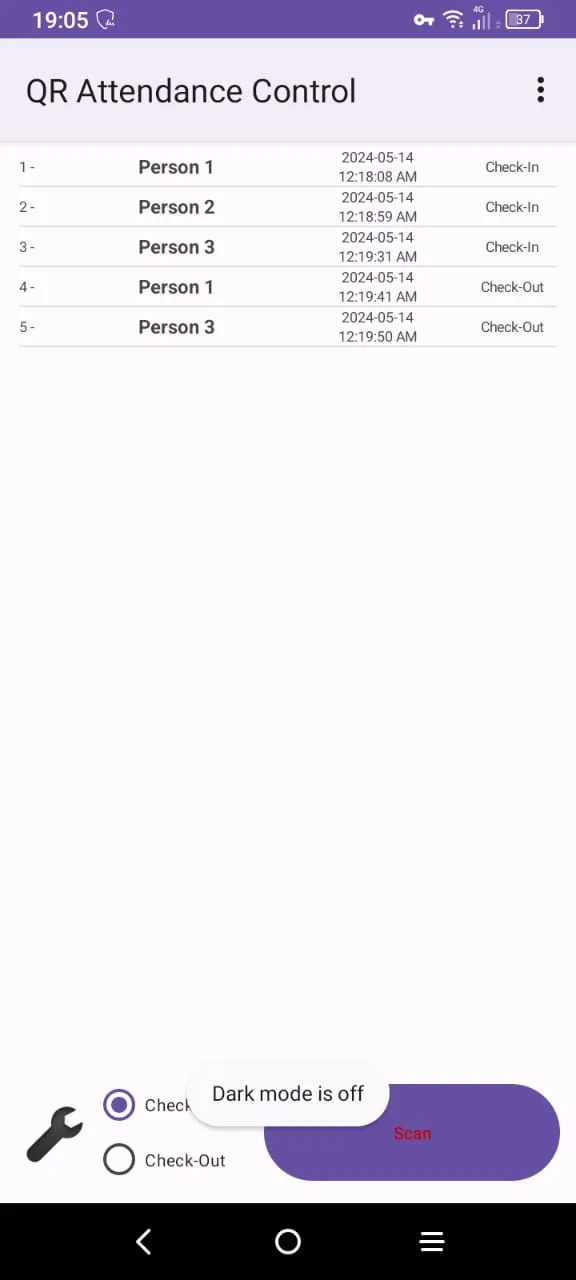
Effortlessly manage your events with QR Attendance Scanner! 🚀 This powerful app allows you to scan attendance using QR codes, making check-ins and check-outs a breeze!
Key Features:
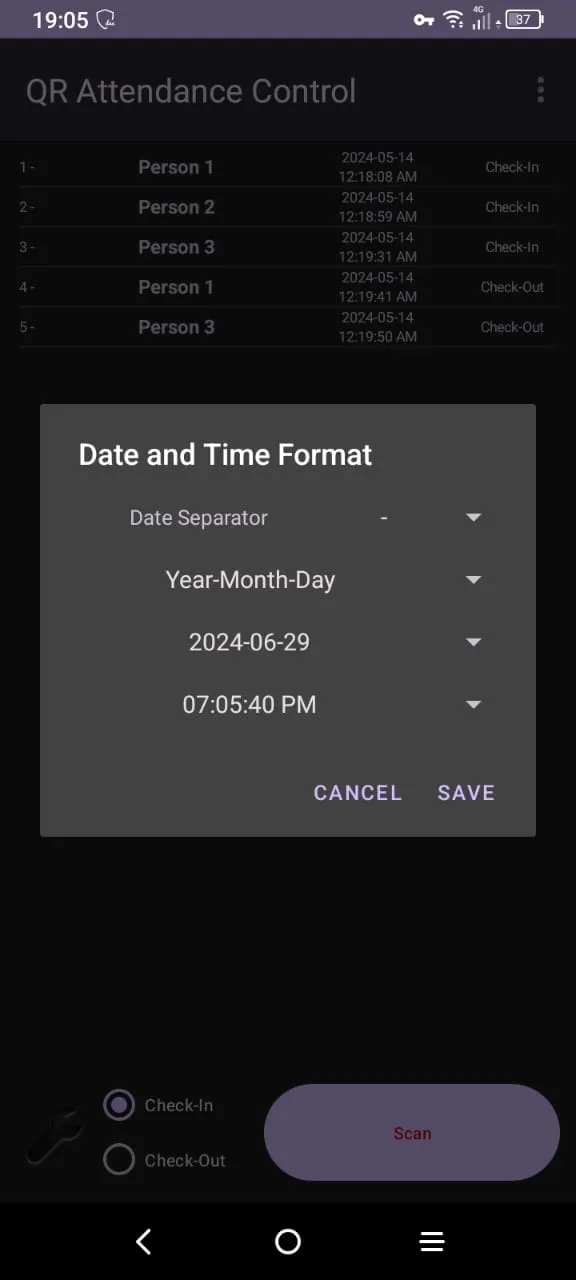
Customizable Date & Time Format: Adjust the format to suit your preferences! 📅⏰
Continuous Scanning: Scan multiple attendees in a row without interruption! 🔄
Camera Selection: Choose between front and back cameras for the best scanning experience! 📸
Auto Detection: Automatically check attendees in and out with ease! ✅
Alarm for Duplicate Codes: Get notified if a QR code has already been used! 🚨
Adjustable Font Size: Customize the font size for easier readability! 🔠
Admin Password Protection: Prevent deletion of records with a secure admin password! 🔒
Paid Version Features:
Ad-Free Experience: Enjoy using the app without interruptions from ads! ✨
Perfect for event organizers, schools, and businesses, QR Attendance Scanner simplifies attendance management like never before! Download now and take control of your events! 🎊📲
How to Create Your Own QR Codes for Free! 🌐
Creating your own QR codes is easy and free! Just follow these simple steps:
Visit a Free QR Code Generator Website: Go to sites like QR Code Generator or GoQR.
Enter Your Information: Input the details you want to encode, such as URLs, text, or event details.
Customize Your QR Code: Choose colors and designs if the website offers customization options.
Generate the QR Code: Click on the "Generate" button to create your QR code.
Download the QR Code: Save the generated QR code to your device for printing or sharing!
With QR Attendance Scanner, managing your events has never been easier! Download now and streamline your attendance process! 🎊📲
Events
Ratings
0
0 total ratings
5
73%
4
10%
3
4%
2
3%
1
10%
REVIEWS
No reviews yet. Be the first one to review this app
'%20fill-rule='evenodd'%20clip-rule='evenodd'%20d='M8.04878%200.118571C9.10796%20-0.198465%2010.2321%200.132893%2010.9526%200.961509L18.7058%209.9036H22.0709C23.0433%209.90386%2023.8429%2010.7032%2023.843%2011.6757V13.1309H23.8497C23.8497%2013.4983%2023.5476%2013.8014%2023.1803%2013.8015H19.9372V33.9548C19.9372%2034.423%2019.5703%2034.7975%2019.1021%2034.7977H17.142C15.91%2034.7977%2014.9156%2033.8036%2014.9154%2032.5644V28.0251C13.5538%2028.5582%2012.3722%2028.7169%2010.9963%2028.7169C6.45689%2028.7169%203.74677%2025.6897%203.74677%2020.6099V13.8015H1.77319C0.800641%2013.8015%200.000280942%2013.0091%200%2012.0294V10.573C0.000219737%2010.2057%200.303205%209.9036%200.670545%209.9036H13.5676L5.13039%201.85482C4.82078%201.55938%204.94365%201.04032%205.35428%200.917851L8.04878%200.118571ZM8.78425%2013.8082V20.611C8.78438%2023.1974%209.8151%2024.35%2012.1135%2024.35C12.9637%2024.3499%2014.1167%2024.1489%2014.902%2023.7959V13.8082H8.78425Z'%20fill='white'/%3e%3c/svg%3e)
Permissions
Storage: access photos, media, and files on your device
Internet: use your internet connection
Phone: make and manage phone calls
Curated for YouSee all






Scan to download on PhonePe Appstore

