

Sebastian D.
4.0
ratings18 MB
SizeVerified
SCREENSHOTS (7)
About the app
Code. Preview. Deploy. Anywhere.
WebDevStudio turns your Android device into a full-featured web development studio — built for developers who want to edit, preview, and manage websites on the go.
With a powerful code editor, live website preview, Git, FTP/SFTP, SSH, and built-in tutorials, it gives you everything you need to develop, debug, and deploy — right from your phone or tablet.
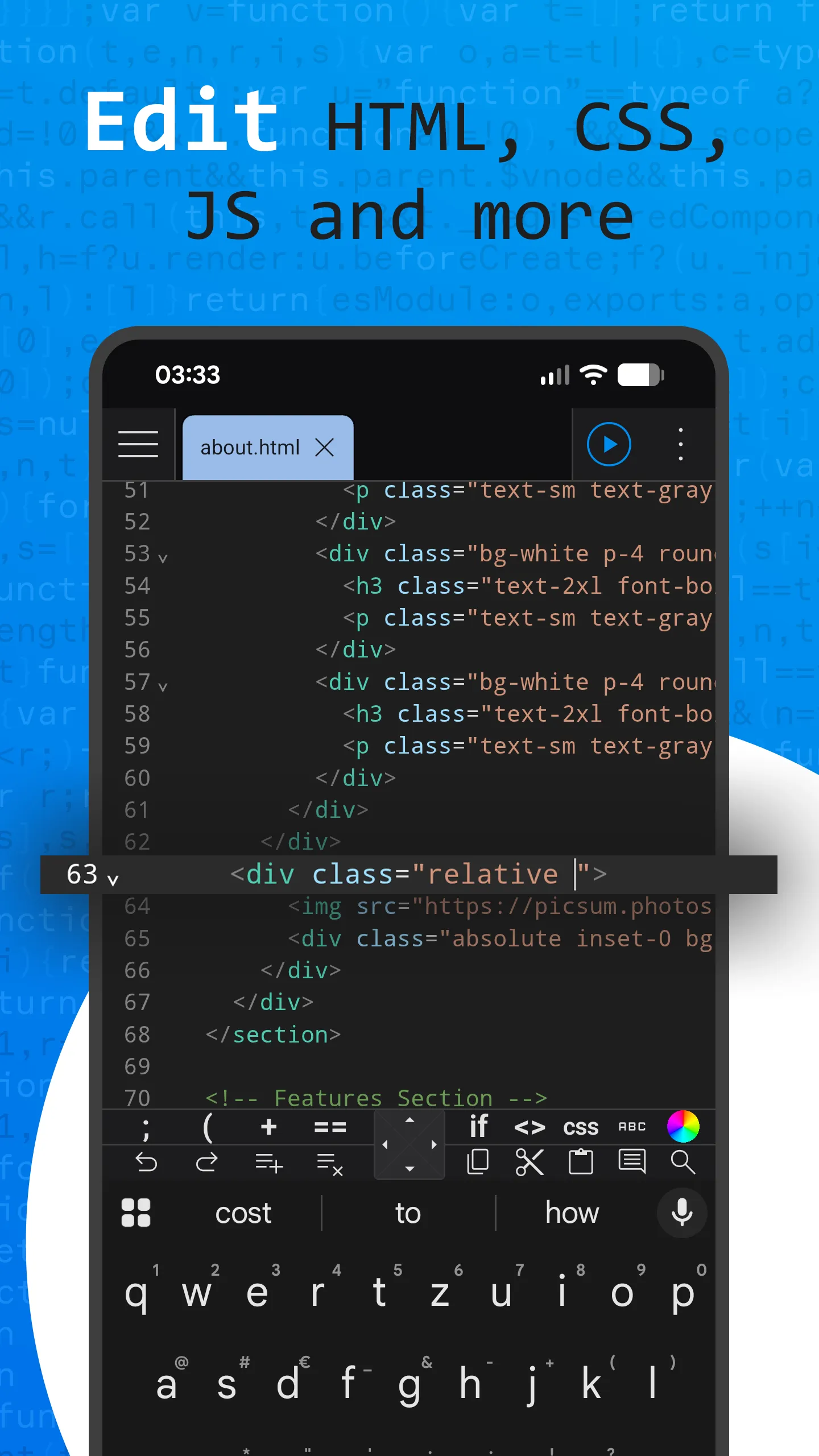
💻 Code Editor
• Syntax highlighting and code completion for HTML, CSS, JavaScript, TypeScript, Vue, PHP, SQL, JSON, Markdown, YAML, XML, and more
• Multiple editor windows and tabs
• Customizable keyboard toolbar with snippets, cursor keys, color picker, and lorem ipsum generator
• Search and replace (with regex), go to line, soft wrap, and JSON formatter
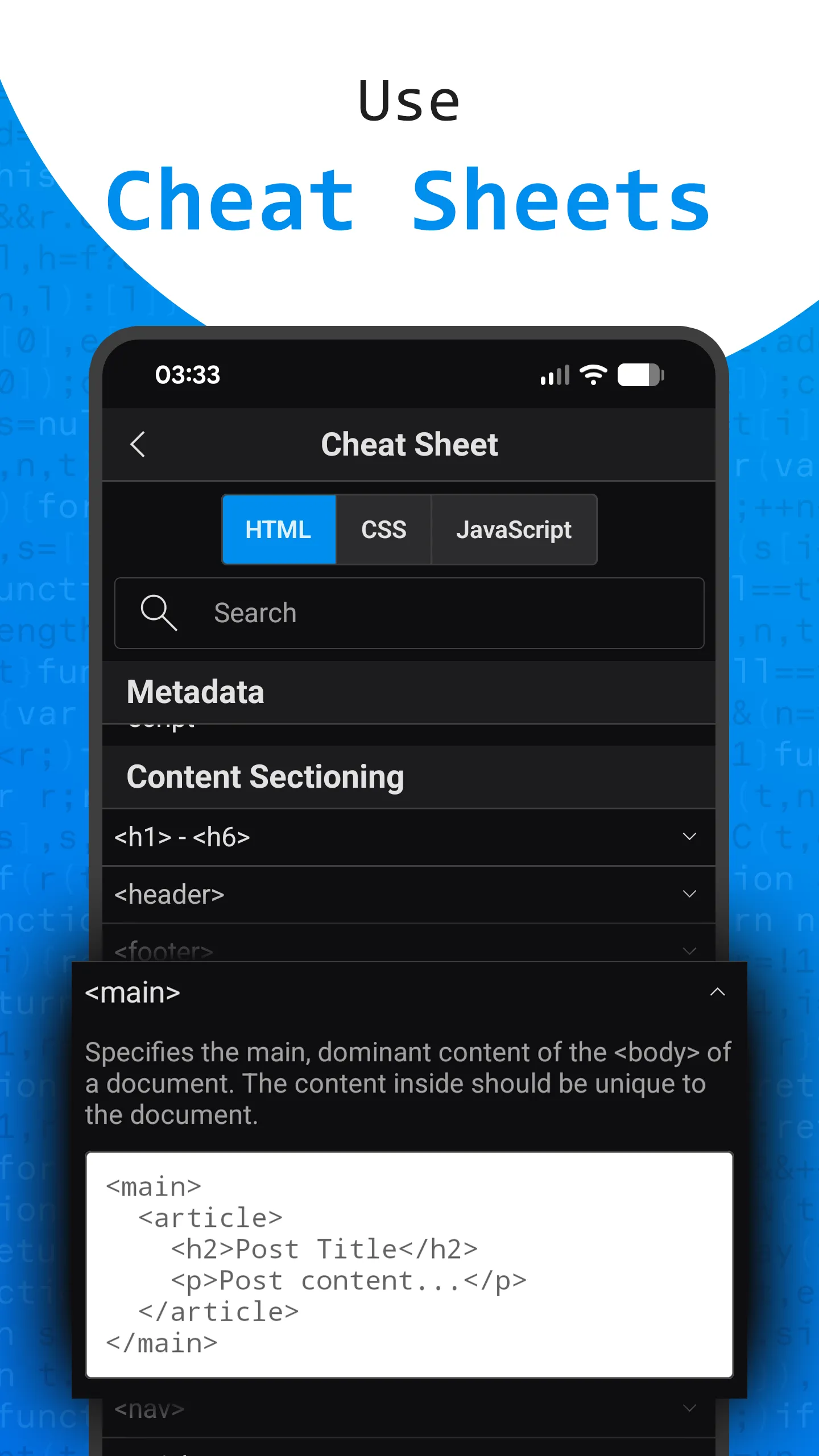
• Built-in HTML, CSS, and JavaScript cheat sheet for quick reference
🌐 Website Preview and Dev Tools
• Desktop and mobile device emulation (Android, iPhone, iPad, custom sizes)
• Inspect elements, console logs, network traffic, local storage, session storage, and cookies
• Host a local HTTP server to preview sites from other devices on your network
• Clear cache or cookies, open in browser, and print pages
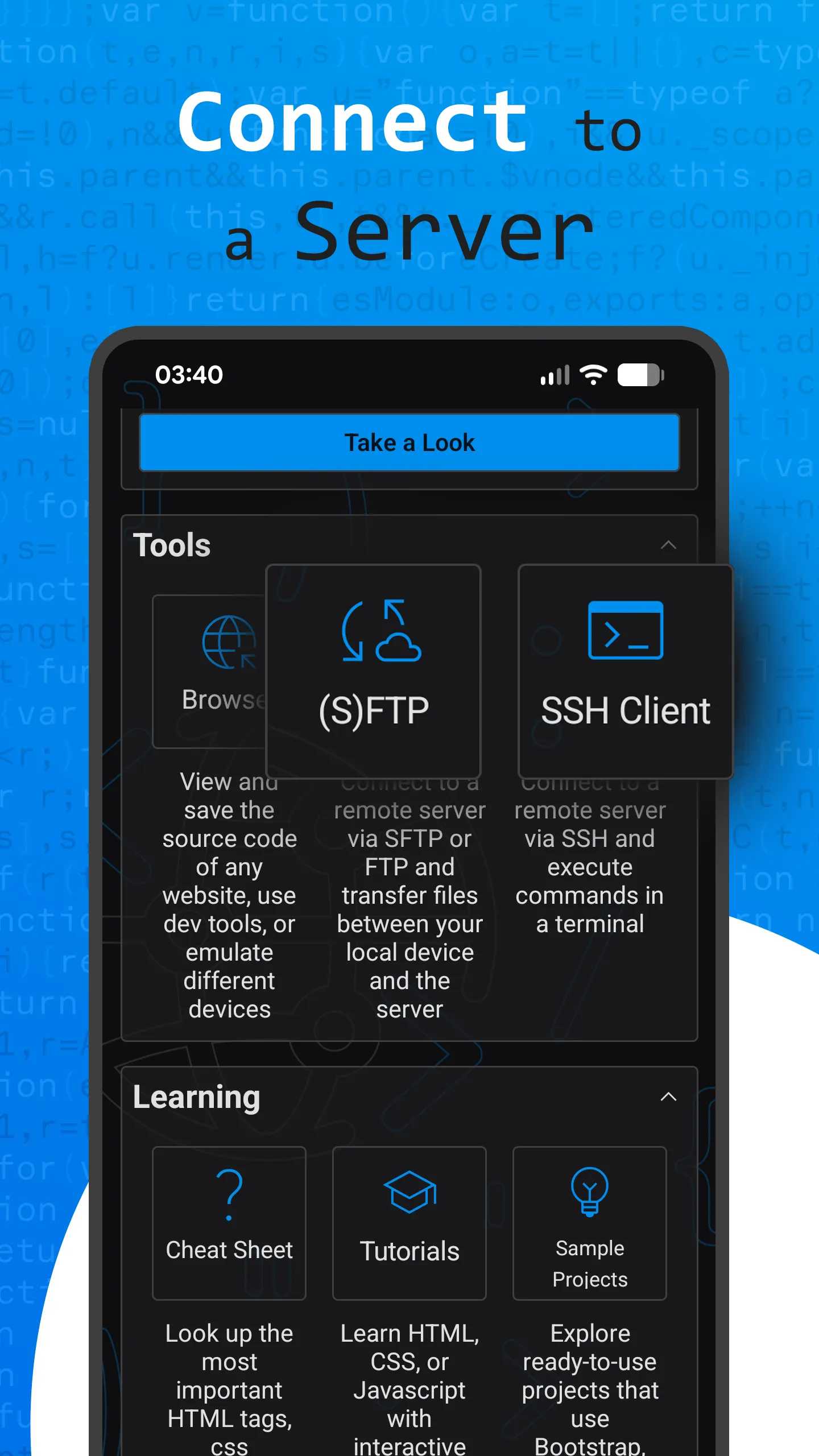
🔒 SFTP, FTP, and SSH Integration
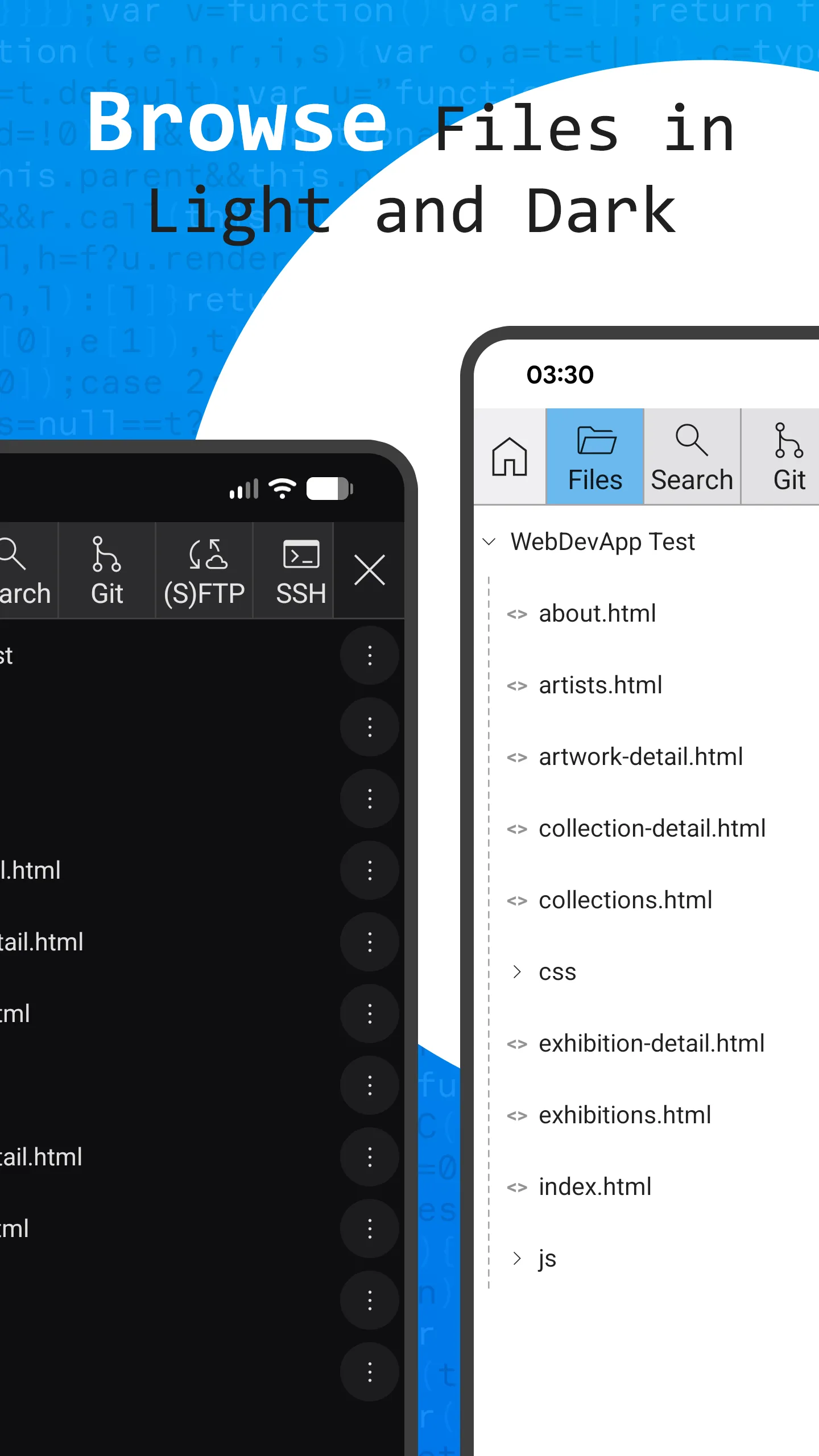
• Upload, download, and browse files on remote servers
• Save multiple connections with password or private key authentication
• Built-in SSH terminal with customizable colors, fonts, and themes
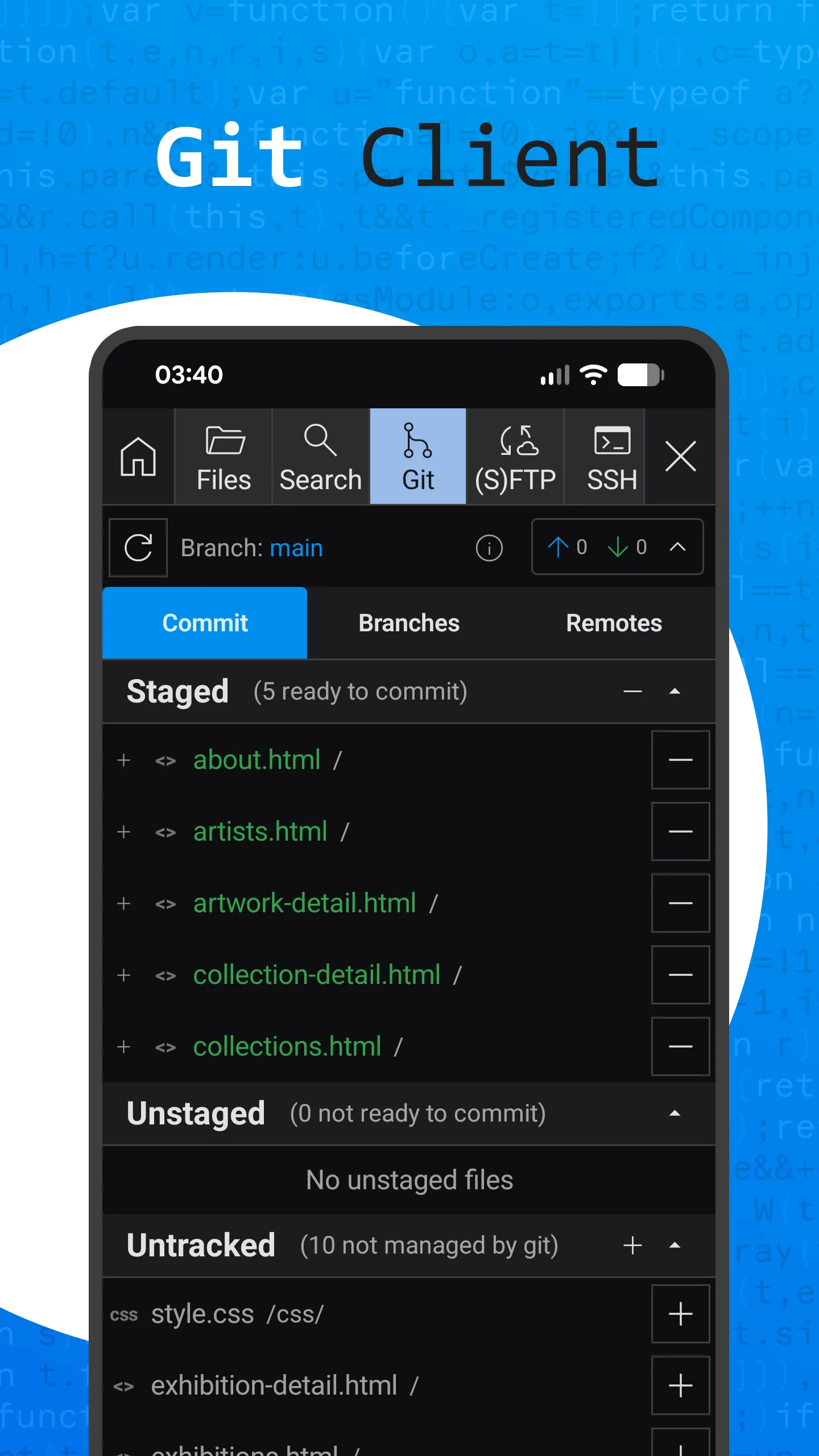
🌳 Git Client
• Clone or initialize repositories
• Commit, push, pull, merge, and rollback
• Add or remove remotes
• Manage your entire Git workflow directly from your device
🧠 Learn and Practice
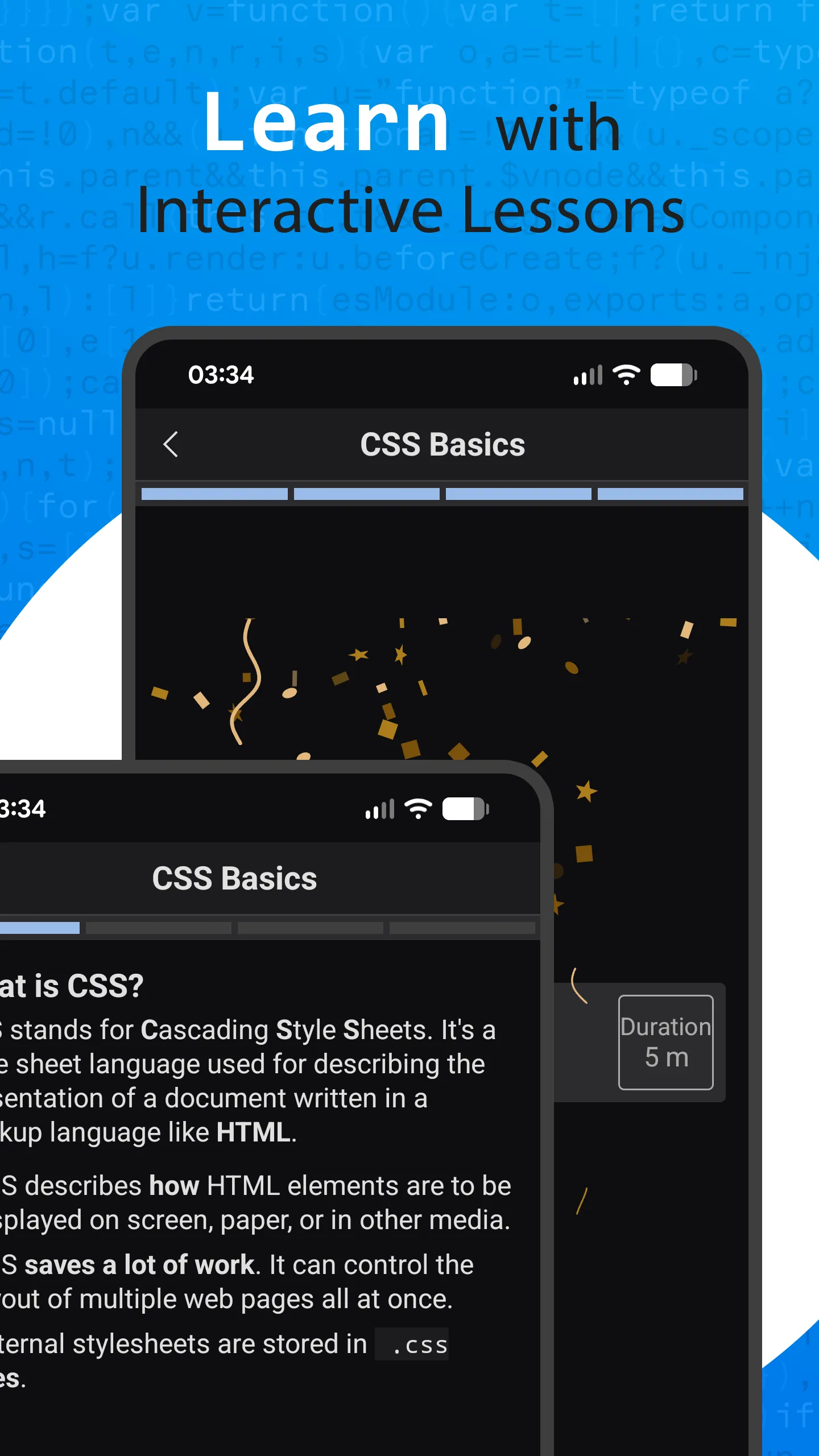
• Step-by-step tutorials for HTML, CSS, and JavaScript with quizzes and code challenges
• Six sample projects using Bootstrap, Tailwind CSS, D3, Vue.js, JavaScript, and CSS
• Great for both beginners and experienced developers
⚙️ Customizable Workspace
• 22 editor color themes (GitHub, VS Code, and many more)
• Adjustable font sizes and colors
• Fully customizable keyboard toolbar — rearrange buttons, add or edit code snippets
Whether you’re fixing a website, pushing commits, or coding your next project, WebDevStudio gives you a professional-grade development environment optimized for mobile.
Build. Edit. Preview. Deploy. All in one app.
Download WebDevStudio today and code anywhere.
Essential Apps
Ratings
0
0 total ratings
5
73%
4
10%
3
4%
2
3%
1
10%
REVIEWS
No reviews yet. Be the first one to review this app
'%20fill-rule='evenodd'%20clip-rule='evenodd'%20d='M8.04878%200.118571C9.10796%20-0.198465%2010.2321%200.132893%2010.9526%200.961509L18.7058%209.9036H22.0709C23.0433%209.90386%2023.8429%2010.7032%2023.843%2011.6757V13.1309H23.8497C23.8497%2013.4983%2023.5476%2013.8014%2023.1803%2013.8015H19.9372V33.9548C19.9372%2034.423%2019.5703%2034.7975%2019.1021%2034.7977H17.142C15.91%2034.7977%2014.9156%2033.8036%2014.9154%2032.5644V28.0251C13.5538%2028.5582%2012.3722%2028.7169%2010.9963%2028.7169C6.45689%2028.7169%203.74677%2025.6897%203.74677%2020.6099V13.8015H1.77319C0.800641%2013.8015%200.000280942%2013.0091%200%2012.0294V10.573C0.000219737%2010.2057%200.303205%209.9036%200.670545%209.9036H13.5676L5.13039%201.85482C4.82078%201.55938%204.94365%201.04032%205.35428%200.917851L8.04878%200.118571ZM8.78425%2013.8082V20.611C8.78438%2023.1974%209.8151%2024.35%2012.1135%2024.35C12.9637%2024.3499%2014.1167%2024.1489%2014.902%2023.7959V13.8082H8.78425Z'%20fill='white'/%3e%3c/svg%3e)
Permissions
Storage: access photos, media, and files on your device
Biometric Information: access biometric data like fingerprint to unlock the app
Internet: use your internet connection
Curated for YouSee all






Scan to download on PhonePe Appstore

