

Clicksboom
4.0
ratings68 MB
SizeVerified
SCREENSHOTS (7)
About the app
🎬 VidyCut - All-in-One Video Editor & Converter
Edit. Convert. Create.
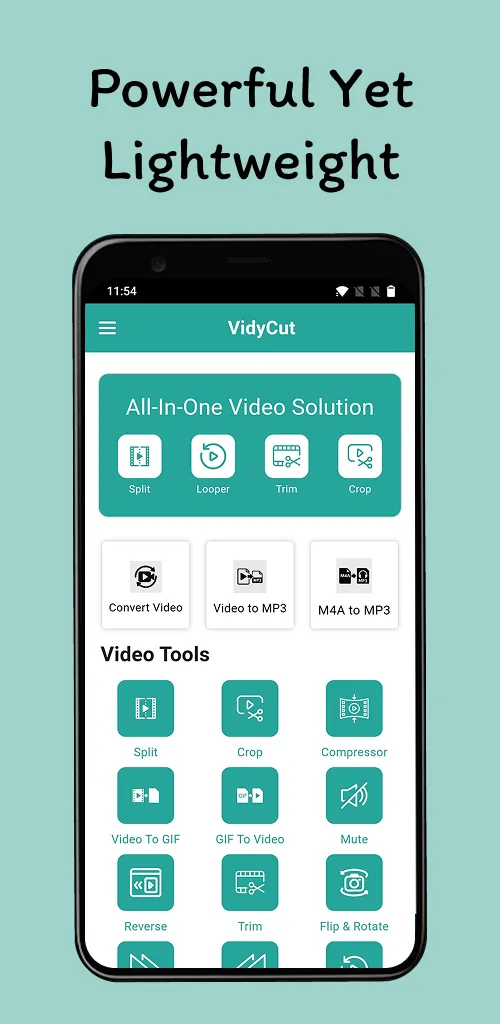
Welcome to VidyCut, a versatile video editing and conversion tool built for everyone — from creators and vloggers to casual users. Whether you're trimming short clips, converting formats, or creating a GIF from a video, VidyCut offers a powerful set of tools in a simple, user-friendly app.
Key Features of VidyCut
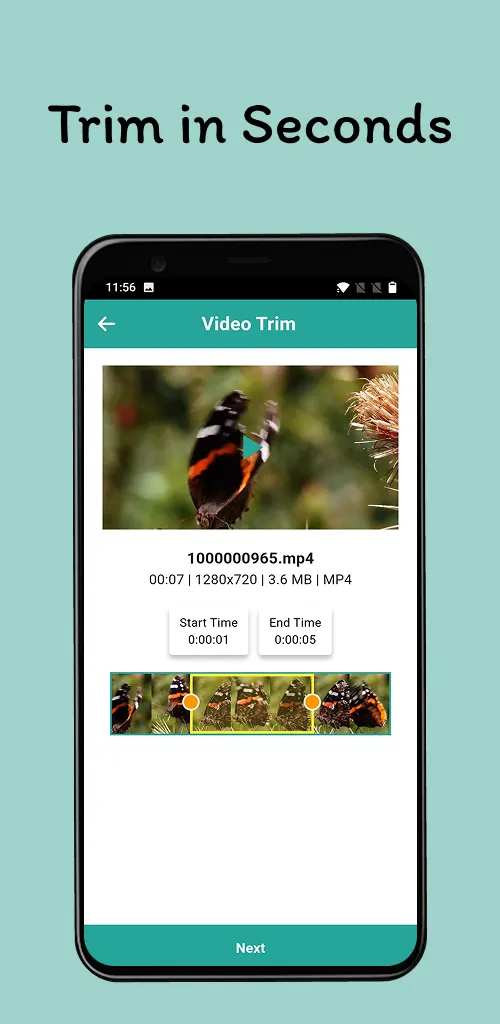
🎞 Trim & Cut Videos
Easily trim unwanted parts or split any video into smaller clips for sharing.
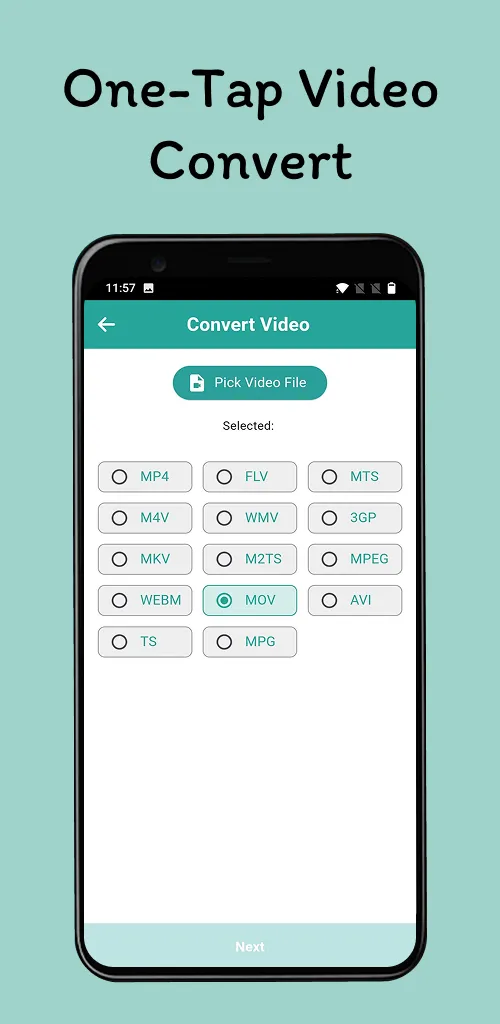
🎬 Video Format Converter
Convert videos to formats like MP4, FLV, MOV, M4V, AVI, MKV, WEBM, MPG, TS, MTS, and
more. Adapt your video files for different platforms or devices.
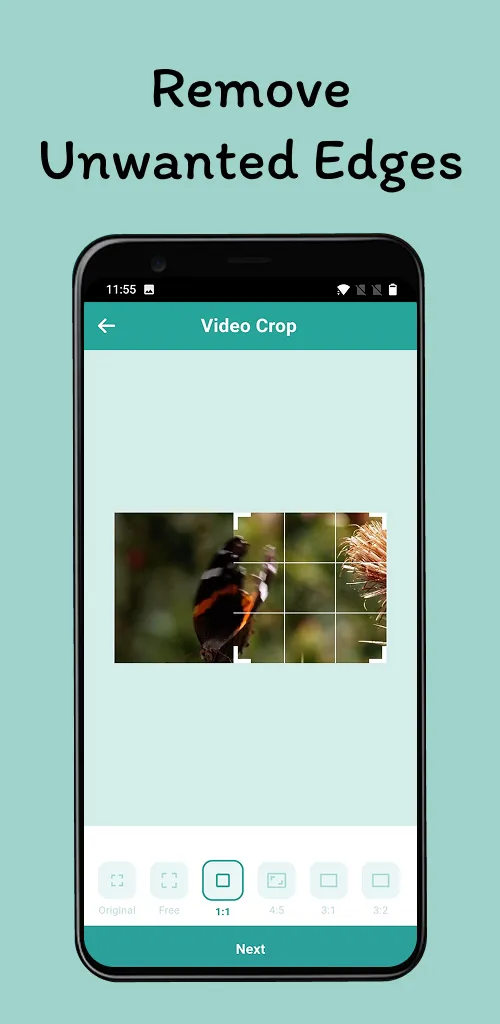
🎥 Crop Video
Resize your video frame for different aspect ratios such as square, vertical, or widescreen.
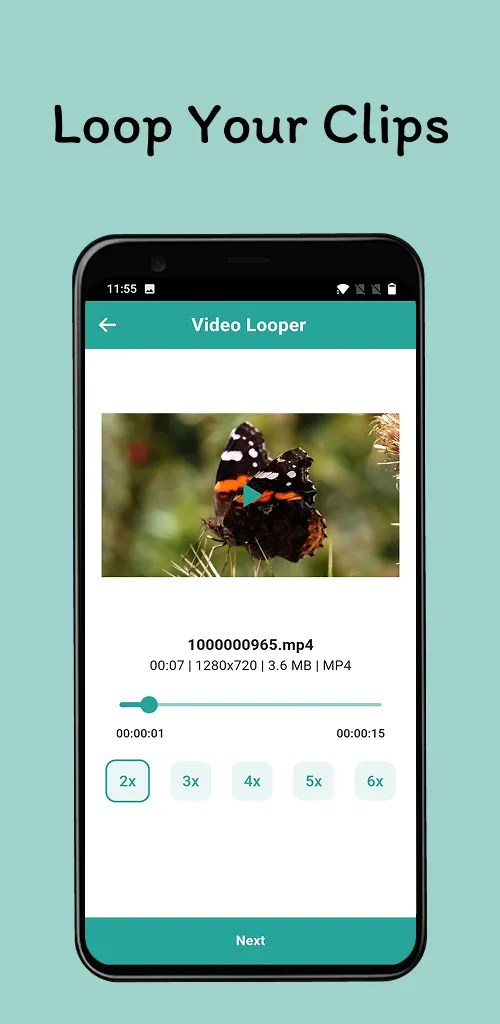
🔁 Loop Video
Loop any video with one tap – useful for repeating short clips, music visuals, and creative loops.
⏩ Speed Control (Slow/Fast Motion)
Adjust the playback speed to create slow-motion or fast-forward effects.
🔇 Mute Video
Remove the original audio from videos for silent playback or custom music.✨
🎧 Extract Audio from Video
Convert videos to audio formats like MP3, M4A, or AAC – great for saving audio from interviews or background music.
🎞 Video to GIF Converter
Create animated GIFs from your videos with custom speed and resolution.
🔄 Flip & Rotate
Flip videos horizontally or vertically, or rotate by 90°, 180°, or 270°.
⏪ Reverse Video Playback
Play videos in reverse to create fun and creative effects.
🎵 M4A to MP4 Converter
Turn audio tracks into videos by converting M4A to MP4, using a static background image.
📤 Export in Full HD – Share with Ease
● Export videos in HD and Full HD
● Optimized for quick rendering
● Optional watermark removal with upgrade
● Share videos via social media or messaging apps
🔥
Designed for Flexibility
✅ Lightweight and fast performance
✅ Easy to use for all skill levels
✅ Works offline
✅ No sign-in required to edit or convert
✅ Regular updates with performance improvements
✅ Upgrade available for an ad-free experience
🌟 VidyCut Is Great For:
● Editing clips for vlogs, stories, and tutorials
● Creating content for social media platforms
● Making video memes and short promos
● Saving and trimming long videos
● Extracting audio clips
● Generating GIFs from favorite video moments
📲 Simple and Effective
VidyCut combines essential editing and converting tools into one clean interface. Whether you’re editing a personal video or converting a format for sharing, everything is easy to find and simple to use.
Try VidyCut Today
Download VidyCut and explore a flexible video editor and converter built for modern video needs.
📥 Tap "Install" to start editing and converting videos in just a few steps!
Essential Apps
Ratings
0
0 total ratings
5
73%
4
10%
3
4%
2
3%
1
10%
REVIEWS
No reviews yet. Be the first one to review this app
'%20fill-rule='evenodd'%20clip-rule='evenodd'%20d='M8.04878%200.118571C9.10796%20-0.198465%2010.2321%200.132893%2010.9526%200.961509L18.7058%209.9036H22.0709C23.0433%209.90386%2023.8429%2010.7032%2023.843%2011.6757V13.1309H23.8497C23.8497%2013.4983%2023.5476%2013.8014%2023.1803%2013.8015H19.9372V33.9548C19.9372%2034.423%2019.5703%2034.7975%2019.1021%2034.7977H17.142C15.91%2034.7977%2014.9156%2033.8036%2014.9154%2032.5644V28.0251C13.5538%2028.5582%2012.3722%2028.7169%2010.9963%2028.7169C6.45689%2028.7169%203.74677%2025.6897%203.74677%2020.6099V13.8015H1.77319C0.800641%2013.8015%200.000280942%2013.0091%200%2012.0294V10.573C0.000219737%2010.2057%200.303205%209.9036%200.670545%209.9036H13.5676L5.13039%201.85482C4.82078%201.55938%204.94365%201.04032%205.35428%200.917851L8.04878%200.118571ZM8.78425%2013.8082V20.611C8.78438%2023.1974%209.8151%2024.35%2012.1135%2024.35C12.9637%2024.3499%2014.1167%2024.1489%2014.902%2023.7959V13.8082H8.78425Z'%20fill='white'/%3e%3c/svg%3e)
Permissions
Storage: access photos, media, and files on your device
Internet: use your internet connection
Curated for YouSee all






Scan to download on PhonePe Appstore

