

National Informatics Centre.
5.0
2 ratings14 MB
SizeVerified
SCREENSHOTS (6)
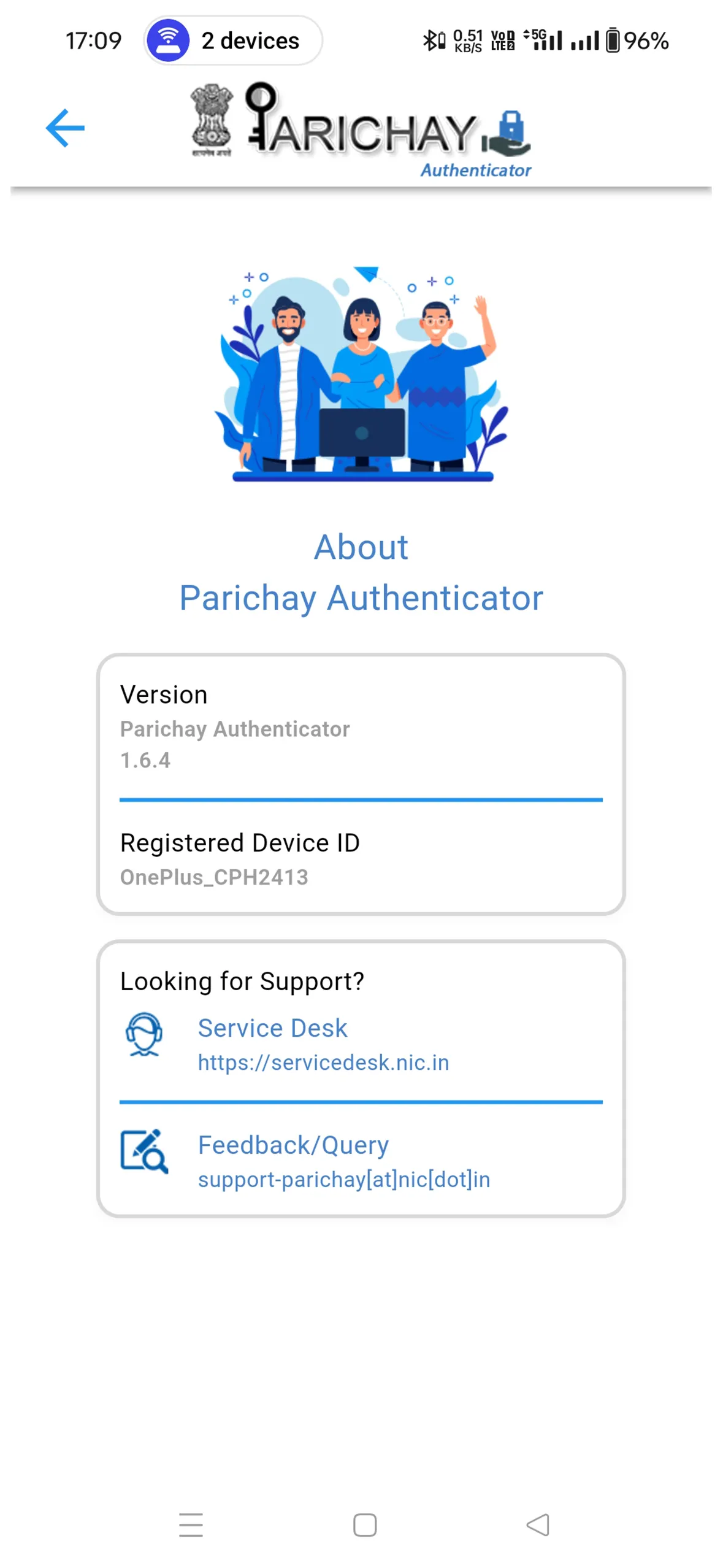
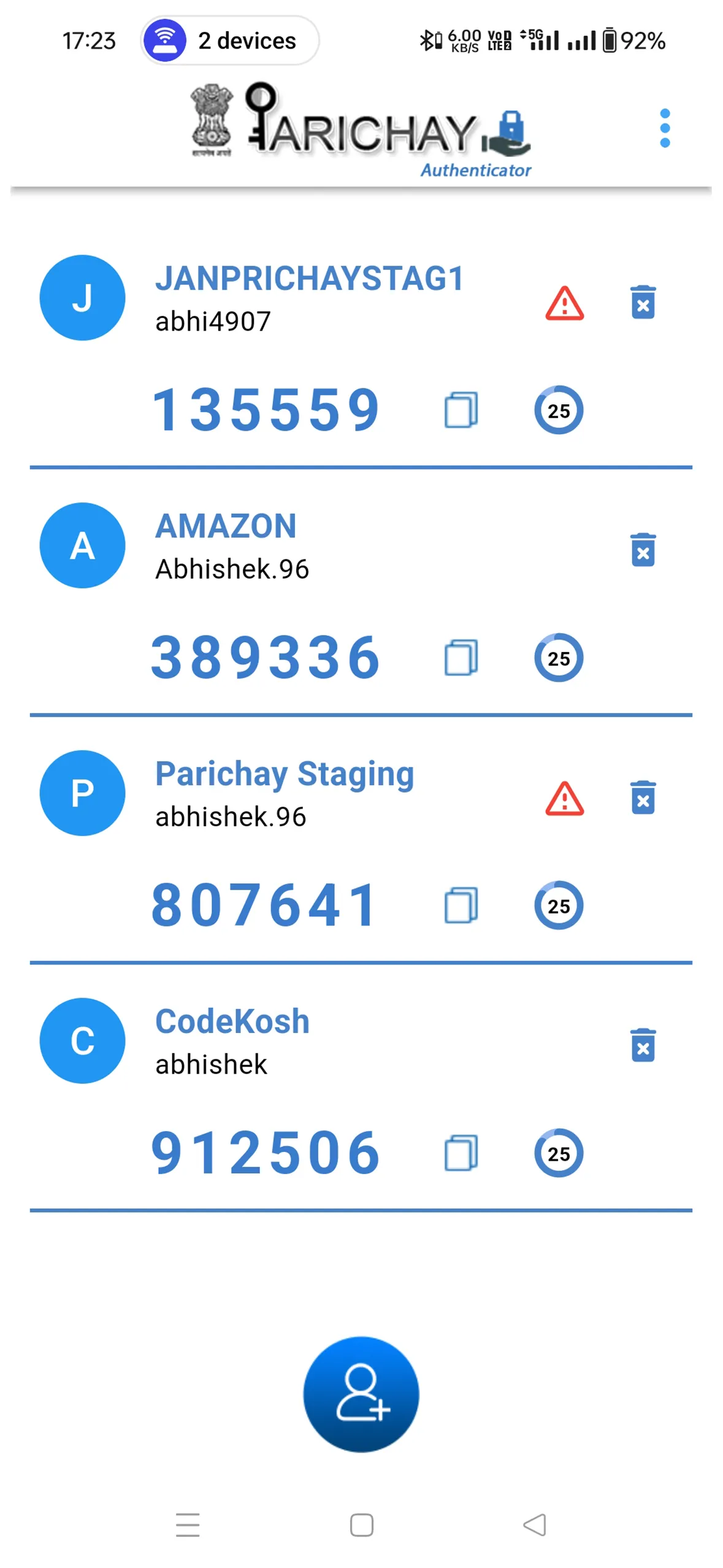
About the app
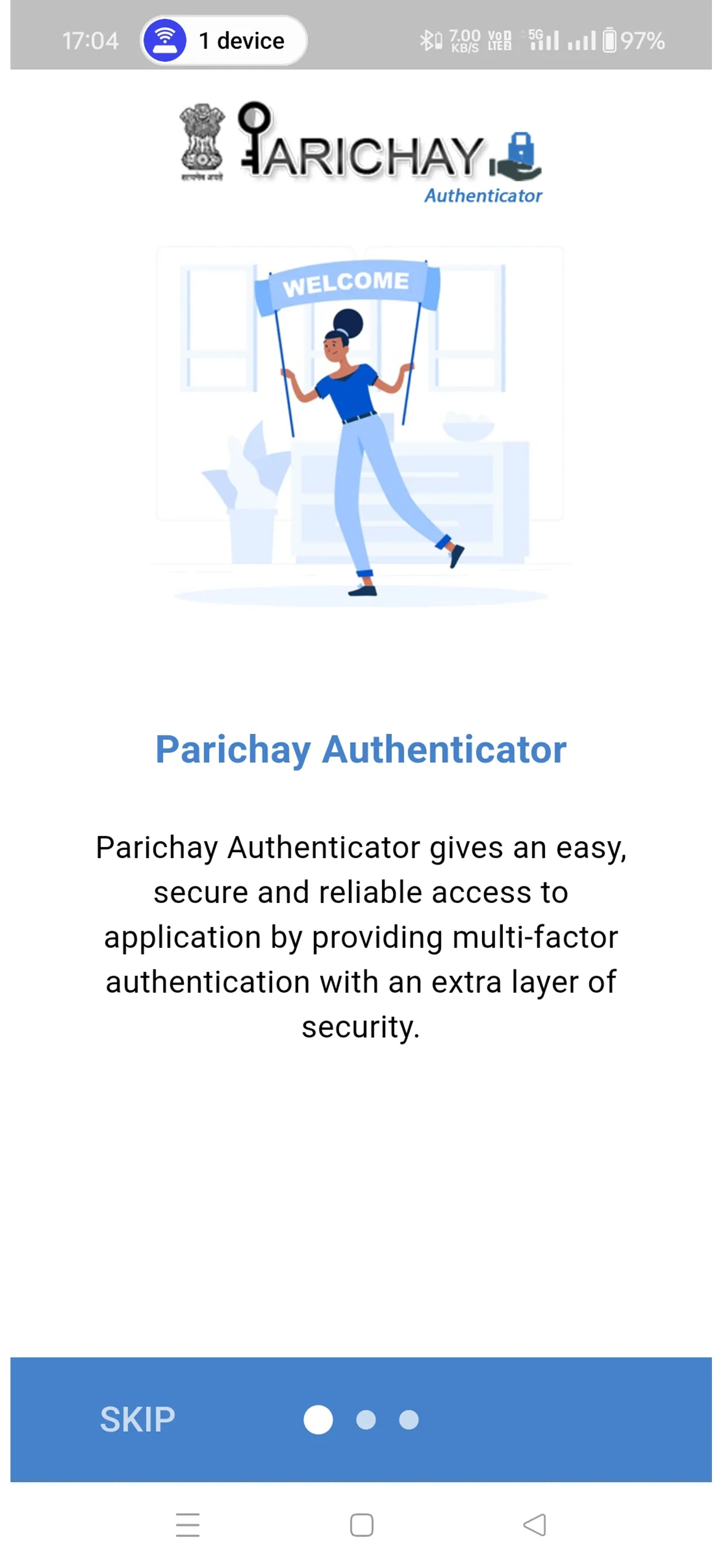
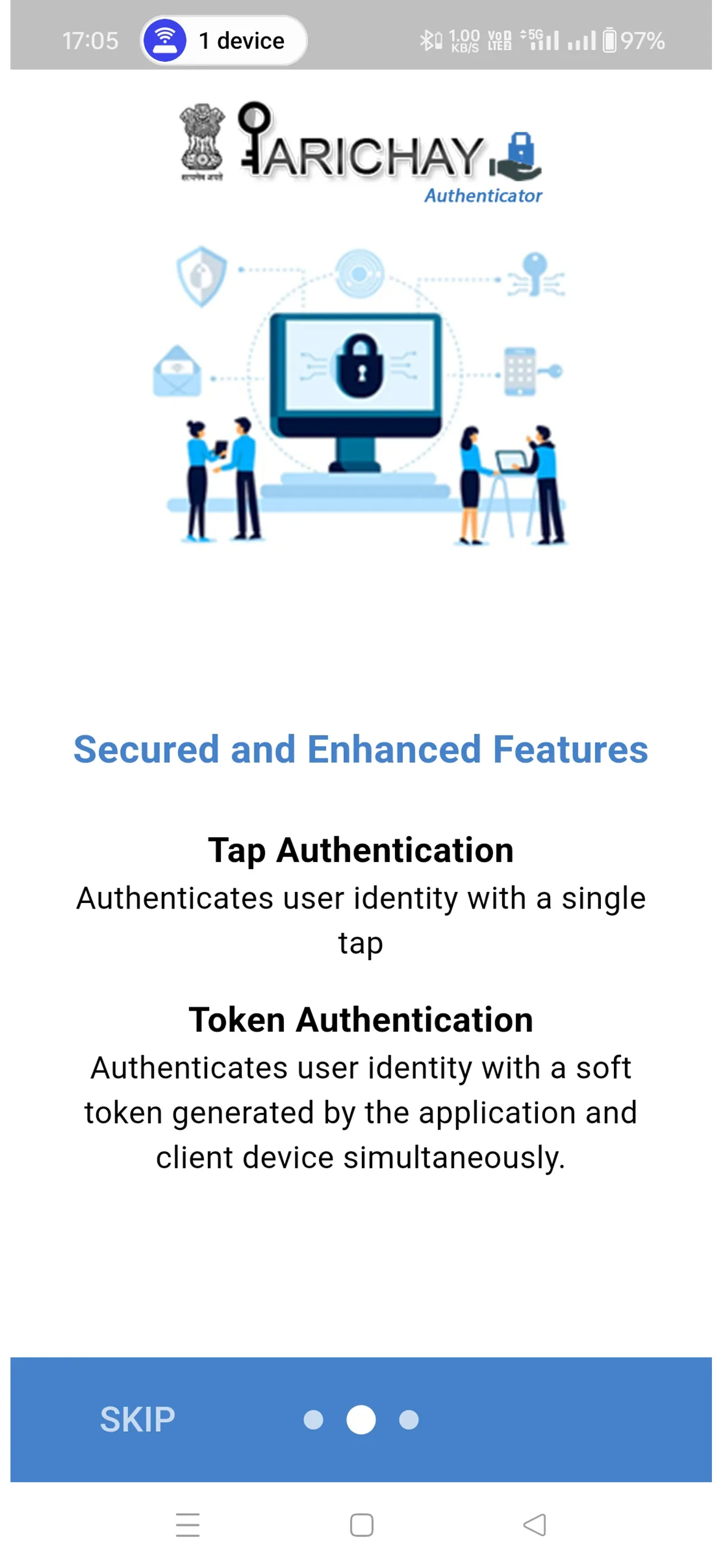
Parichay Authenticator is a robust, reliable and secure framework that offers 2-Step Verification solution such as Token Authentication and Tap Authentication to various integrated services including Parichay, Jan Parichay and others. It also secures the device by providing local device authentication parameters which include Pin, Pattern, Fingerprint and Face ID.
2-Step Verification provides stronger security for your Parichay account and other integrated applications. A free security app that can protect your account against password thefts and provides one-tap verification with secure cloud backup.
When logging into Parichay with two-factor authentication (2FA or TFA), you’ll enter your password, and then you’ll be asked for an additional way to prove your identity. Either approve the notification sent to the Parichay Authenticator or enter the time-based OTP (TOTP) generated by the app. The one time passwords (TOTP codes) have a 30-second timer counting down, after which a new time-based OTP gets generated so you never have to use the same TOTP twice and you don’t have to remember the number.
Features:
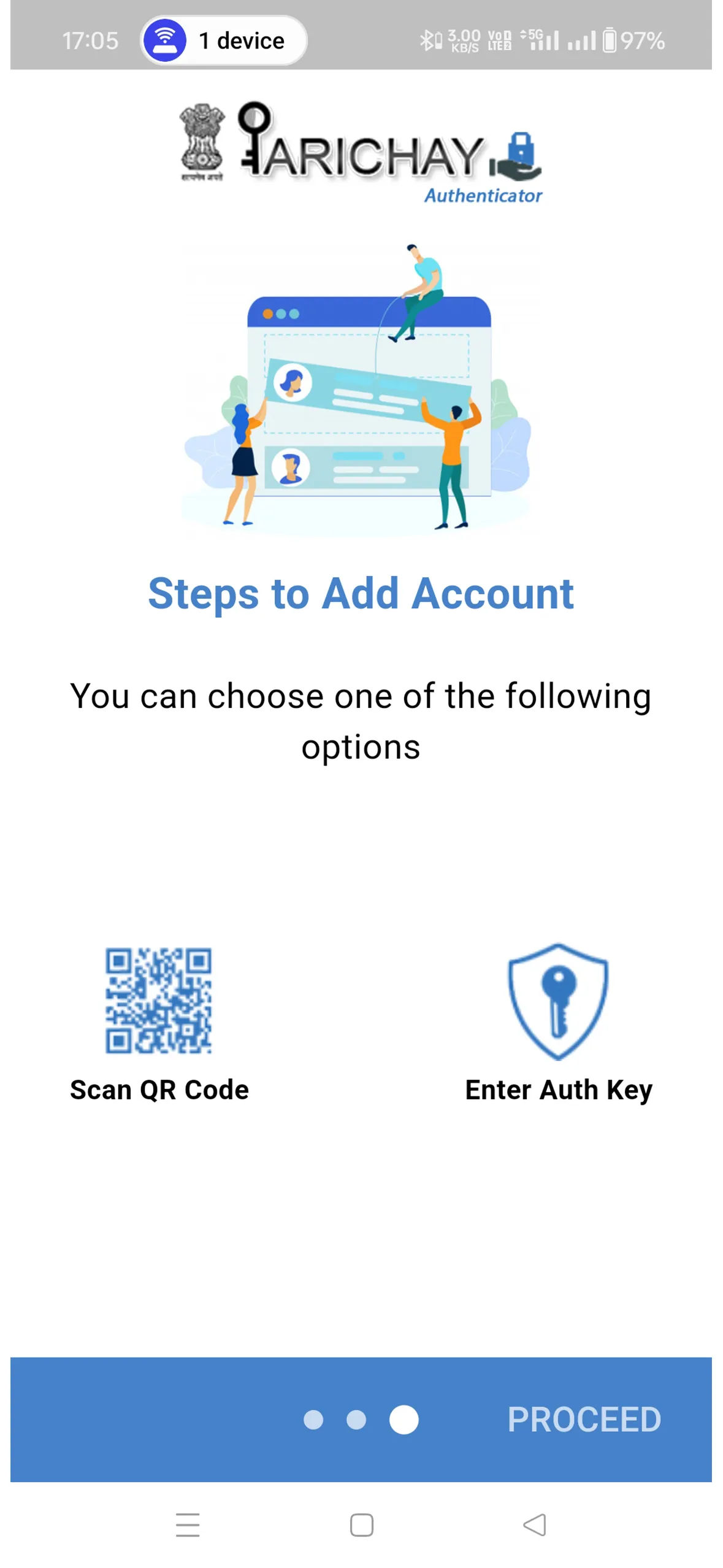
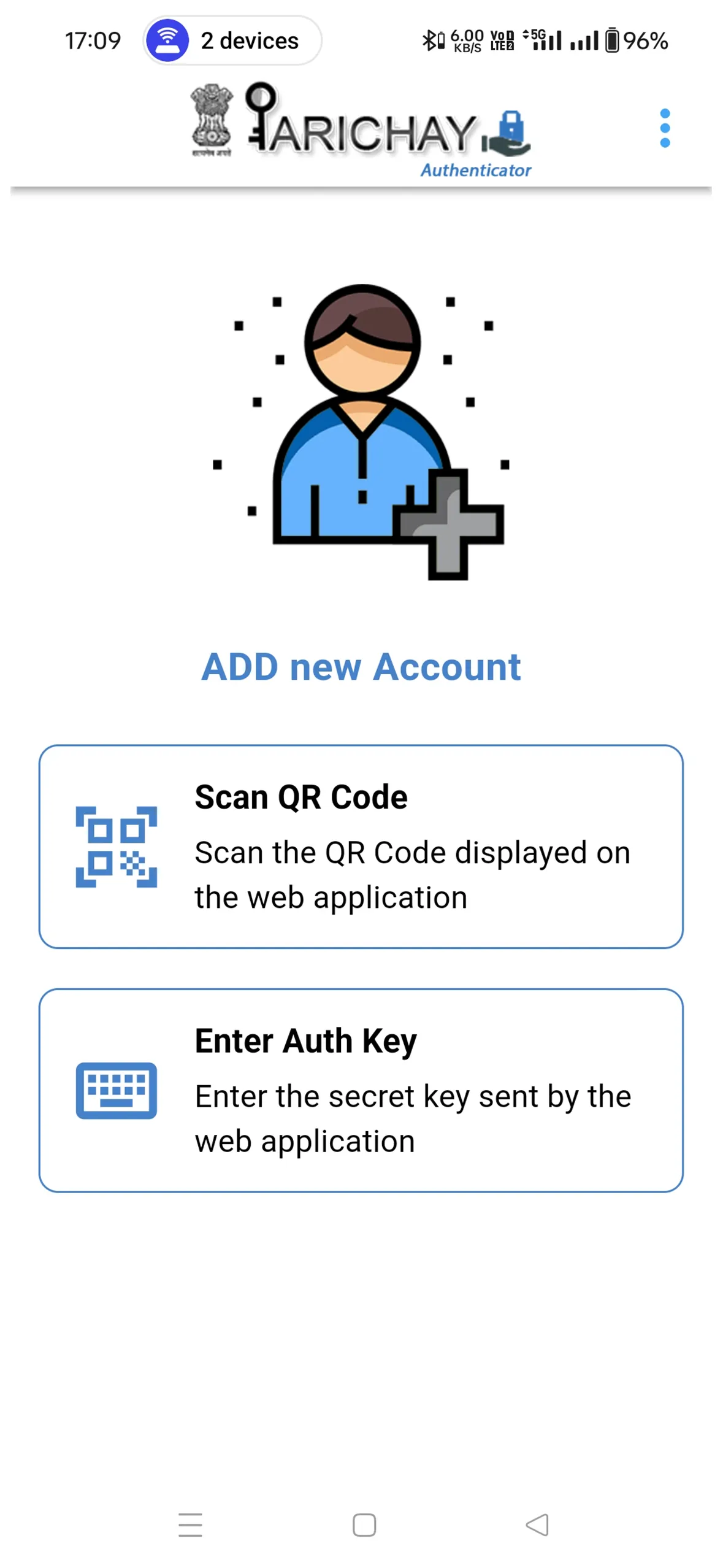
- Automated set-up via QR code or Auth Key
- Generates 6-digit codes every 30 seconds
- Push notifications for one-tap approval
- Add multiple accounts
-Accessible from other platforms like Amazon, Microsoft etc
- Available on Android and iOS
Essential Apps
Ratings
5
2 total ratings
5
100%
4
0%
3
0%
2
0%
1
0%
REVIEWS

L Kumar
25/09/2026
Good app
'%20fill-rule='evenodd'%20clip-rule='evenodd'%20d='M8.04878%200.118571C9.10796%20-0.198465%2010.2321%200.132893%2010.9526%200.961509L18.7058%209.9036H22.0709C23.0433%209.90386%2023.8429%2010.7032%2023.843%2011.6757V13.1309H23.8497C23.8497%2013.4983%2023.5476%2013.8014%2023.1803%2013.8015H19.9372V33.9548C19.9372%2034.423%2019.5703%2034.7975%2019.1021%2034.7977H17.142C15.91%2034.7977%2014.9156%2033.8036%2014.9154%2032.5644V28.0251C13.5538%2028.5582%2012.3722%2028.7169%2010.9963%2028.7169C6.45689%2028.7169%203.74677%2025.6897%203.74677%2020.6099V13.8015H1.77319C0.800641%2013.8015%200.000280942%2013.0091%200%2012.0294V10.573C0.000219737%2010.2057%200.303205%209.9036%200.670545%209.9036H13.5676L5.13039%201.85482C4.82078%201.55938%204.94365%201.04032%205.35428%200.917851L8.04878%200.118571ZM8.78425%2013.8082V20.611C8.78438%2023.1974%209.8151%2024.35%2012.1135%2024.35C12.9637%2024.3499%2014.1167%2024.1489%2014.902%2023.7959V13.8082H8.78425Z'%20fill='white'/%3e%3c/svg%3e)
Permissions
Biometric Information: access biometric data like fingerprint to unlock the app
Internet: use your internet connection
Camera: take pictures and record video
Curated for YouSee all






Scan to download on PhonePe Appstore

