
Matt Hauser
4.0
ratings7 MB
SizeVerified
SCREENSHOTS (6)
About the app
Amaze your friends by “Printing” your business card from your phone!
Put a copy of your business card on your phone with one of the following methods:
- Scan it (I’ve used PNG, BMP and JPG formats), then copying the file to your phone with a USB cable or maybe emailing it to yourself if you have your phone setup for email.
- Although this might not be ideal, you could take a photo of your business card and then crop it to its exact size with a photo editor. You also may need to rotate it.
When putting your business card file on your Android device, make sure to put it on the device itself and not on any SD cards you may have in your phone (my file navigator only looks at local storage and not SD cards).
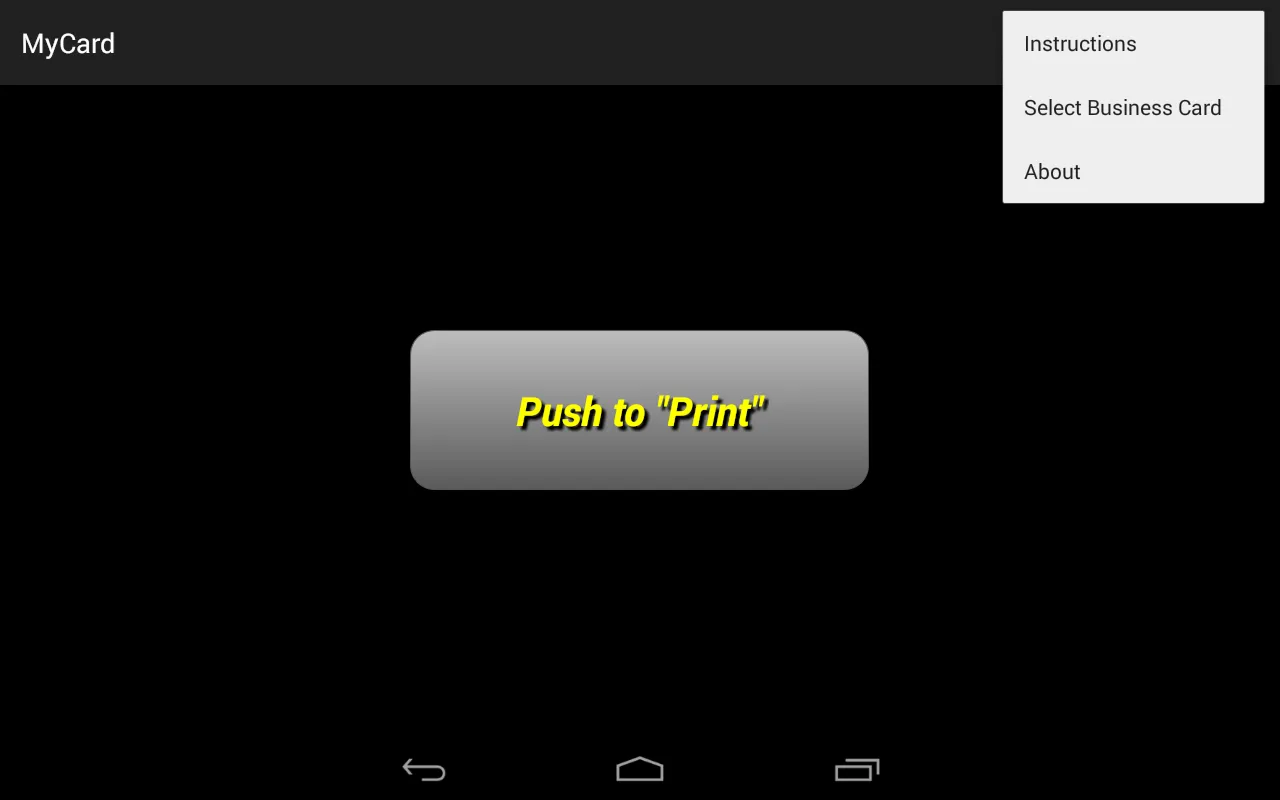
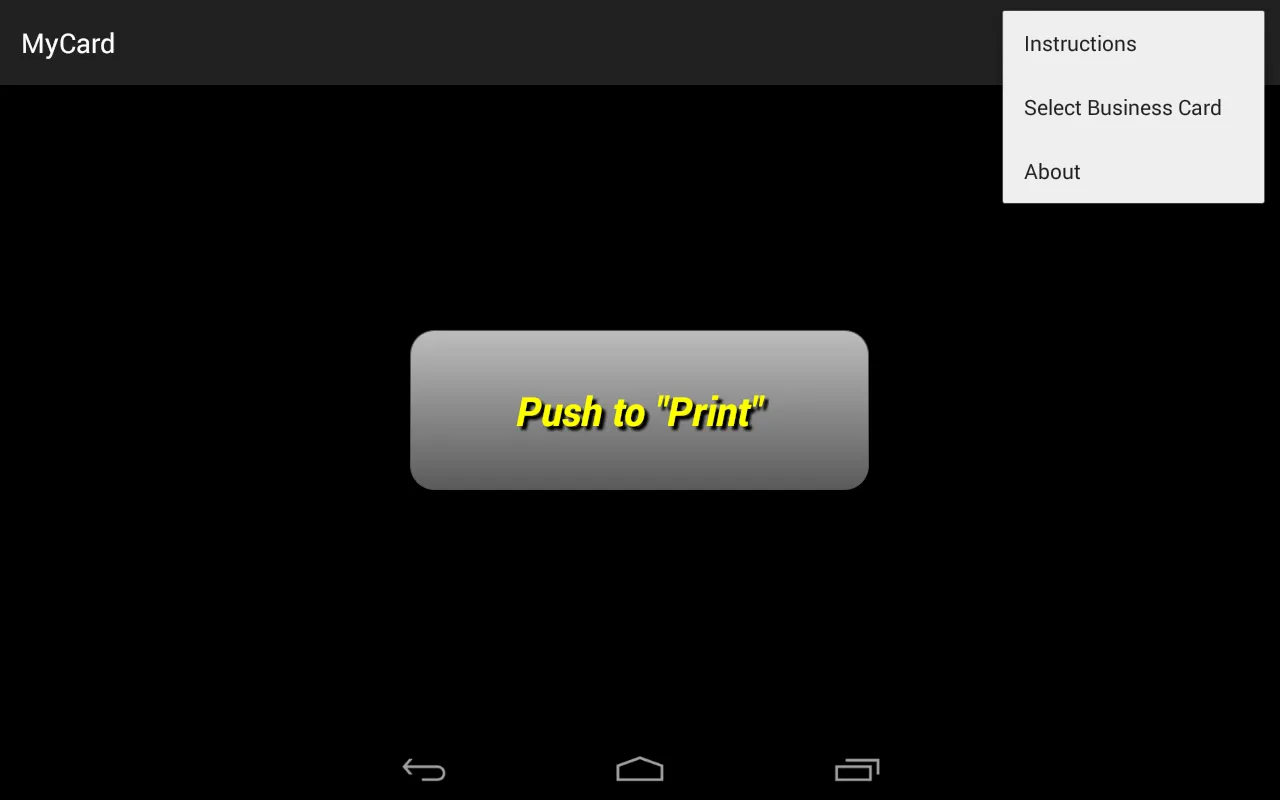
Once your business card file is on your phone, select it by touching the 3 dots in the upper right hand corner and choose “Select Business Card” from the menu. This will call up my file navigator which you will use to locate your file.
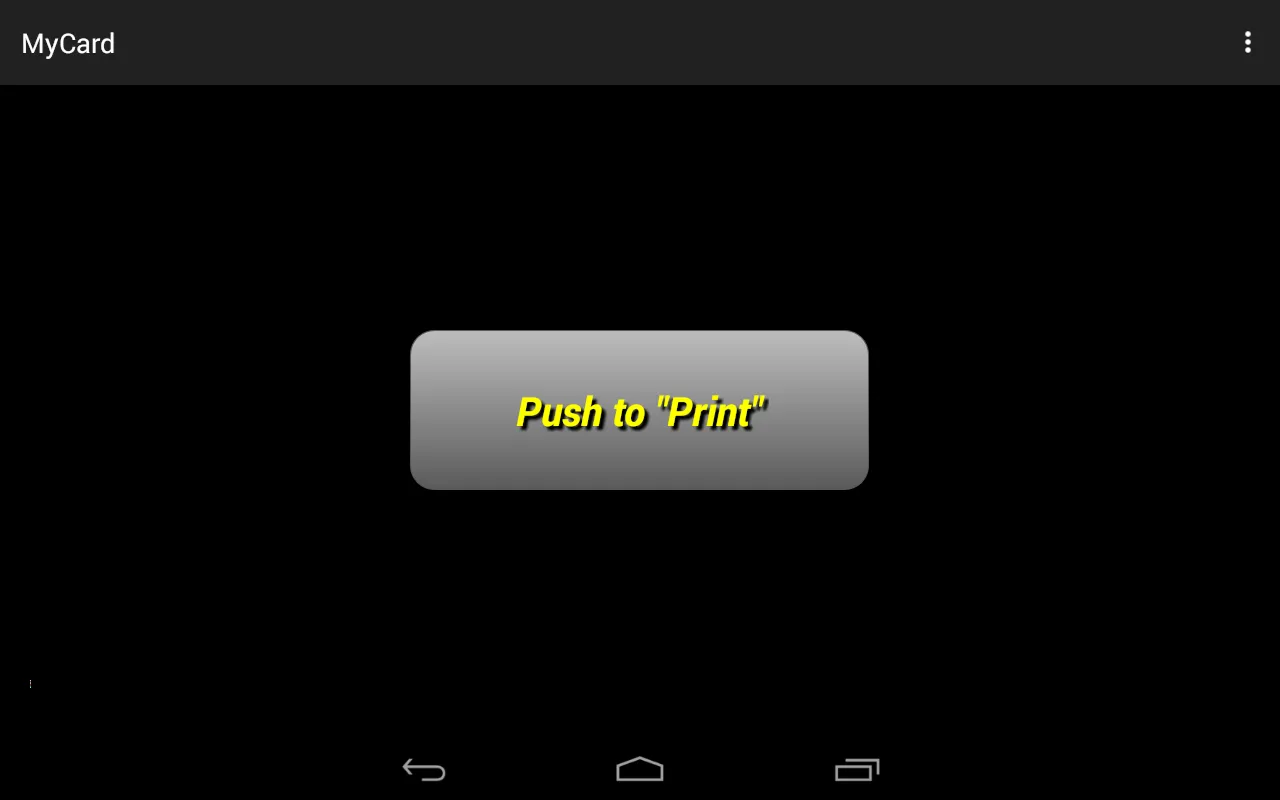
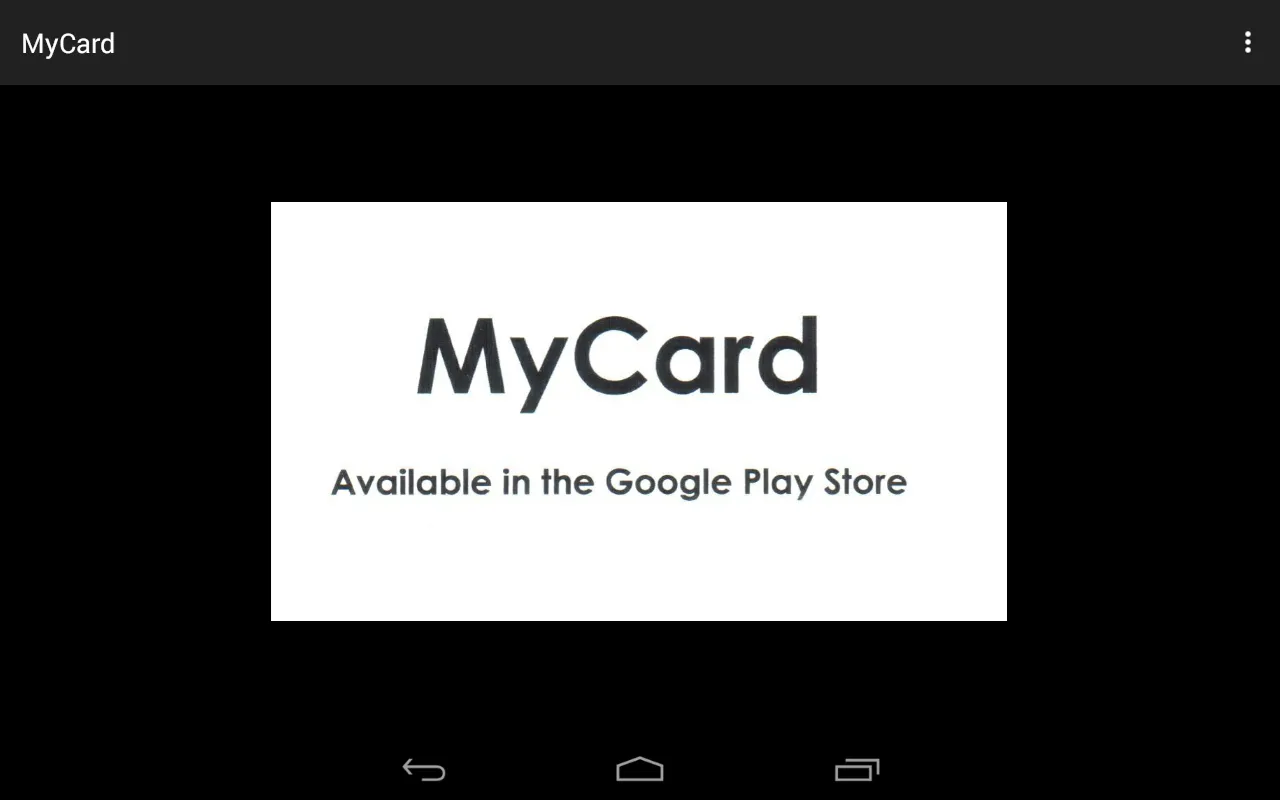
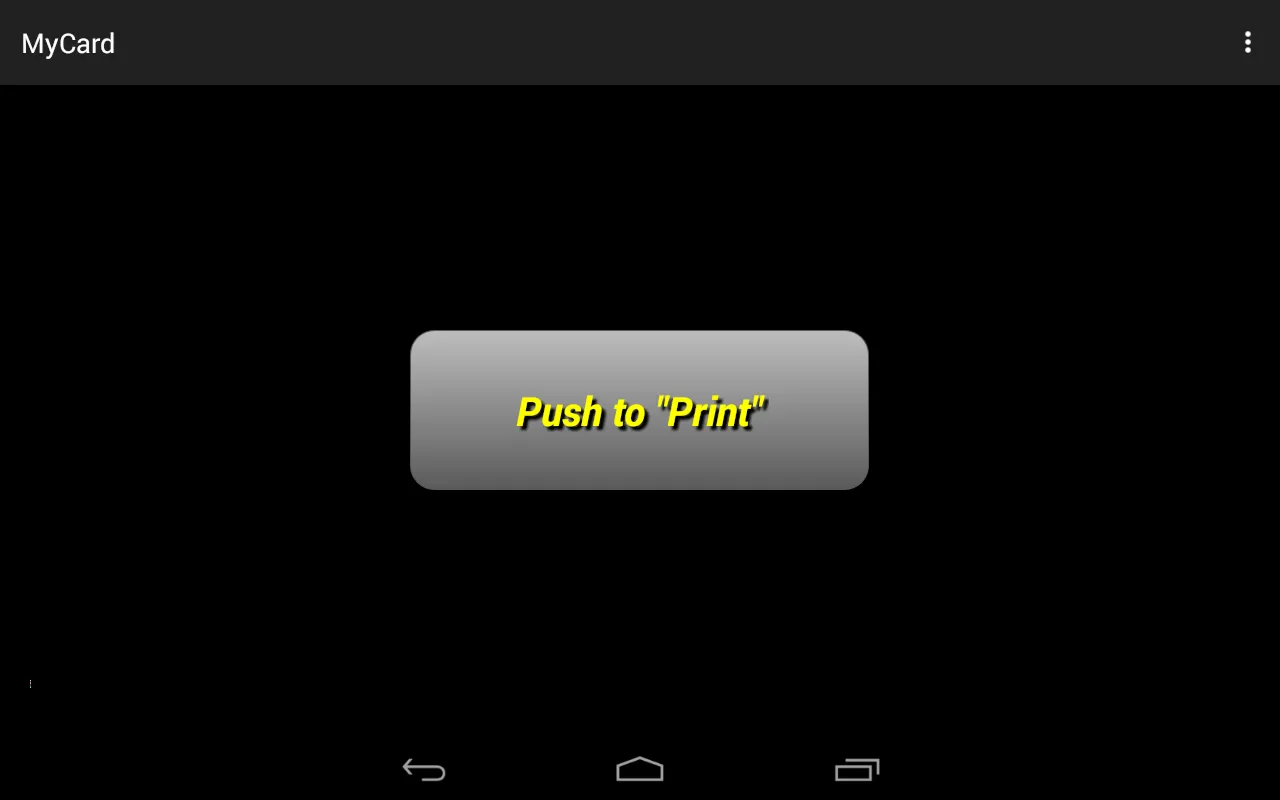
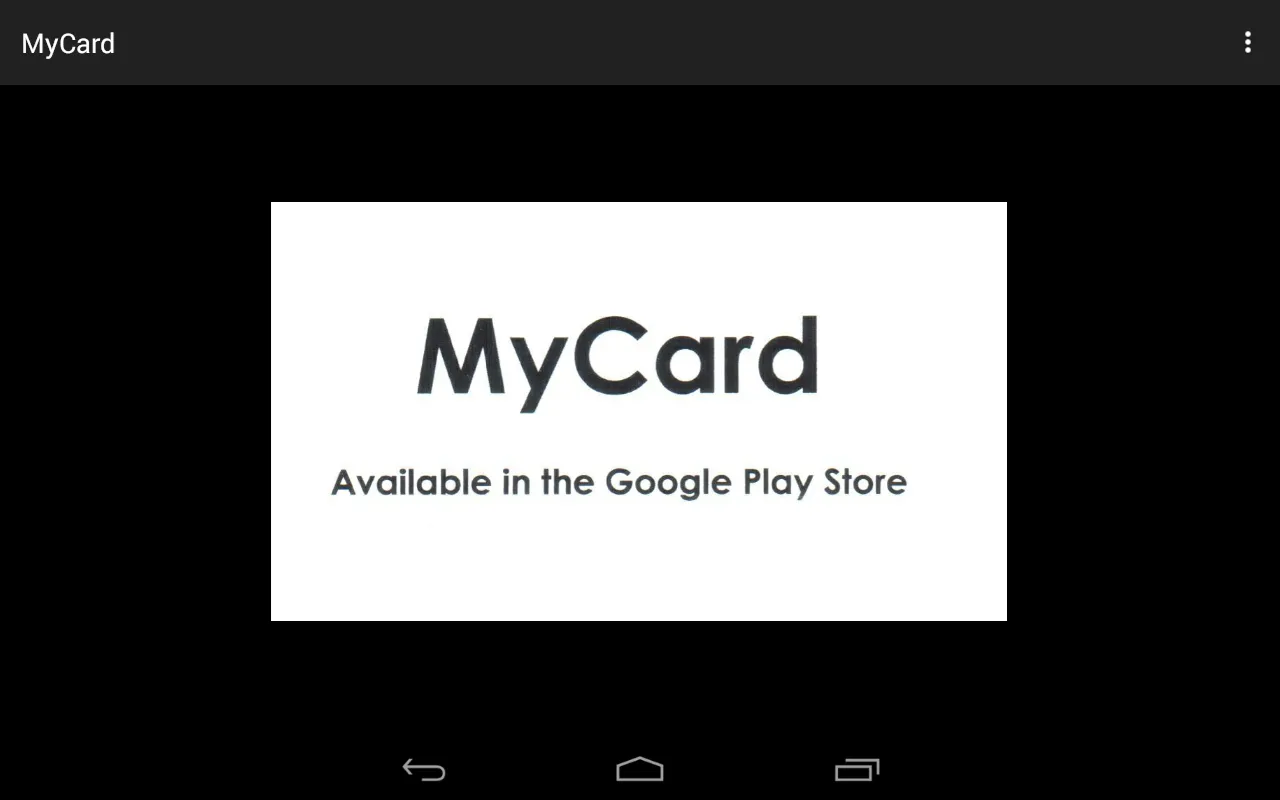
Once you’ve selected it, you can touch the “Push to Print” button and see your business card “Print”!
Once the card has “Printed”, you can use your thumb to slide the card up, off of the device while simultaneously pulling your hidden business card from behind the device.
If you like magic tricks, you'll love this app!
REMEMBER: By default, this app will “Print” a blank business card and will continue to do so until you’ve selected a card with the file navigator.
Essential Apps
Ratings
0
0 total ratings
5
73%
4
10%
3
4%
2
3%
1
10%
REVIEWS
No reviews yet. Be the first one to review this app
'%20fill-rule='evenodd'%20clip-rule='evenodd'%20d='M8.04878%200.118571C9.10796%20-0.198465%2010.2321%200.132893%2010.9526%200.961509L18.7058%209.9036H22.0709C23.0433%209.90386%2023.8429%2010.7032%2023.843%2011.6757V13.1309H23.8497C23.8497%2013.4983%2023.5476%2013.8014%2023.1803%2013.8015H19.9372V33.9548C19.9372%2034.423%2019.5703%2034.7975%2019.1021%2034.7977H17.142C15.91%2034.7977%2014.9156%2033.8036%2014.9154%2032.5644V28.0251C13.5538%2028.5582%2012.3722%2028.7169%2010.9963%2028.7169C6.45689%2028.7169%203.74677%2025.6897%203.74677%2020.6099V13.8015H1.77319C0.800641%2013.8015%200.000280942%2013.0091%200%2012.0294V10.573C0.000219737%2010.2057%200.303205%209.9036%200.670545%209.9036H13.5676L5.13039%201.85482C4.82078%201.55938%204.94365%201.04032%205.35428%200.917851L8.04878%200.118571ZM8.78425%2013.8082V20.611C8.78438%2023.1974%209.8151%2024.35%2012.1135%2024.35C12.9637%2024.3499%2014.1167%2024.1489%2014.902%2023.7959V13.8082H8.78425Z'%20fill='white'/%3e%3c/svg%3e)
Permissions
Storage: access photos, media, and files on your device
Internet: use your internet connection
Curated for YouSee all






Scan to download on PhonePe Appstore

