

Gruppo Concorde S.p.a.
4.0
ratings53 MB
SizeVerified
SCREENSHOTS (3)

About the app
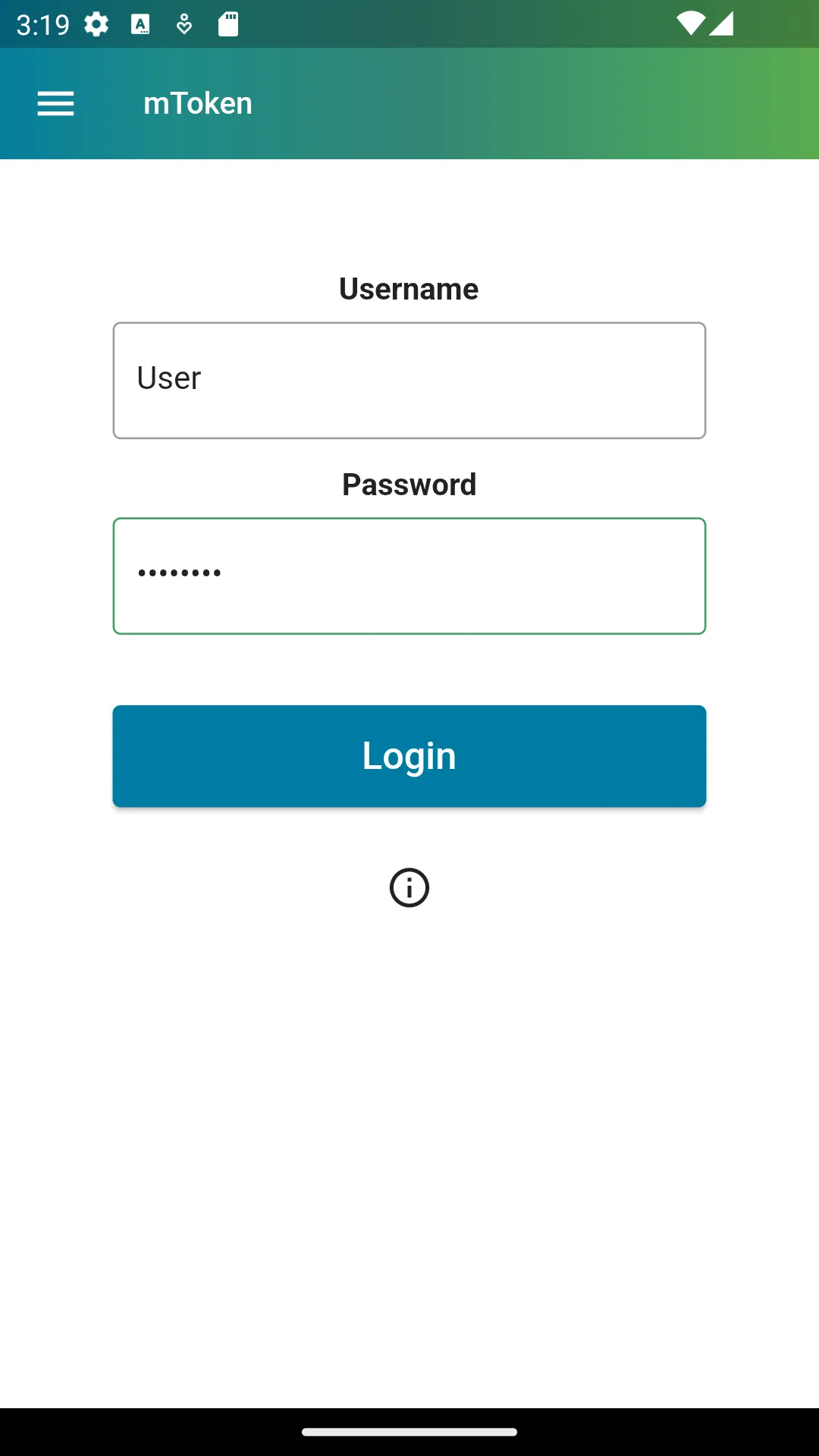
mToken takes advantage of 2-factor authentication*, by adding a new security level for your account and data
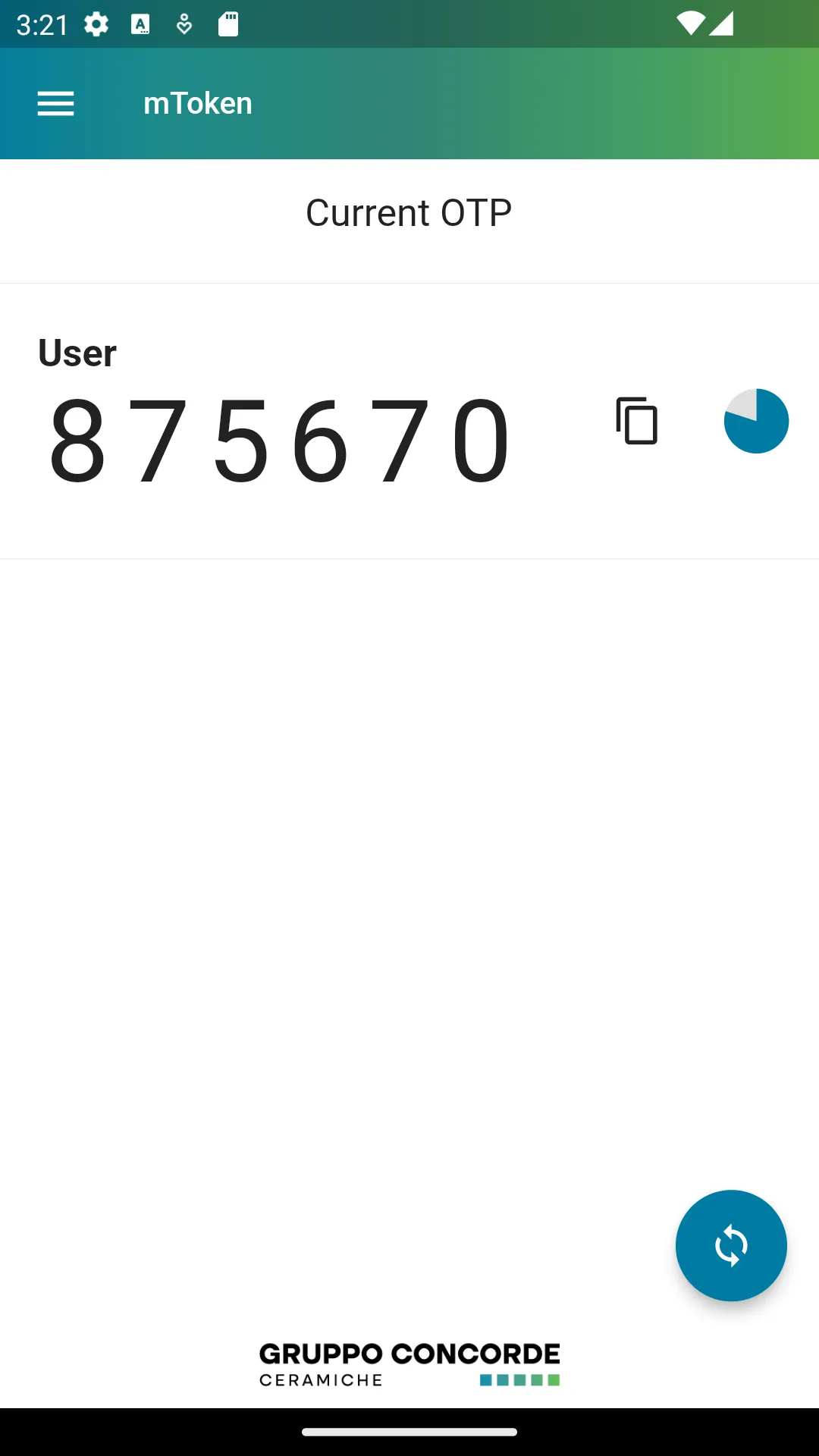
mToken turns your Android device into a throwaway keys generator (also known as OTP or token) always ready in your hands.
you have to register your mToken enabled device to Gruppo Concorde S.p.a. IT Services
mToken for Android works on smartphones and tablets
For information and/or help you can contact us at [email protected]
©Gruppo Concorde S.p.a. - Via Canaletto 141, 41042 Spezzano di Fiorano (MO) Italy
* What is 2-factor authentication?
2-factor authentication is a secure system to protect online accounts.
It works asking the user who accesses a website to identify not only with a password but also with a second information always different (token).
This second factor is strictly bond to something that the user has (like a mobile), and that identifies him. The 2-factor authentication can thus be considered as a set of something that is known (password) and something that is possessed (mobile phone).
Generally applications require a user name and a password to be accessed. The 2-factor authentication requires instead a user name, a password and a token. The token is a unique number generated by your mobile and with a validity limited in time (normally 1 minute).
As only your mobile is able to generate that number related to your user name, even if someone has managed to guess or steal your password, without the generated token he won’t be able to access.
Essential Apps
Ratings
0
0 total ratings
5
73%
4
10%
3
4%
2
3%
1
10%
REVIEWS
No reviews yet. Be the first one to review this app
'%20fill-rule='evenodd'%20clip-rule='evenodd'%20d='M8.04878%200.118571C9.10796%20-0.198465%2010.2321%200.132893%2010.9526%200.961509L18.7058%209.9036H22.0709C23.0433%209.90386%2023.8429%2010.7032%2023.843%2011.6757V13.1309H23.8497C23.8497%2013.4983%2023.5476%2013.8014%2023.1803%2013.8015H19.9372V33.9548C19.9372%2034.423%2019.5703%2034.7975%2019.1021%2034.7977H17.142C15.91%2034.7977%2014.9156%2033.8036%2014.9154%2032.5644V28.0251C13.5538%2028.5582%2012.3722%2028.7169%2010.9963%2028.7169C6.45689%2028.7169%203.74677%2025.6897%203.74677%2020.6099V13.8015H1.77319C0.800641%2013.8015%200.000280942%2013.0091%200%2012.0294V10.573C0.000219737%2010.2057%200.303205%209.9036%200.670545%209.9036H13.5676L5.13039%201.85482C4.82078%201.55938%204.94365%201.04032%205.35428%200.917851L8.04878%200.118571ZM8.78425%2013.8082V20.611C8.78438%2023.1974%209.8151%2024.35%2012.1135%2024.35C12.9637%2024.3499%2014.1167%2024.1489%2014.902%2023.7959V13.8082H8.78425Z'%20fill='white'/%3e%3c/svg%3e)
Permissions
Internet: use your internet connection
Curated for YouSee all






Scan to download on PhonePe Appstore

