

DeeprThoughts
4.0
ratings12 MB
SizeVerified
SCREENSHOTS (8)
About the app
Keydentials – The Ultimate Offline Password Manager & Secure Vault
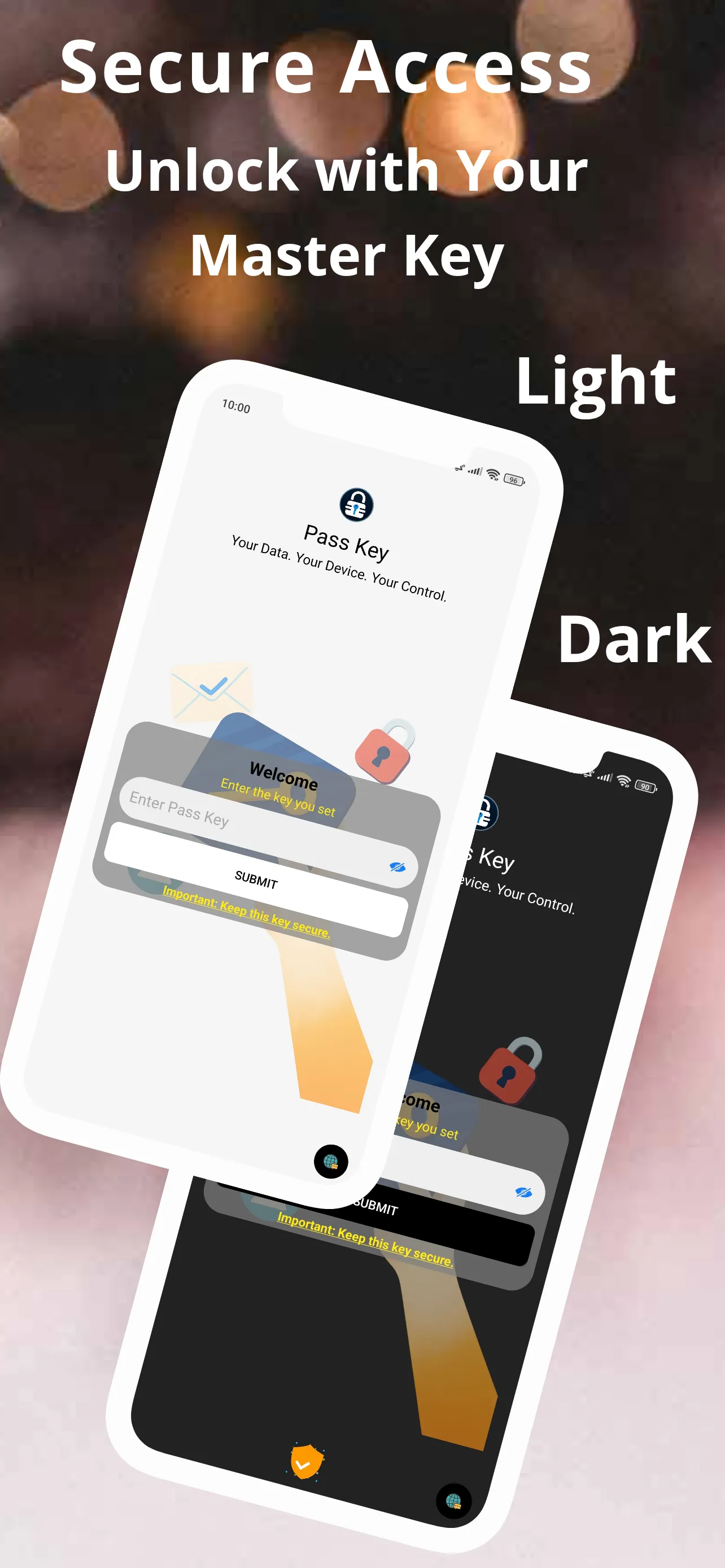
Tired of managing dozens of passwords? 😩 Keydentials is the secure, cloud-free password manager you've been waiting for. We've just rolled out a fresh new UI/UX, added support for Hindi and Marathi languages, and introduced a self-destruct feature for ultimate security. Your logins, credentials, and sensitive data are 100% protected with military-grade AES-256 encryption and stored offline on your device—meaning no breaches, no worries! 🛡️
🌟 What's New in Keydentials!
🔹Fresh UI/UX: Enjoy a modern, intuitive, and beautiful interface.
🔹Multilingual Support: Now available in Hindi and Marathi.
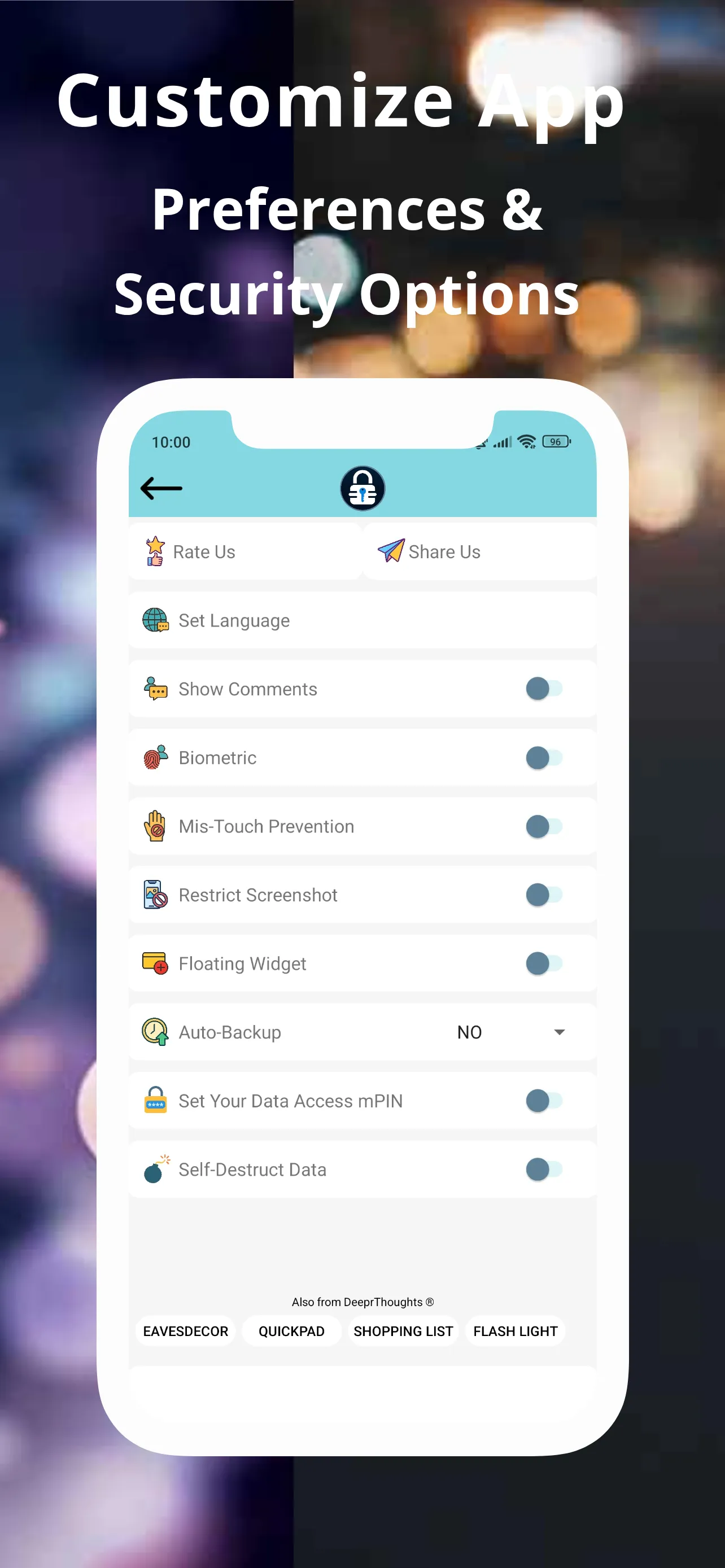
🔹Self-Destruct Data: For ultimate security, your vault can securely erase data after multiple incorrect key attempts.
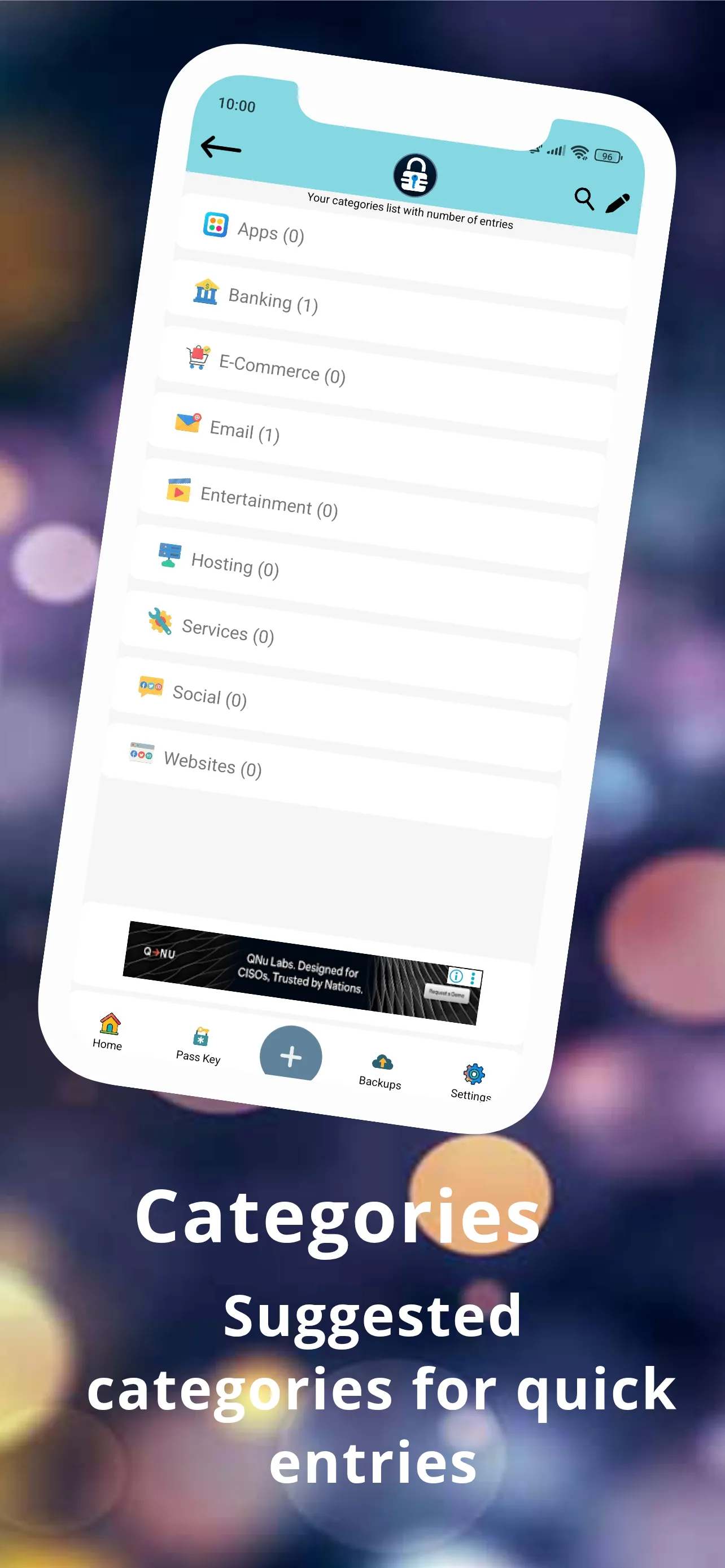
🔹Category Icons: Set custom icons for your categories and entries to personalize your vault.
🔒 Why Keydentials is the Most Secure Choice
🔹True Offline Security: ☁️ Your passwords and data are stored exclusively on your device. Zero cloud storage means zero risk of online data breaches.
🔹Military-Grade Encryption: 🔑 We use industry-leading AES-256 encryption to ensure no one but you can access your secure vault.
🔹Biometric Authentication: 👆 Instantly unlock your vault with your Fingerprint or Face ID for quick, secure access.
🔹Self-Destruct Data: 💣 Enable this feature for an extra layer of protection. If an unauthorized user enters the wrong key multiple times, your data will be securely erased.
🚀 Key Features to Simplify Your Digital Life
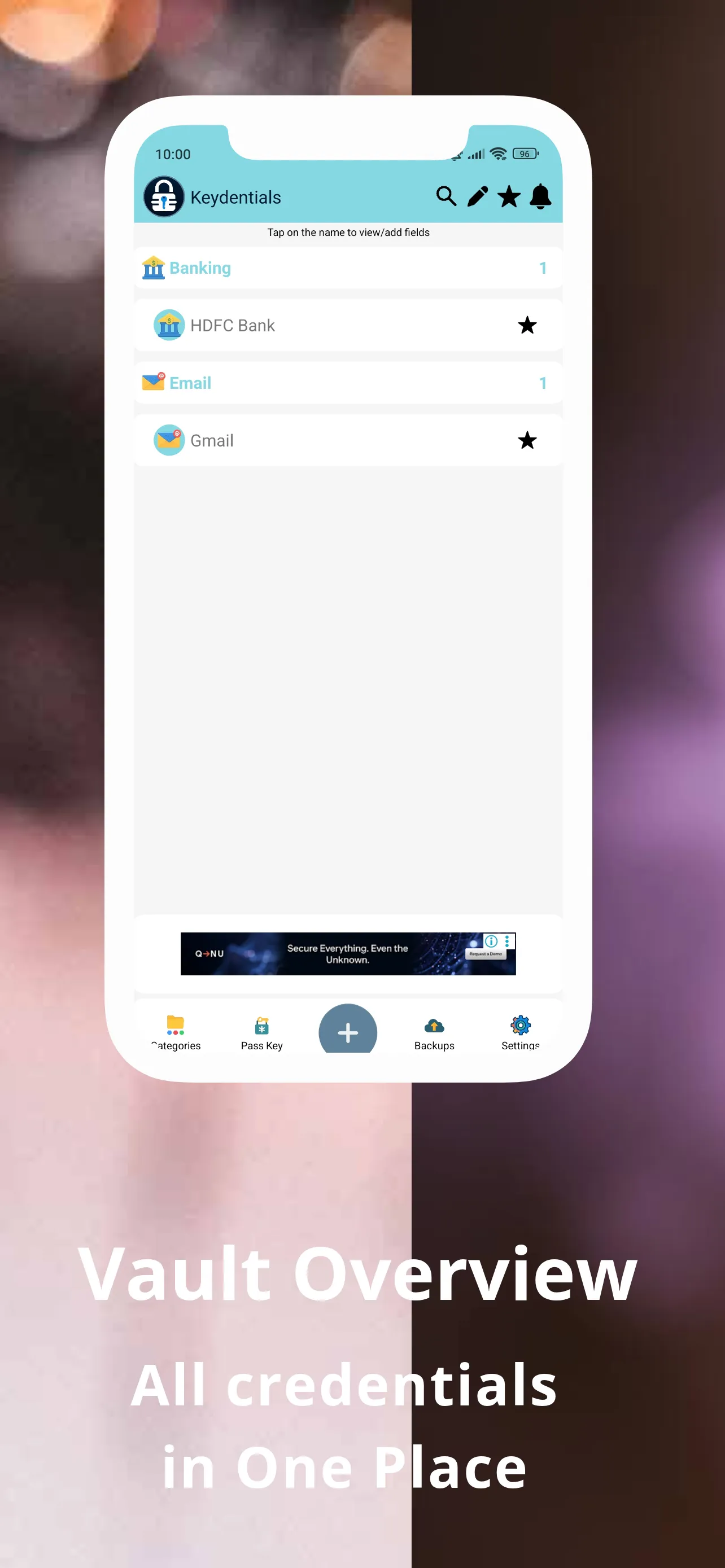
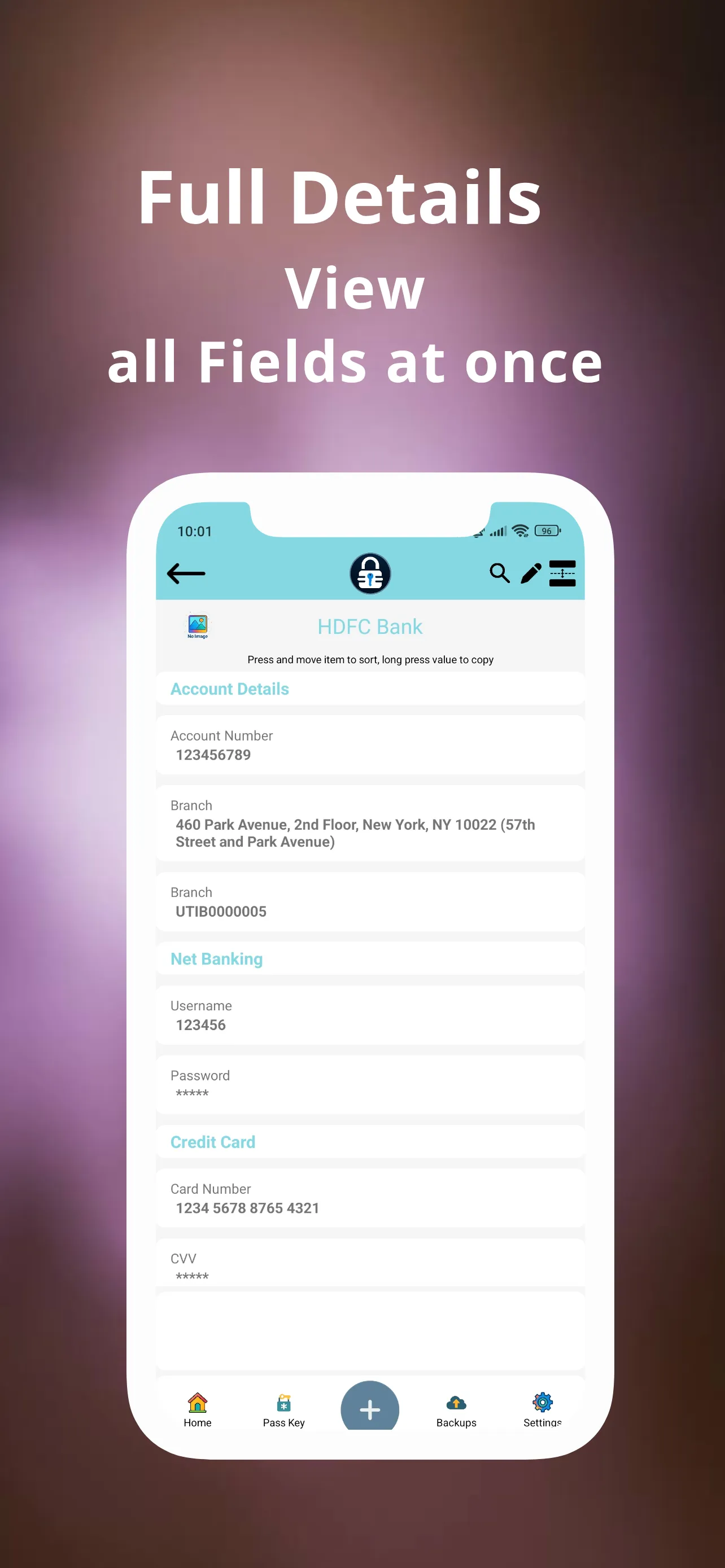
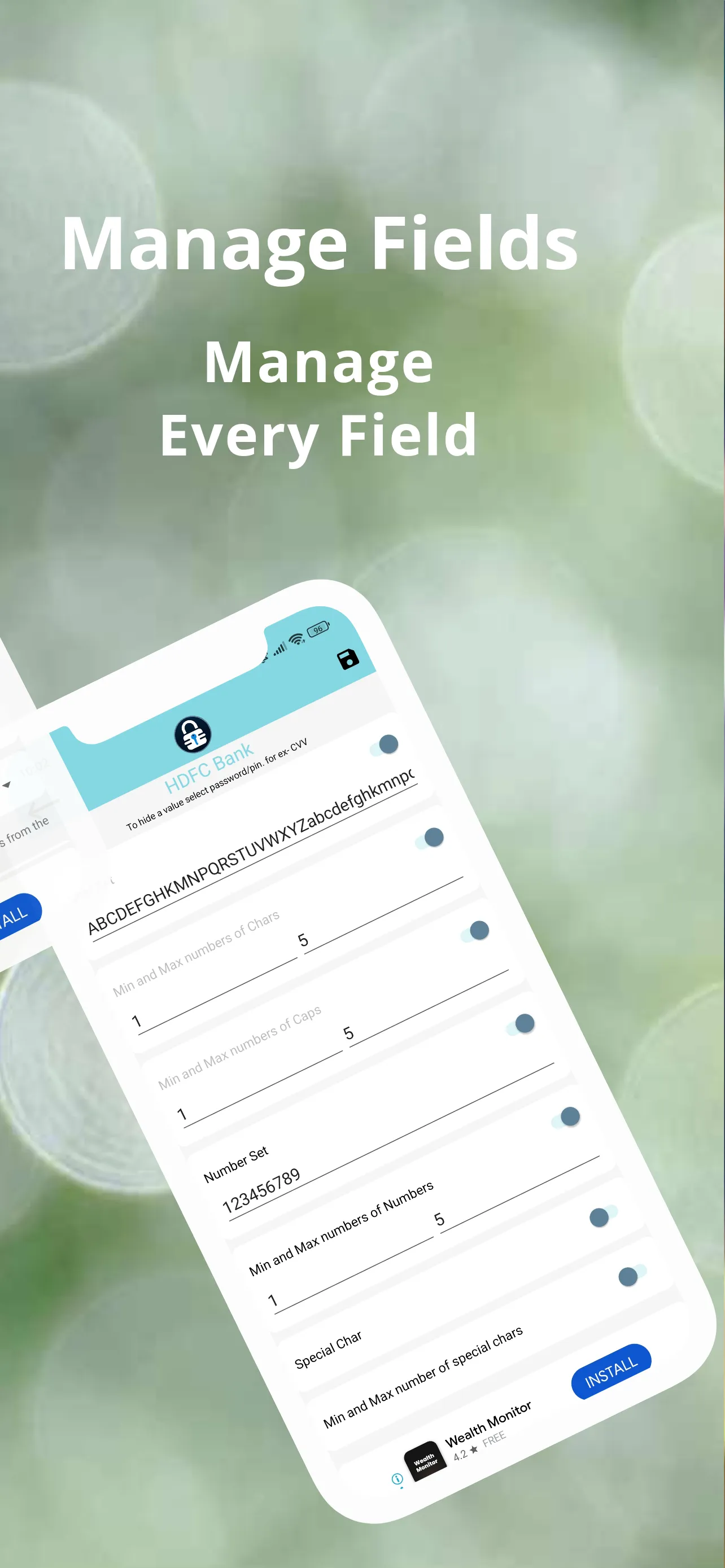
🔹Password Manager & Secure Vault: 🔐 Store an unlimited number of logins, credentials, notes, and files effortlessly.
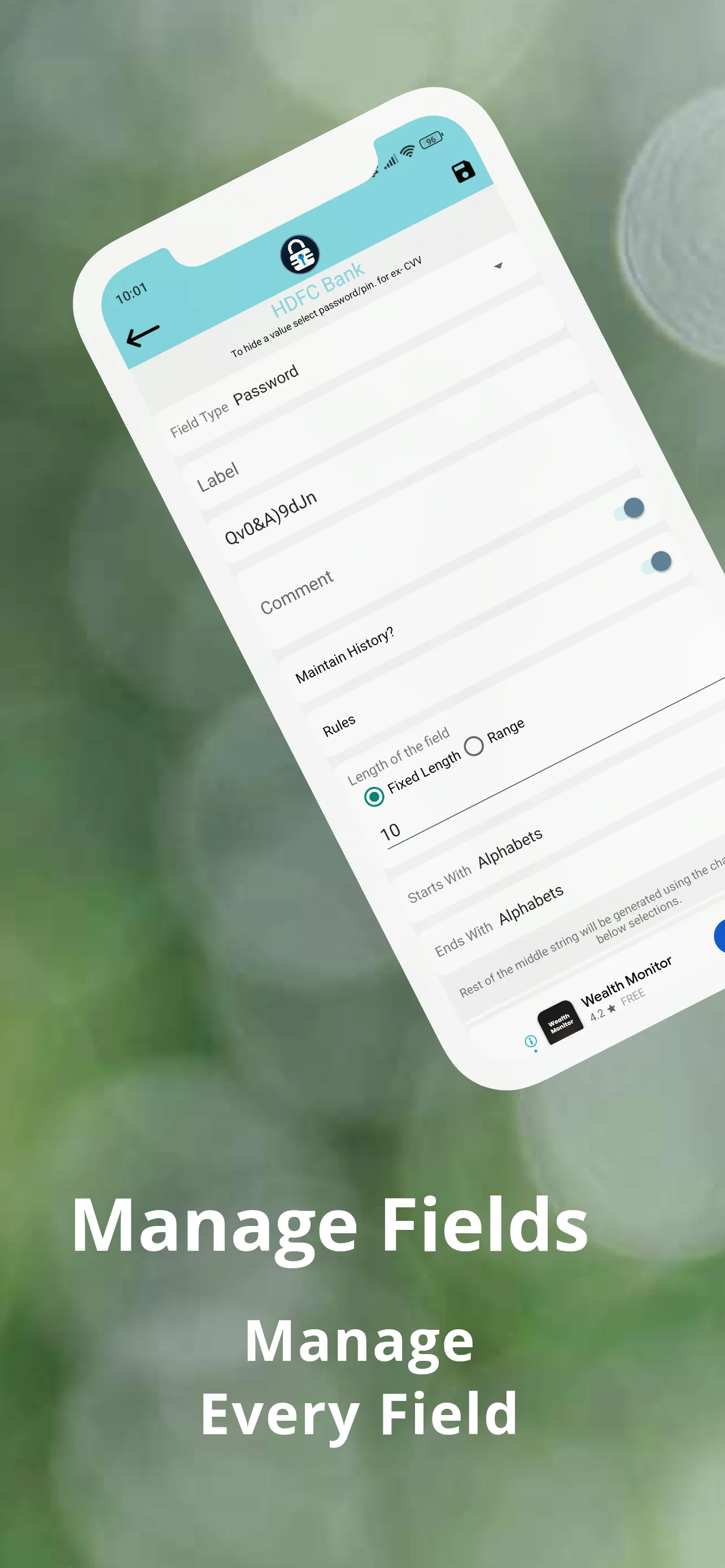
🔹Powerful Password Generator: ⚙️ Create strong, unique passwords with a single tap to protect every account.
🔹Autofill Login: ✍️ Securely and quickly log into your accounts with a single tap.
🔹Floating Widget: 🤳 Access your credentials instantly from any screen without opening the app.
🔹Organized Data with Categories: 🗂️ Use custom categories with unique icons to keep your password vault neat and easy to search.
🔹Attach Files to Entries: 📎 Store important documents and files safely alongside your credentials.
💾 Backup & Restore with Ease
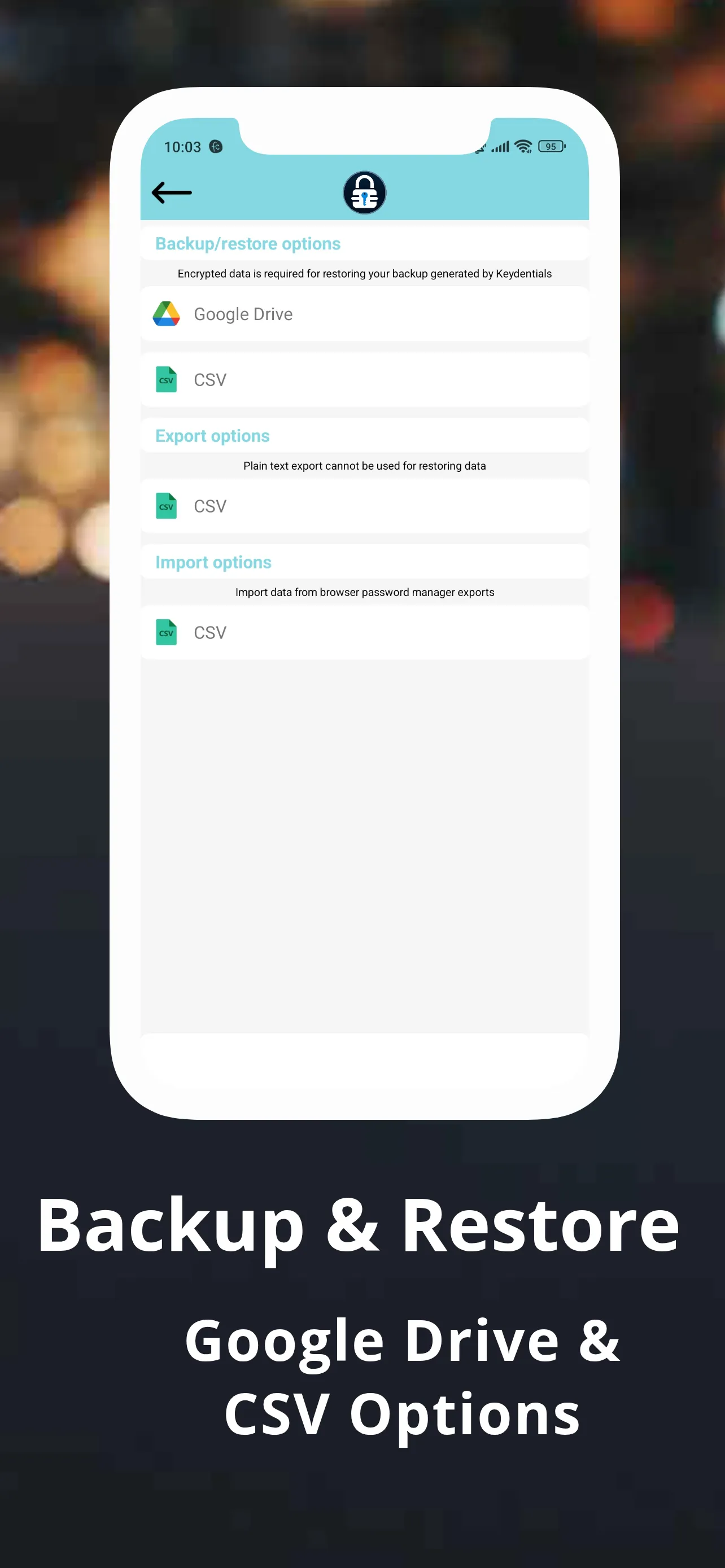
🔹 Google Drive Auto-Backup: 🔄 Set up automatic backups to your personal Google Drive account for convenience and peace of mind.
🔹 Keep 5 Recent Backups: 📂 Restore from up to five of your most recent backups.
🔹 CSV Import/Export: 📊 Easily import data from other password managers or export your data securely across devices.
🔎 Who is Keydentials For?
🔹Professionals: Managing multiple logins and credentials for work.
🔹Security-Conscious Users: Looking for a cloud-free security solution.
🔹Anyone: Who wants a secure and reliable password manager with fast and safe autofill.
Your Privacy. Your Control. Your Security.
Download Keydentials NOW to protect your logins and credentials with the most secure, feature-rich, and easy-to-use password manager available. Your privacy and security are our promise. 🤝
Essential Apps
Ratings
0
0 total ratings
5
73%
4
10%
3
4%
2
3%
1
10%
REVIEWS
No reviews yet. Be the first one to review this app
'%20fill-rule='evenodd'%20clip-rule='evenodd'%20d='M8.04878%200.118571C9.10796%20-0.198465%2010.2321%200.132893%2010.9526%200.961509L18.7058%209.9036H22.0709C23.0433%209.90386%2023.8429%2010.7032%2023.843%2011.6757V13.1309H23.8497C23.8497%2013.4983%2023.5476%2013.8014%2023.1803%2013.8015H19.9372V33.9548C19.9372%2034.423%2019.5703%2034.7975%2019.1021%2034.7977H17.142C15.91%2034.7977%2014.9156%2033.8036%2014.9154%2032.5644V28.0251C13.5538%2028.5582%2012.3722%2028.7169%2010.9963%2028.7169C6.45689%2028.7169%203.74677%2025.6897%203.74677%2020.6099V13.8015H1.77319C0.800641%2013.8015%200.000280942%2013.0091%200%2012.0294V10.573C0.000219737%2010.2057%200.303205%209.9036%200.670545%209.9036H13.5676L5.13039%201.85482C4.82078%201.55938%204.94365%201.04032%205.35428%200.917851L8.04878%200.118571ZM8.78425%2013.8082V20.611C8.78438%2023.1974%209.8151%2024.35%2012.1135%2024.35C12.9637%2024.3499%2014.1167%2024.1489%2014.902%2023.7959V13.8082H8.78425Z'%20fill='white'/%3e%3c/svg%3e)
Permissions
Contacts: access your contacts
Storage: access photos, media, and files on your device
Biometric Information: access biometric data like fingerprint to unlock the app
Internet: use your internet connection
Curated for YouSee all






Scan to download on PhonePe Appstore

